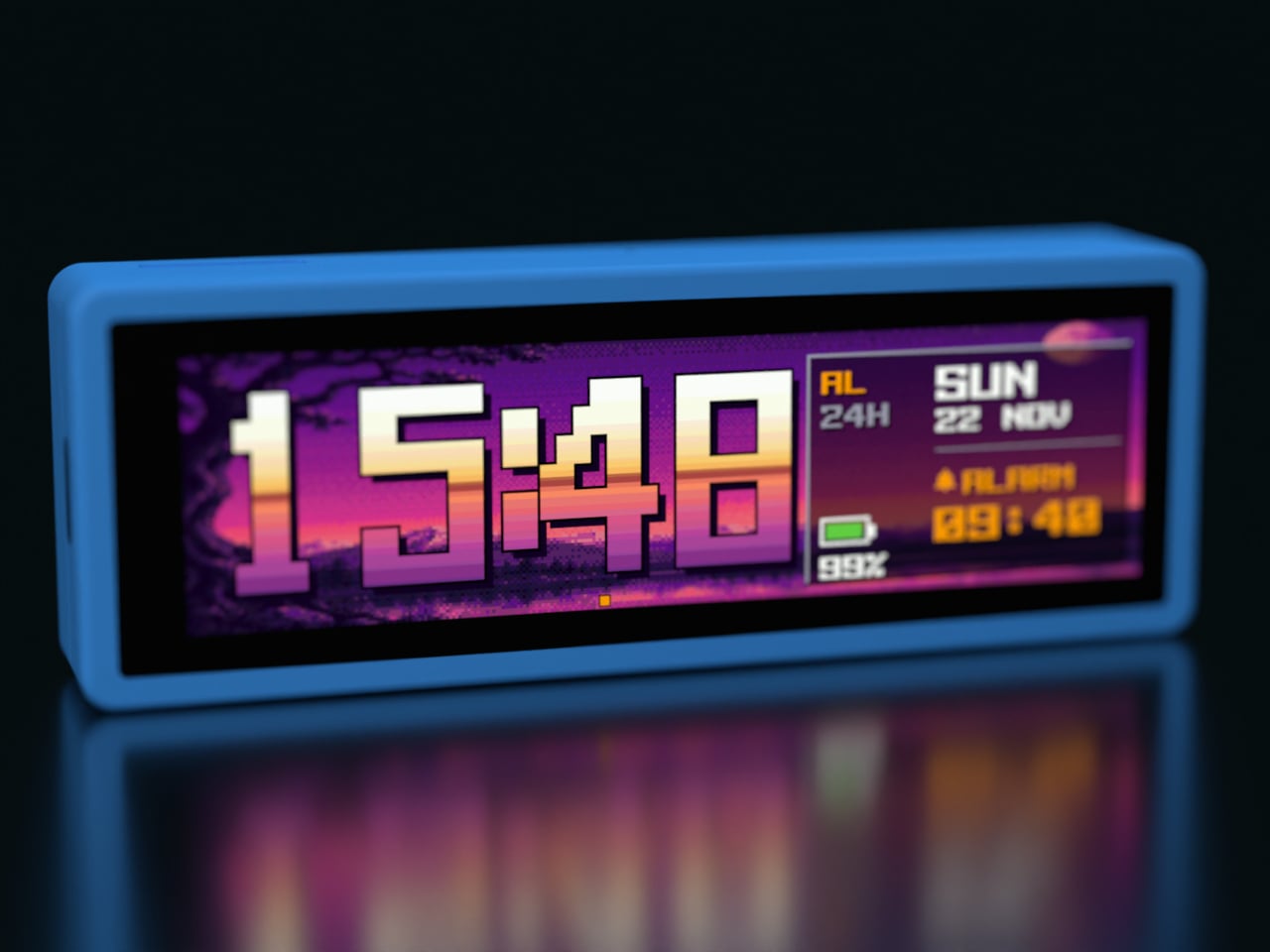
A desk clock saves you from waking up your phone to check the time and finding three other things that want your attention. Phosphor keeps that small convenience, though it also takes a knock on the desk as a game command. It’s free, open-source firmware for a specific Waveshare touchscreen, so the gadget starts as a development board rather than a clock you buy ready to run.
The Waveshare ESP32-S3-Touch-LCD-3.49 has a 3.49-inch screen that’s nearly four times as wide as it is tall. That leaves room for large clock digits beside the date and alarm, or for an entire seascape with the time tucked into a corner. Swiping sideways changes pages, while swiping up or down adjusts the volume without sending you back to a settings menu.
Designer: Melih Koray
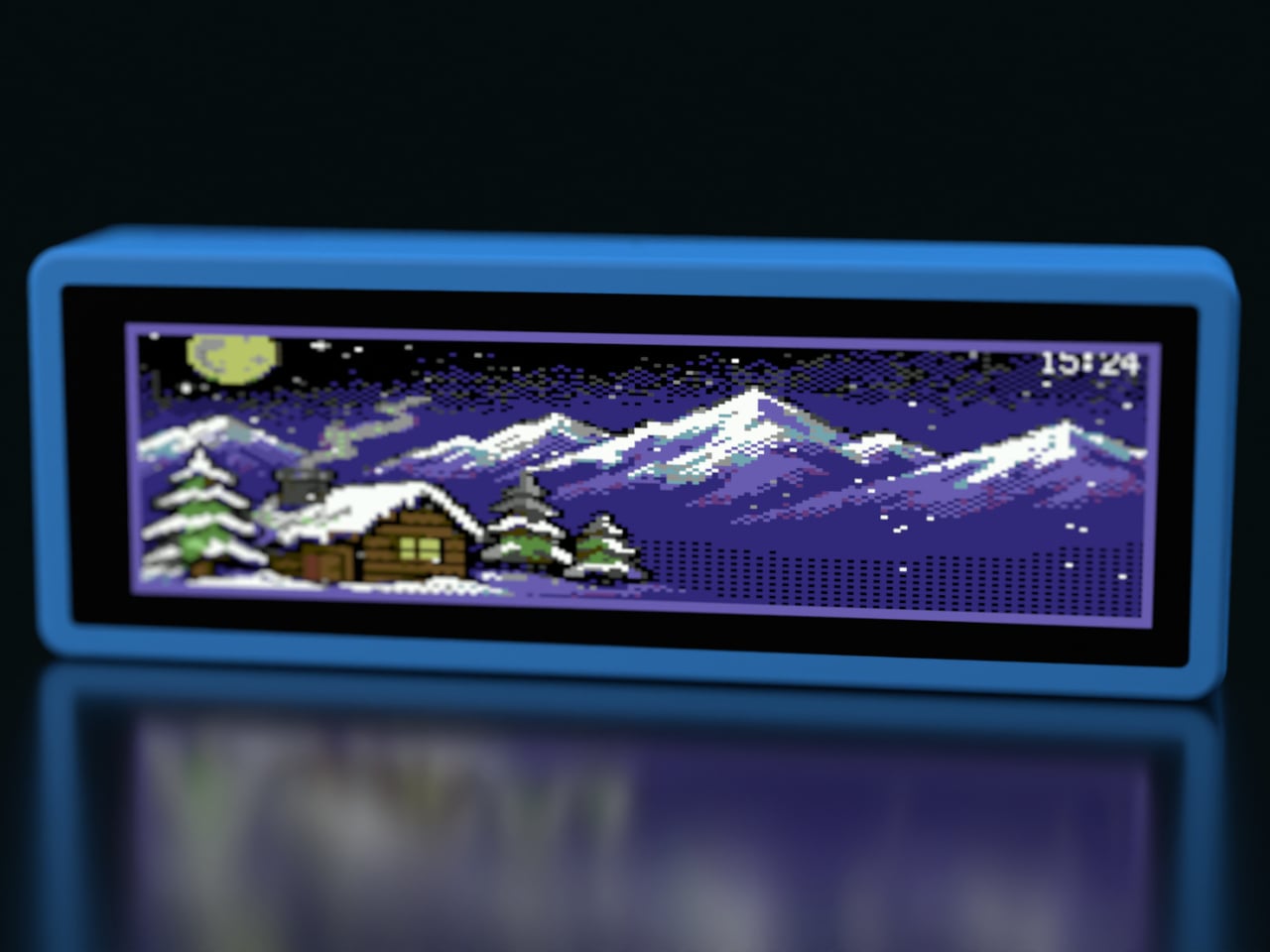
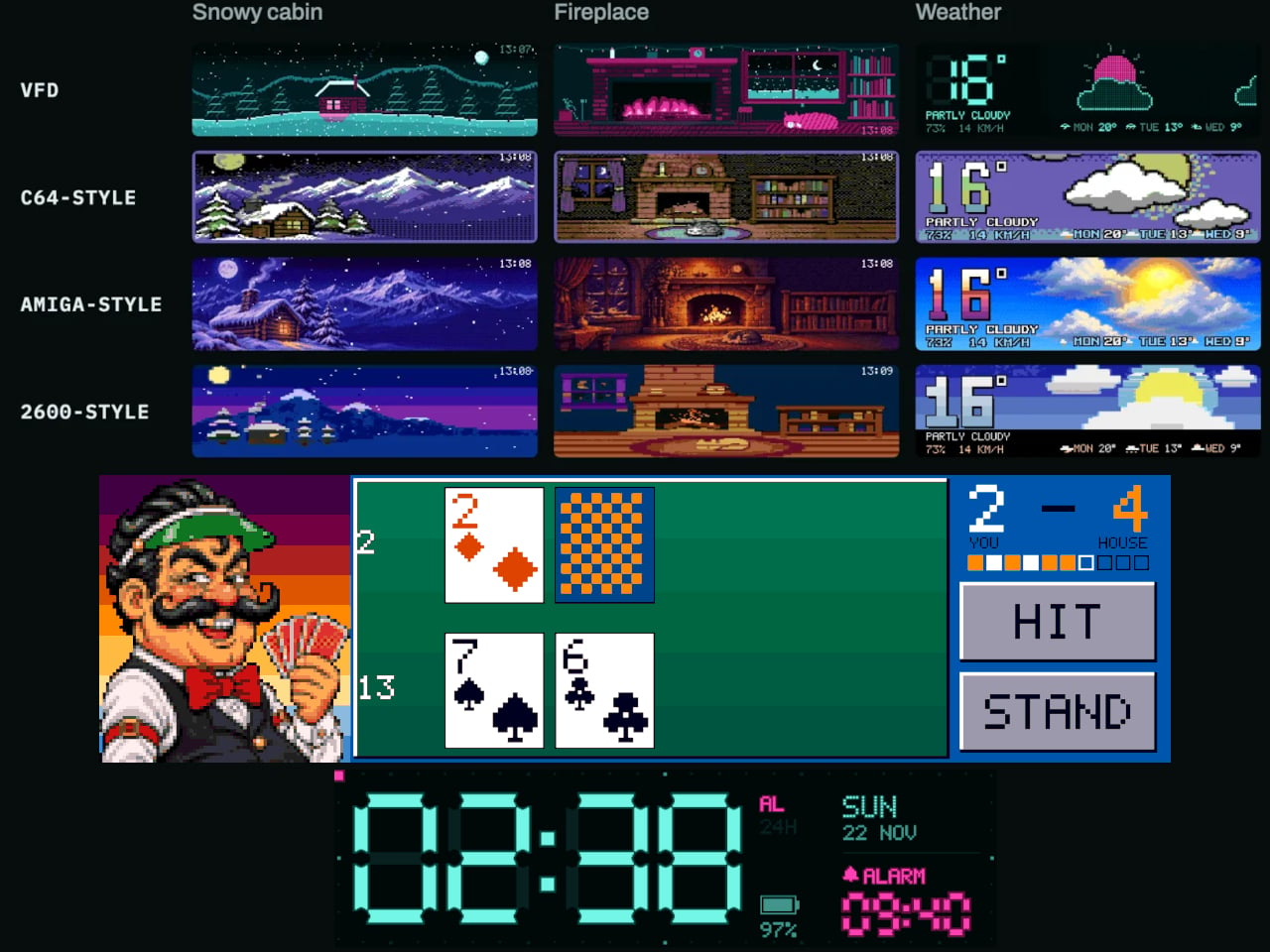
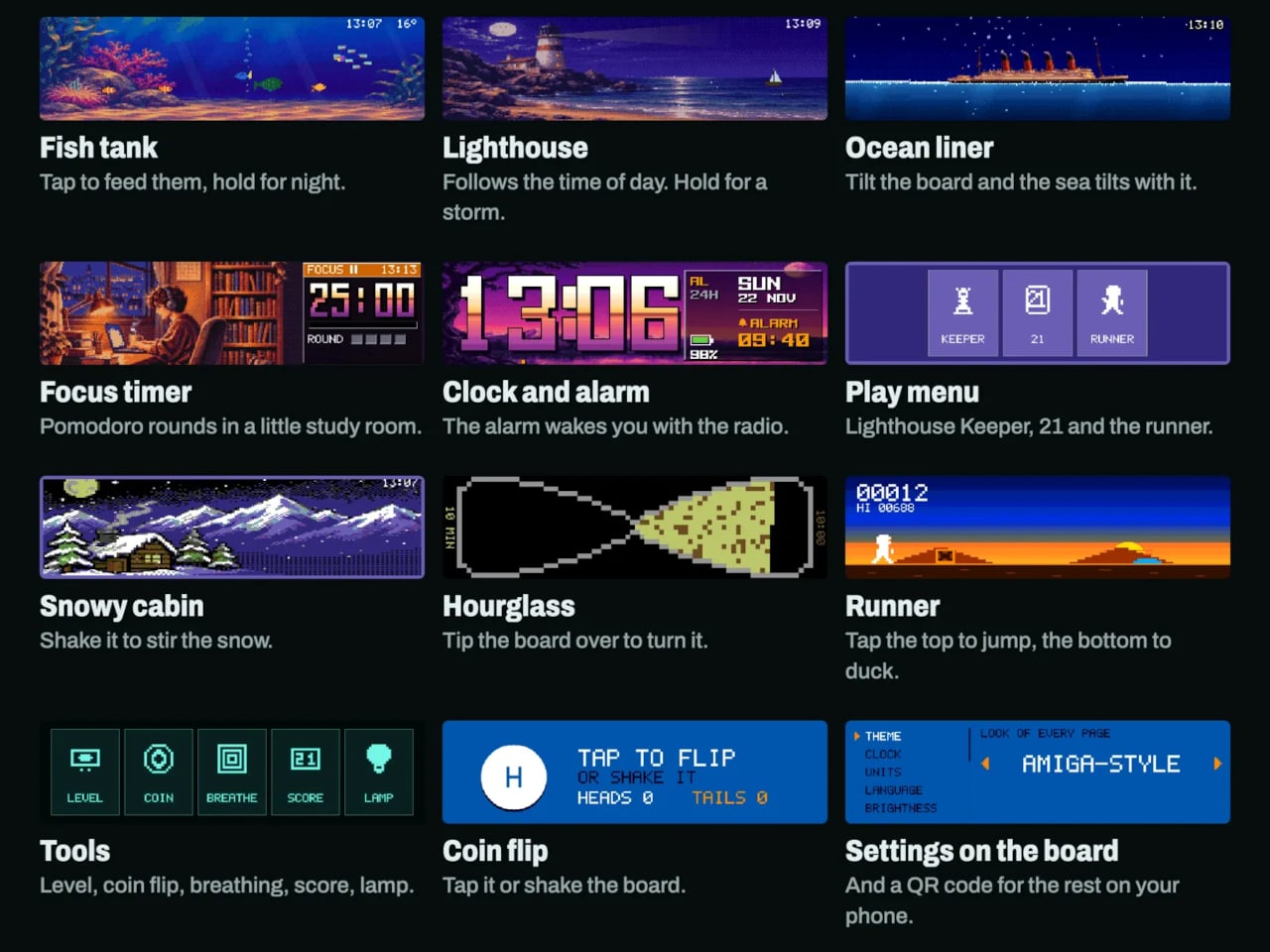
The cyan digits borrow their look from the vacuum fluorescent displays on old stereo equipment, though the hardware here is an LCD. Switch to the Commodore 64, Amiga, or Atari 2600 theme and the graphics change along with the colors. The project uses AI-generated backgrounds for those three themes, then processes them to fit the resolution and color limits each style imitates.
At the start of the workday, you can check the forecast or put on an internet radio station. The radio groups stations by genre, so tapping the same button again takes you to another station rather than turning the music off. The focus timer puts a study room beside the countdown, a rather nicer backdrop for 25 minutes of work than a progress bar.
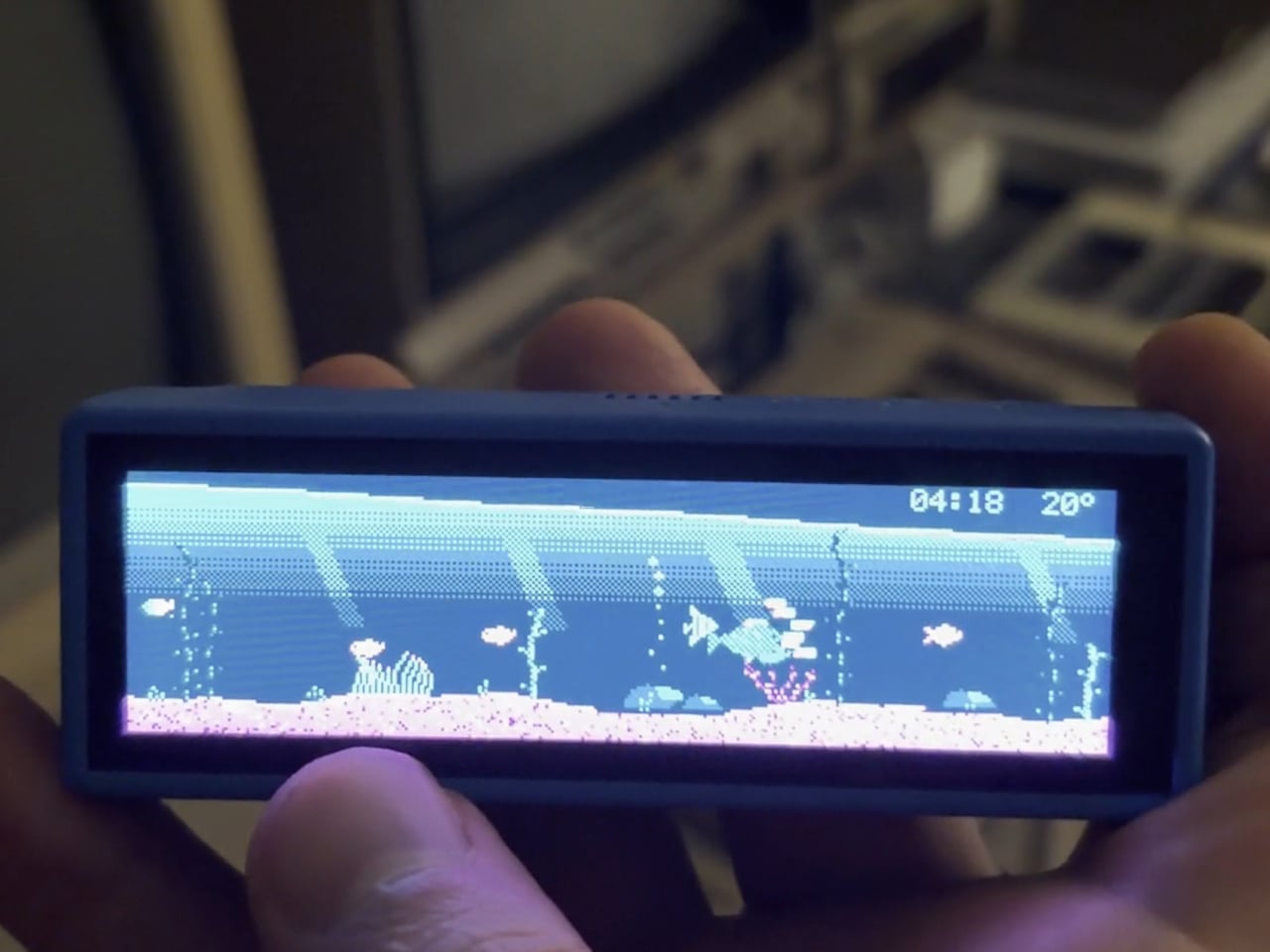
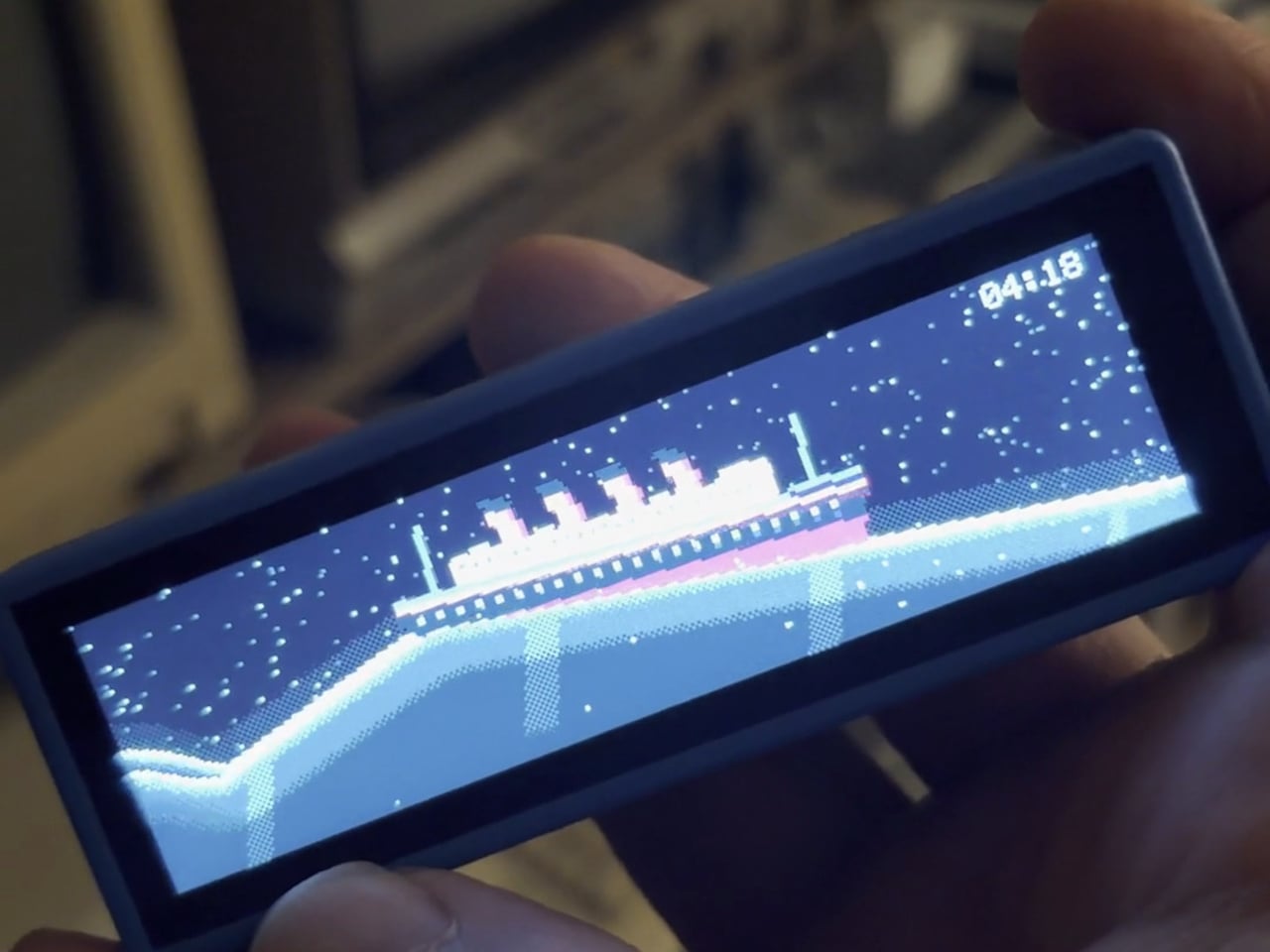
The screen doesn’t have to spend the rest of the day telling you what time it is. Leave it on the aquarium and a tap feeds the fish. Pick up the display in the ocean liner scene and the water tilts as you move it. The same sensor lets you turn over a pixel hourglass without having to find a reset button.
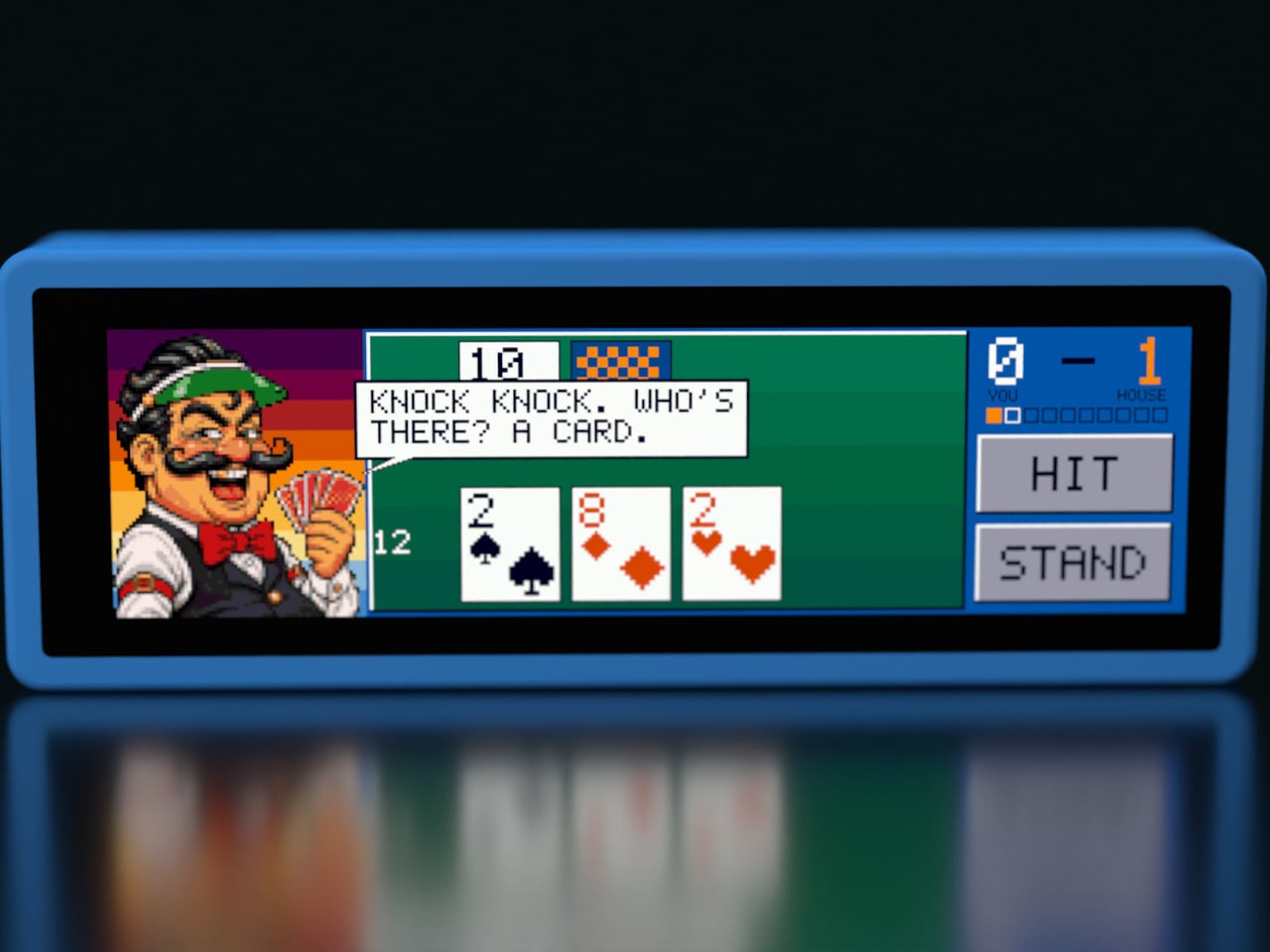
That motion sensor also picks up vibrations from the desk in 21, the blackjack game. Knock once to stand or twice to take another card, though you can still tap the controls if someone’s trying to work nearby. Lighthouse Keeper borrows the faint outlines of inactive segments from old handheld games, and Runner makes the long screen a course for jumping and ducking.
There’s some setup before you can start knocking. The project was tested on the V2 board, and the release notes say the older V1 remains unverified. You install the firmware in Chrome or Edge with a USB-C data cable. Installation replaces whatever’s already on the board, including the factory demo. The project doesn’t back up that demo or offer to restore it.
The network features do come with a catch. The project recommends using trusted home Wi-Fi, since people on the same network can change pages and volume. After setup, you can hide unused pages and just leave the screen on the fireplace. A cat sleeps on the rug, and unless you tap to wake it, there’s nothing for you to do.