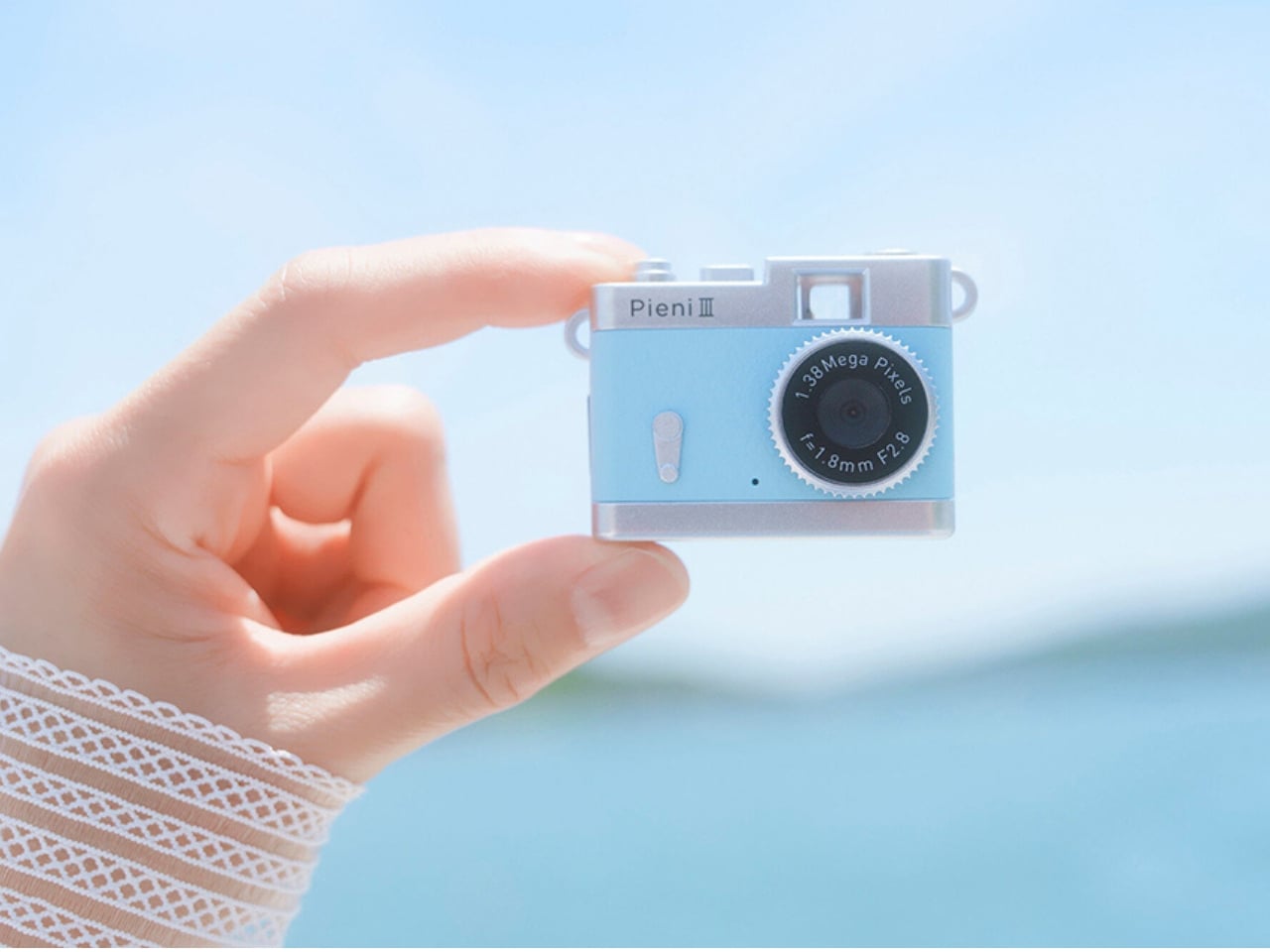
Keychain cameras have a certain appeal for those who love to carry a bit of nostalgic charm with them. Well, technically, they’re still digital cameras, but there’s a retro feel to them that appeals to those who remember taking photos before smartphones. They’re cute and tiny enough to carry as accessories, but they still let you take photos and videos to add to your collection.
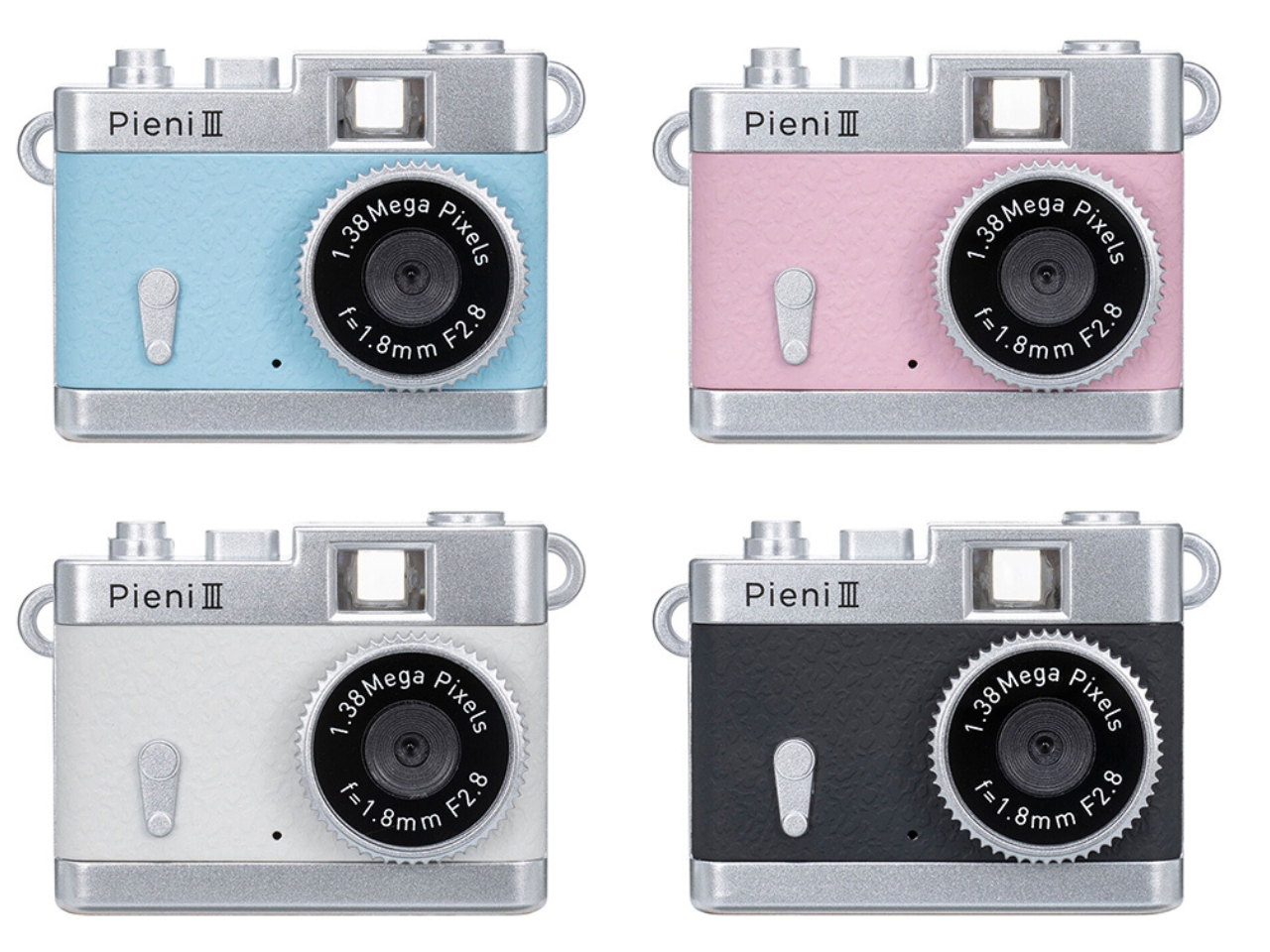
Kenko Tokina has released another tiny camera to add to the fun. The Kenko Pieni III is an ultra-small digital toy camera designed to be worn as a necklace or an accessory. It comes with a neck strap for that purpose. It’s not meant to replace your bigger camera, of course, but it offers another way to take photos and videos.
Manufacturer: Kenko Tokina
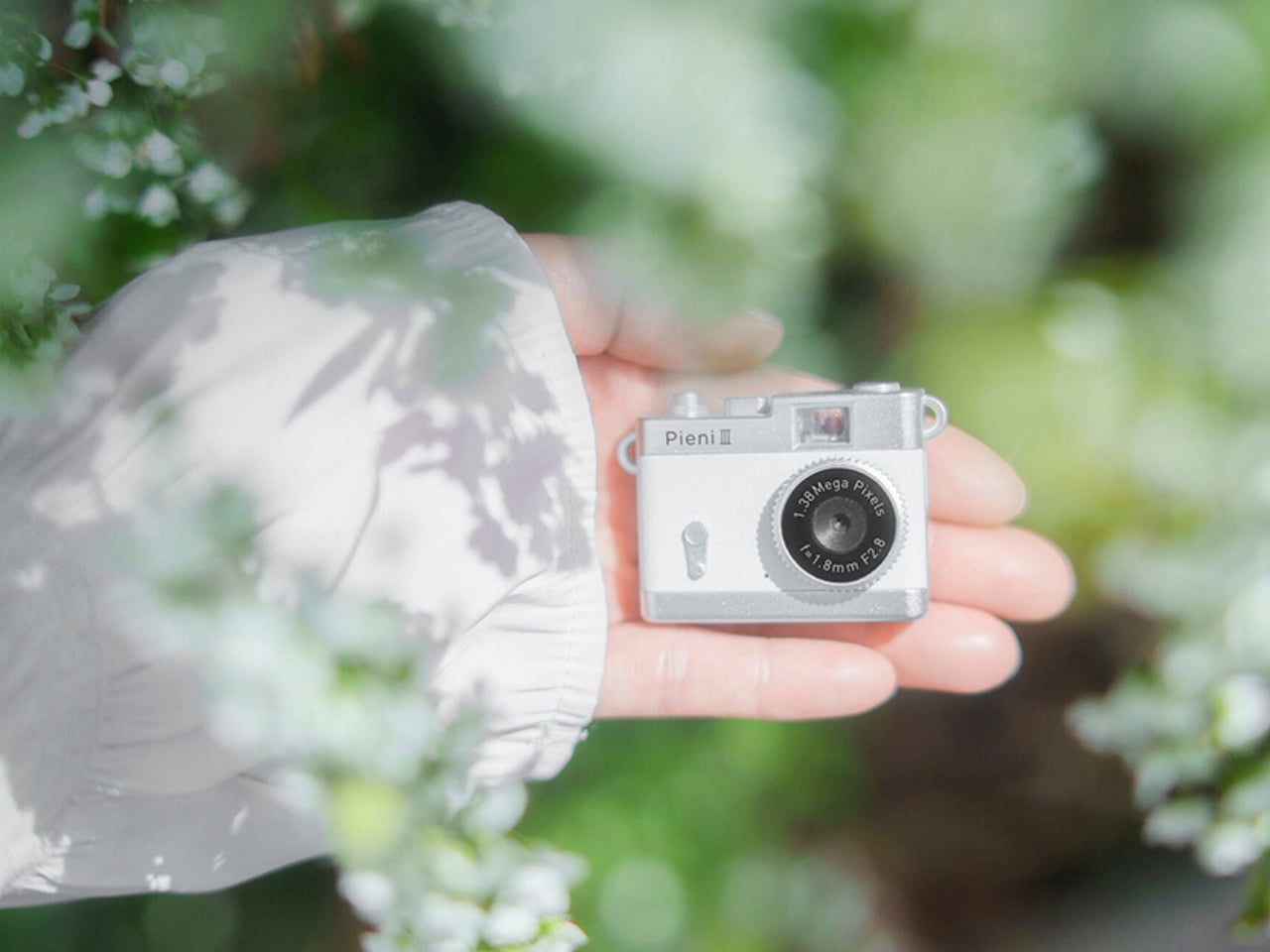
This version of the Pieni camera is just over two inches wide and weighs approximately 18 grams, excluding the memory card and accessories. It comes in a classic camera-style design, so it can also serve as a camera-shaped accessory or a decorative display. But when you want to use it as an actual camera, it can capture still images at 1440 × 960 pixels and videos with audio at 720 × 480 pixels and 30 frames per second.
There’s an important detail behind those photo dimensions, though. The sensor has only 320,000 effective pixels, or 0.32 megapixels, and the camera interpolates the images to create larger files. That doesn’t give you the detail of a higher-resolution sensor. It’s worth keeping your expectations in toy-camera territory rather than expecting crisp images suitable for large prints. But I think this lo-fi aesthetic is part of the appeal of using these toy cameras as a secondary way to capture moments.
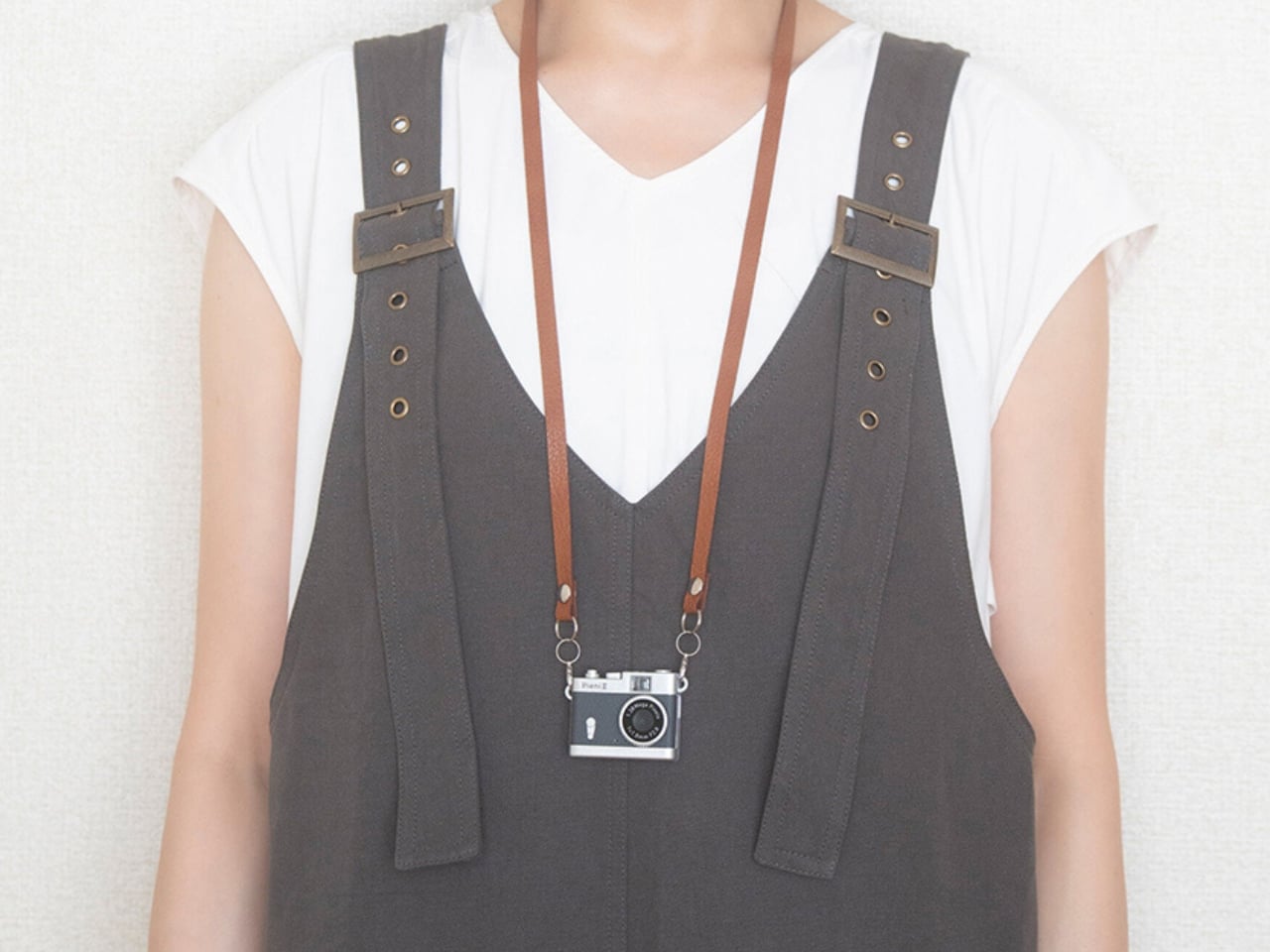

It doesn’t have a screen or a viewfinder, so you can’t preview your framing or immediately review what you’ve taken. It can be a way to enjoy capturing a spontaneous moment without worrying about making it perfect, although aiming without a preview may be a challenge for some. There’s also a difference between accepting an imperfect photo and accidentally leaving someone out of the frame, so that uncertainty is part of the trade-off.
The controls are simple in number, with just two buttons. One handles power and the shutter or video recording, while the other switches between photo and video modes. LEDs indicate which mode you’re using. There aren’t many controls to navigate, although you’ll still need to learn the button presses and signals. The camera also has an integrated rear magnet, so you can attach it to compatible magnetic surfaces, such as a refrigerator or a suitable metal railing. This could be useful for recording yourself when you don’t want to hold the camera. You’ll still need to find a secure position and judge where it’s pointing, especially since there’s no screen to help you set up the shot.
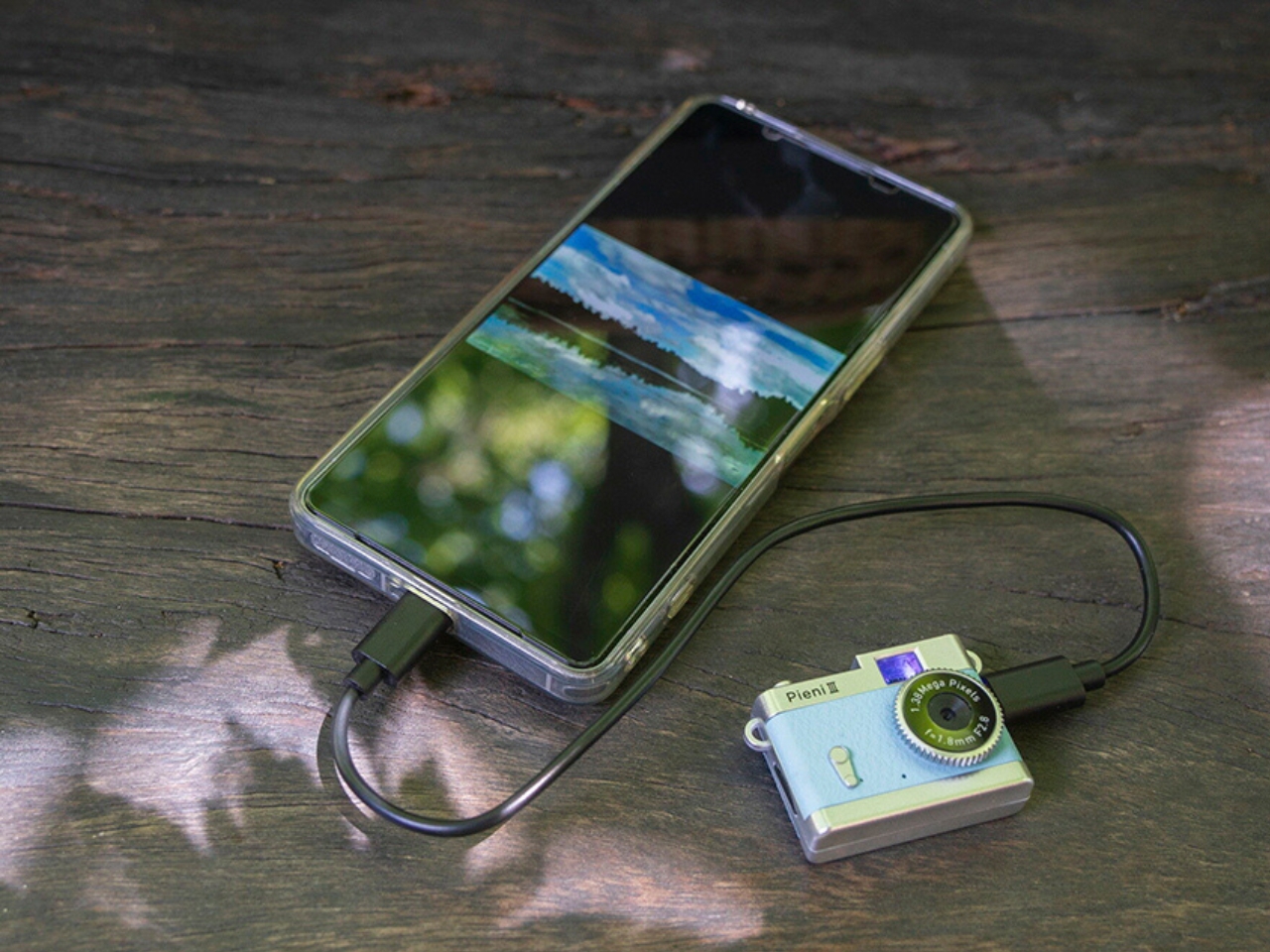
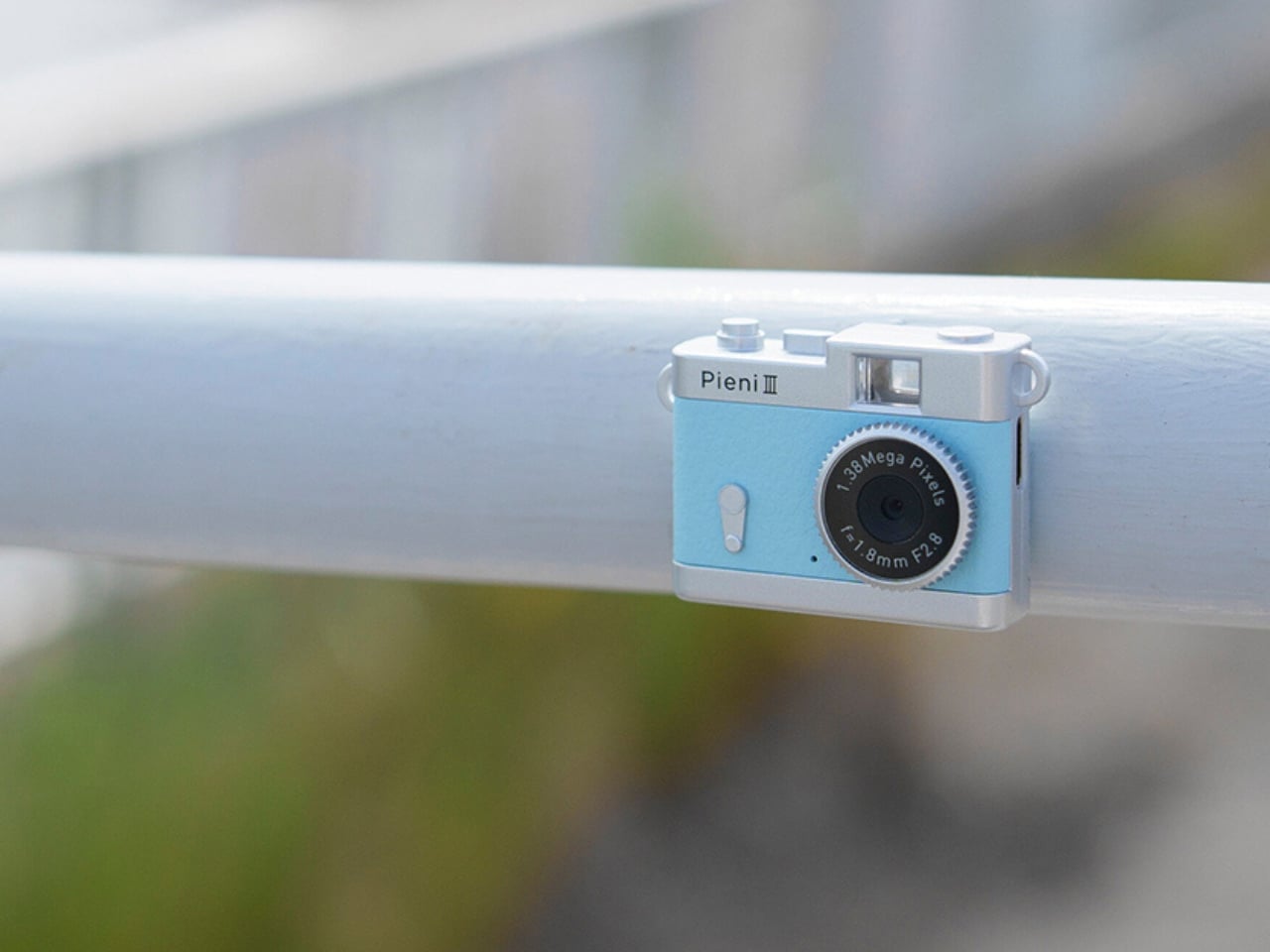
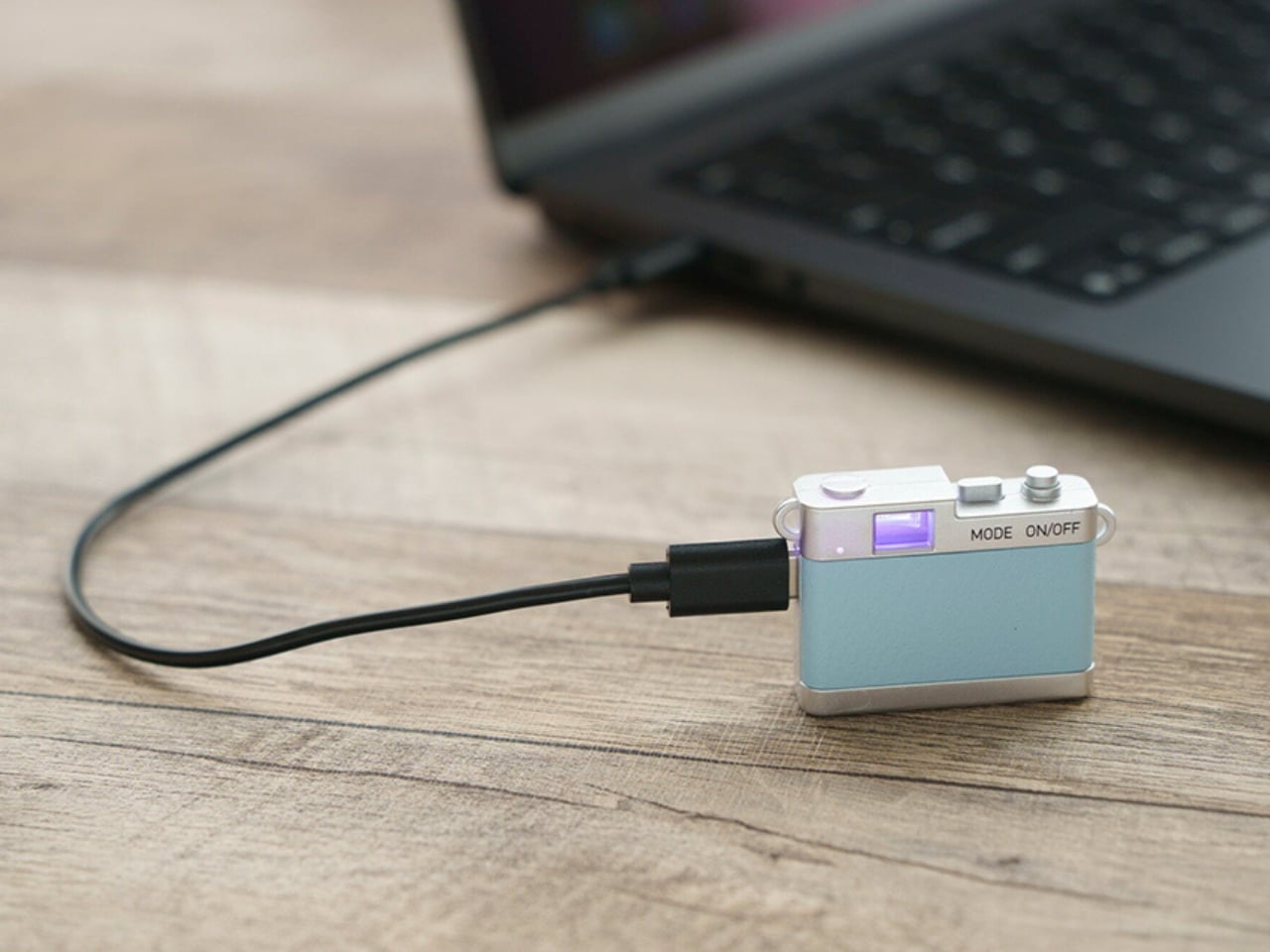
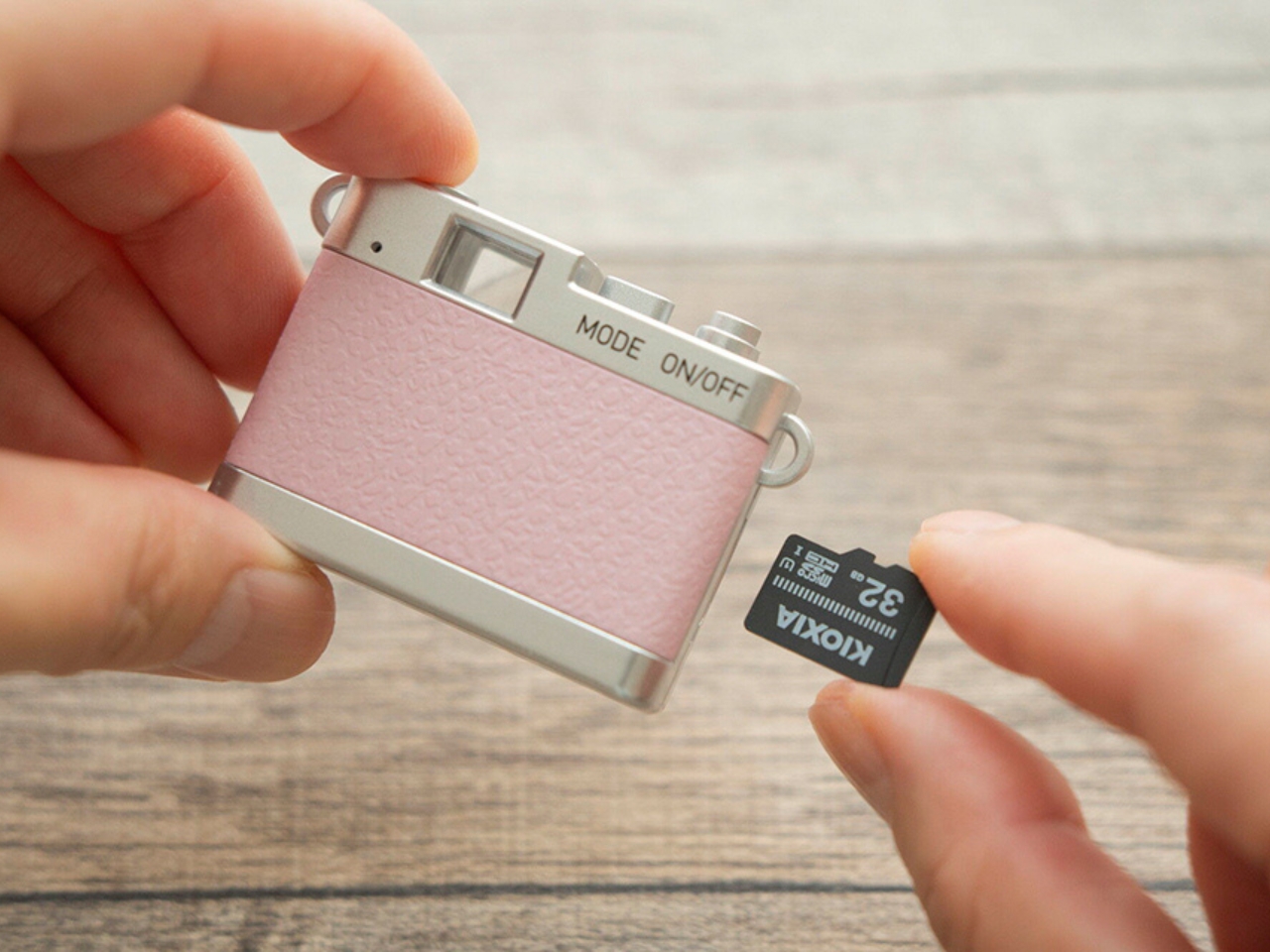
Photos and videos are saved to a separately purchased microSDHC card, with supported capacities ranging from 4 GB to 32 GB. There’s no user-accessible internal storage, so the card is something you’ll need before you start shooting. That’s a small but important extra purchase if you’re planning to give the camera as a gift. To see the results, you can connect the camera to a computer or transfer files directly to a compatible USB-C smartphone using the included USB-C-to-USB-C cable. Kenko Tokina cautions that it doesn’t guarantee compatibility with every smartphone. The USB connection also handles charging, keeping the basic setup fairly compact.
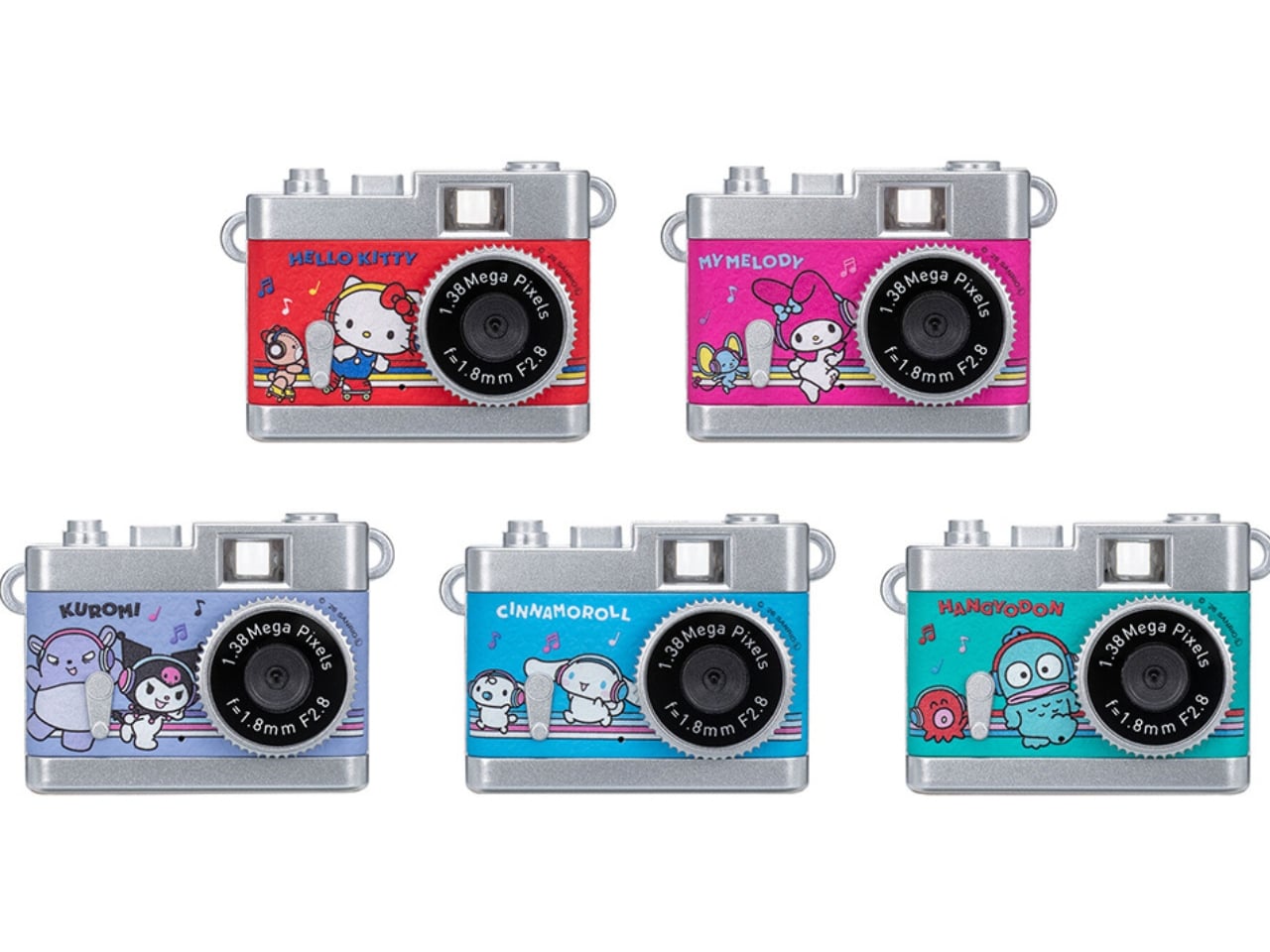
The Pieni III is available in four colors: Soda, Strawberry, Milk, and Black. There are also five character versions in the separate Sanrio Character Toy Camera STREET line, which has the same basic performance as the Pieni III. The range includes Hello Kitty, My Melody, Kuromi, Cinnamoroll, and Hangyodon.
For moments you absolutely need to capture correctly, the lack of framing and immediate review may be frustrating. But if you’re happy to take a few chances, there’s something appealing about putting the camera away without checking every shot. You get to find out later which pictures worked—and which ones missed what you were aiming for.