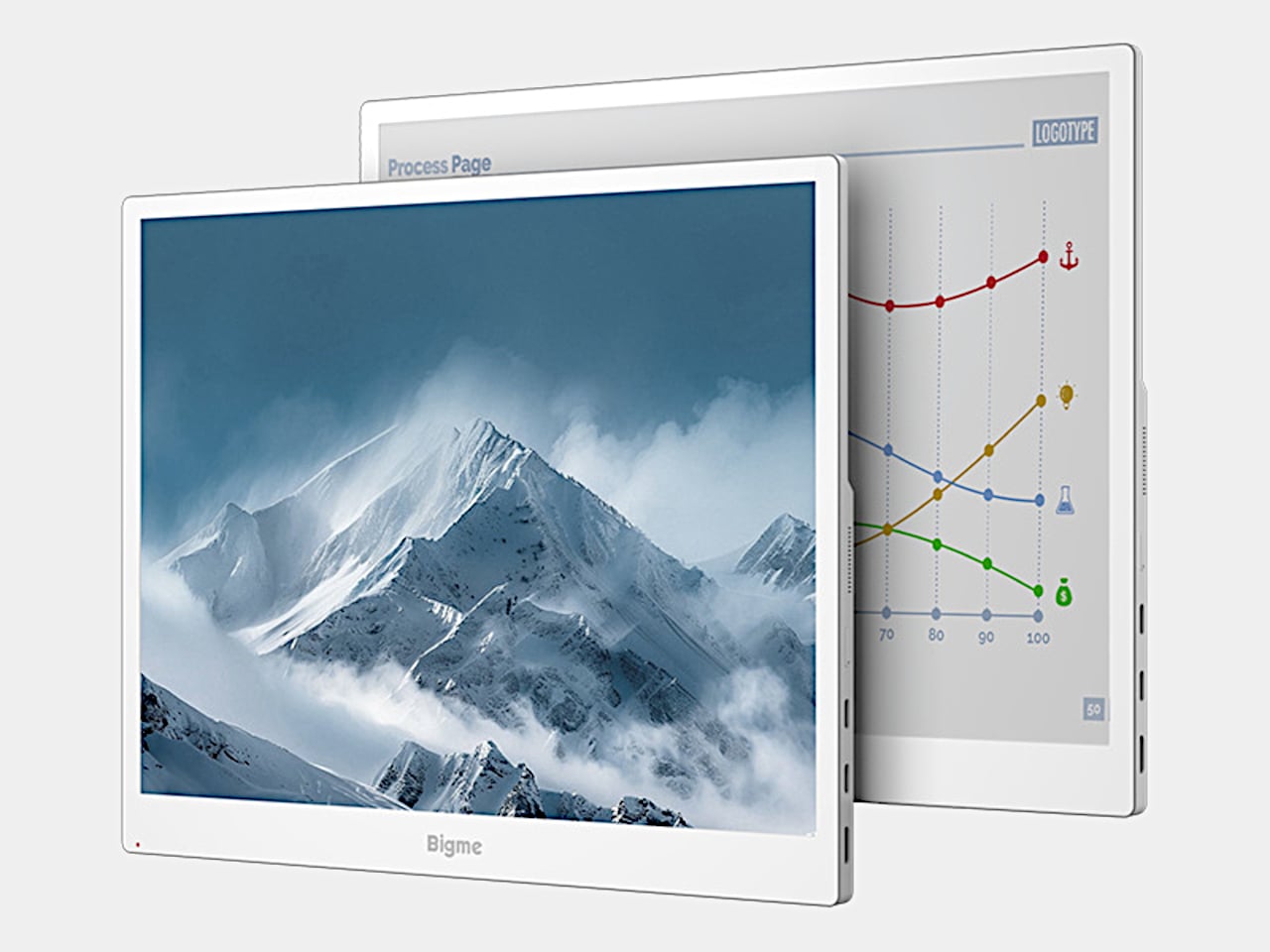
Reading reports or writing all afternoon doesn’t necessarily call for the same kind of display you’d choose for a movie. E-paper offers a different surface, but sluggish updates can make computer work frustrating. Bigme’s B13 Pro tackles that compromise with a 13.3-inch color e-paper monitor and a claimed 60 FPS refresh capability, bringing a more paper-like screen alongside your laptop without abandoning everyday desktop tasks.
The white frame keeps the appearance closer to an e-reader than a typical gaming monitor, with a broader lower bezel and controls along the edge. Its 4:3 proportions also give documents more vertical room than an equally wide widescreen panel. At roughly 11.3 by 9.1 inches and 1.46 pounds, it’s another object for your bag, though not a full-size desktop monitor.
Designer: Bigme
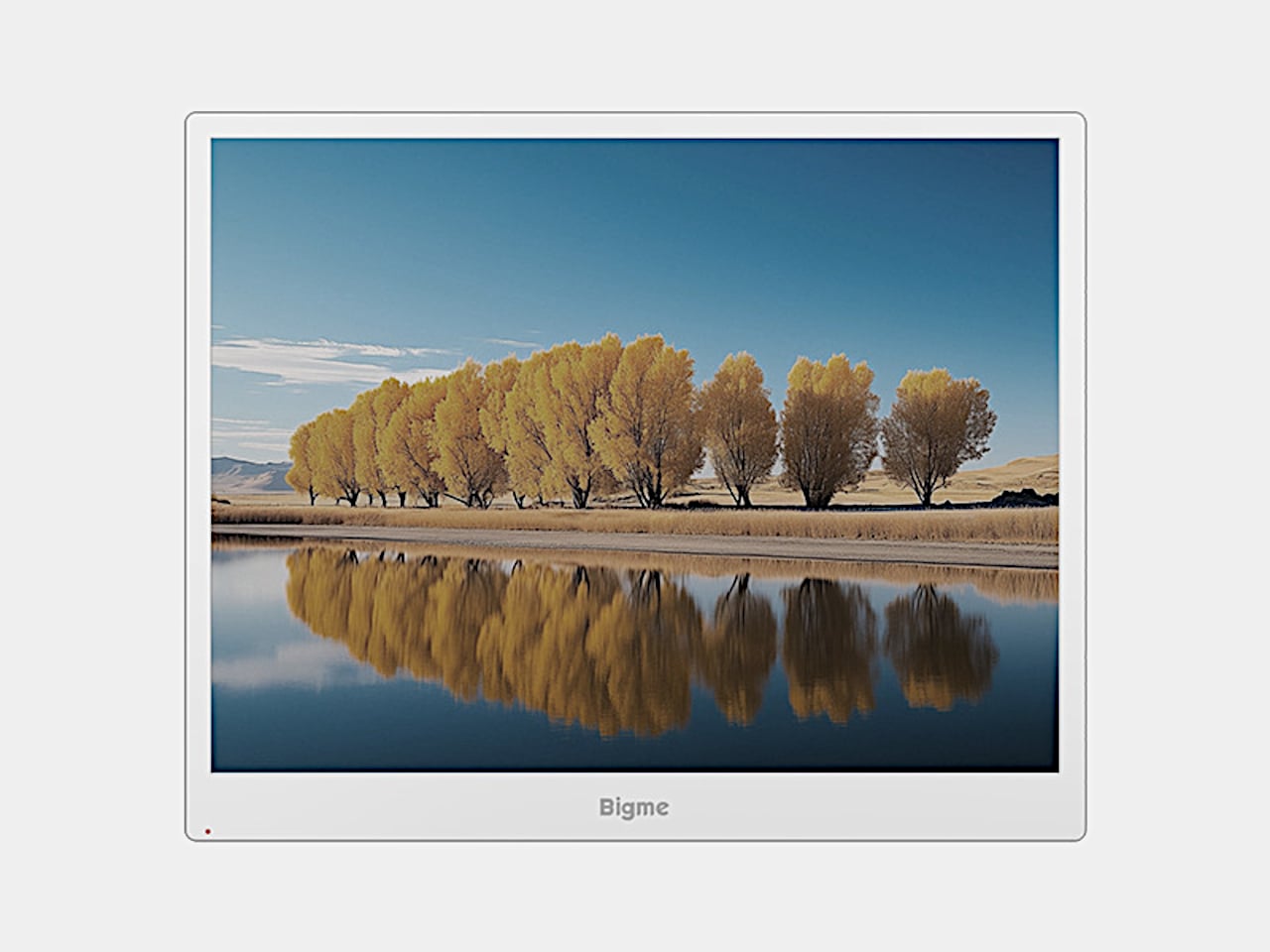
Rather than shining a backlight through the panel, Kaleido 3 e-paper uses reflected light, with an adjustable frontlight for dimmer surroundings. The listed 3200×2400 resolution delivers 300 pixels per inch for black-and-white content. That gives text-heavy work a more natural role here than cinematic entertainment. Keeping a reference document beside your draft makes sense when the information matters more than constant on-screen motion.
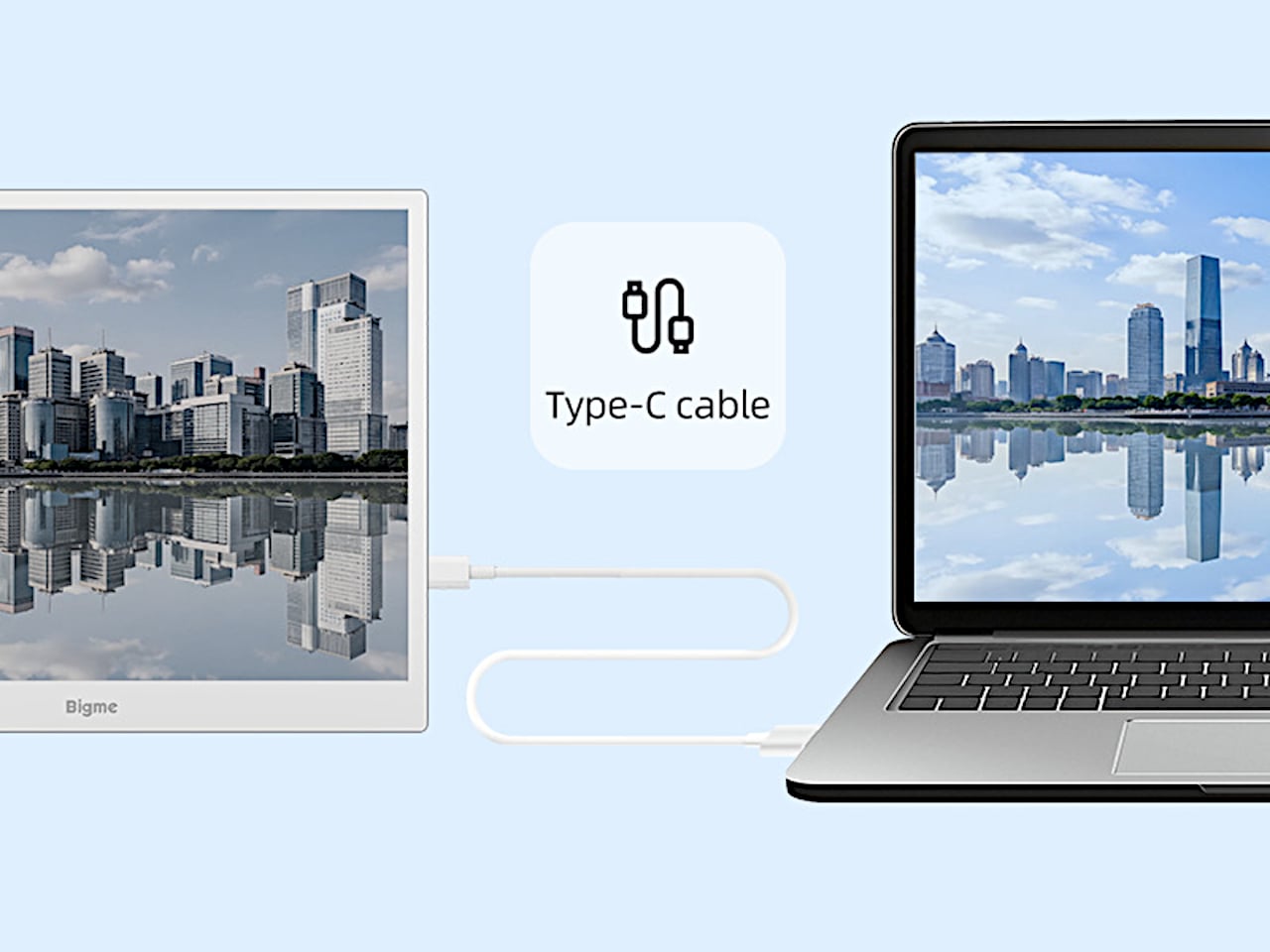
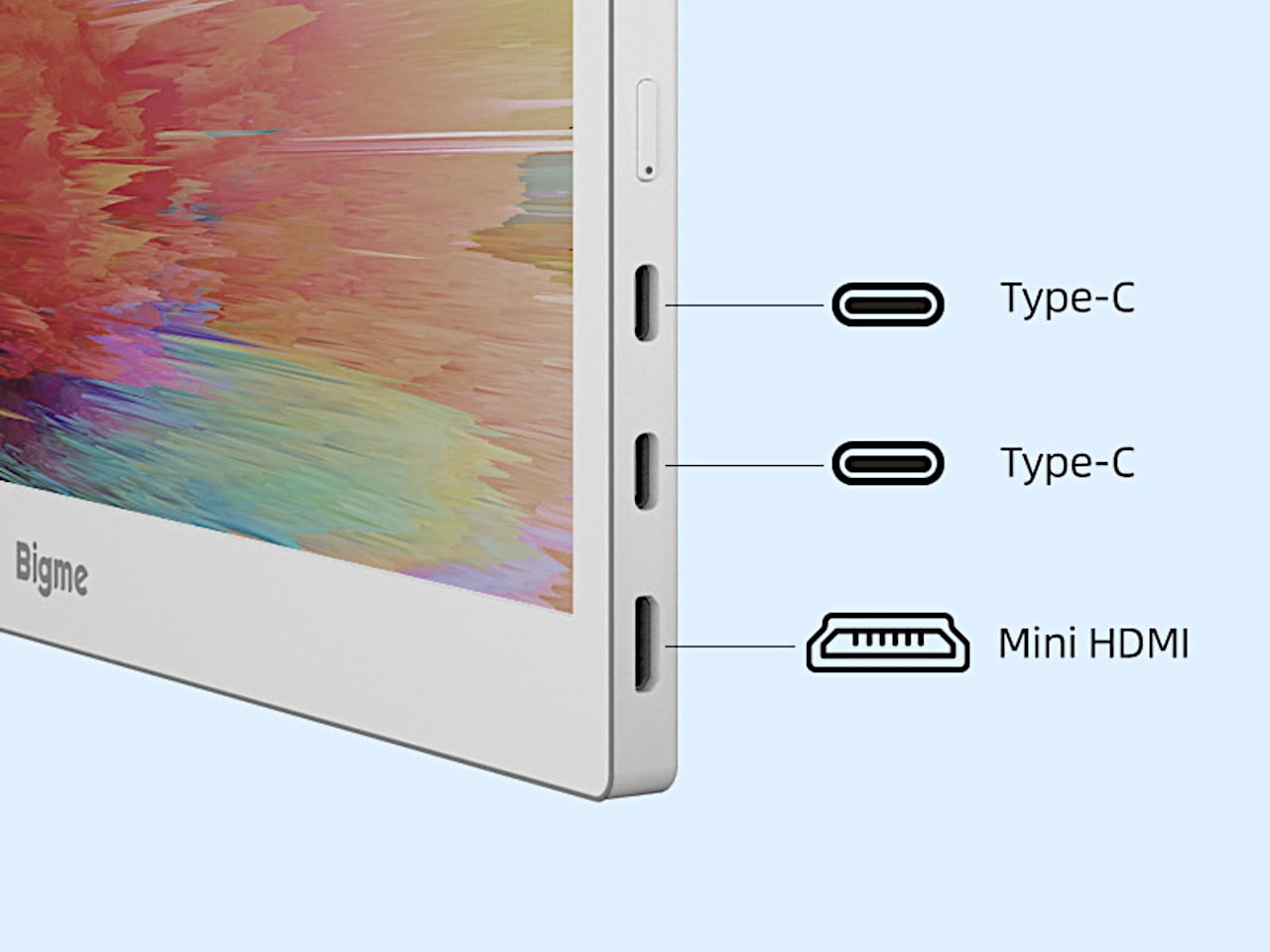
Getting that extra workspace doesn’t have to mean spreading adapters across the desk. A compatible USB-C connection carries both video and power through one cable, although the source device must support both functions. Two USB-C ports and Mini HDMI provide wired options, while wireless casting offers another route.
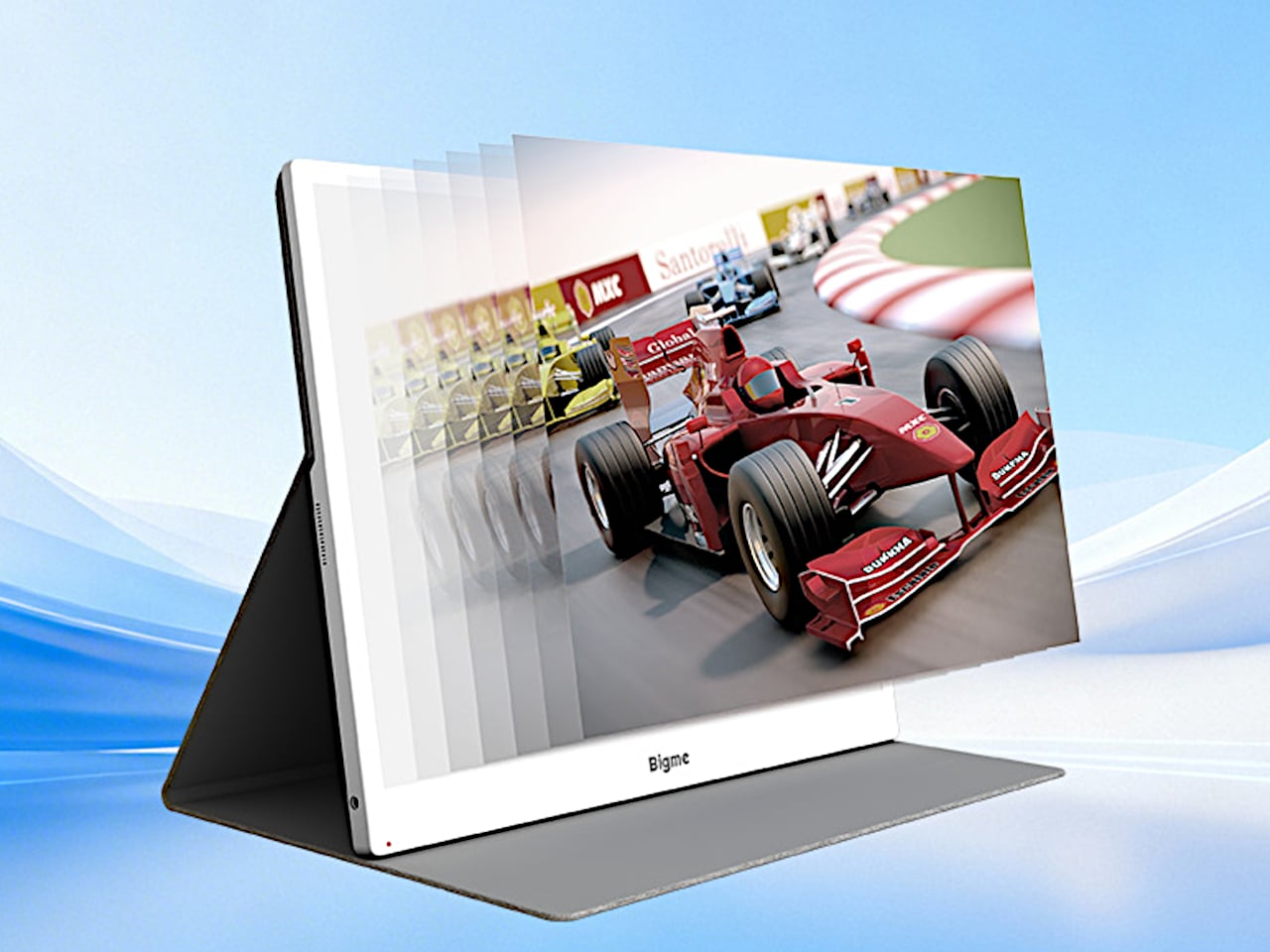
Of course, Bigme’s claimed jump from 30 to 60 FPS is the attention-grabber. If that translates into cleaner scrolling and cursor movement, it could make the display less awkward for everyday computer use. That doesn’t make it a gaming monitor, however. Without independent response-time or ghosting measurements, treating it like a conventional 60Hz monitor would be getting ahead of the evidence.
Color also comes with qualifications. Kaleido 3 supports 4,096 colors, with color density dropping to 150 pixels per inch. That’s useful for distinguishing lines on a chart or highlighting passages without reducing everything to gray, but don’t expect the richness of an LCD or OLED. Color-critical editing belongs on your regular screen; the e-paper panel makes more sense for keeping supporting material visible.
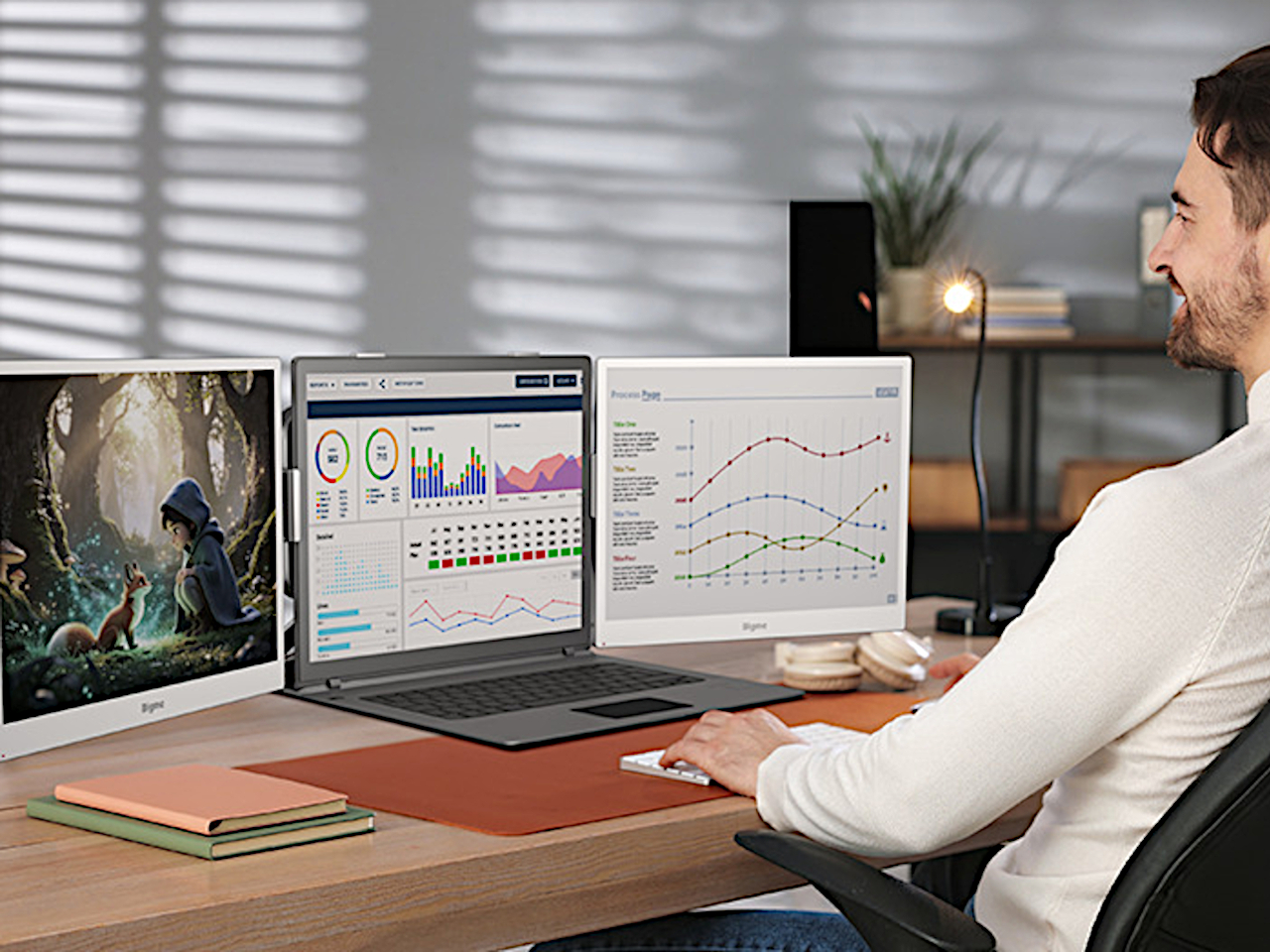
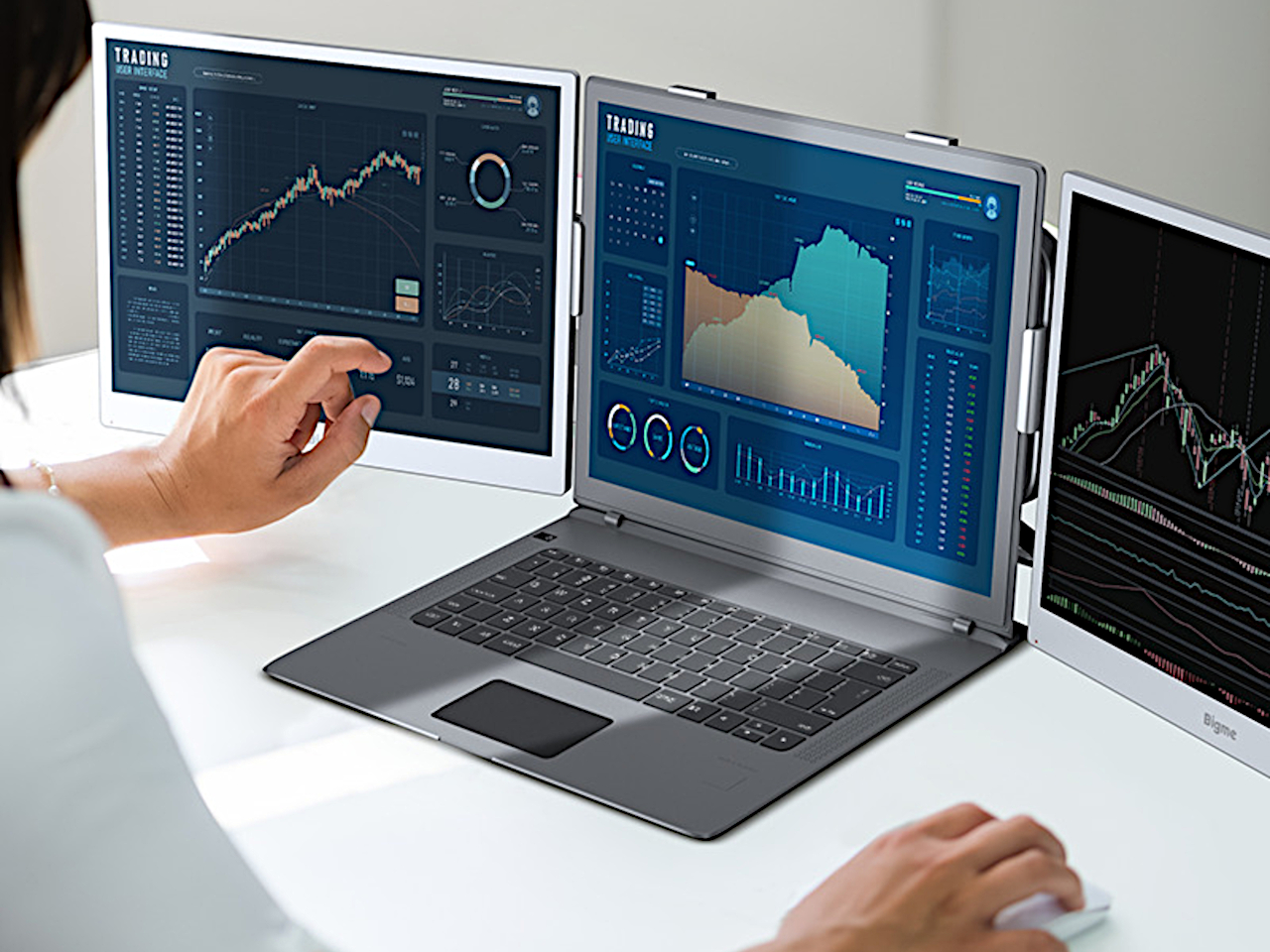
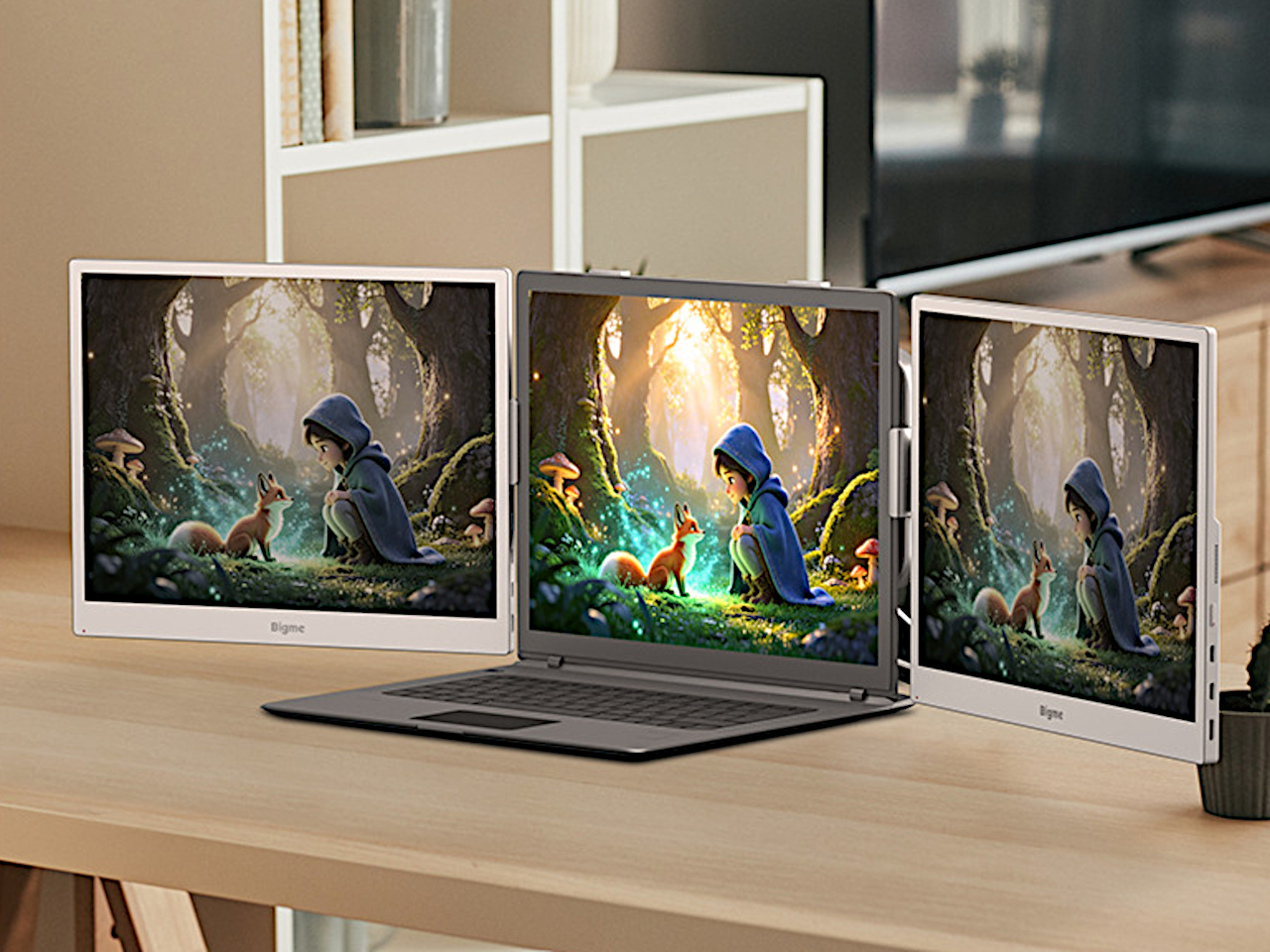
You can take that division further by putting a B13 Pro on either side of a laptop, leaving the central screen for work that needs conventional display behavior. That arrangement requires two monitors plus mounting hardware purchased separately, not a three-screen device unfolding from one box. It also doubles the added display weight, so the hardware holding everything together deserves some attention.
Bigme lists a $569 preorder price against a $749 regular price, but the product page doesn’t specify a firm shipping date. That’s a substantial investment for a 13.3-inch companion screen, especially if you’re planning a pair. The one-cable arrangement keeps the desk simpler, but the real decision is which tasks you want to move onto e-paper and which should stay on the laptop.