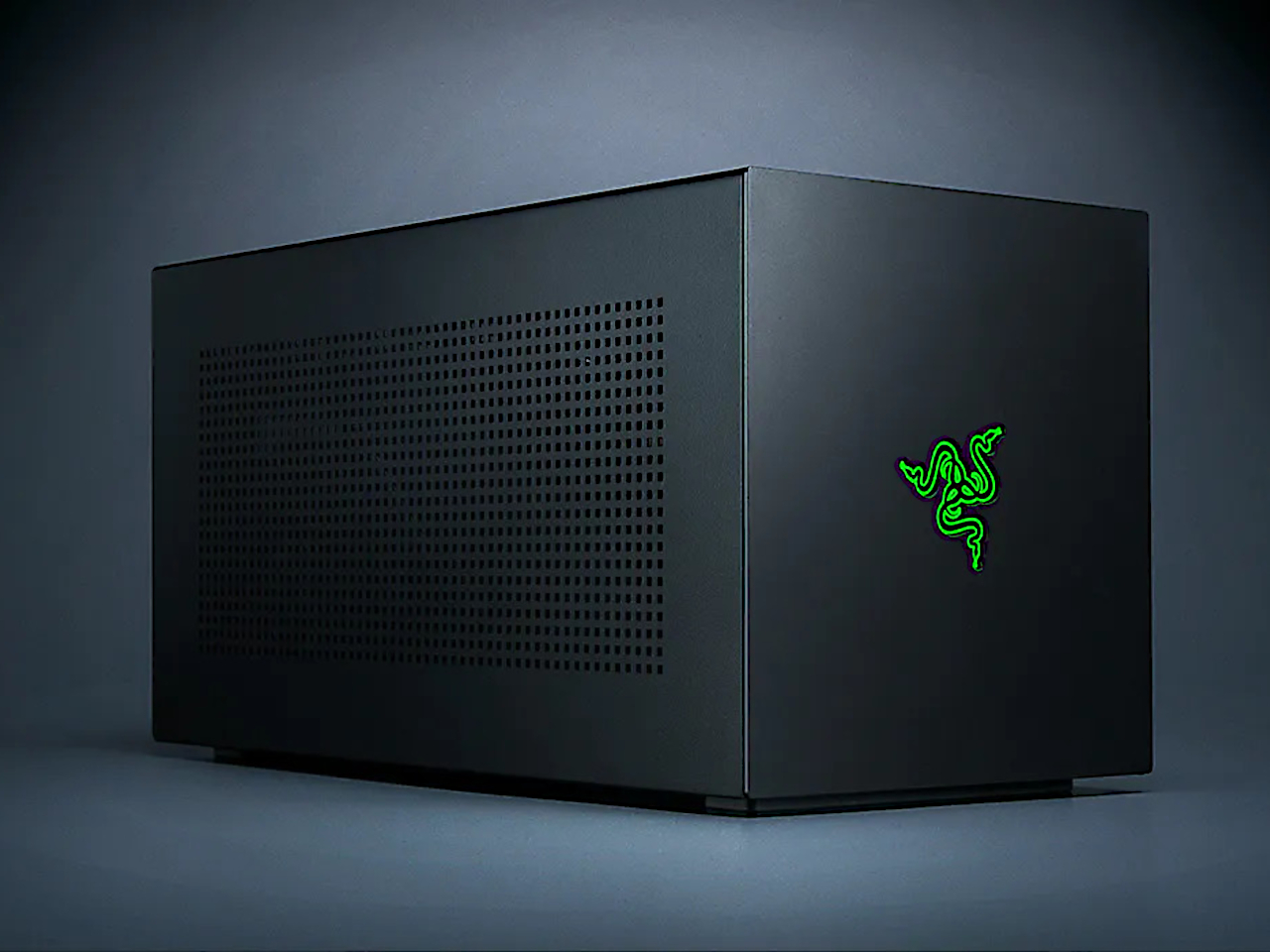
Razer has always been known for pushing boundaries, but their latest eGPU enclosure takes a surprisingly different approach. Instead of adding more features, the Core X V2 strips away almost everything that made previous models convenient. It’s minimalism taken to an extreme that might leave some users scratching their heads.
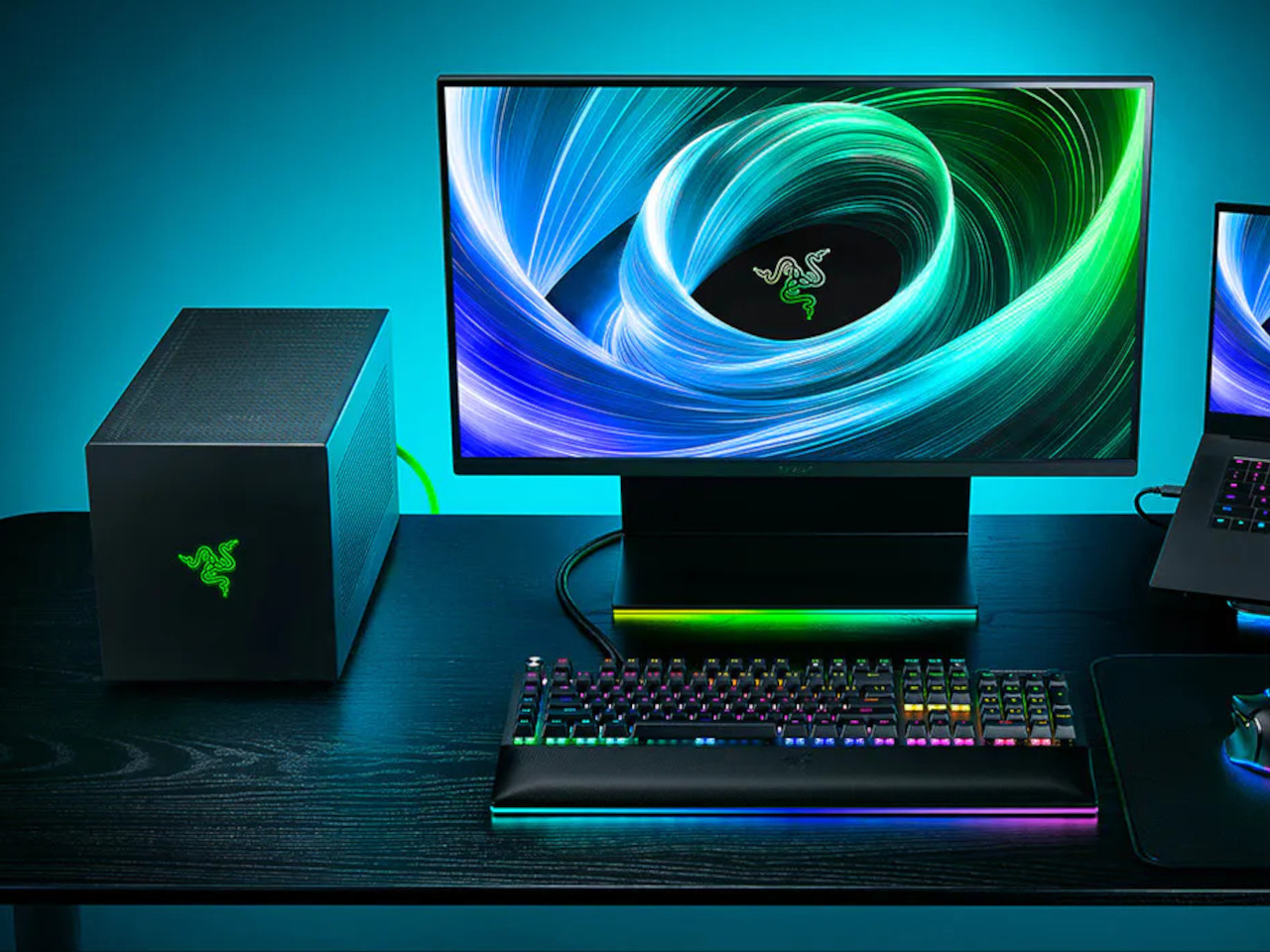
The Core X V2 looks sleeker than ever, with Razer’s signature black aluminum chassis appearing even more refined. The enclosure is noticeably lighter and more compact than its predecessors, creating a cleaner desktop presence. You can tell immediately that this isn’t just another incremental update but a complete rethinking of what an eGPU should be.
Designer: Razer
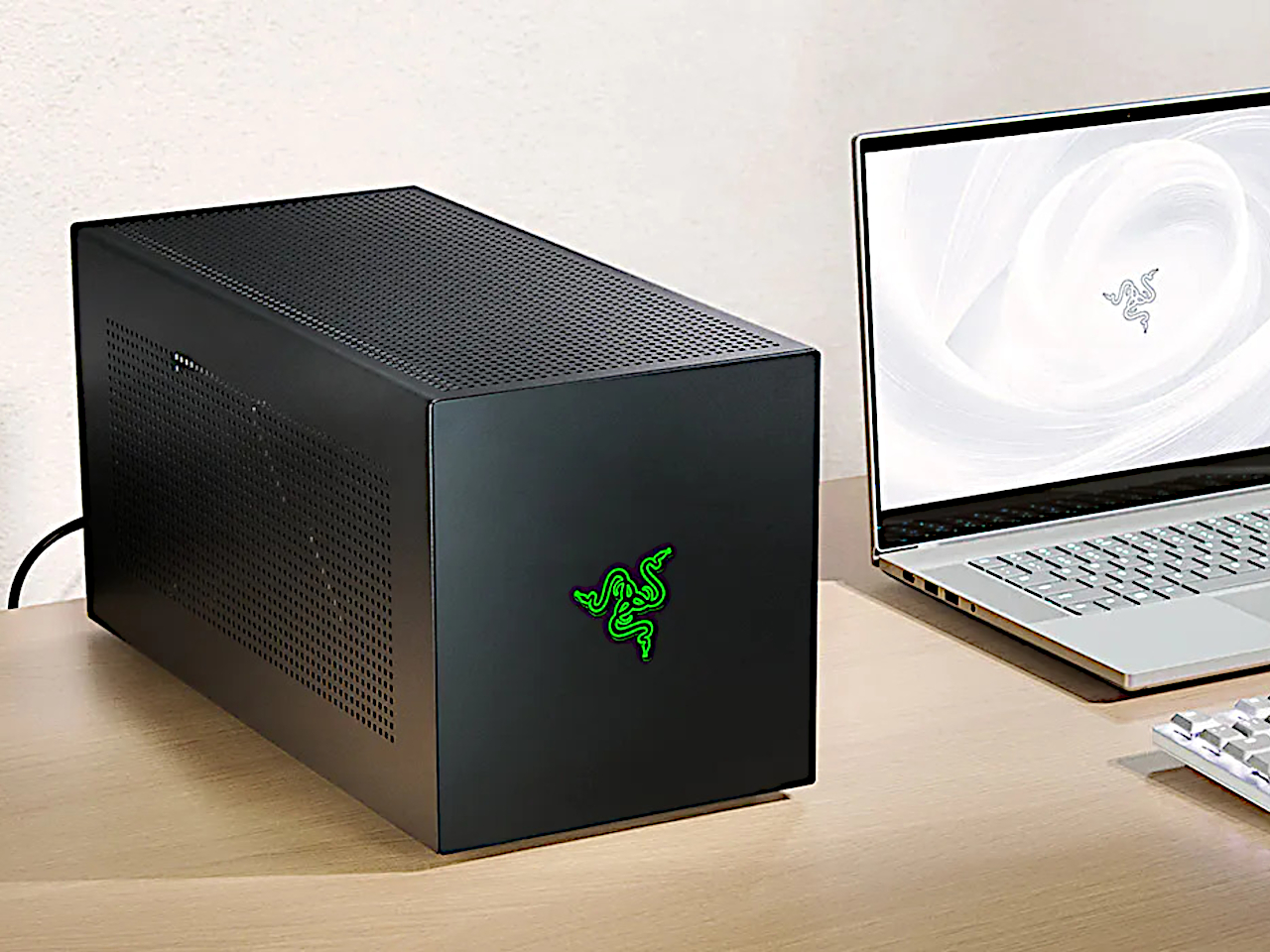
Here’s where things get interesting, and potentially controversial. Razer decided to remove the built-in power supply and expansion ports that made previous Core X models relatively plug-and-play. Now you need to supply your own ATX power supply, which connects via standard cabling inside the enclosure. Need extra USB ports or Ethernet? You’ll have to buy a separate Thunderbolt 5 dock and daisy-chain it with the eGPU.
The big selling point is Thunderbolt 5 support, offering up to 120Gbps of bandwidth compared to Thunderbolt 4’s 40Gbps. That’s impressive future-proofing, but here’s the catch: Thunderbolt 5 laptops are still incredibly rare today. Most users won’t be able to take advantage of this bandwidth boost for months or even years.
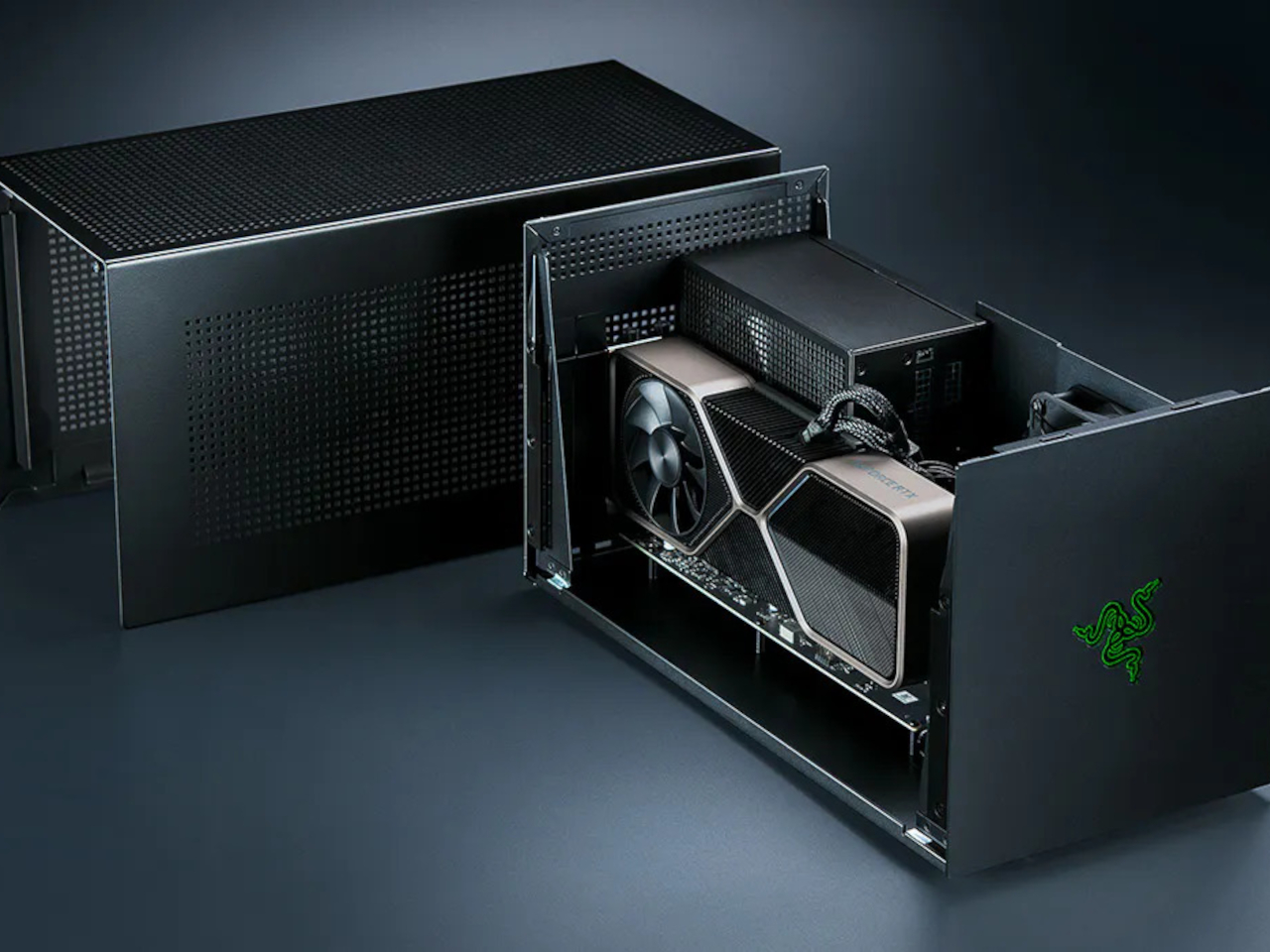
Let’s talk about the real cost of ownership, because that $350 price tag is just the beginning. You’ll need to buy a decent ATX power supply for another $100-150, plus whatever GPU you want to install. If you need those missing expansion ports, add another $200-300 for a Thunderbolt 5 dock, or even $400 for Razer’s new Thunderbolt 5 Dock Chroma. Suddenly, you’re looking at around $750 before even adding a graphics card.
That’s significantly more expensive than previous Core X models, which included everything you needed in the box. Sure, those older models locked you into Razer’s choice of power supply and port selection, but they were genuinely plug-and-play experiences. The V2 trades convenience for customization, letting you choose your own components rather than accepting whatever Razer ships with.
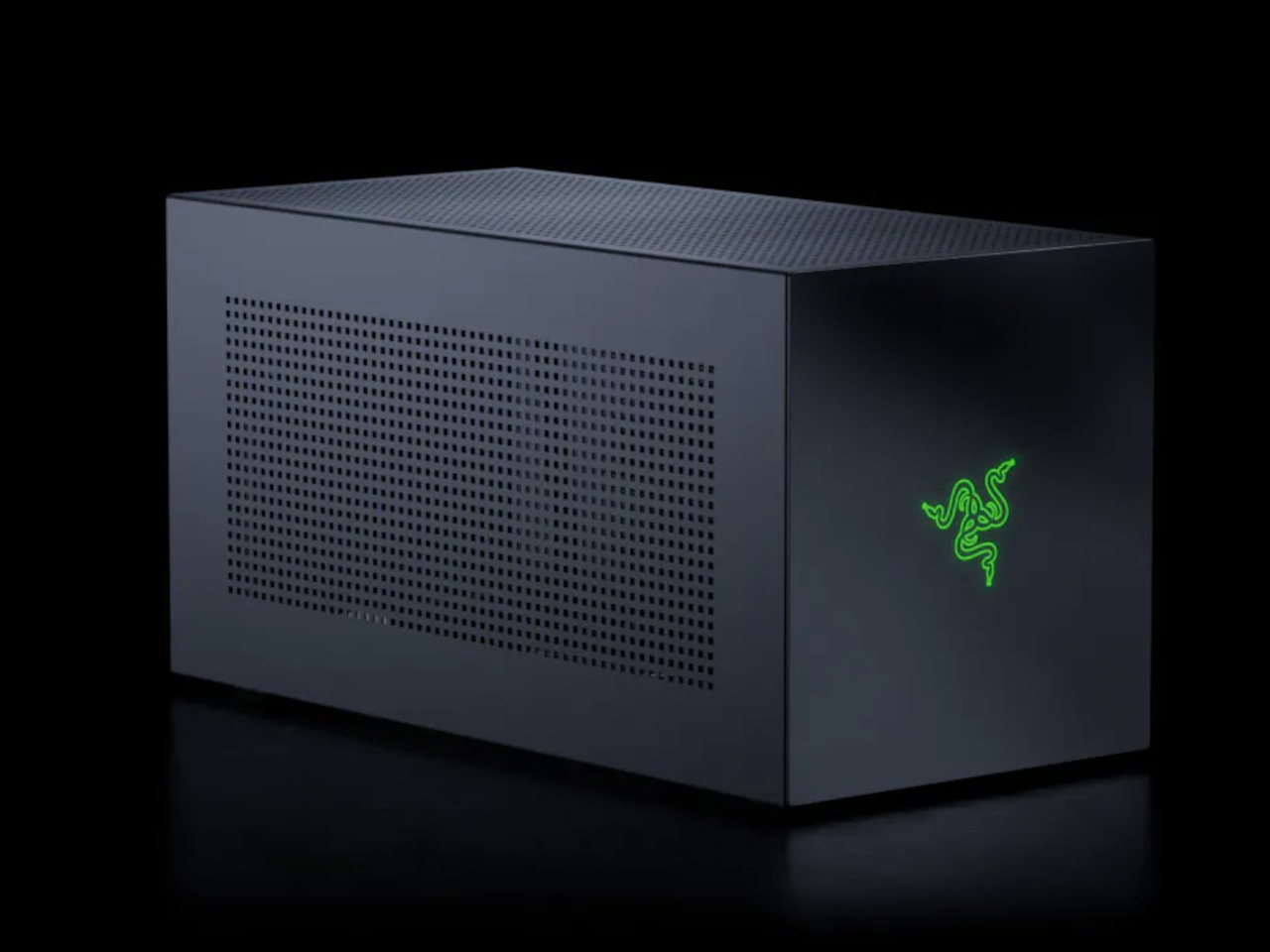
The upside is genuine flexibility. You can install exactly the power supply you need for your GPU, upgrade it later, or even repurpose components if you move to a different setup. Power users and tinkerers will appreciate this modularity, especially those who already have spare ATX power supplies lying around.
Still, this feels like a product designed for a very specific audience. If you’re comfortable building PCs and want maximum customization, the Core X V2 offers compelling flexibility. But if you just want to plug in an eGPU and start gaming, the stripped-down approach might feel more like a step backward than forward.
Razer has made a bold gamble with extreme minimalism, betting that users will appreciate the freedom to choose their own components. Whether that gamble pays off depends on how much you value customization over convenience.
SHARE