Spending most of the day at a desk makes you surprisingly familiar with its little annoyances. There’s the chair that never quite fits, the papers occupying your mouse’s territory, and the charging cable that apparently prefers the floor. These five home office upgrades tackle those everyday irritations through thoughtful design, from seating that accommodates changing positions to smaller objects that give the desktop a little breathing room.
Of course, a working day rarely involves doing one thing in exactly one position. You might be typing in the morning, leaning back for a call, then reaching for a pencil when an idea refuses to cooperate with a keyboard. The interesting designs here acknowledge those shifts. Each addresses a different part of the routine, without requiring your home office to start looking like a corporate equipment catalog.
1. LiberNovo Maxis Airflow Makes Room for Changing Positions
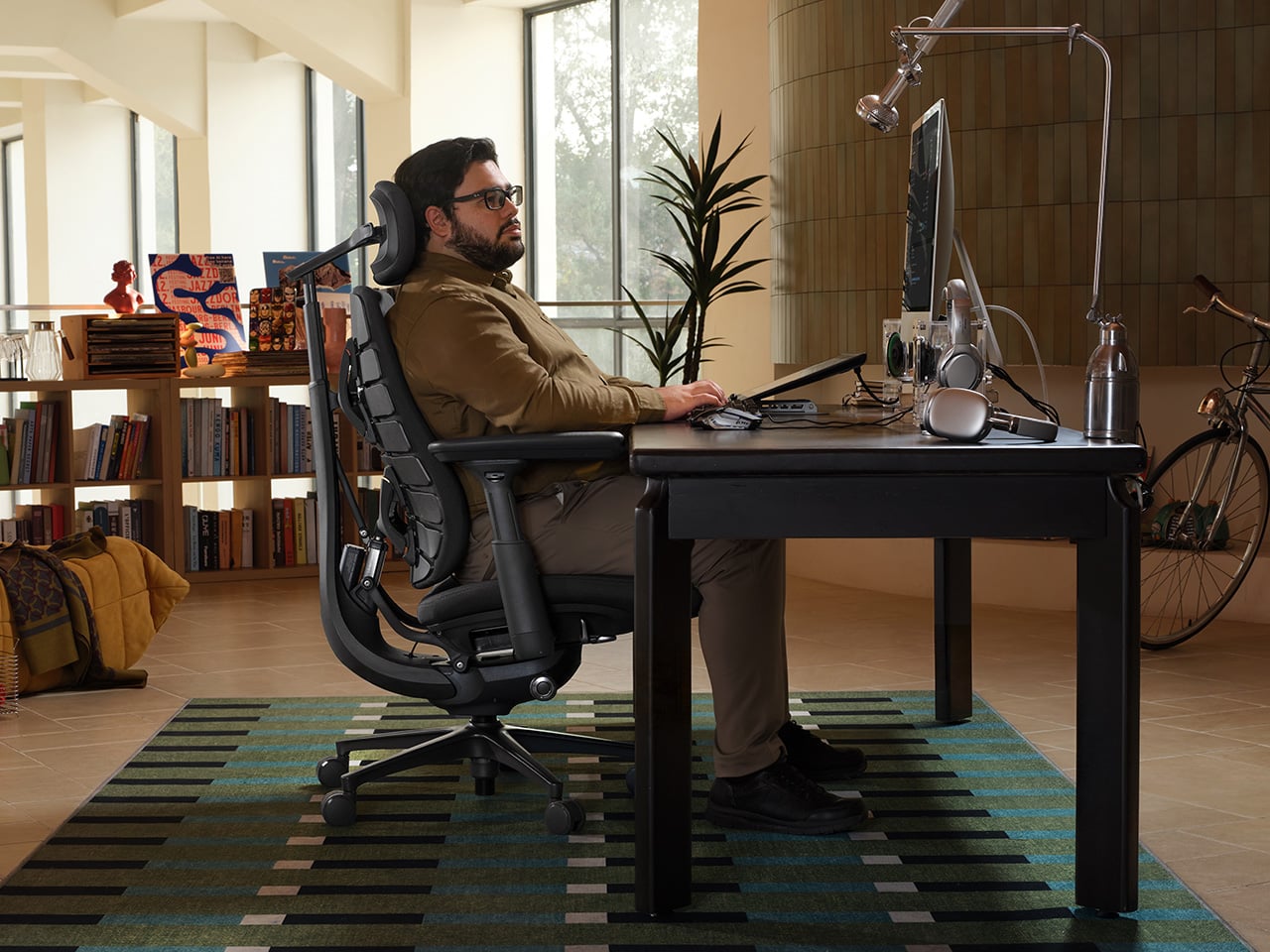
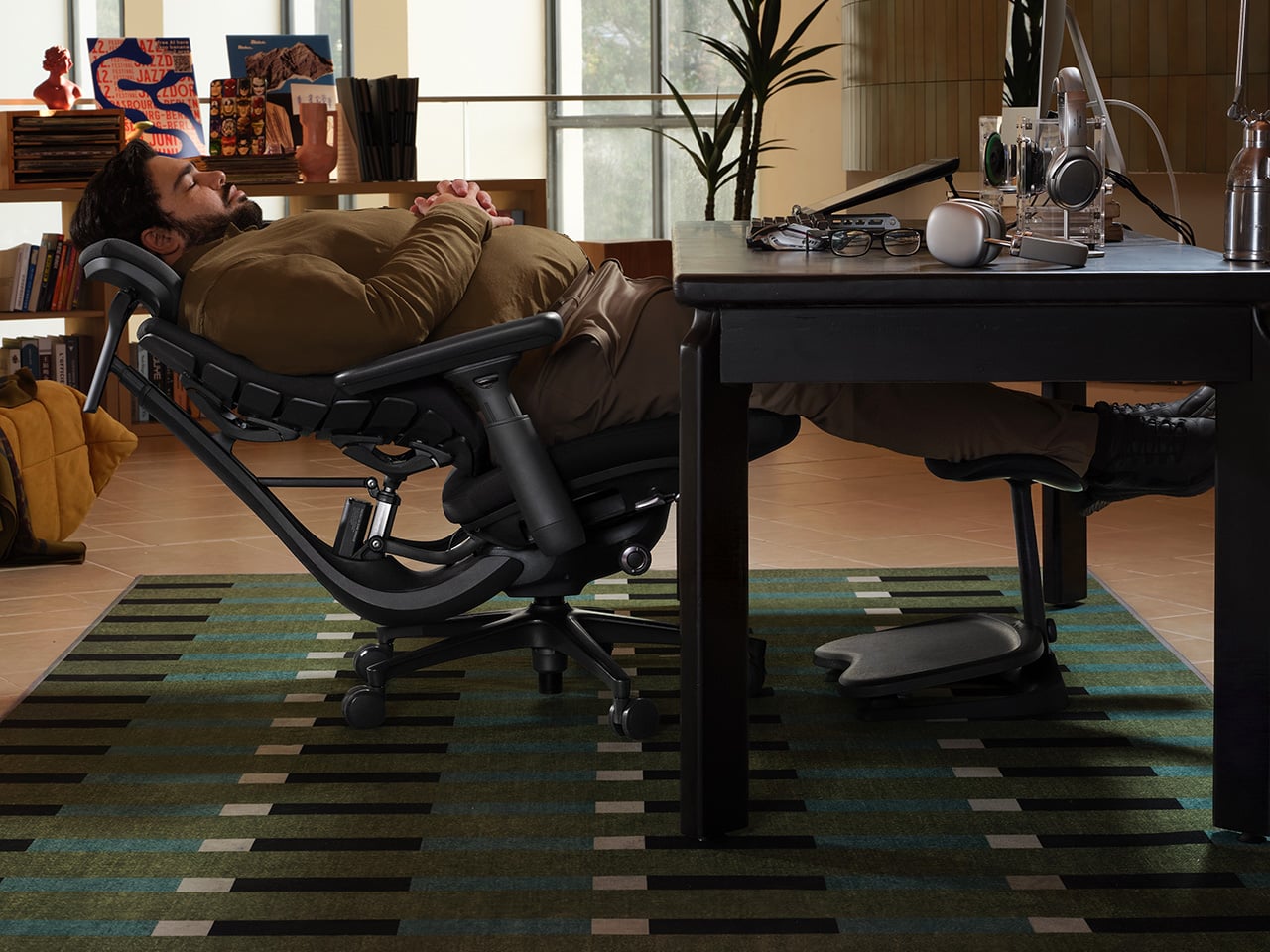
Finding a chair that fits gets trickier when you’re taller or broader than the person its proportions seem to expect. LiberNovo designed the Maxis Airflow for users approximately 5 feet 10 inches to 6 feet 7 inches tall. Its fixed 20.5-inch-deep seat is designed to support longer thighs, while a broader backrest, extended-travel headrest, and roomier, curved armrests address the places where simply making a chair bigger can miss the point.
Those proportions are only the beginning, though. Once you’ve adjusted the motorized lumbar support, armrests, seat height, and neck support, the chair’s Dynamic Support system uses its SyncroLink mechanism to help maintain contact as you move. Its Bionic FlexFit backrest uses eight flexible panels that contour separately, while neck, arm, and seat support follow the recline. The aim is to carry that initial fit through posture changes, reducing the need to stop and readjust.
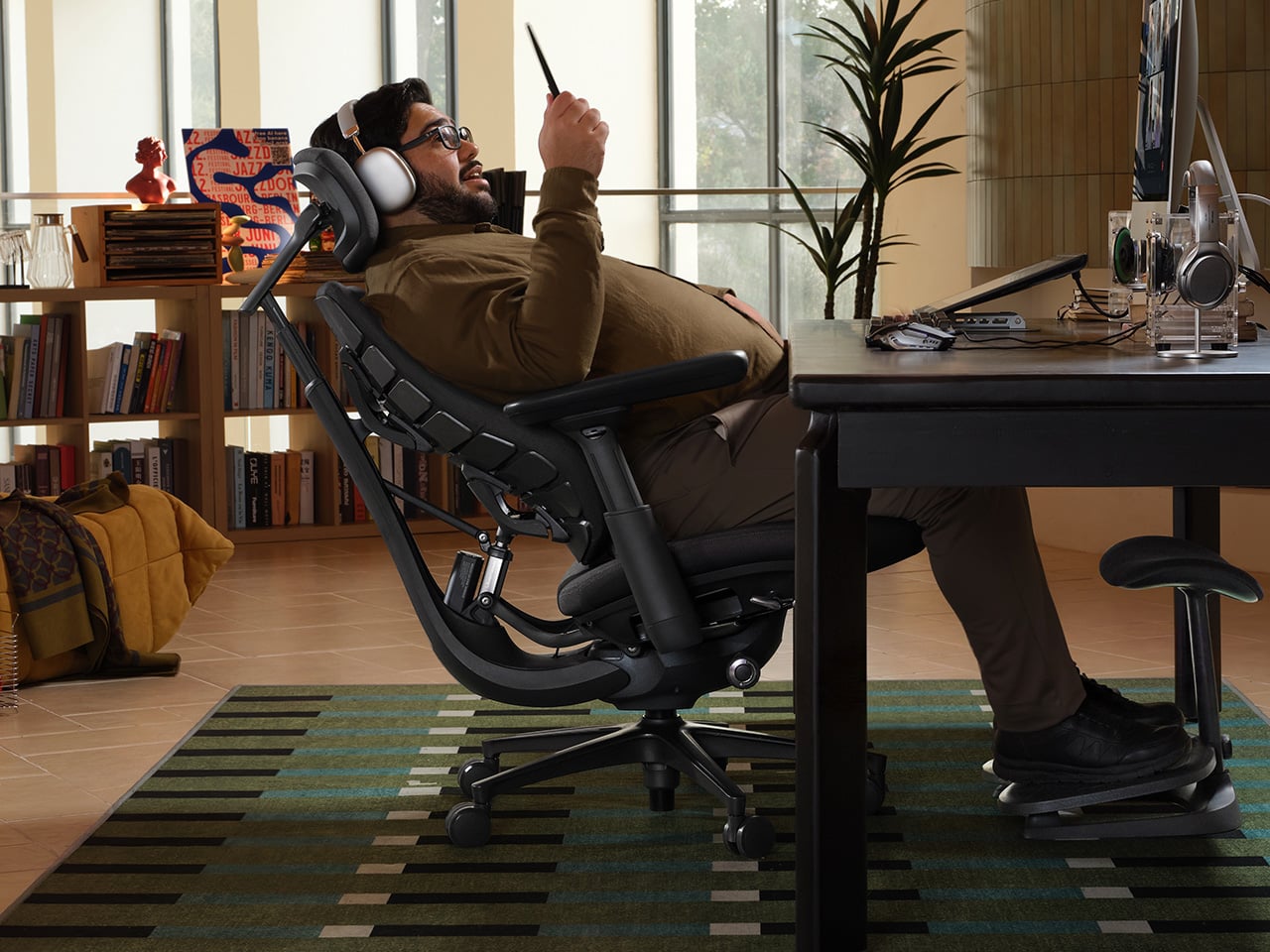
When the keyboard gives way to a long call, the six-spring Controlled Recline System becomes particularly relevant. LiberNovo says the springs engage progressively with angle and weight, building resistance through the movement as you lean back. Five fixed positions span 105 to 160 degrees, from a slight working recline to a near-flat pause. OmniStretch adds a five-minute motorized stretch sequence in deep recline for those moments when you’re ready to put work aside.
The Airflow model also tackles the less glamorous business of a warm seat. A centrifugal fan draws air through its five-layer cushion, with two selectable speeds rather than a single all-or-nothing setting. A seat sensor pauses ventilation when you stand and resumes it when you return. Active AirFlow and OmniStretch run on the chair’s rechargeable battery, so there’s no cable running to the wall during use, leaving you free to roll away from the desk. Additionally, the frame comes with a six-year warranty, while the electronics get two years of coverage.
Click Here to Buy Now: $1119 $1299 (14% off). Hurry, deal ends in 48-hours!
2. Orbitkey Desk Mat Pro Gives Clutter Somewhere to Go

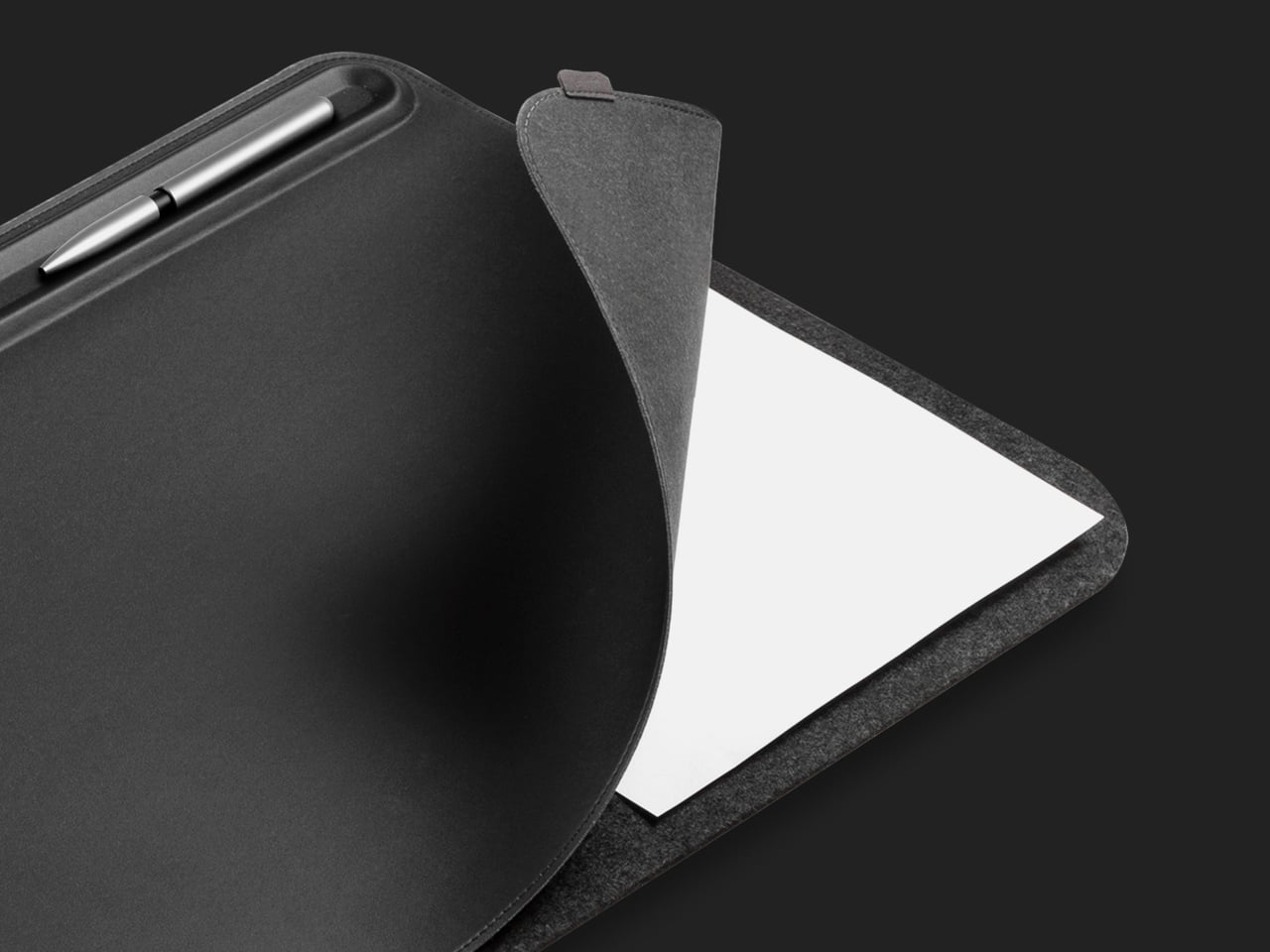
A desk can accumulate a surprising amount of paperwork for something that’s supposed to be digital. Orbitkey’s Desk Mat Pro makes space for those loose notes beneath its top layer, keeping them nearby without letting them take over the mouse area. The document hideaway is a particularly practical bit of layering: yesterday’s meeting notes can stay at hand while today’s work gets a clear surface of its own.
Along the top, a stationery toolbar gives small essentials a defined resting place, while a movable magnetic holder keeps a charging cable from making its daily escape. The vegan-leather surface and recycled felt form a broad pad that defines where the keyboard and mouse belong. The layout separates what you’re actively using from what you’re keeping nearby, without scattering extra storage boxes across your entire working area.
3. Modhaus Upright Makes Charging Part of the Furniture
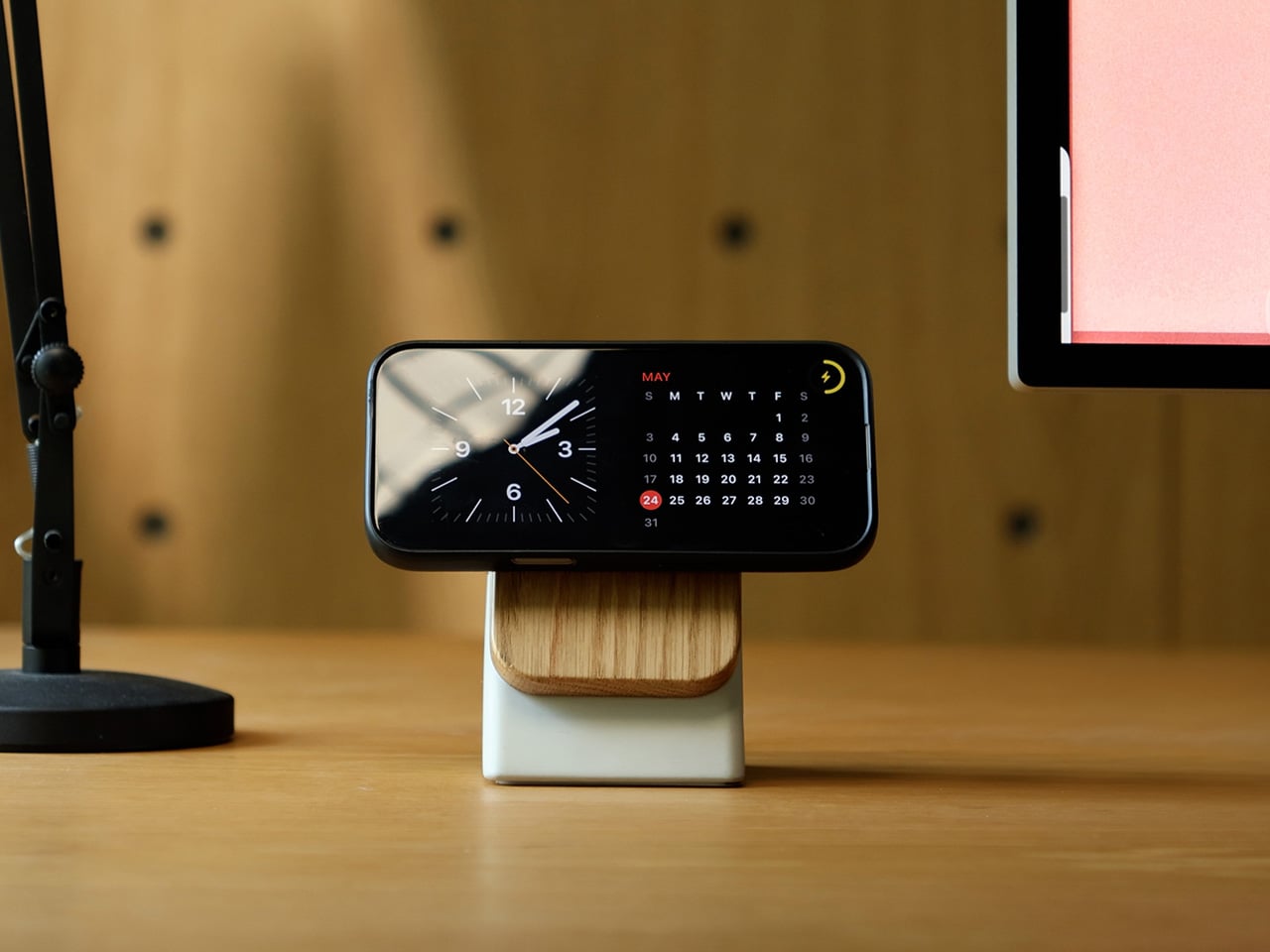
Putting your phone on charge shouldn’t mean adding another anonymous plastic puck to the desk. Modhaus approaches its Upright stand with materials you’d expect to encounter in furniture: cast concrete and solid hardwood. The concrete base gives the object useful weight, which allows one-handed docking and removal. Walnut or oak adds a familiar domestic touch, making the charger feel less like equipment borrowed from an IT department.
Magnetic alignment holds a compatible phone in place, leaving the screen upright for a video call or a glance at an incoming message. Qi2.2 charging supports up to 25W, depending on the phone, with maximum output requiring at least 30W from a USB-C Power Delivery adapter. That charging hardware sits inside a wooden top that makes setting down your phone feel like giving it a proper place at the desk.
4. Ugmonk Gather Wood Zigzag Tray Keeps Your Pencils Close
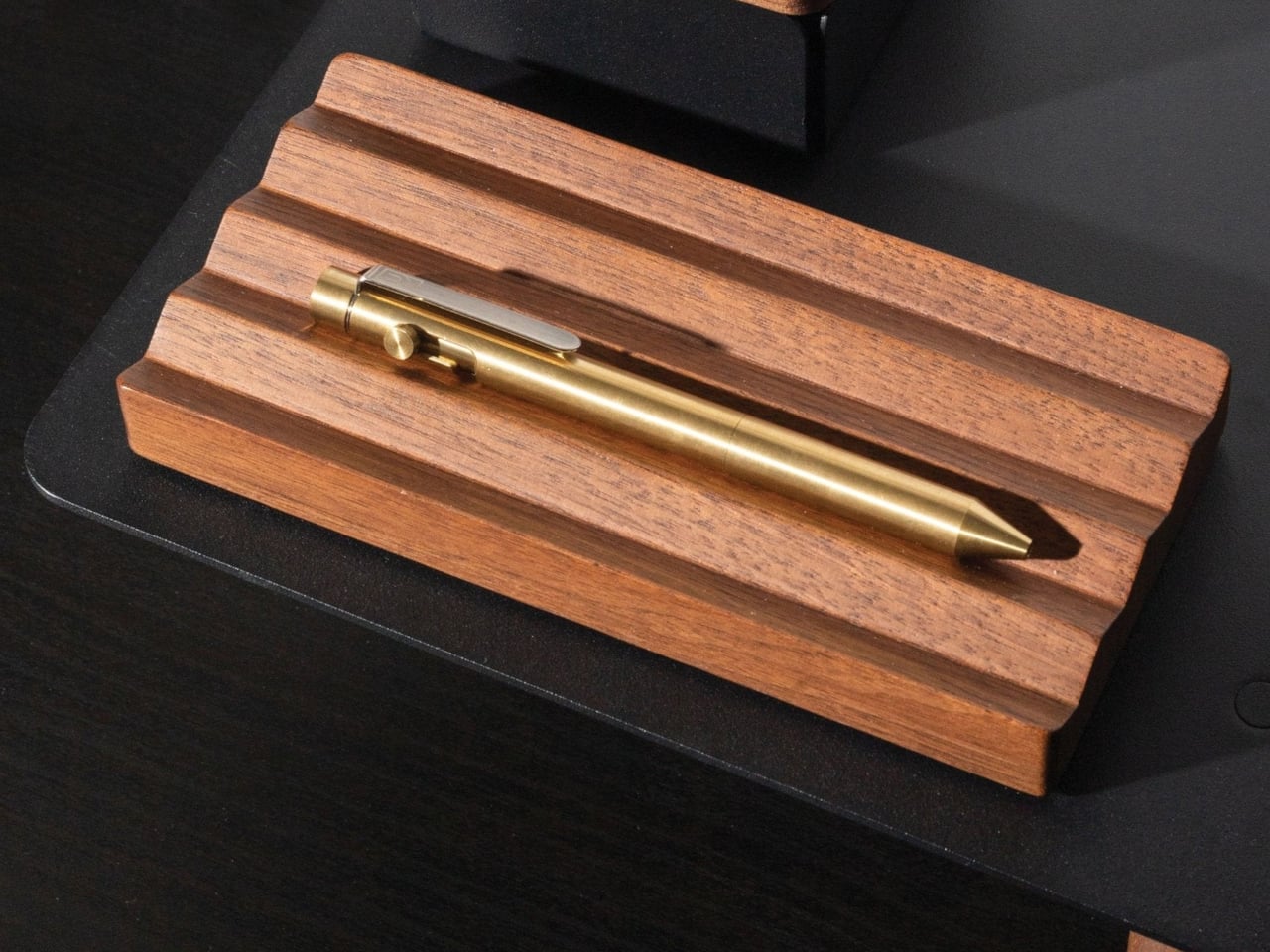
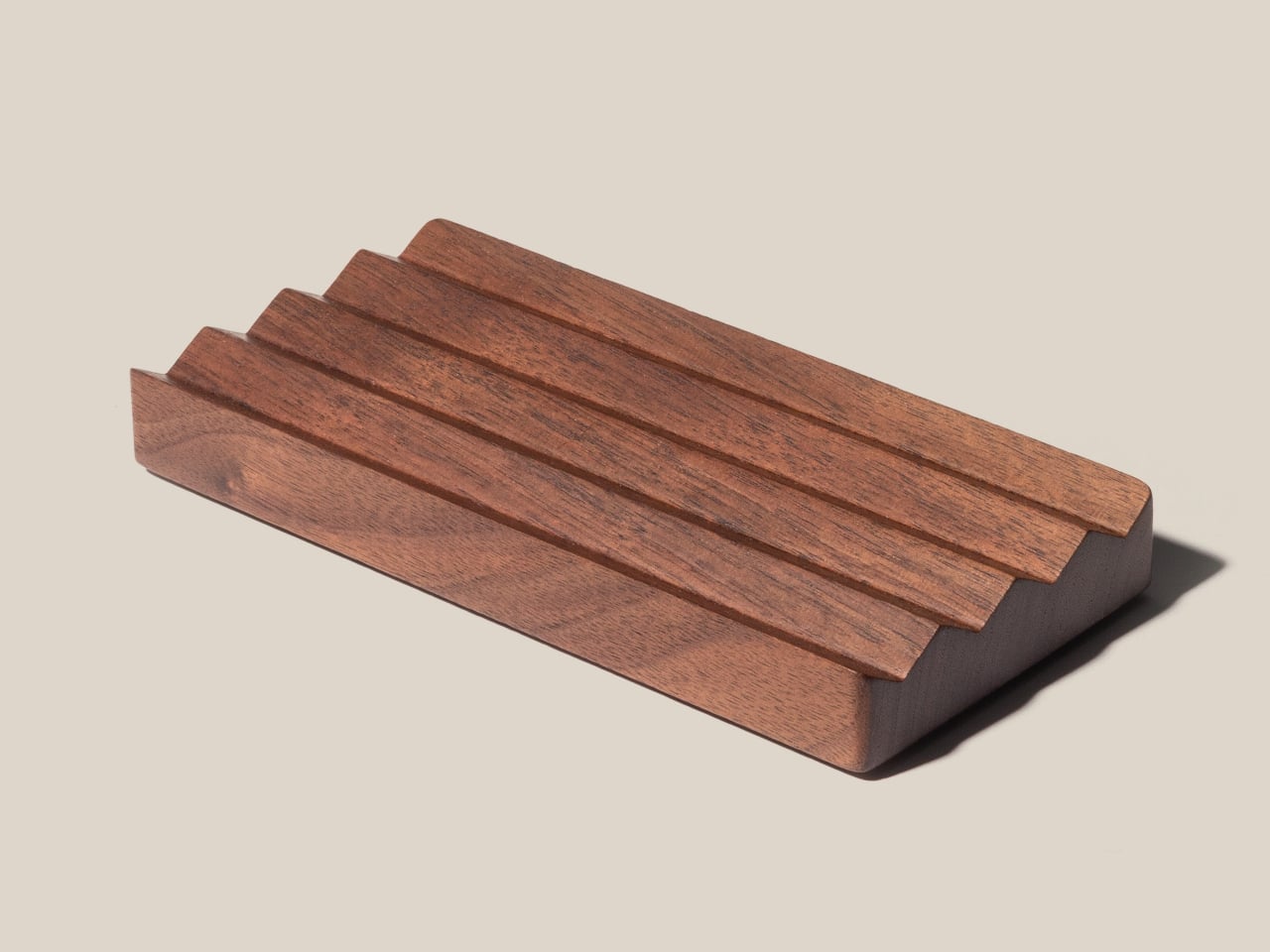
Even a desk full of screens still has room for a good pencil. The problem is remembering where it went after your last burst of inspiration. Ugmonk’s Gather Wood Zigzag Tray gives pens and pencils individual grooves in solid walnut, keeping them laid out rather than buried in a cup. Its ridged surface makes the storage arrangement part of the object’s form, with no separate compartments or moving pieces required.
The tray measures 6.75 inches wide and 3.25 inches long, so it doesn’t demand much space beside a notebook. Magnets attach it to compatible Gather base plates or monitor stands, although it works independently, too. That leaves you free to keep a few favorite writing tools close without committing to an entire organizational system, particularly if your desk already has enough carefully chosen objects on it.
5. Logitech Pebble Up Changes Shape for the Working Day
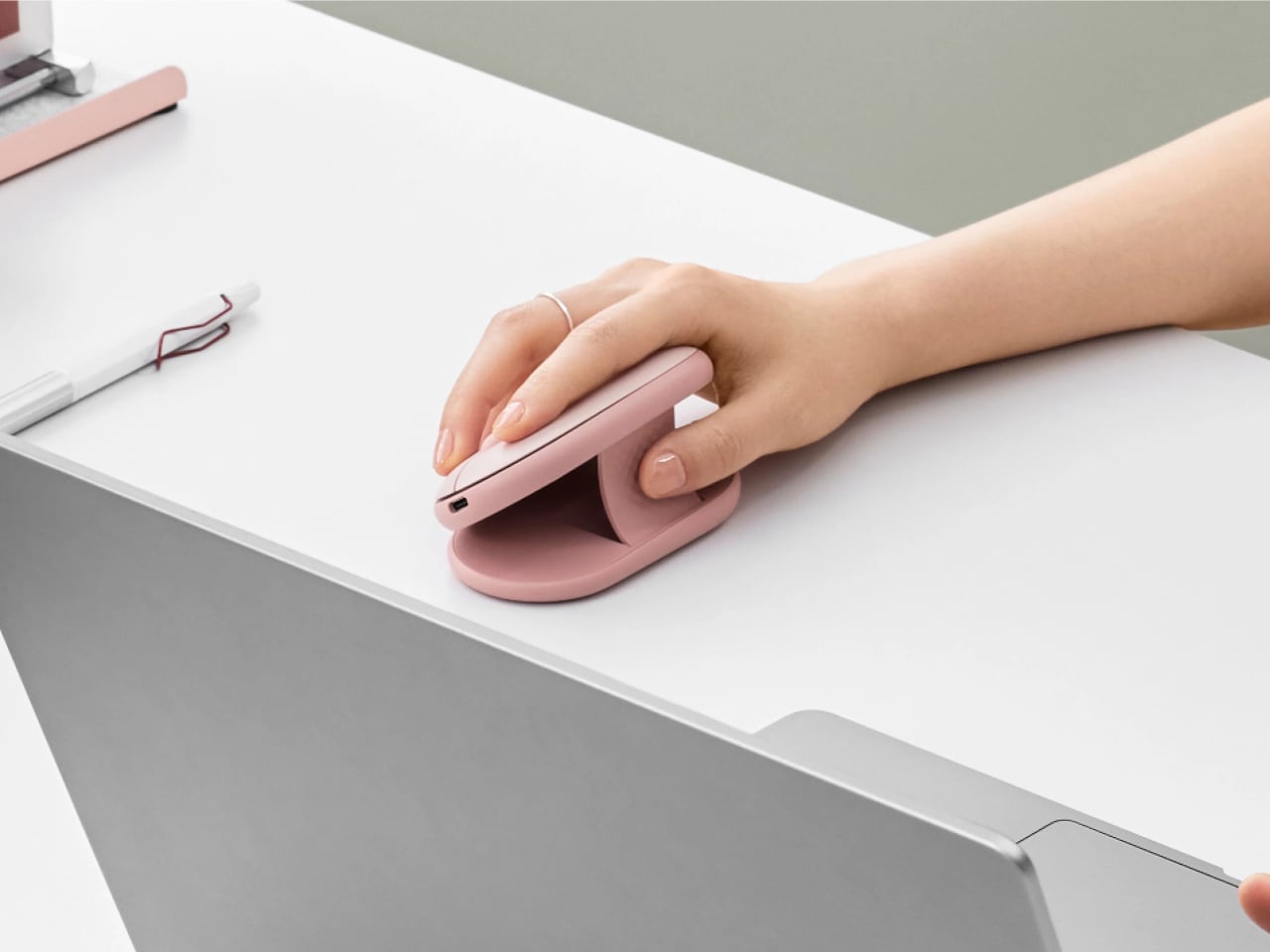

A slim mouse is easy to slip into a bag, but that low profile doesn’t leave much beneath your palm. Logitech’s Pebble Up gives you another option without requiring a second mouse. Its upper section lifts into an angled configuration for desk work, then returns to a flatter form for carrying. The change is physical and straightforward, offering a different grip without surrounding your hand with an oversized sculpted shell.
Bluetooth and Logi Bolt connectivity let it work across different setups, while Easy-Switch moves between up to three paired devices. Its rechargeable battery removes the need to keep spare disposable batteries in a drawer. When your desktop handles the main project, and your laptop takes over for a meeting elsewhere, the same mouse can follow along, then flatten down when it’s time to put everything back into your work bag.