PROS:
- Innovative combination of keyboard and touchpad in one
- Compact, lightweight design
- Customizable gestures and sensitivity
- Supports 3 Bluetooth and 1 USB-C connections
CONS:
- Has a bit of a learning curve for accuracy and speed
- Premium price tag
Keyboards and mice have shared our desks for decades, but our hands still have to travel between them whenever typing gives way to clicking. That familiar shuffle becomes especially noticeable when there’s barely enough room for a laptop, let alone another accessory. The Clevetura S offers an interesting solution by turning the keys themselves into a touchpad, giving your fingers another way to get around without leaving the keyboard.
Also known as the CLVX S, this compact, 78-key keyboard brings Clevetura’s TouchOnKeys technology to a more portable design. The Windows version reviewed here can handle familiar gestures without additional software, although there’s plenty to customize if you want to. More importantly, it makes an unusual interaction surprisingly useful, even if sliding across letters and keeping resting fingers from triggering gestures take a little getting used to.
Designer: Clevetura
Aesthetics
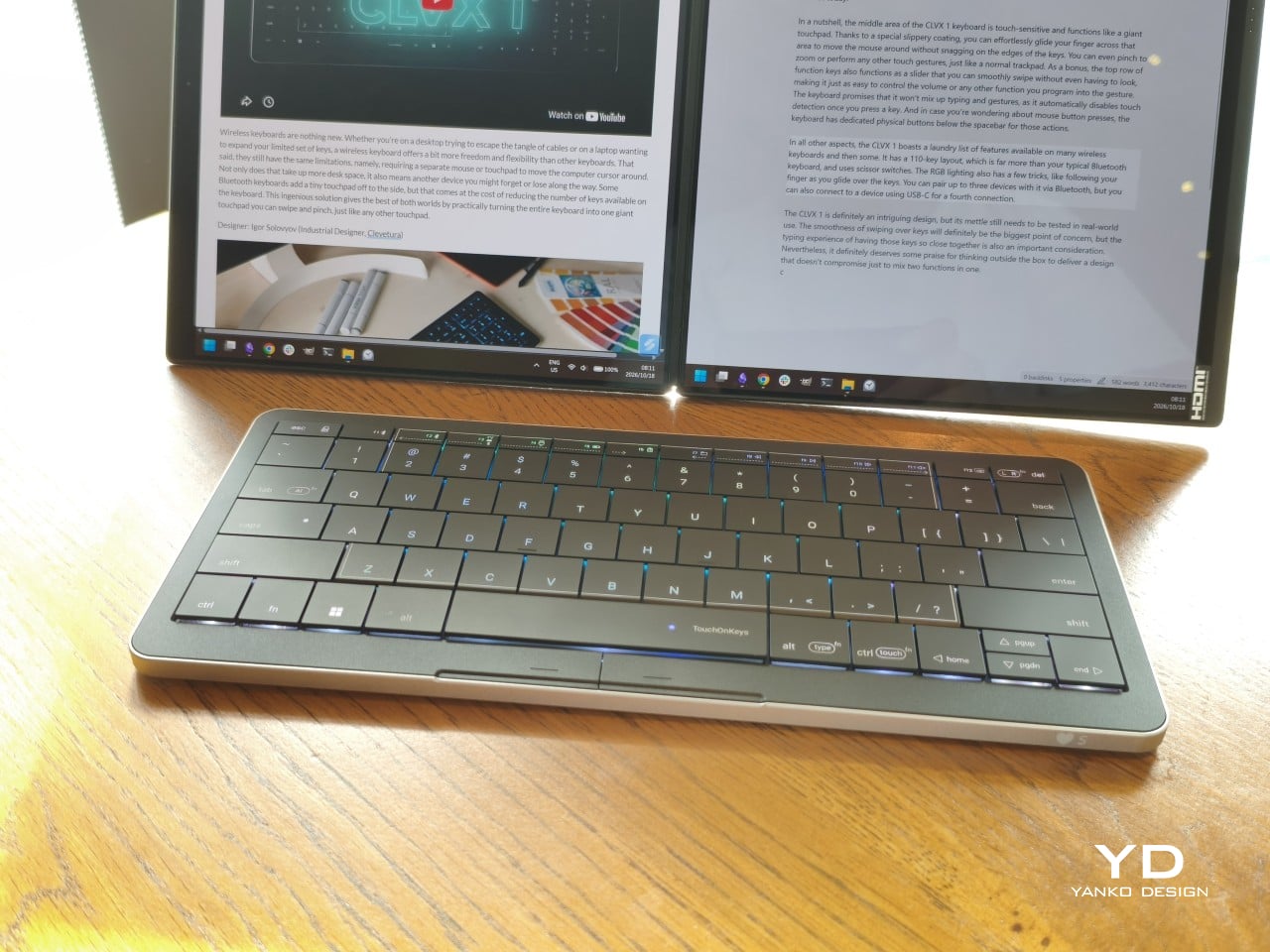
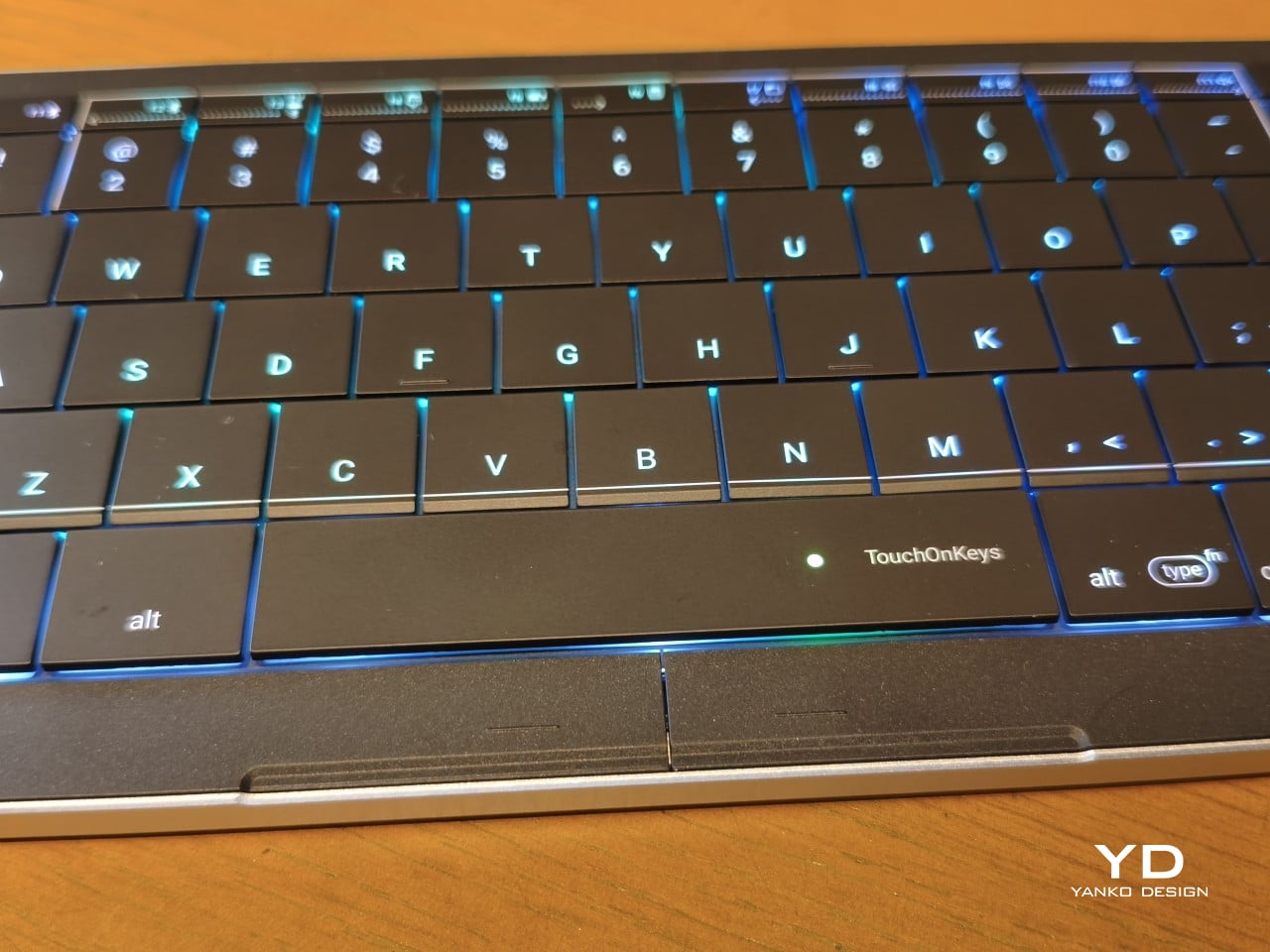
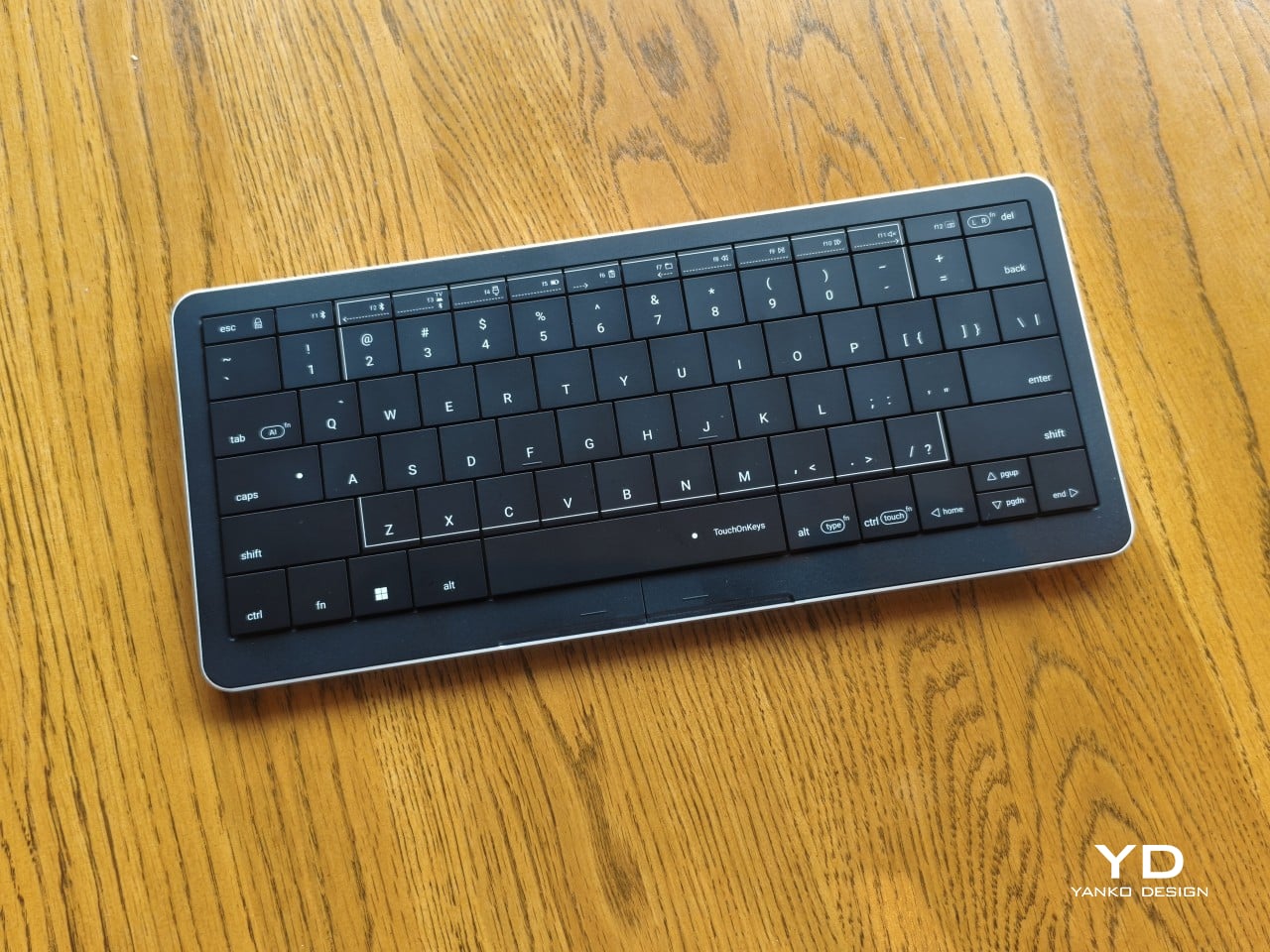
Upfront, the Clevetura S looks almost like someone forgot to leave space between the keys. The flat keycaps sit unusually close together, giving the 78-key layout a tidy, almost tiled appearance. There’s a practical reason for that, of course. Fingers need to travel across the surface as comfortably as they press down on it, and generous gaps would make that second job considerably less inviting.
An anodized aluminum base gives the keyboard its silver lower half, while polycarbonate covers the top and ABS plastic forms the keycaps. Both black and white versions retain that silver body, which is particularly noticeable against the darker finish. I would have preferred an entirely black option for a simpler look, though the contrast does make the thin profile a little more obvious when viewed from the side.
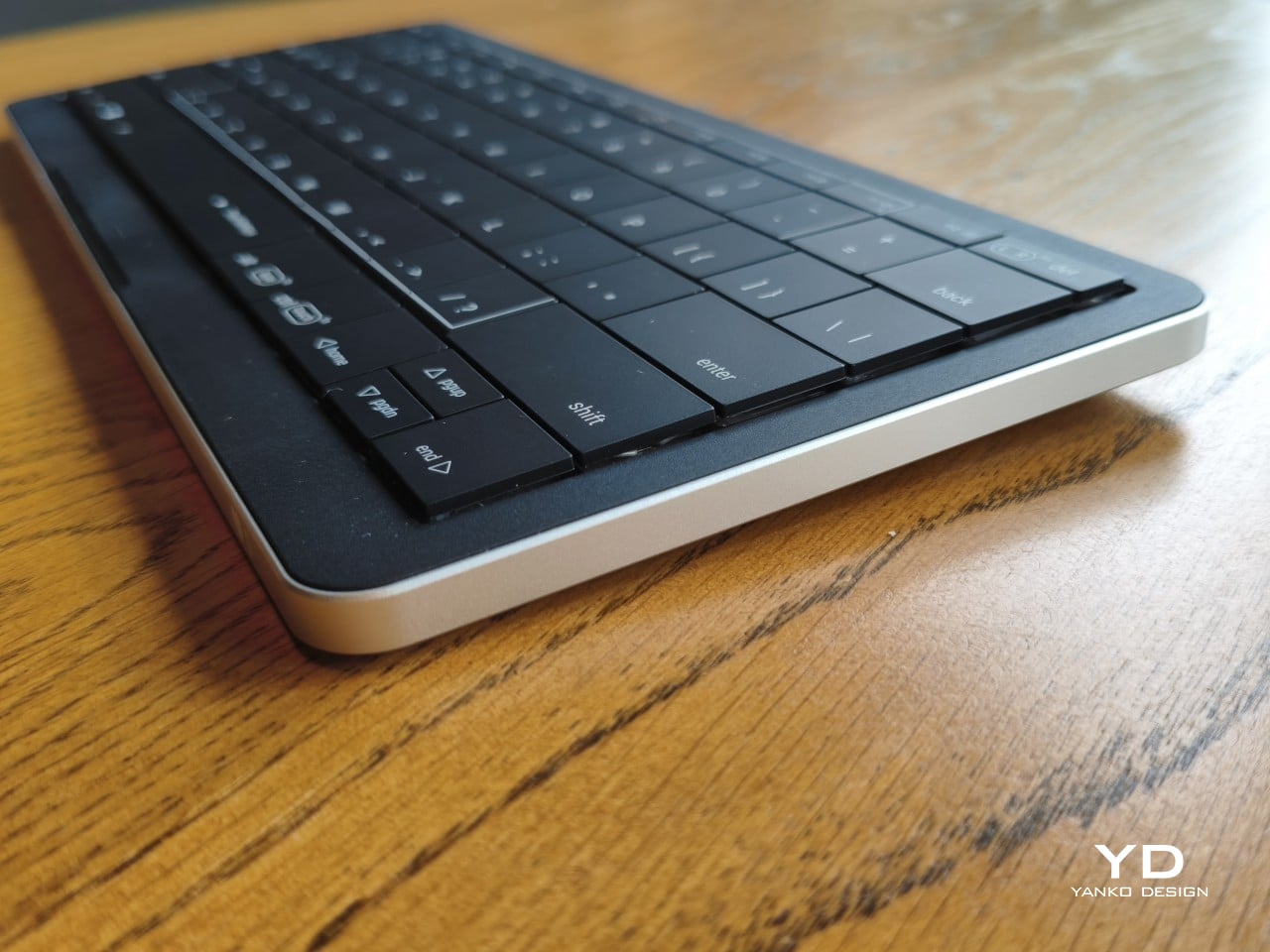
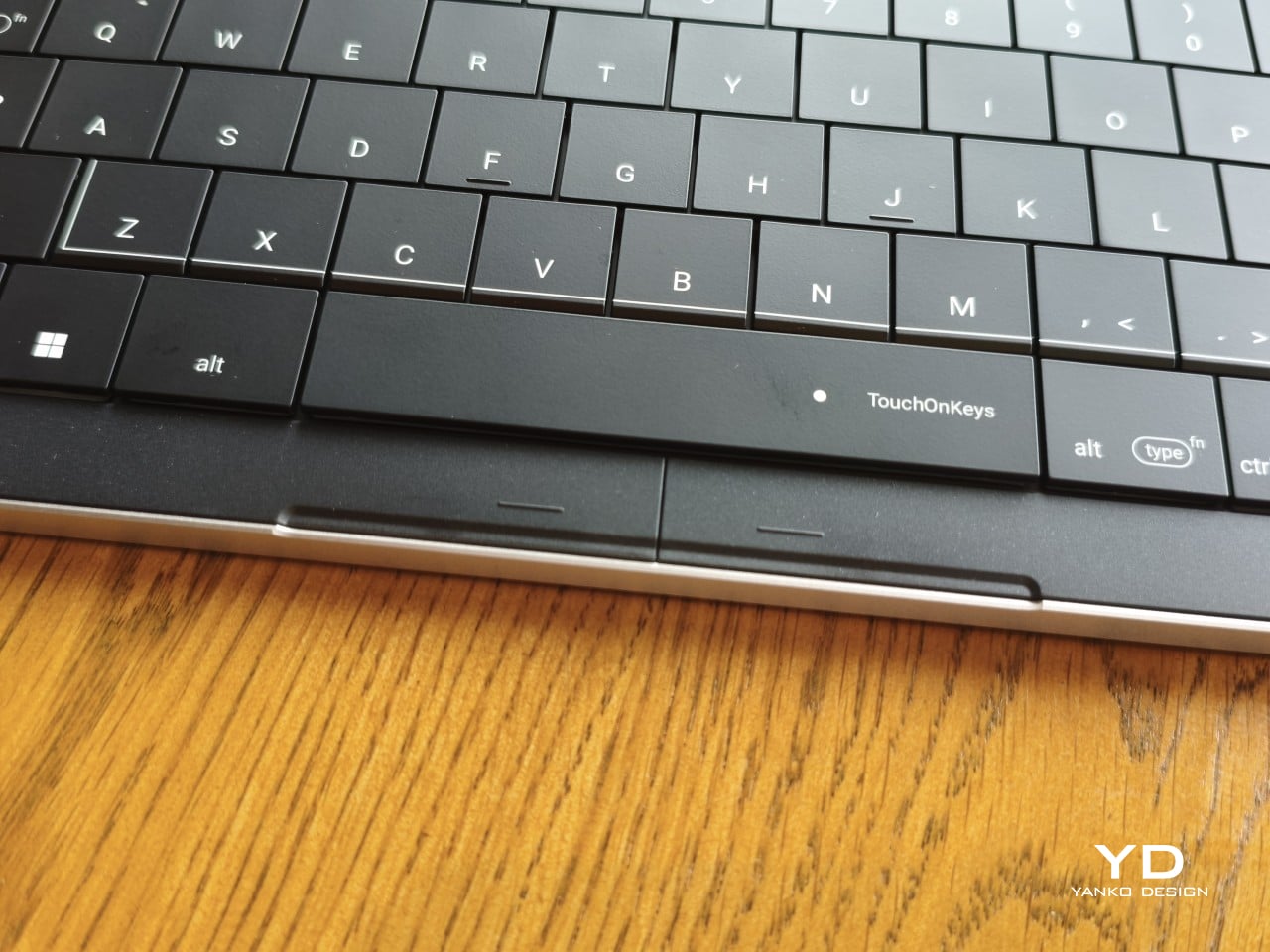
Otherwise, there isn’t much to distract from that continuous field of keys, save for the extra markings explaining their secondary functions. Two buttons below the spacebar provide physical left- and right-click controls, recalling the arrangement on older laptops. Then there’s the per-key RGB lighting, which can turn this relatively understated keyboard into something considerably more colorful. Fortunately, those lights also have practical roles beyond decorating your desk.
Ergonomics
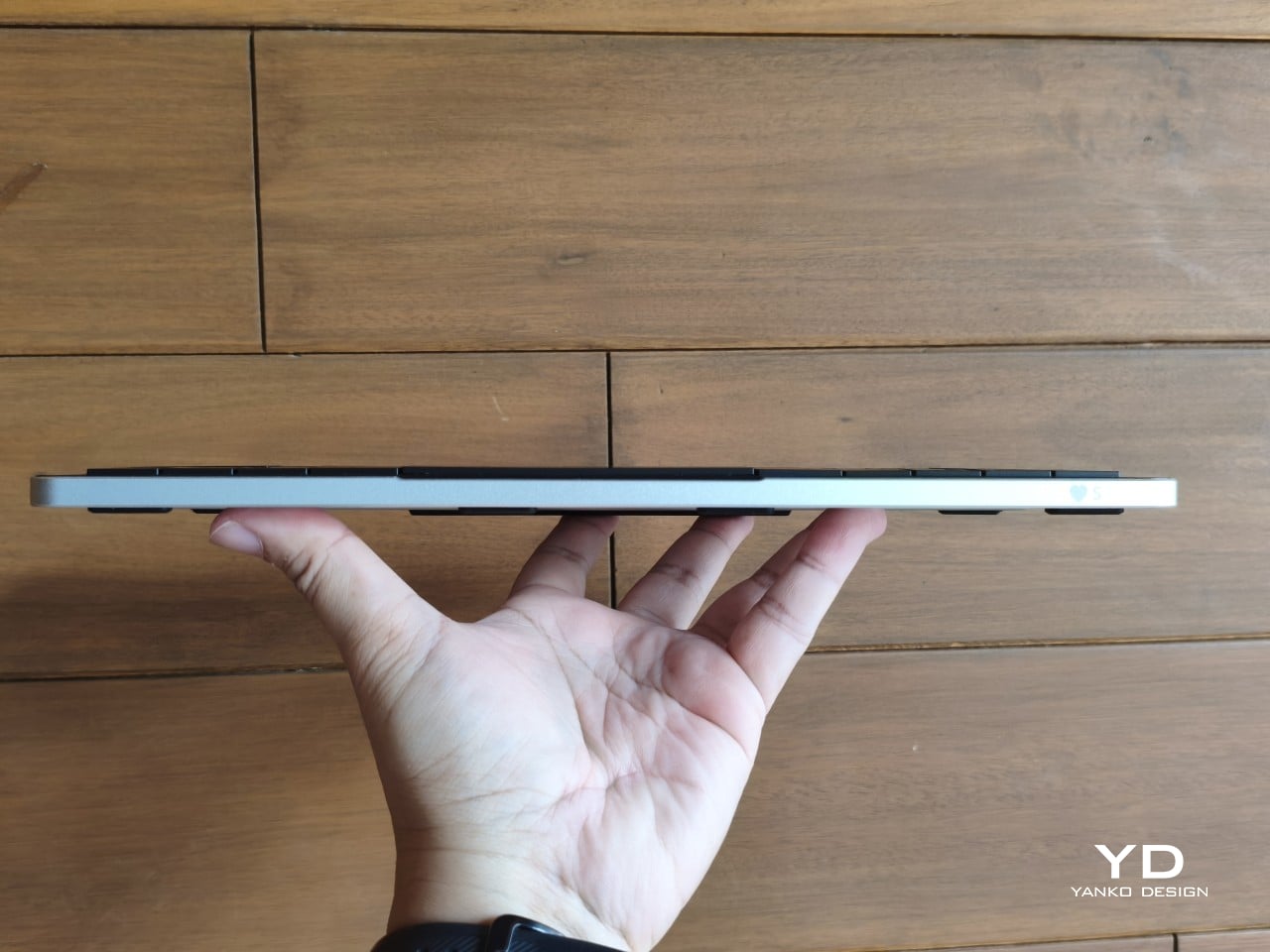
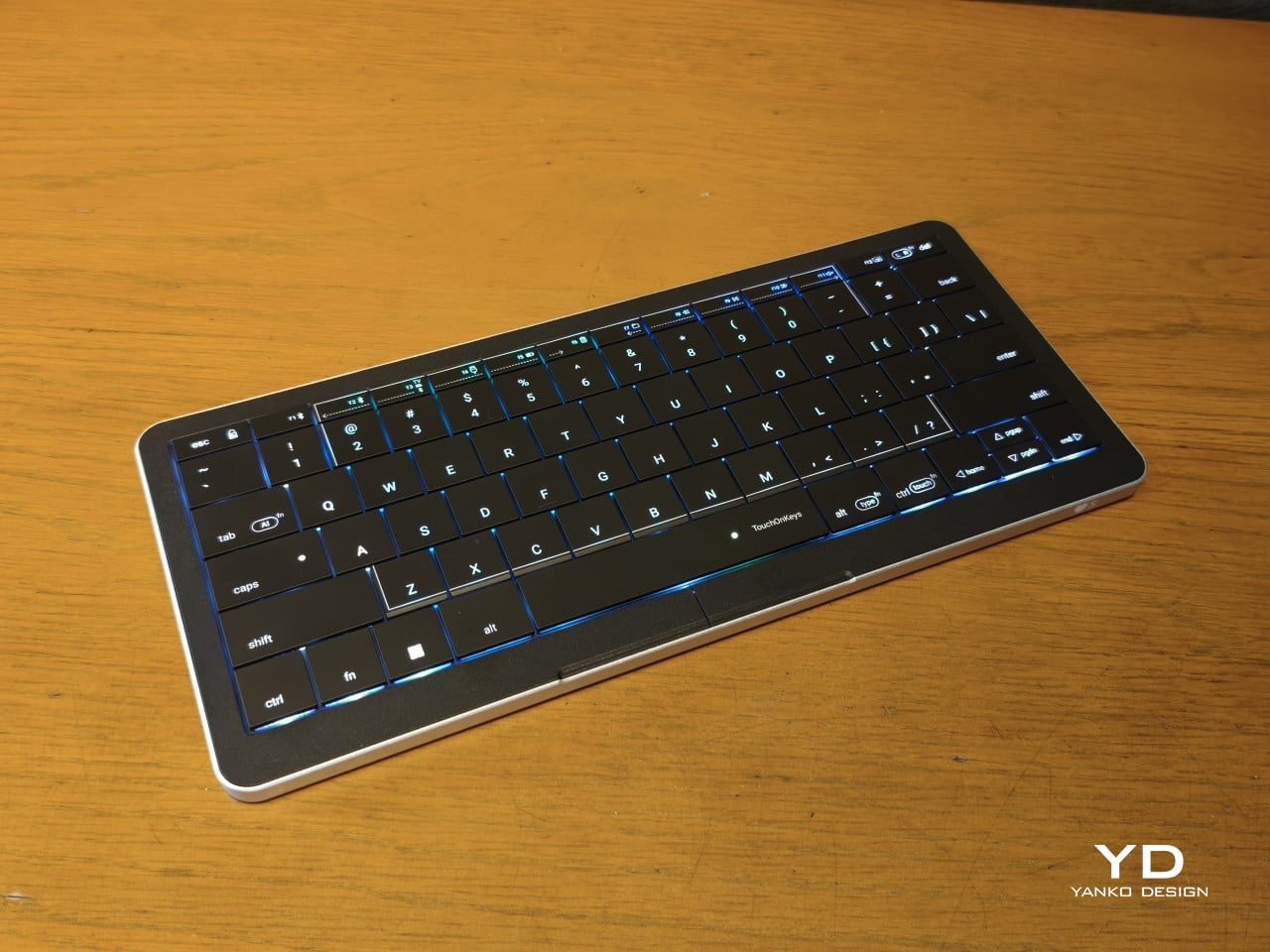
At roughly 403g, the Clevetura S doesn’t ask for much commitment when you’re packing a laptop bag. Its body measures approximately 11.5 inches wide, 5.12 inches deep, and just 0.49 inches (12.4mm) thick, making it easy to accommodate on smaller desks, too. The closely fitted keycaps don’t leave many edges sticking out, although I’d still use the included fabric pouch rather than let them rub against everything else.
The scissor switches feel familiar if you’re coming from a decent laptop keyboard, with around 1.2mm of travel. Typing is perfectly serviceable, though it probably won’t steal the attention of someone devoted to mechanical switches. Folding feet let you raise the back, but there’s only one elevated position. That keeps setup simple, provided you’re comfortable with either the flat profile or the available incline.
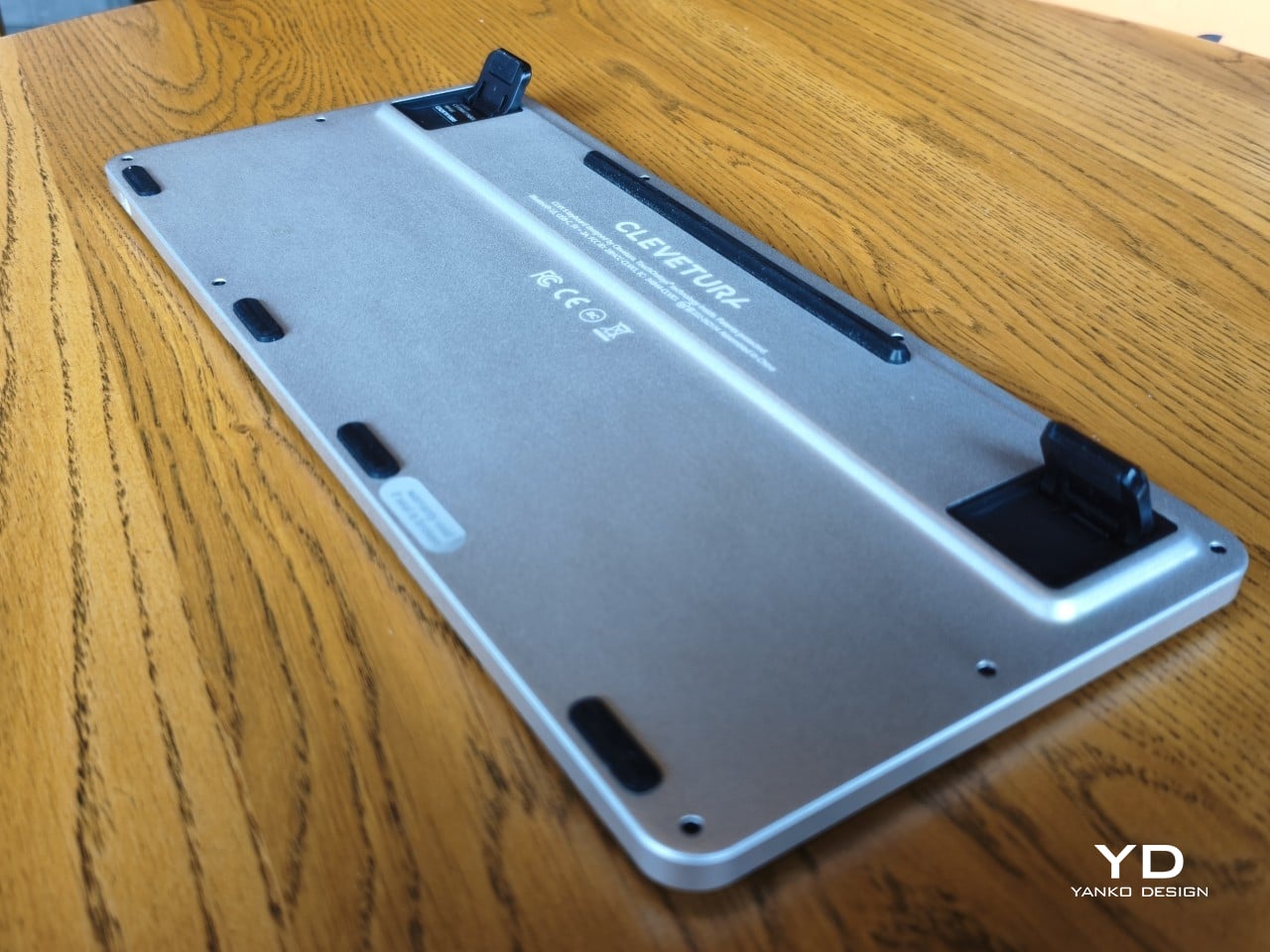
The more interesting benefit shows up when you need to scroll through a reference or reposition the cursor between sentences. Instead of reaching sideways, you can make that movement right where you’ve been typing. Your chair and screen position still matter, of course. The Clevetura S simply reduces the back-and-forth, although its flat, closely fitted keys take some getting used to when finding your usual typing rhythm.
Performance
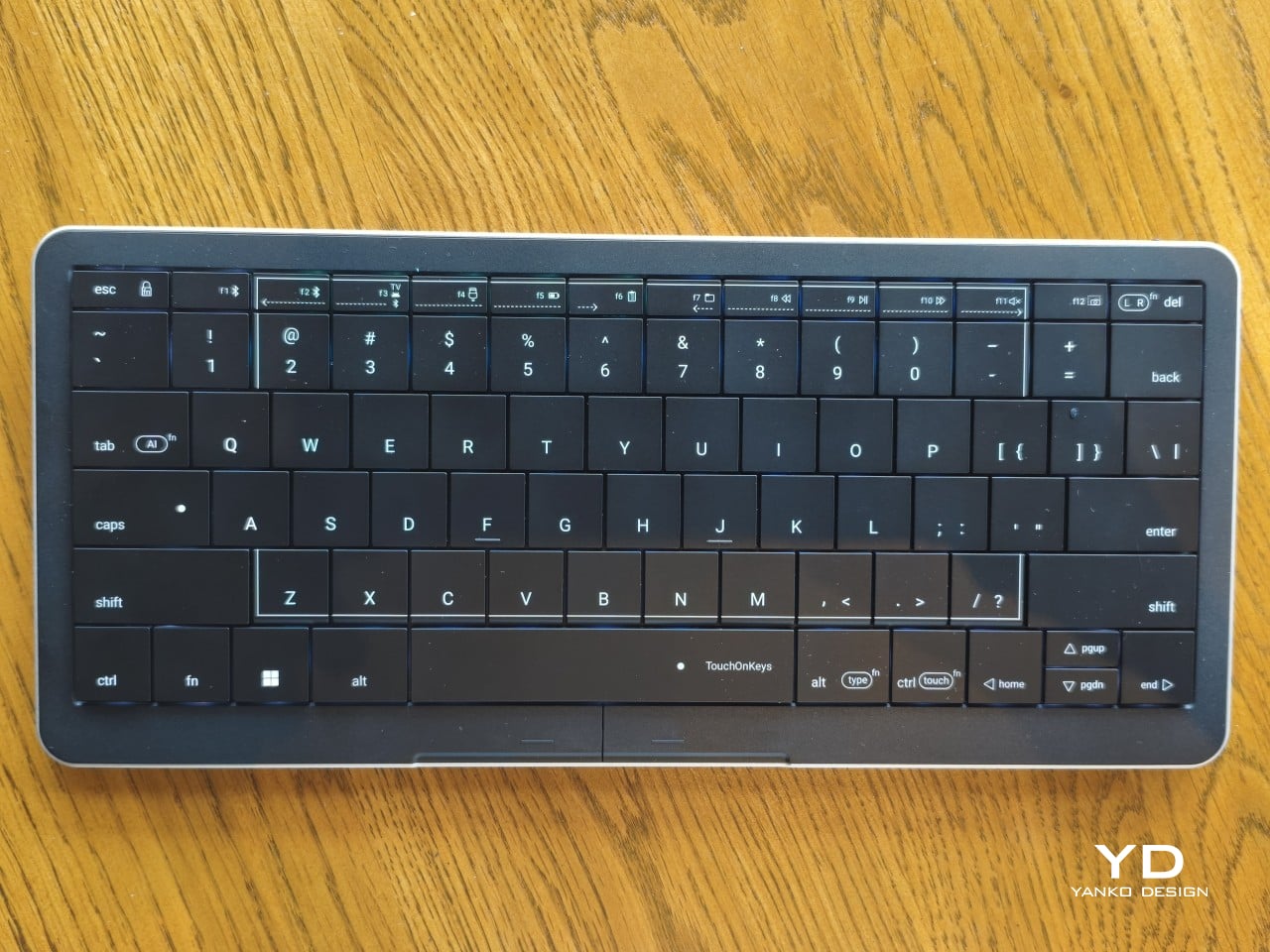
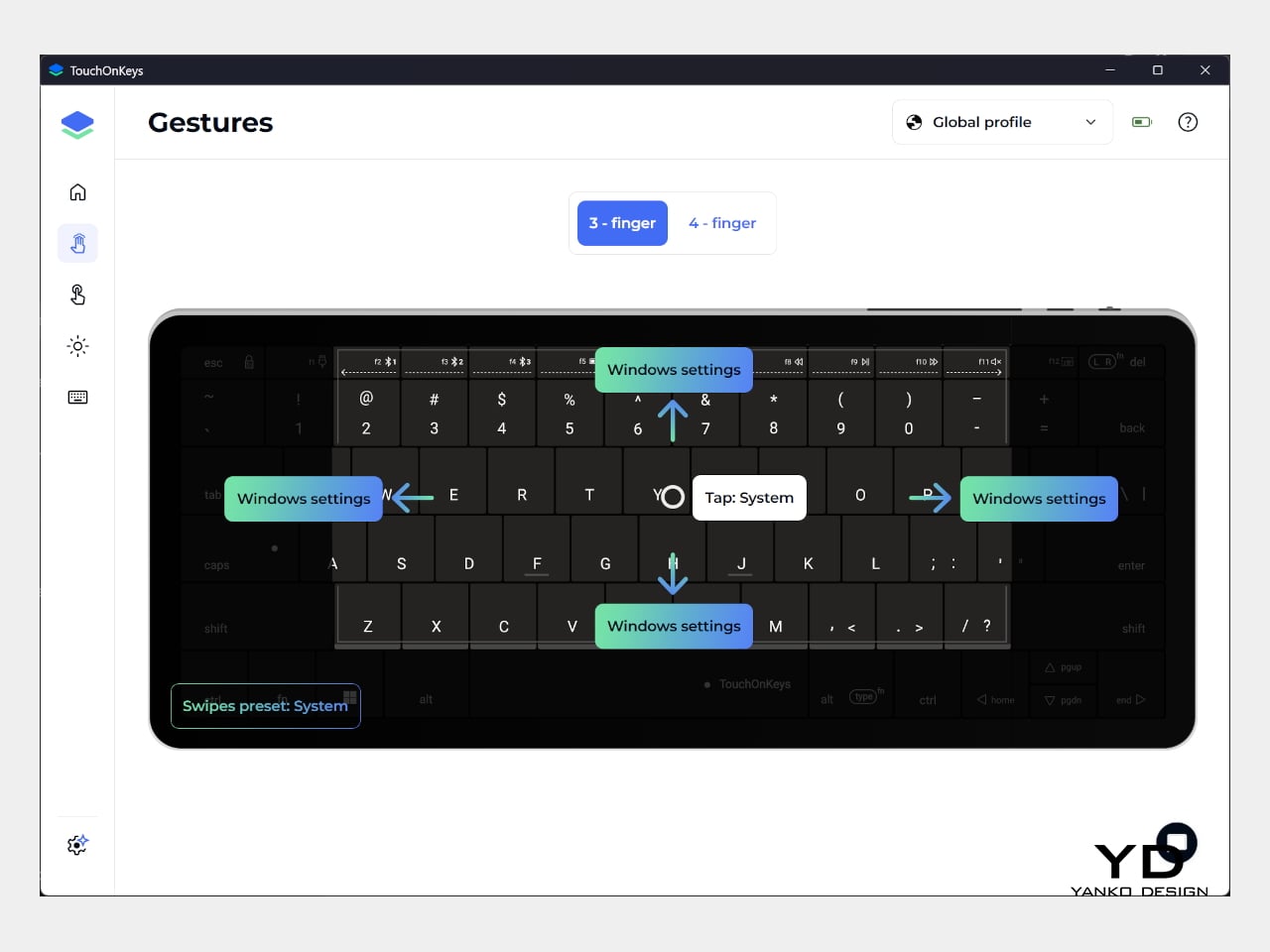
The central key area doubles as the touchpad, automatically switching between recognizing finger movements and registering keypresses. Sliding across letters feels a little peculiar at first, but my fingers didn’t catch on the edges, and pointer control worked well. Scrolling through a document becomes especially convenient when you’re jumping back into writing every few moments. A light tap handles clicking without requiring you to press a letter.
That automatic switching does have to contend with personal habits, however. Mine involves keeping fingers on the home row, which happens to sit inside the touchpad area. This frequently triggered three-finger gestures when I hadn’t intended anything of the sort. Sensitivity adjustments and the option to disable unwanted gestures provide useful flexibility, though finding the right balance is something to budget time for rather than expect immediately.
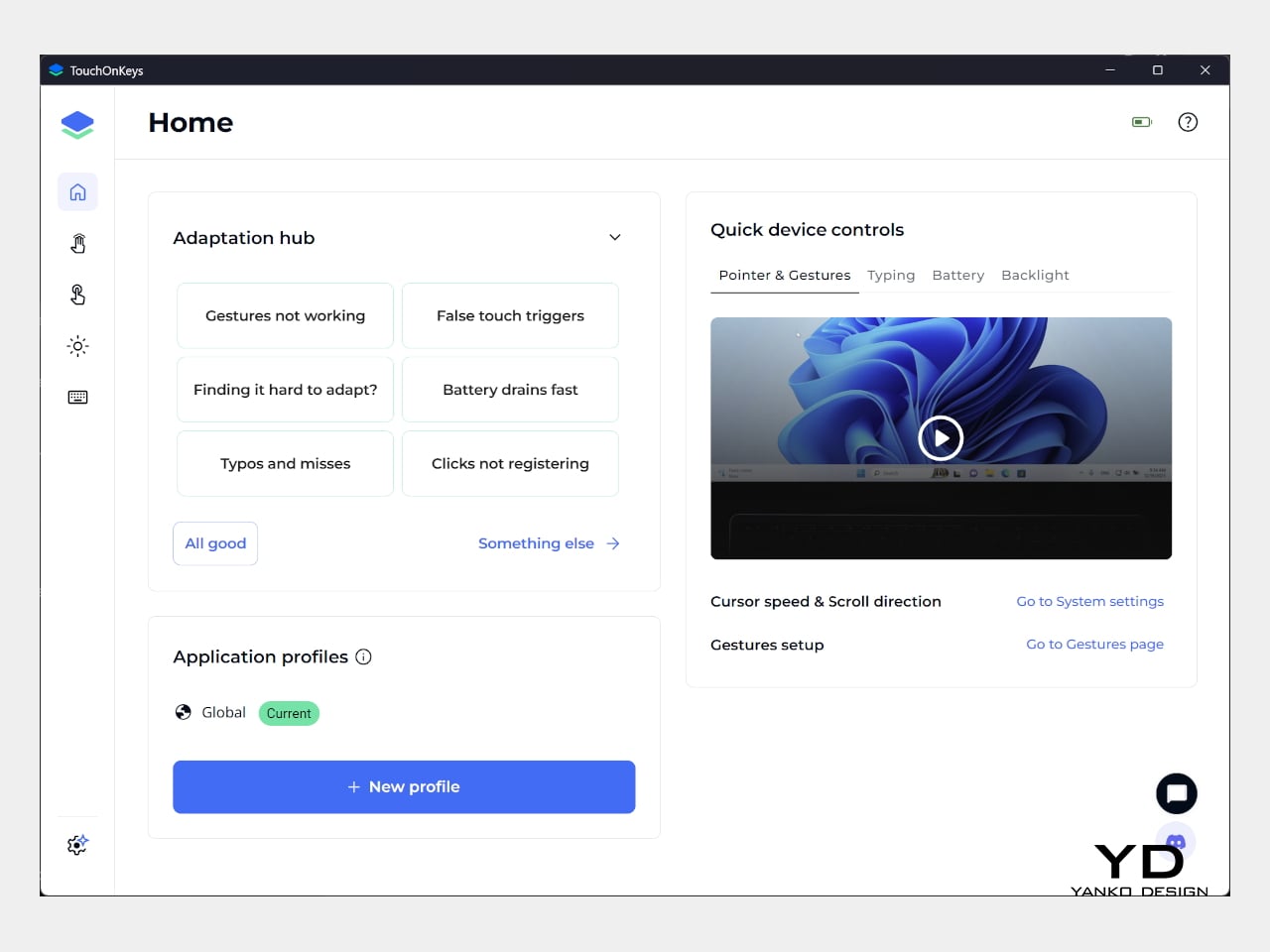
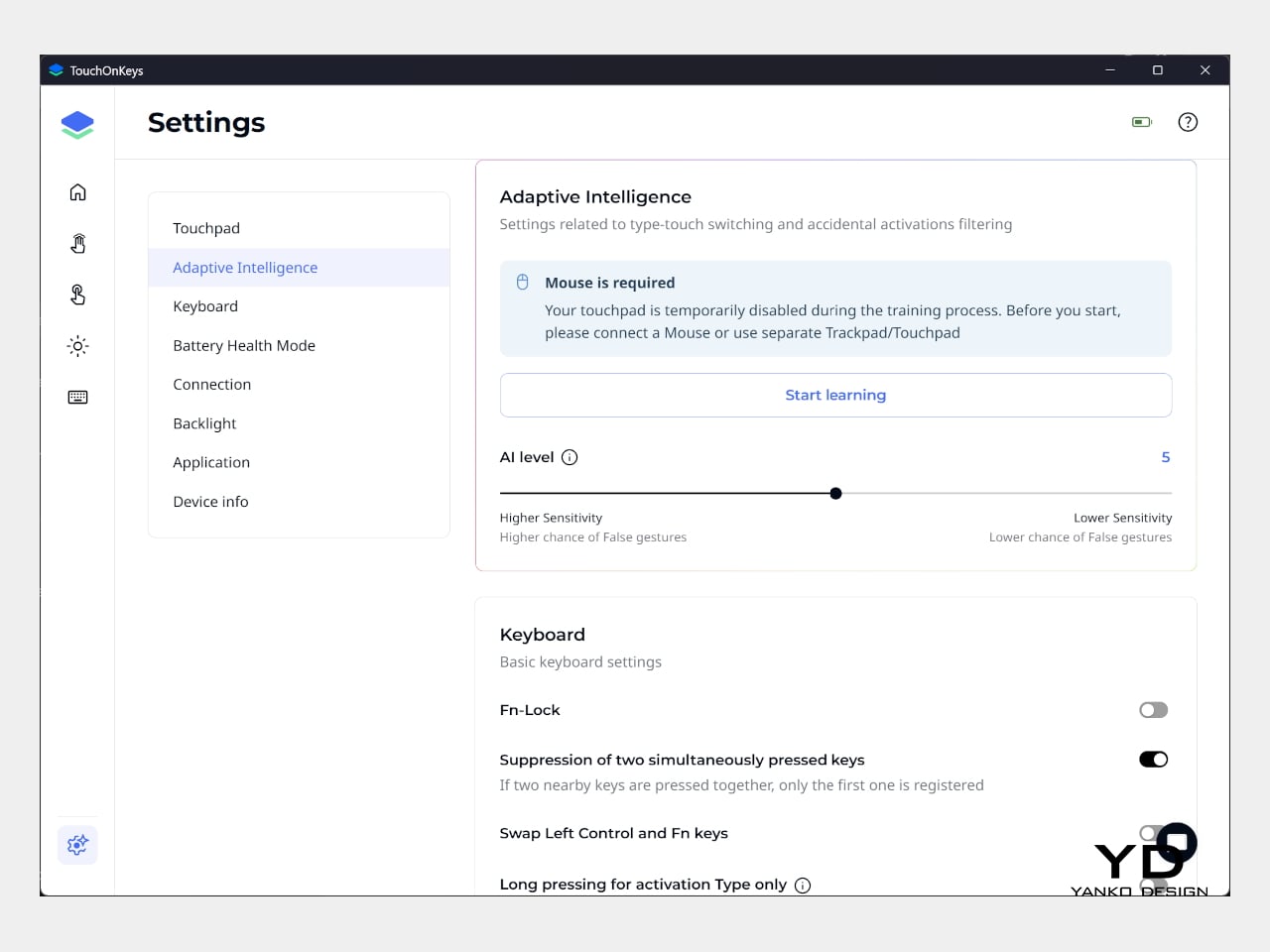
Clevetura’s Adaptive Intelligence, or AI, can help by selecting a sensitivity level after studying 10,000 typed characters. Training requires the TouchOnKeys app and a USB connection, with touch recognition disabled while it runs. A separate mouse is handy during that process, although you can pause training if necessary. Thankfully, this particular AI has a fairly modest assignment: learning when your fingers mean to type rather than swipe.
The lighting makes that second role easier to follow, and a little more entertaining, too. In my setup, a white trail followed my finger across the keys, almost like leaving a trace of magic behind. Checking the battery dims the surrounding lighting and uses illuminated number keys to show the remaining charge. Even the function row gets involved, with touch sliders for volume and backlight brightness.
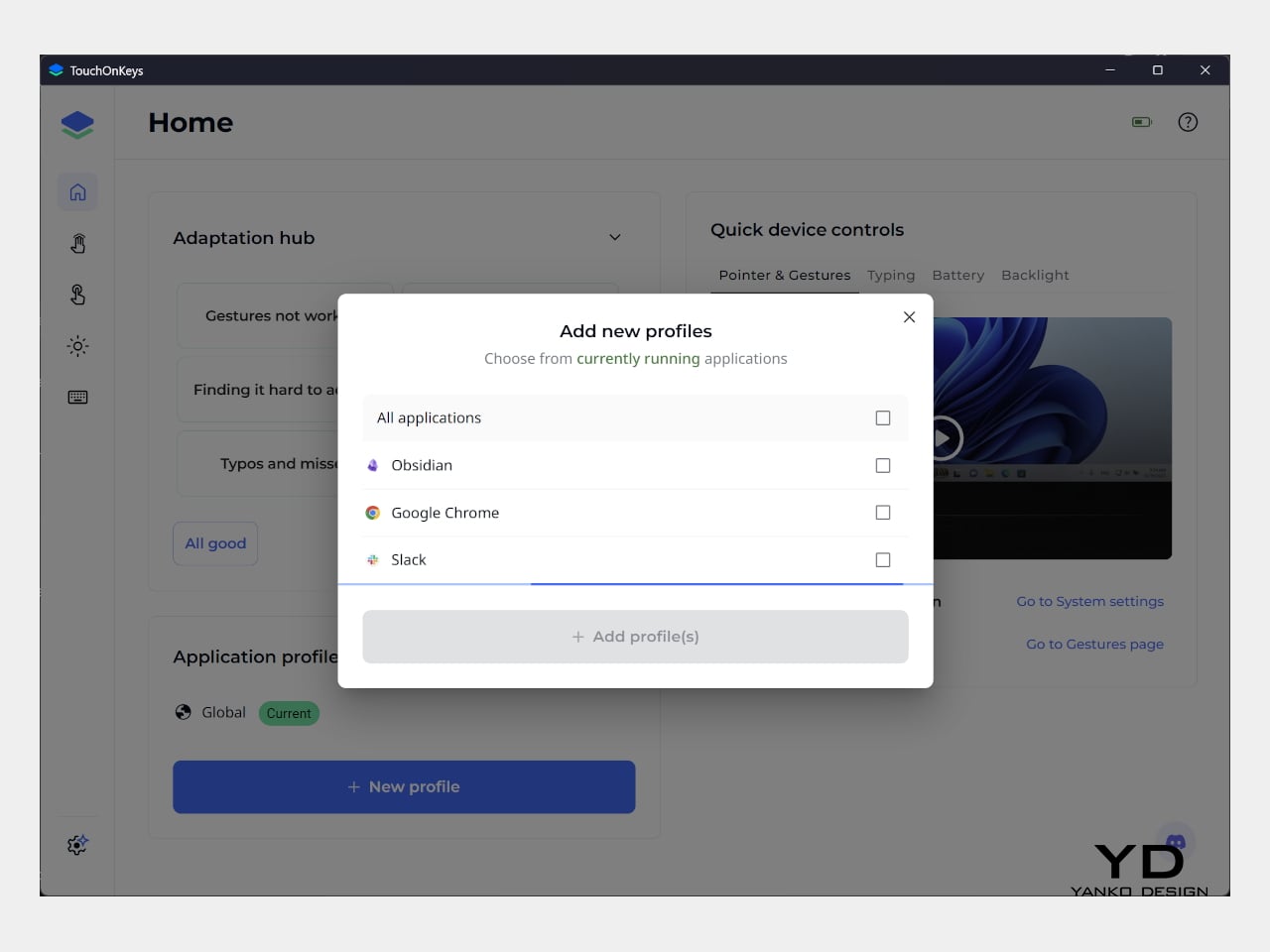
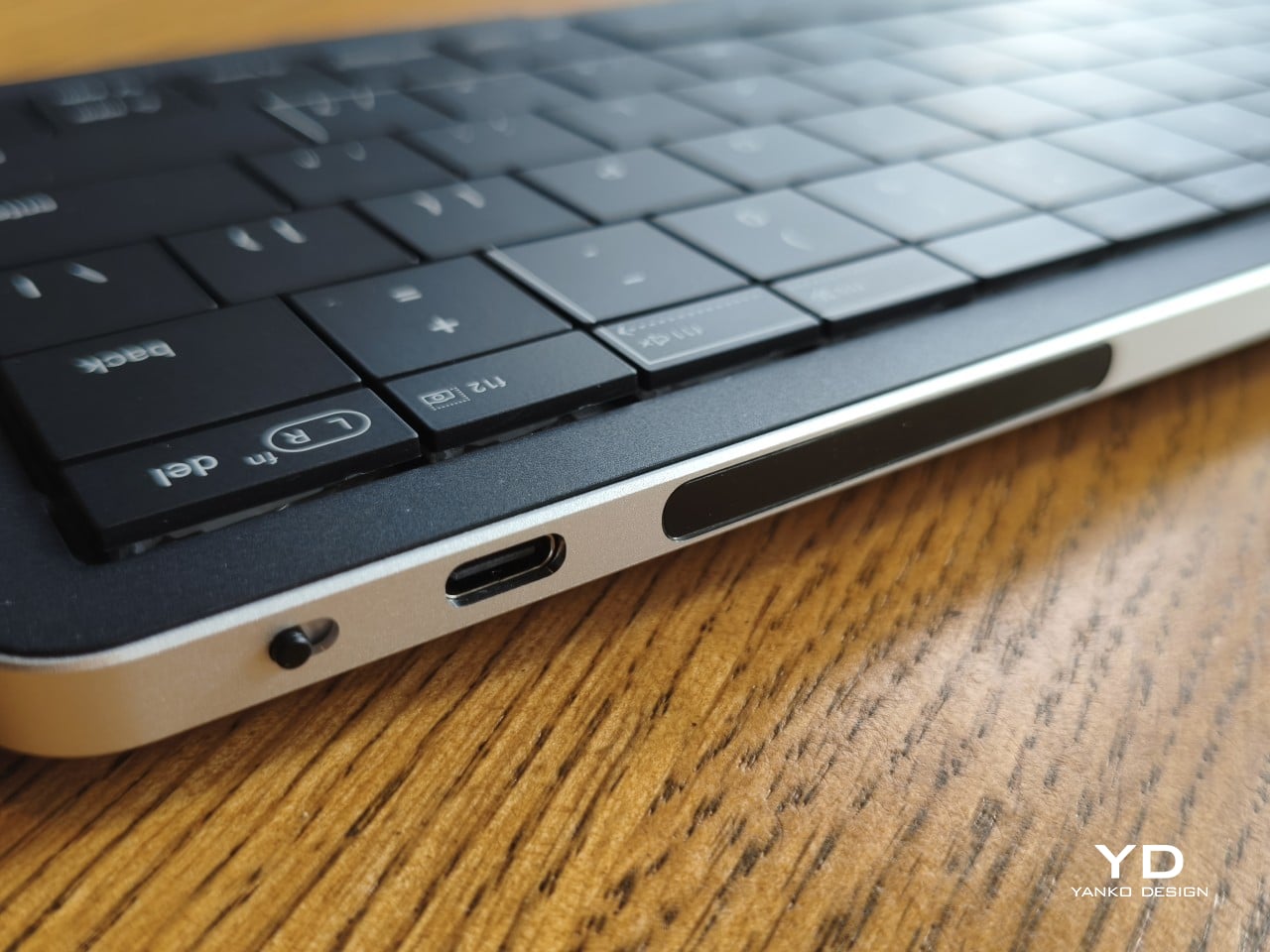
Windows recognizes supported touchpad gestures without installing additional software, but TouchOnKeys opens up more settings, including profiles for different apps. Three Bluetooth slots and a USB-C connection let you select between up to four devices, one at a time. That’s useful if your desk serves more than one computer. The cable also handles charging and provides the wired connection required for firmware updates.
Clevetura advertises up to 44 hours of continuous use without backlighting, which is an important qualification for anyone drawn to those colorful effects. That’s the manufacturer’s estimate rather than a result measured here, so it shouldn’t become a promise of weeks between charges. Wired operation remains available at a desk, while wireless endurance deserves particular attention if you’re planning to travel with the lighting switched on.
Sustainability
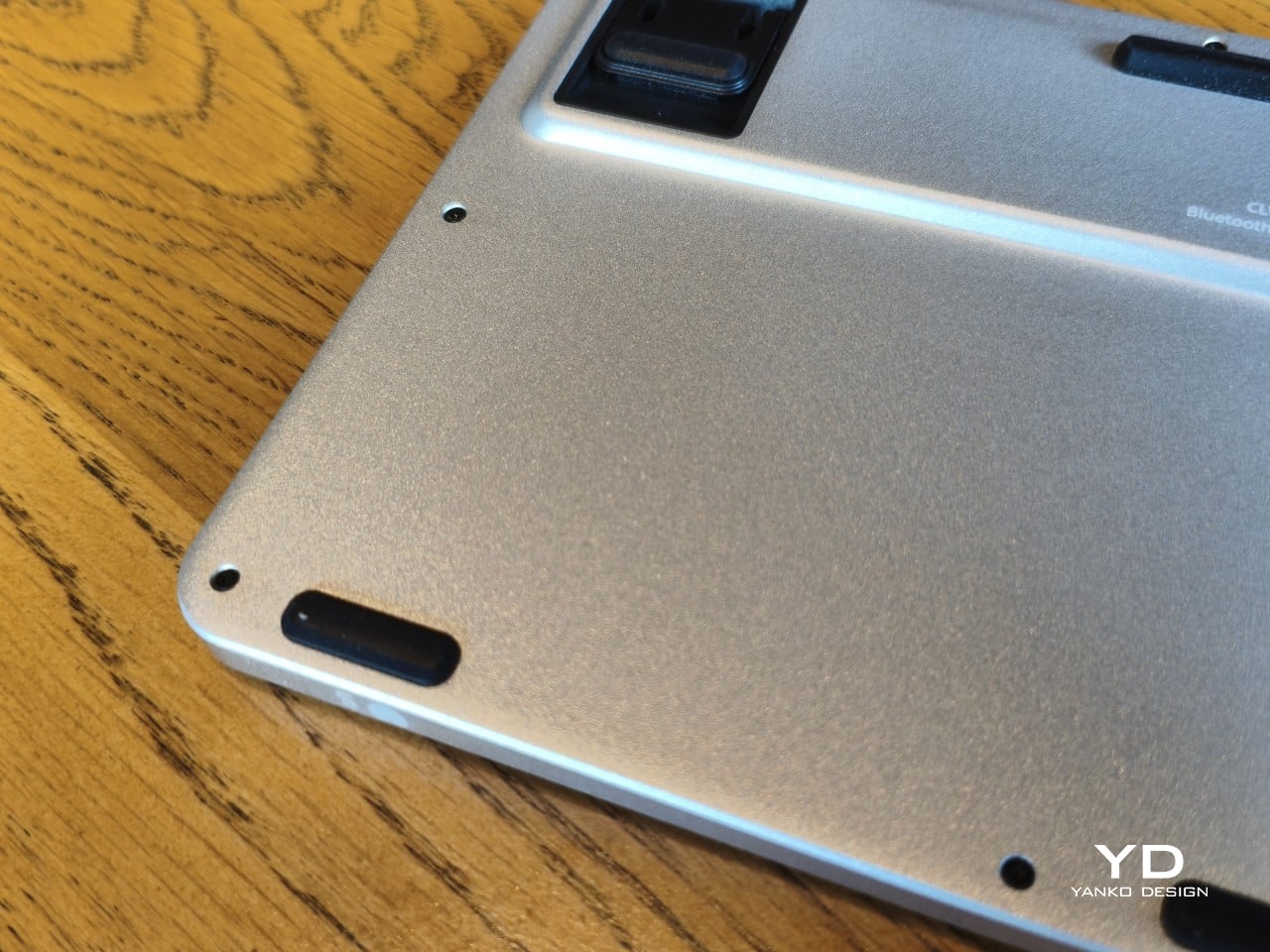
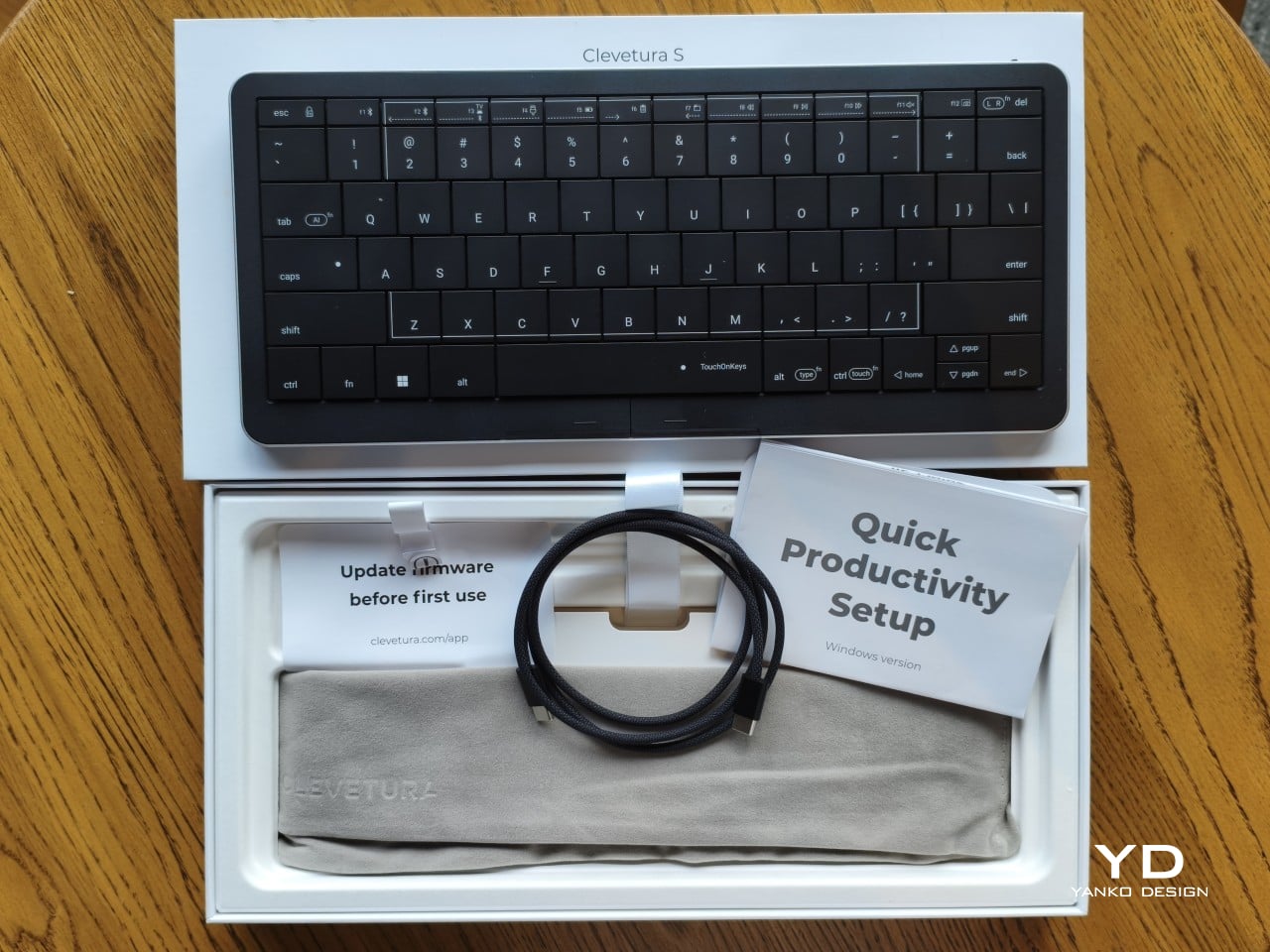
The aluminum and plastic construction follows a fairly familiar recipe, and there’s no documented recycled content to give the CLVX S a particular advantage on materials. Clevetura rates its keys for 3 million presses, although that remains a manufacturer specification rather than a prediction of service life. The more useful question is how easily this unusual keyboard can be maintained once everyday use starts leaving its mark.
Here, the same integration that makes TouchOnKeys possible also limits what owners can replace. Clevetura warns against removing or swapping keycaps because doing so can damage the keyboard, and the battery isn’t easily user-replaceable either. Routine surface cleaning and manufacturer support therefore matter more than they would on a board designed for tinkering. It’s worth understanding that arrangement before expecting mechanical-keyboard levels of customization or straightforward repairs.
Value
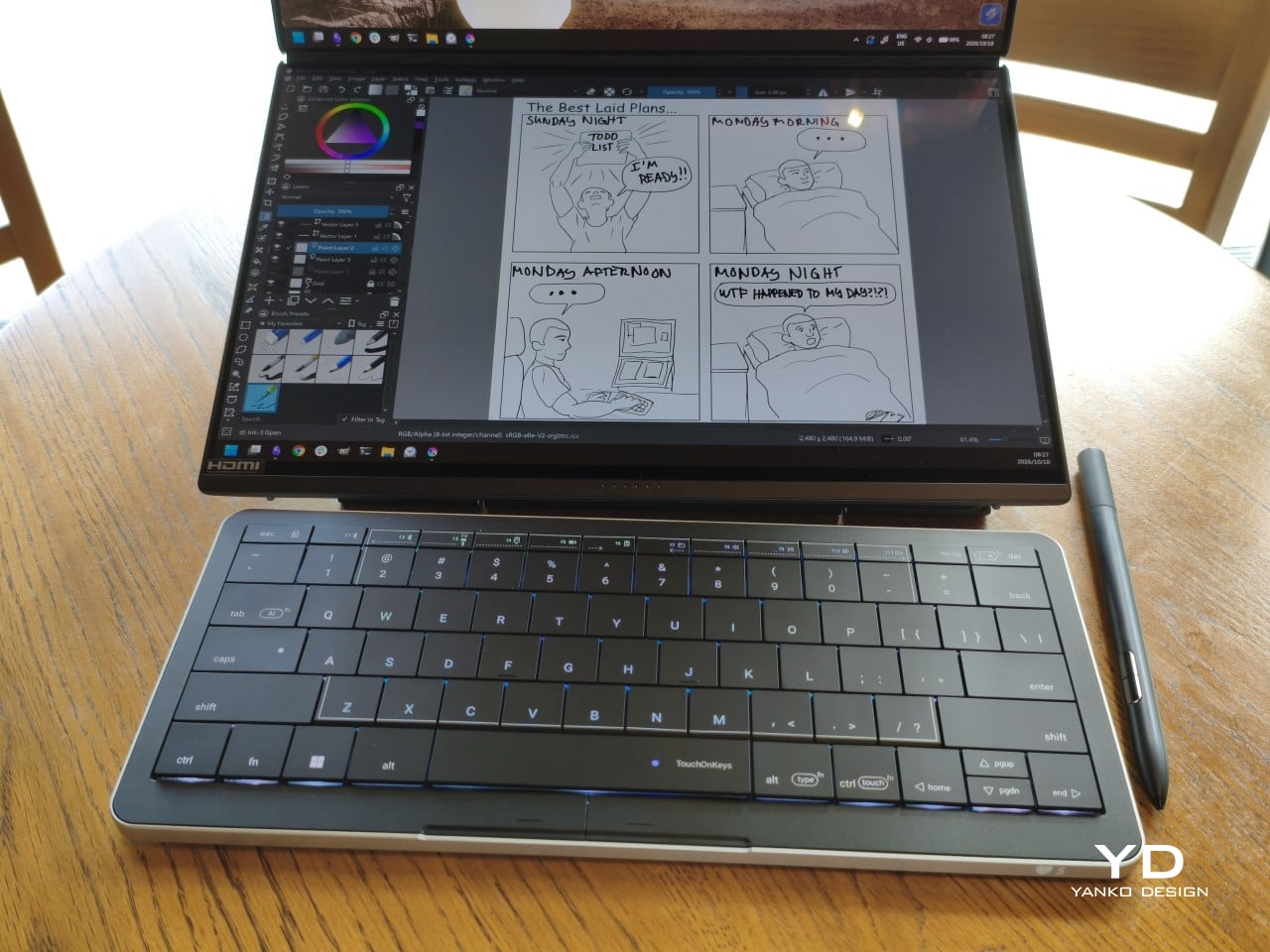
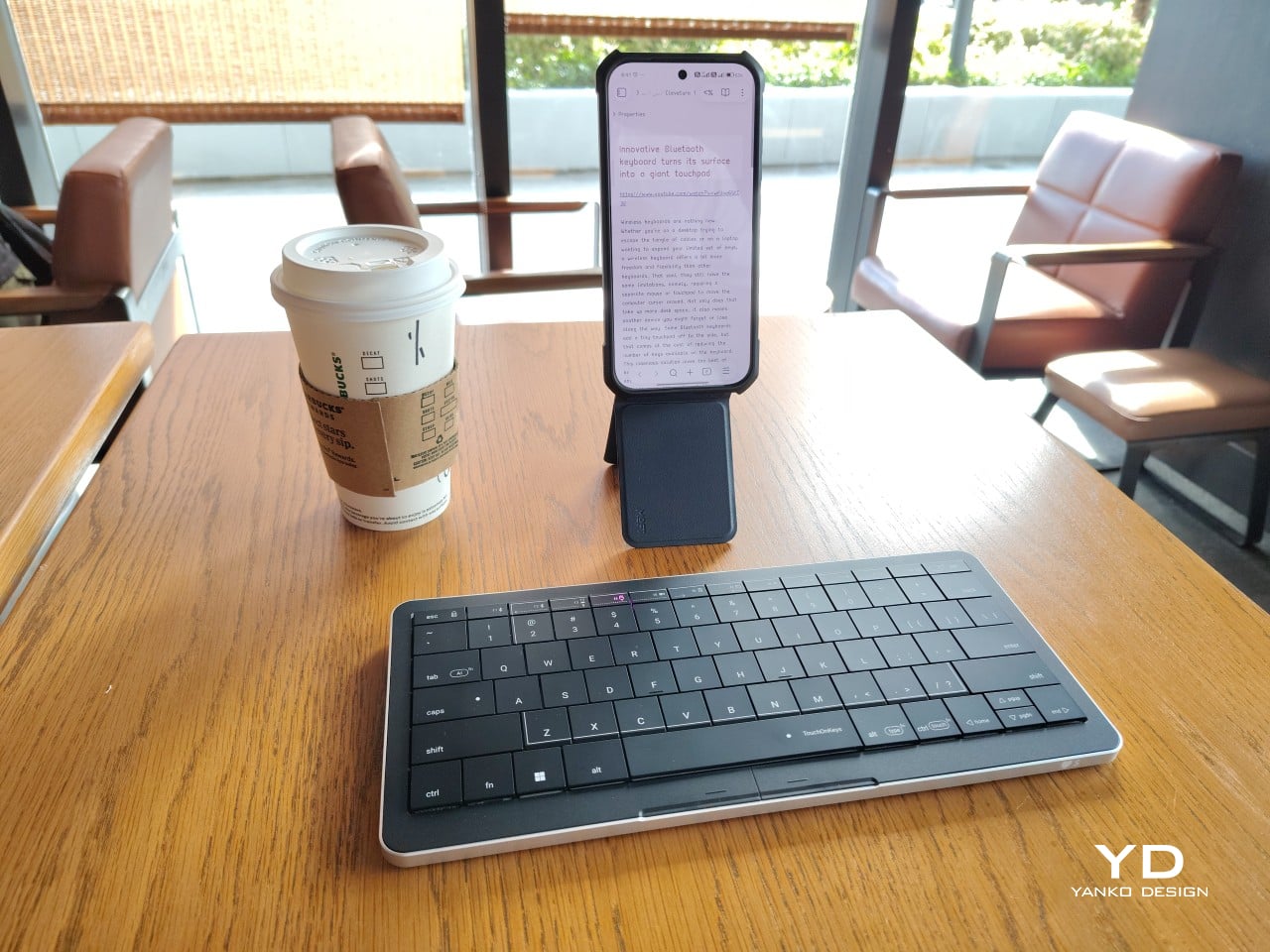
At $199, discounted from $209, the Windows model sits well above the price of many conventional compact keyboards. The extra cost is easier to understand when you consider what you’re paying for: typing and pointer control in the same footprint. Separate devices offer more freedom to choose each component, but they also need more space. Clevetura’s appeal is having those everyday functions share one portable object.
That could be particularly attractive when you’re writing code, checking references, or moving between shortcuts and controls in creative software. Quick navigation stays close, even if detailed drawing or extended pointer work still calls for a separate mouse. The Clevetura S doesn’t have to handle every task equally well to be useful. Its value depends on how often you make those small trips away from the keys.
Verdict
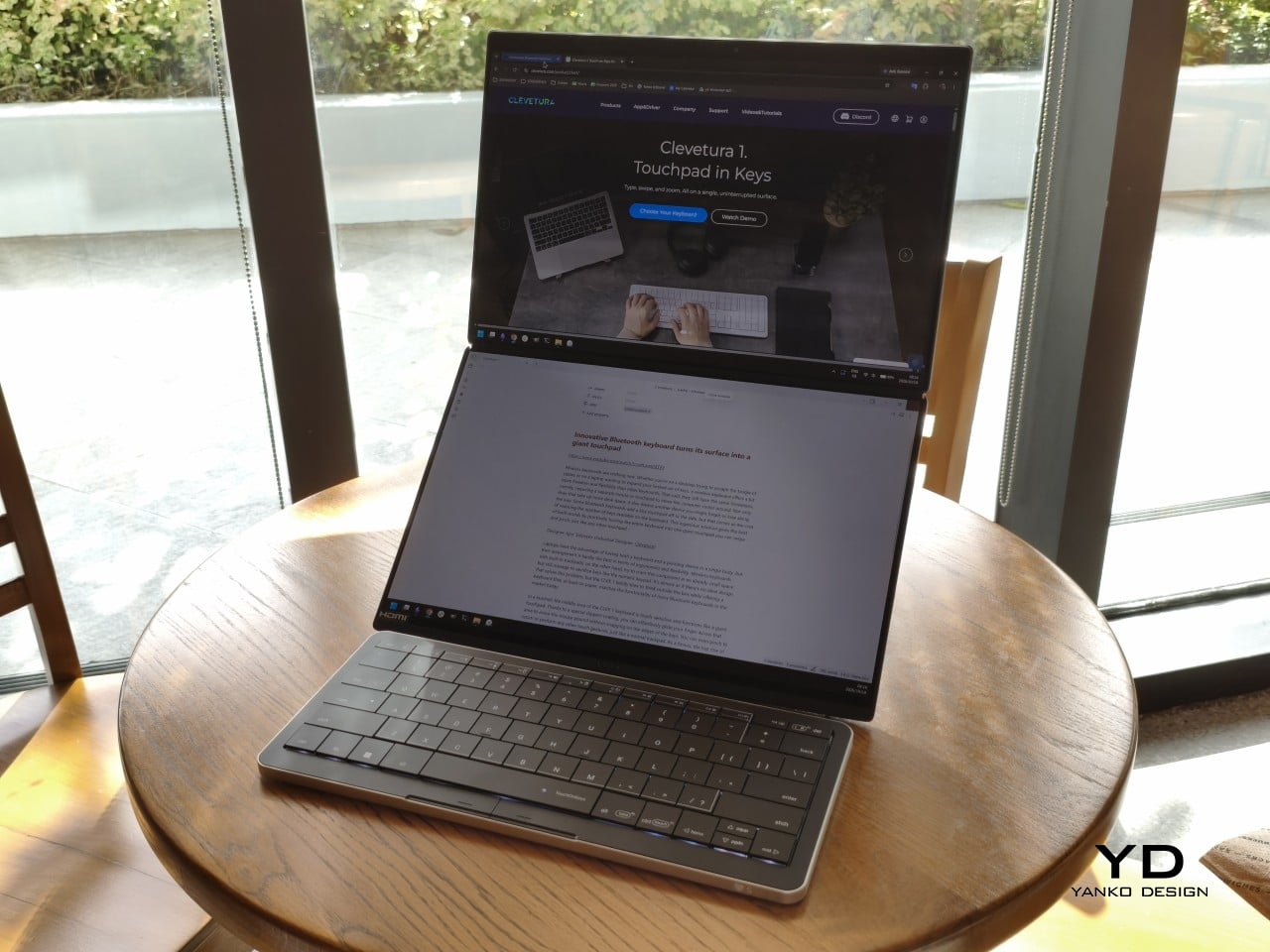
Combining a keyboard and touchpad sounds simple enough until your fingers have to tell the two jobs apart. Clevetura gives that idea a thoughtful physical form, from the closely fitted keys to lighting that explains what’s happening beneath your hands. My habit of resting on the home row made gesture sensitivity especially important, but the pointer control itself worked well and gave the unusual surface a practical purpose.
The Clevetura CLVX S makes the strongest impression when space is limited and typing is regularly interrupted by a scroll or a click. Its price deserves consideration, and the flat surface won’t replace everyone’s favorite keyboard feel. Still, there’s something pleasing about editing a sentence, sliding across the letters to move the cursor, and carrying on without sending a hand off to find another device.