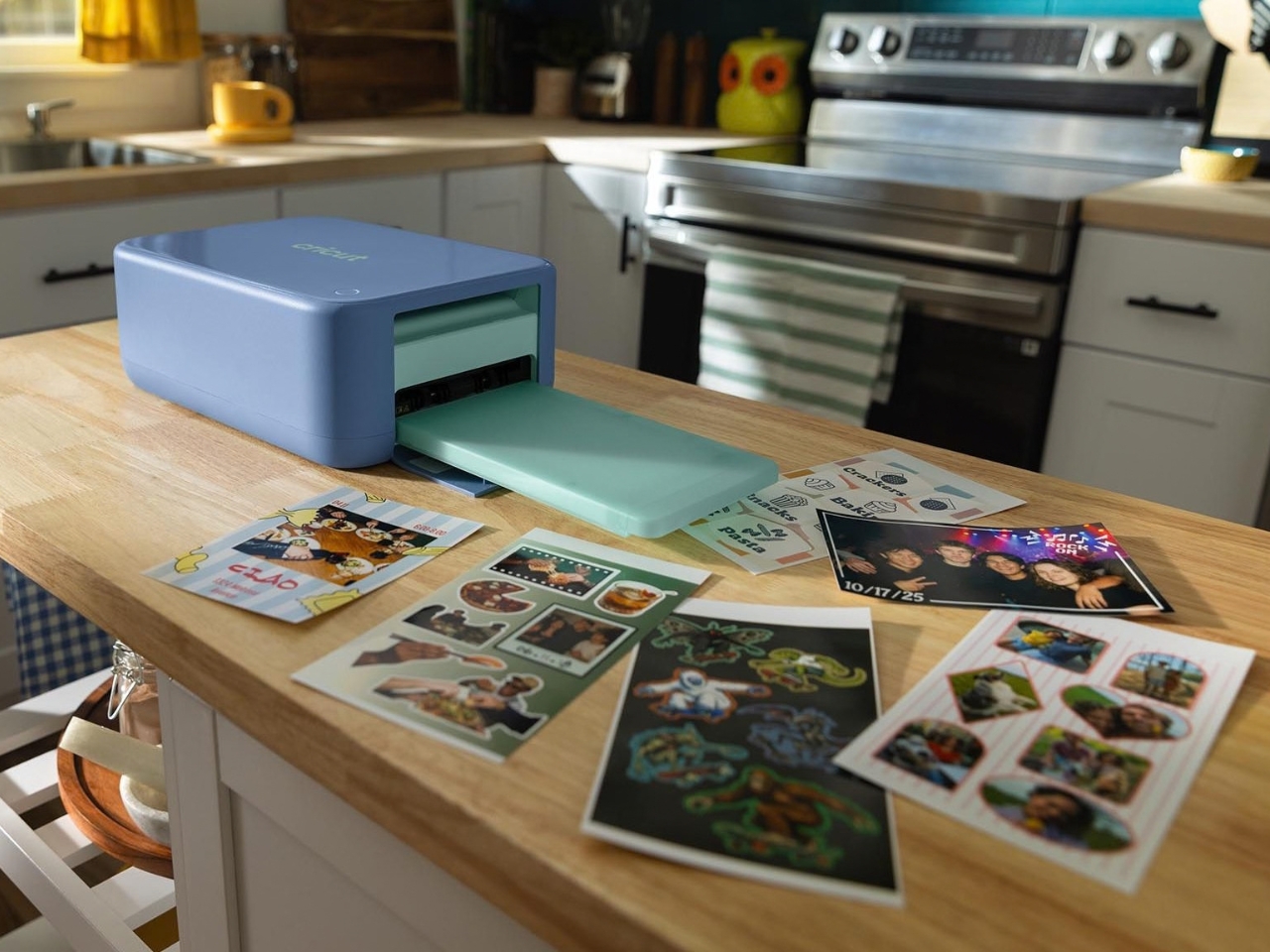
I have a drawer, and if you are the kind of person who understands sticker addiction, you already know the drawer I mean. Okay fine, it’s several drawers. And boxes. It is stuffed with washi tape, sticky notes in colors I will never actually use, and at least dozens of half-finished sheets of custom stickers I ordered online and forgot about because they took two weeks to arrive. That wait is the actual problem. Custom stickers, the kind with your own photos or artwork on them, have always meant either a bulk order from a print-on-demand site or a trip to a drugstore kiosk, and neither option works when the idea hits you at 9pm on a Tuesday and you want it in your journal by Wednesday.
I journal daily and I will die on the hill that good stationery makes the habit stick, pun fully intended. So when Cricut announced StickerPix, a line of machines built specifically to turn your camera roll into stickers and photo prints at home, I paid attention in a way I don’t usually pay attention to product launches.
Designer: Cricut
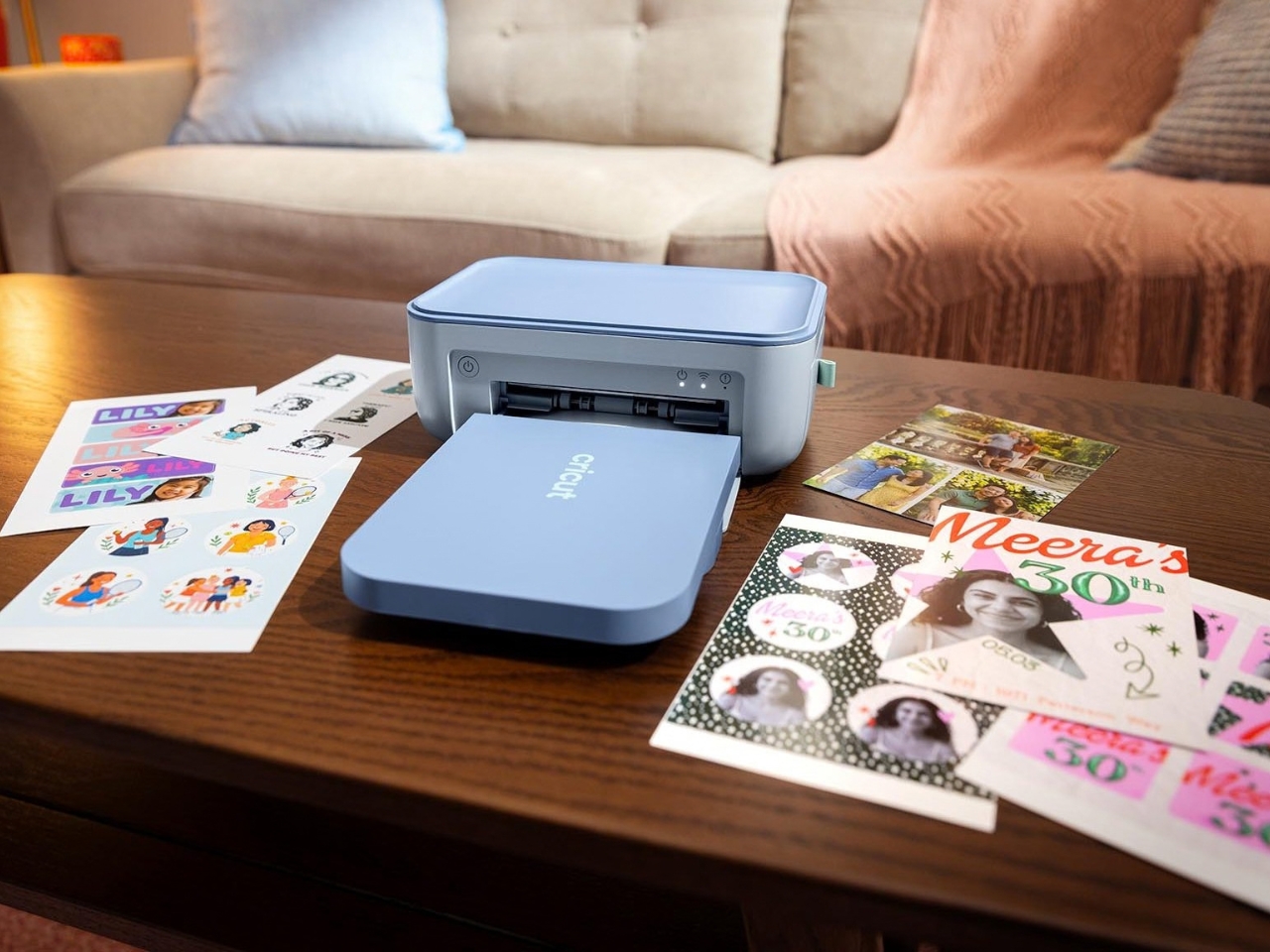
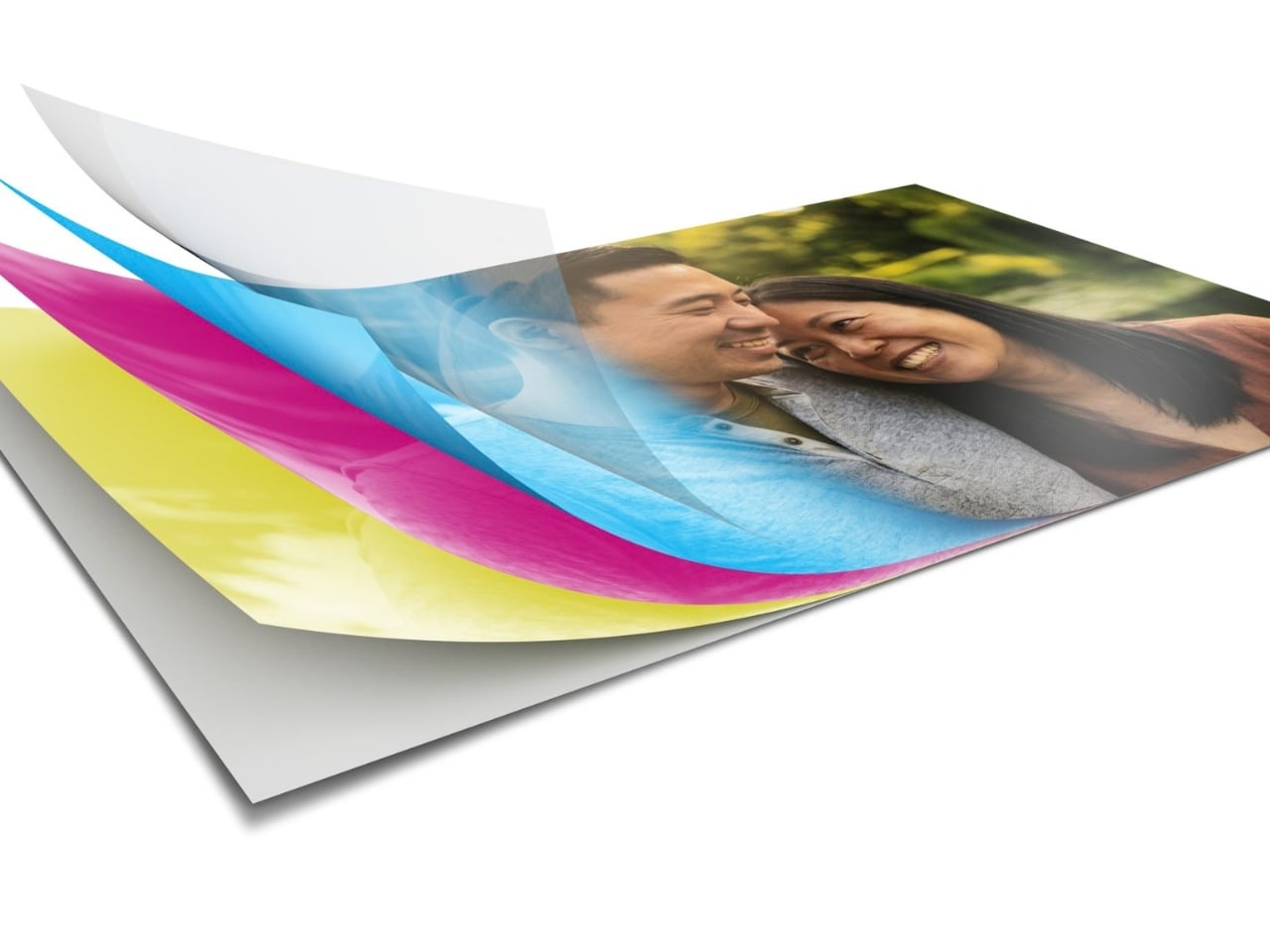
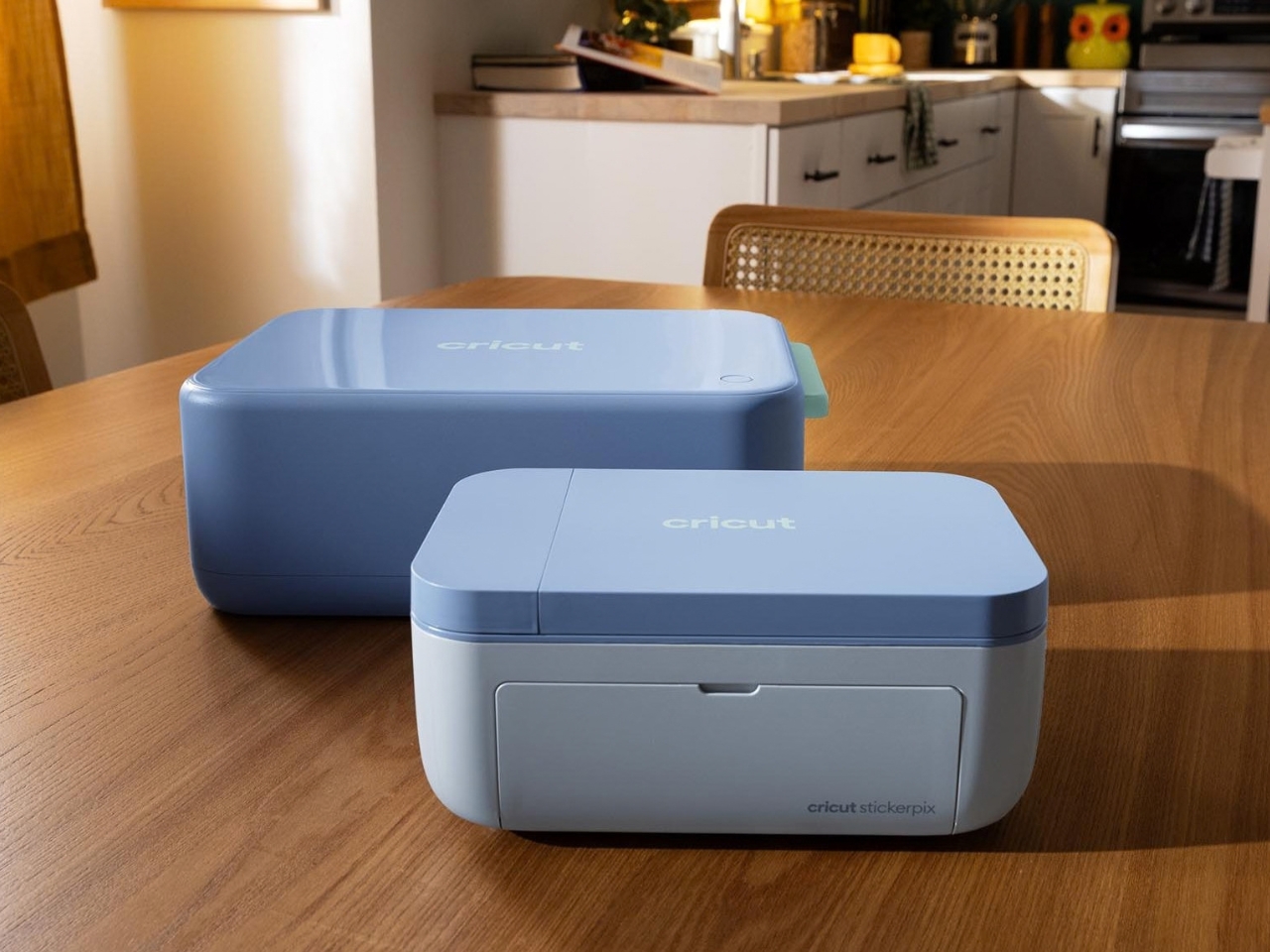
Here is what it actually is. There are two machines. StickerPix Print is the simpler one, and it prints onto pre-cut sticker sheets, so your shapes come out set but the color and image are entirely yours. StickerPix Print + Cut goes further. You design your own layout, and the machine prints and then kiss-cuts around your actual artwork, so you get custom shapes instead of preset ones. Both use dye-sublimation printing and laminate the sticker as it prints, which means the finish is water, scratch, and fade resistant without you doing anything extra. No Cricut Access subscription is required to run either machine, which matters more than it sounds like it should, because plenty of hobby tech quietly nudges you toward a monthly fee the moment you want to actually use it.
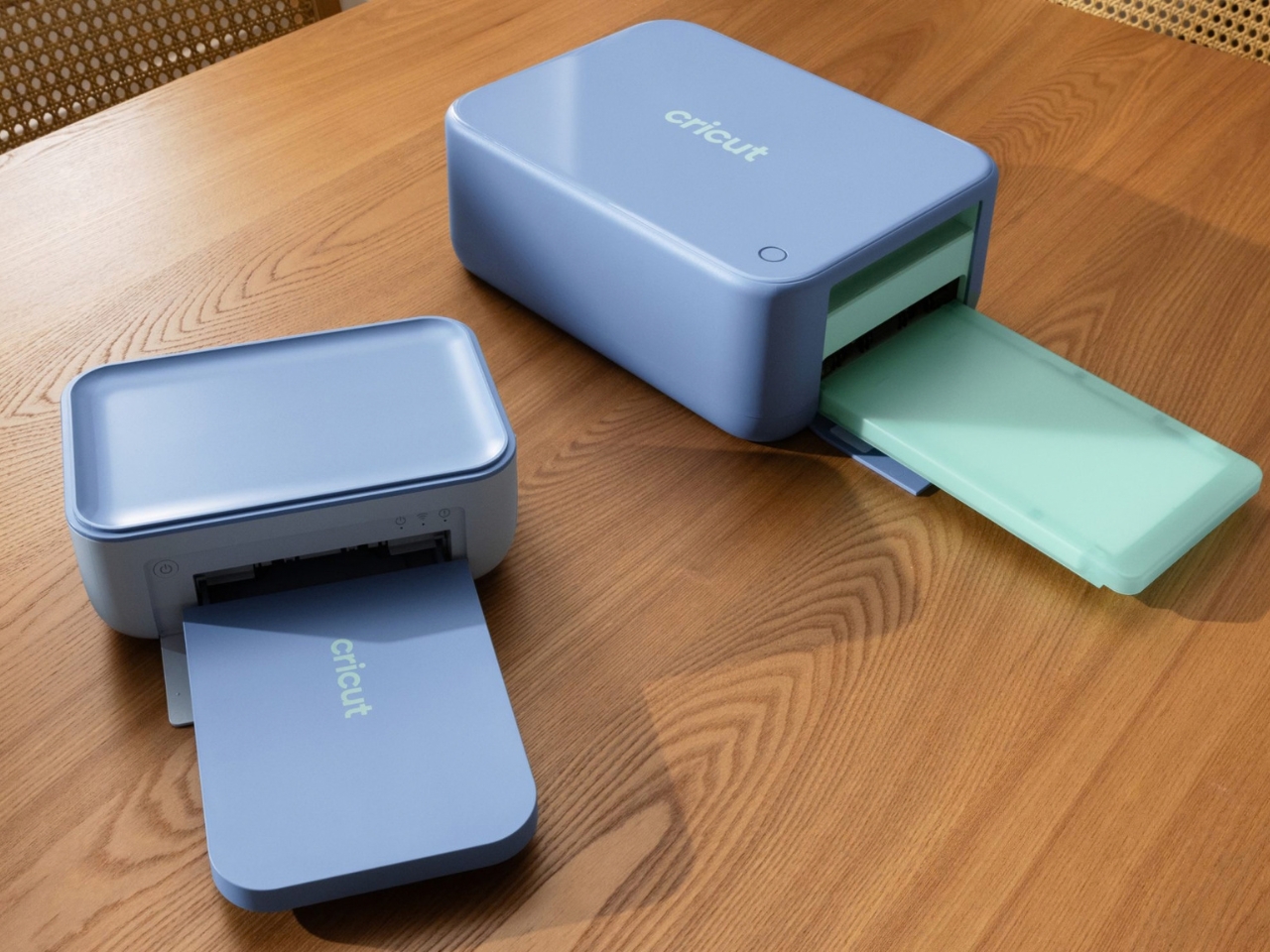
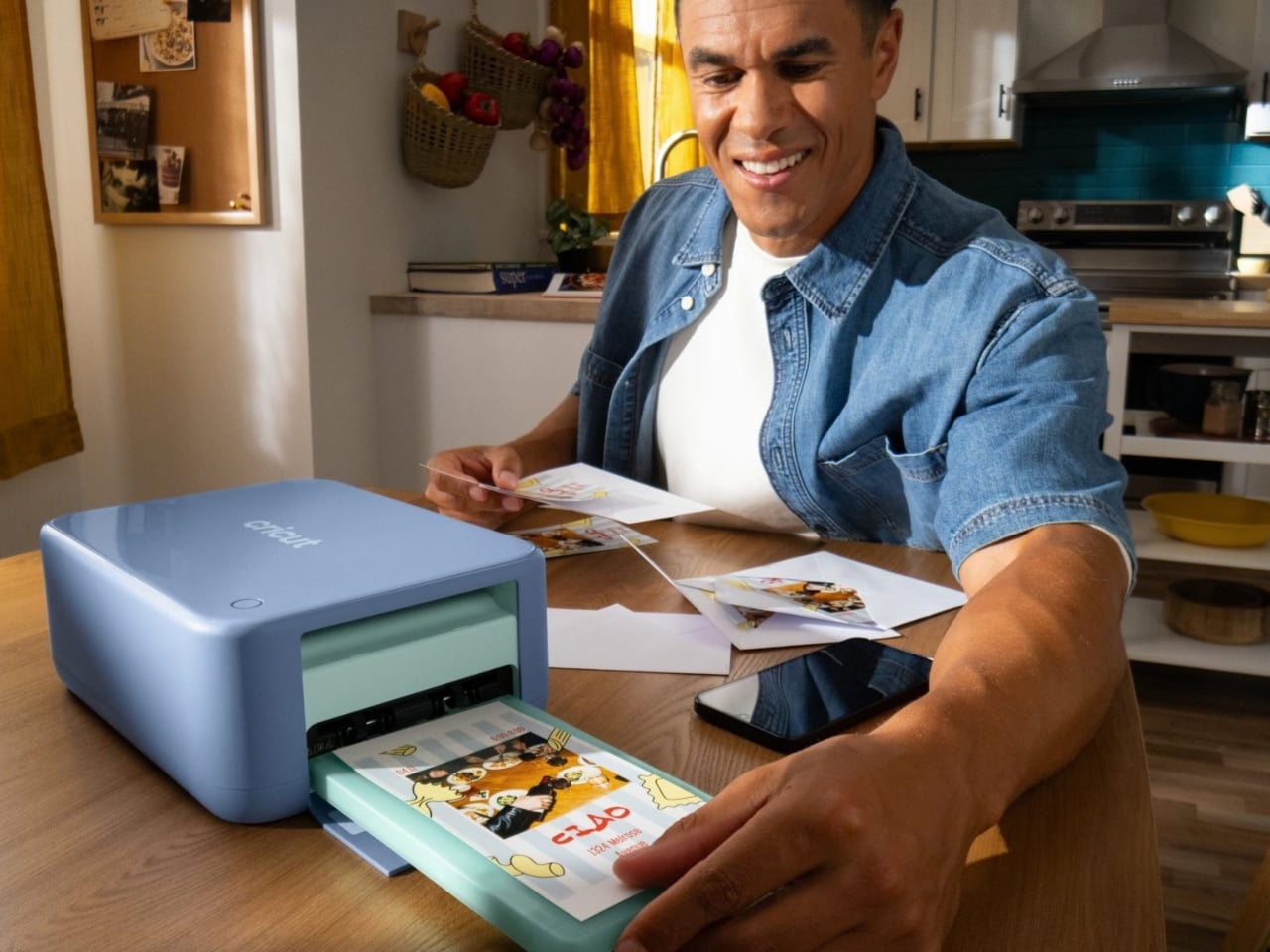
The materials are proprietary, Cricut’s own sticker sheets and photo paper in 4×6 and 4×7 sizes, and that is a fair trade-off to be honest about. You are not going to run random cardstock through this thing. But the payoff is that you skip the entire ordering pipeline. No uploading files to a third-party site, no minimum order of 50 when you needed 5, no waiting for a mail carrier. You take a photo, open Design Space on your phone or desktop, and a few minutes later you are peeling a laminated sticker off a machine sitting on your desk.
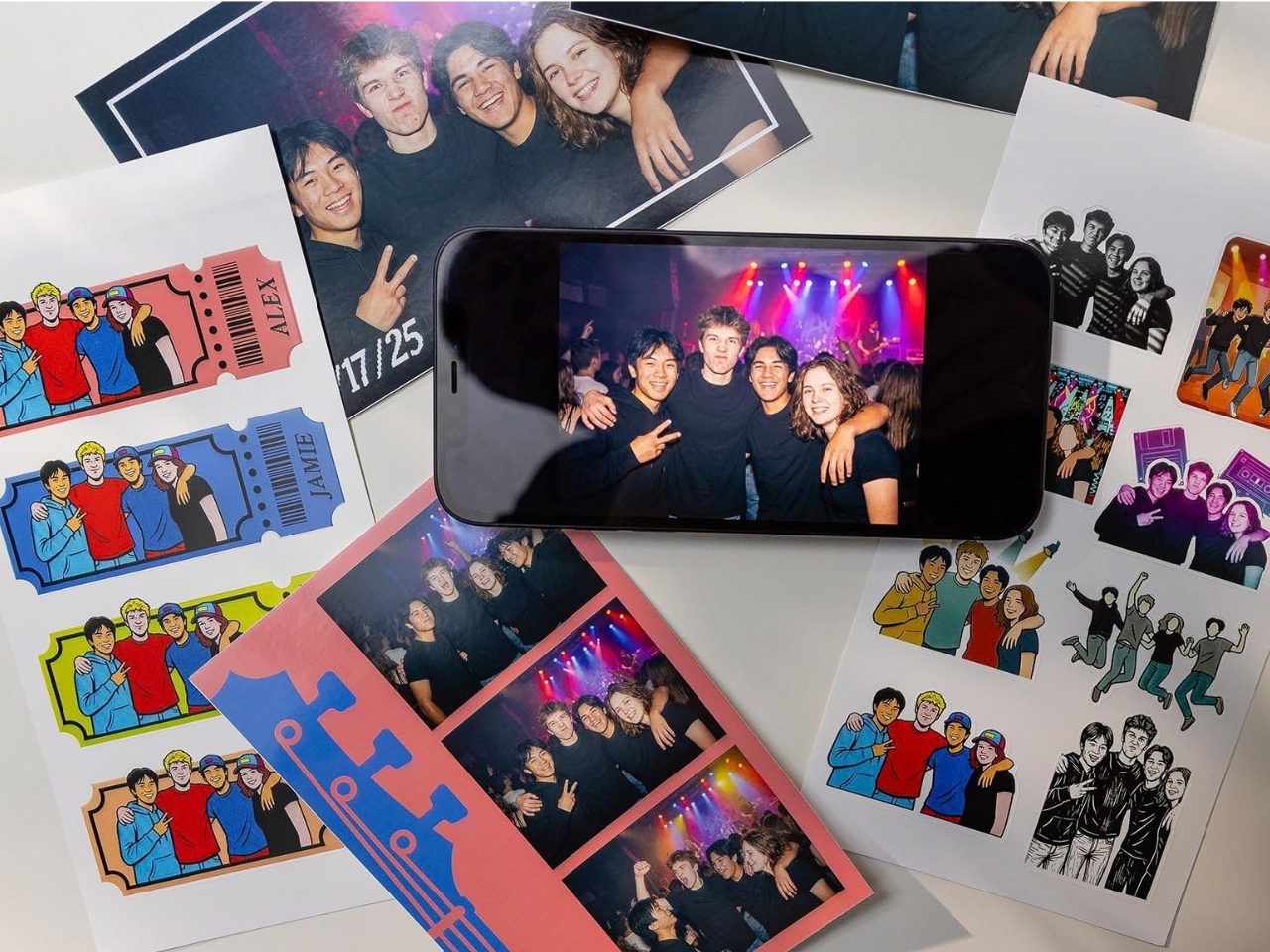
What actually impresses me is who this is built for. It is not aimed at professional crafters who already own a full Cricut cutting setup and a separate printer. It is aimed at the person who wants a fast, pro-looking result without learning a new skill, which is most of us. Reviewers testing it early have pointed out that the Print + Cut model handles small, detailed designs well, and that the photo printing option is genuinely useful on its own, since plenty of people have thousands of photos trapped on a phone and nowhere to put them.
I am not going to pretend a sticker printer solves anything urgent in the world. But it solves a small, specific, recurring annoyance for people who like putting their own images on their own belongings, whether that is a journal, a water bottle, a gift tag, or an envelope that deserved better than a plain white label. That is a bigger group of people than it sounds like, especially with junk journaling and scrapbooking having their own quiet resurgence across social media over the past couple of years.
Price sits in the $150 to $380 range depending on the bundle, which is not nothing, but it is roughly what a few months of ordering custom sticker sheets online would cost anyway. For someone who already treats their stationery drawer like a small shrine, that math checks out. For everyone else, it is at minimum a genuinely clever answer to a problem most people did not realize had a name until they saw a machine built to fix it.
SHARE