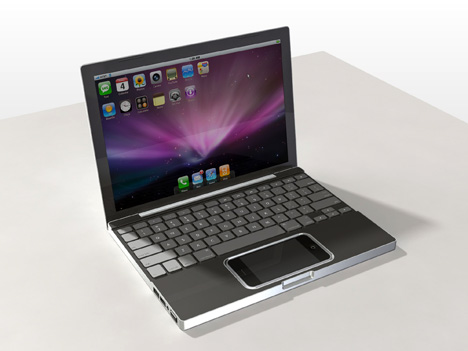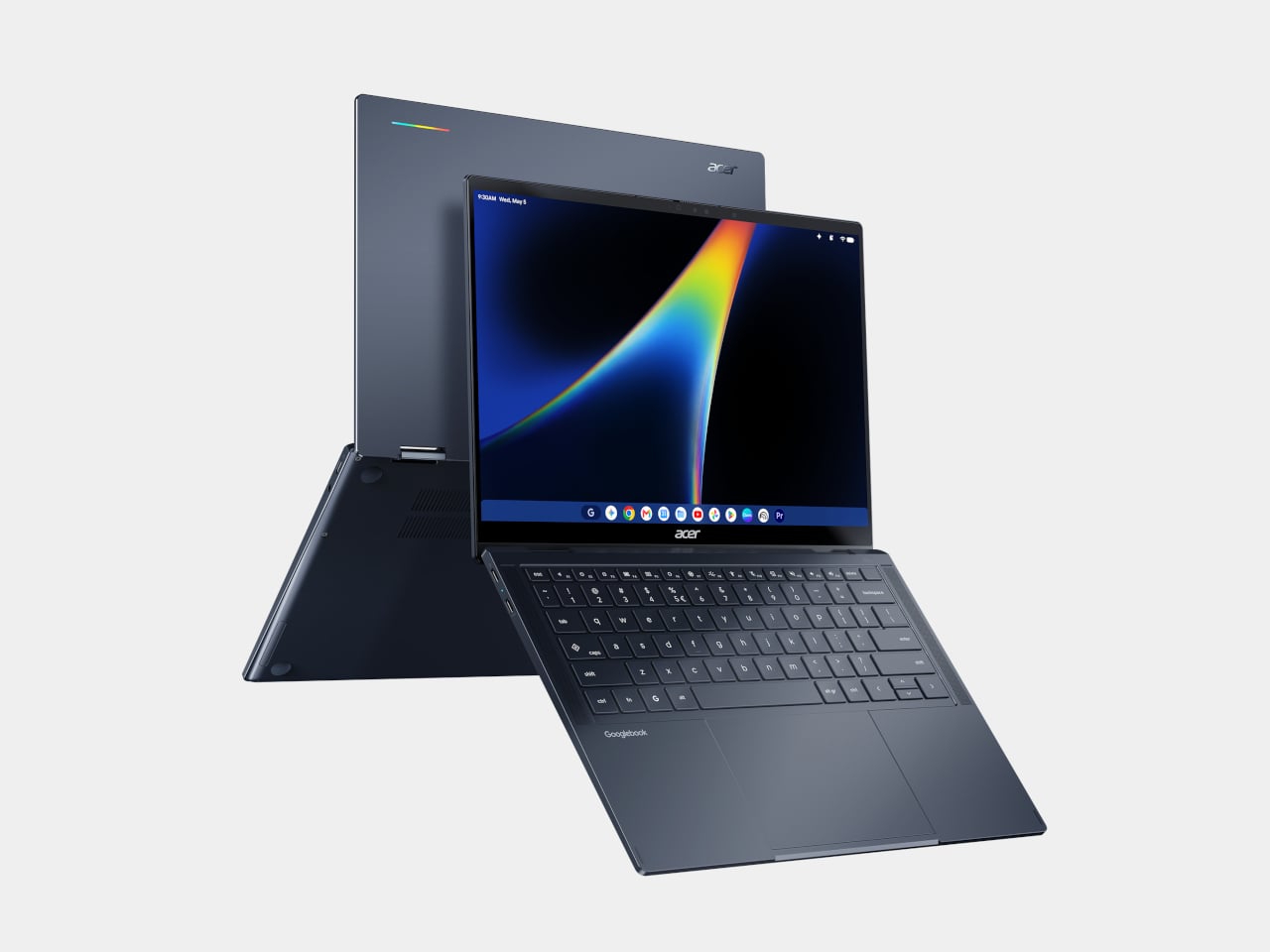
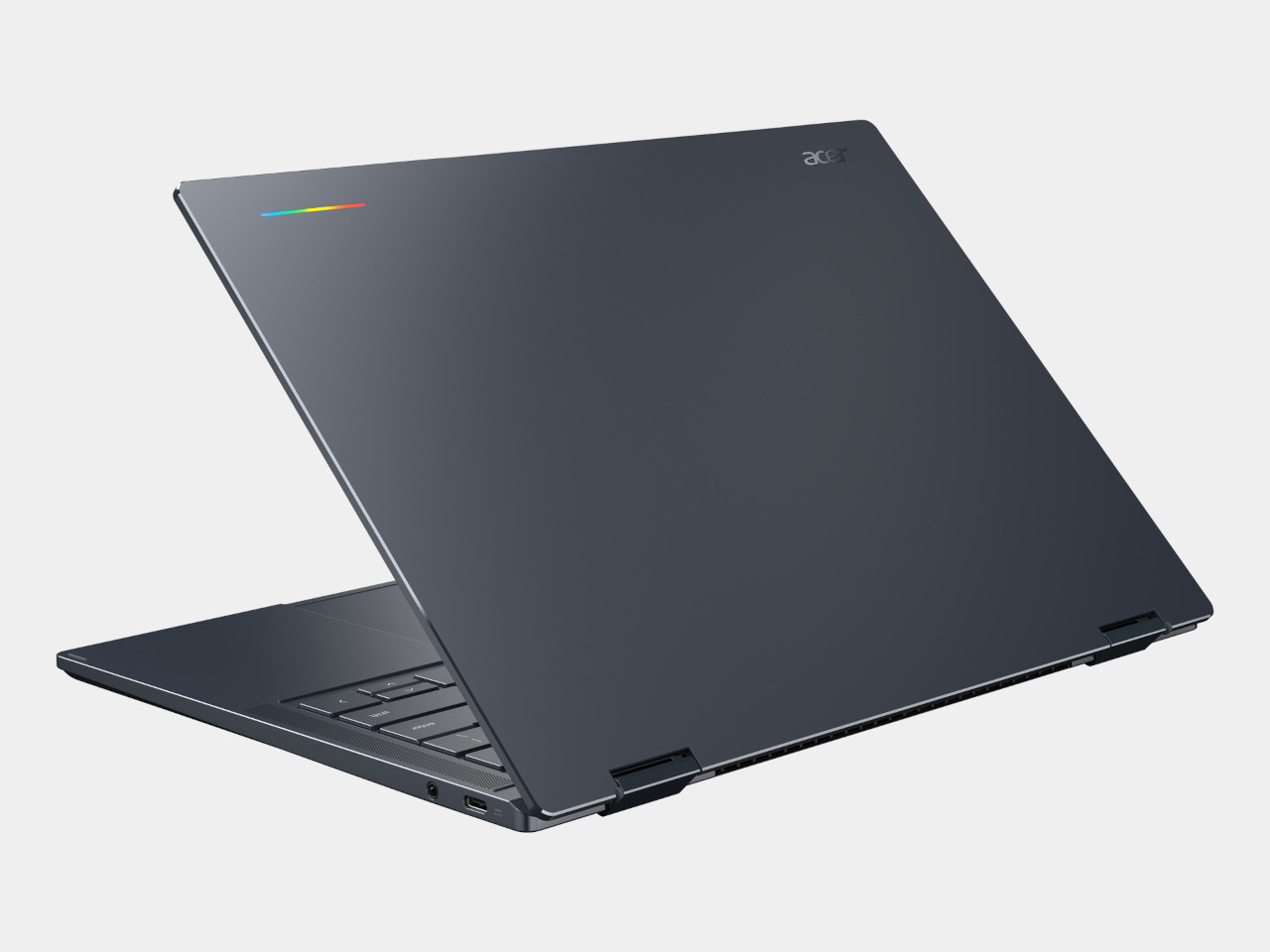
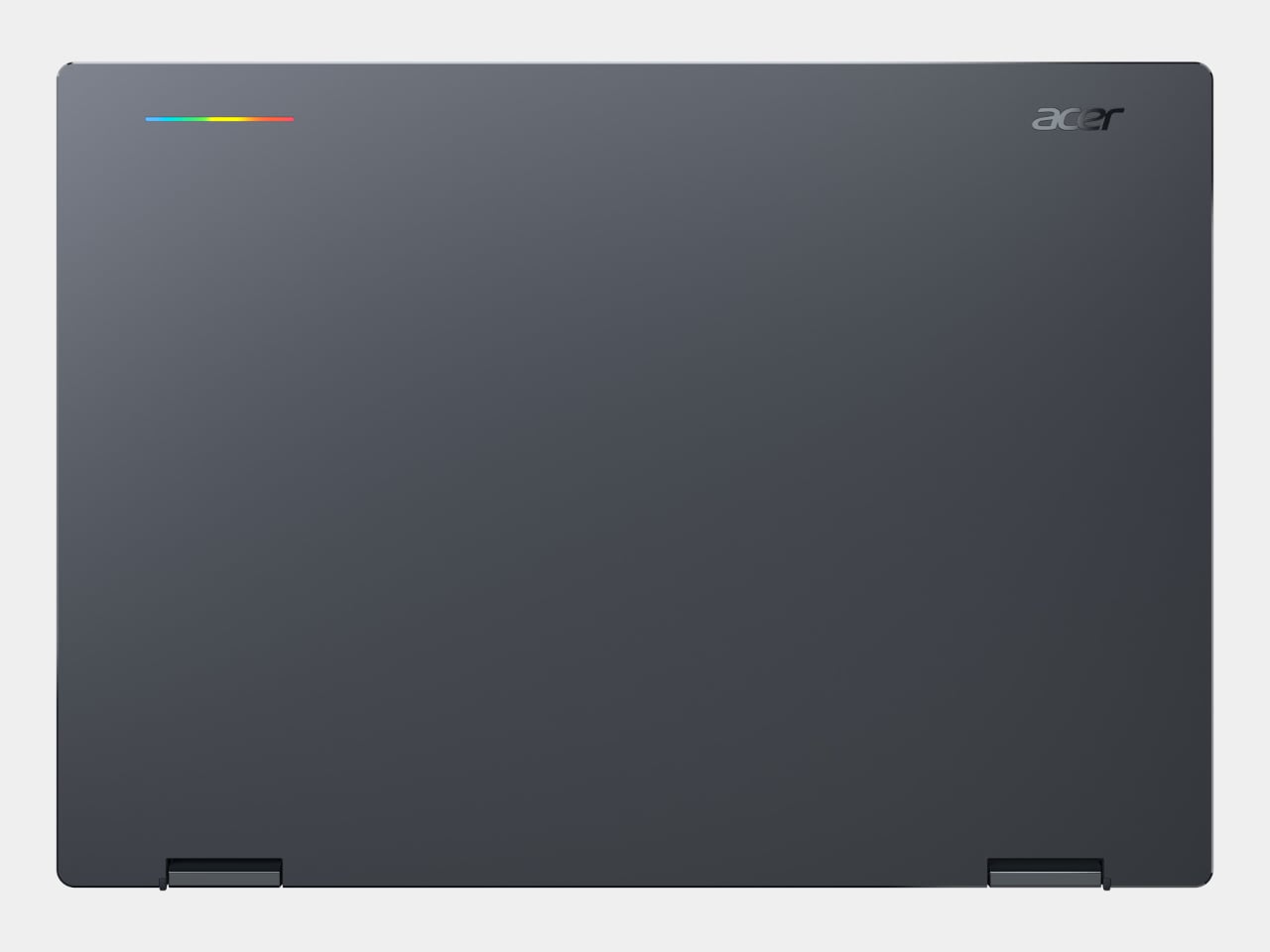
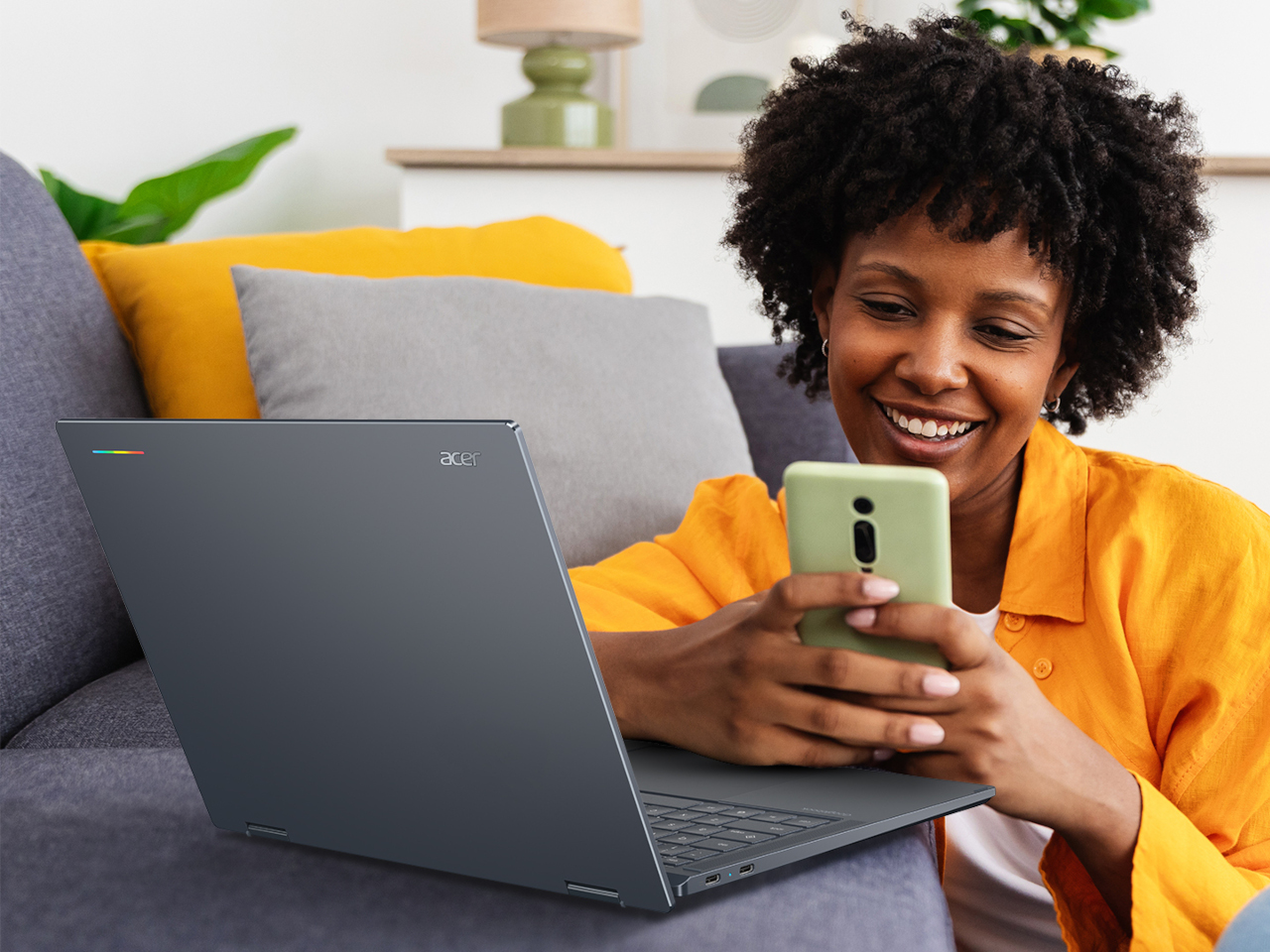
Laptop lids have carried the same boring formula for decades: a brand logo centered dead center and nothing else worth noticing. The Acer Googlebook 14 breaks that habit with a strip of light called the Glowbar, running across the top cover and shifting color and pattern to show battery life and charging status at a glance. It’s a small detail that signals a bigger shift in how this machine wants to be understood.
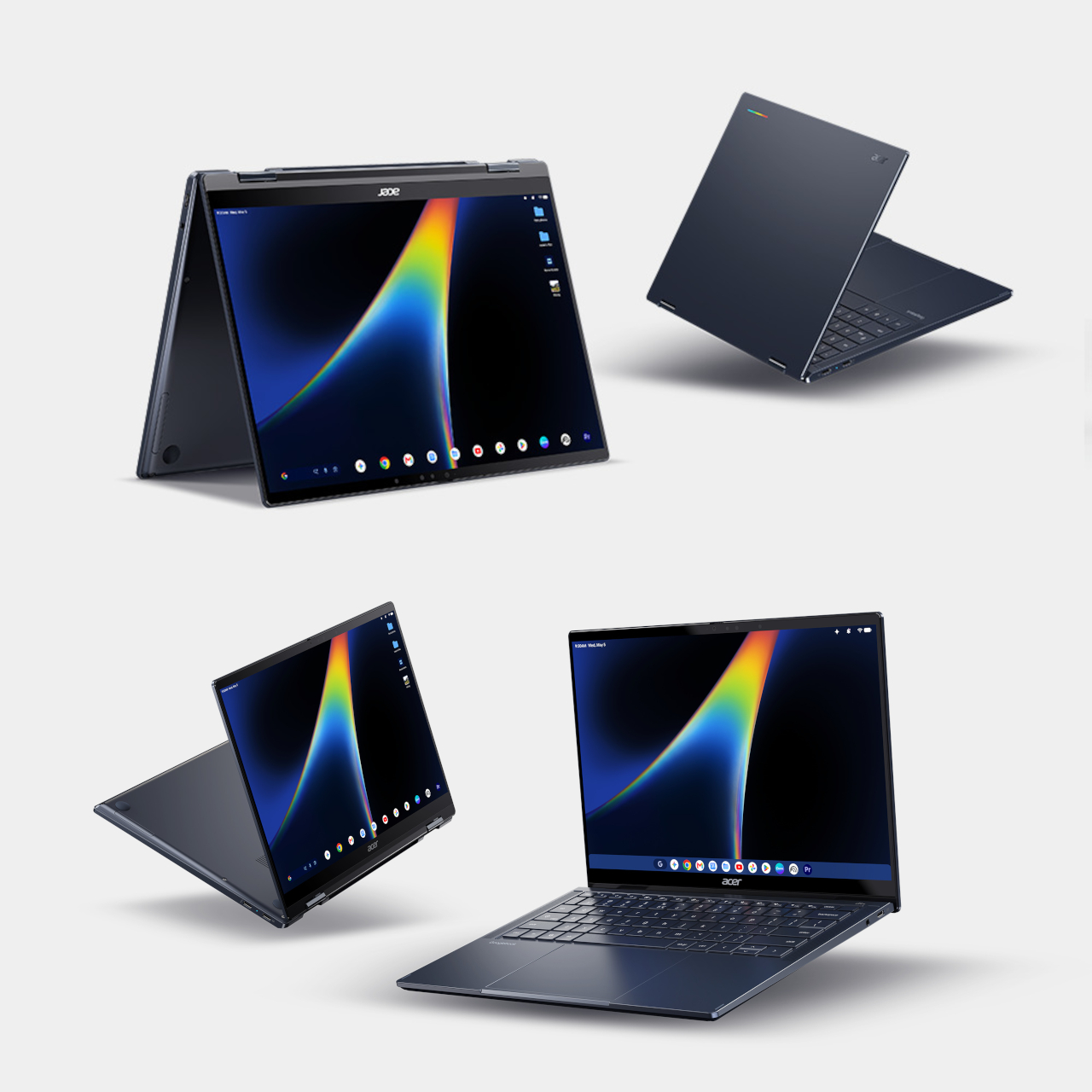
That shift centers on a brand-new category called the Googlebook, a convertible laptop built specifically around Gemini Intelligence rather than treated as an afterthought bolted onto an existing operating system. The 360-degree hinge folds into four distinct modes: clamshell for typing, tent for watching, stand for presenting, and tablet for sketching, each shift changing how the Gemini features on screen actually respond to what someone’s doing.
Designer: Acer
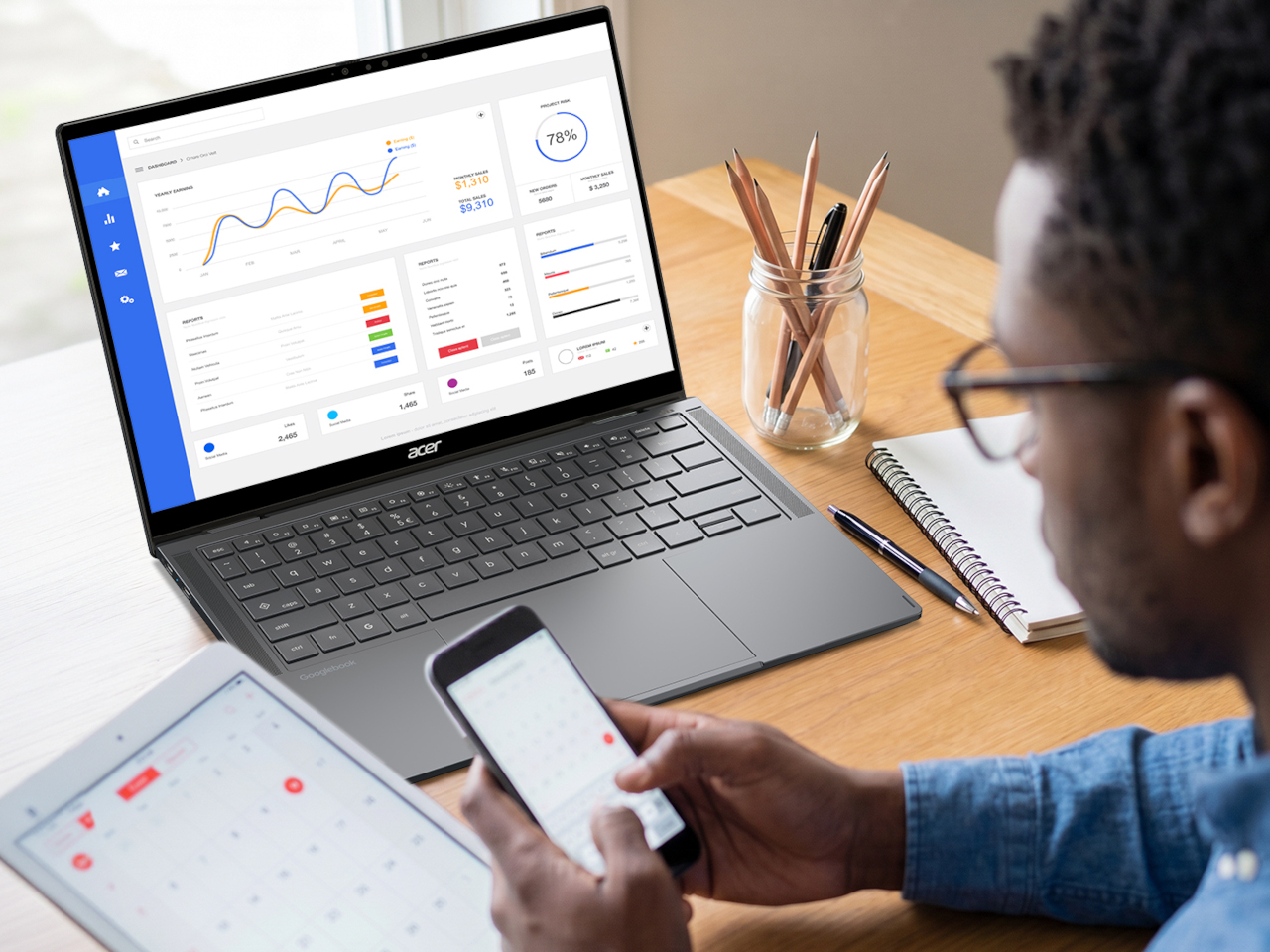
Say you’re drafting an email on a phone during a commute, then you sit down at a desk and pick up that exact same task on the Googlebook without retyping a word. That’s the promise behind “Continue On,” paired with a feature called Cast My Apps that pulls phone apps onto the larger screen without installing anything separately. Both lean on the same idea: work shouldn’t restart every time the device holding it changes.
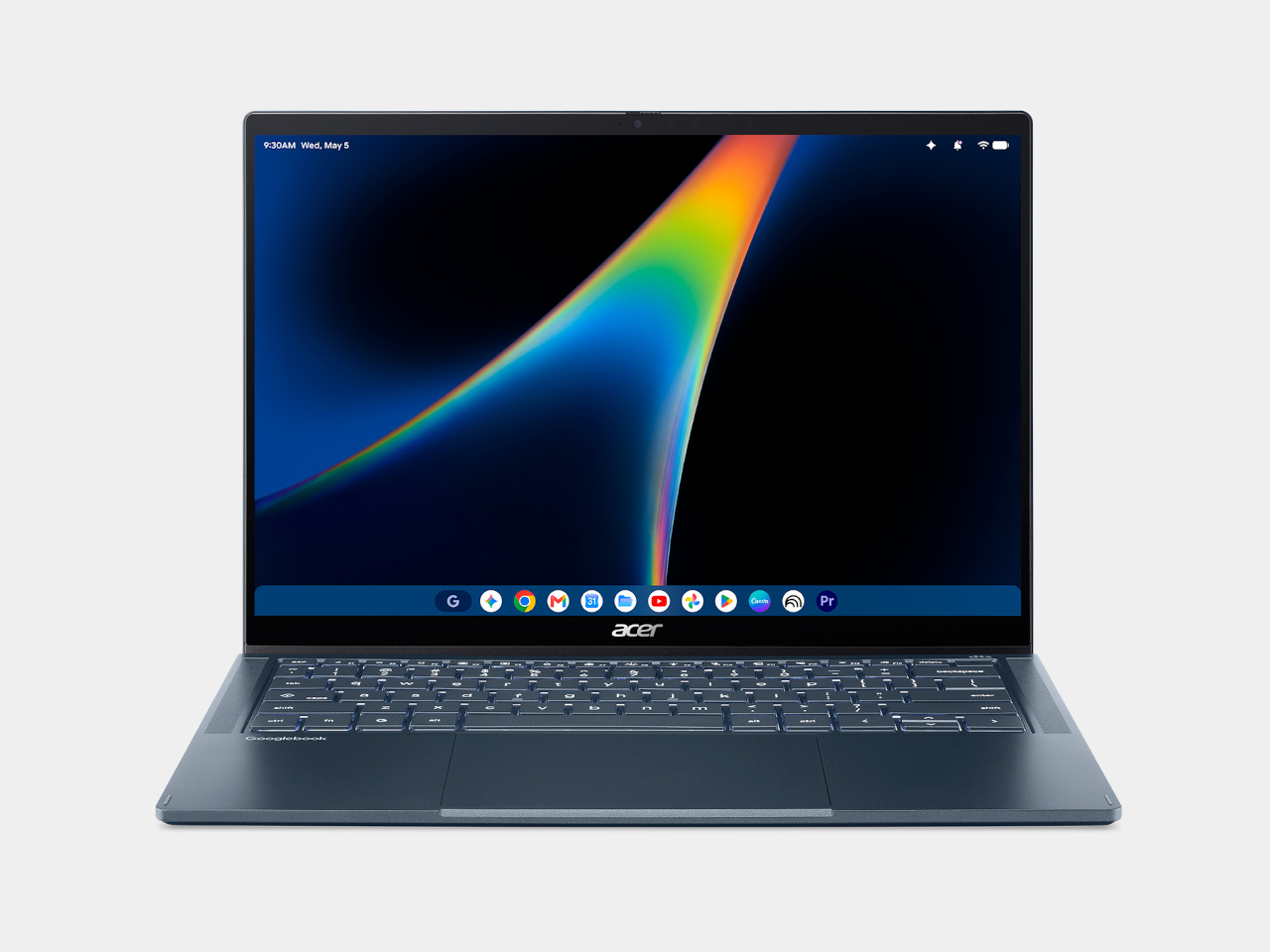
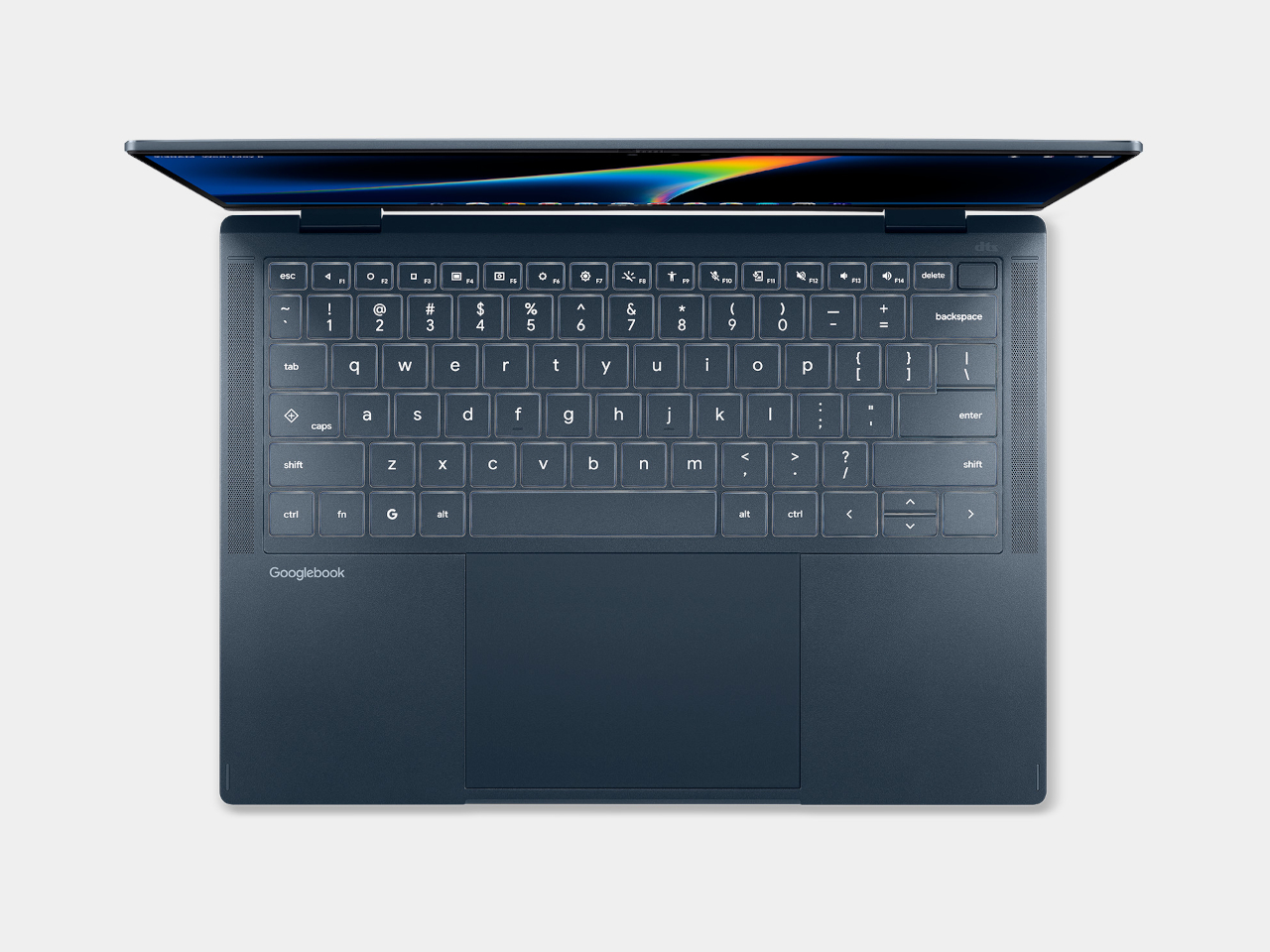
Under that lid sits an aluminum-magnesium chassis finished in a shade called Elemental Blue, weighing just 2.51 lbs and measuring 0.55 inches thick, numbers that matter most in a bag rather than on a spec sheet. Acer added a soft-touch coating across the palm rest and bottom cover specifically, a detail aimed at how the machine actually feels resting against skin during a long afternoon of typing rather than how it photographs.
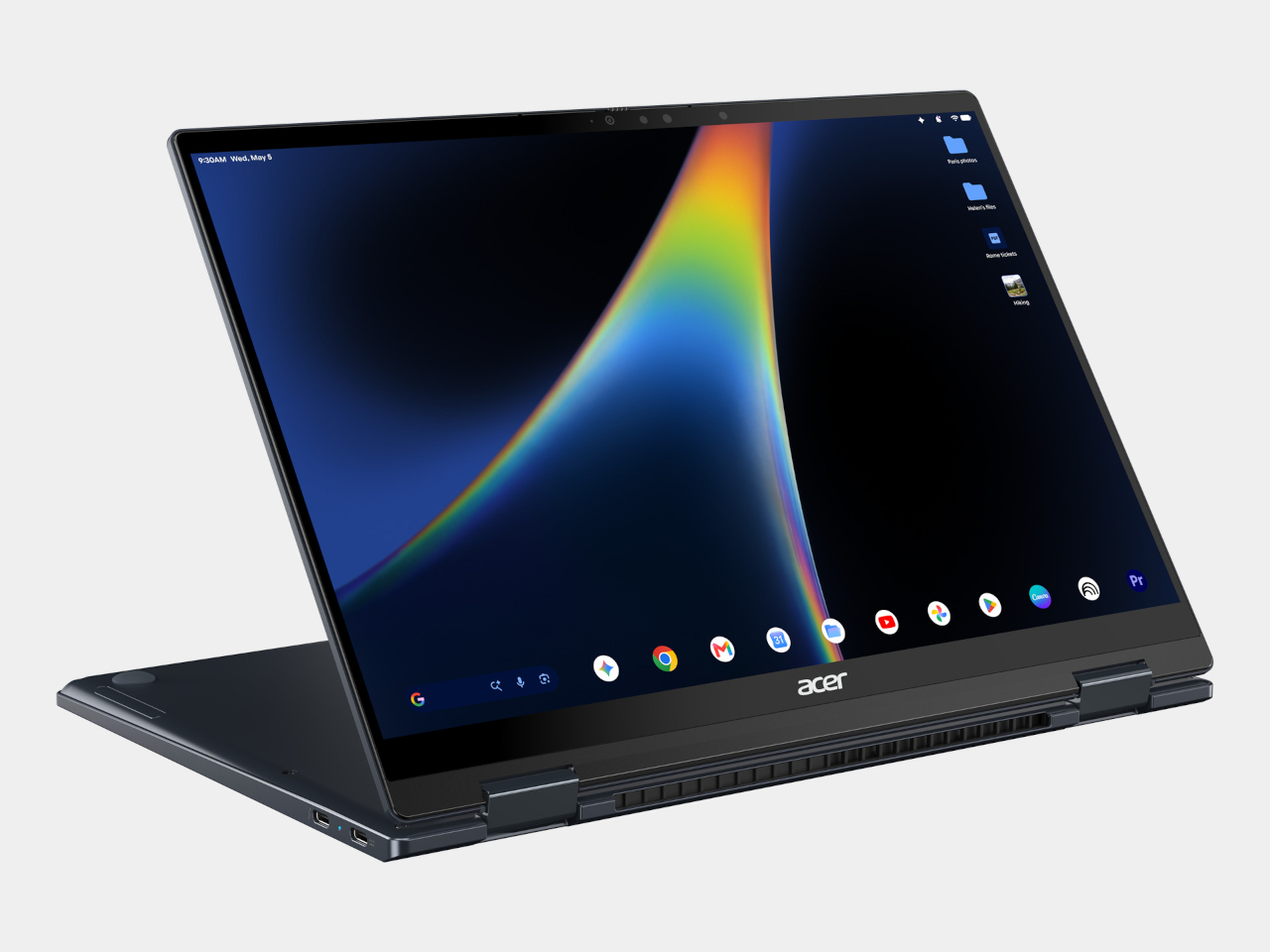
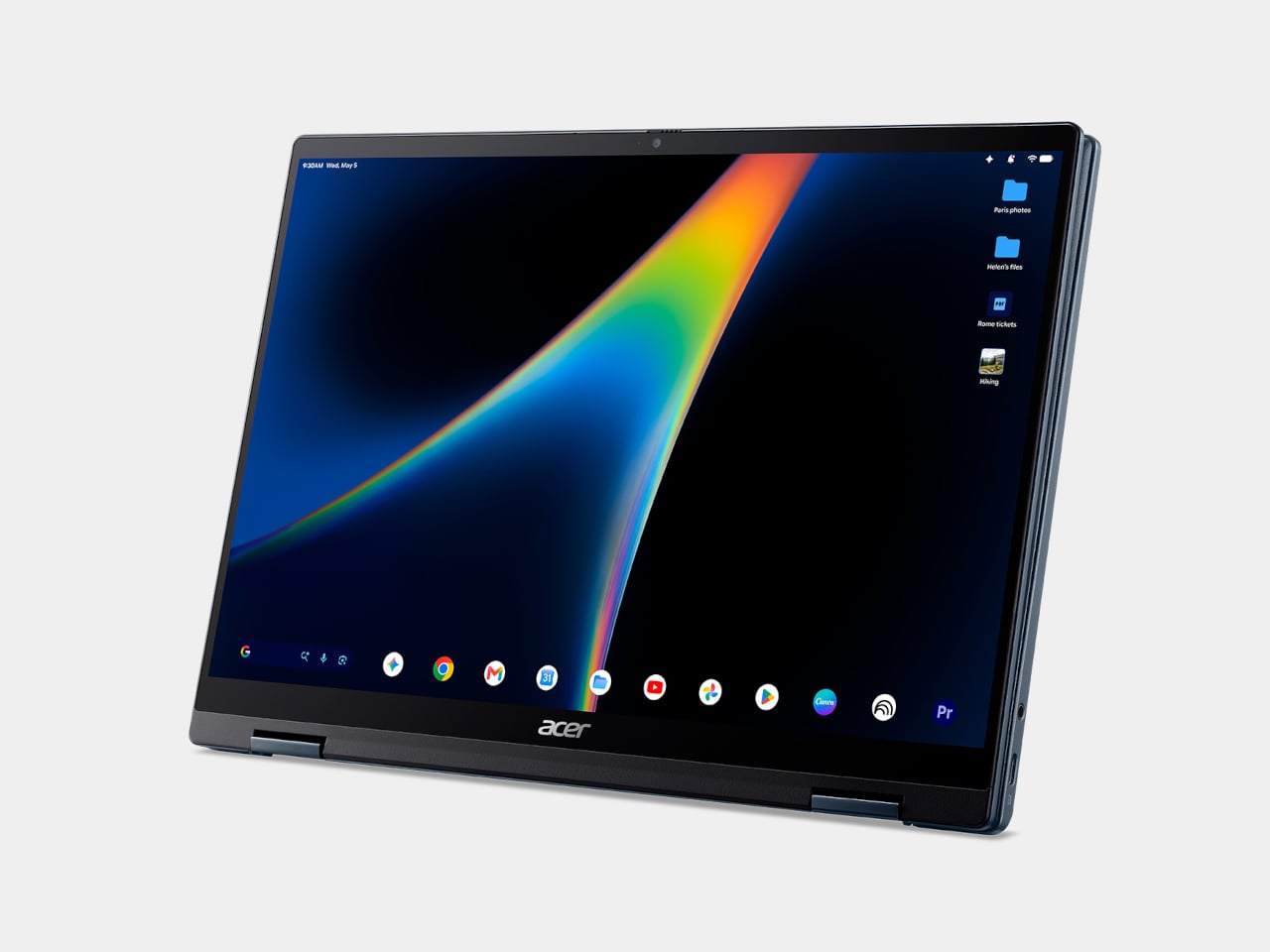
The 14-inch OLED panel runs at a 16:10 ratio with Gorilla Glass across the surface, useful given the screen also responds to a stylus and bare fingertips alongside a traditional keyboard. Acer tuned the display for 500 nits of brightness and full DCI-P3 color coverage, numbers that read dry until a photo edit or a video call actually needs the extra headroom to look right rather than washed out.

Power comes from Intel’s newest Core Ultra Series 3 chips, paired with a battery rated for up to 16 hours of browsing on a single charge, the kind of number that turns a full workday into a non-issue rather than a math problem involving an outlet. A fast-charging feature restores 80% capacity in about an hour, useful for anyone who forgot to plug in the night before and needs the laptop ready in the time it takes to make coffee.
Material sourcing gets equal attention here. Acer built the Googlebook 14 with 49% circular materials and shipped it in packaging that’s 99% plastic-free, backed by an EPEAT Climate+ designation and Energy Star 9.0 certification. Laser-etched labels replace adhesive stickers entirely, a choice that sounds minor until it quietly removes another layer of waste from a machine already built to last past its first owner.

Security gets built into the hardware rather than left to software alone. A fingerprint reader sits inside the power button itself, cutting login down to a single press, while a dedicated Titan-C security chip guards system integrity underneath. Alongside Wi-Fi 7 and a Thunderbolt 4 port capable of 100W power delivery, the Googlebook 14 treats fast, secure connections as a baseline expectation rather than a premium add-on.