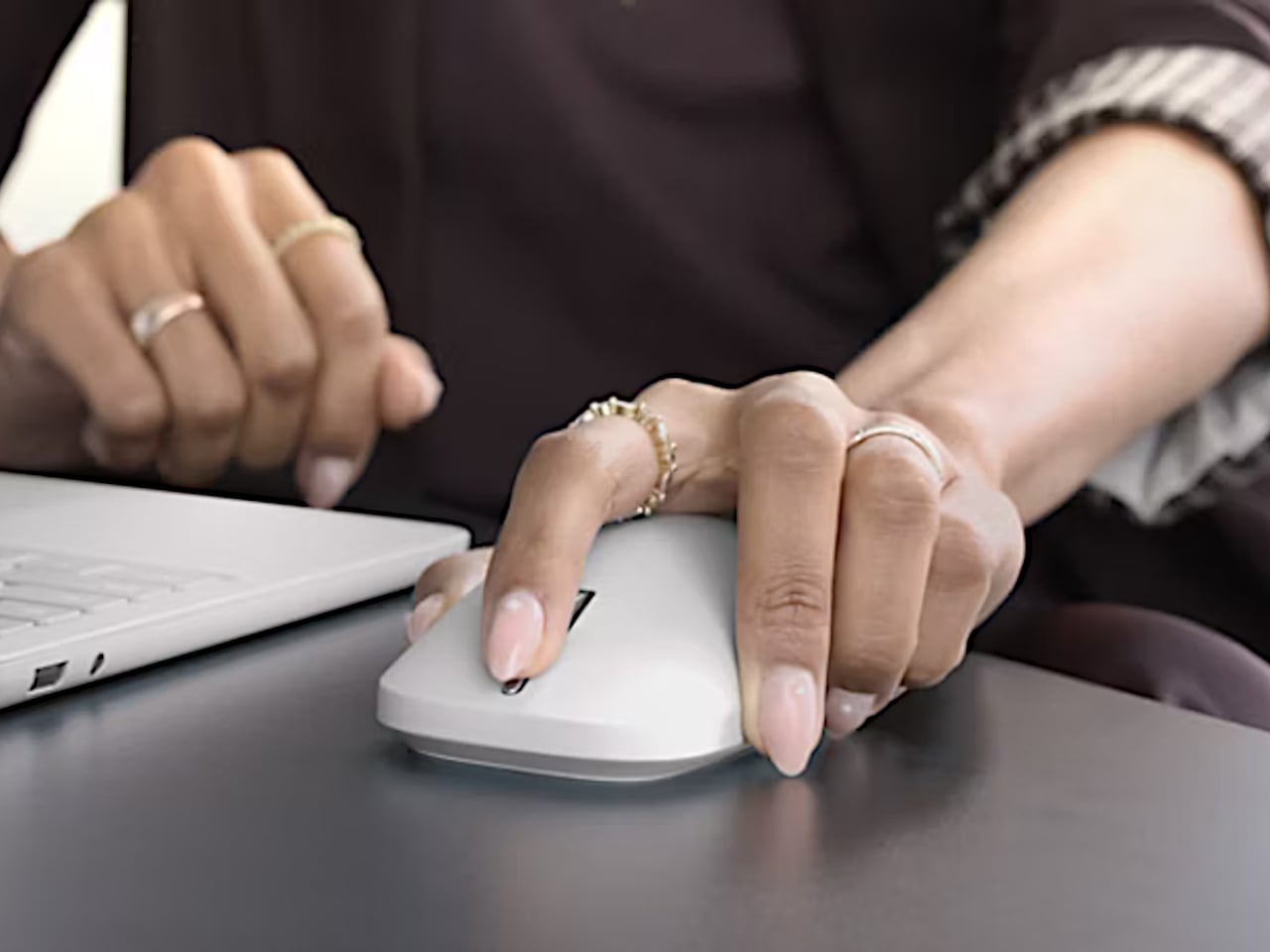
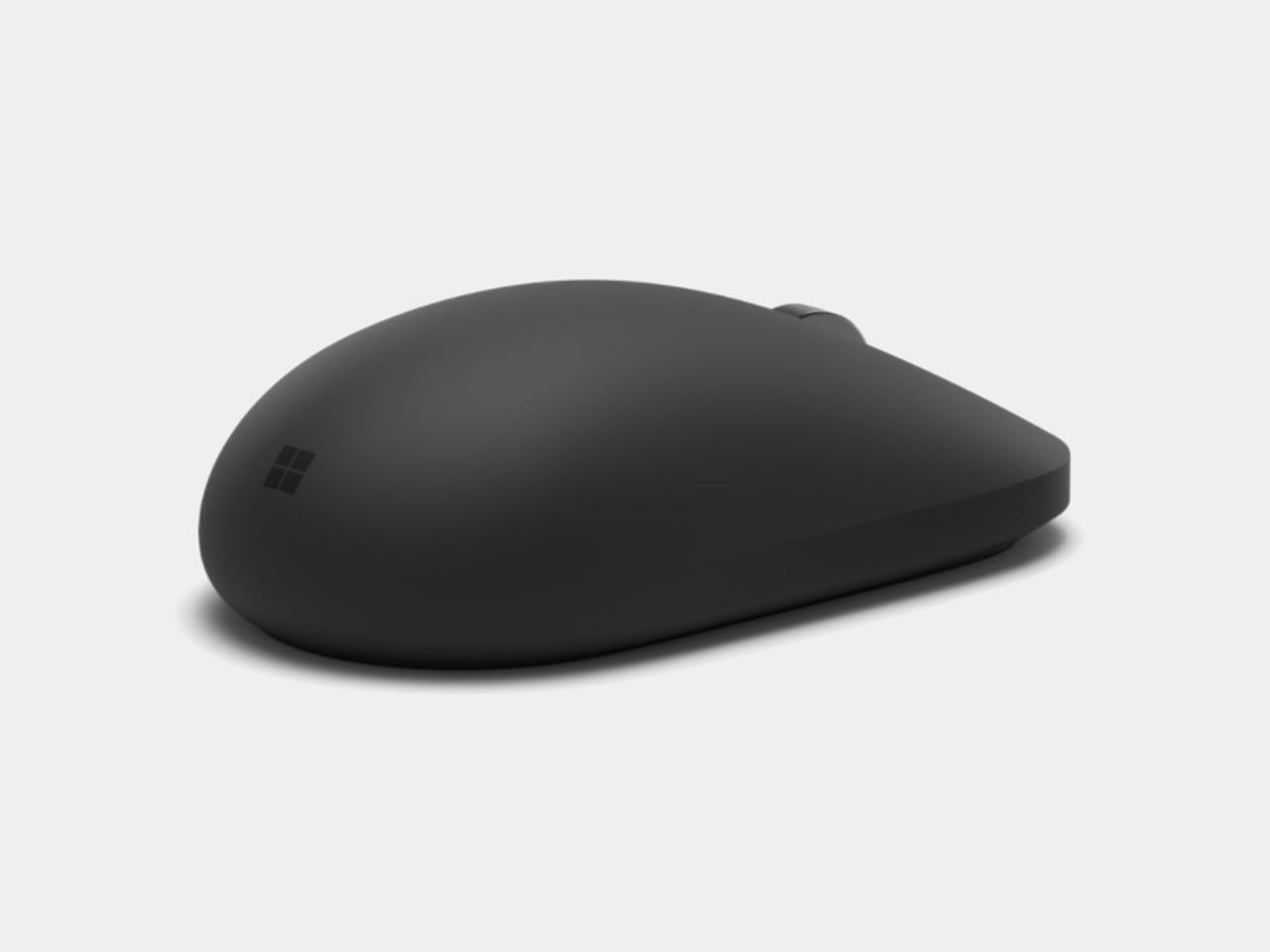
Most mice quietly assume something about the person using them. Right-handed by default, with a thumb shelf that only makes sense from one side, they’ve trained an entire industry to treat left-handed users as an edge case worth a smaller, cheaper afterthought. Microsoft’s new Surface Mouse skips that assumption entirely, building its whole shape around a hand that could belong to anyone, reaching for it from either direction without penalty.
That ambidextrous body is the quiet headline here, a decade after the original Surface Mouse debuted alongside the Surface Studio in 2016. The contoured shell curves the same way no matter which hand picks it up, trimming the fatigue that comes from a grip built for someone else. It’s compact enough to travel light, but shaped with enough intention that all-day desk sessions stop feeling like a negotiation between wrist and plastic.
Designer: Microsoft
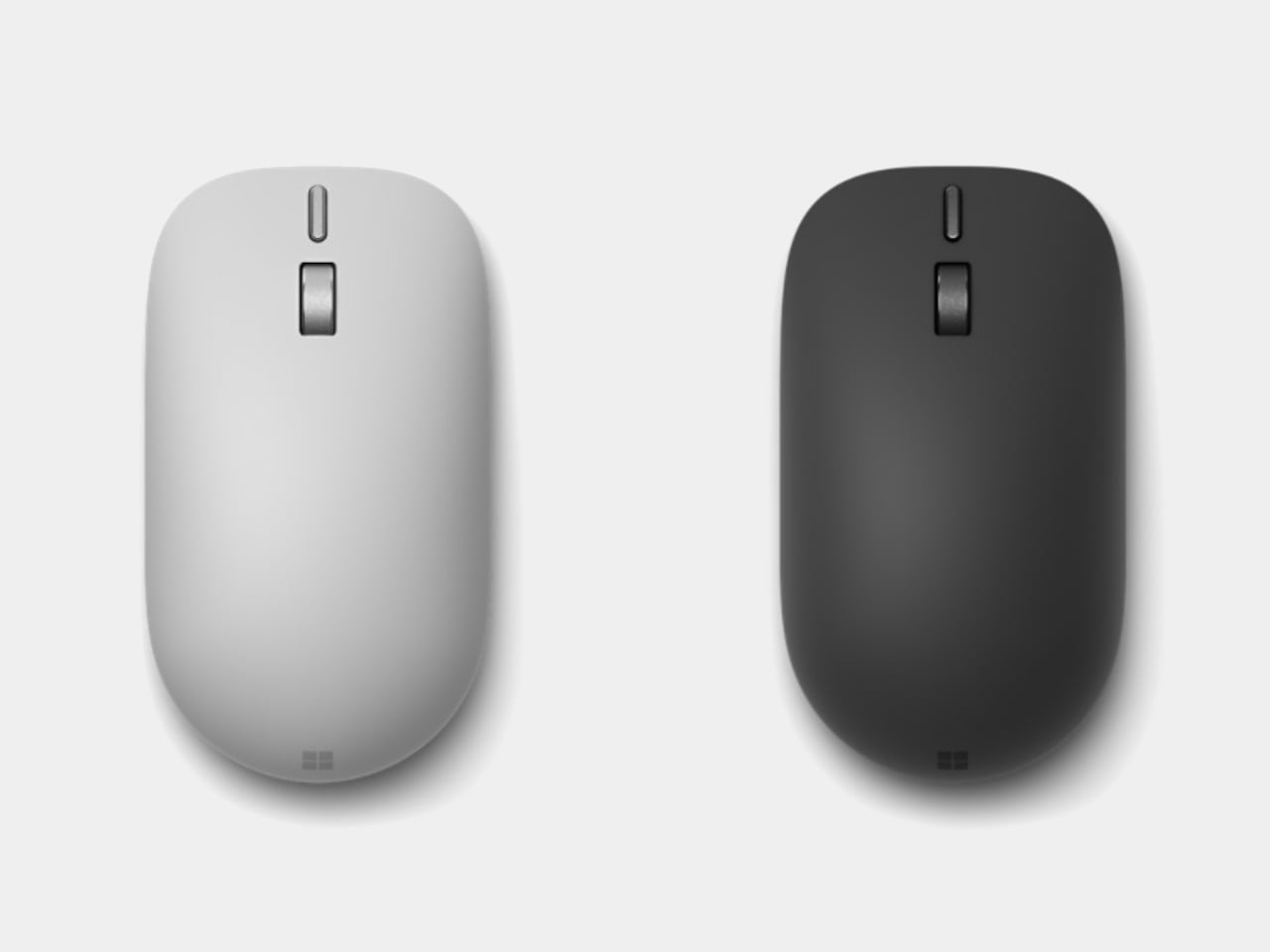
Underneath that shape sits a small vibration motor doing work most mice leave entirely to the eyes. Windows 11 recently gained native support for haptic feedback, and this mouse is built to use it, translating clicks, window-snapping, and object alignment in apps like PowerPoint or Affinity into a faint physical pulse. Nudge a shape into place during a layout session, and a small, deliberate buzz confirms the alignment landed, without forcing a glance away from the canvas.
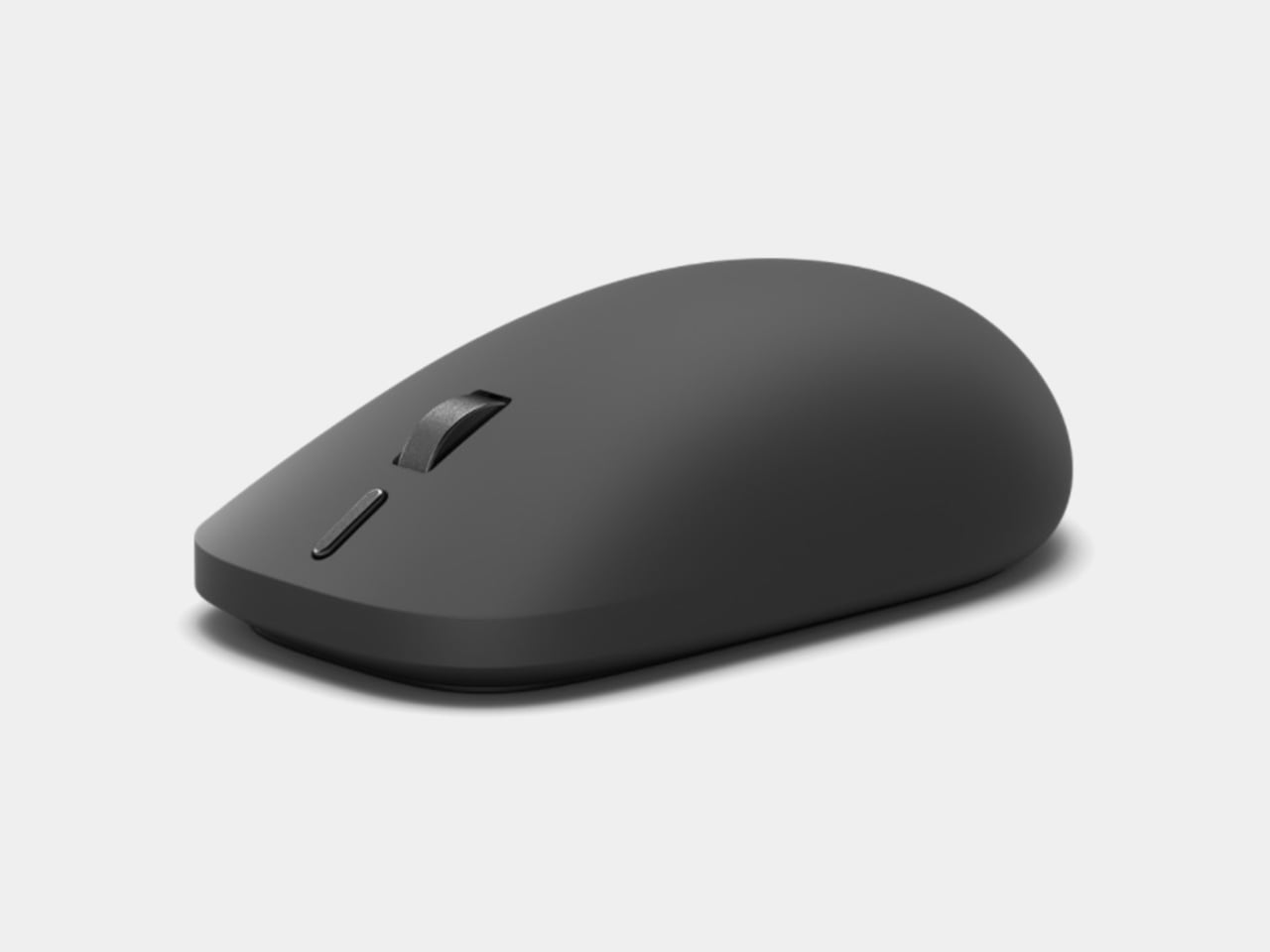
That feedback loop matters most in the moments a screen alone can’t fully confirm. Dragging a photo into a grid, snapping a window to a monitor’s edge, or rotating an object into a precise angle all produce a matching pulse under the palm, a second channel of confirmation running alongside sight. It’s a small addition, but one aimed squarely at the seconds spent double-checking work that already looked done.
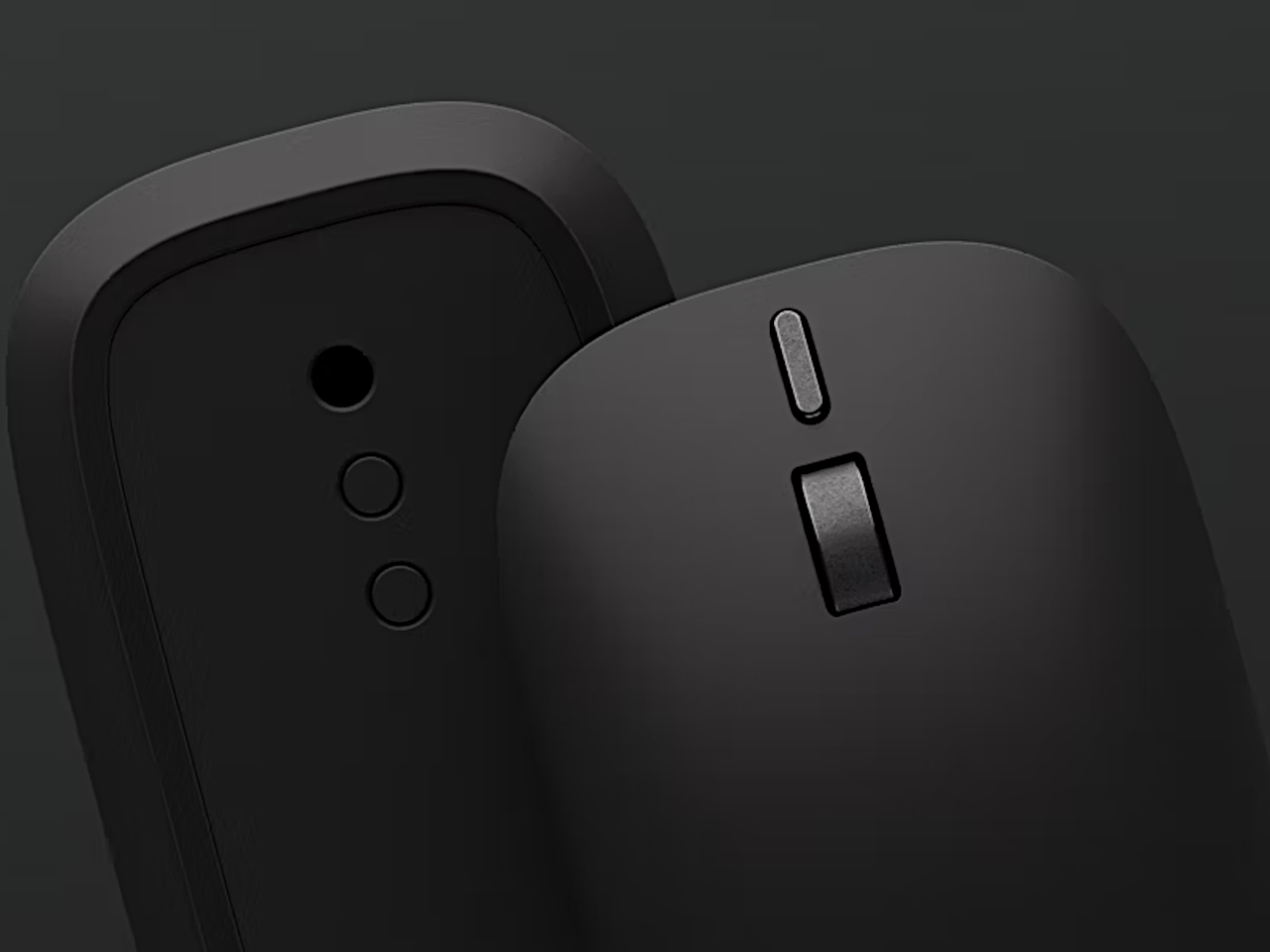
A dedicated action button sits within reach of the thumb, defaulting to a one-press Copilot summon but open to reassignment through the Surface app. Press, hold, or double-click can each trigger something different: a launch shortcut, a workflow macro, whatever a given desk setup actually needs. It’s a small piece of real estate turned into a personal command, rather than one more button doing the one thing it was told to do at the factory.
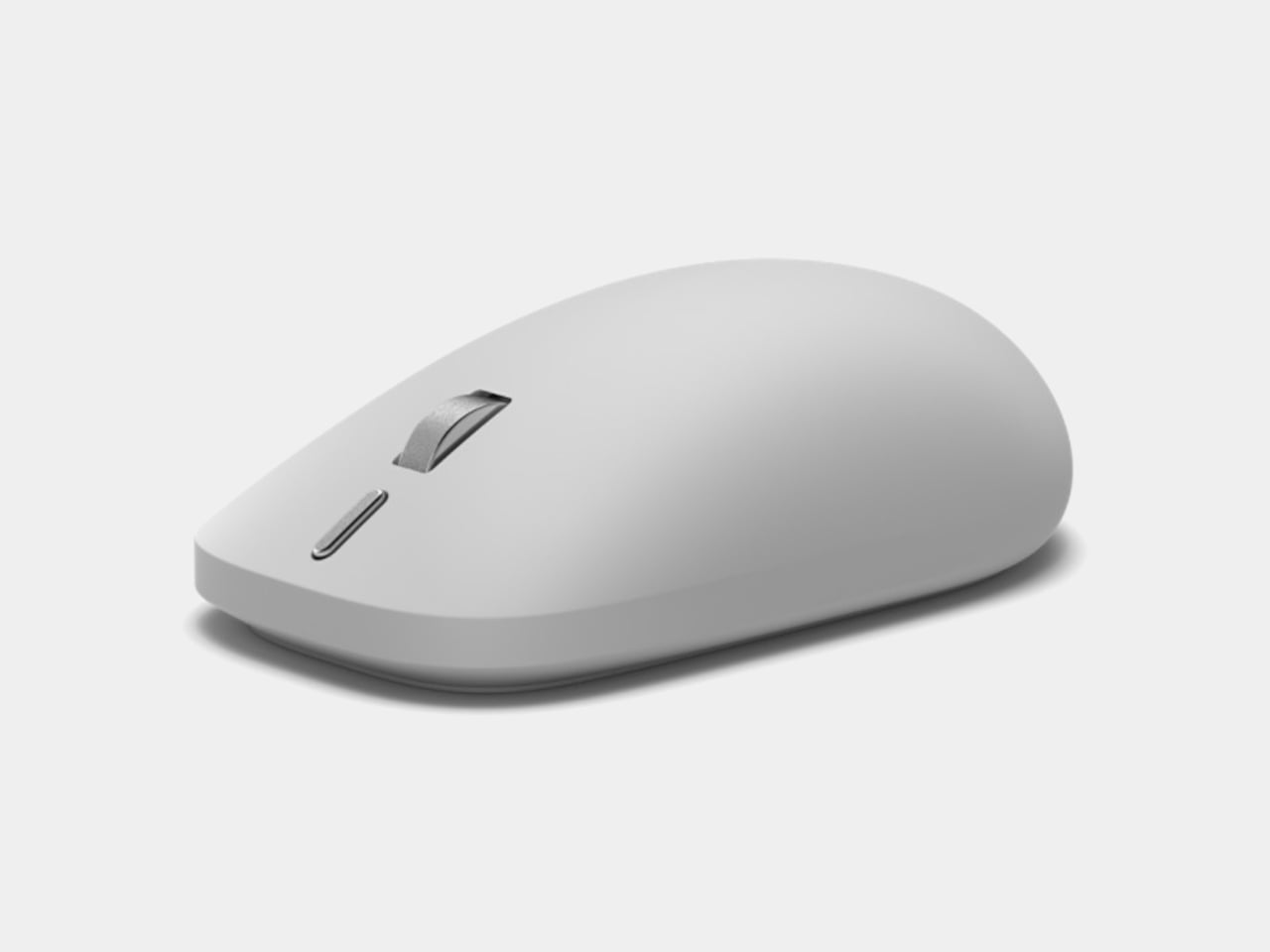
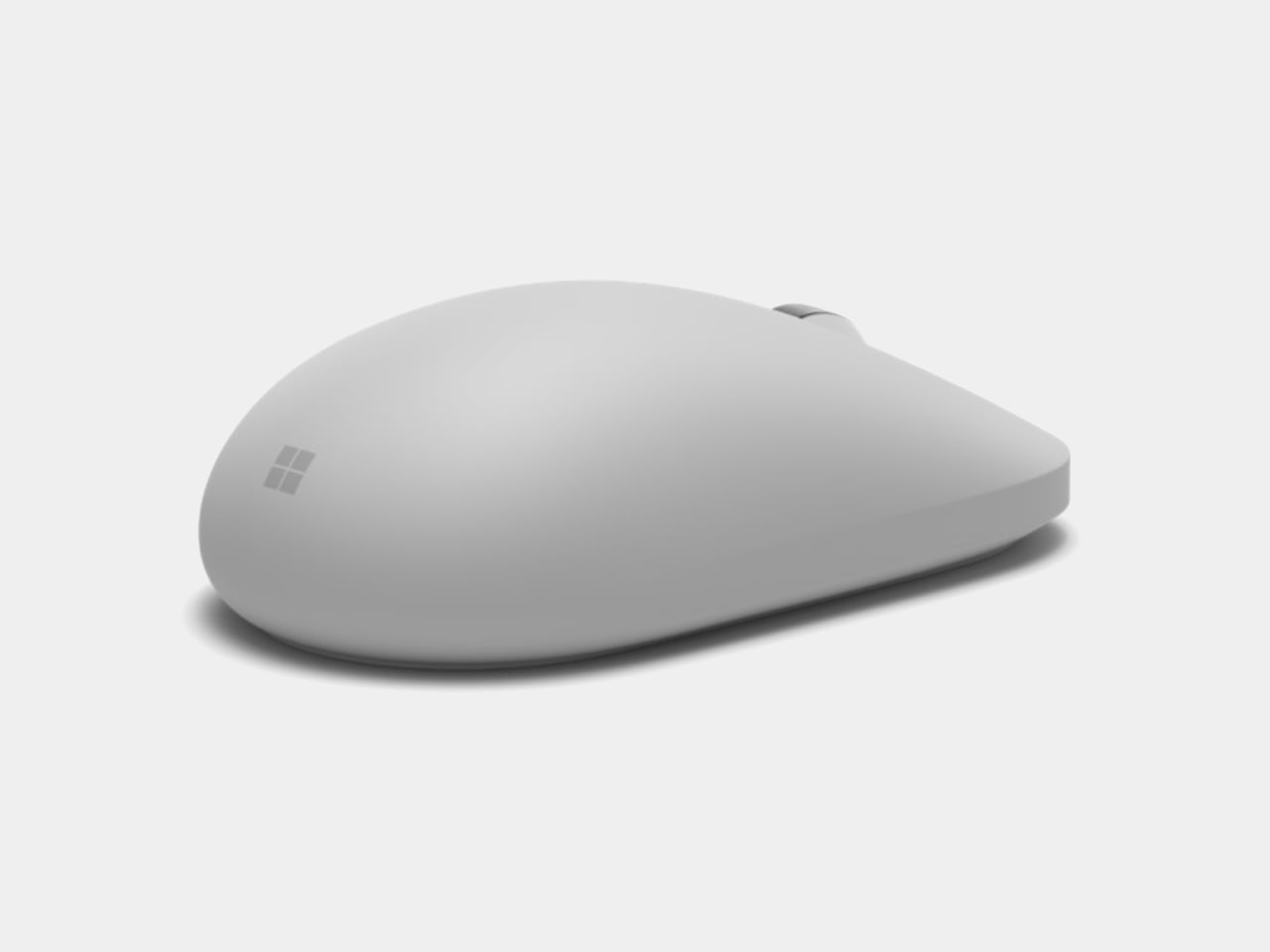
Bluetooth 6.0 lets the mouse hold a connection to three devices simultaneously, sliding between a laptop, a tablet, and a desktop without a re-pairing ritual each time. Two AAA batteries handle power, rated for roughly six months before a swap. 30% recycled content runs through its shell, a modest but real step up from the plastics used in the Surface Arc Mouse and the older Surface Precision Mouse.
Positioned next to those two existing accessories, this new mouse reads less like a replacement and more like a third personality added to the Surface input family. The Arc still folds flat for a bag; the Precision still courts the spreadsheet crowd with extra thumb buttons. This one carves out the daily-driver role, the mouse meant to just sit on a desk and disappear into whichever hand happens to need it that day.
SHARE