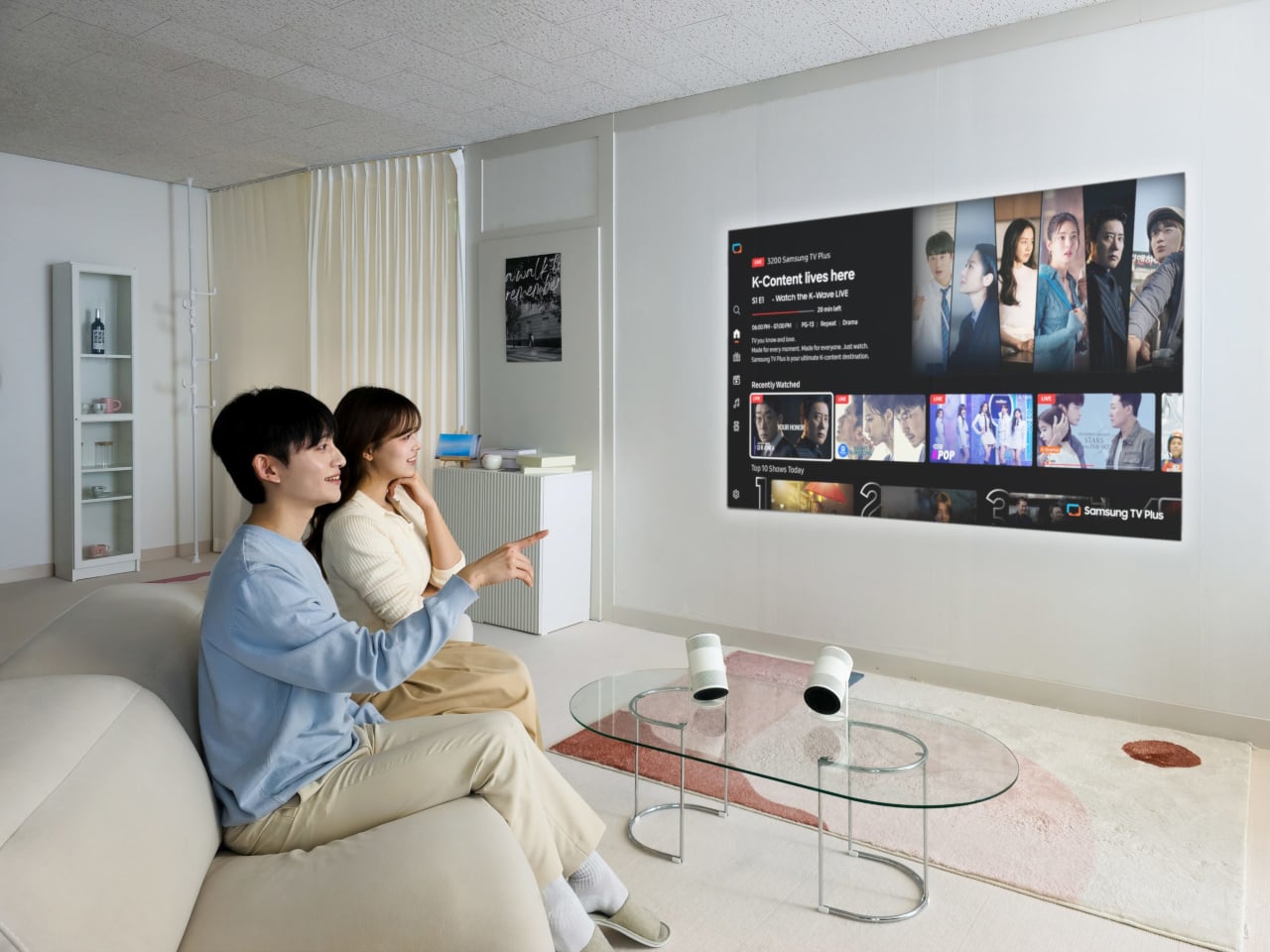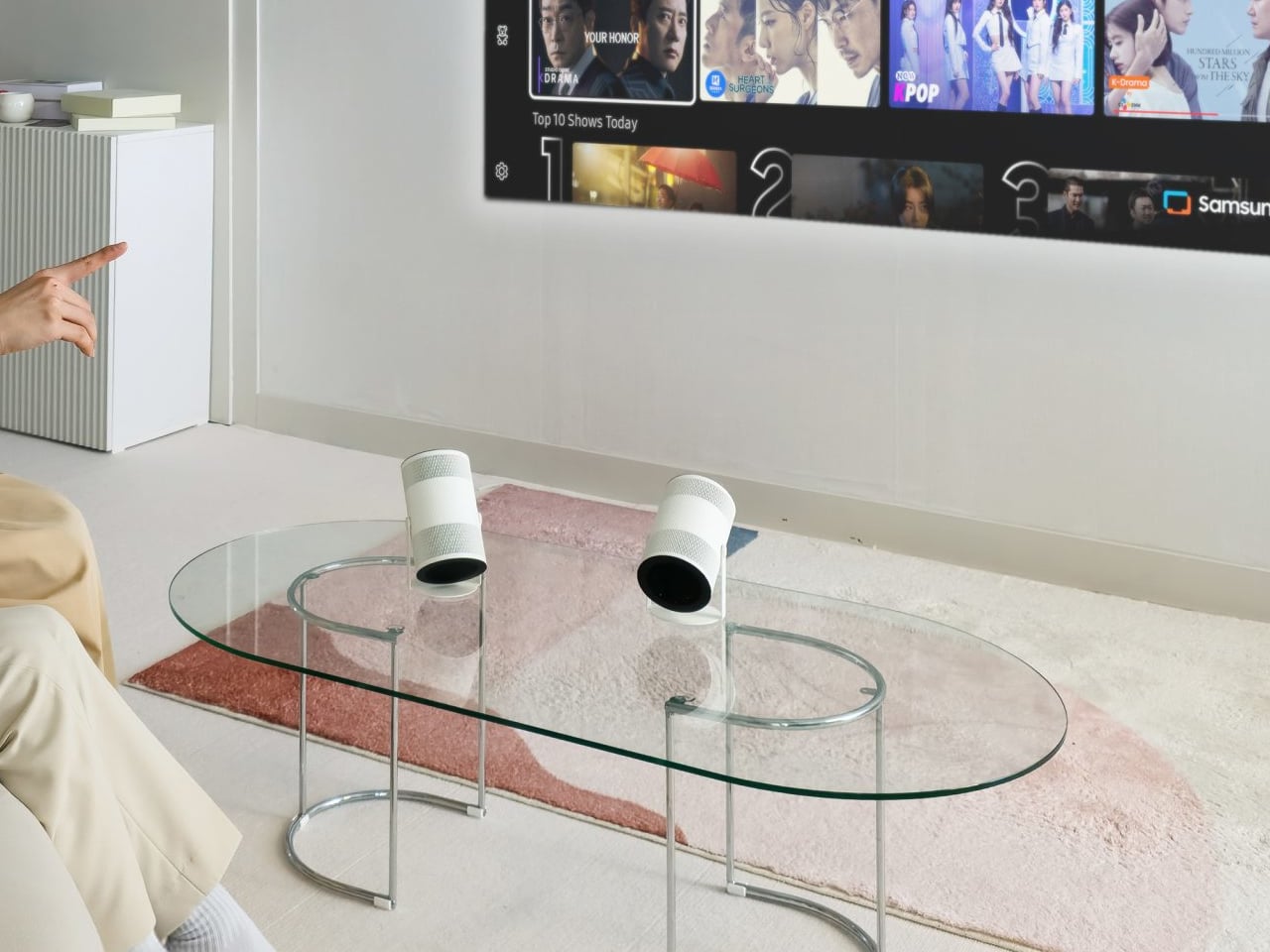
The first Freestyle tried to make projection feel as casual as dropping a speaker on a table, but still needed some fiddling with focus, keystone, and room darkness. Portable projectors are great in theory, but often fall apart on setup friction, tweaking corners, hunting for the right brightness mode, and dealing with off-color walls. Samsung’s Freestyle+ keeps the same friendly cylinder while letting AI quietly handle the annoying parts, betting that most people would rather point and watch than spend 10 minutes adjusting settings.
The Samsung Freestyle+ is an AI-powered portable projector that builds on the original’s cylindrical, 180-degree tilting design. The headline change is not a wild new form factor; it is a smarter brain. Freestyle+ is pitched as something you can point at a wall, ceiling, or floor, then trust to optimize the picture for whatever surface you happen to be aiming at, turning “point and play” from a slogan into something closer to reality.
Designer: Samsung
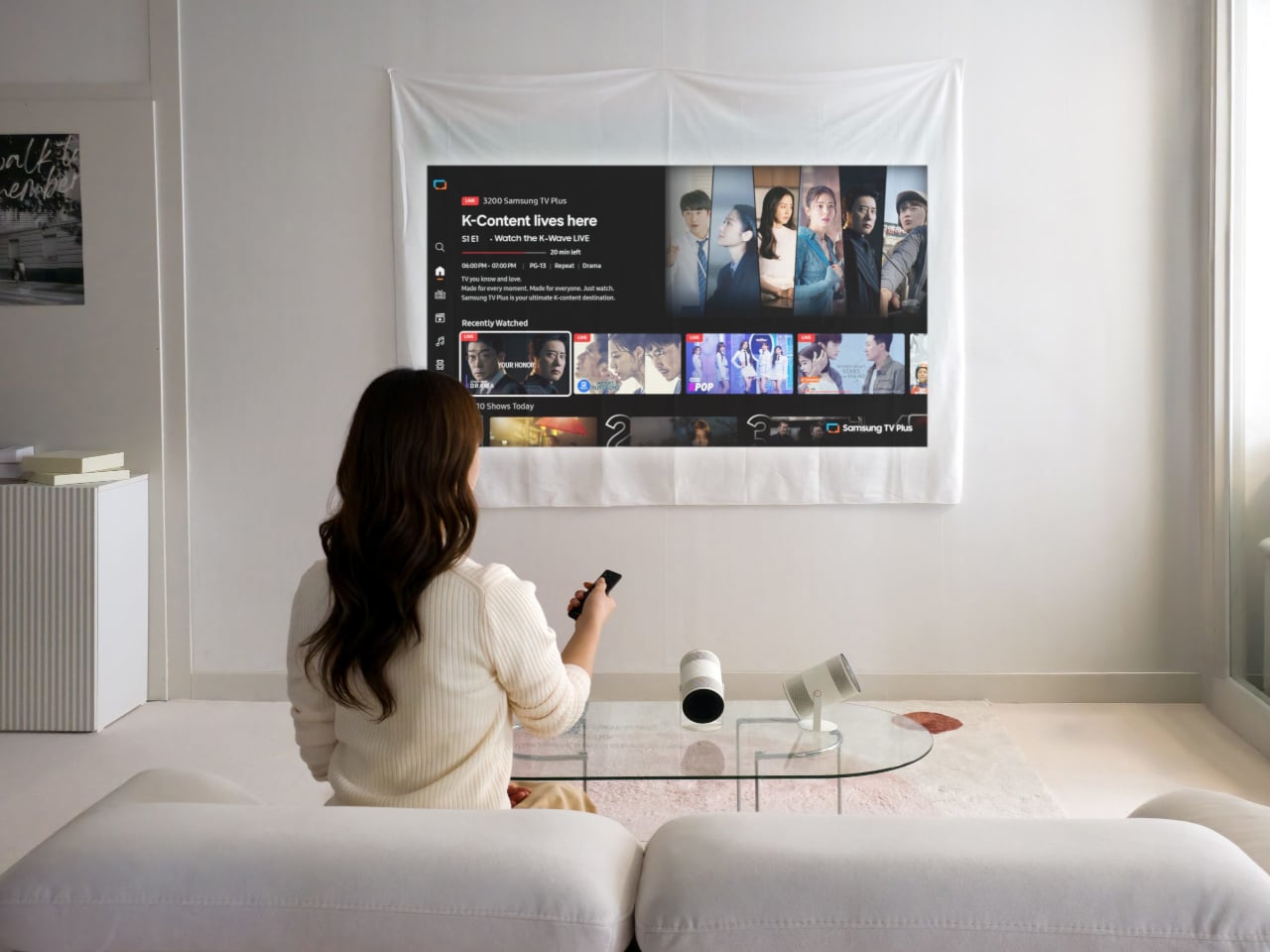
AI OptiScreen is the bundle of features that makes that possible. 3D Auto Keystone straightens the image even on angled or uneven surfaces like curtains or room corners. Real-time Focus keeps things sharp as you nudge or rotate the projector. Screen Fit sizes the picture to a compatible screen if you use one. Finally, Wall Calibration analyzes wall color or patterns to keep content legible instead of tinted or washed out.
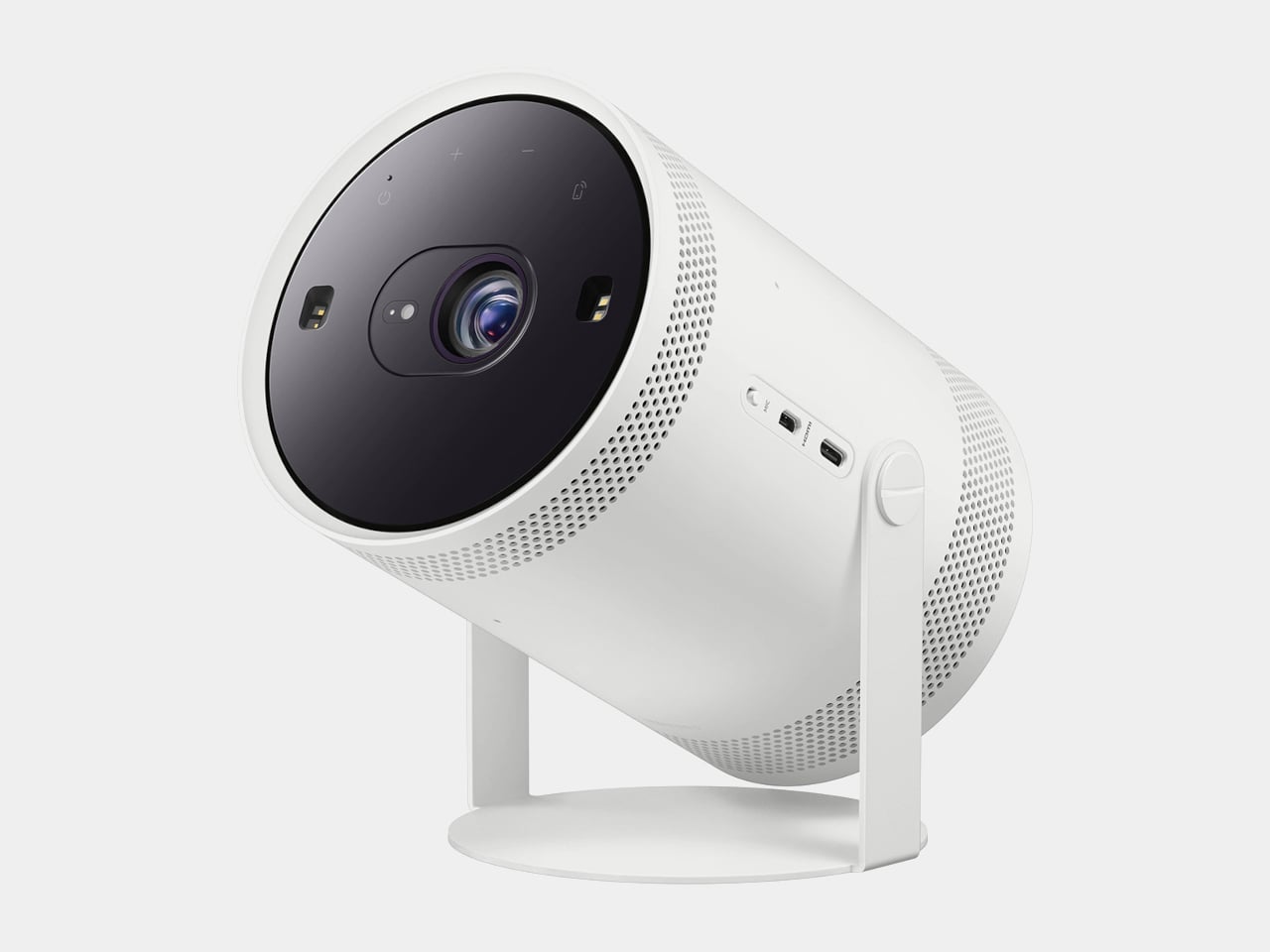
Freestyle+ pushes out 430 ISO lumens, nearly twice the previous generation, which matters in real living rooms that are not pitch black. The 180-degree rotating stand still lets you throw an image onto a wall, ceiling, or floor without extra mounts. The idea is that you stop worrying about whether a space is right for projection and just drop the cylinder where it makes sense in the moment, whether that is a coffee table, a kitchen counter, or a nightstand.
Freestyle+ behaves like a mini Samsung TV, with Samsung TV Plus, major streaming apps, and Samsung Gaming Hub built in. You can stream shows, watch live channels, or fire up cloud games directly from the projector without plugging in a stick or console. For small apartments or casual setups, that means one object can handle movie night and a bit of gaming without a permanent media cabinet cluttering the wall.
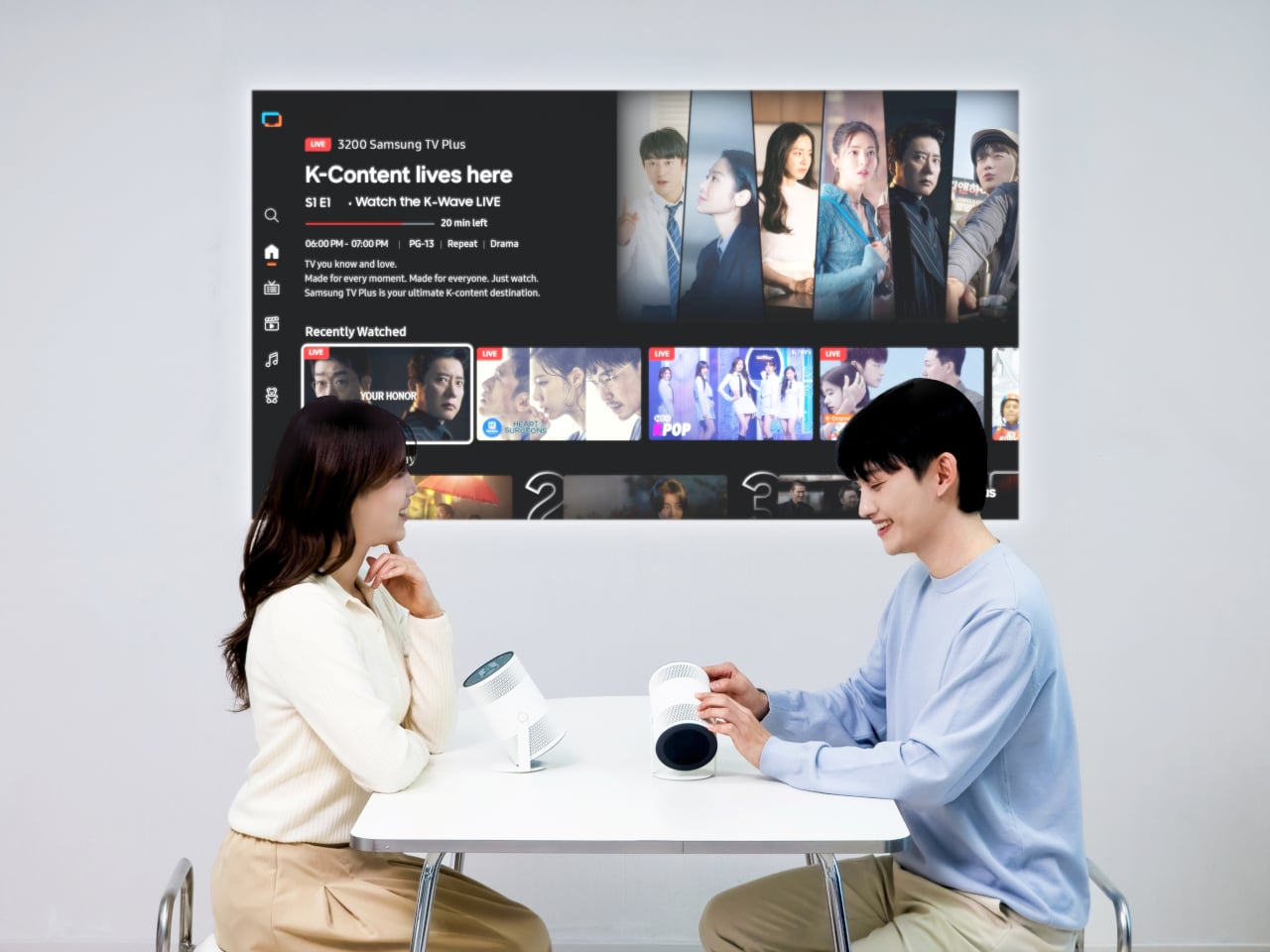
Audio comes from a built-in 360-degree speaker tuned for room-filling sound in a compact body. For people already in the Samsung ecosystem, Q-Symphony support lets Freestyle+ sync with compatible Samsung soundbars, layering its own speaker with the bar instead of muting one or the other. That gives you a more cohesive soundstage when you want to treat the projector like a main screen rather than a sidekick.
Freestyle+ makes the most sense as a roaming screen that follows you from bedroom to living room to kitchen, rather than a projector that lives in a dedicated theater. By combining a familiar, speaker-like form with AI setup, brighter output, built-in streaming, and decent sound, it nudges projection closer to the casual, everyday screen Samsung keeps hinting at, instead of something you only use on special occasions when the room is dark enough and the mood feels right for a movie night.