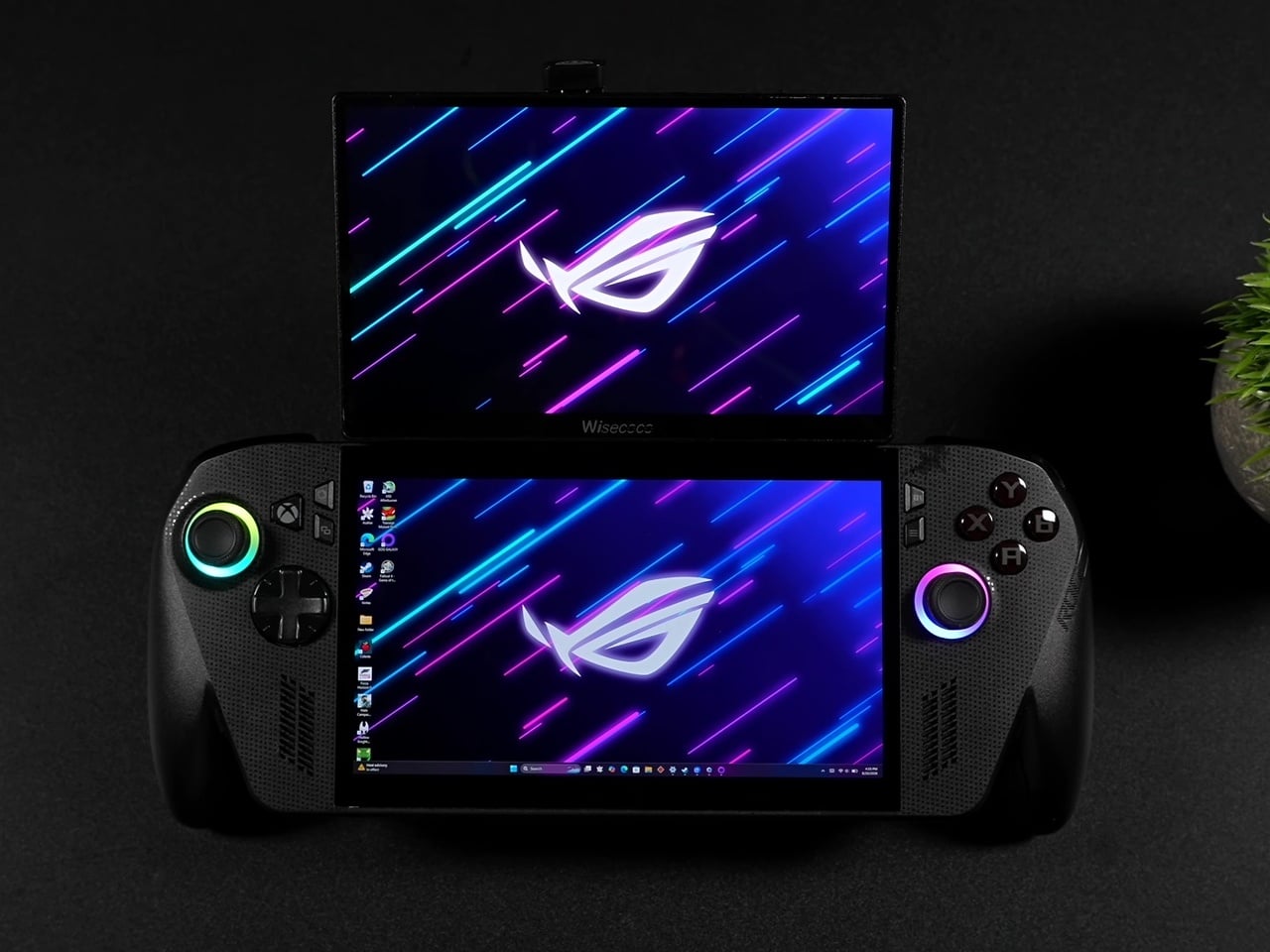
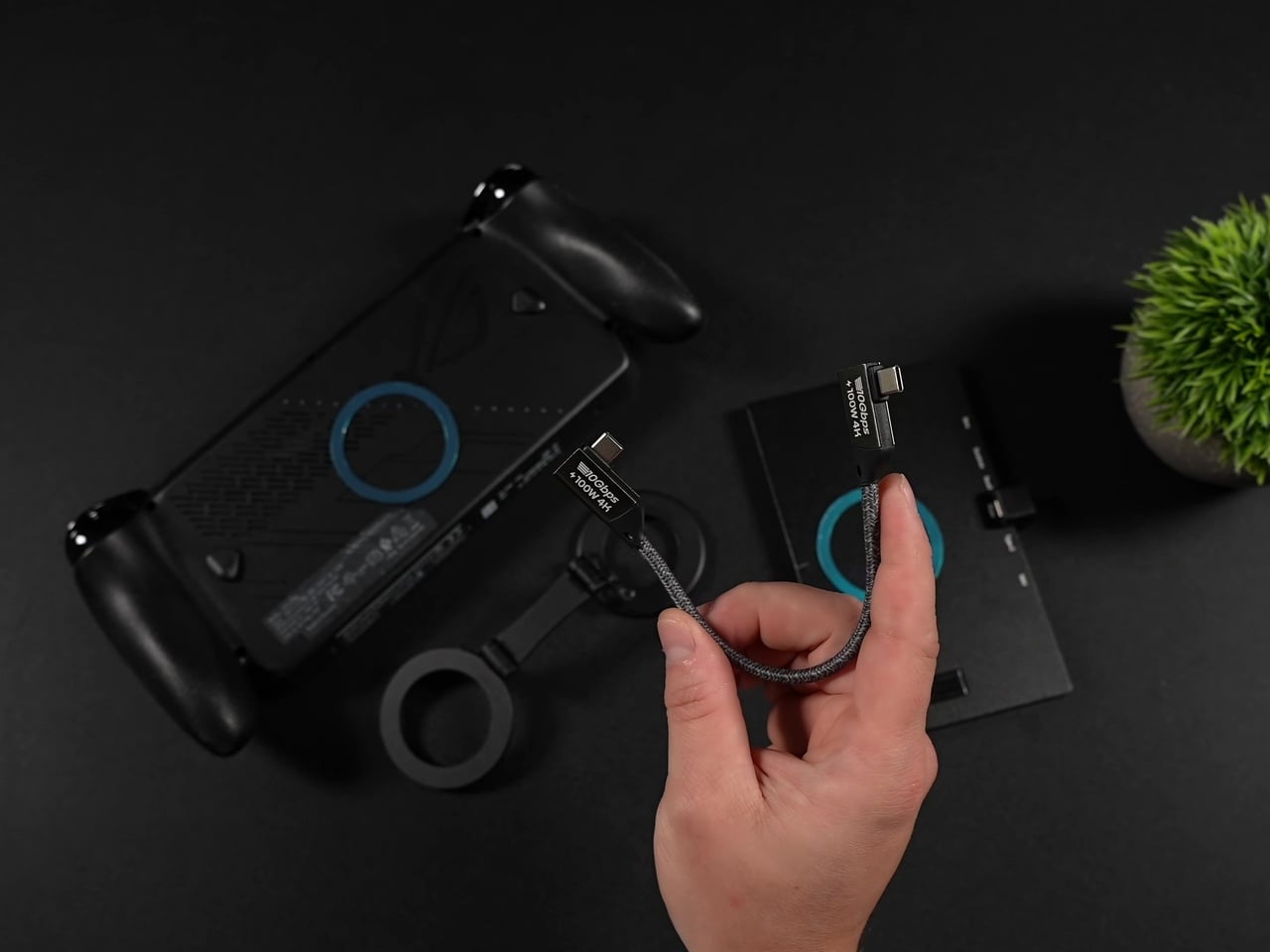
Dual-screen handhelds usually mean buying an entirely new device built around that gimmick from the ground up. This ROG Ally X mod skips that purchase entirely. It bolts a second 120Hz display onto a standard x86 handheld using nothing more exotic than a budget portable monitor, a pair of magnetic phone mounts, and some carefully angled USB-C cables, then lets you rip the whole thing off when you don’t need it.
The secondary panel is a 7-inch 1080p IPS screen that happens to match the Ally X’s own 120Hz refresh rate, an important detail most cheap add-on monitors get wrong. Pairing a 60Hz panel with a 120Hz handheld usually introduces visible stutter between the two screens, but matching refresh rates here means both displays feel like they belong to the same machine rather than two devices awkwardly duct-taped together.
Designer: ETA PRIME (mod), ASUS Republic of Gamers
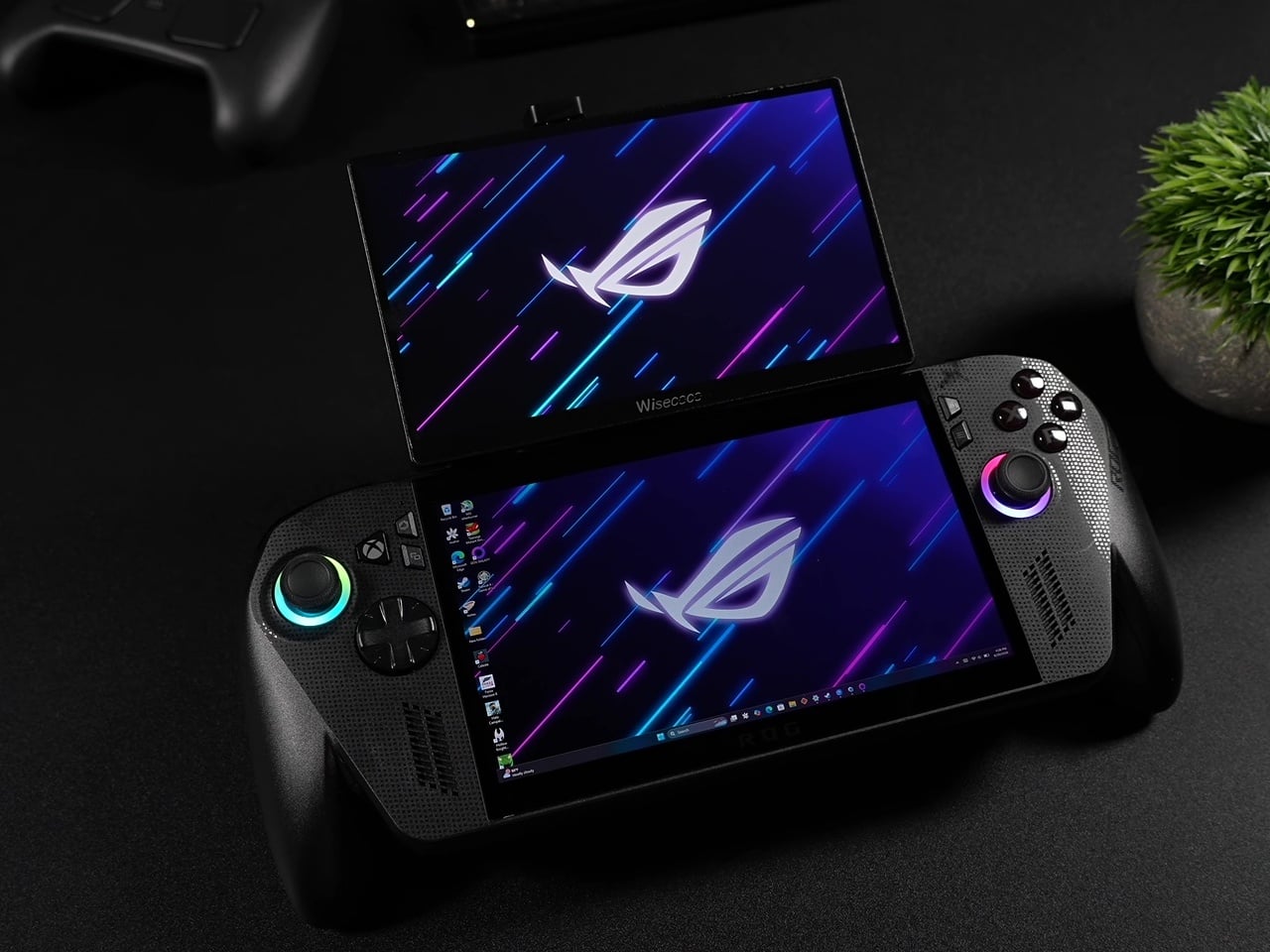
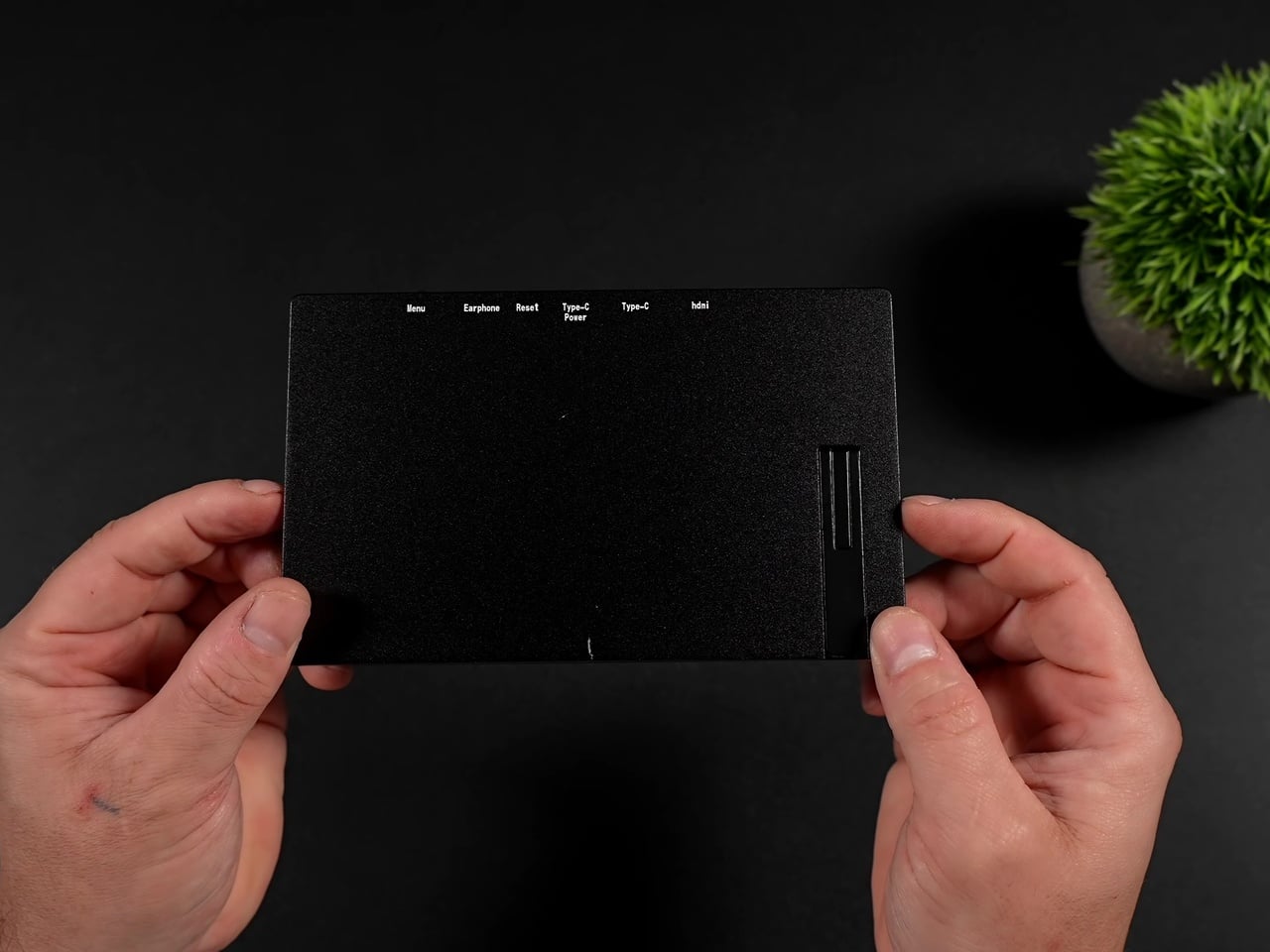
Magnetic MagSafe rings adhered to the back of both the handheld and the monitor handle the actual attachment, while a dual-sided magnetic phone holder in between provides the hinge points. That arm lets the top screen fold flat against the assembly for storage or tilt up to a comfortable viewing angle during play, essentially borrowing a phone accessory to solve a handheld gaming problem nobody’s shipped a proper solution for yet.
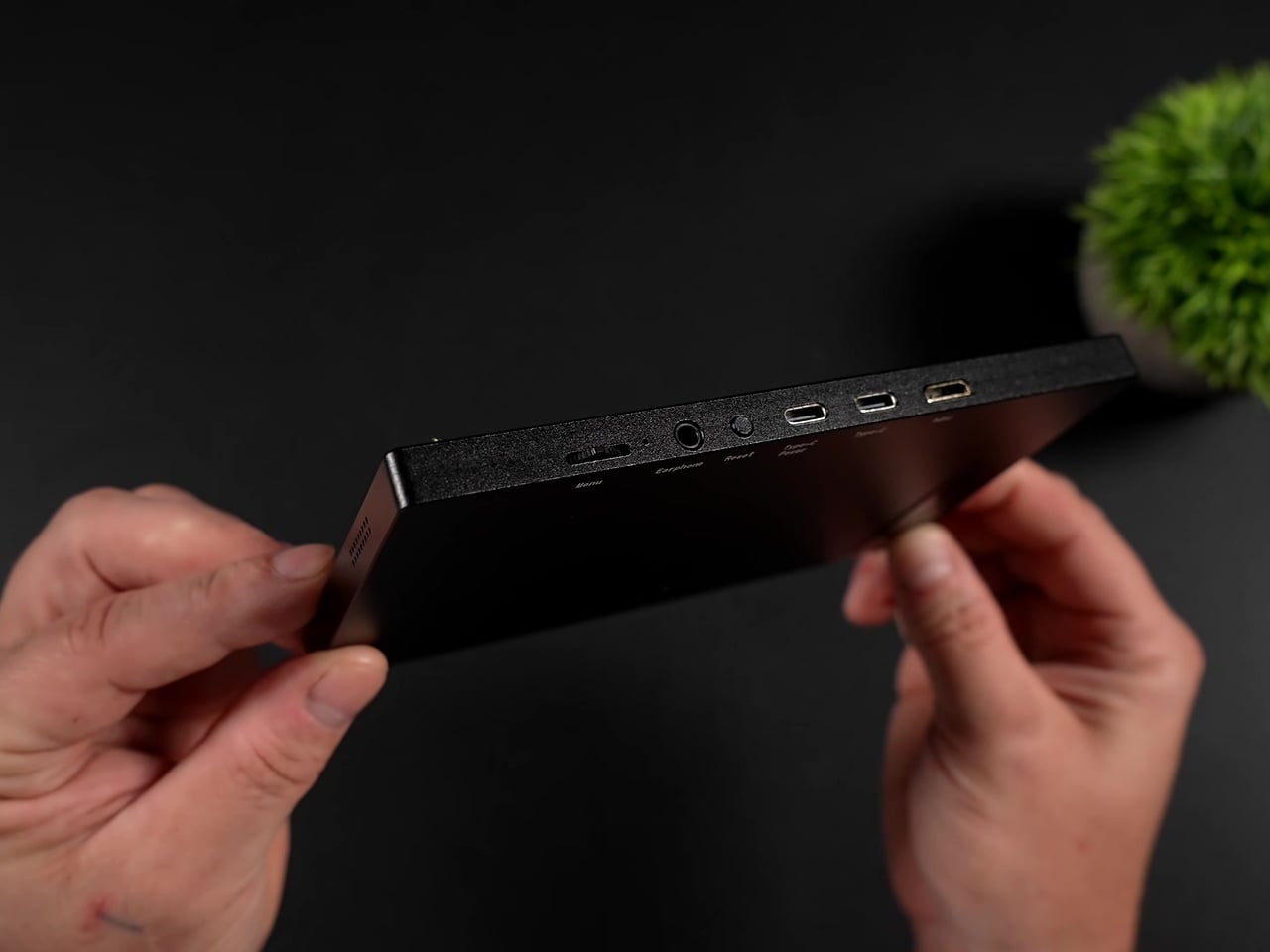
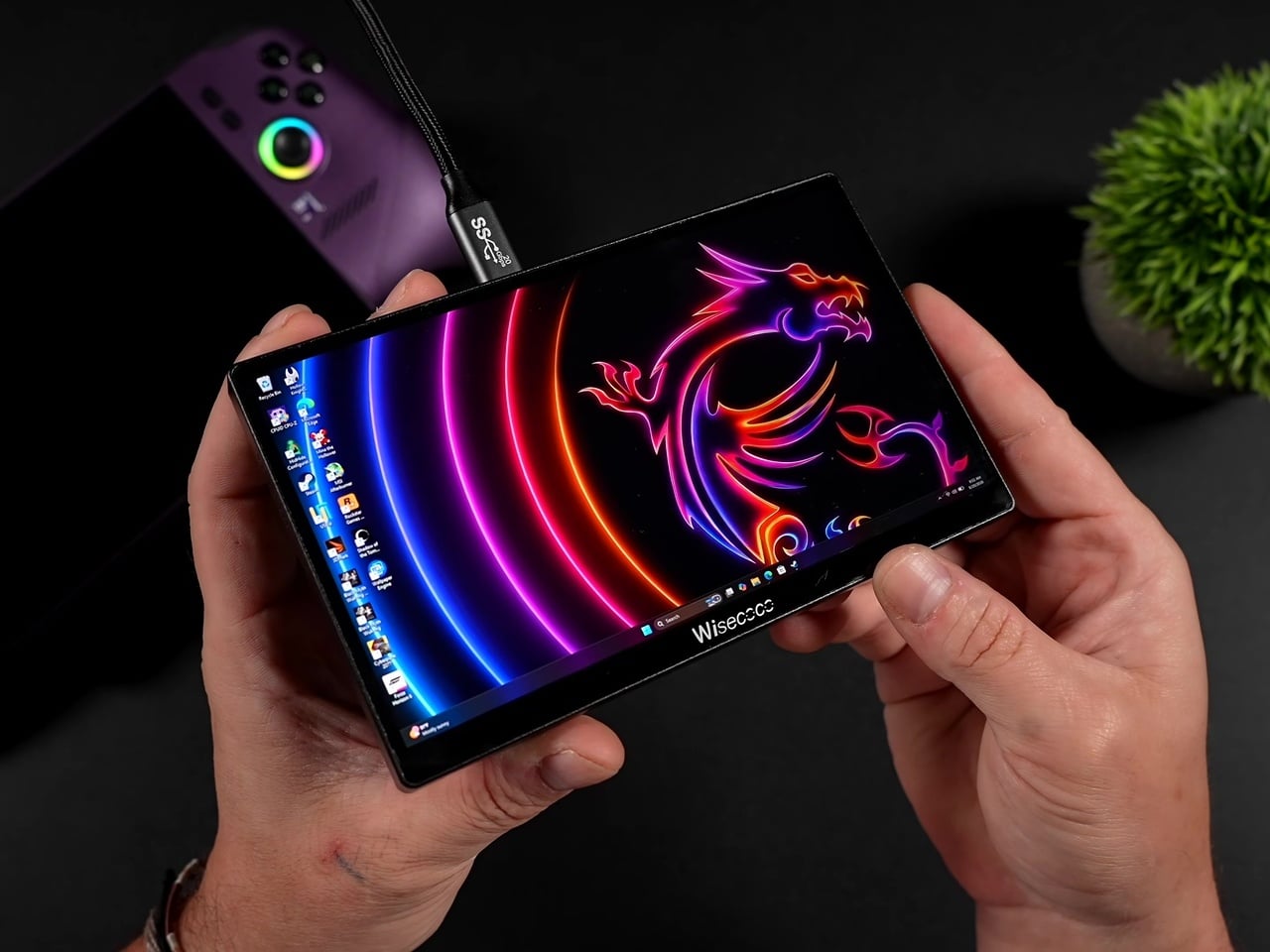
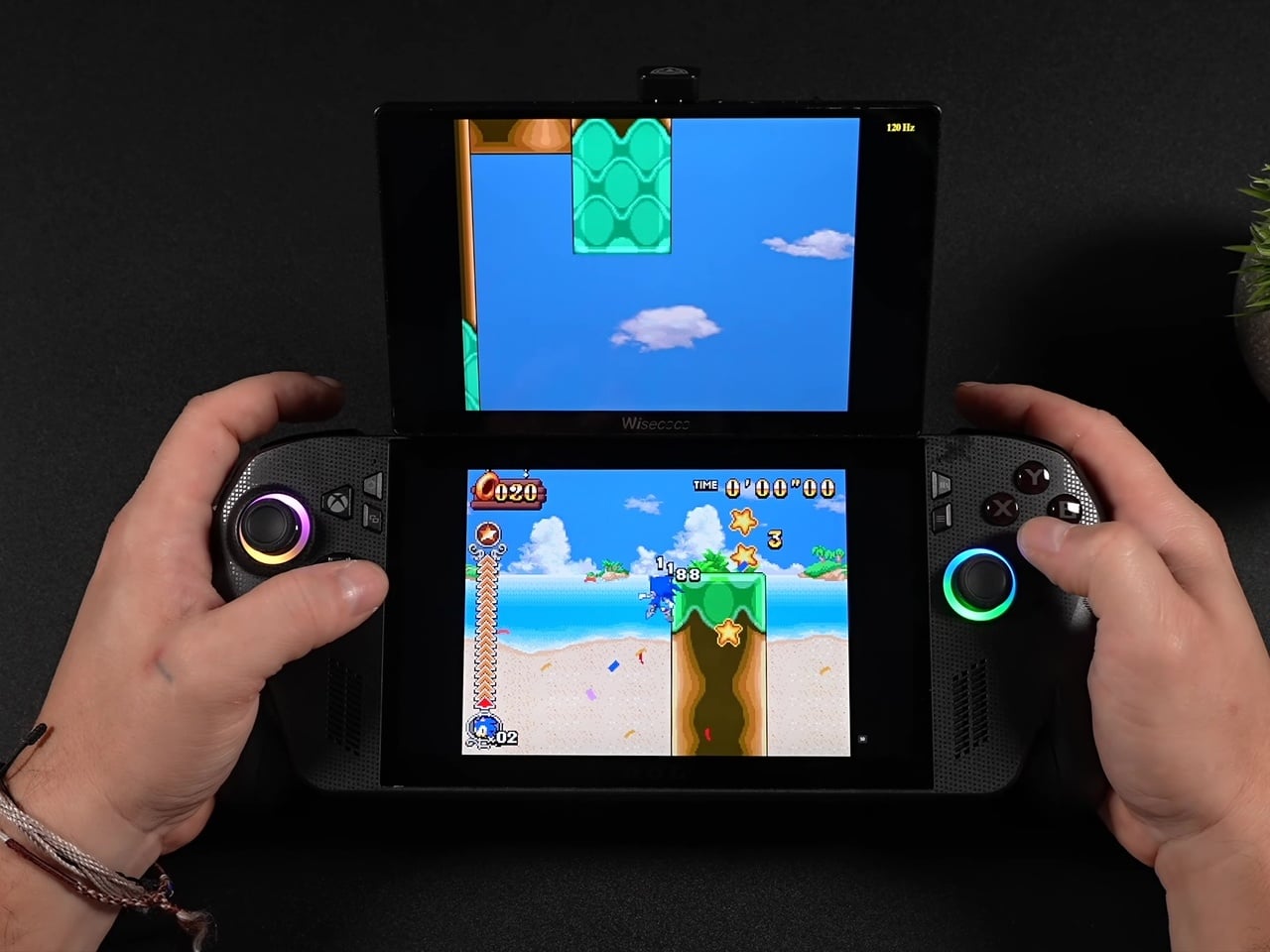
Where this setup actually earns its keep is in the software pairing it unlocks. Dual-screen emulation for Nintendo DS, 3DS, and Wii U titles finally makes sense on PC hardware, with the top screen handling the main view while the Ally X’s built-in display takes over as the touch-enabled bottom screen exactly the way Nintendo intended those games to be played.
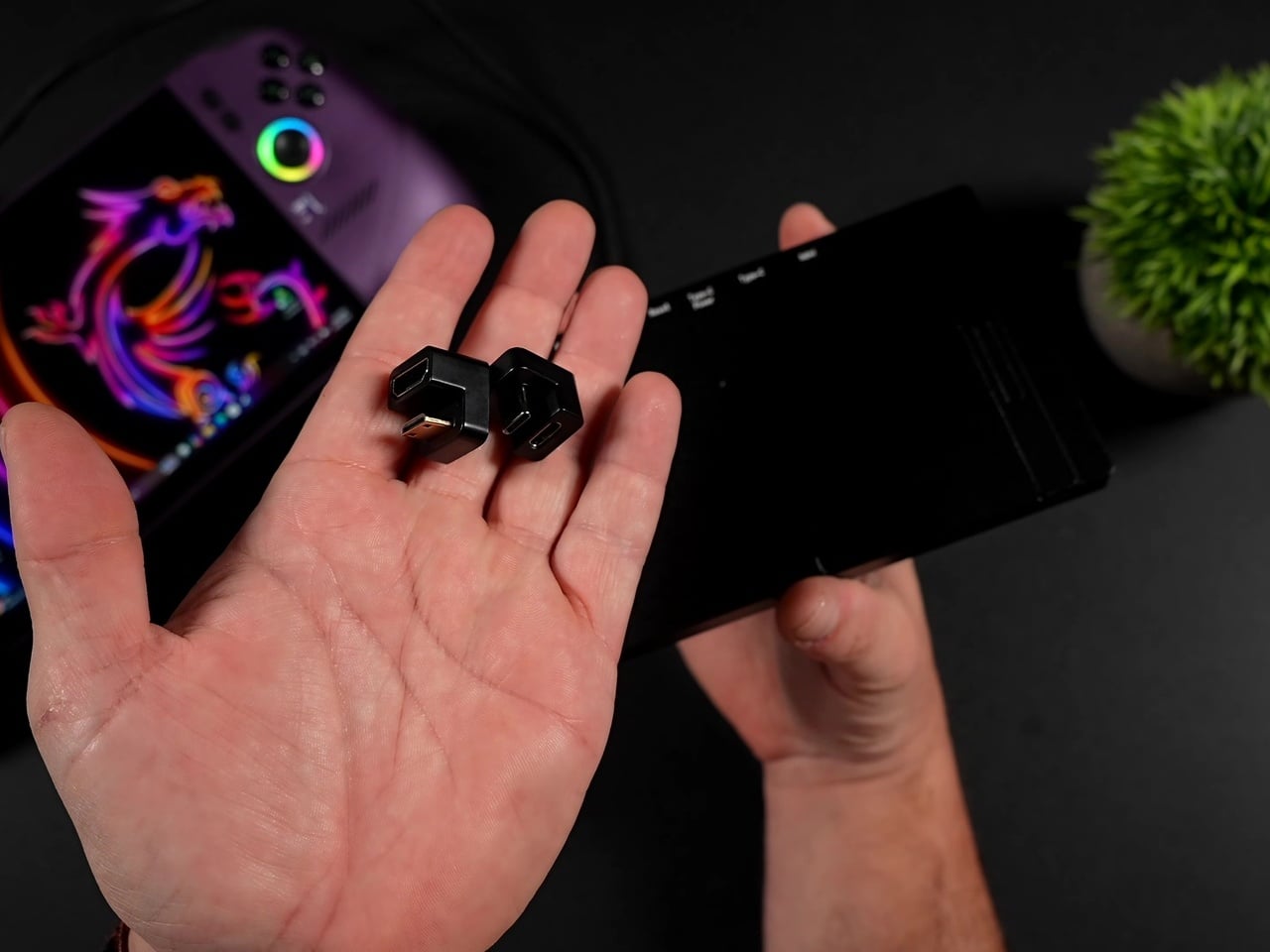
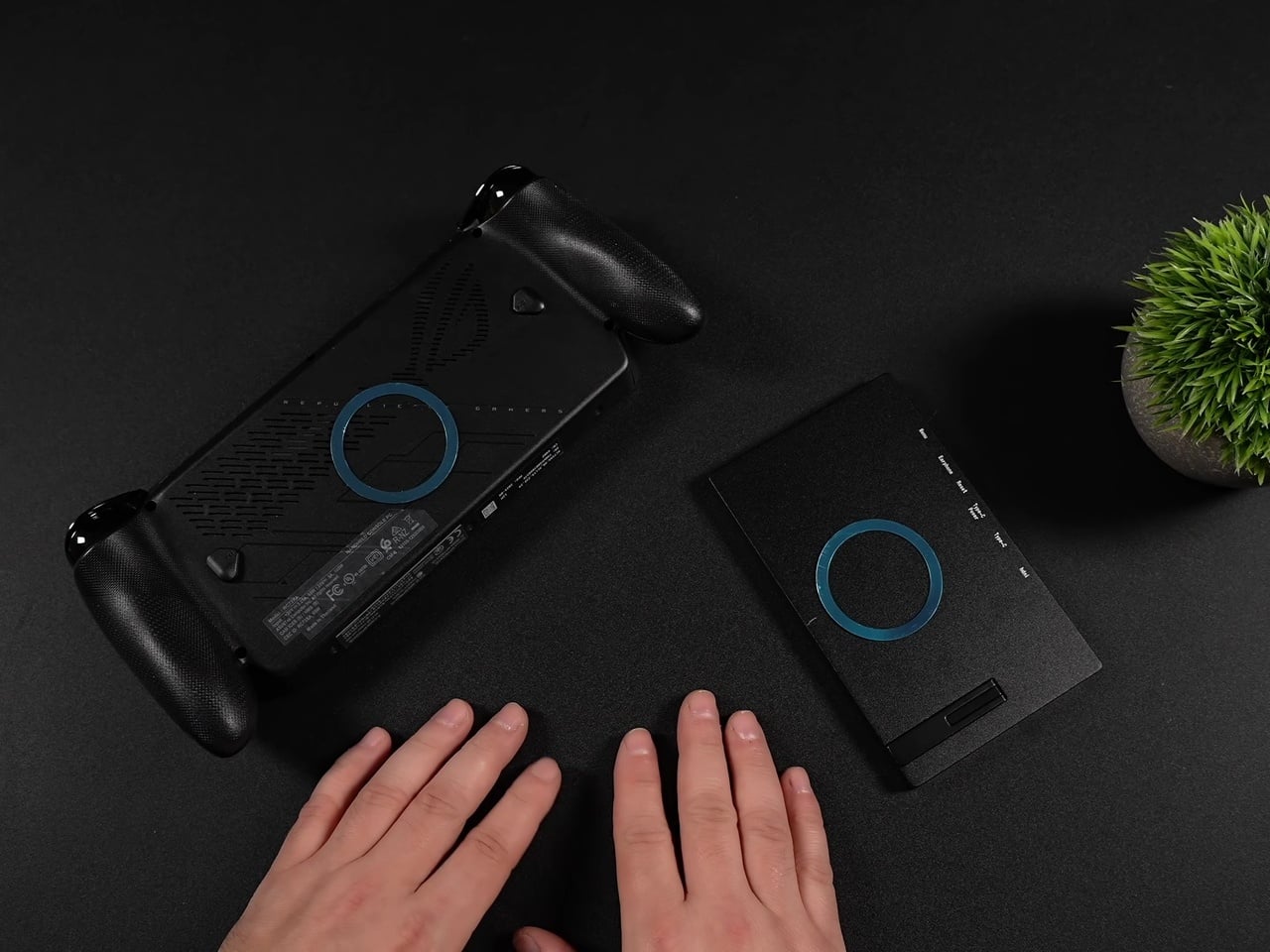
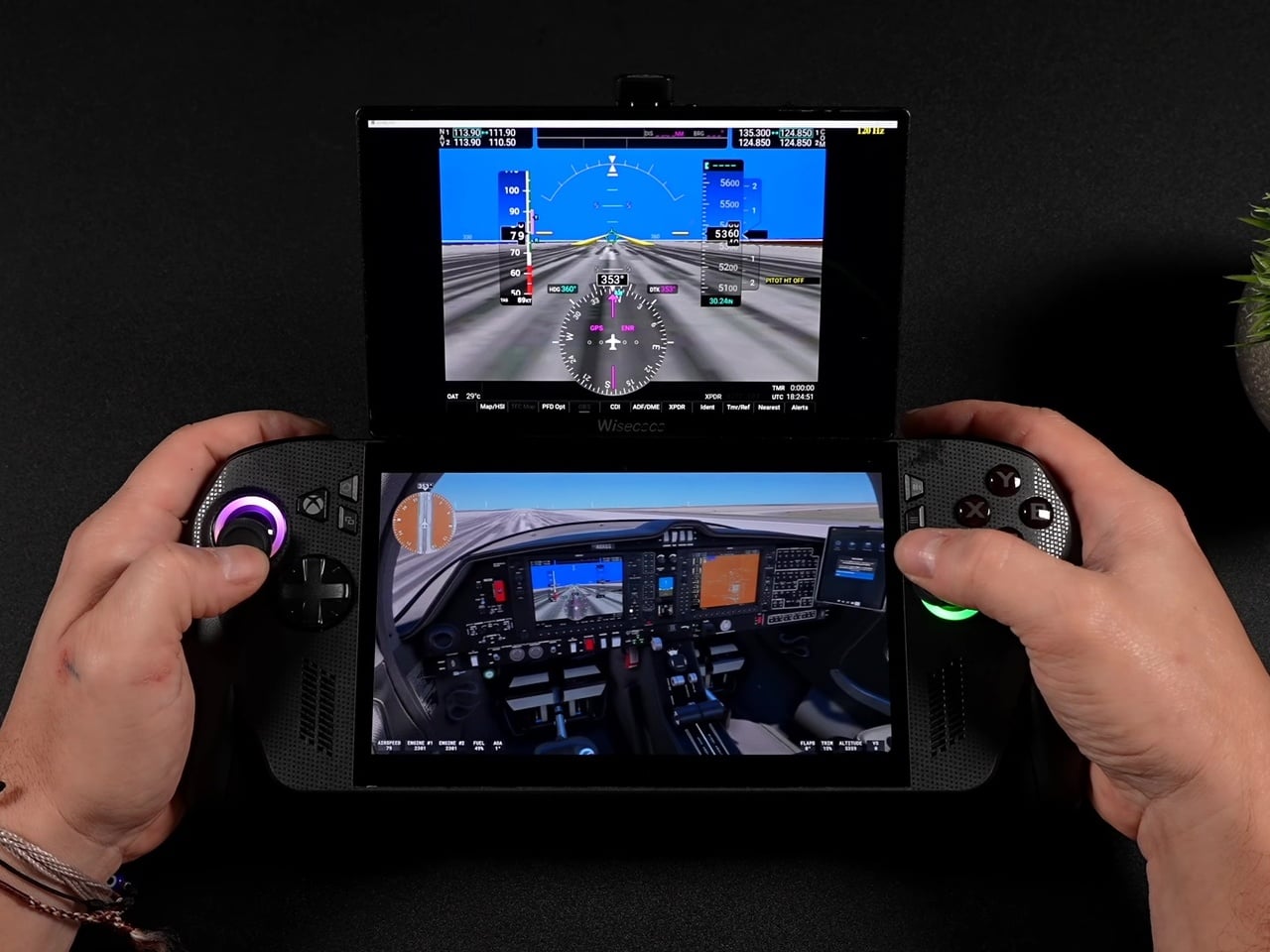
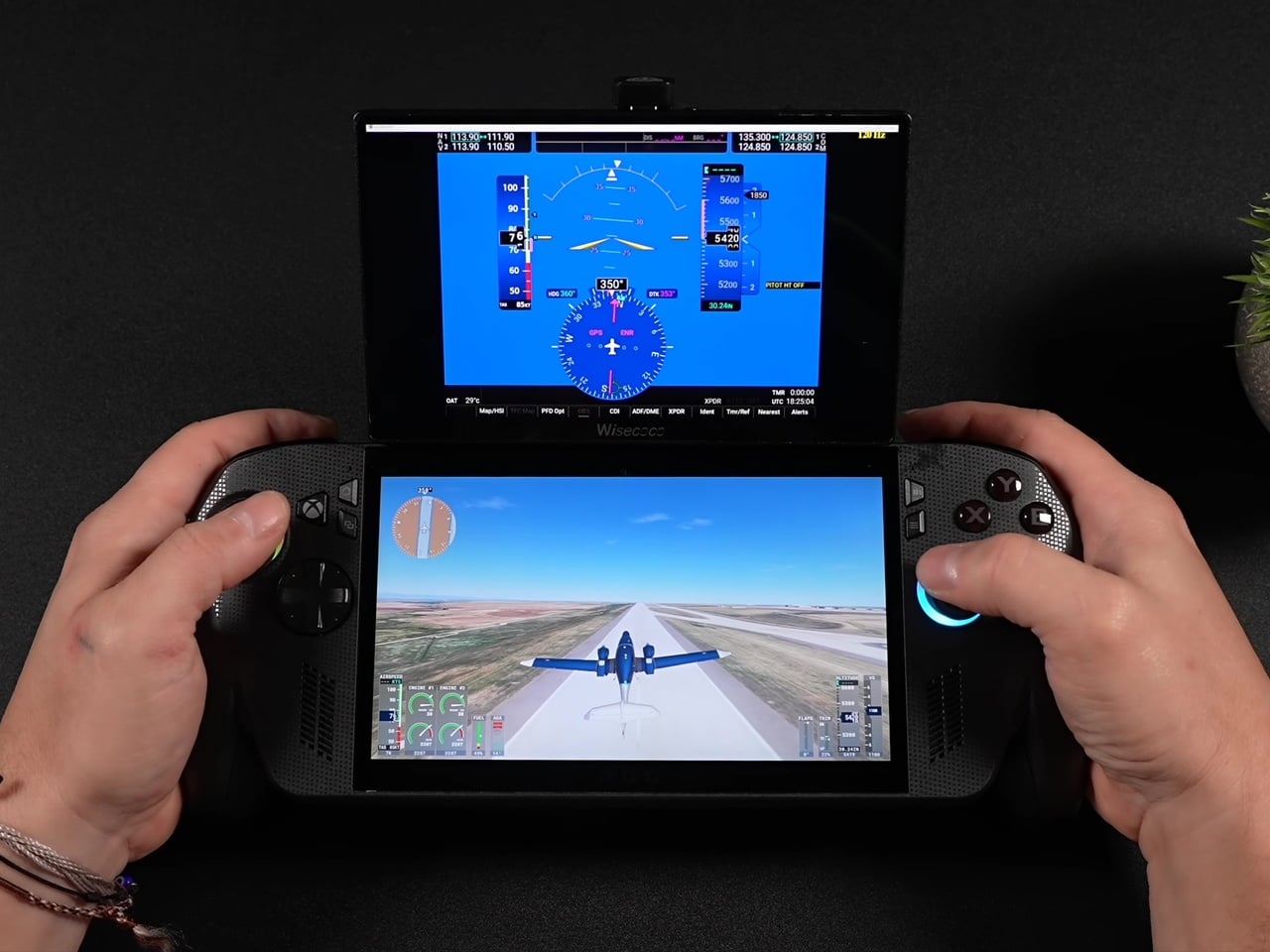
Flight and driving sims benefit just as directly. Popping instrument gauges and flight panels out to that second screen in Microsoft Flight Simulator 2024, or pushing telemetry readouts to it in Euro Truck Simulator 2 and various F1 games, turns a single handheld into something closer to a cramped cockpit setup. Even a Fallout 4 Pip-Boy overlay finds a natural home up there instead of cluttering the primary display.
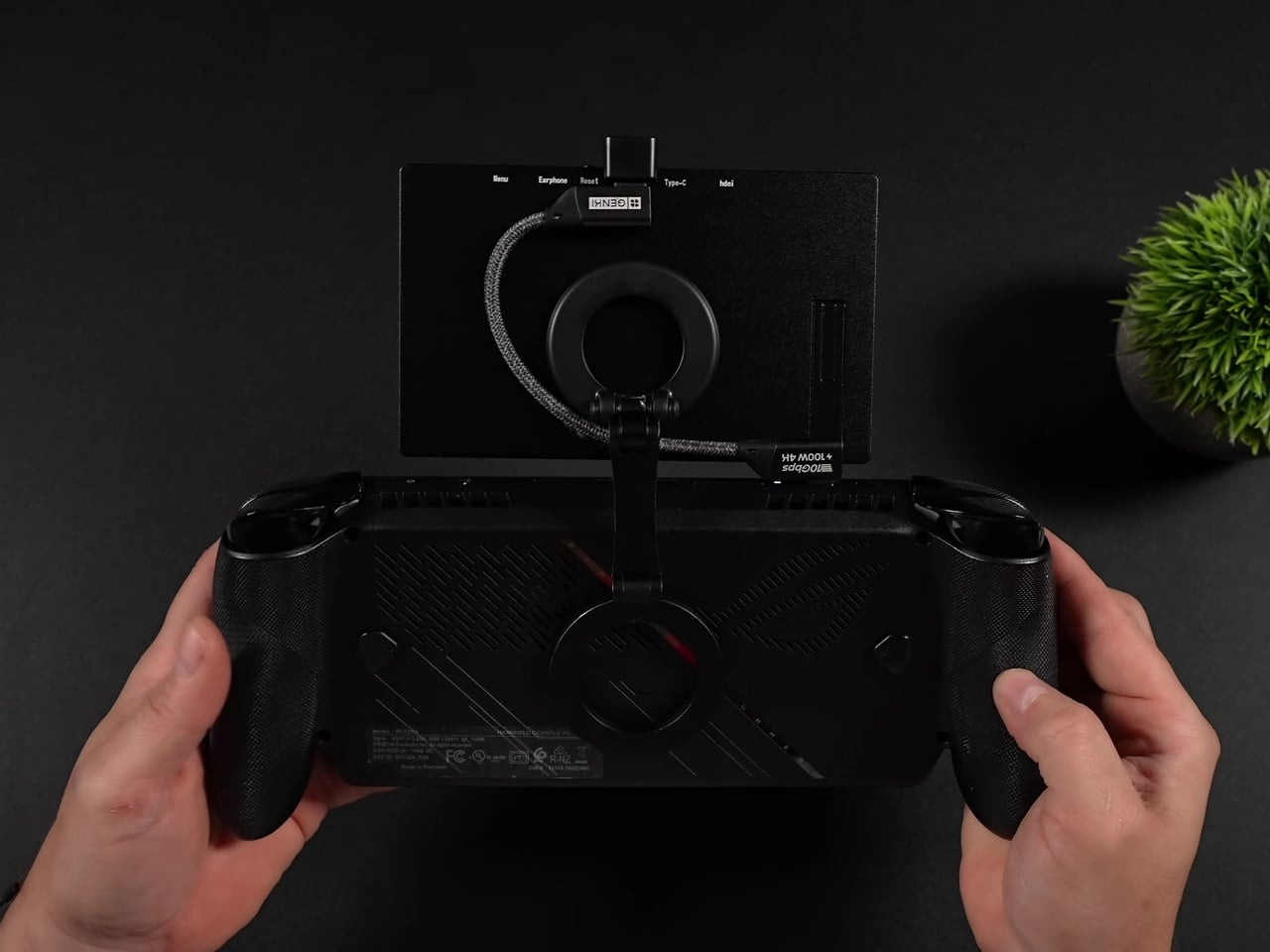
None of this comes free of friction. Windows defaults the panel to 60Hz on first connection, so getting the full 120Hz and FreeSync experience means digging into display settings manually every time. The monitor also draws power straight from the handheld itself, meaning battery life takes a real hit exactly when you’re asking the system to drive two screens instead of one.
The real achievement isn’t the display itself; plenty of budget portable monitors exist. It’s the decision to make the whole assembly modular using parts nobody designed specifically for this: magnetic phone mounts and right-angle adapters repurposed into a hinge system that snaps on for a flight sim session and comes right back off for the commute home.