The Apple Pencil on a standard iPad screen is a competent stylus. It isn’t, however, anything like writing on paper, and for a lot of artists and note-takers, that distinction matters enough to do something about it. Rock Paper Pencil has been the go-to solution for this since version one, and version 4.0, at $49.99, adds something earlier versions couldn’t offer: a choice of how drawing actually feels.
The setup is a two-part system. A removable screen protector attaches to the iPad’s display without adhesive, using NanoCling technology that leaves no residue when peeled off. Its microscopic texture adds enough controlled friction to the surface that the Apple Pencil moves across it the way a pencil moves across paper, with resistance that makes strokes feel intentional rather than frictionless.
Designer: Astropad
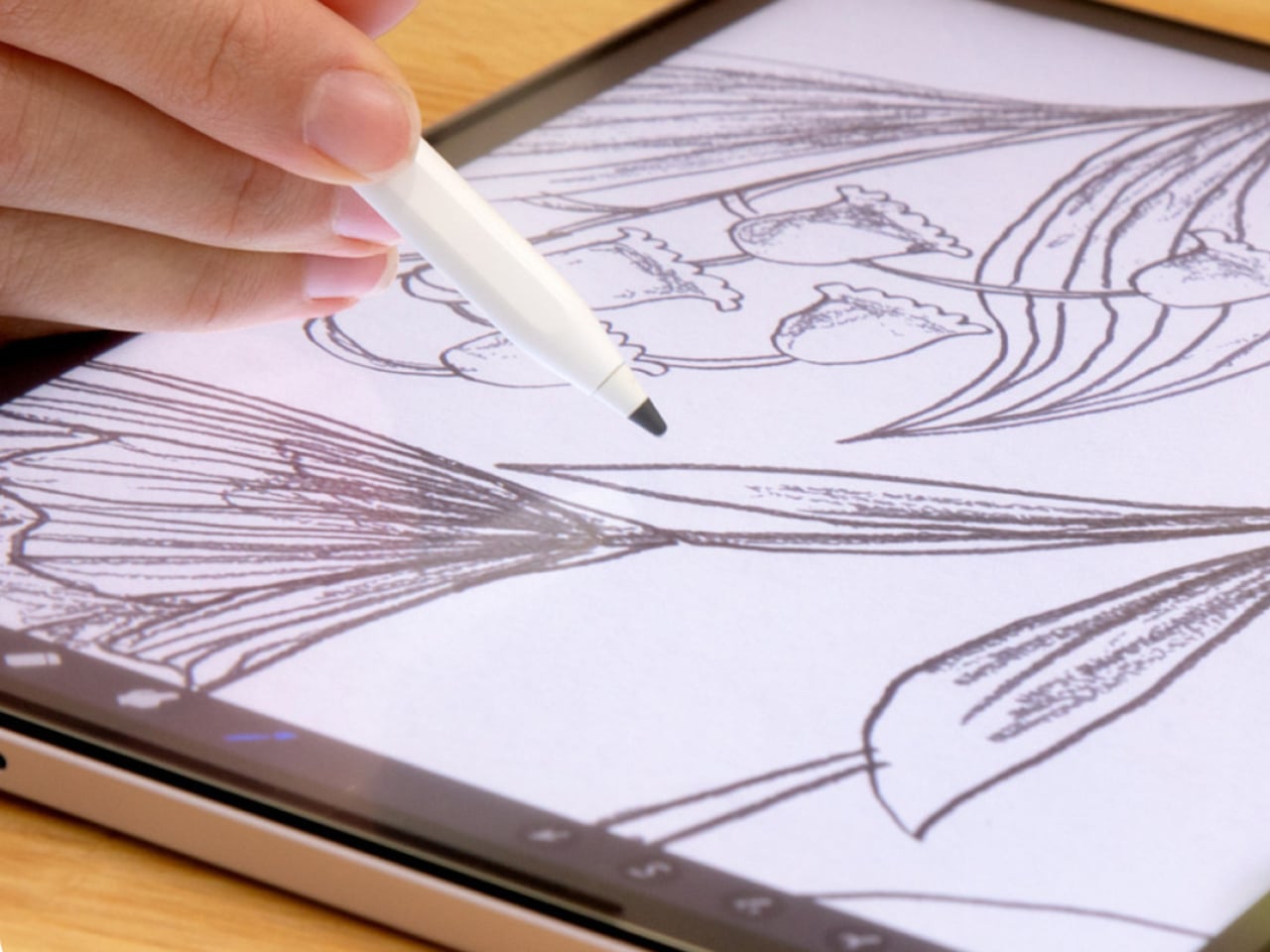
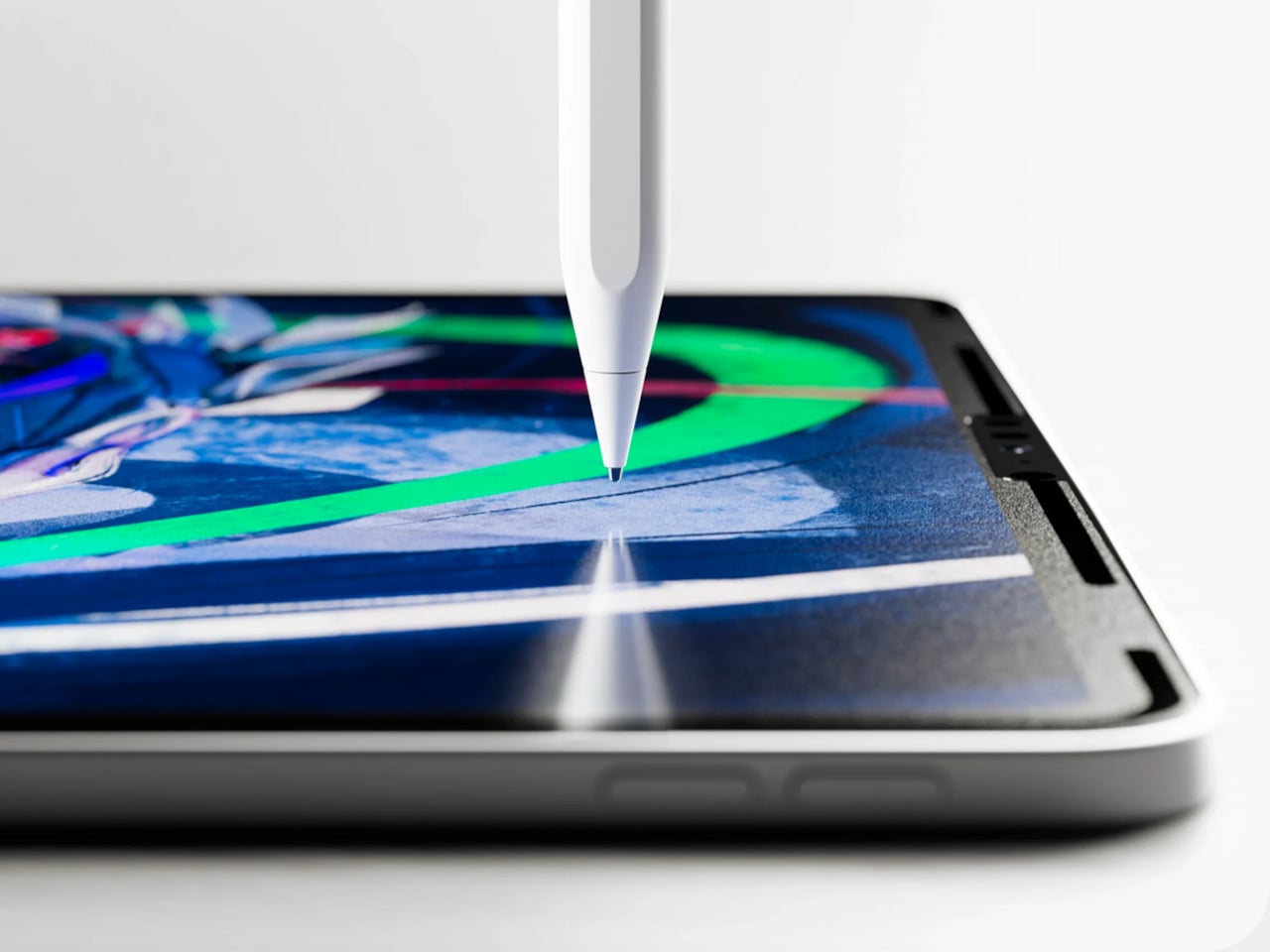
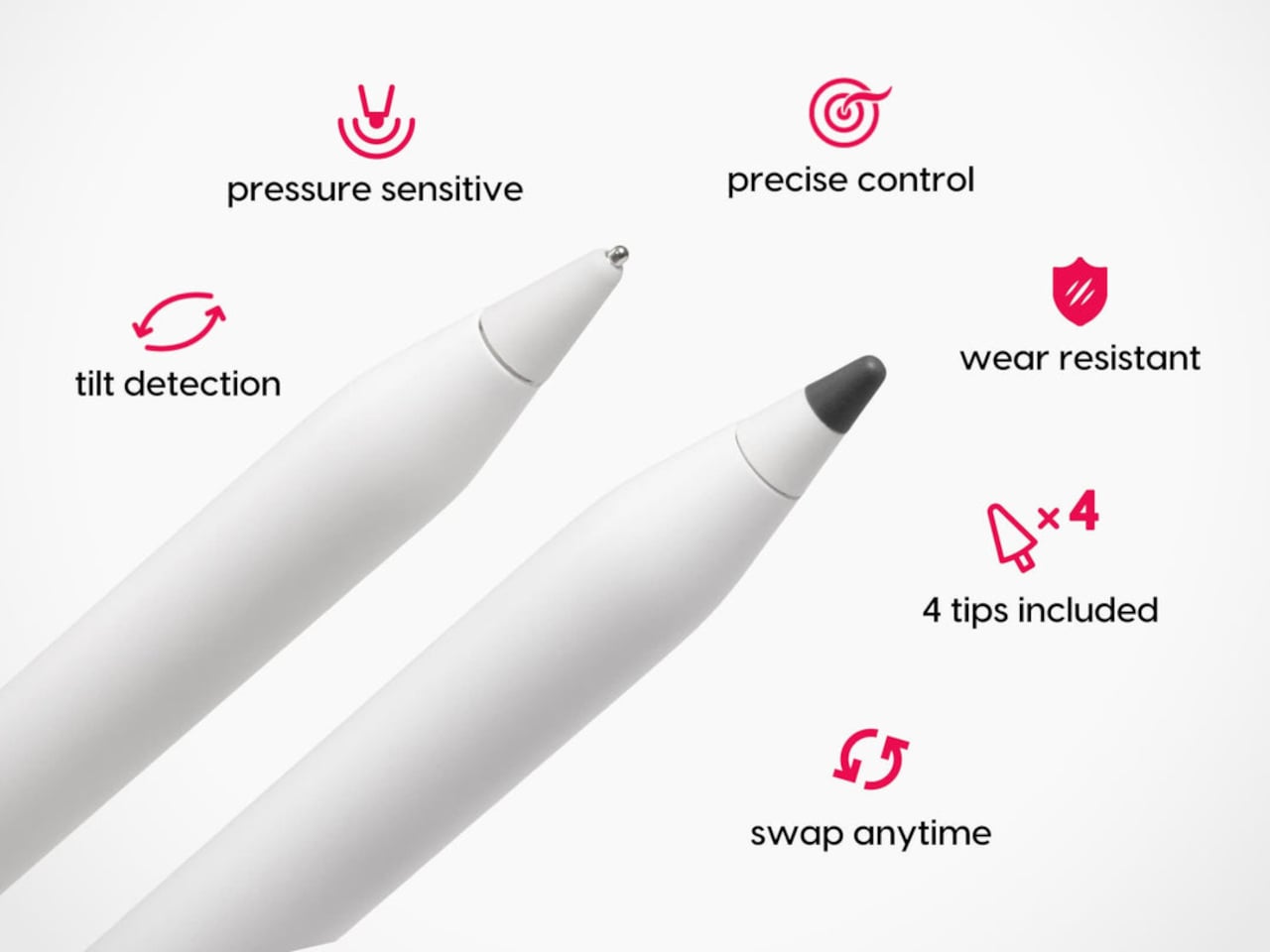
The four included tips are the version 4.0 update. Two are ballpoint, the same smooth steel-tip design from previous versions, and two are graphite, a new addition made from POM material and modeled after a 2B pencil. The graphite tips have a softer, toothier drag that catches the screen protector’s texture more noticeably, delivering the kind of feedback artists reach for when sketching, shading, or building up layered strokes.
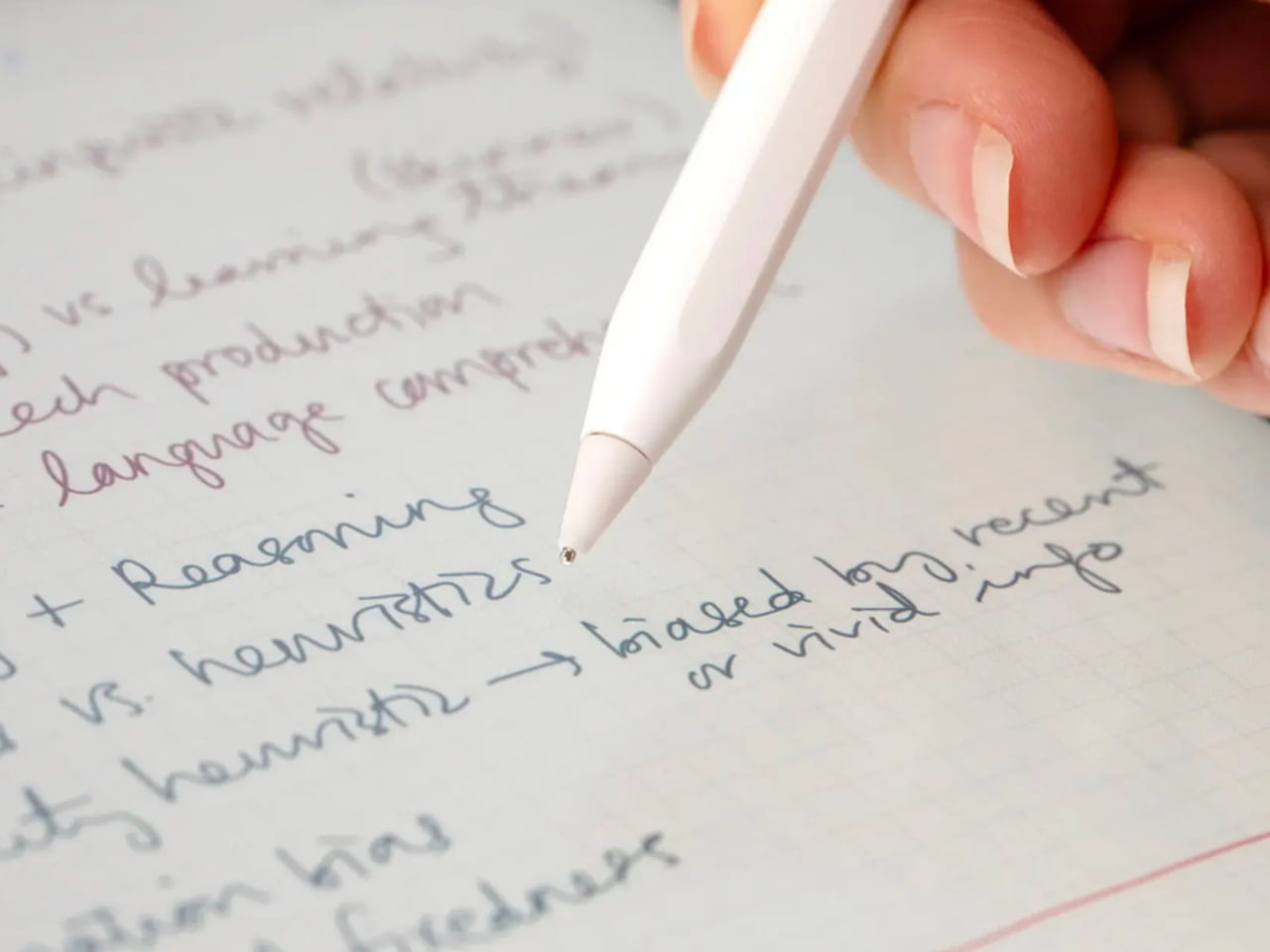
Switching between the two feels like the difference between reaching for a pen and reaching for a pencil, which is precisely the point. Writers and quick note-takers tend to prefer the ballpoint’s smoother glide. Illustrators working on expressive, pressure-sensitive line work often want more grip. Neither one is wrong, and having both in the same kit means you don’t have to commit to one style of input permanently.
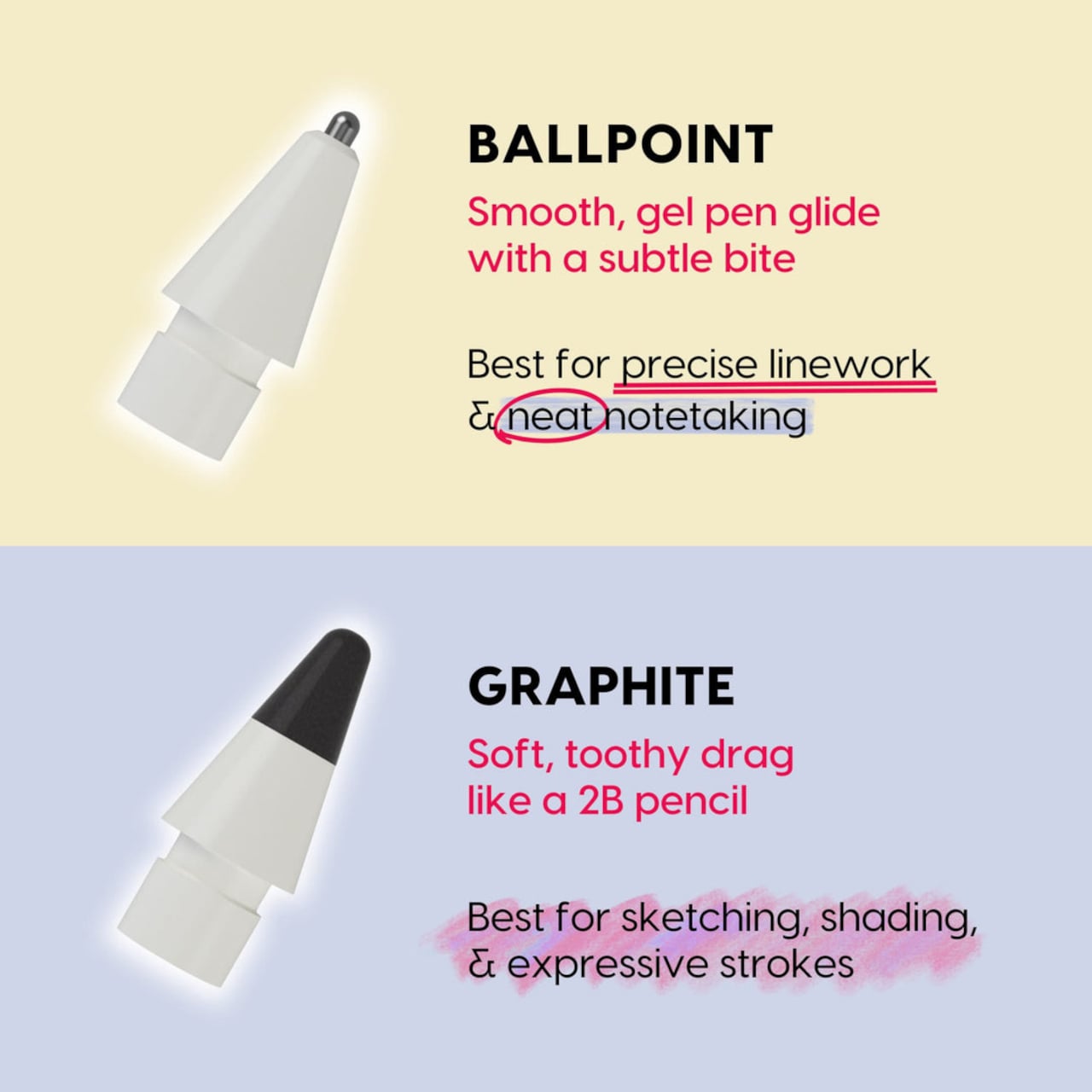
What makes this system work as well as it does is that the tips and the protector are engineered together rather than as separate products. The custom tips are designed specifically to interact with the nano-texture protector surface, so the friction you feel isn’t random. It’s calibrated. The tips work with every Apple Pencil model, including the Apple Pencil Pro, so upgrading your stylus doesn’t require replacing the tips you’re used to.
The screen protector itself attaches in seconds and stores in an included protective sleeve when it’s not on the iPad. The removable design is one of the things that separates Rock Paper Pencil from Apple’s own nano-texture glass option, which is a permanent surface applied at purchase on select high-end iPad Pro configurations. Rock Paper Pencil achieves a comparable paper-like feel without locking you into it, and without the price premium that comes with Apple’s version.
Compatibility covers most iPads in active circulation, from the iPad mini to the full-size iPad Pro, with model-specific screen protectors ordered for the right fit. The tips, by contrast, are universal across Apple Pencil generations. Each Rock Paper Pencil 4.0 kit ships with the screen protector, the protective sleeve, and all four tips: two ballpoint and two graphite.
The $49.99 price keeps the entry point low enough that it doesn’t feel like a commitment. The protector comes off clean, the tips swap in seconds, and the graphite option adds a dimension to iPad drawing that wasn’t there before. It’s a small change to the physical layer that produces a noticeably different experience.