Your photo archive doesn’t stop growing just because its storage box has run out of room. The Minisforum N5 Air 7640 approaches that familiar problem with five drive bays and a motherboard that slides out for upgrades. This network-attached storage device, or NAS, gives owners a way to revisit what’s inside without treating the enclosure like a puzzle they’re supposed to leave unsolved.
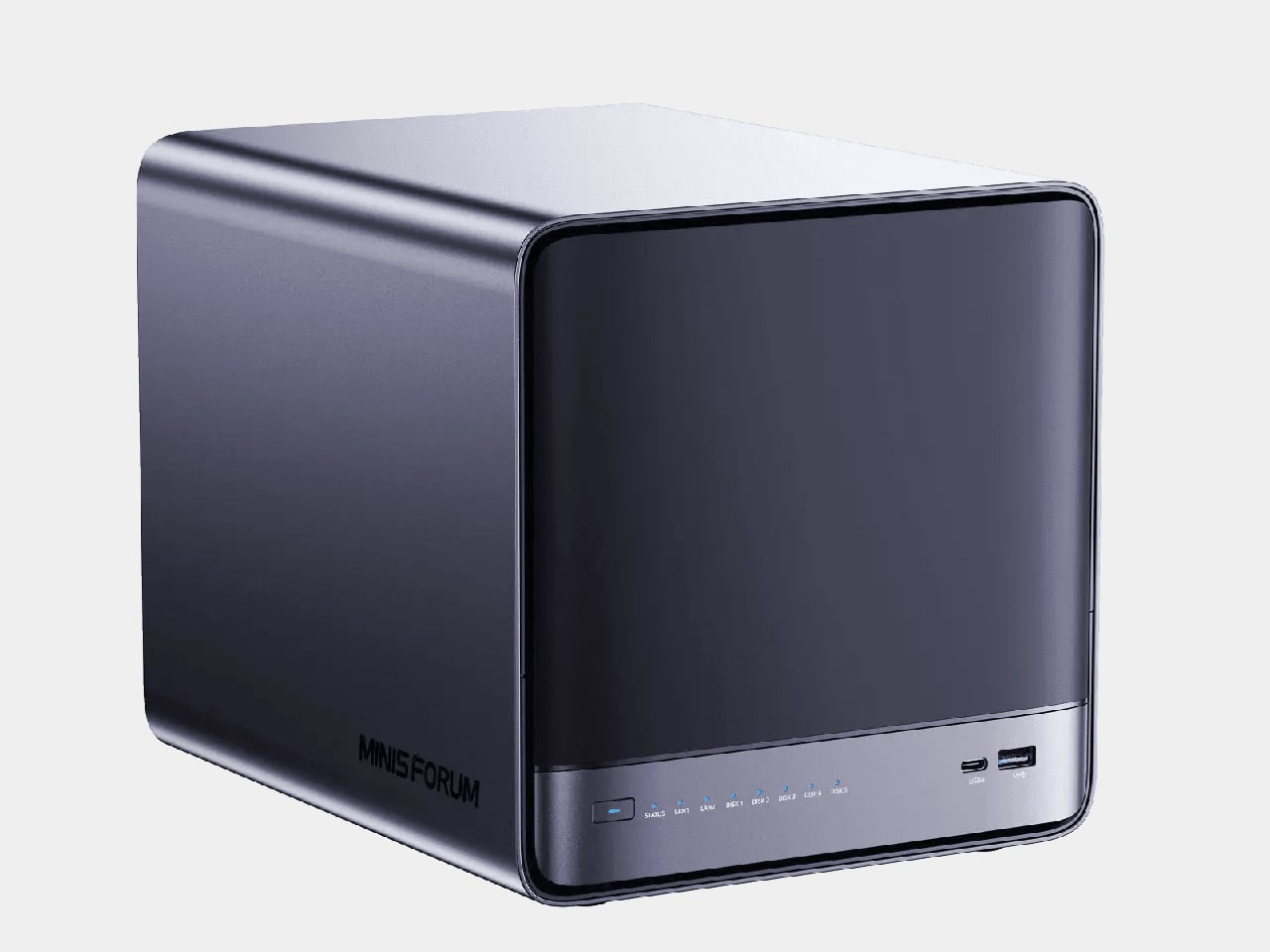
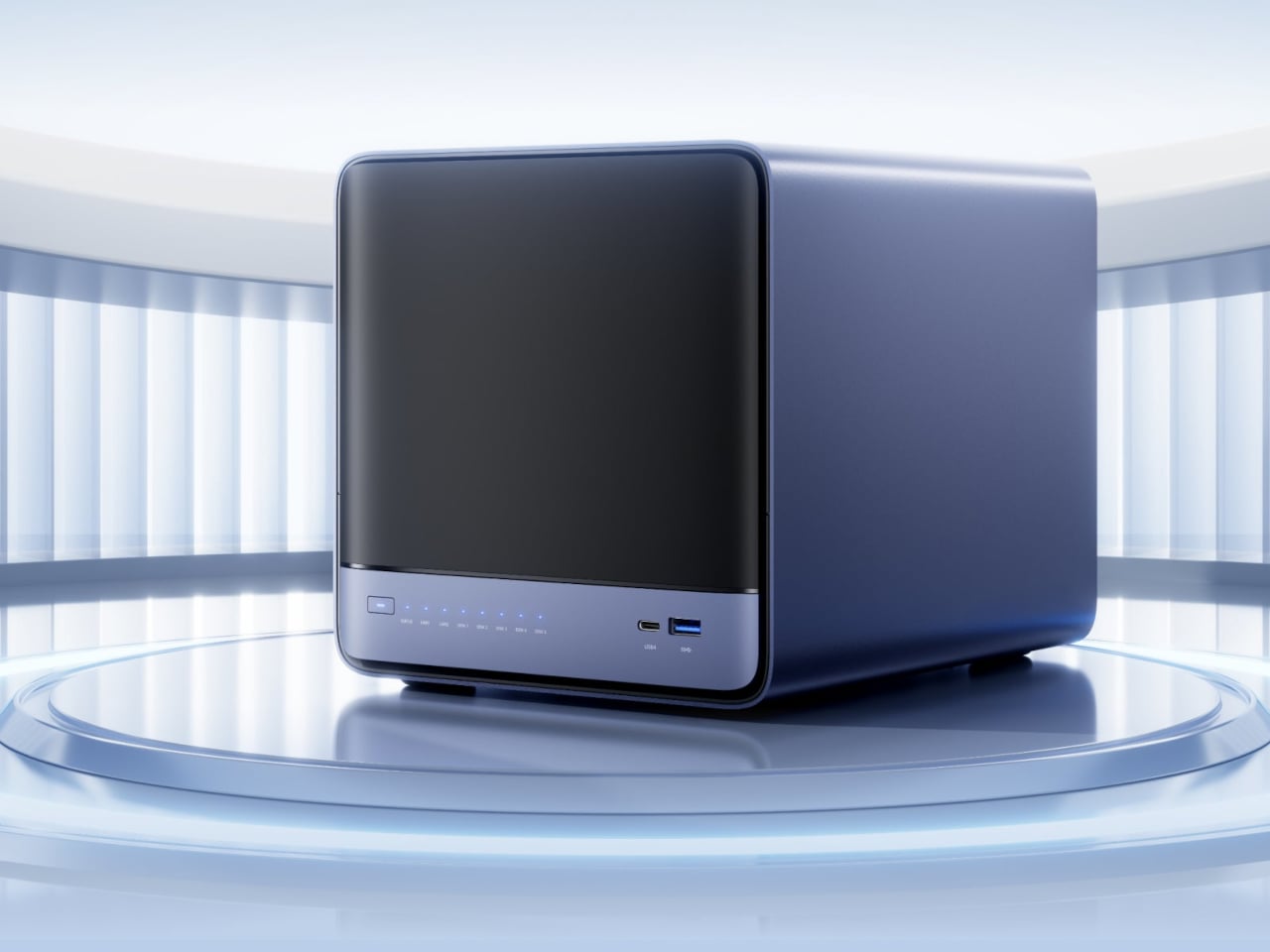
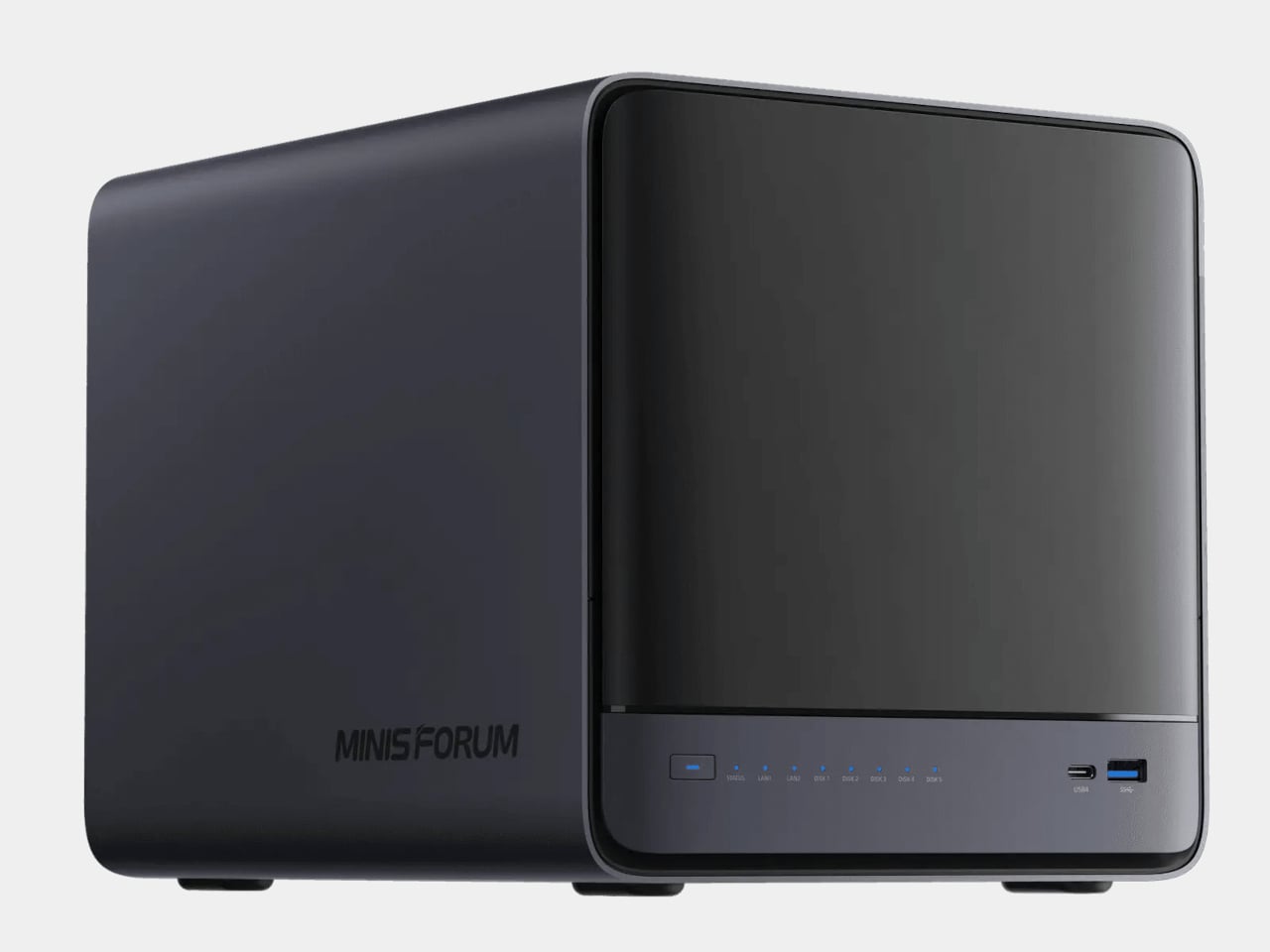
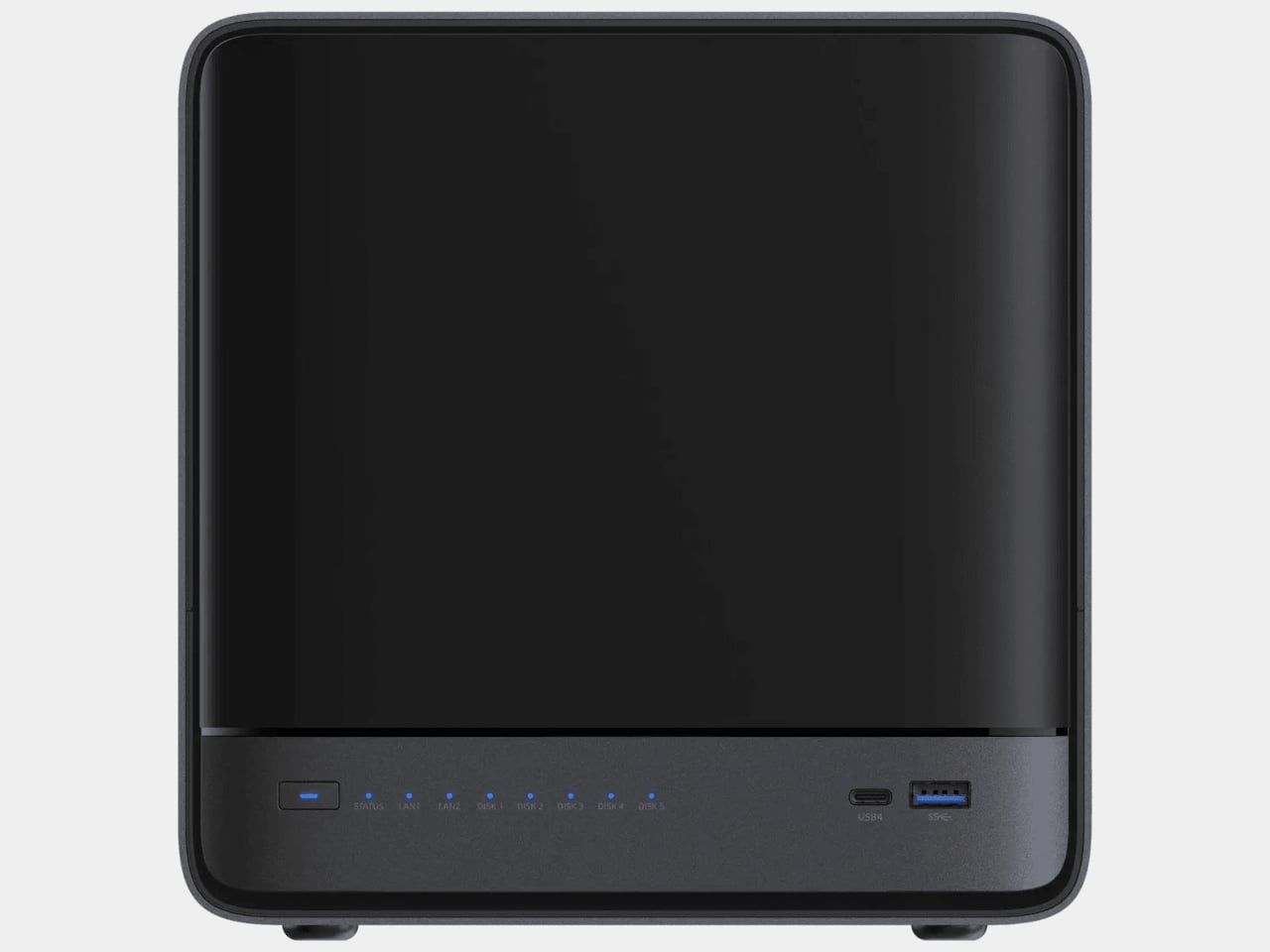
There’s little on the outside to advertise that mechanical trick. Rounded corners soften a dark plastic shell measuring 7.8 by 8.0 by 9.9 inches. A broad front cover conceals the drive trays, while the power button, status lights, and USB ports occupy a narrow strip below. The arrangement keeps everyday connections accessible without leaving five drive handles competing for attention on your desk.
Designer: Minisforum
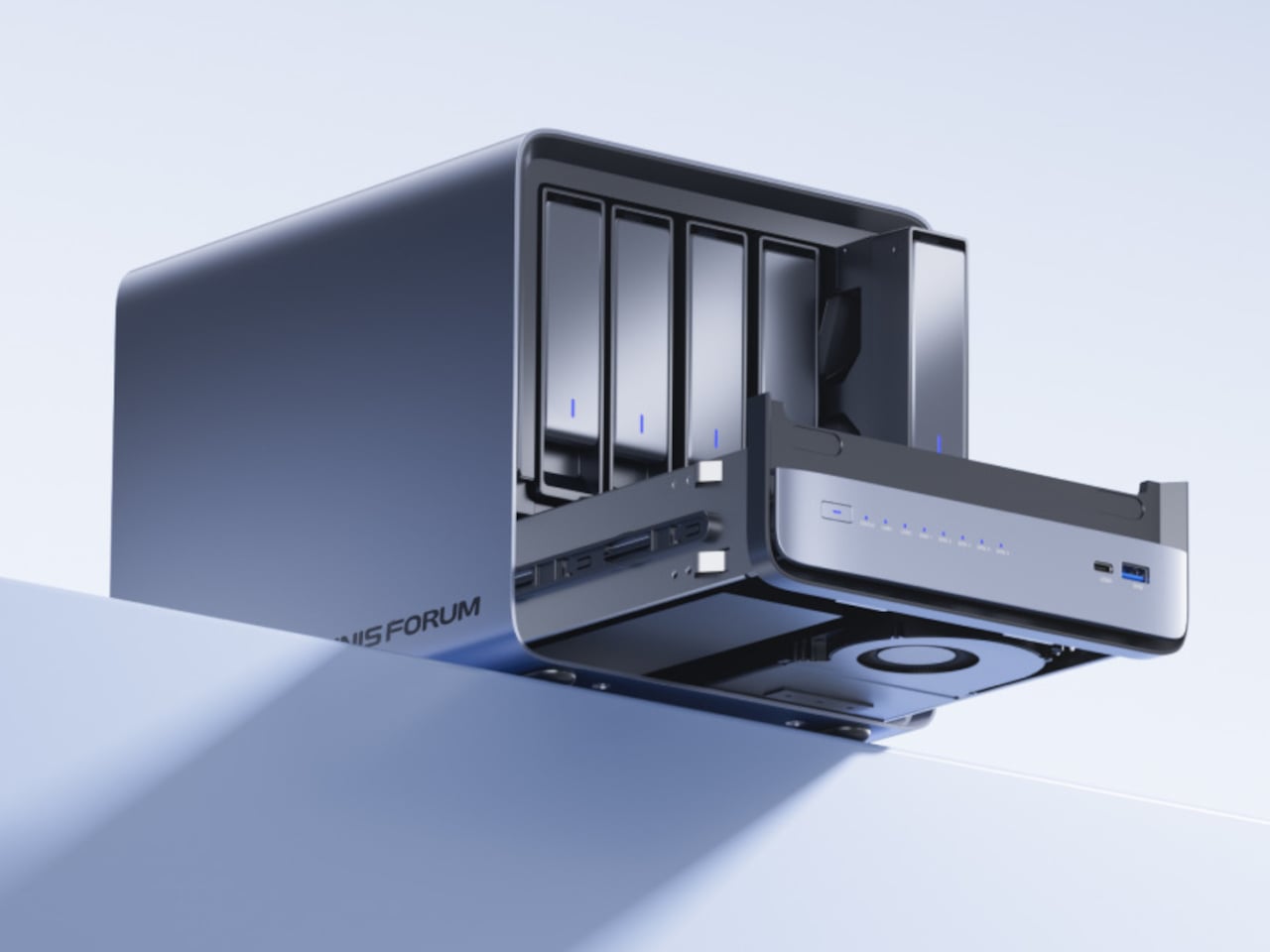
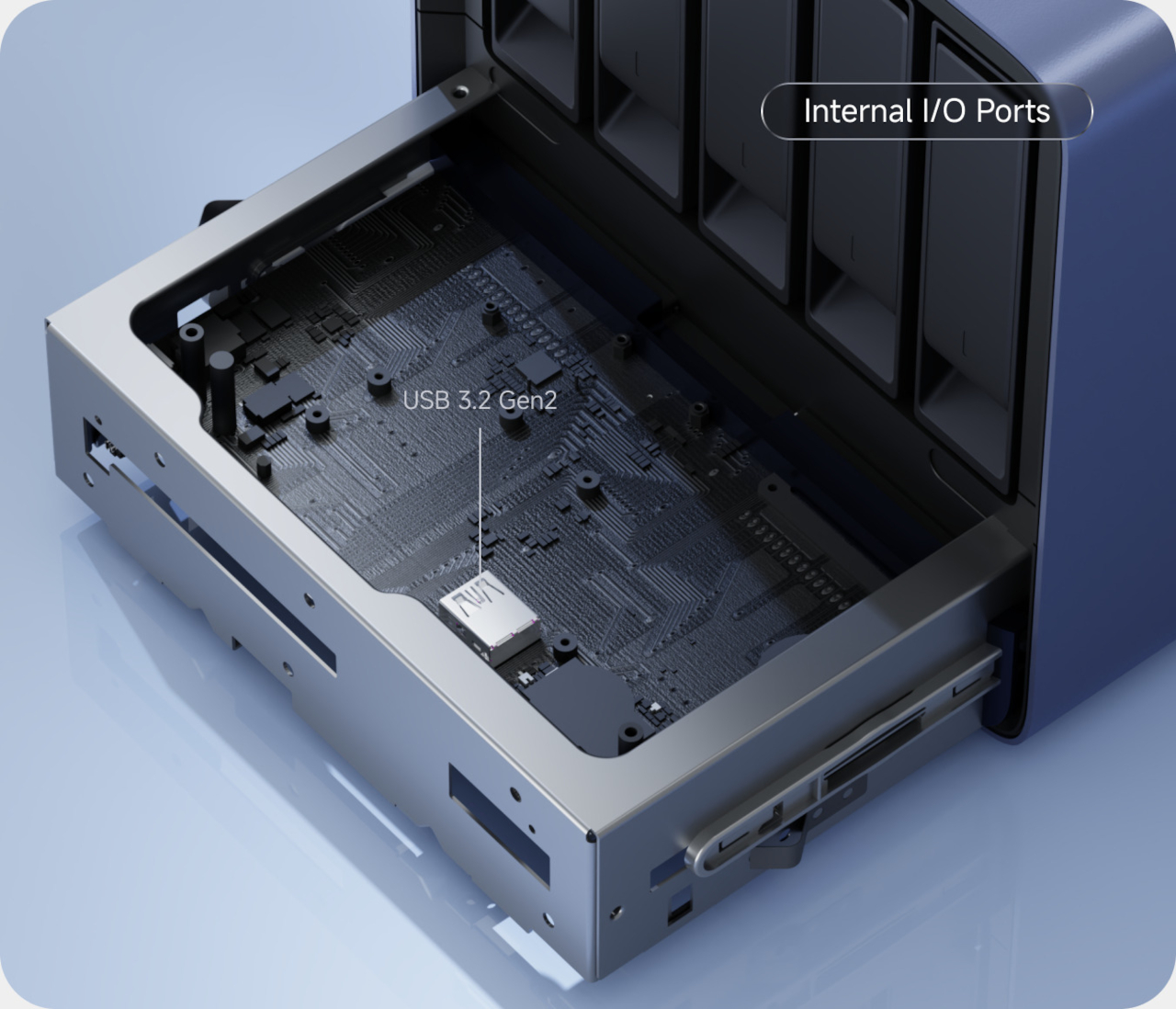
Open it up, however, and the distinction between storage access and computer maintenance becomes clearer. The hard drives have their own front-facing trays, while the motherboard travels forward on a separate sliding assembly beneath them. Minisforum carries this layout over from the earlier N5 Air. Its appeal is straightforward enough: memory and SSD upgrades don’t require dismantling the entire box around them.
That matters when a simple family archive starts taking on other jobs. Two DDR5 memory slots accept up to 96GB of replaceable RAM, giving owners room to expand as they add applications or virtual machines. The six-core AMD Ryzen 5 7640HS processor handles the computing, with 12 threads available for concurrent tasks. You aren’t locked into the memory configuration you chose initially.
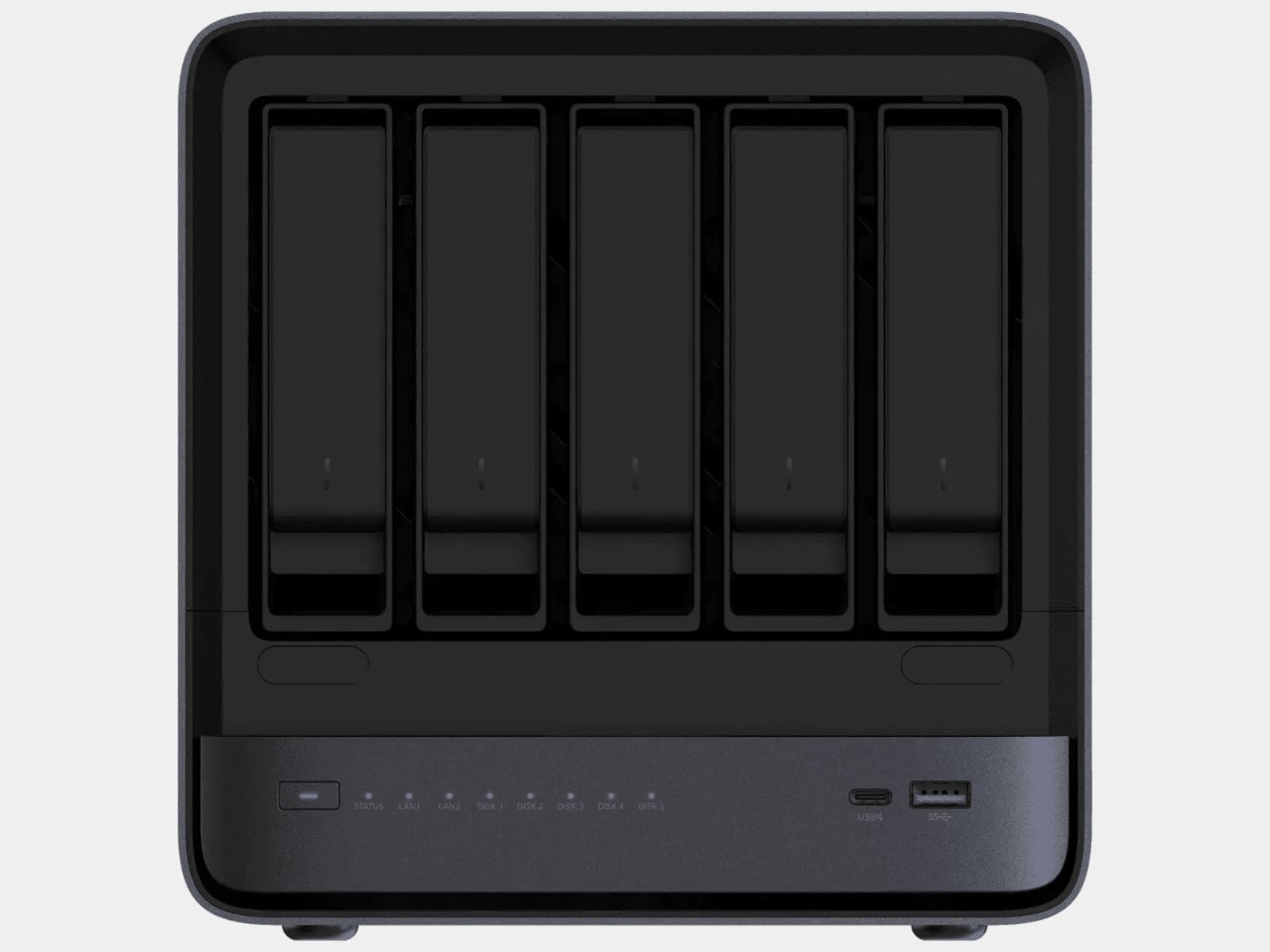
Storage follows a similar division of labor. Five SATA bays accommodate larger drives for accumulated photos and footage, while three M.2 slots provide space for solid-state storage. Minisforum advertises up to 174TB across both groups. That’s a raw capacity ceiling, not usable space after redundancy. The included 64GB system drive also occupies one M.2 slot, so those three positions aren’t all empty.
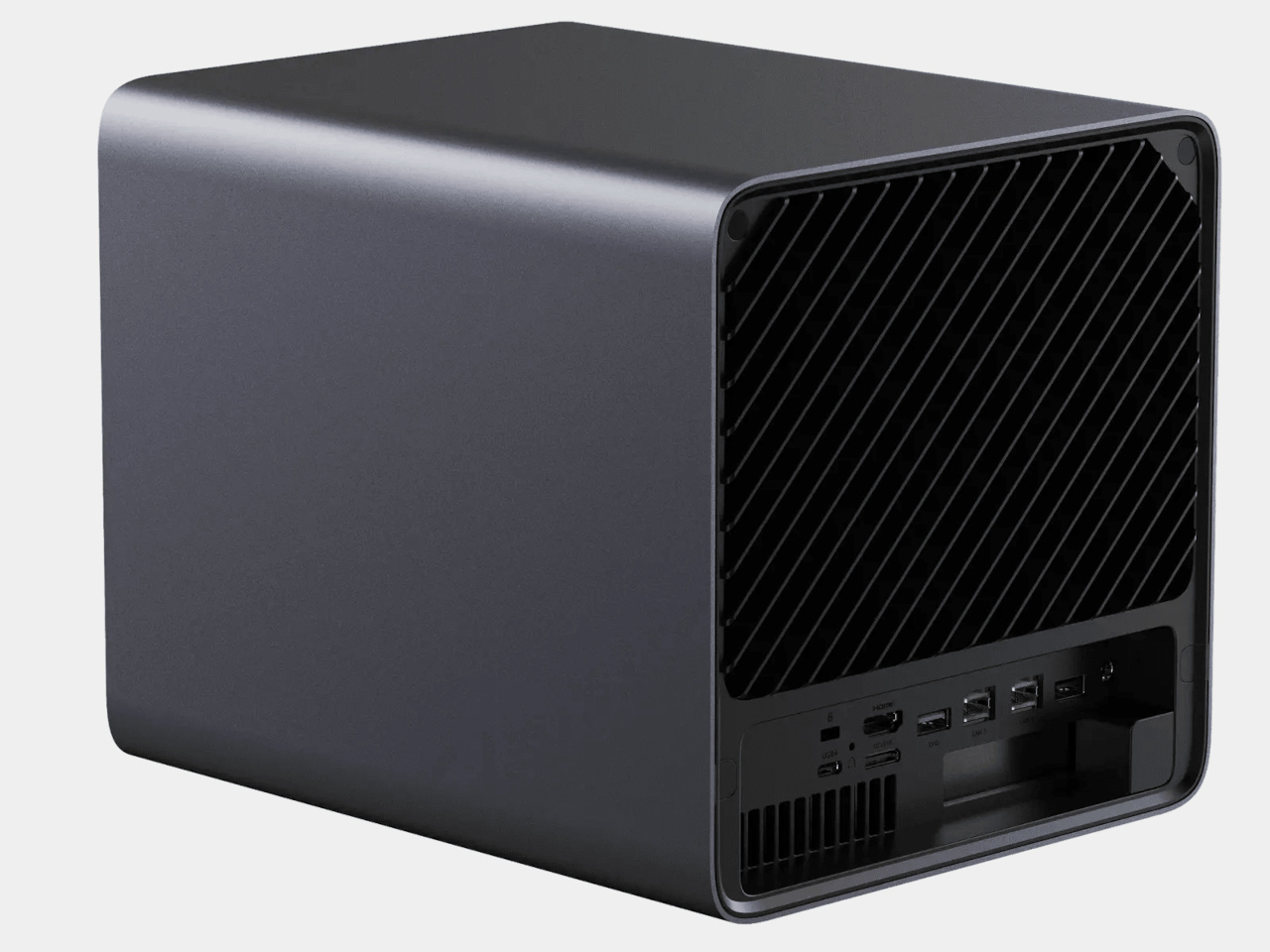
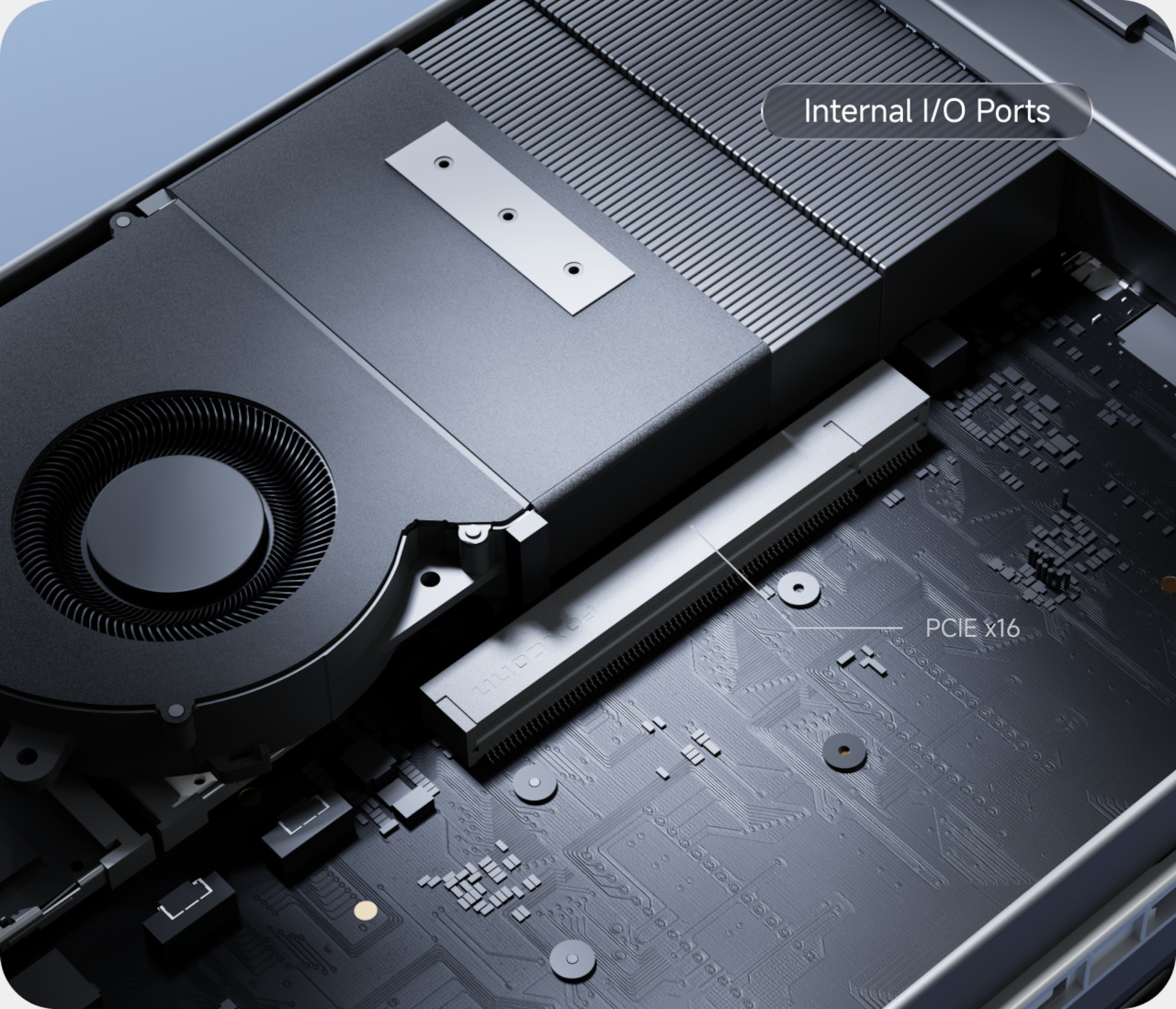
The rear connections leave room for the setup around it to grow, too. Separate 10GbE and 5GbE network ports offer faster wired links, although your computer and network equipment need to support those speeds. There’s also OCuLink for external expansion and an internal PCIe slot. Despite its x16 size, that slot runs at PCIe 4.0 x4 bandwidth, an important distinction before choosing an upgrade.
The software brings those hardware options back to household routines. Minisforum’s MinisCloud OS offers photo organization, device backups, and separate personal and shared spaces, so family pictures needn’t share the same permissions as work documents. Docker support lets owners install additional applications. There is a caveat, though: Minisforum labels the operating system as beta software, something worth considering before entrusting it with irreplaceable files.
Minisforum lists the barebones model at $495, including that 64GB system drive but no RAM or data drives. The 16GB RAM version is listed at $679. Immediate stock and dispatch aren’t independently confirmed. Those additional hardware costs belong in the budget, but at least installing your chosen parts is something the enclosure was designed to accommodate, rather than quietly discourage.