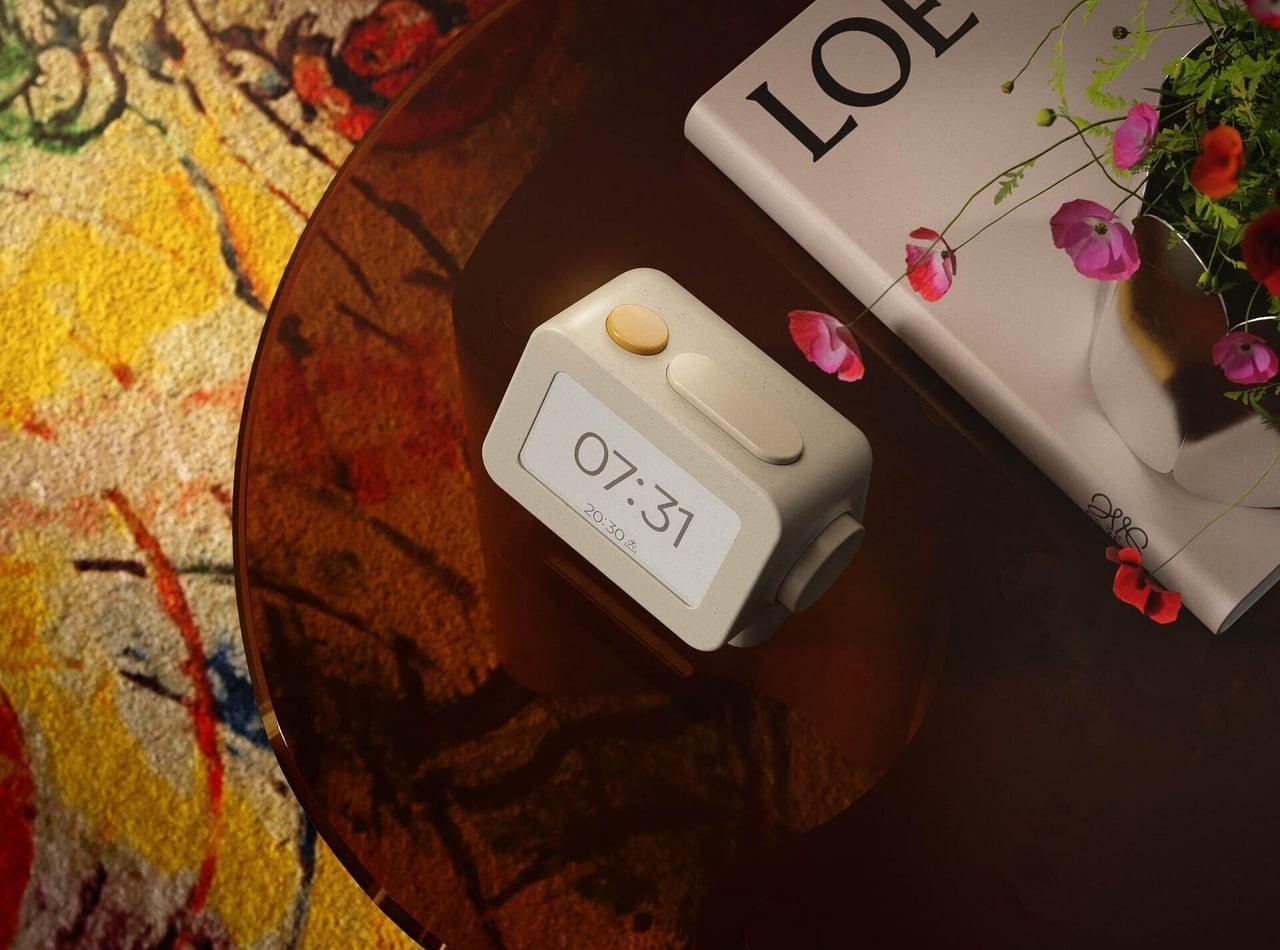
Smartphones have become rather good at convincing us they belong beside the bed, if only because we need an alarm in the morning. Unfortunately, that also puts every source of distraction within reach the moment you open your eyes. To fight that, Habity’s E-Paper Bedside Clock takes over the alarm, sleep sounds, and nightlight duties with physical controls and a display that doesn’t glow continuously, giving your phone fewer reasons to stay.
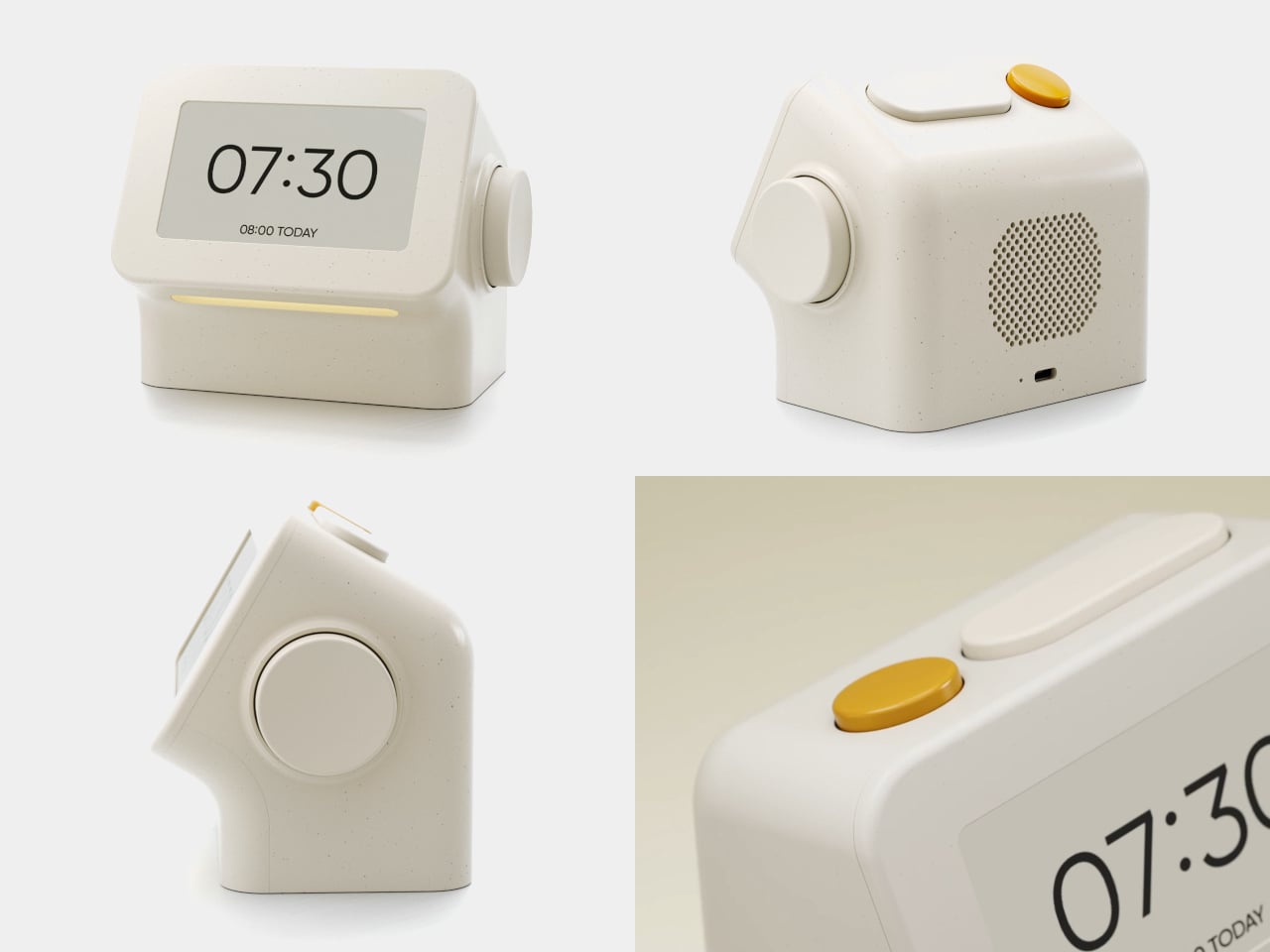
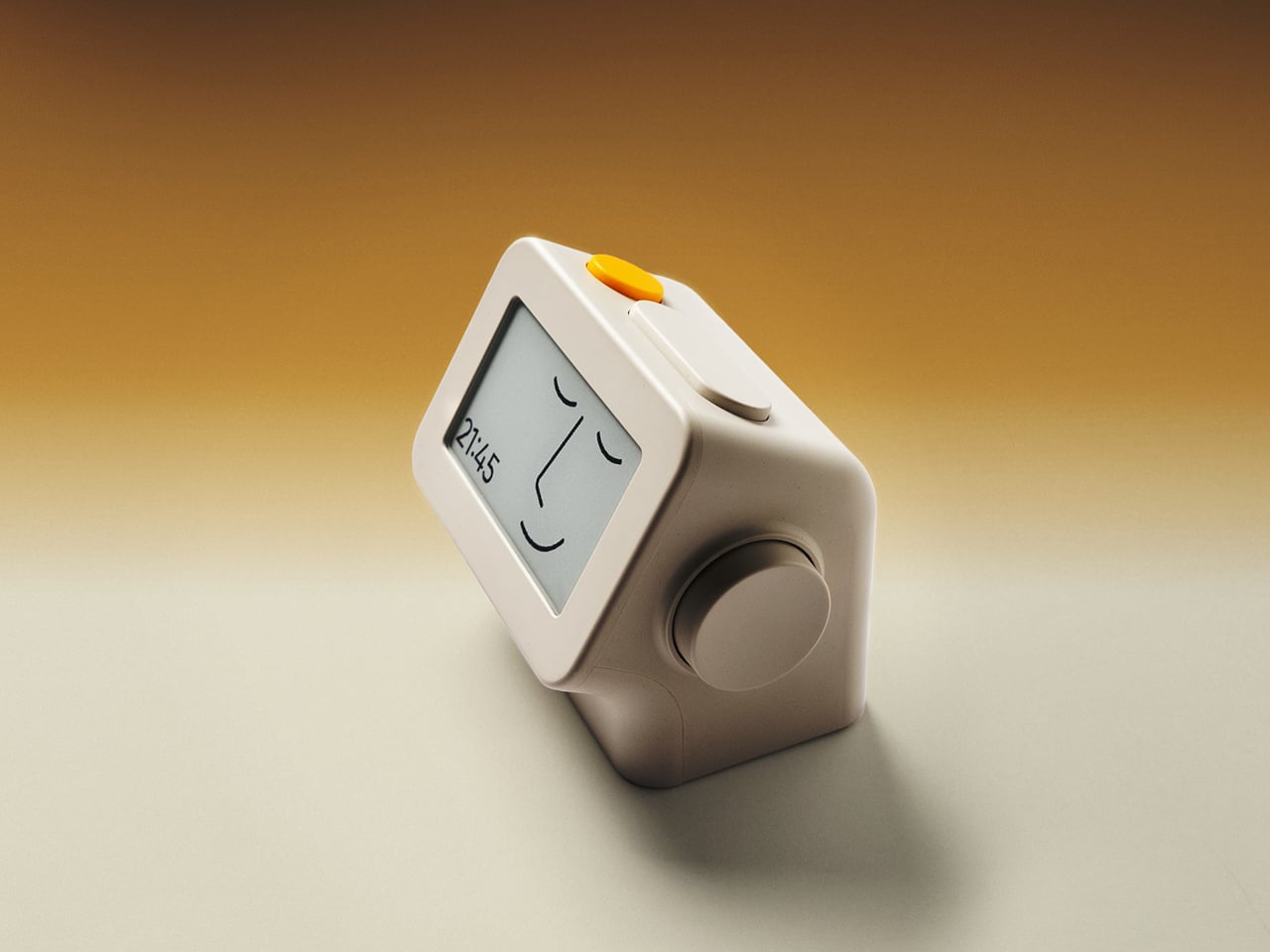
The clock has a rounded rectangular body and a slightly tilted face, but its most useful details are the ones your fingers encounter. A large side dial handles settings and volume through turning and pressing. On top, a yellow stop button sits beside a broad snooze key. Their different shapes separate two decisions you probably don’t want to confuse when you’re half asleep.
Designers: Peter Arvad, Jesper Westendahl
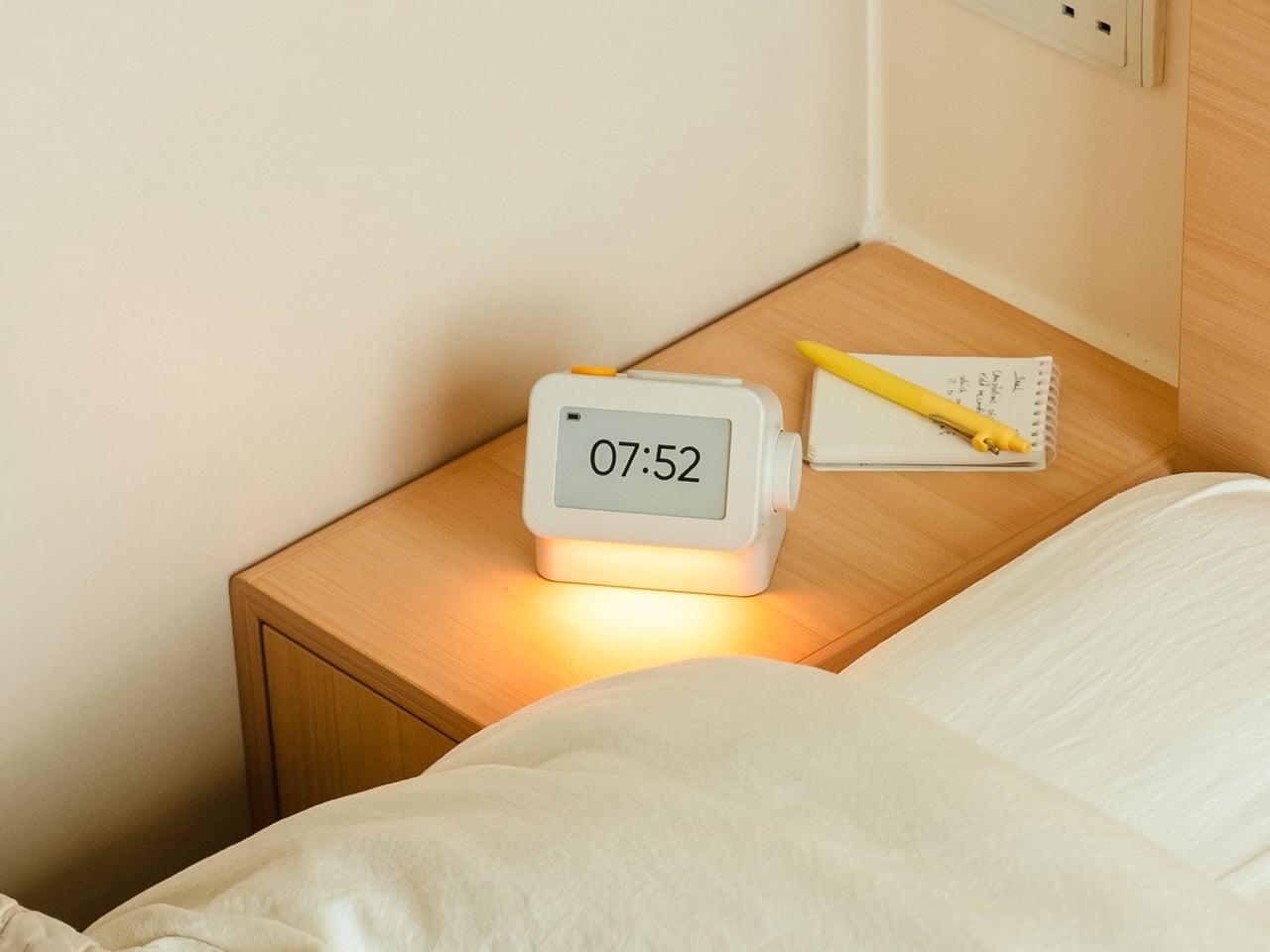
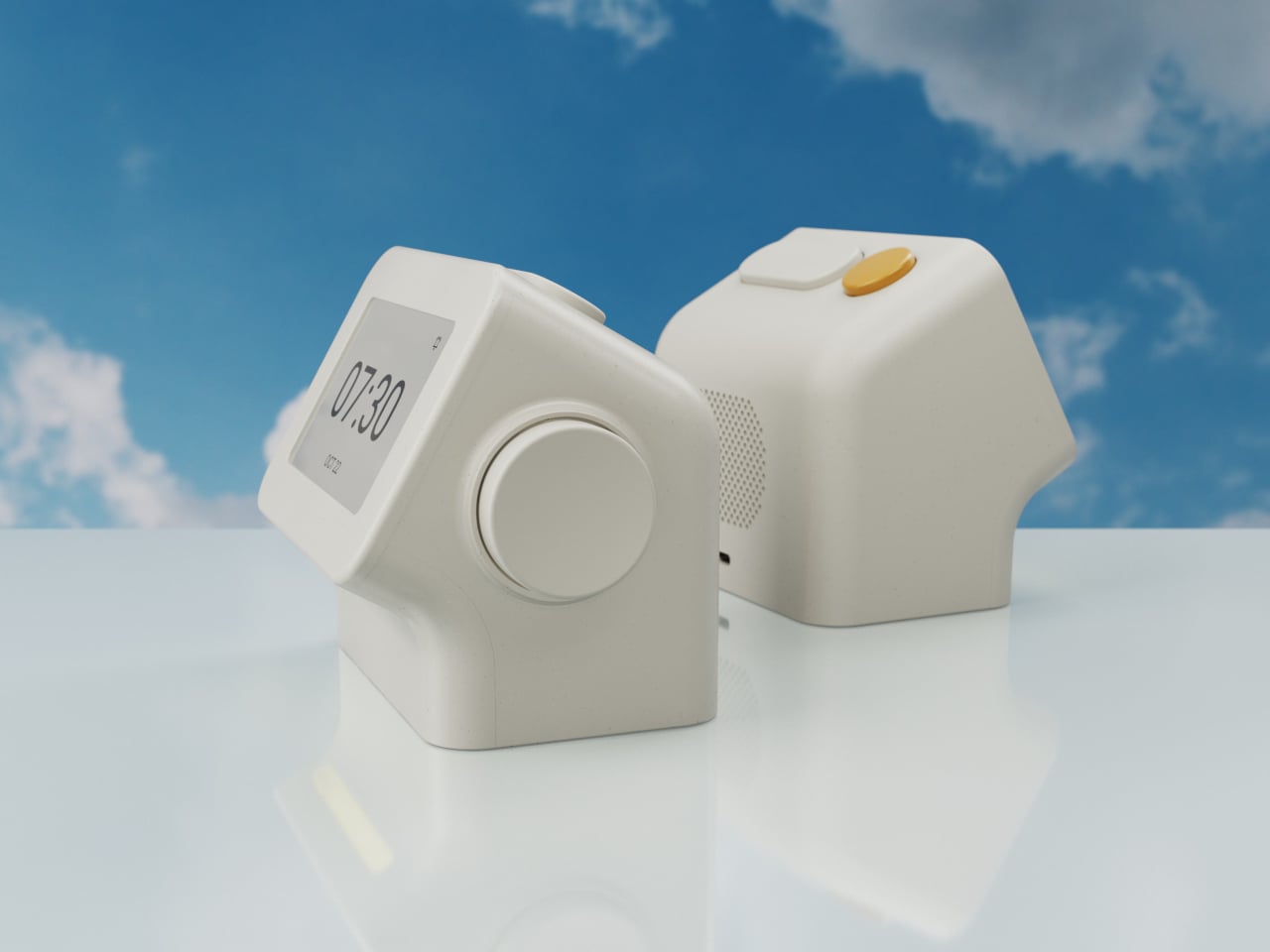
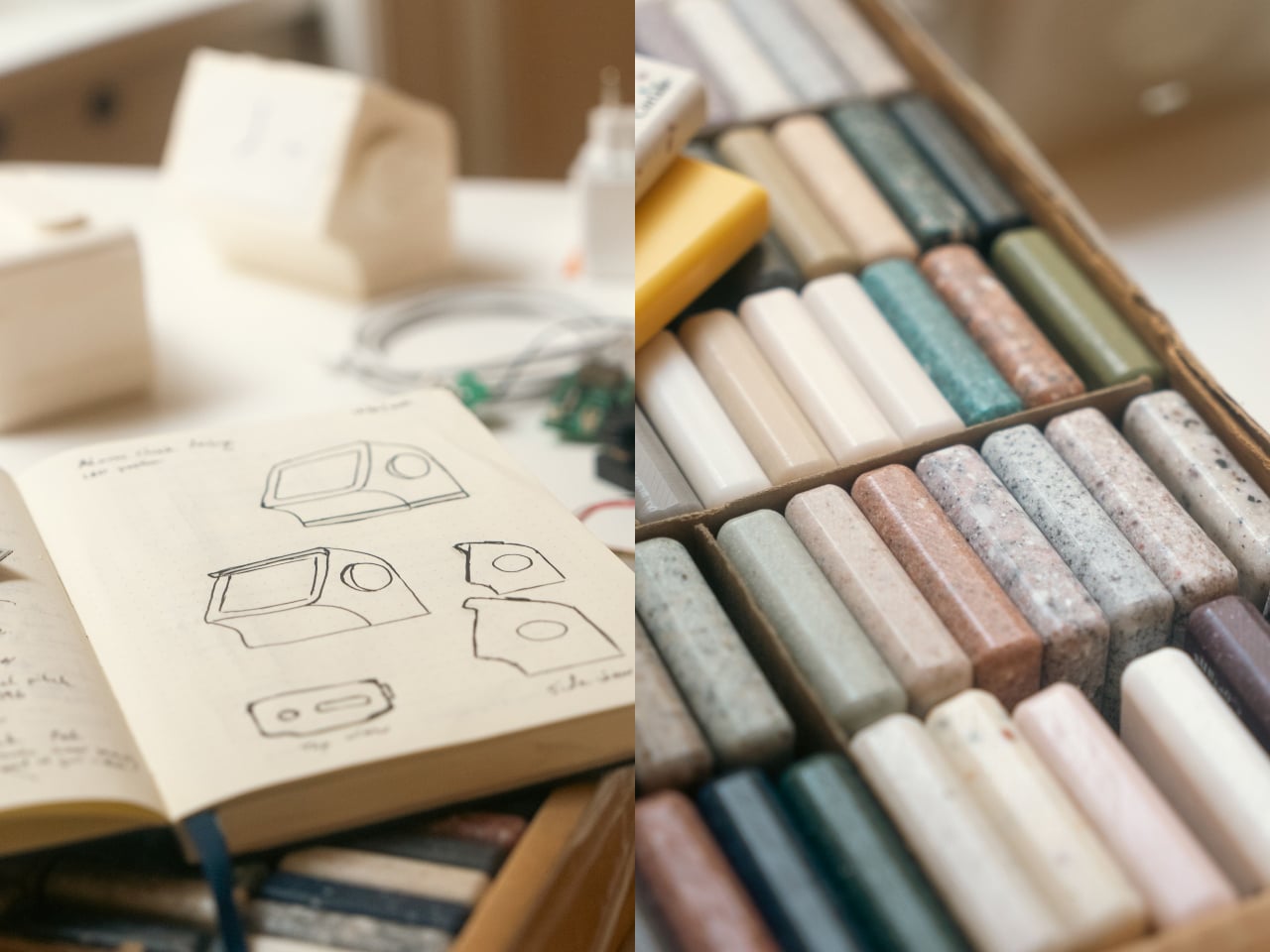
Of course, the screen is where Habity really parts ways with your phone. Its 3.7-inch e-paper display reflects ambient light rather than relying on continuous illumination. That means darkness calls for a little help. Interacting with the clock activates a warm frontlight for 10 seconds, enough for a quick check without leaving the time glowing beside your pillow all night long.
There’s also a built-in speaker for sleep sounds, which don’t need an app or subscription. Rain and ocean waves are familiar choices, but a sleeping dog and dishwasher bring a surprisingly domestic touch to the collection. Double-press the snooze button to start playback and turn the dial to change volume. Sessions can last up to eight hours, without borrowing your phone for the soundtrack.
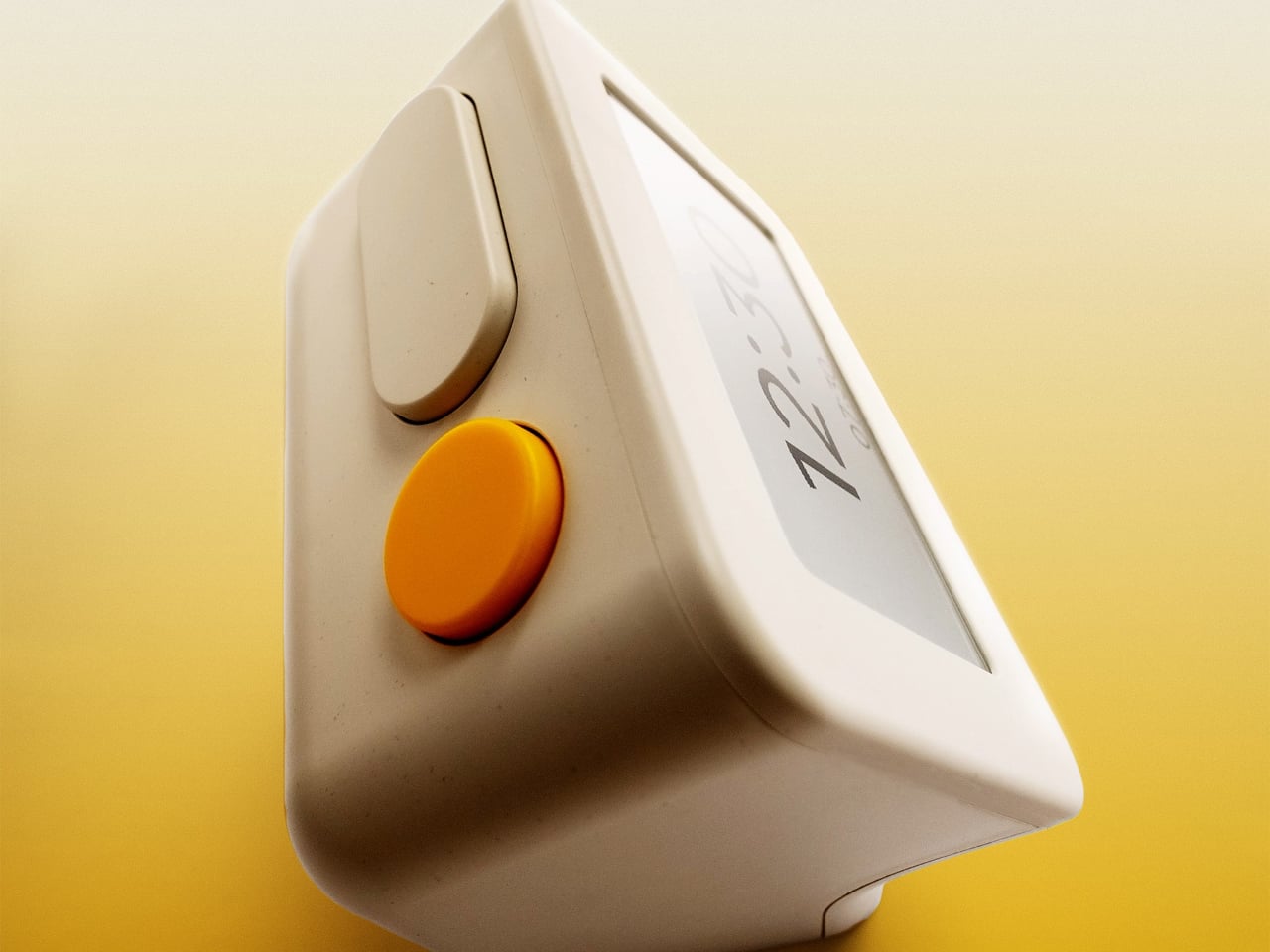
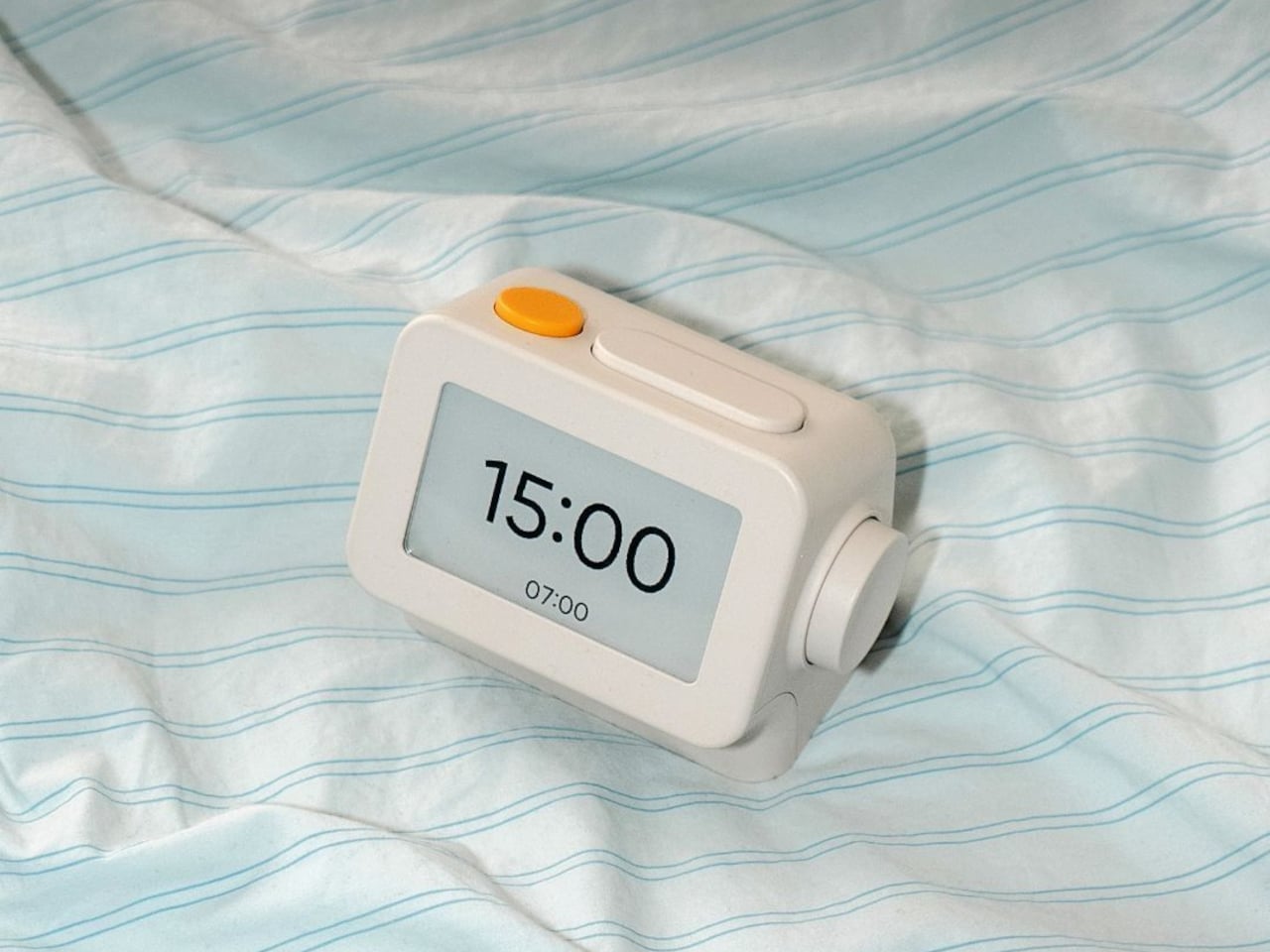
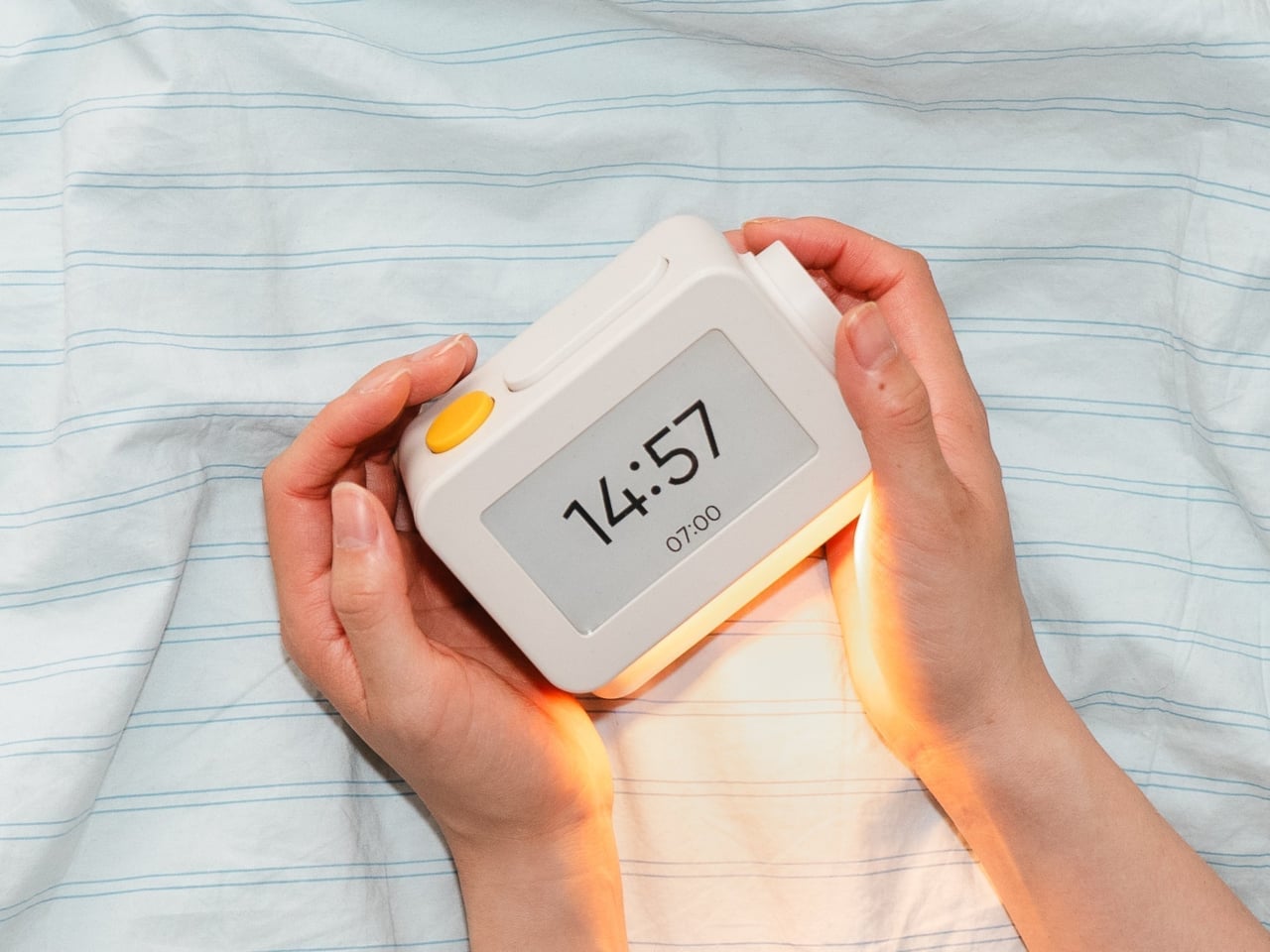
Mornings get a little more flexibility than a single repeating alarm. Habity lets you choose weekday schedules or different wake-up times for individual days, although you’re limited to one wake-up alarm per day. The built-in light can gradually brighten up to 30 minutes beforehand. Once the alarm sounds, that broad snooze button grants another five minutes, as many times as you care to negotiate.
Perhaps the most curious detail is what happens when you stop touching the clock. After 10 minutes, an optional idle screen introduces an illustrated face and shrinks the time. The hour is still there, just less prominent. It’s a small concession for people who don’t want a constant reminder of how late it’s getting, and you can disable it if you’d rather keep watching the, er, watch.
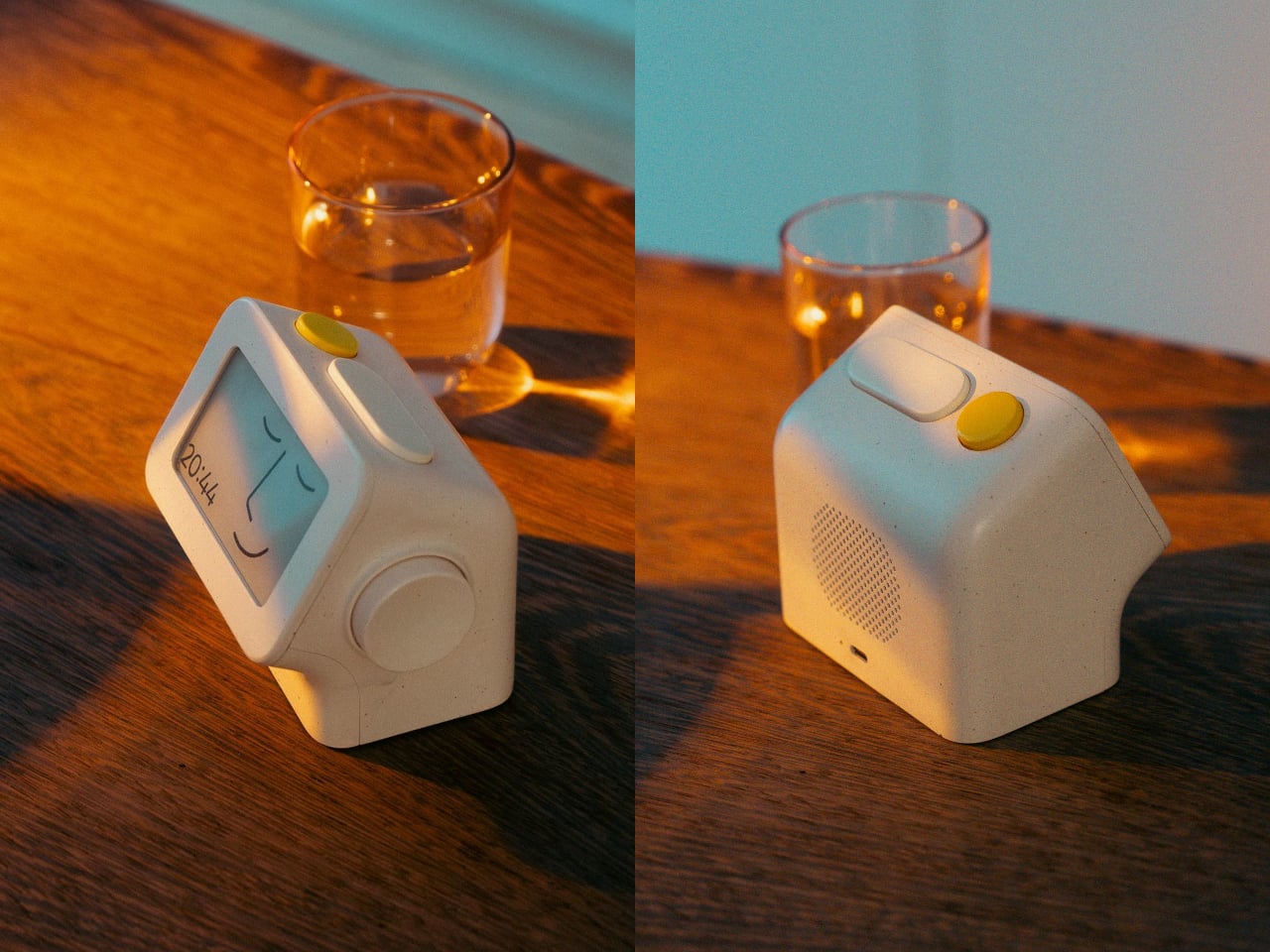
Despite those straightforward controls, Habity hasn’t completely shut the door on connected features. Optional Wi-Fi provides automatic time setting and integrations with Philips Hue Bridge, Home Assistant, and Homey. That requires USB-C power, however. Leave it offline and the alarms and sounds still work, so your morning routine doesn’t need to depend on whether the router is having a good day.
Habity estimates two weeks of battery life, depending on use, but a full recharge can take up to 24 hours. You’ll want to plan that USB-C top-up rather than squeeze it in before bedtime if you’re using it unplugged. Getting one won’t move your phone to another room, of course, so you’ll still have to decide where it spends each night.