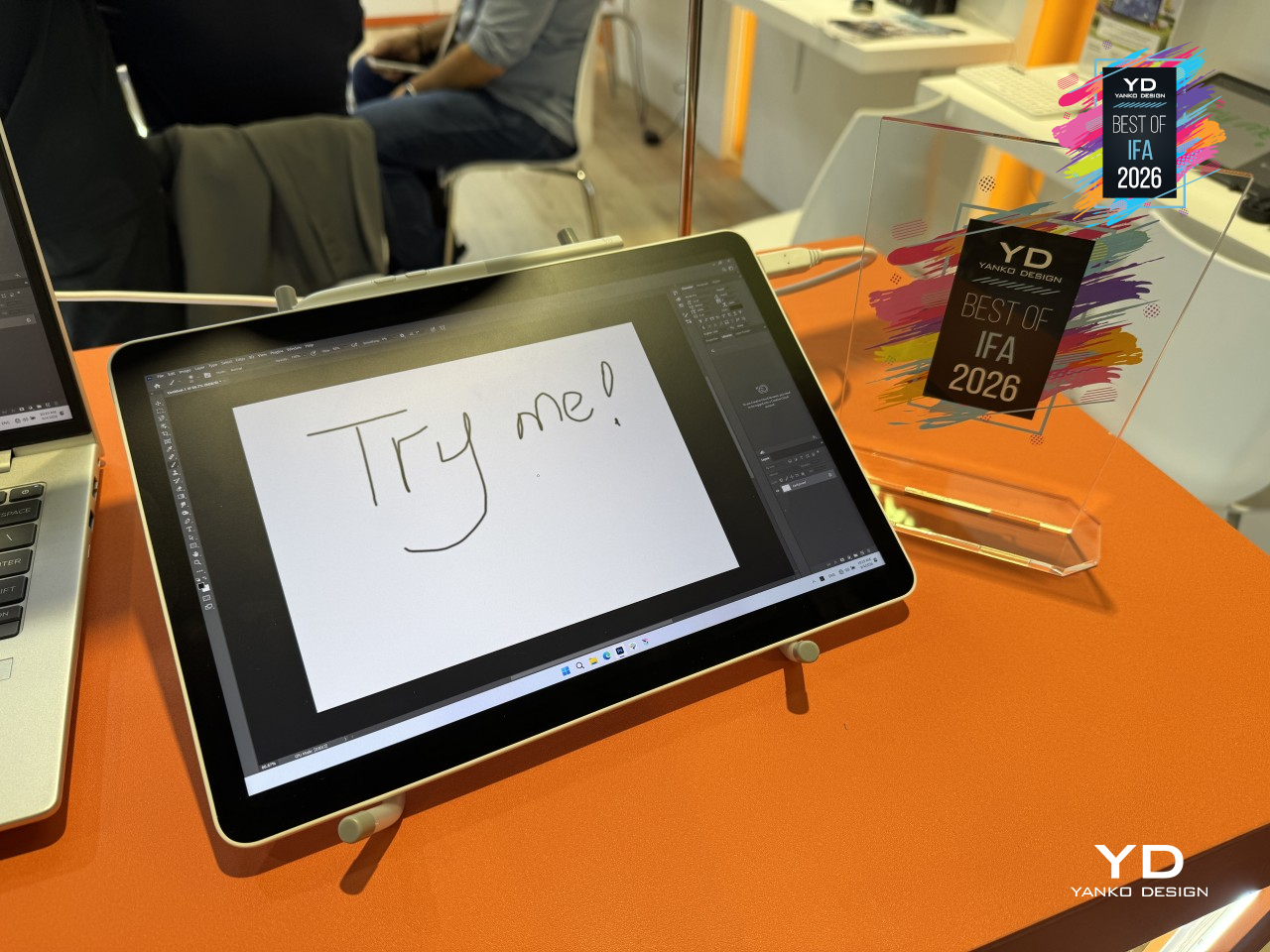
Drawing tablets can give artists plenty of freedom, at least until they need to be plugged into a computer. Standalone tablets solve that problem, but they don’t always fit into a desktop drawing setup. Awarded Yanko Design’s Best of IFA 2026, the XPPen Magic Pro 13 accommodates both, letting you sketch independently and then use the same minimalist device as a pen display when you’re back at your desk.
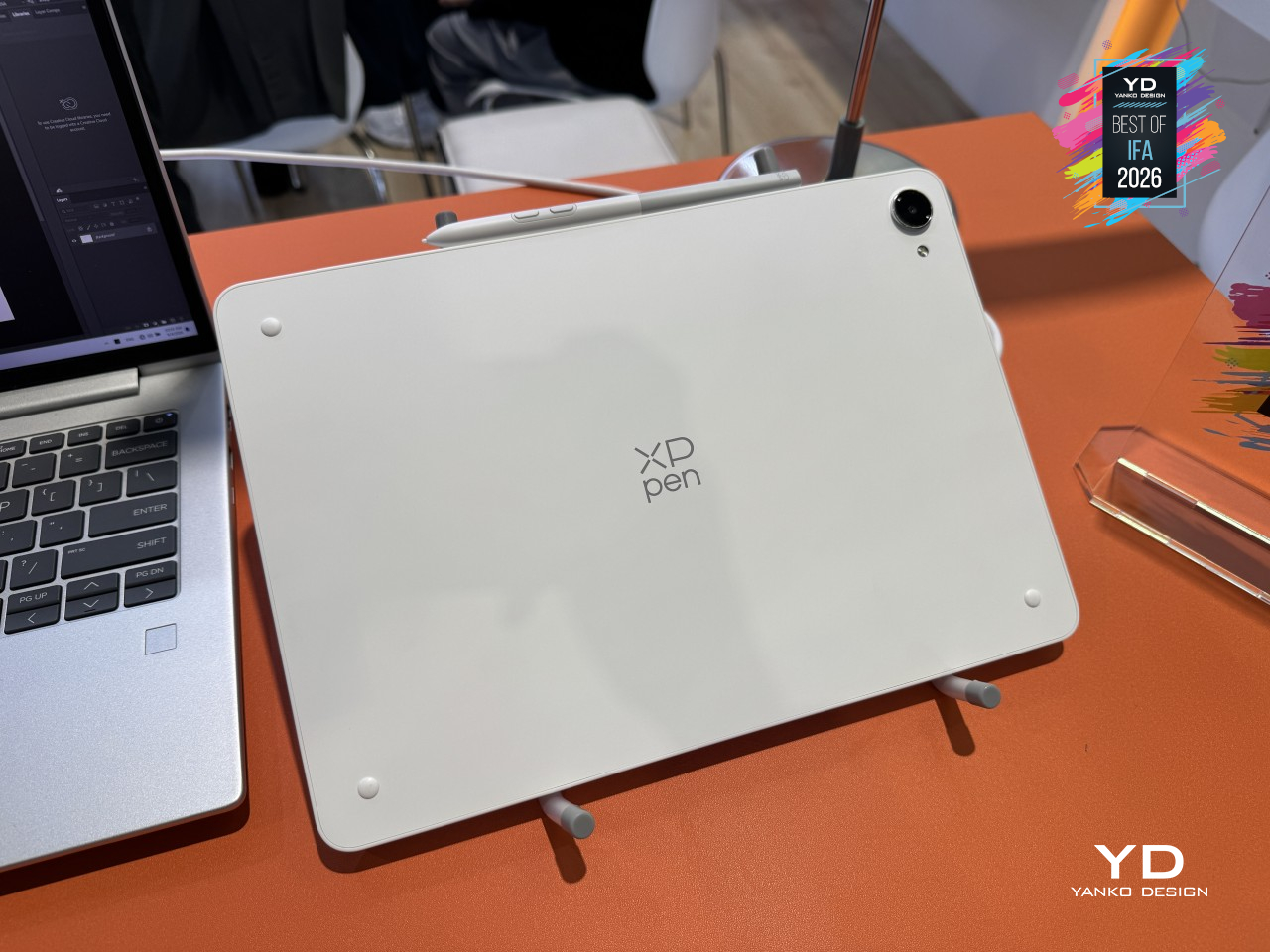
The design itself doesn’t make a big show of that flexibility. A pale back and silver-colored edges give it a restrained appearance, while the front leaves out the rows of shortcut buttons found on some drawing displays. At around 0.26 inches thick, it looks relatively unassuming, although its 1.44-pound weight is a reminder that a large digital sketchbook still needs some support.
Designer: XPPen
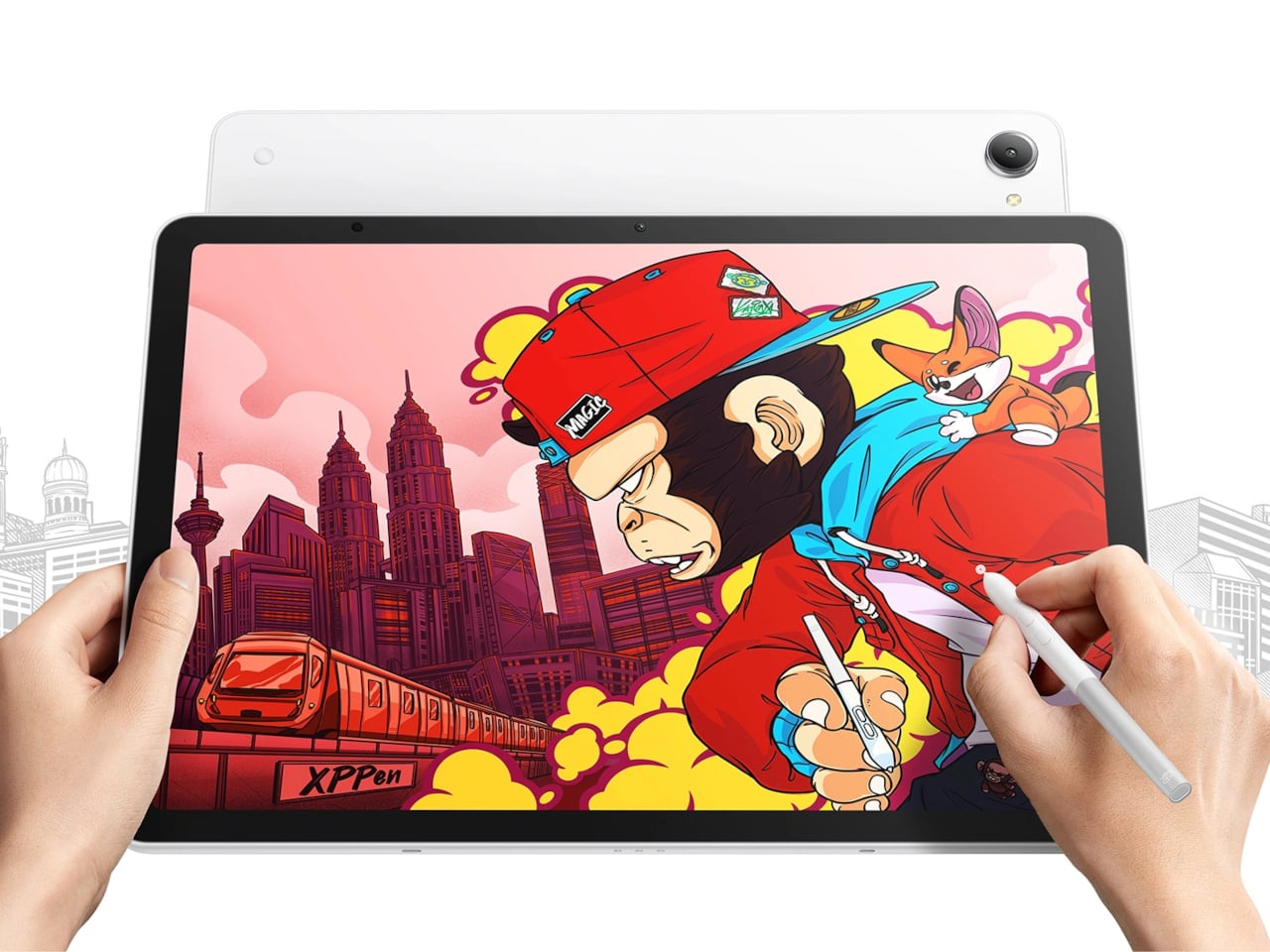
Of course, appearances only get you so far when most of your time is spent looking at the screen. The 12.95-inch LCD offers a 3096×2064 pixel resolution and refresh rates up to 120Hz. More interesting for drawing, however, is the nano-etched glass, which XPPen pairs with anti-glare and anti-fingerprint treatments to make the surface less reflective and more reminiscent of paper.
That promise of a familiar drawing experience also depends on what you’re holding. The included X4 Smart Chip Stylus supports 16,384 pressure levels and 60° tilt, allowing compatible brushes to respond to how you press and angle the pen. Customizable barrel buttons keep shortcuts nearby, while felt and plastic replacement nibs give you different contact materials to try against that textured drawing surface.

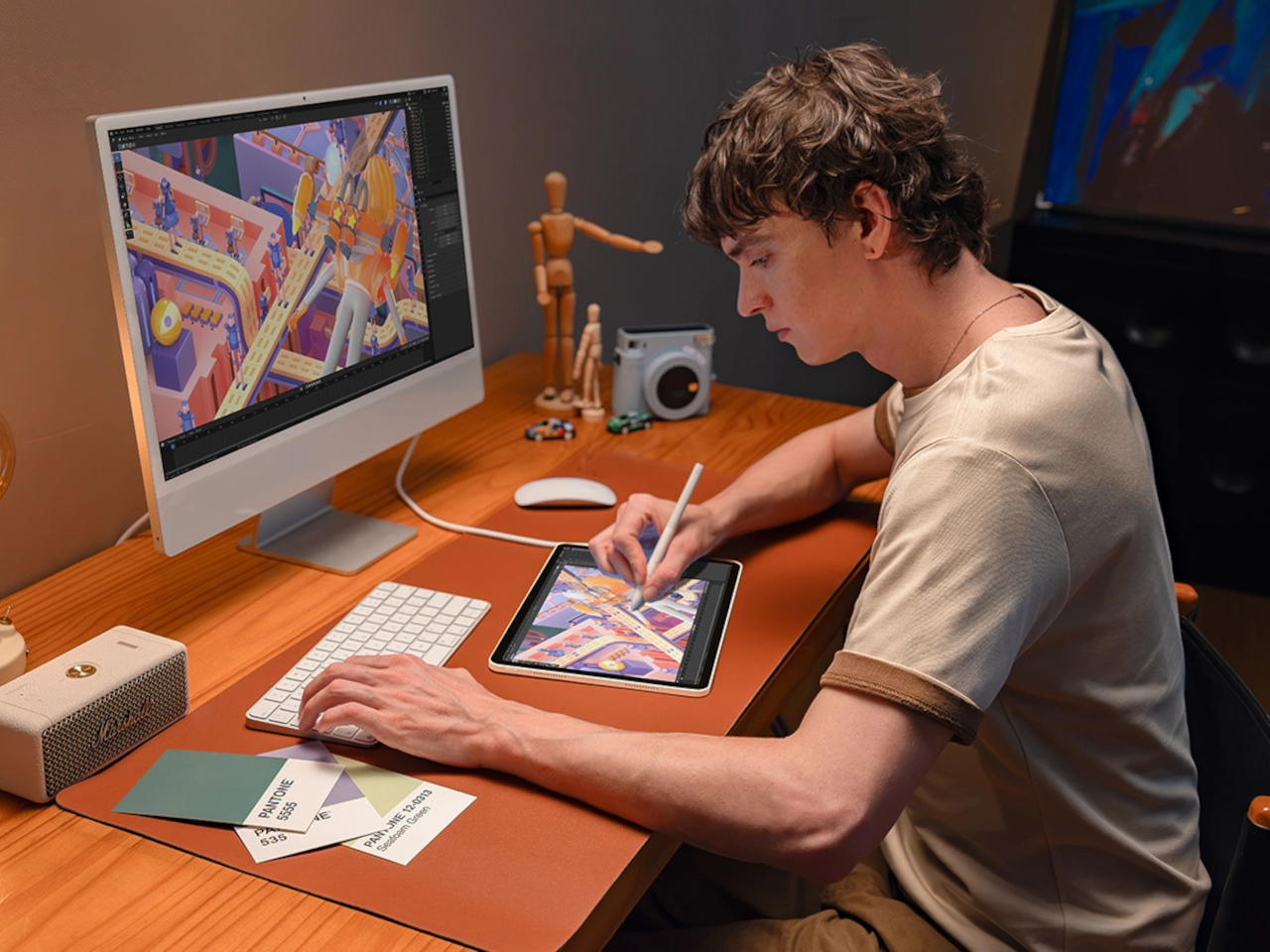

The tablet also has a physical control for switching off finger input, which is rather useful when your hand has nowhere else to rest. On the software side, Canvas handles quick sketches, while Shelf organizes reference material through tags and annotations. Supported apps can share the screen in resizable windows, so the picture you’re studying doesn’t have to disappear whenever you start drawing.
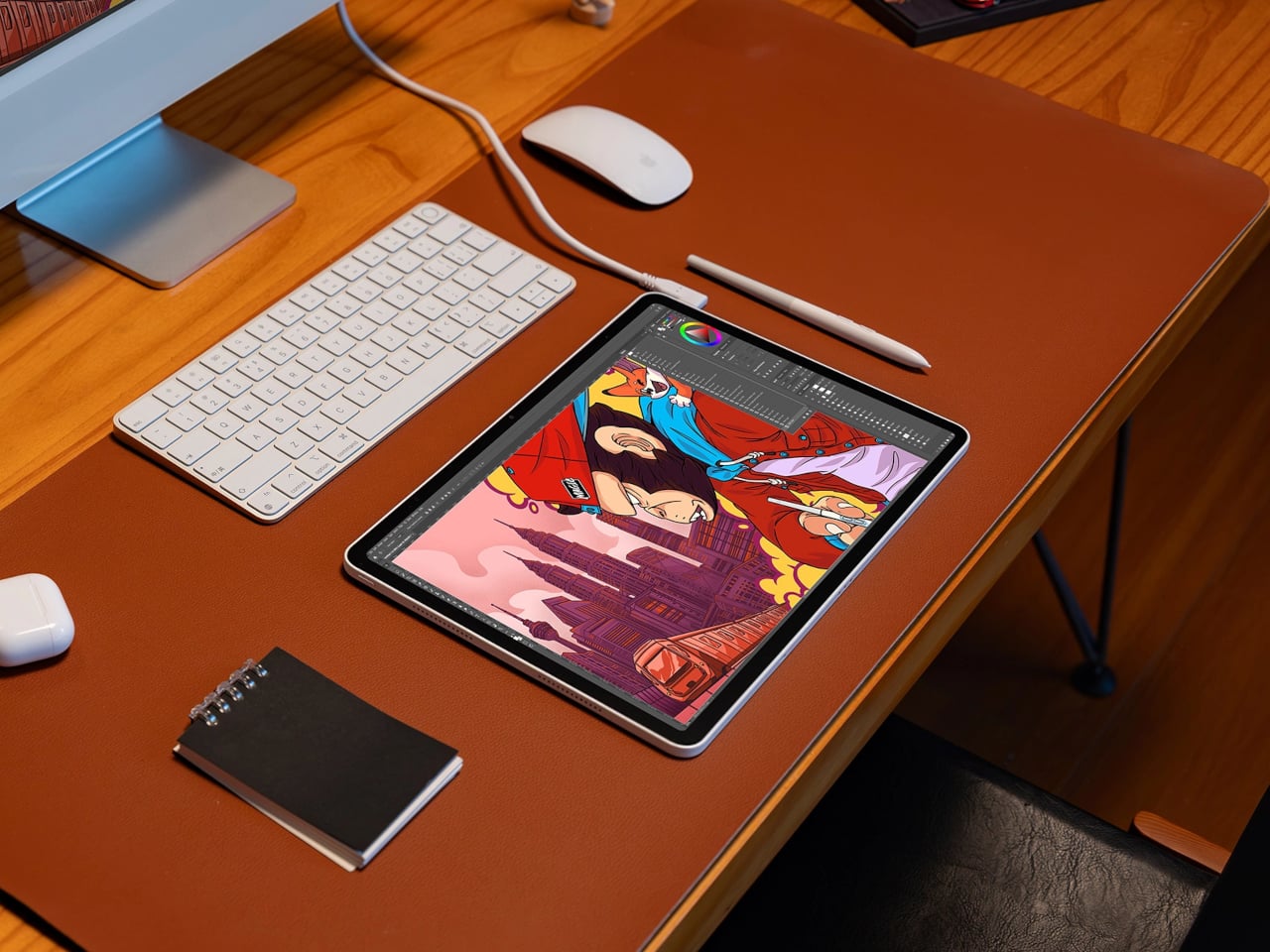
Connecting a computer changes the tablet’s job without changing the surface you’re drawing on. Its dedicated DP-IN USB-C port lets the Magic Pro 13 become a pen display for desktop software. The second USB-C port works in the other direction, sending the Android screen to an external monitor. They look alike, of course, but choosing the right connection makes quite a difference.
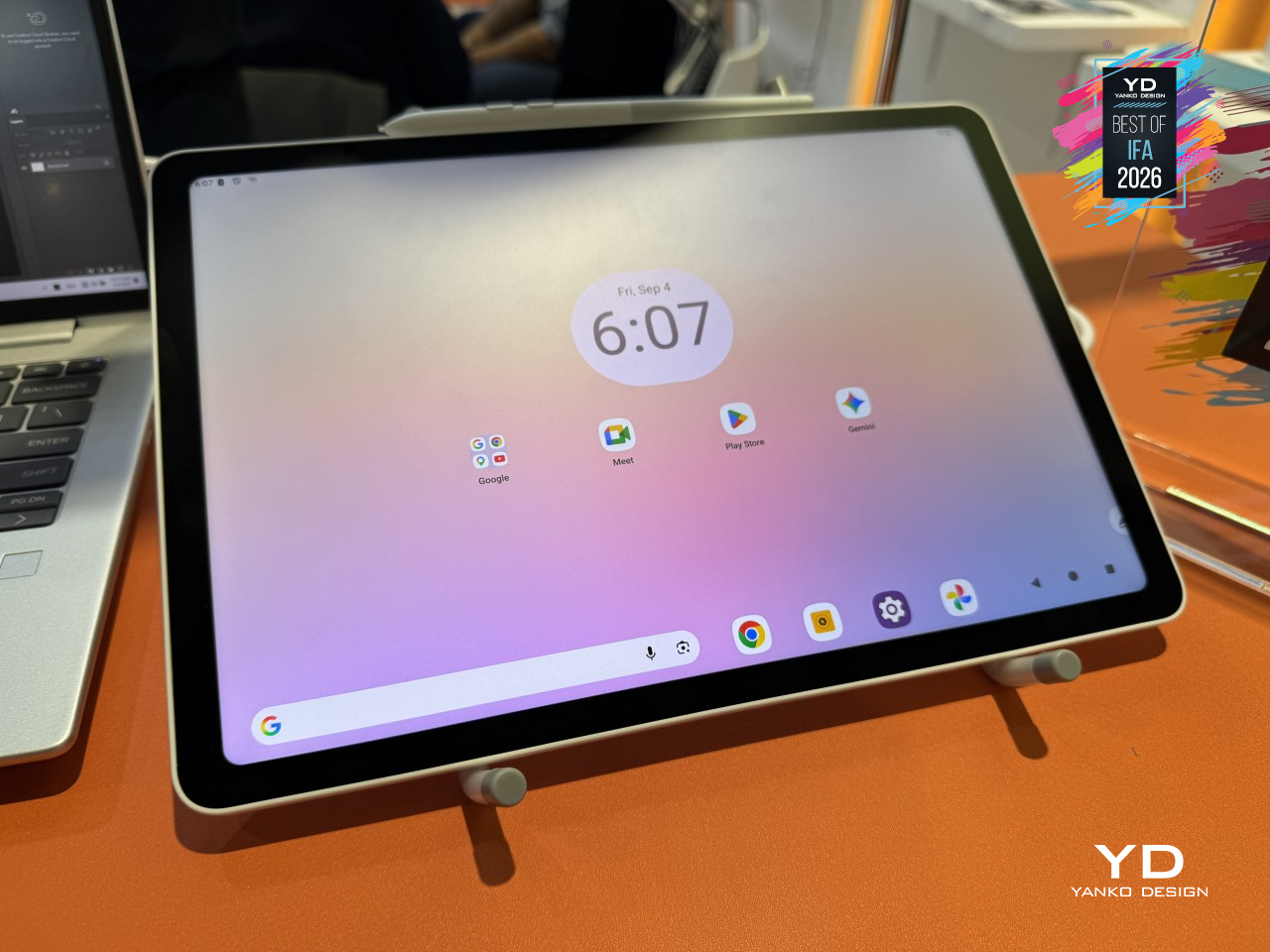
Inside, a MediaTek Dimensity 8300 processor runs Android 16, paired with 8GB of RAM and 256GB of expandable storage. A 10,200mAh battery supplies power away from the desk, with 45W charging available through either USB-C port. That leaves the other connection available for a display, rather than making you choose between finishing an illustration and charging the tablet partway through a drawing session.
The Magic Pro 13 is currently listed for US preorder at $899.99, with shipping estimated for November 13, 2026. It’s definitely a premium price tag, though you’re technically getting two devices in one. Plugging in a cable changes the display’s role, not the software handling your artwork.