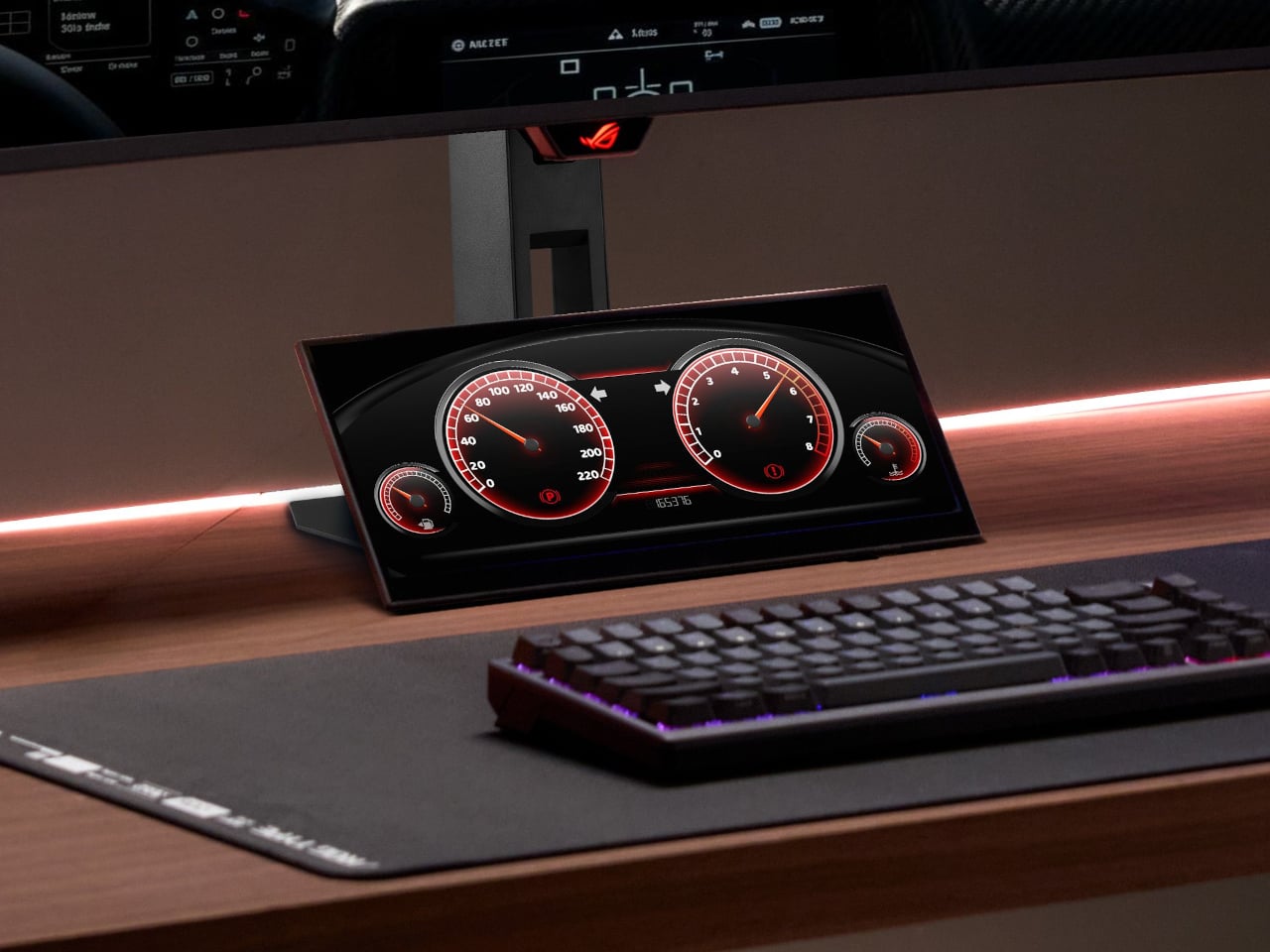
Gaming setups have grown considerably more complex, and the demands on screen real estate have grown right along with them. A serious session today might involve a game running on the main display, a chat window competing for space, system performance stats tucked into a corner, and a streaming interface sharing the same screen. Managing all of it in one place means cluttered desktops and tab-switching at exactly the wrong moments.
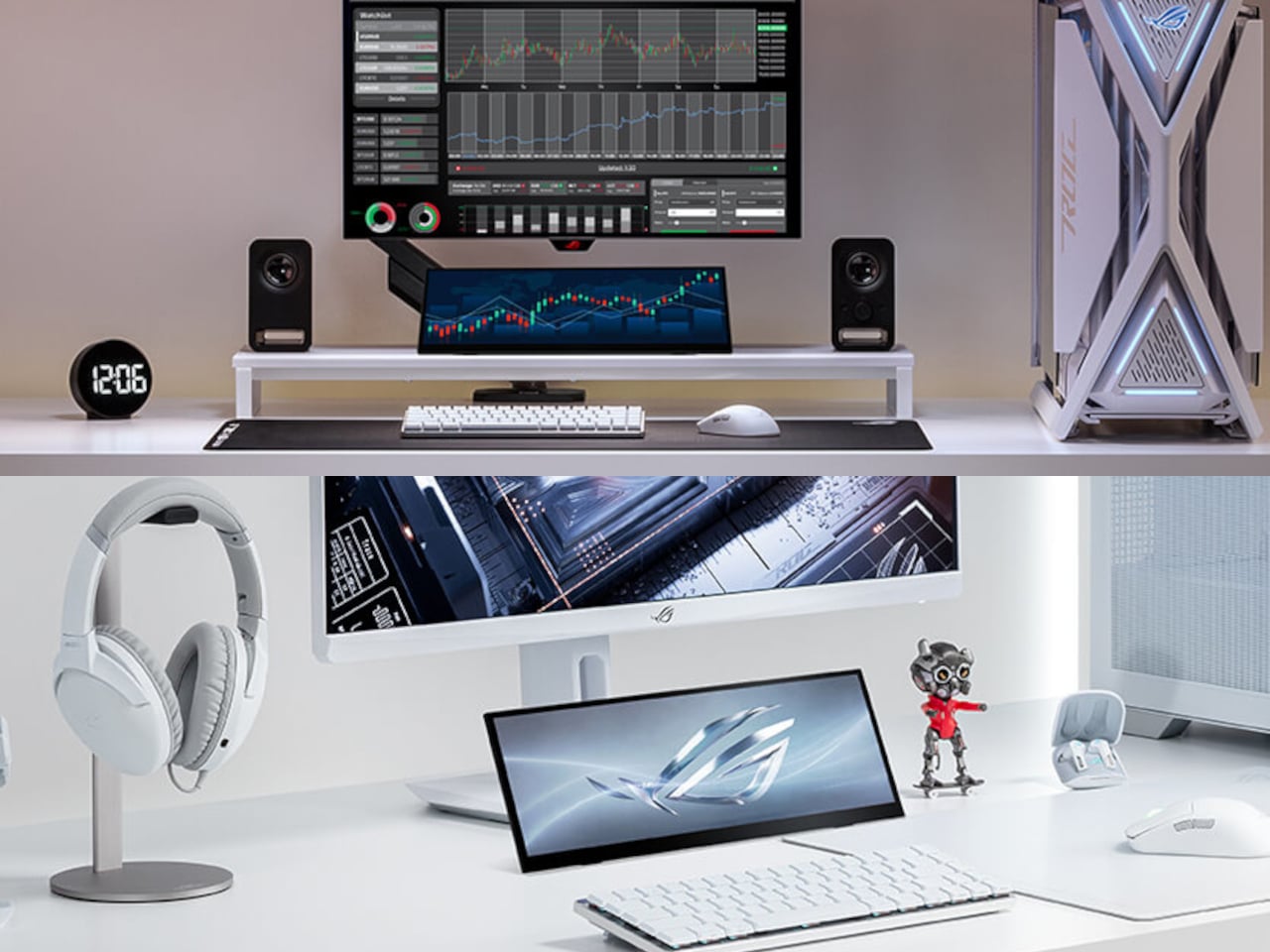
ROG’s answer to this is the Strix XG129C, a 12.3-inch secondary touchscreen designed to sit beneath a primary monitor and take over all those support duties. Rather than competing for real estate on the main screen, it gives peripheral information its own dedicated space, keeping the game in full focus without losing sight of everything running alongside it. It’s a small display with a very specific job in mind.
Designer: ASUS ROG (Republic of Gamers)
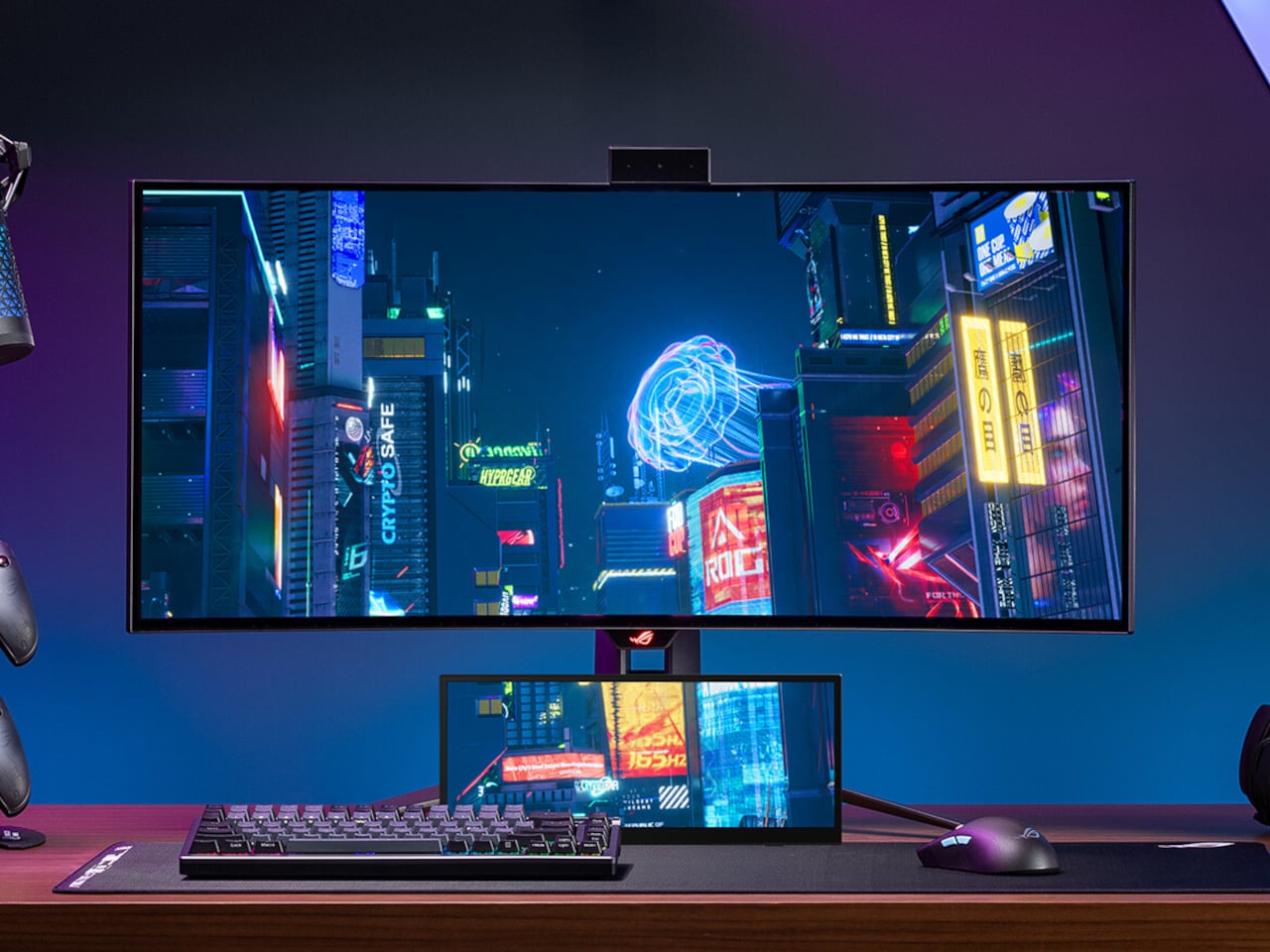
The screen uses a 24:9 aspect ratio with a 1920 x 720 resolution, a less common format that works decidedly in its favor here. Unlike typical 32:9 companion displays, this configuration provides more vertical viewing area, which means less scrolling through chat threads, fewer black bars on 16:9 content, and a layout that reads more naturally at a glance. A slim profile and adjustable kickstand let it slide neatly under most primary monitors.
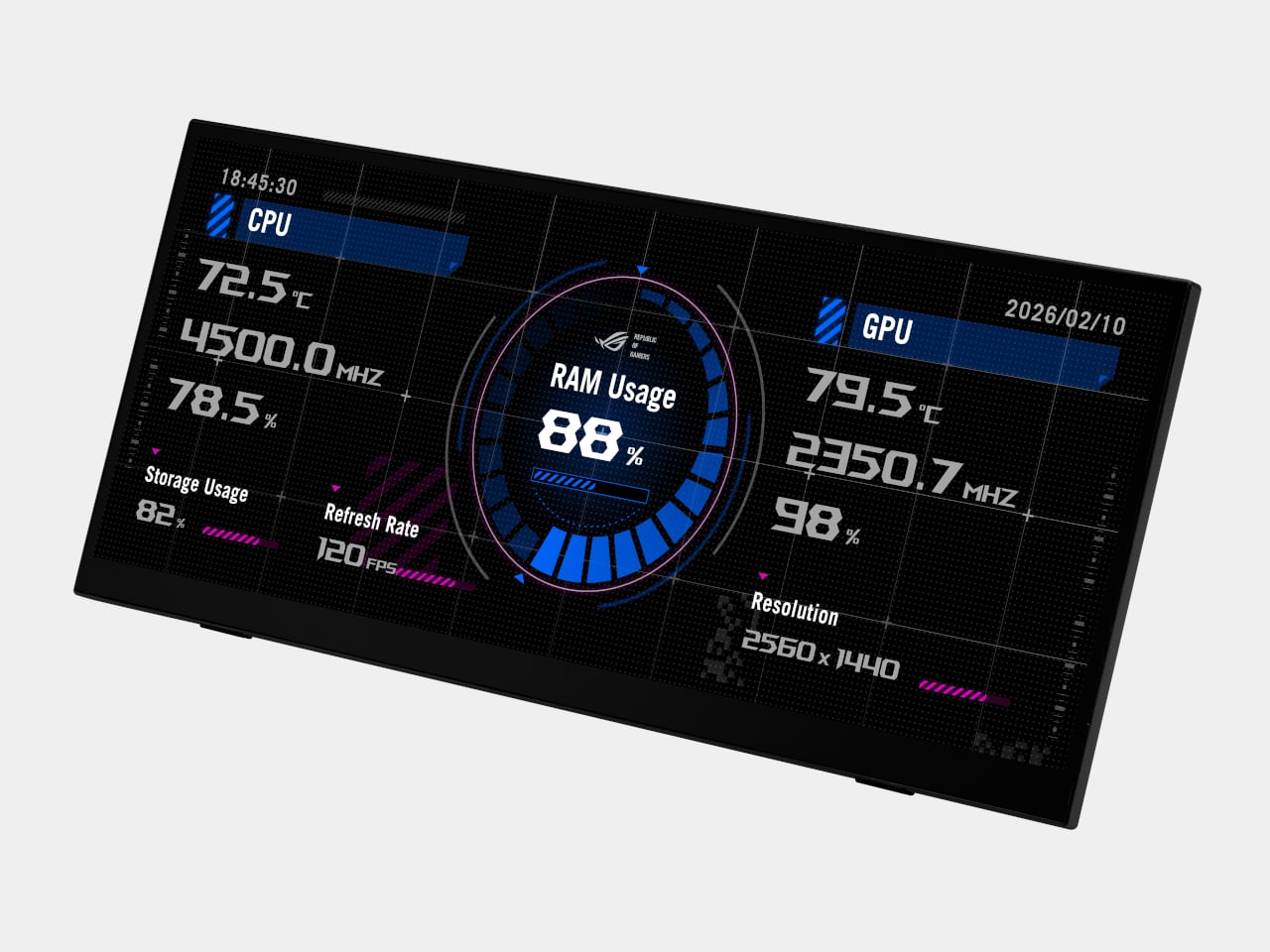
The XG129C comes bundled with a one-year AIDA64 Extreme subscription, a hardware monitoring tool that turns the screen into a live readout of CPU temperatures, GPU load, fan speeds, memory usage, and more. For anyone running demanding games or keeping an eye on thermals, having that data on a separate screen rather than overlaid onto the game changes the experience considerably. It stays visible without ever getting in the way.
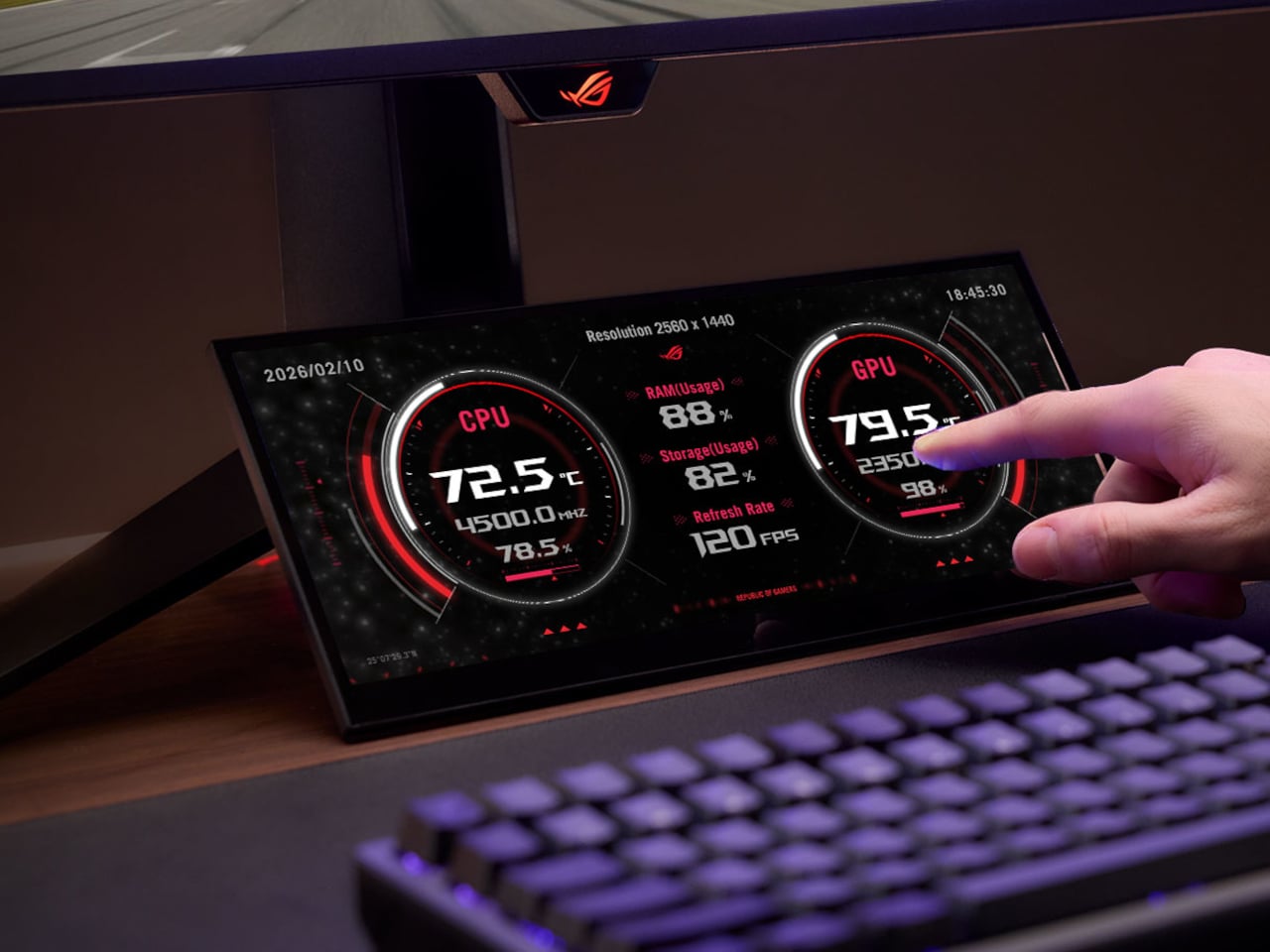
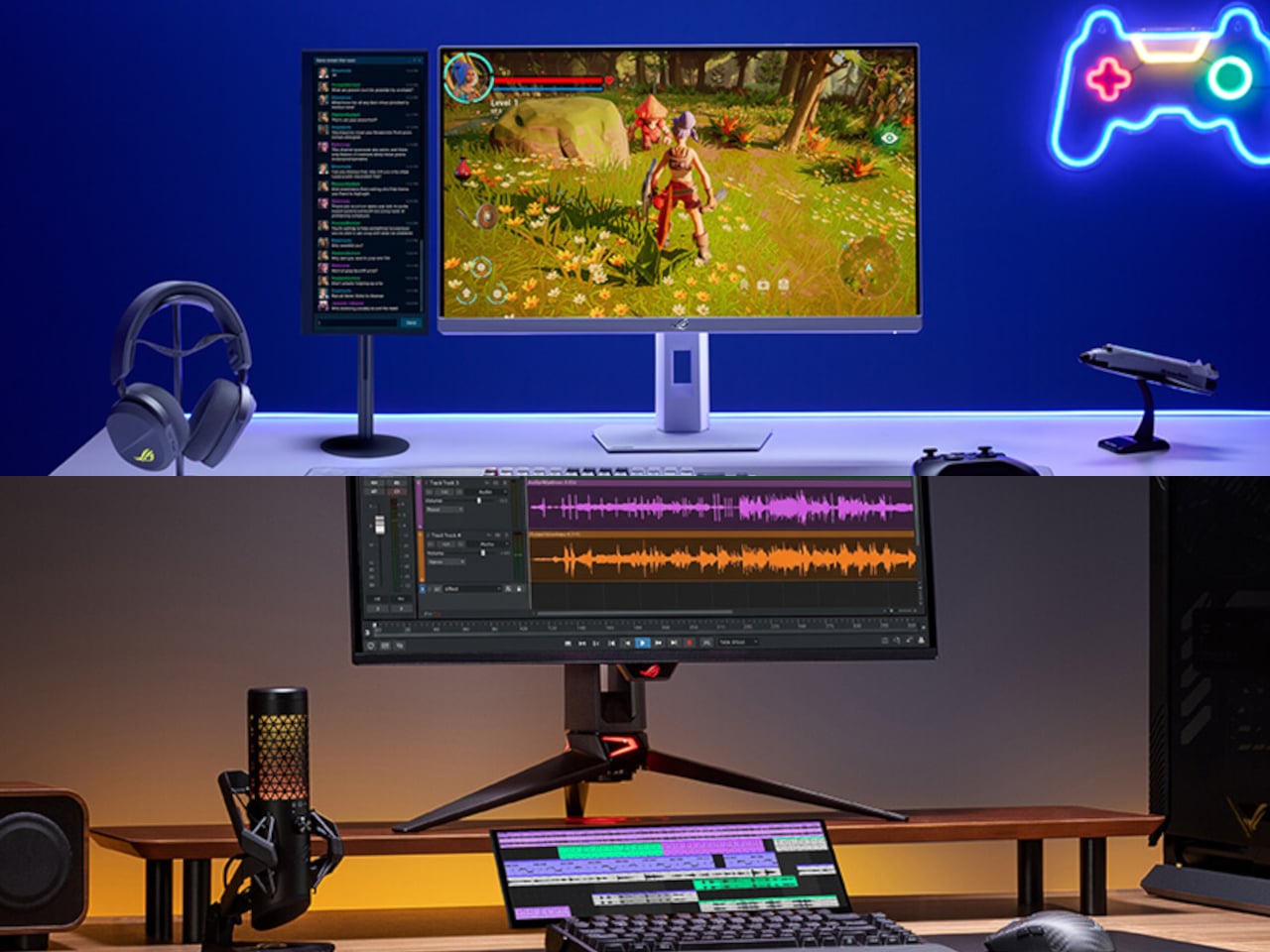
Live streamers and content creators get a different kind of value from the XG129C. Discord conversations, OBS controls, viewer chat, and music playback can all live on this screen while the main display stays dedicated to whatever’s being recorded or played. Tapping the screen to adjust a streaming setting or mute a channel doesn’t require switching windows or minimizing anything, keeping the workflow moving without interruption.
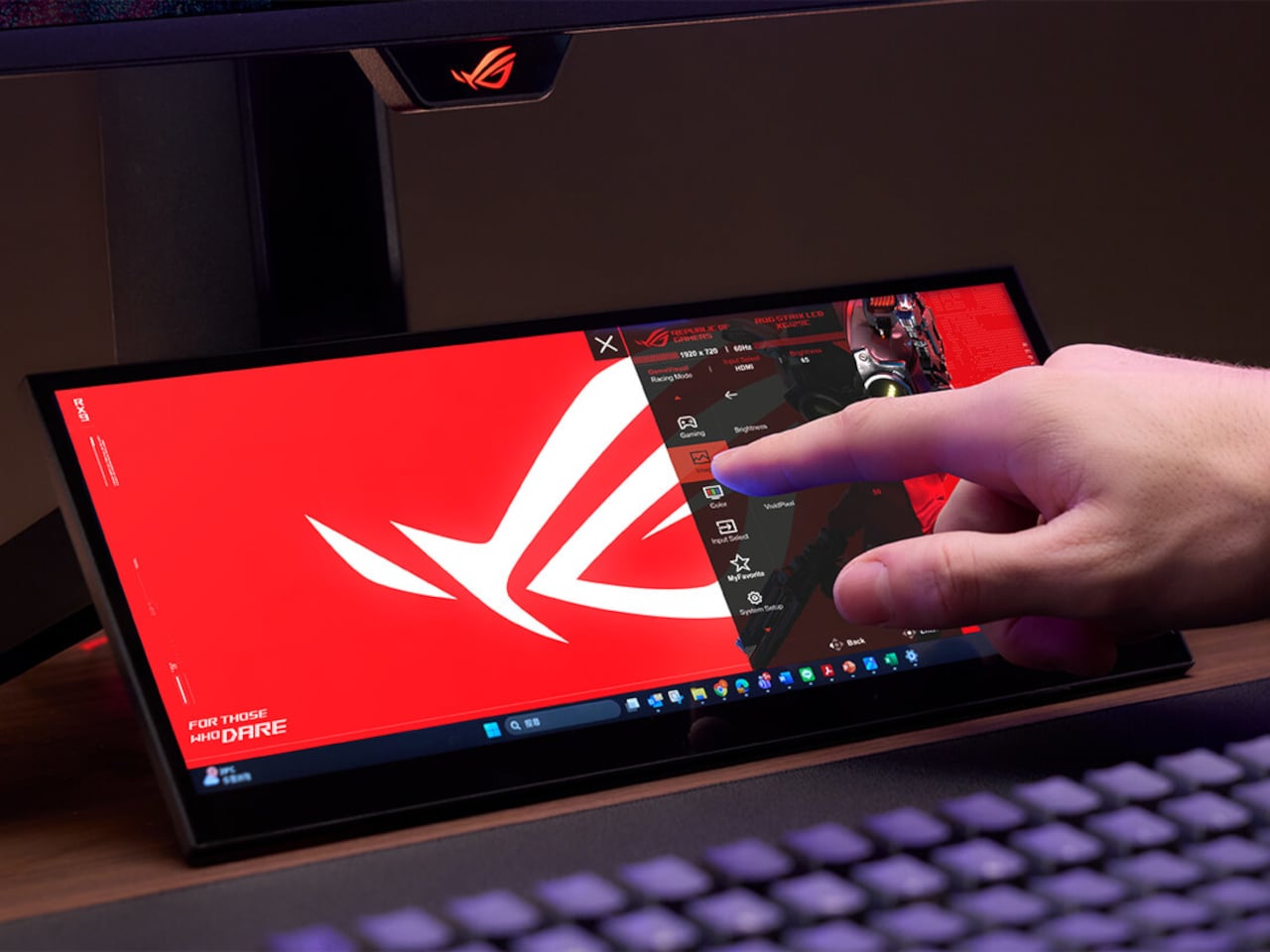
The 10-point multi-touch IPS panel handles that kind of interaction with enough precision for hotkeys, app shortcuts, and quick swipe inputs. Reaching over to pull up a game guide, tap a lighting shortcut, or adjust a fan profile doesn’t require a mouse or keyboard, which matters when both hands are on a controller or tied up on the main display. It responds the way a well-built touchscreen should.
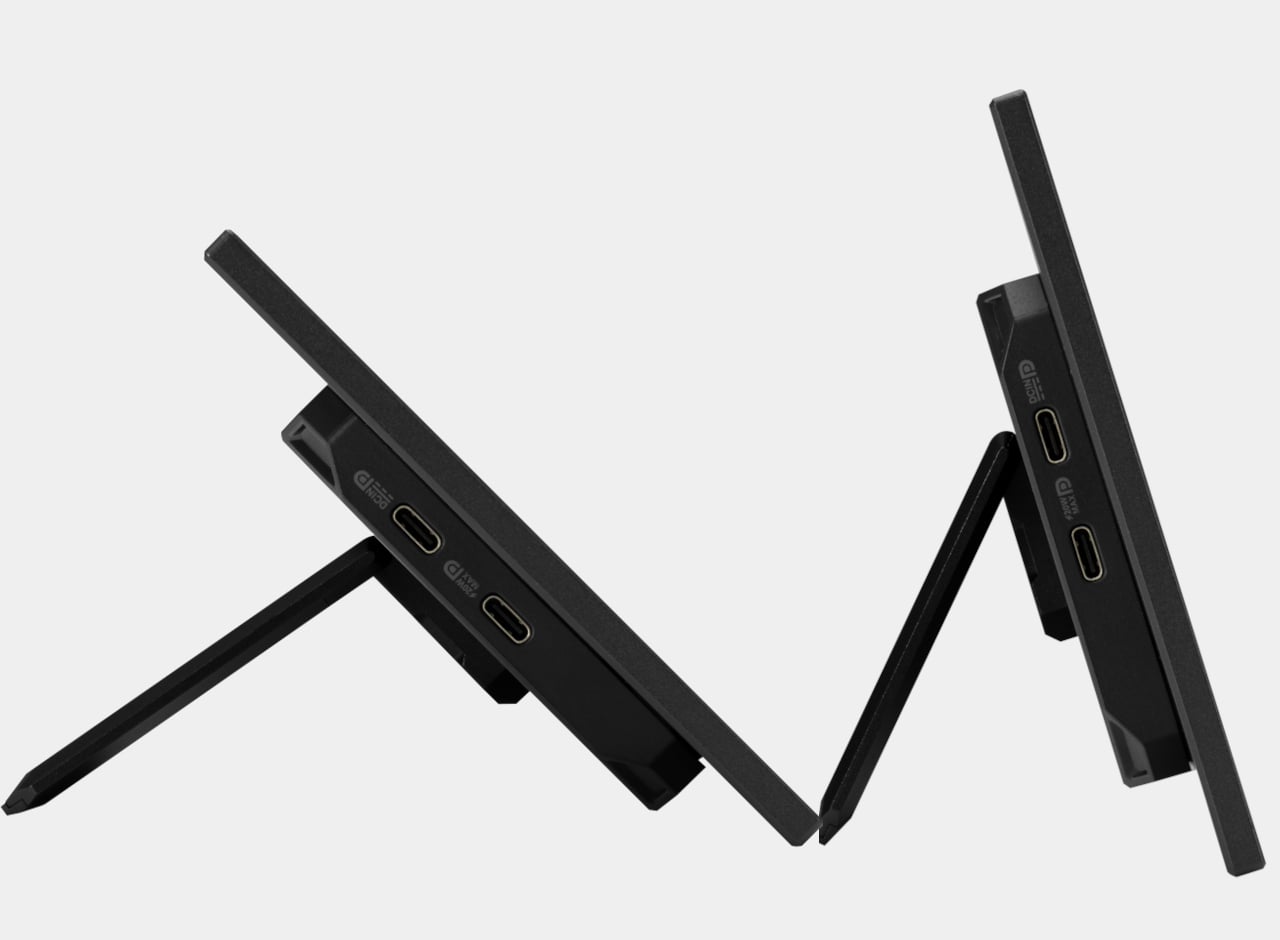
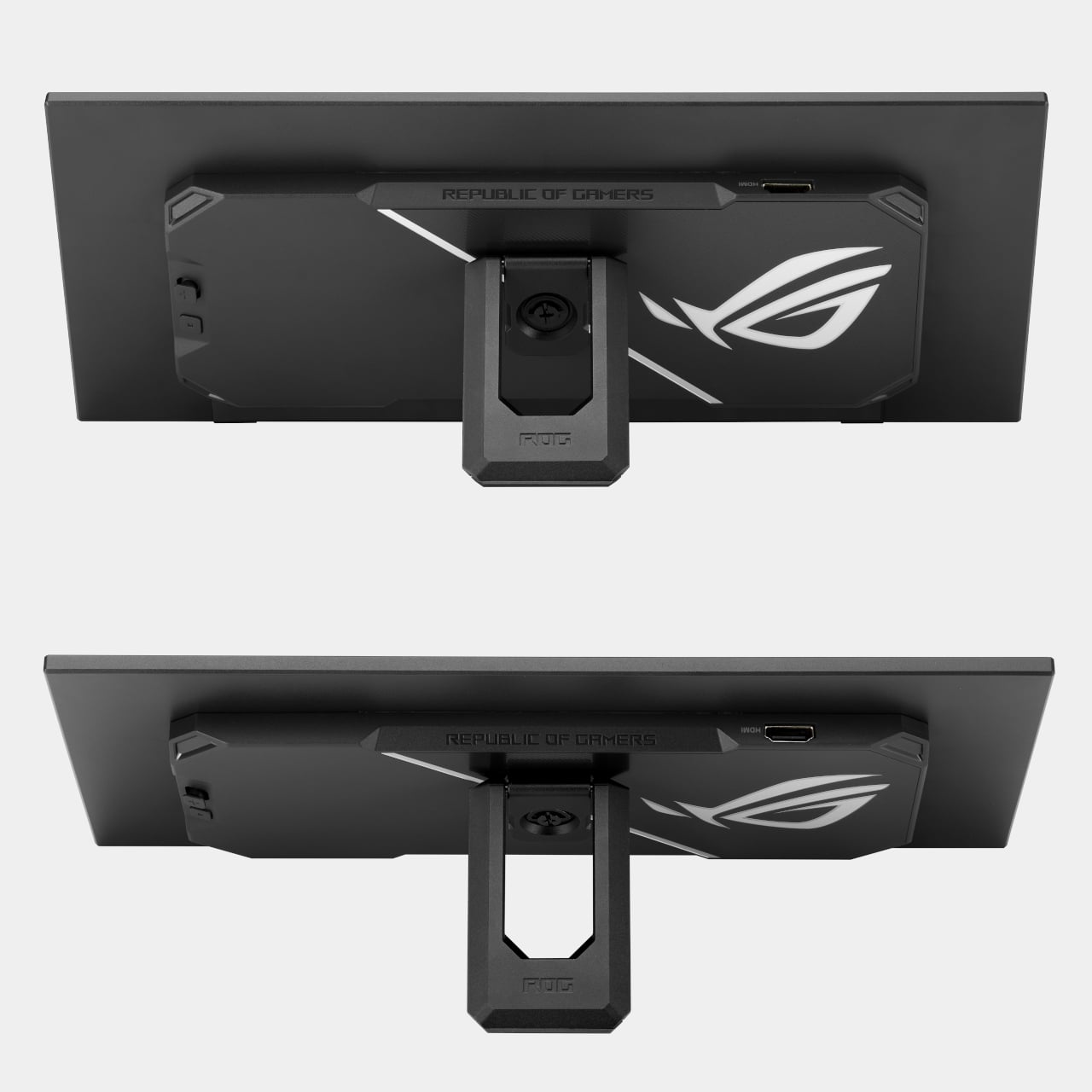
A single hybrid USB-C cable handles power, video, and touch data simultaneously, keeping the desk clean and the cable run minimal. There’s also a second USB-C port with 20W Power Delivery and an HDMI 1.2 port for broader device compatibility. For setups where desk placement isn’t straightforward, a built-in 1/4-inch tripod socket makes it possible to mount the display on an arm or stand instead.
The IPS panel covers 90% of the DCI-P3 color gamut and 125% of sRGB, notably strong for a display that isn’t the main event. Colors hold up alongside most primary monitors without the visual mismatch that cheaper companion screens tend to produce. It earned a Red Dot Award in the gaming and streaming design category, and at around $199, it’s a focused solution for setups that have simply outgrown a single screen.
SHARE