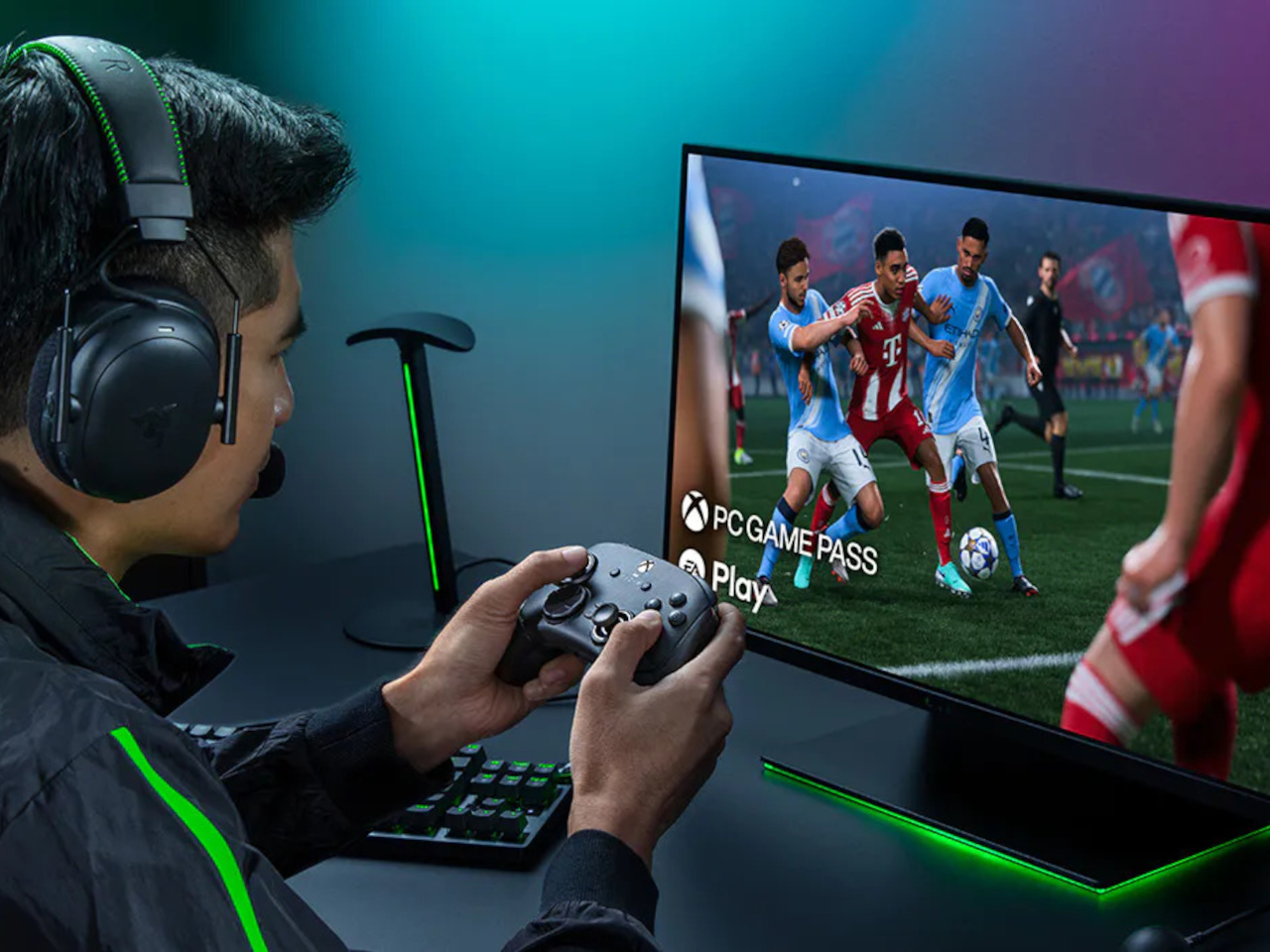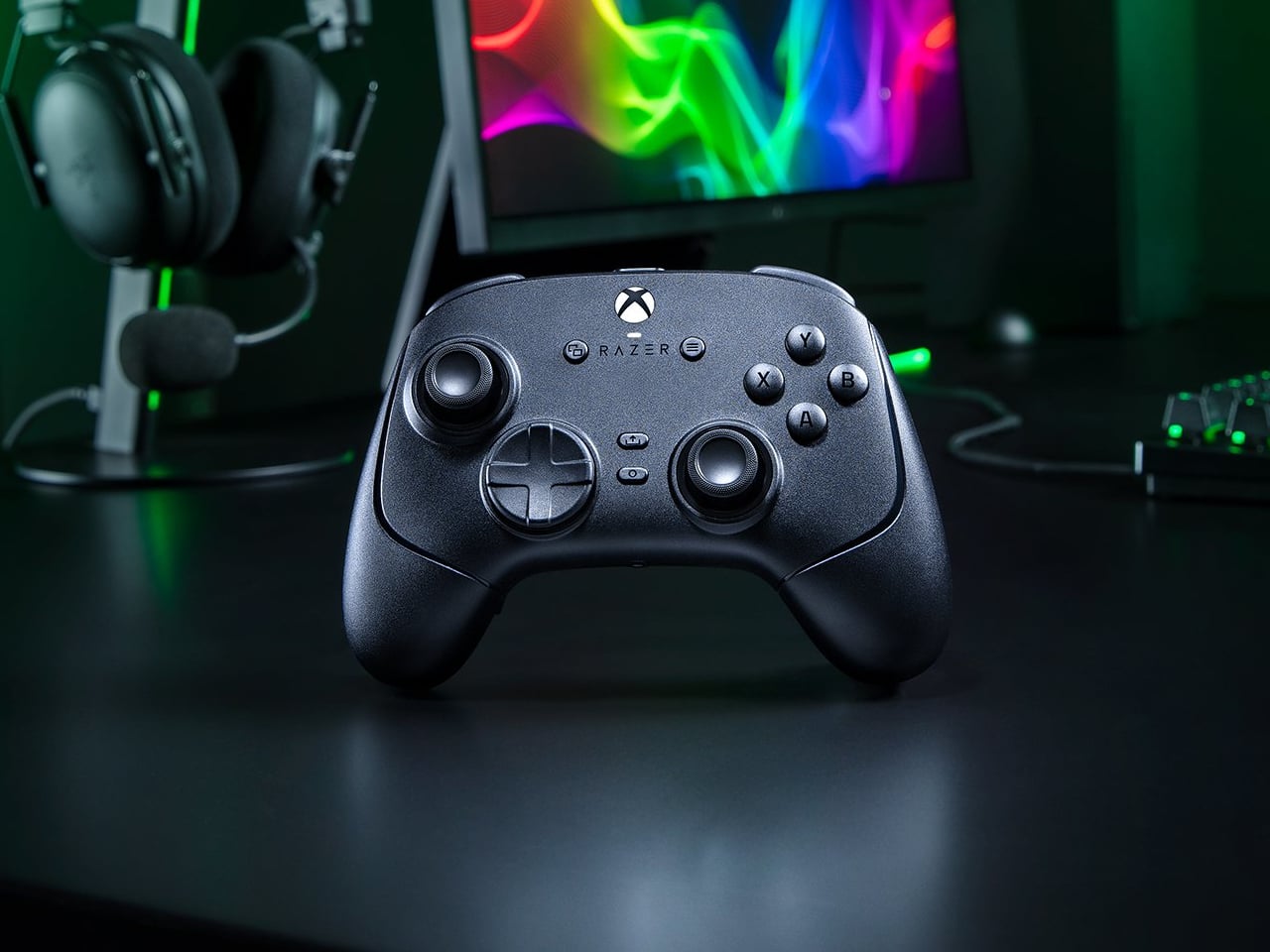

Extra buttons on a game controller can be handy, at least until they get in the way of holding it. Razer’s Wolverine V4 Pro gives players a little more say in that arrangement, with magnetic back buttons you can remove instead of simply ignoring them. Available for Xbox and PC, the wireless controller also lets you change its thumbstick caps and even take off its faceplate.
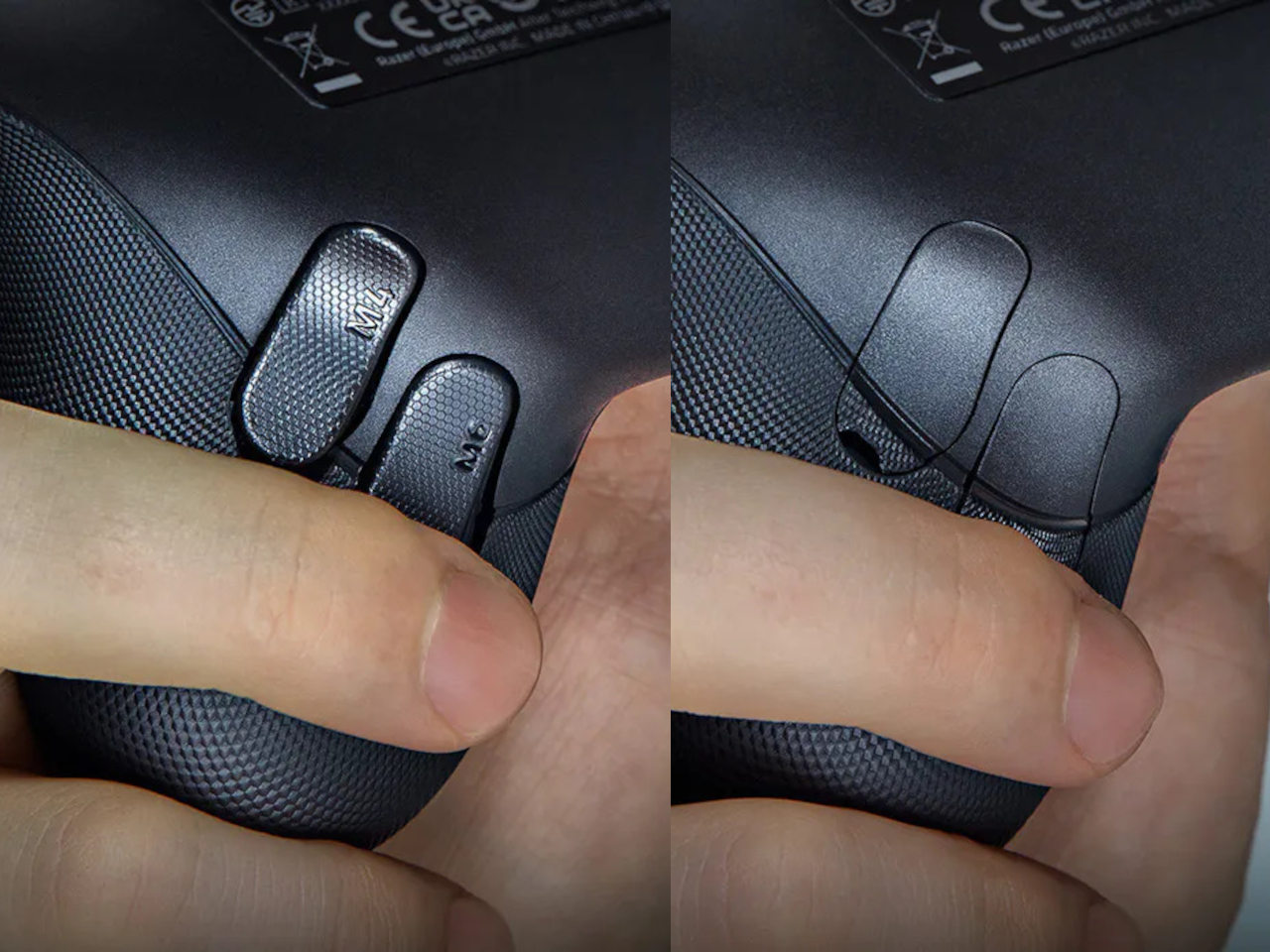
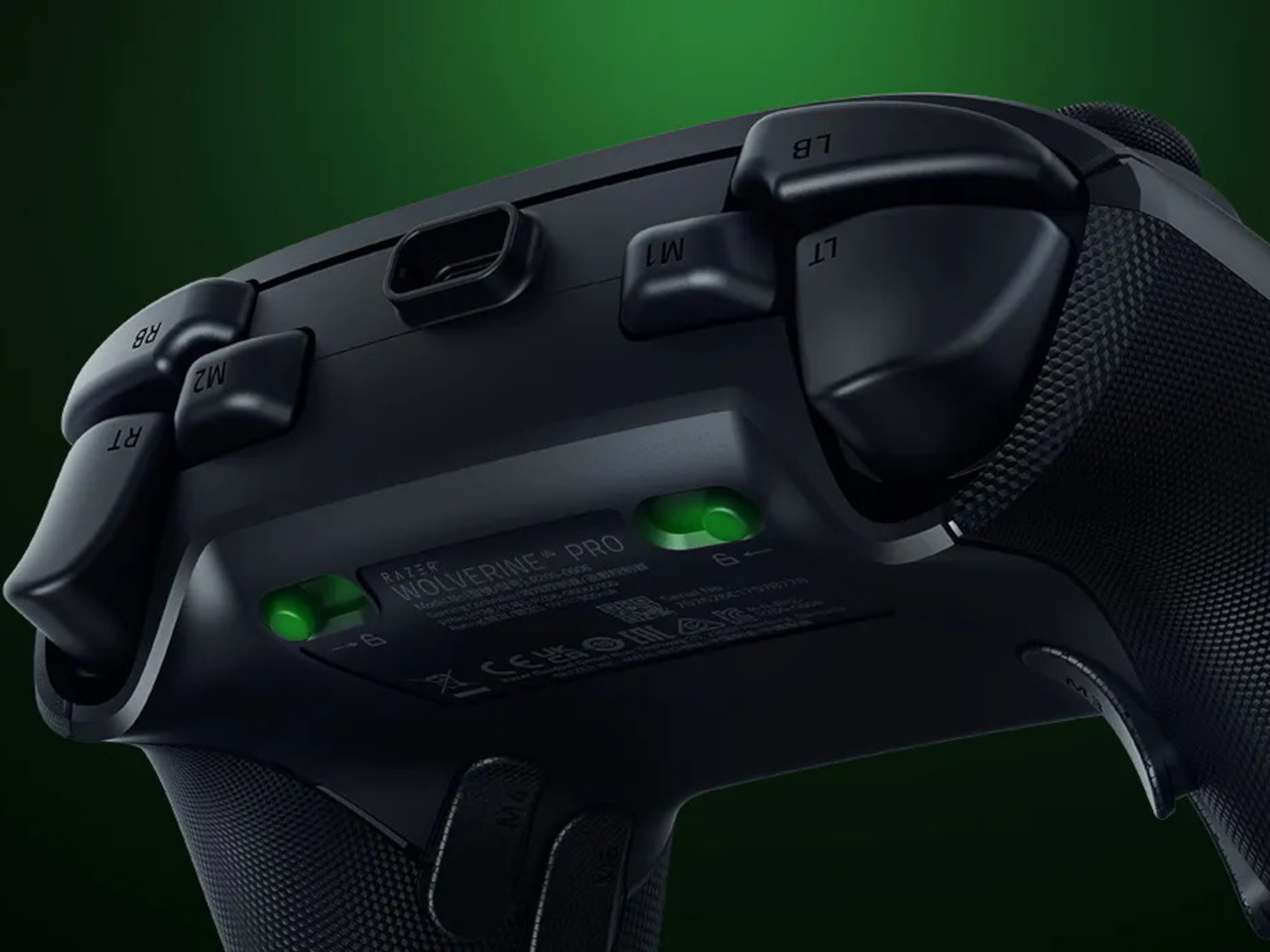
The four rear buttons come off without tools, making it possible to keep all of them, use only a pair, or clear the back entirely. Blank inserts replace the unwanted controls, following the controller’s contours rather than leaving little gaps behind. It’s a small detail, but an important one when that surface is where your fingers spend most of their time during a game.
Designer: Razer
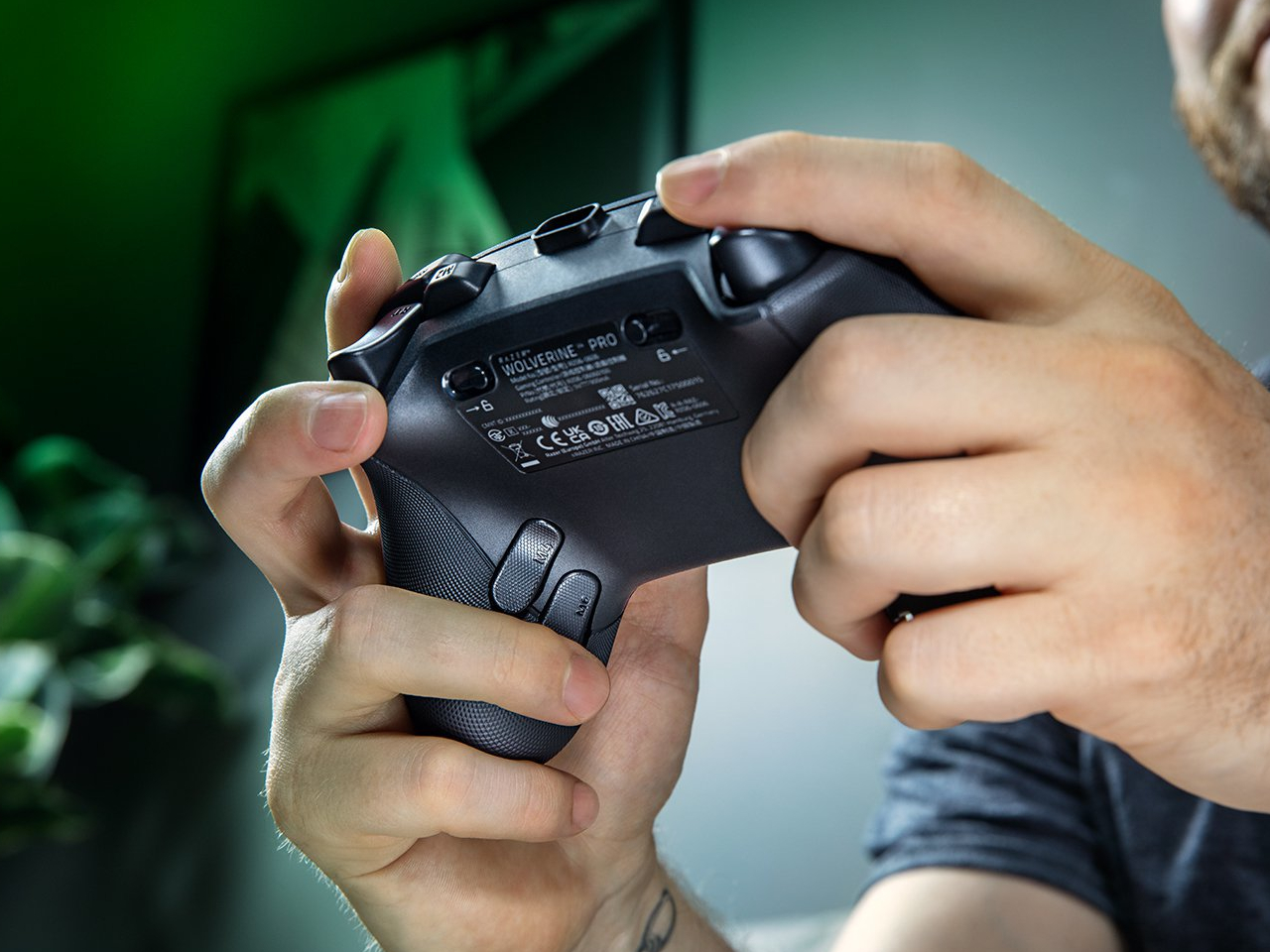
Of course, keeping those buttons attached makes sense when you’re juggling several actions at once. Their mouse-click switches can handle commands such as jumping or reloading, letting your thumbs stay on the sticks while your other fingers do the work. Two additional shoulder buttons bring the total to six remappable inputs, giving frequently used actions somewhere to go besides the familiar face buttons.
The thumbsticks get their own set of options, changing both their height and the surface beneath your thumbs. Short convex caps provide a rounded surface, while tall concave versions give your thumb a recessed resting spot and more height to work with. Razer recommends the taller caps for precise aiming. You can mix the supplied options, but swapping caps doesn’t mean you’re replacing the sensors underneath.
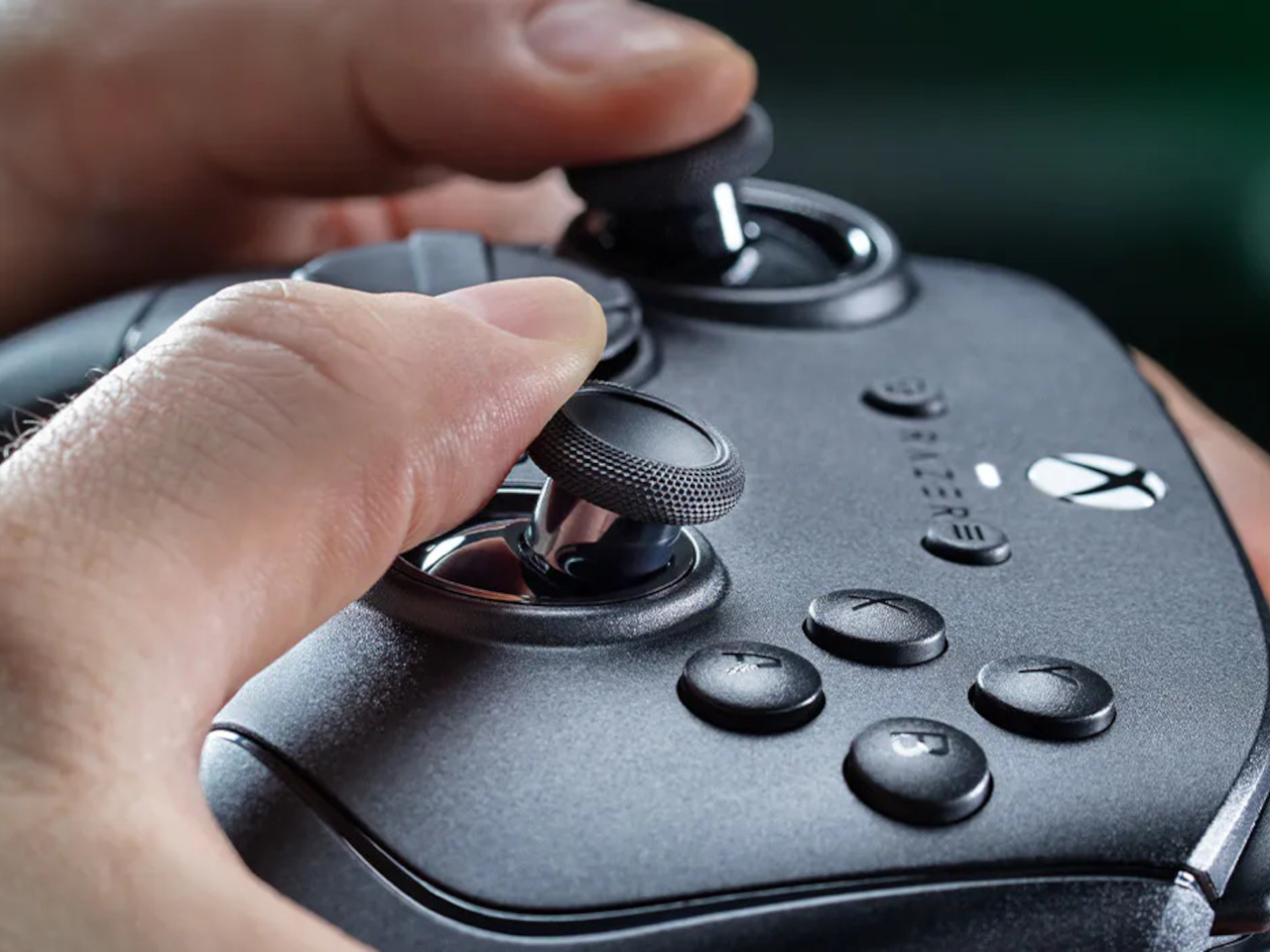
That flexibility continues with the triggers, which can switch between a short mouse-click action and a full analog pull using rear-mounted locks. The shorter setting suits firing in a shooter, while the longer travel lets you ease onto the throttle in a racing game. Through Razer Synapse, you can also adjust each trigger’s activation point to suit how you play.
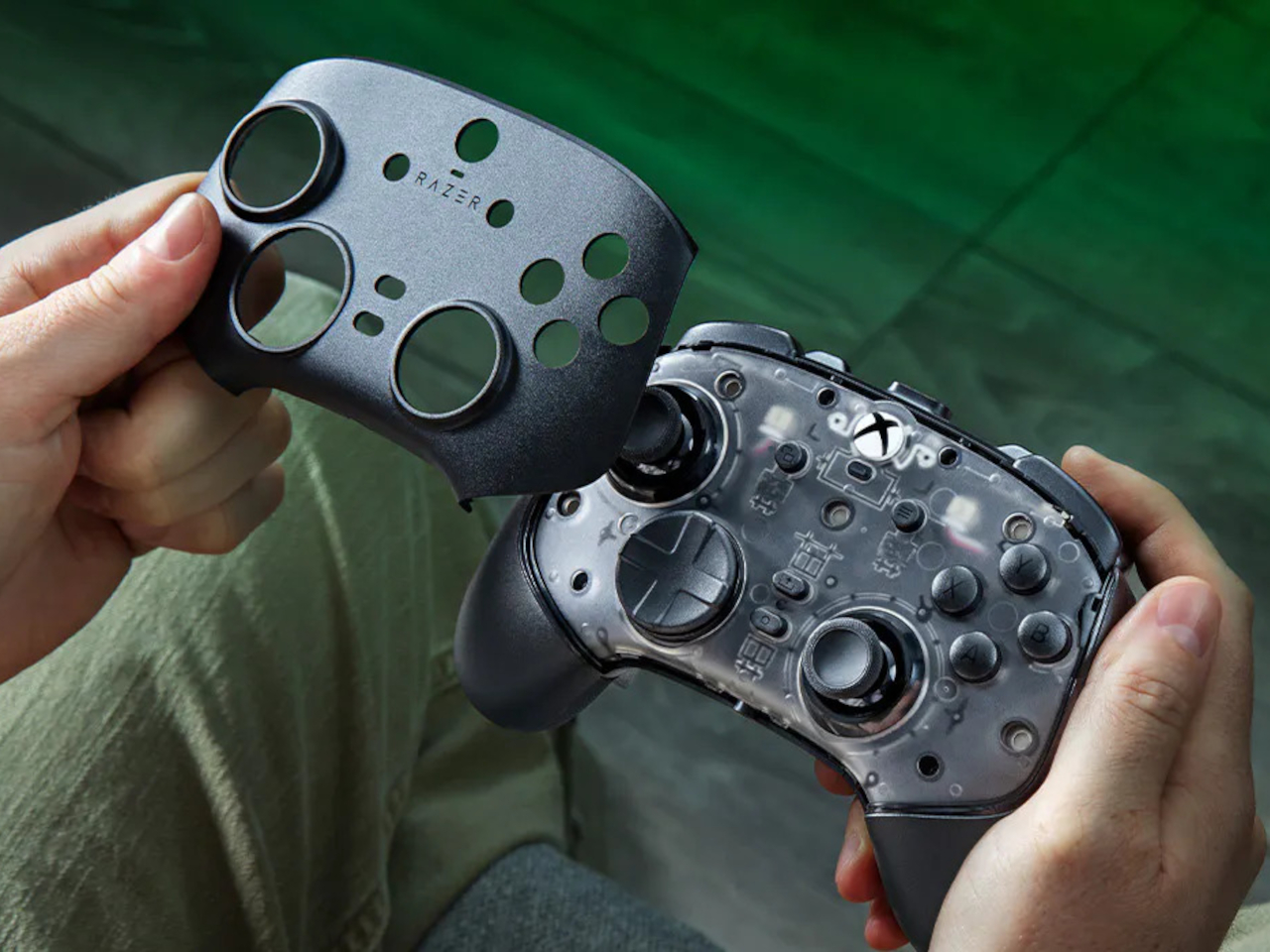
Even the exterior is open to a little tinkering, thanks to a magnetic faceplate that lifts off without tools. Personalize that panel, or leave it off entirely to reveal the translucent housing underneath. The working components remain enclosed, so you’re changing the controller’s outer appearance rather than exposing its electronics. It’s an option for people who prefer seeing a bit of machinery.
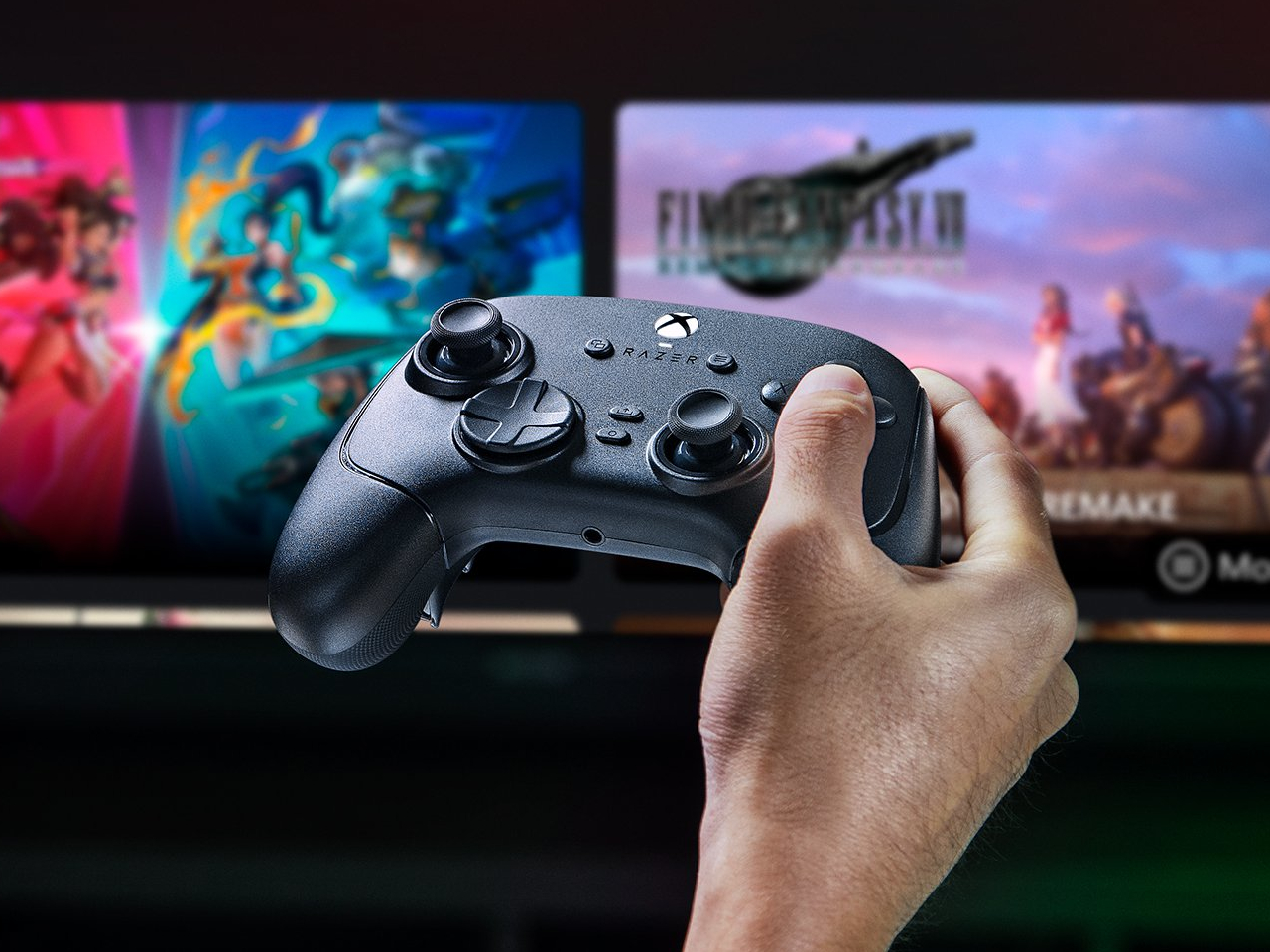
The software takes care of the changes you can’t make with magnets. Four onboard profiles hold different button assignments and sensitivity settings, so a racing setup doesn’t have to overwrite your shooter preferences. You can also adjust thumbstick dead zones, deciding how much movement registers as input. That said, greater sensitivity can pick up tiny thumb movements you didn’t intend.
At $199.99 in the US, this level of customization doesn’t come cheap, and there’s no included carrying case to keep the removable pieces together. You’ll have to find your own place for spare caps and unused buttons. After spending that much on a controller you can rearrange, a dedicated home for the bits you’ve removed would have been rather welcome.