AI has become a permanent fixture in how we work, but accessing it still feels strangely clumsy. Most of the time, it means opening yet another browser tab, typing a prompt into a chat window, waiting for a response, then copying it somewhere else. The irony is thick: tools designed to save time end up buried under the same pile of windows and notifications they were supposed to help manage.
The DECOKEE Quake approaches this problem sideways, and the solution is physical. It is a desktop terminal built around an 8.88-inch ultra-wide IPS touchscreen and a single rotary control knob, designed to sit alongside a keyboard rather than compete with the monitor above it. Everything about the form factor suggests a device that wants to be glanced at, tapped, and spoken to, not stared at for hours.
Designer: DECOKEE
Click Here to Buy Now: $279 $359 (22% off). Hurry, only 66/500 left! Raised over $231,000.
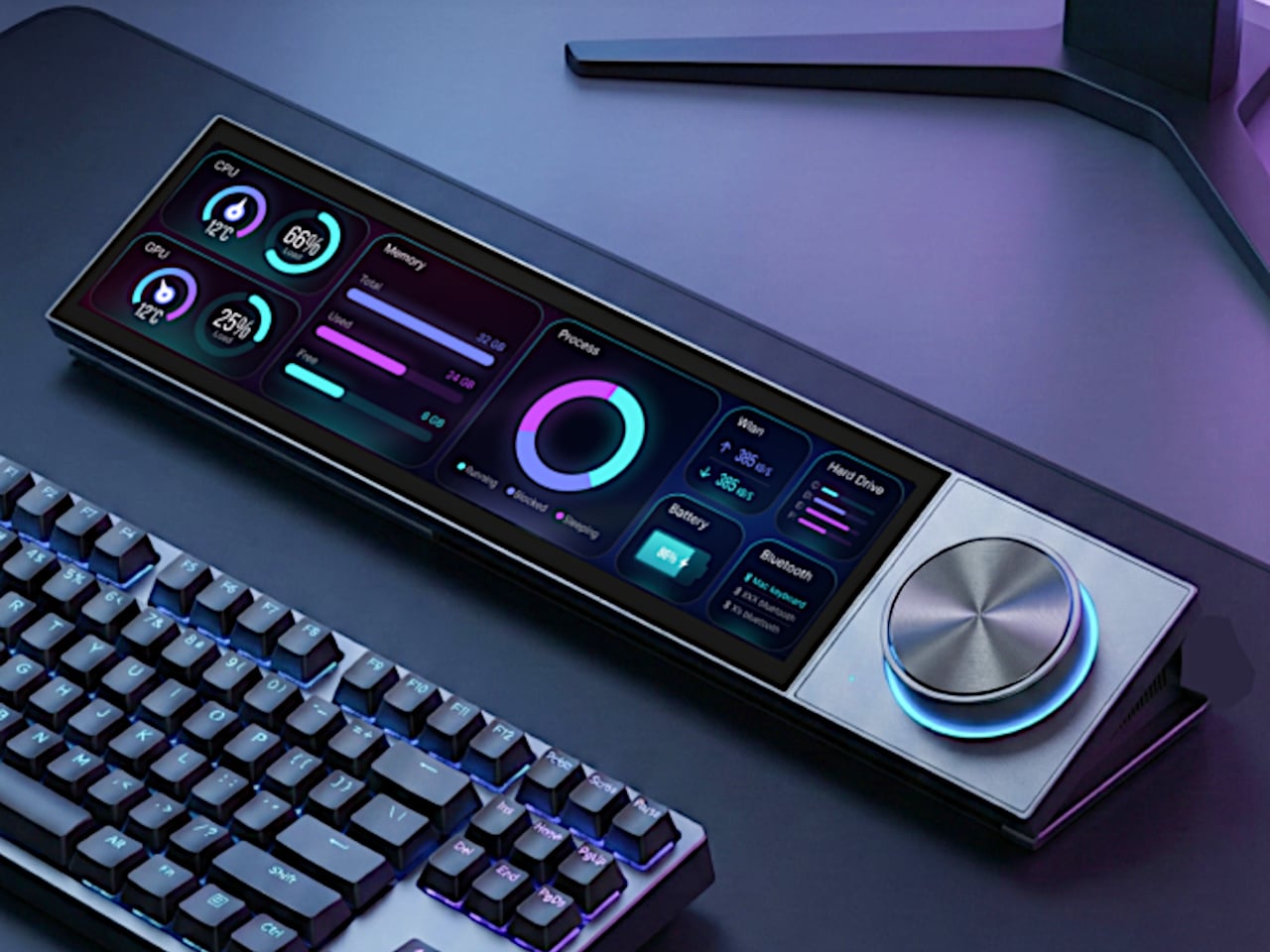
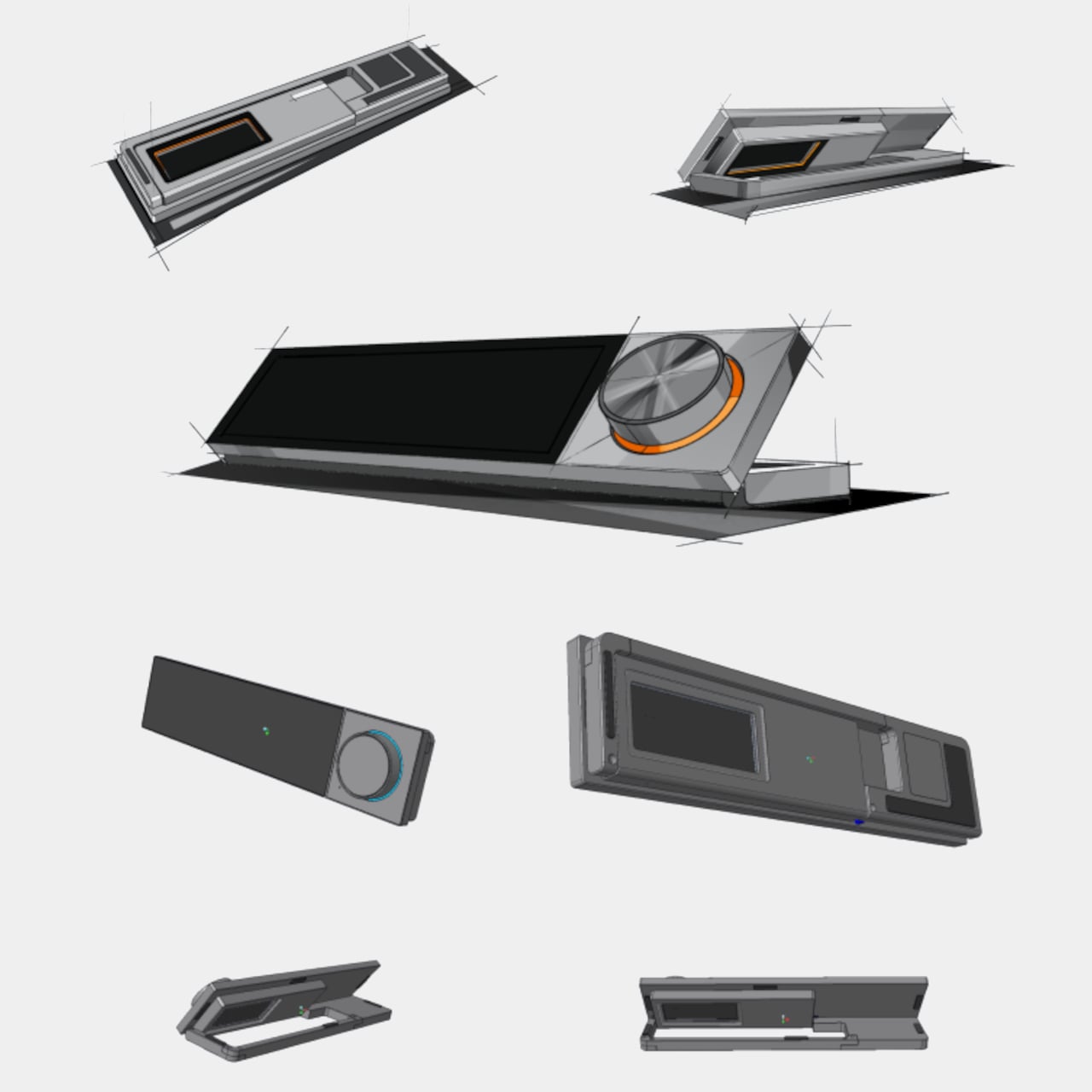
Pick it up and the construction registers immediately. The body is CNC-machined aluminum alloy with an anodized matte finish, a material choice that gives the Quake a density and coolness that plastic peripherals simply cannot replicate. A transparent backplate on the rear adds a subtle design signature, while the adjustable stand lets the screen tilt anywhere from flat to 60 degrees. At roughly 800g, it has enough heft to stay planted on a desk without feeling like an anchor.
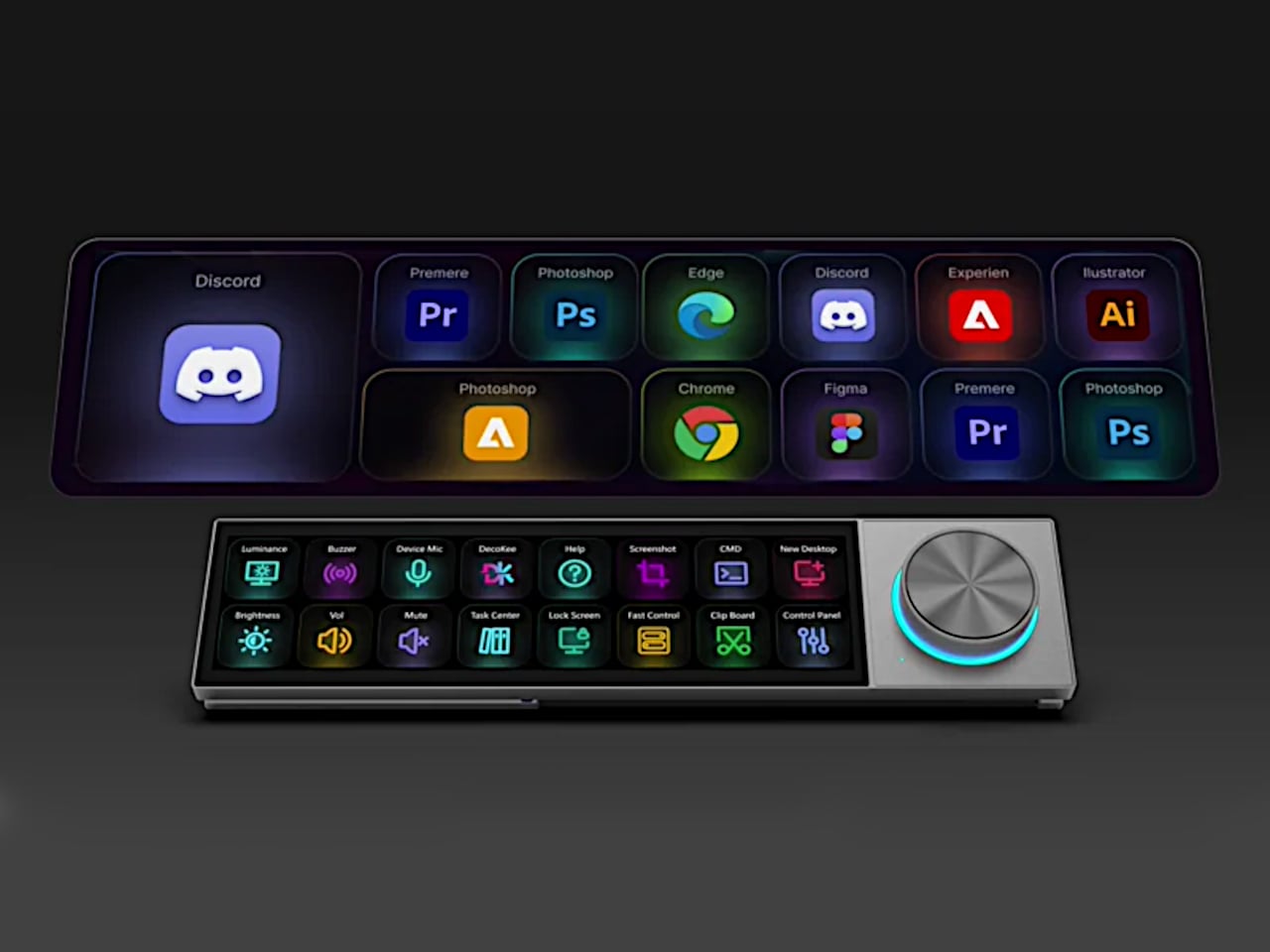

That ultra-wide screen has a 1920×480 resolution at 450 nits or brighter, and its unusual aspect ratio turns out to be a deliberate design decision. Rather than mimicking a small monitor, the panel is shaped for control surfaces: rows of customizable touch shortcuts, status dashboards, system stats, and meeting interfaces laid out horizontally. The rotary knob beside it offers infinite rotation with a push-button click and an RGB light ring that changes color based on what mode the Quake is operating in, turning a simple input device into a status indicator.

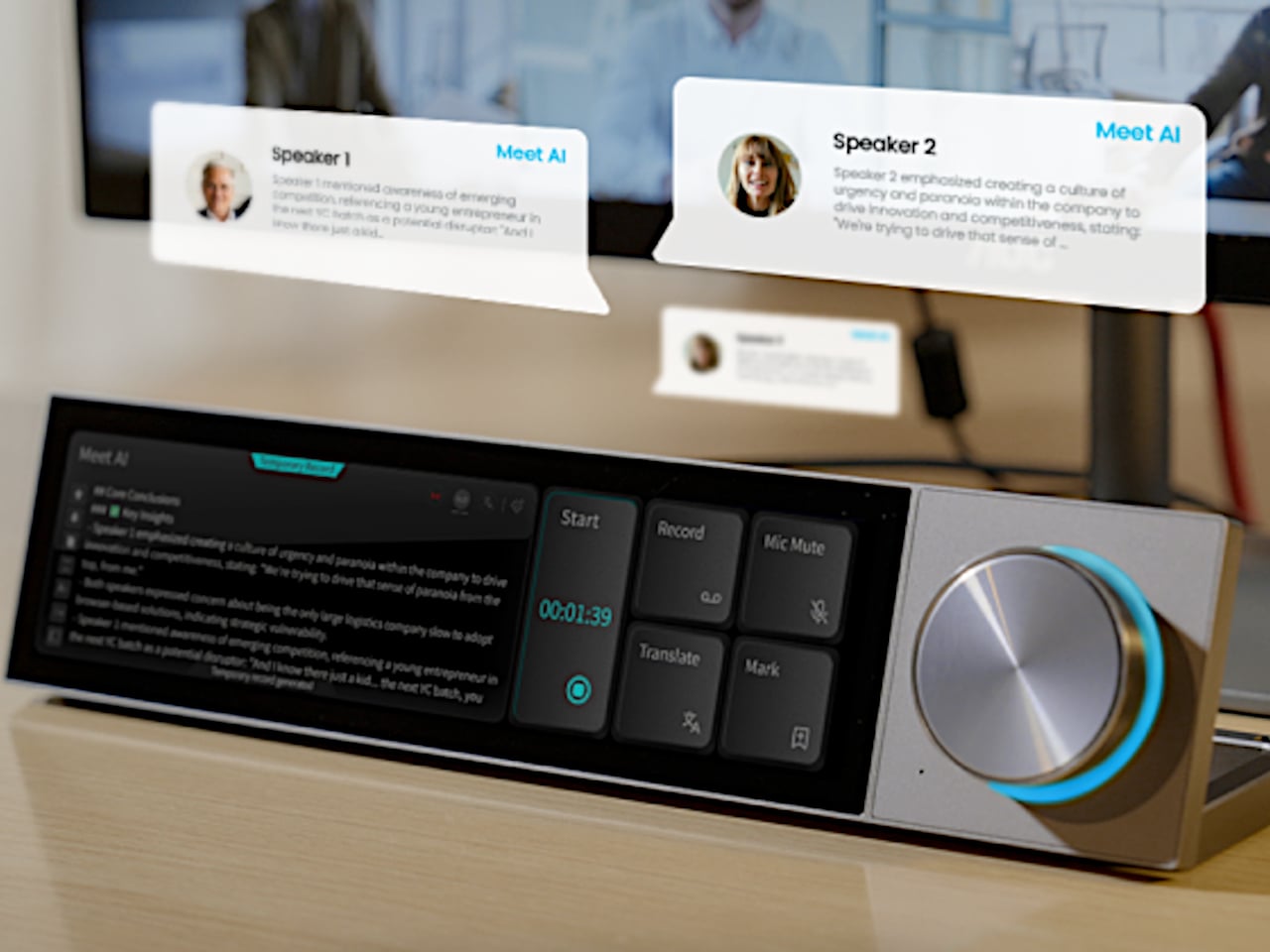
Where the Quake earns its “AI copilot” label is in meetings. Tap a button, and it begins recording through a built-in far-field microphone with noise reduction, then auto-generates a structured transcript and summary when the call ends. Ten summary templates let the output match the context, whether it is a standup, a client call, or a brainstorm. Real-time translation covers 17 languages, and a system-level mic mute button works across every app on the computer, not just Zoom or Teams.

Beyond meetings, holding the knob and speaking activates a conversational AI layer with over 100 configurable assistant roles. Ask it to generate a shortcut layout for Photoshop, and it builds one on screen, ready to use. Ask for a translation, a compliance check, or a math solution, and the response appears on the Quake’s display without ever pulling focus from the main monitor. The same voice input can produce custom wallpapers and emojis, though the novelty of AI-generated desktop art will vary by taste.


The feature list stretches further than expected for a device this compact. A system monitoring mode displays real-time CPU, memory, and network stats. A Discord overlay gives gamers channel and mute controls without alt-tabbing. Home Assistant integration (through API setup) allows single-tap smart home control from the touchscreen. There is even a music player with a vinyl-inspired interface that connects to Spotify or plays local files, which is a charming if unexpected addition to a productivity device.

What makes the Quake interesting as a design object is the underlying argument it makes about where AI belongs on a desk. Not trapped inside a browser tab, not buried in a notification, but sitting in a physical surface with tactile controls and a screen that stays visible. Whether that argument holds up after months of daily use is something only shipped units will answer.
Click Here to Buy Now: $279 $359 (22% off). Hurry, only 66/500 left! Raised over $231,000.