
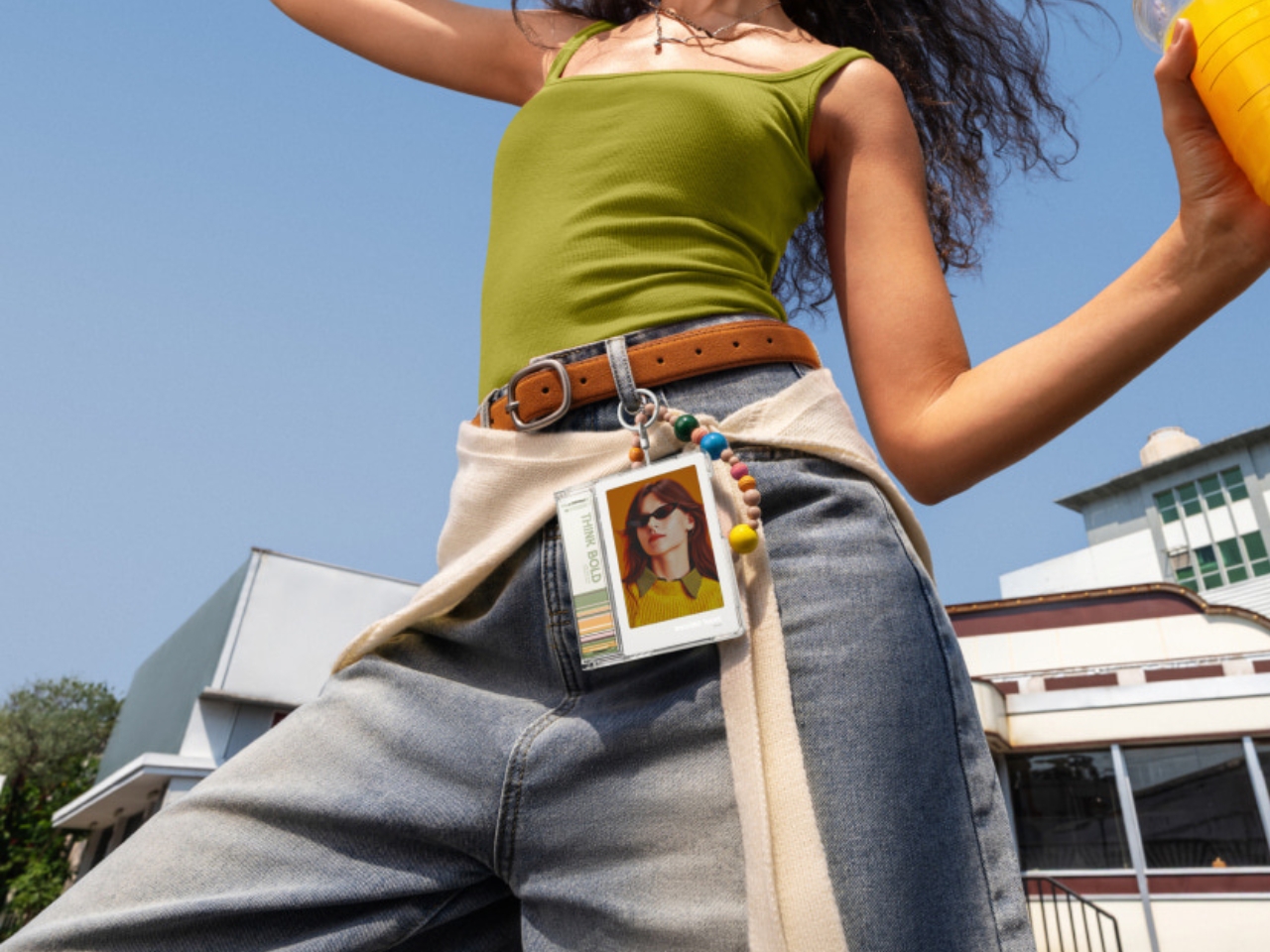
In the circles that I run in or the public spaces that I go to, it’s not unusual to see people walking around carrying photo cards of their favorite idols or pop culture characters. For those who have multiple favorites, that means constantly swapping the photo card in their holder to show their love and appreciation for whoever they’re currently stanning. That can be tiring or inconvenient, especially if you have a lot of photos lying around.
What if you could carry around a digital photo frame that would fit on your bag? There are, of course, a lot of digital photo frames available on the market, but many are designed to sit on shelves and desks. The Insta360 Toast is a pocket-size, rechargeable color E Ink photo display that lets you show off your favorite photos on a reflective screen. And since it’s a digital display, you can change the photos as much as you can.
Designer: Insta360
It’s important to emphasize that this is not a camera or a photo printer. The brand is normally known for its cameras, but this device is for displaying photos rather than taking them. It has a 3.7-inch E Ink Spectra 6 panel and can store 30 photos locally, displaying one at a time. There’s a separate 200-photo cloud allocation, with uploads handled through the Insta360 app or WeChat Mini Program. Insta360 claims up to 195 days per charge, based on testing at 77 degrees Fahrenheit with one daily image refresh and an app connection every two weeks to transfer photos. Actual battery life will vary. Still, the prospect of going months between charges is appealing for something you might otherwise treat like a bag accessory.
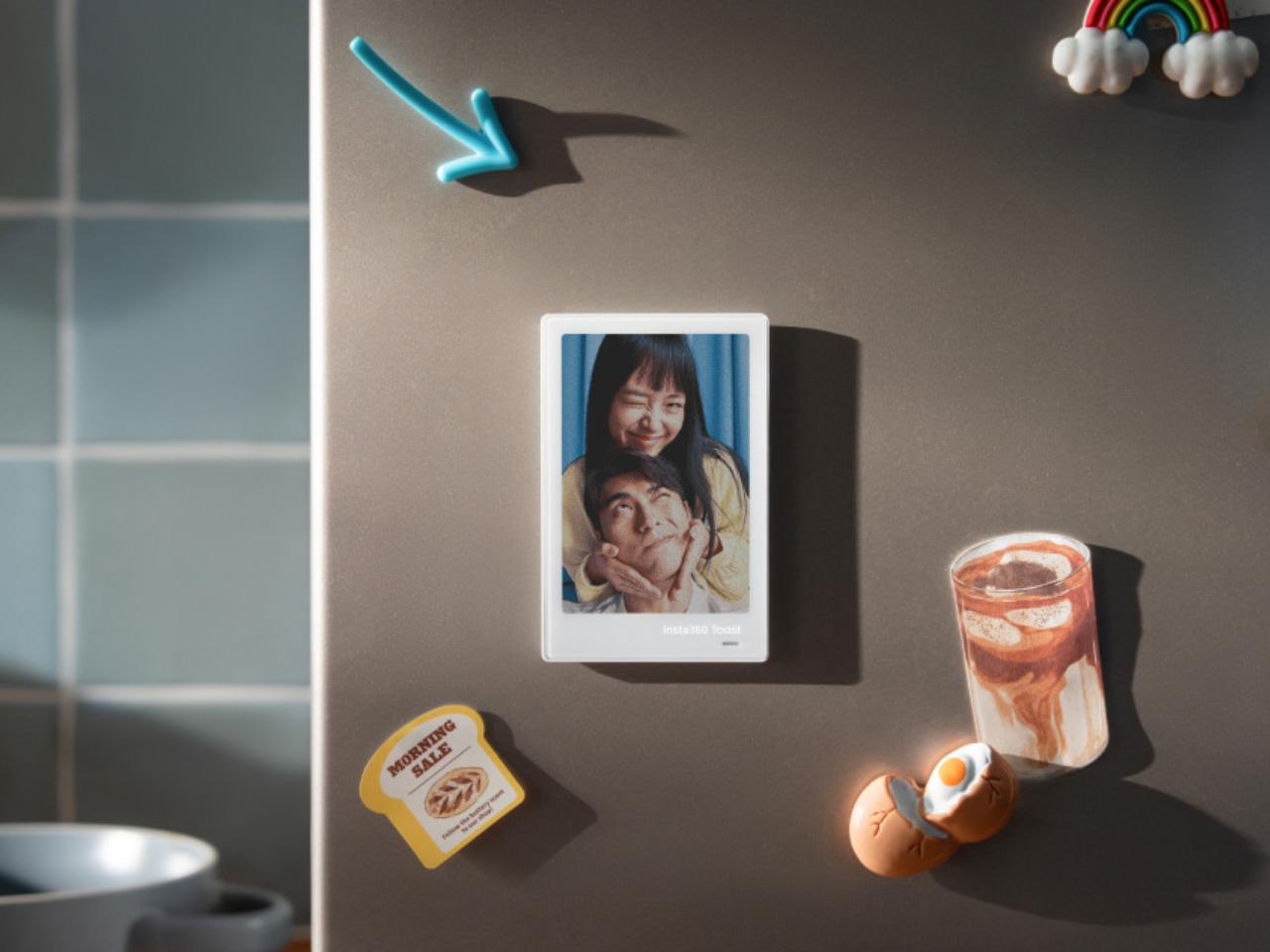
At 5.25 mm thick and 43 grams, it is closer in size to a badge or the aforementioned photo cards than a conventional digital frame. It can remain on your desk or serve as a changeable image on the refrigerator. Because it is thin and lightweight, you can also carry it around by attaching it to your bag. It can even be a wearable personal display if that’s something you would use, although I can see the bag option being more appealing for fellow photo card enthusiasts.

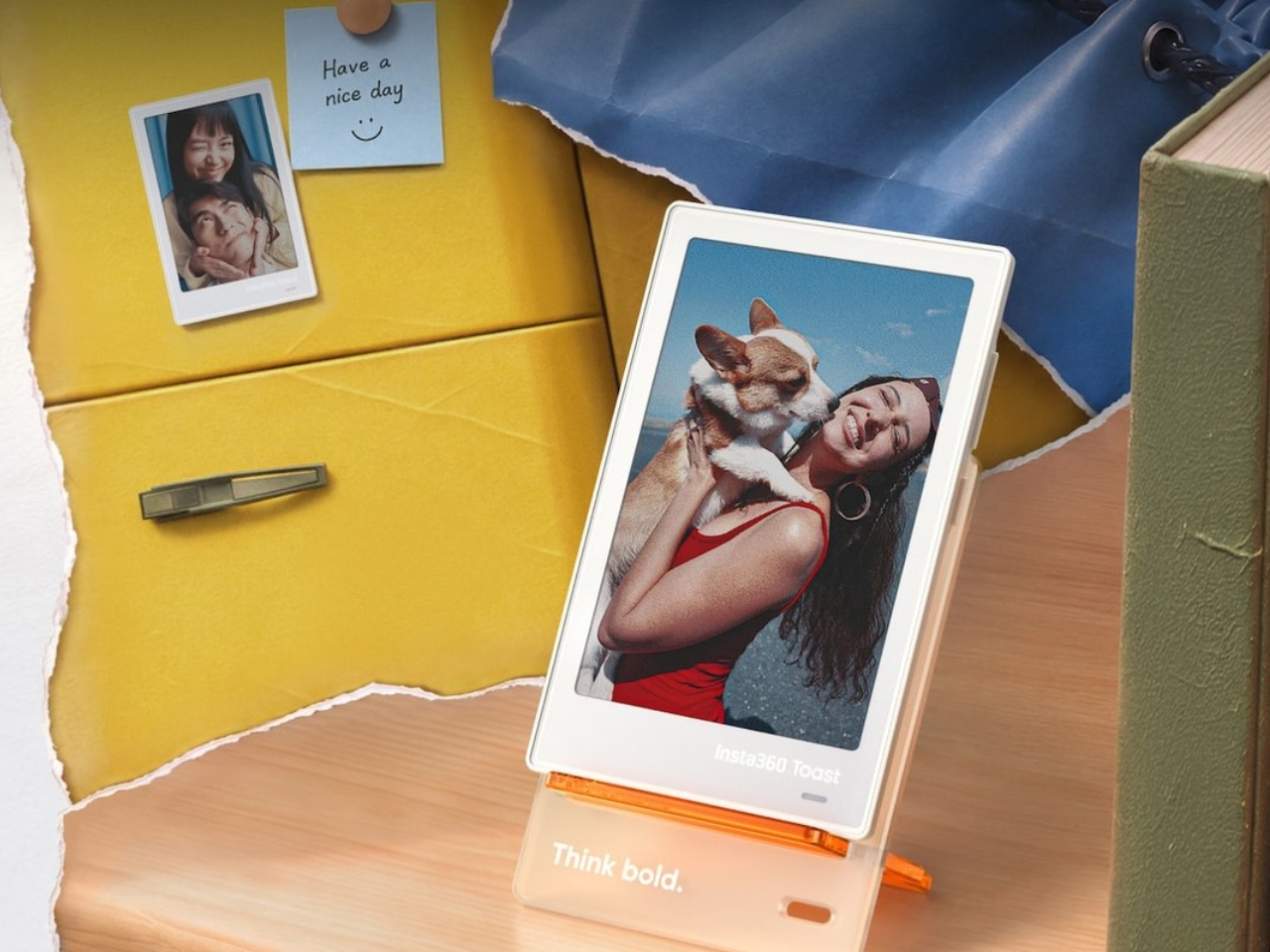
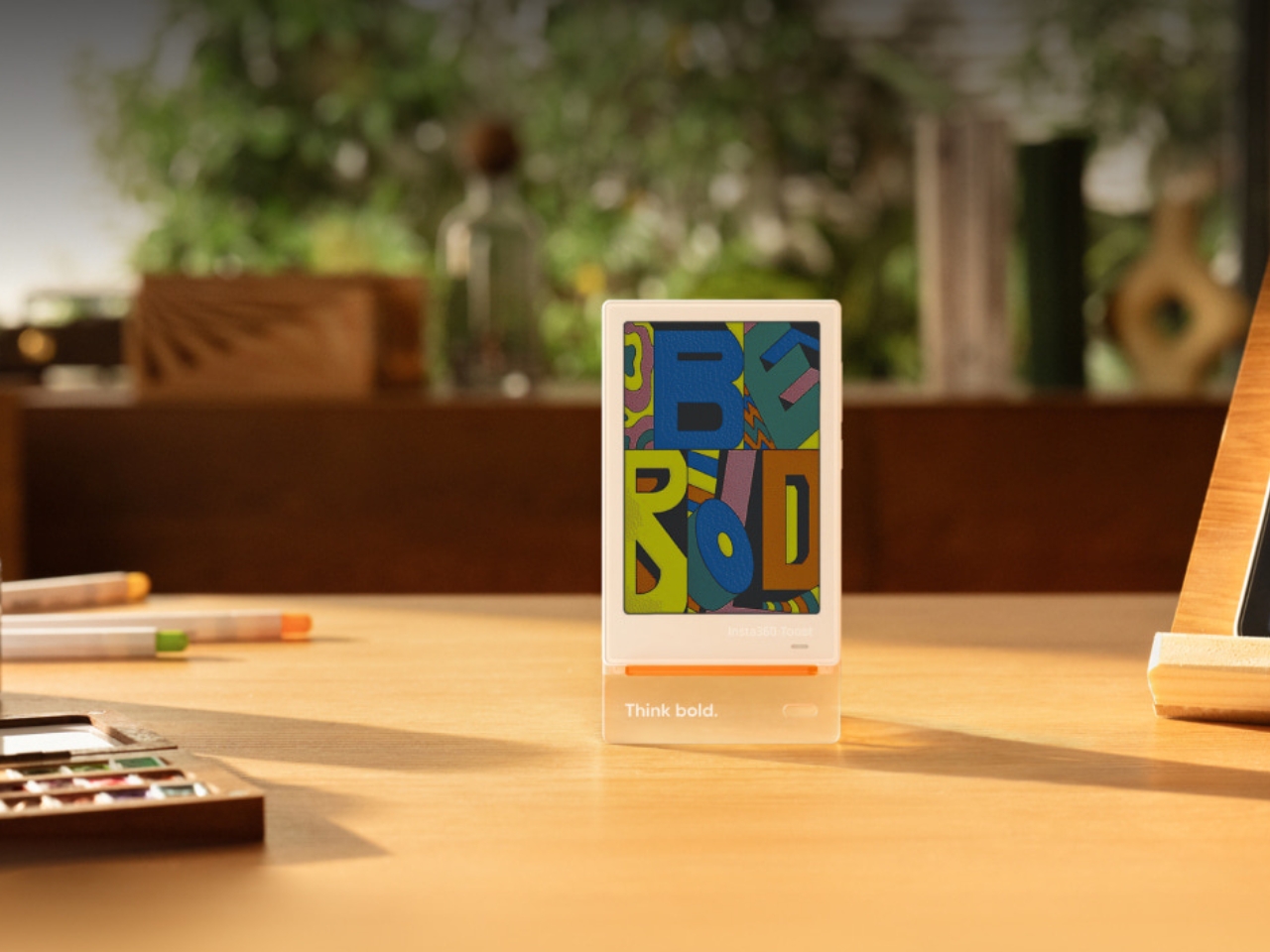
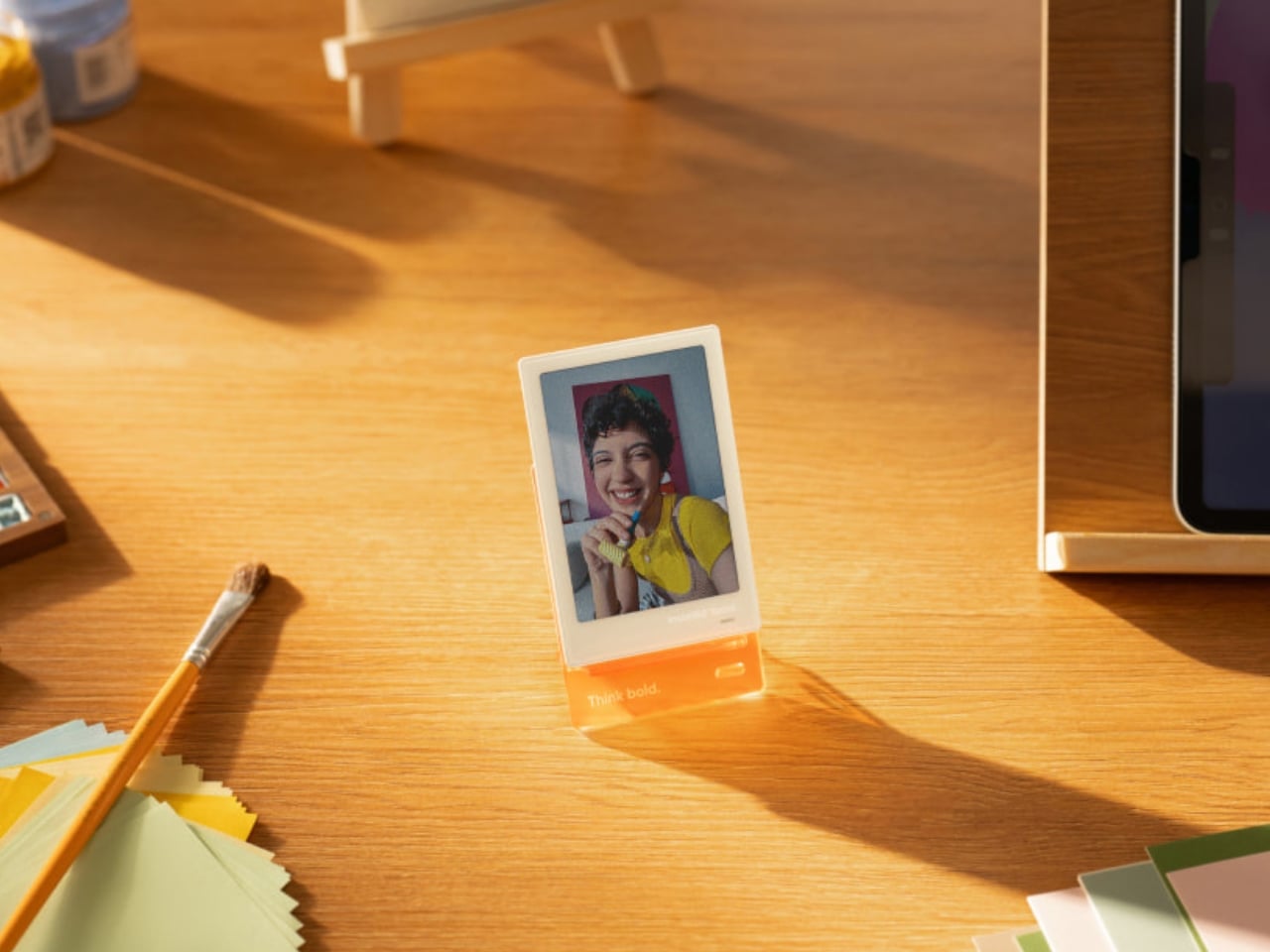
Included accessories are a desk stand, short strap, PU artificial leather case, magnetic mounting plate, and charging cable. Having different mounting options makes sense here. You could carry your favorite photo during the day, then give it a spot beside your computer when you get home.
The reflective screen is an important part of the design. It doesn’t emit its own light, so it relies on the light around it, much like a printed photograph. That could suit someone who wants a photo on their desk without another glowing display nearby. The trade-off is that you’ll need adequate lighting to see it. Insta360 also acknowledges that images may show grain and differences in brightness.

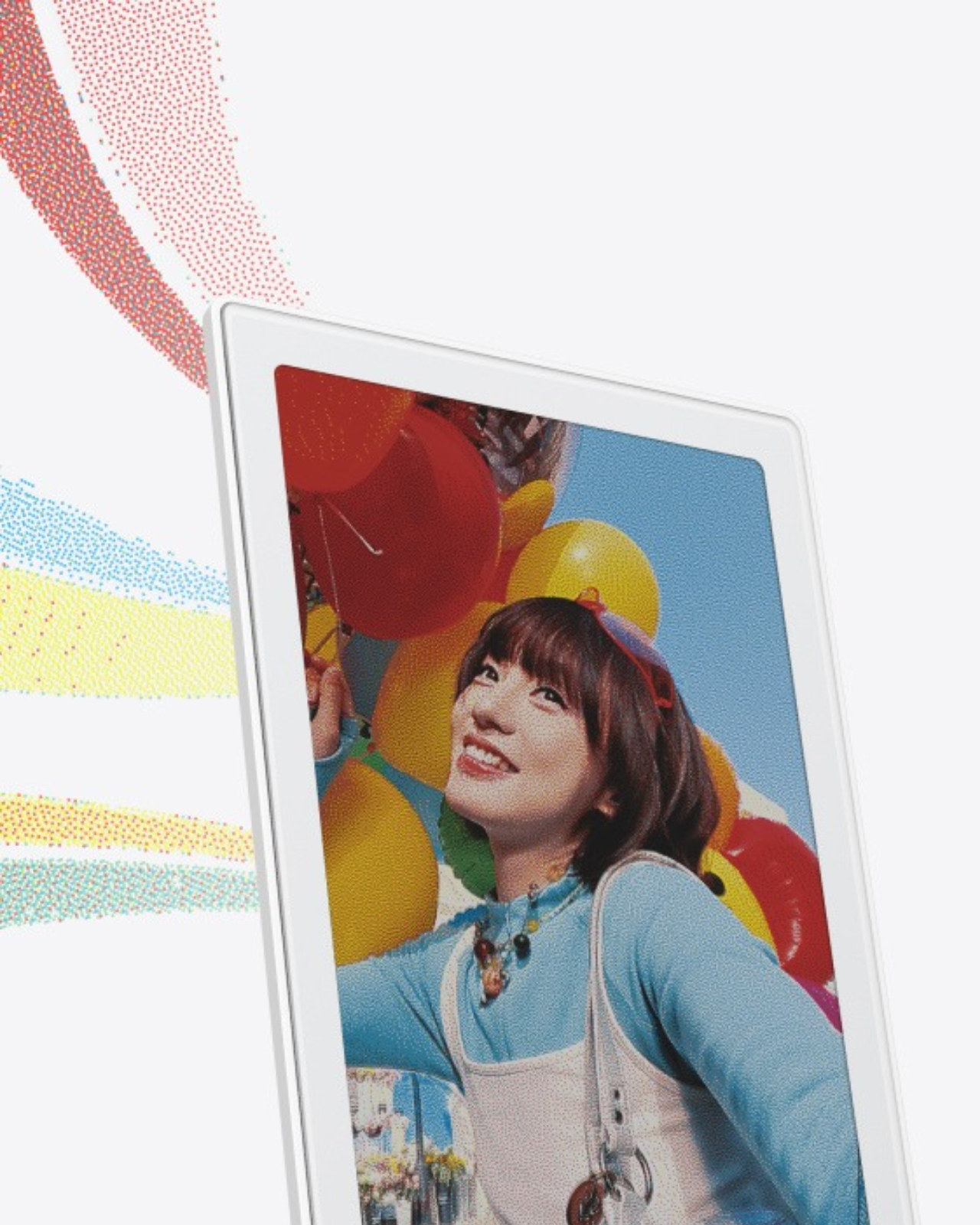
Changing pictures takes some patience. Insta360 says the button produces a monochrome preview in about a second. Once you stop switching, there’s roughly a three-second pause before a full-color refresh that takes about 30 seconds, with yellow flashing during the process. That sounds manageable when choosing a picture for the day, but less appealing if you want to keep browsing through your entire collection.
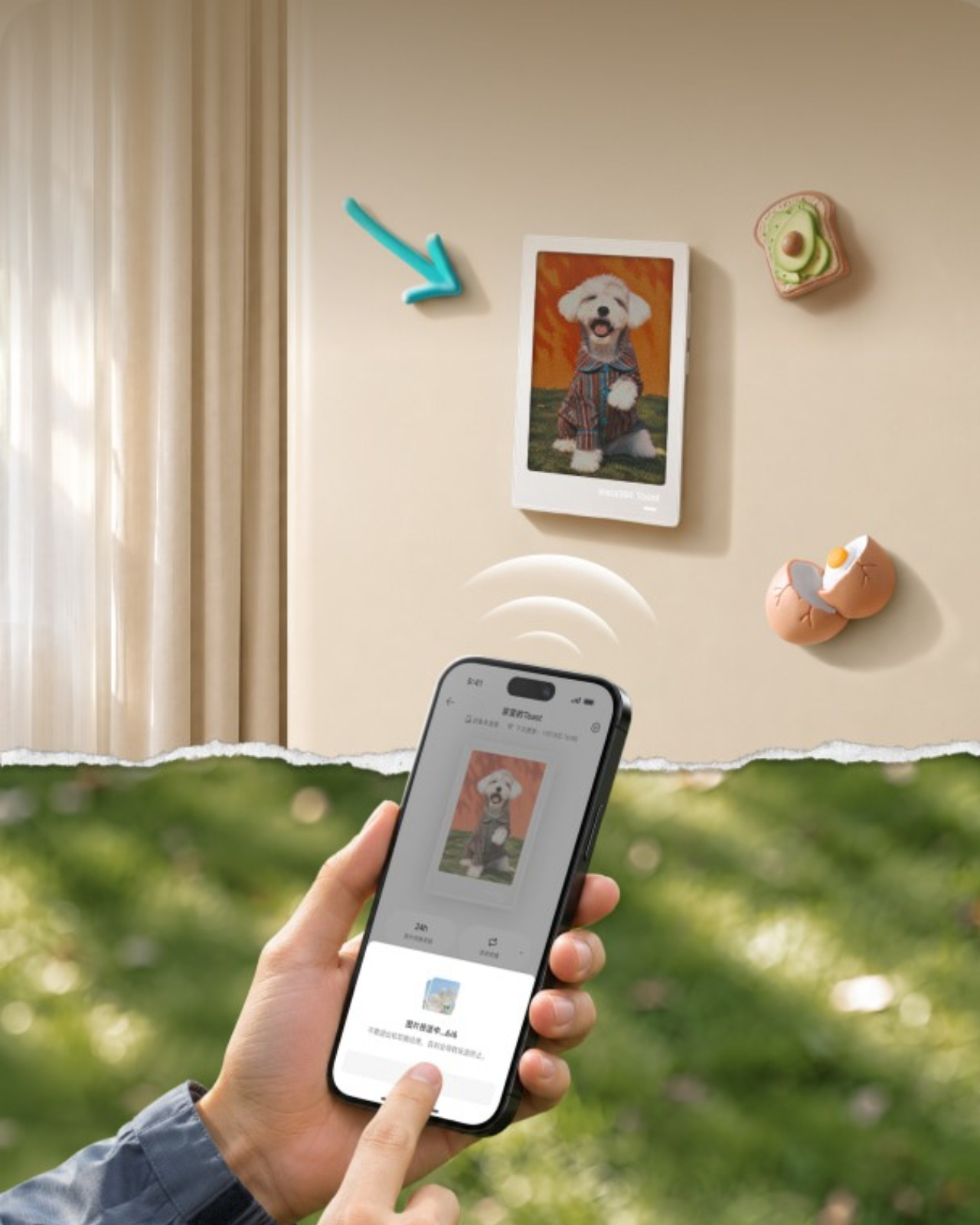
There’s also a use beyond showing off your current favorite idol. Once the device has been set up on a network, the Insta360 app supports sending photos remotely. You could put one on a family member’s desk and send over a vacation photo, for example. The appeal would be giving that image a place outside a message thread, where it might otherwise get buried under everything else.
For collectors, though, I don’t think this needs to replace physical photo cards to be interesting. Collecting the actual cards is part of the fun. The Toast could instead be the one you change depending on your mood, outfit, or latest obsession, without opening a holder every time. You would have to accept the slower refresh and keep it charged, but you wouldn’t have to choose a single favorite quite so permanently.