
Macro pads have always operated on the assumption that a handful of keys is enough. Most offer between six and 24 programmable buttons, which covers a tidy shortcut setup until it doesn’t, when a workflow shifts or a new application joins the rotation. Running out of keys usually means buying a second pad, stacking it beside the first, and accepting that the layout will never quite be what you originally wanted.
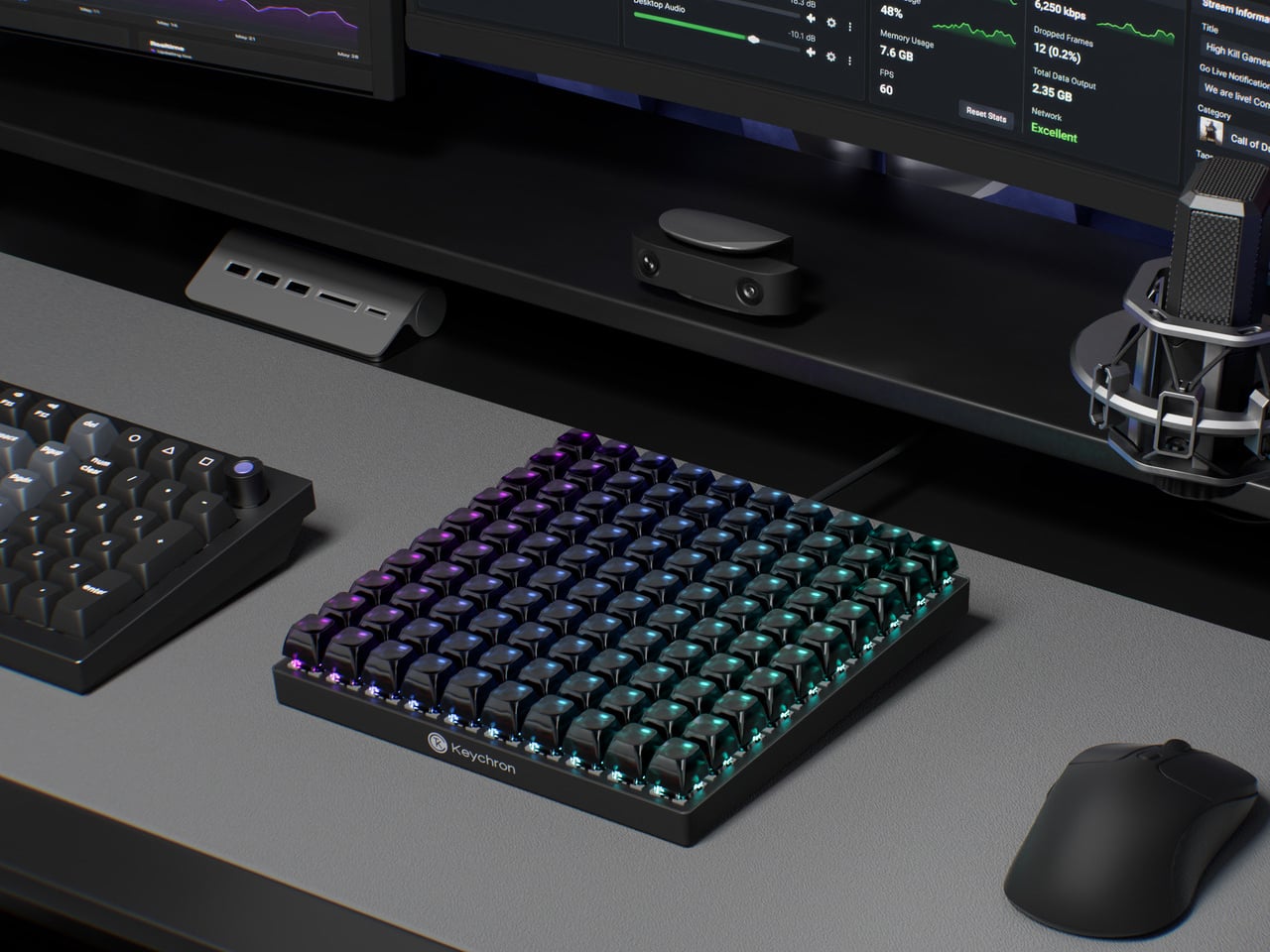
The Keychron C100 8K skips that problem entirely by starting with 100. Arranged in a 10-by-10 grid and taking up roughly the footprint of a full-size keyboard, it ships with every key completely unbound. There are no default shortcuts, no preset layouts, and nothing to undo. The entire surface is a blank canvas that users fill through Keychron Launcher, the brand’s browser-based configuration tool.
Designer: Keychron
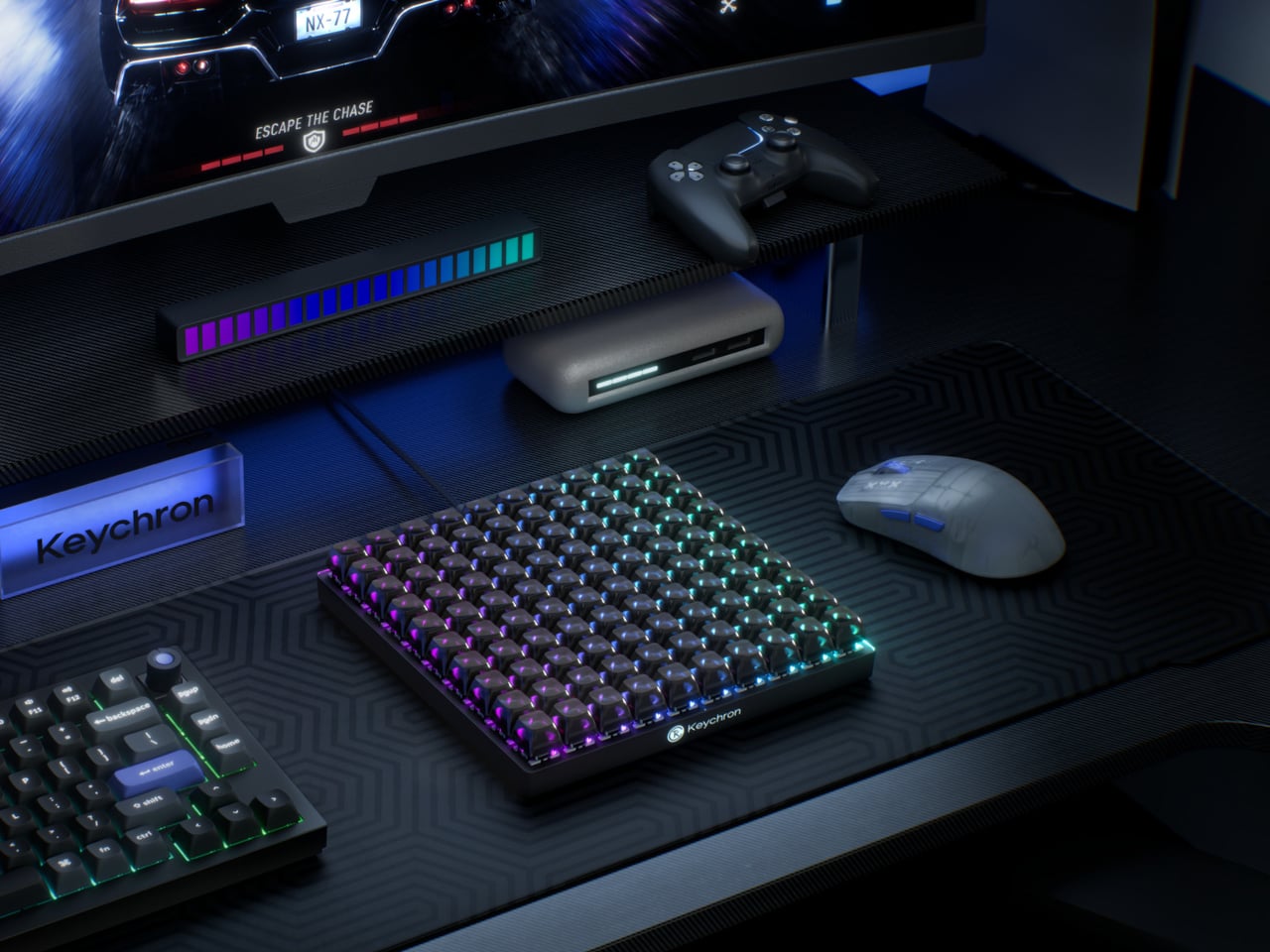
That software handles everything from key assignments and macro sequences to per-key RGB lighting. Color-coding matters more here than it does on a conventional keyboard, because it’s one of the more practical ways to navigate 100 unmarked keys. A cluster in red for video editing, a row in blue for streaming controls, and a section in green for communication apps turns a uniform grid into something immediately legible.
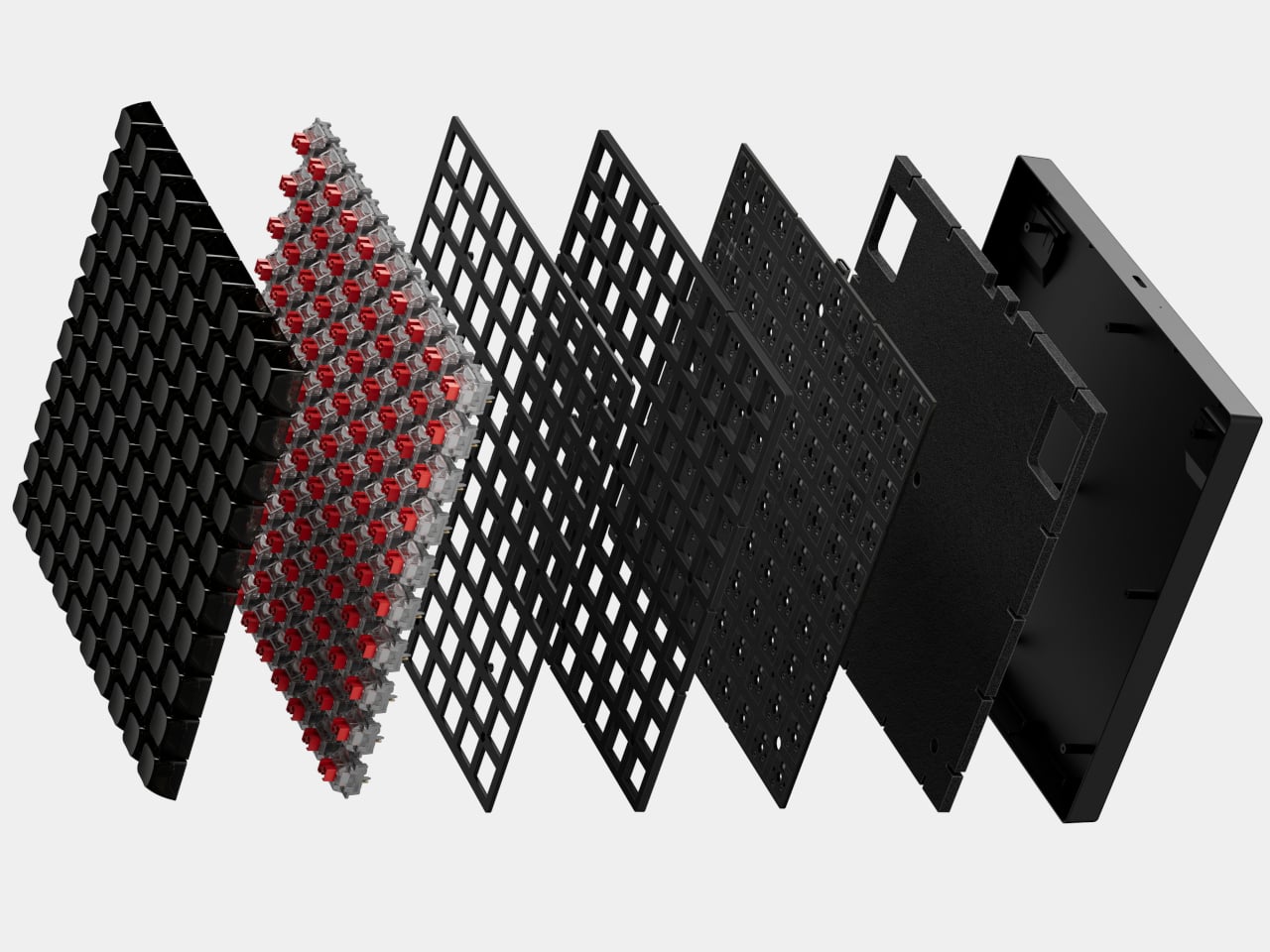
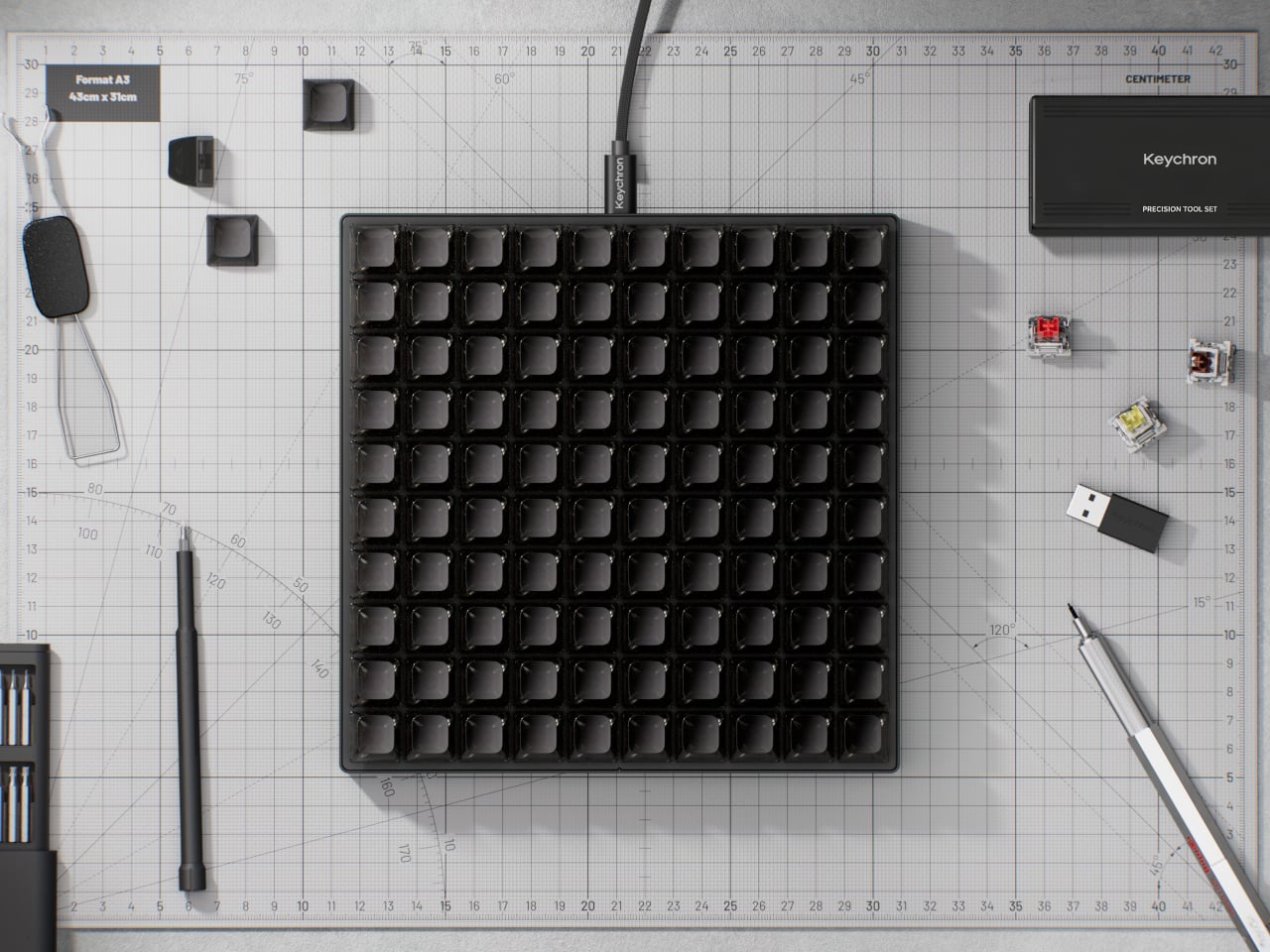
The switches underneath are Keychron’s own Apex Red linears, which ship installed but aren’t the only option. Hot-swappable sockets mean any MX-style switch fits without soldering, which opens the C100 to the deeper enthusiast habit of collecting and testing different switches across different zones. The transparent ASA-profile keycaps, made from a combination of PBT and polycarbonate, let the per-key RGB glow through without muddying the colors.
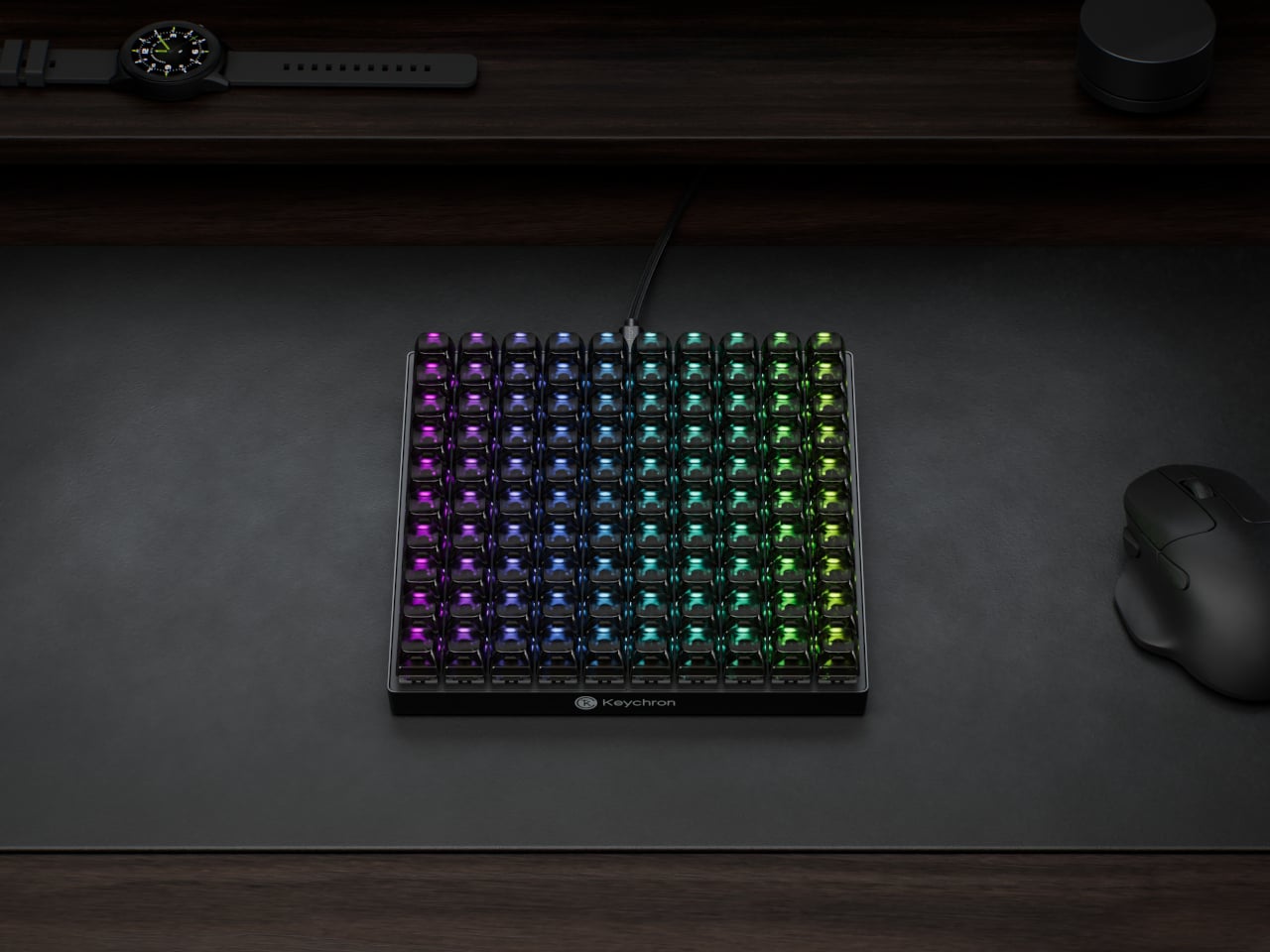
An 8,000Hz polling rate sits at the competitive end of the spec sheet, which matters most for gaming where input latency becomes meaningful. That puts the C100 in a different position from most macro pads, which treat speed as secondary to programmability. Having both in the same device means the 100 keys can cover reactive gaming inputs and slower productivity shortcuts with the same responsiveness.
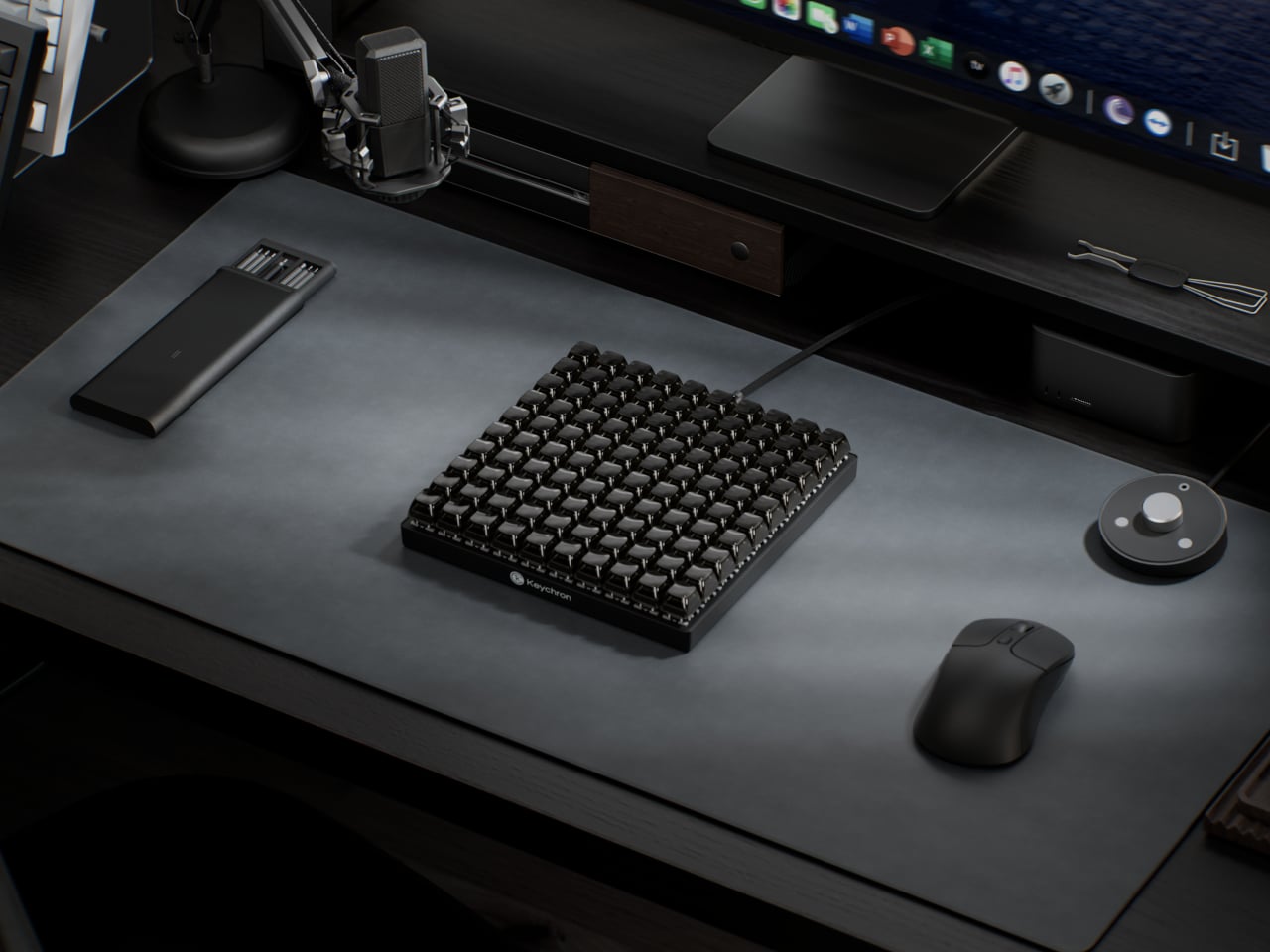
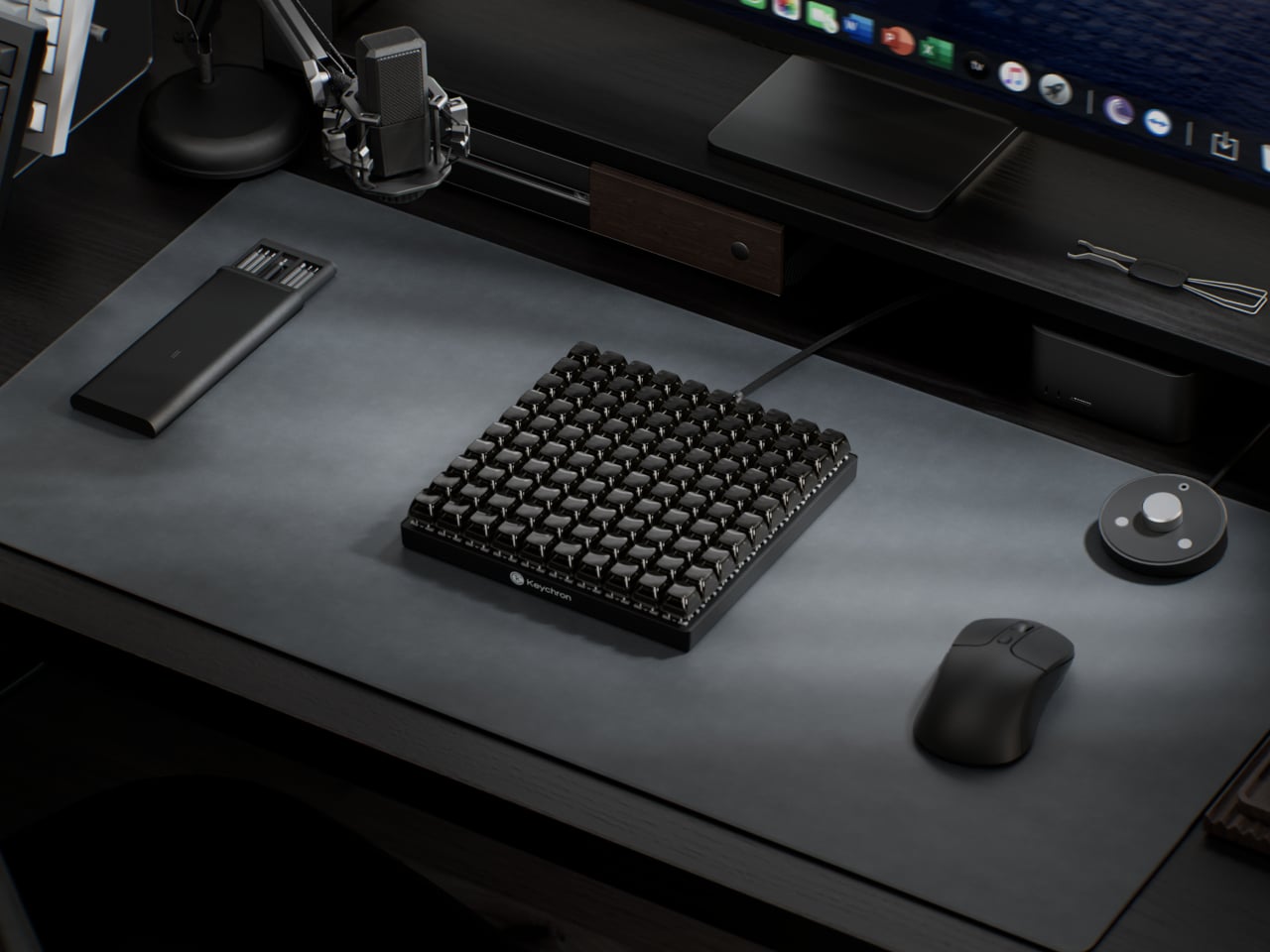
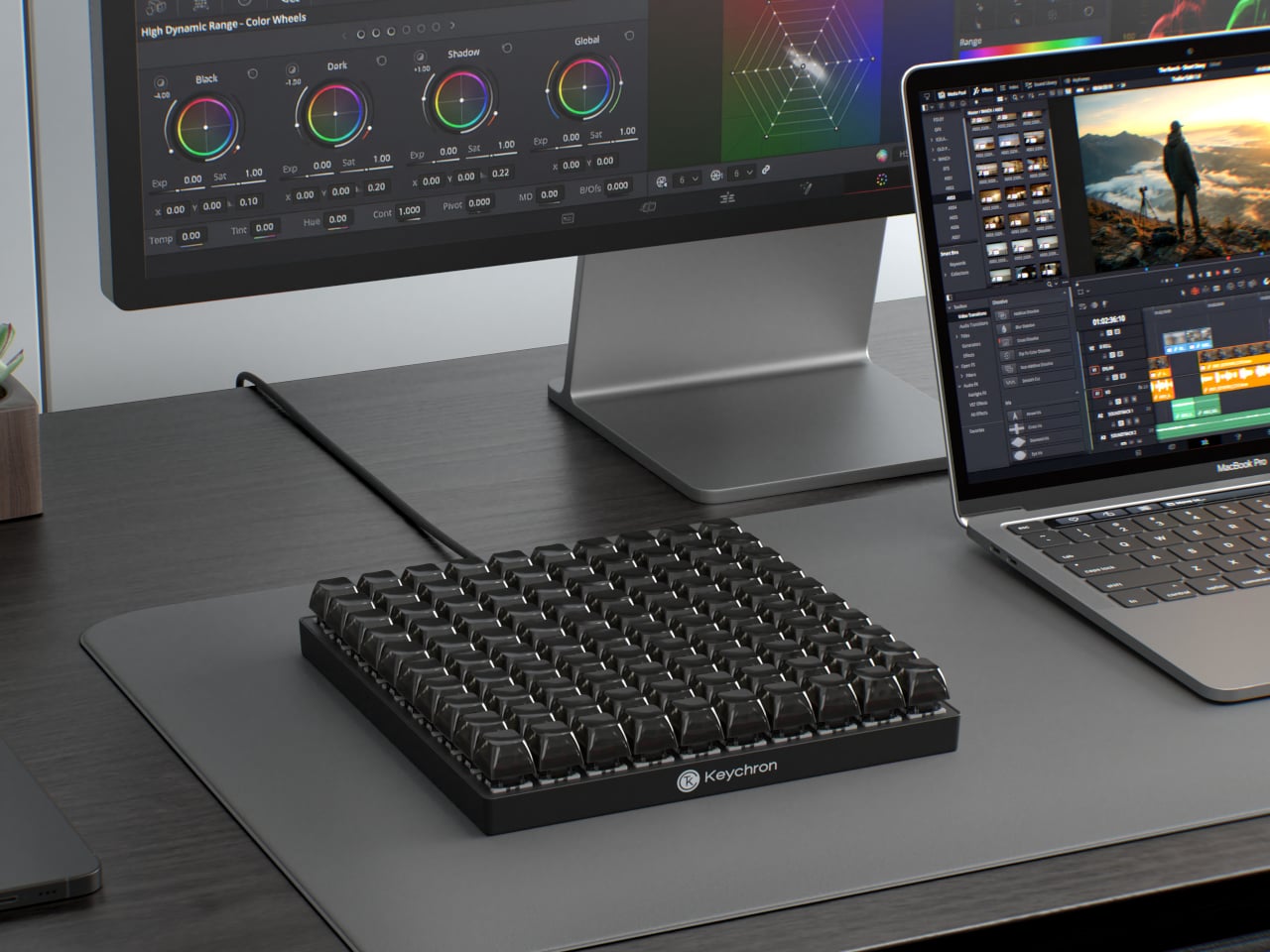
The scale of the grid also changes how the device can be organized in practice. A standard macro pad tends to cluster tightly around a single application, leaving little room for secondary controls. The C100 has enough room to dedicate zones to different software contexts without overlap, so switching between a video editor and a 3D modeling tool doesn’t require reprogramming or layer-switching in the middle of a session.
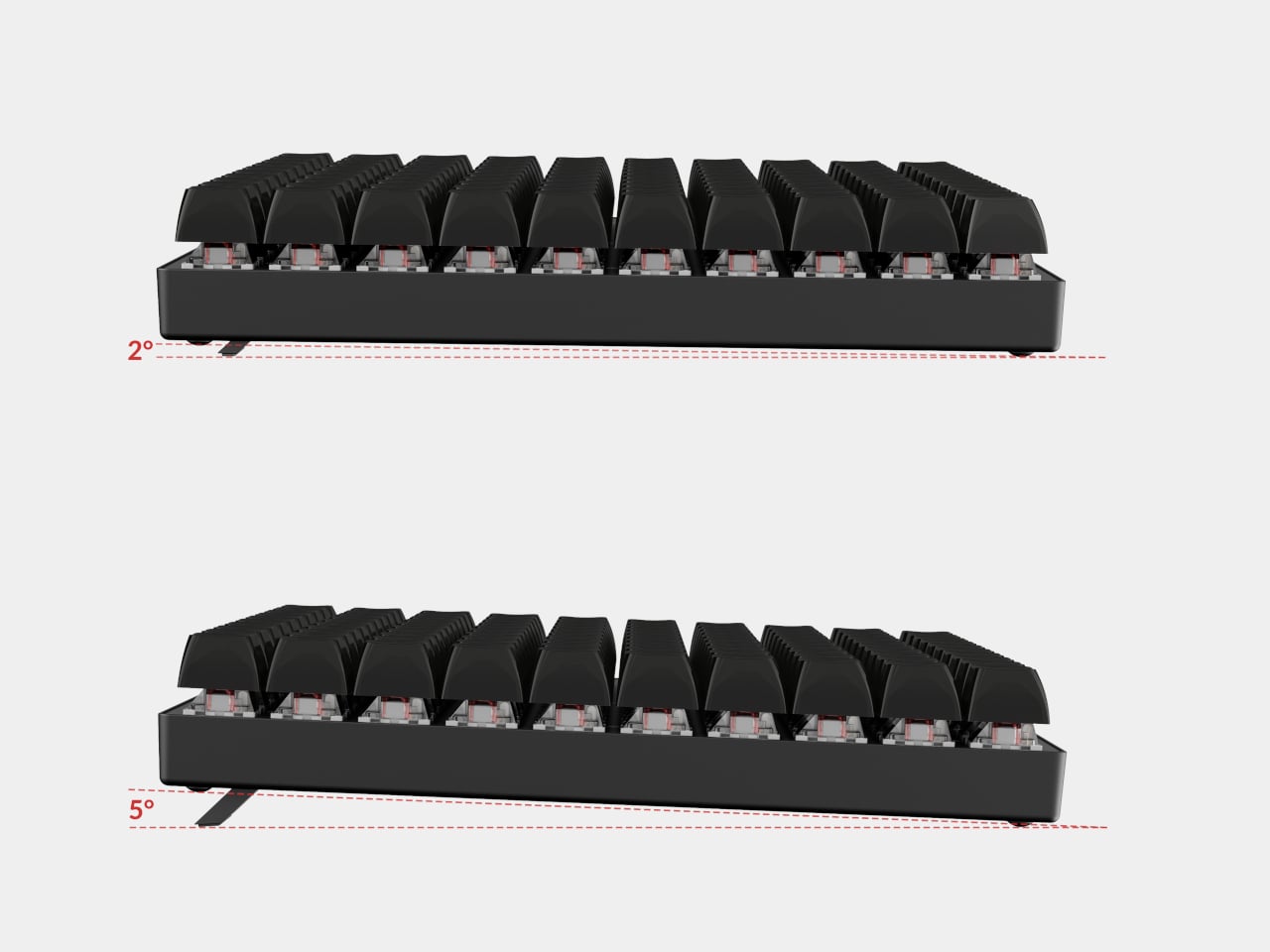
Connectivity is wired USB Type-C, which removes batteries and wireless latency from the equation. Adjustable feet let users dial in the typing angle, and the plastic body keeps the overall weight manageable for something this large. At 196.65mm x 196.65mm, the C100 forms a perfect square, which makes it geometrically distinctive at a glance and easy to position consistently on a desk.