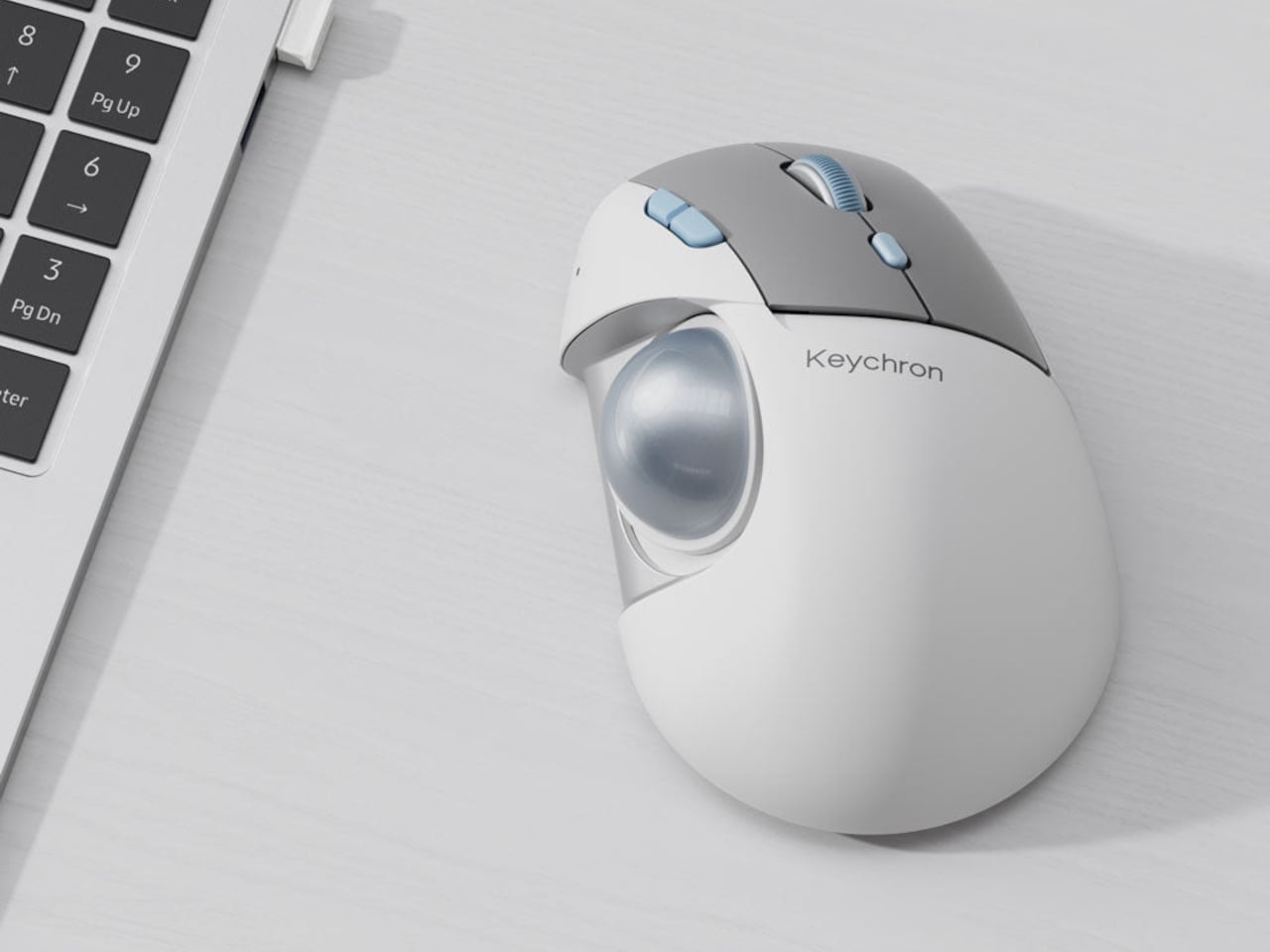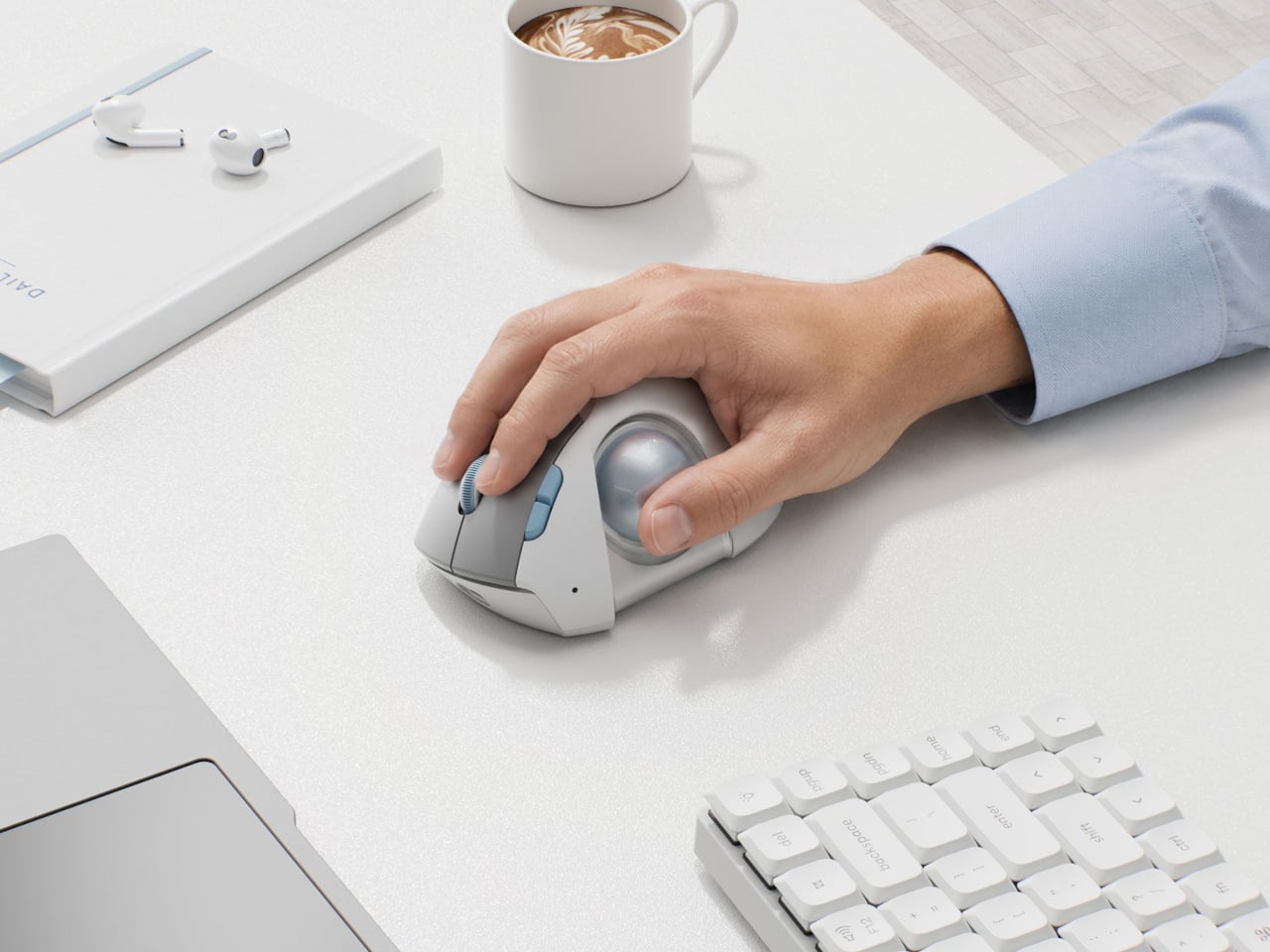

Computer mice ask people with very different hands to get along with the same fixed shape. Trackballs change how you move the cursor, but their ball can still sit just beyond a comfortable thumb reach. Keychron’s upcoming T1 HE Wireless Trackball Mouse adds an adjustment that addresses that mismatch, letting you reposition the ball without replacing the rest of the mouse around it.
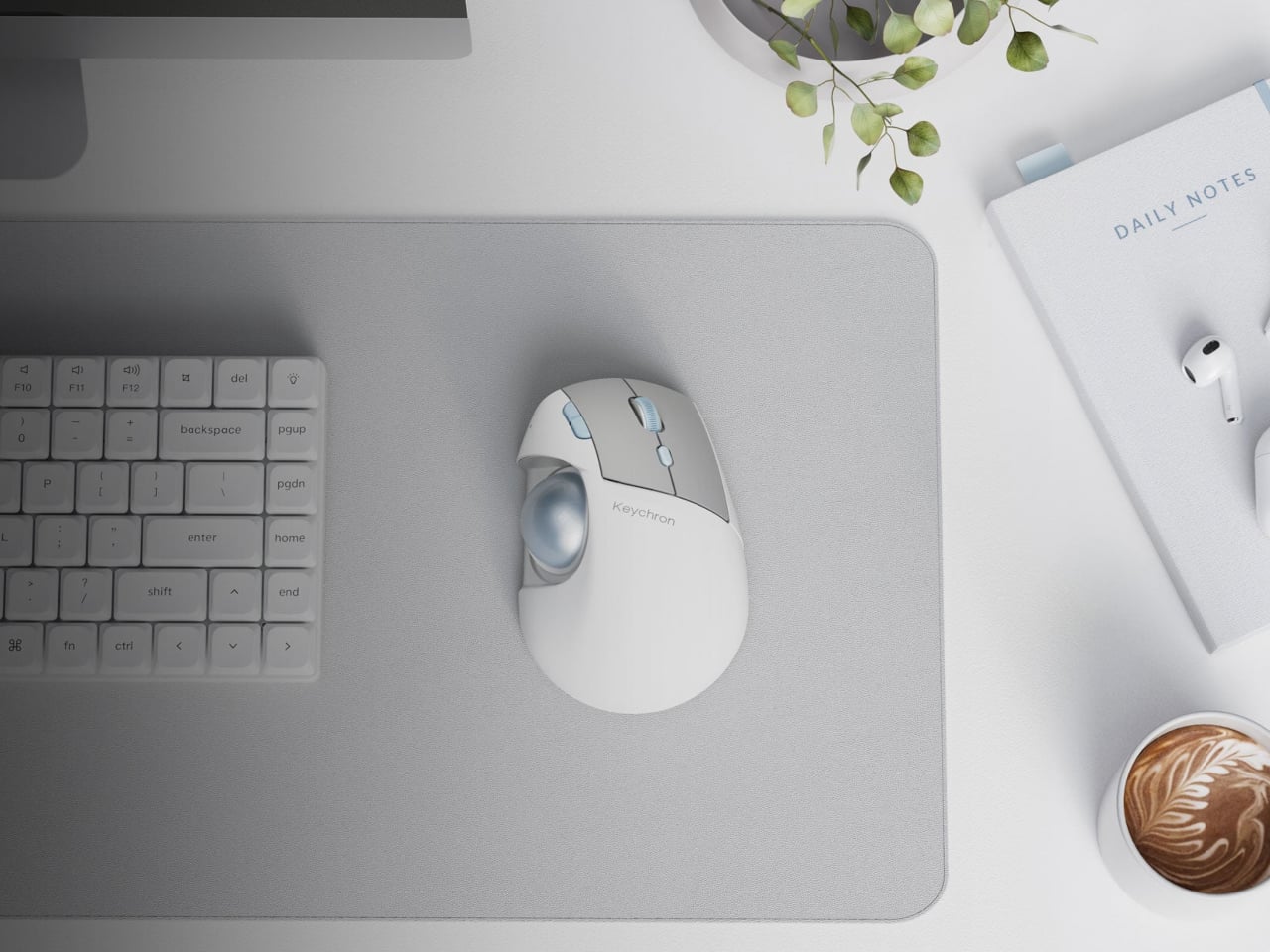
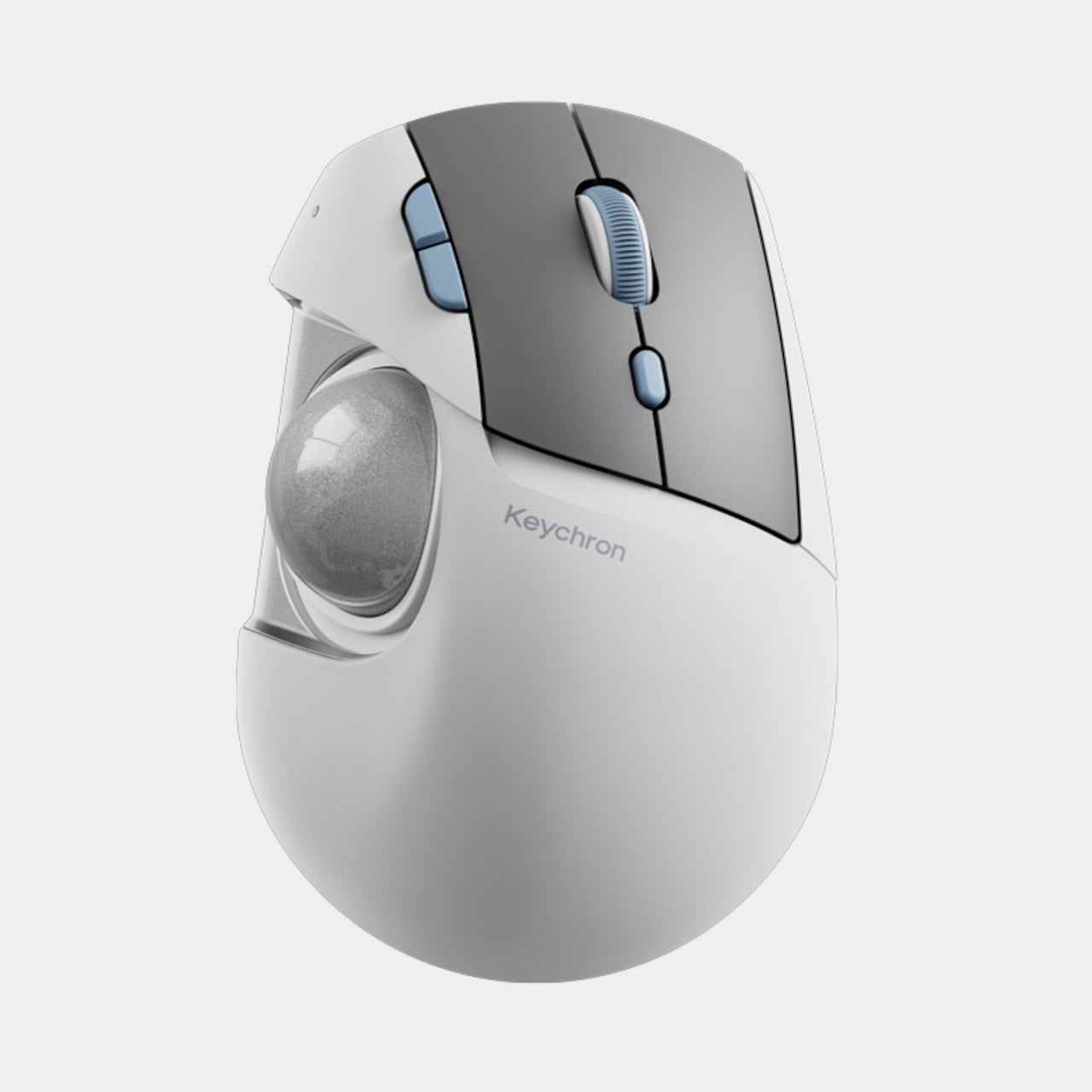
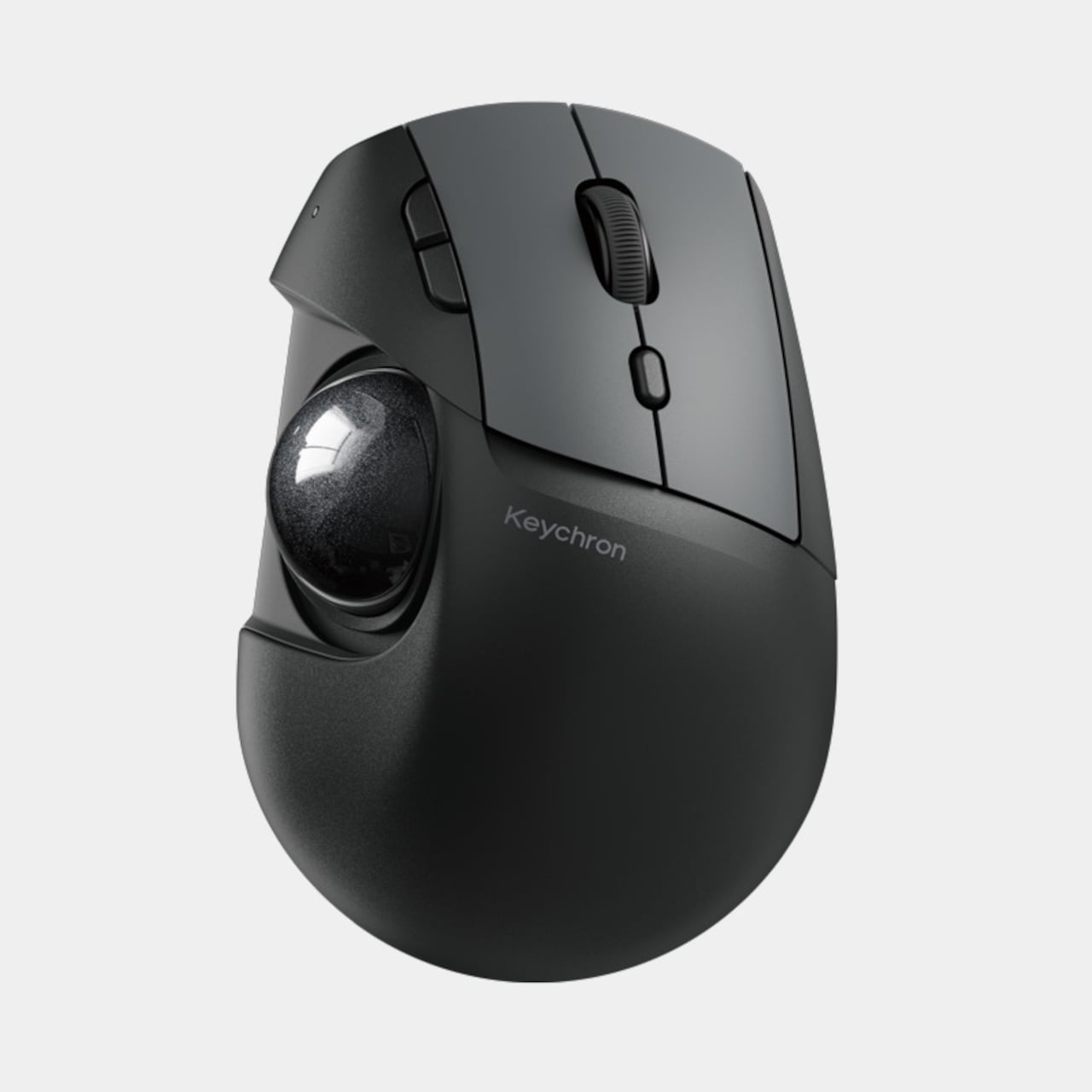
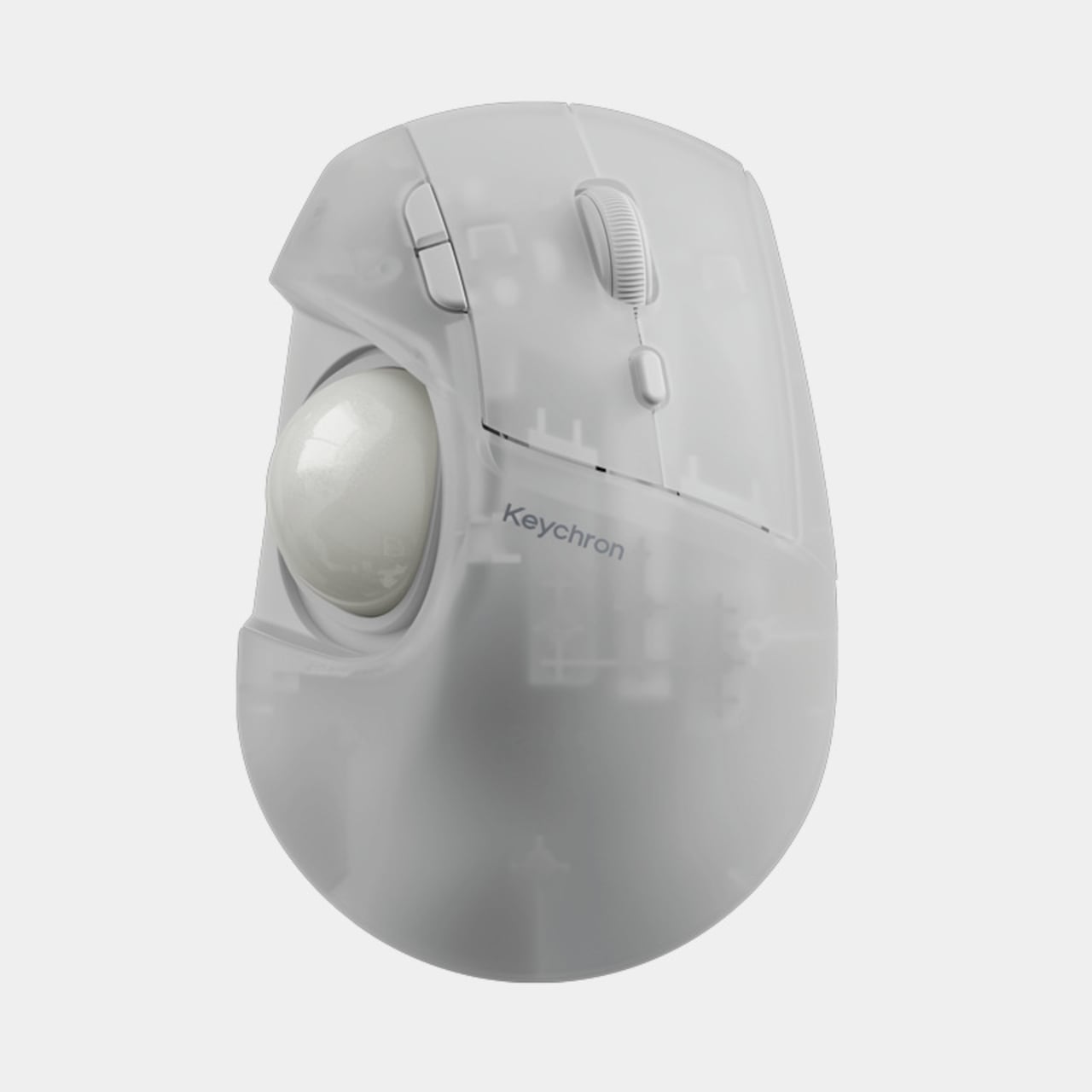
The egg-shaped body keeps the arrangement familiar, with a broad palm area, two main buttons, and a scroll wheel above the ball. The white version adds gray button panels and pale blue accents, while black and translucent finishes offer different personalities. This is a right-handed layout, though, so moving the ball doesn’t turn it into an equally accommodating option for your other hand.
Designer: Keychron
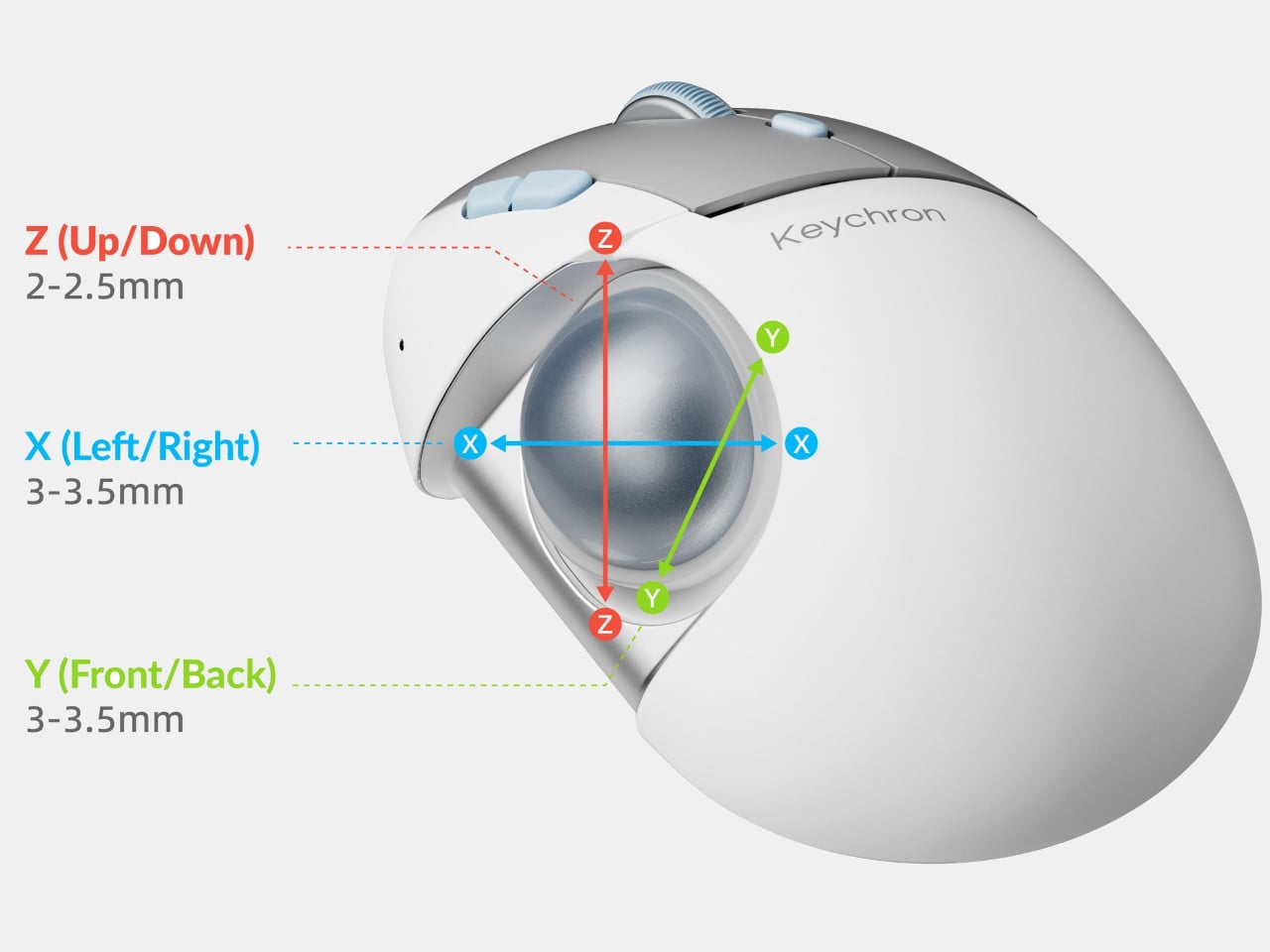
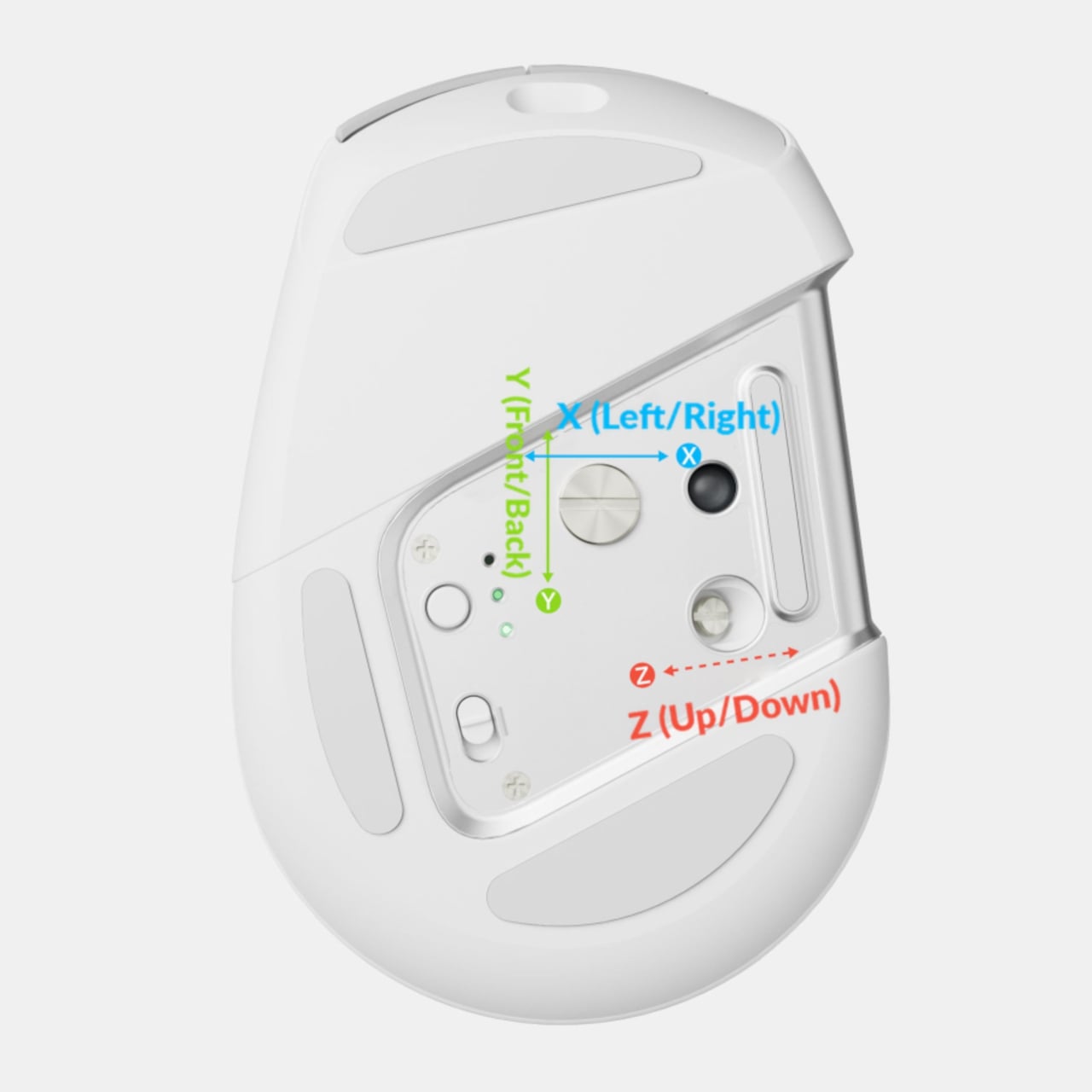
Underneath, adjusters let you shift the ball assembly sideways, forward and backward, or up and down. There’s roughly 3mm to 3.5mm of horizontal adjustment and 2mm to 2.5mm vertically. Those aren’t dramatic distances, but the intention is to bring the ball toward your thumb’s resting position, rather than asking you to keep stretching across the same fixed gap.
Once positioned, the mouse stays put while your thumb rolls the 1.34-inch ball to move the pointer. That could make more sense on a crowded desk than repeatedly clearing a path for a conventional mouse. The ball also lifts out for cleaning, giving you direct access to the socket underneath without making occasional cleaning a reason to dismantle the entire mouse housing.

The clicks have their own adjustment, courtesy of Keychron’s MagOptic switches. Optical mode provides one way to register a press, while magnetic mode lets you choose among 11 actuation settings and enables Rapid Trigger. In practical terms, you’re changing when a press registers and resets. You could select an earlier trigger point without needing to replace a switch or take the casing apart.
Those settings live in Keychron Launcher, a browser-based tool that also handles button remapping, shortcuts, and macros. Onboard memory keeps your configuration with the mouse when you change computers. There’s a connection requirement worth knowing: configuration uses a wired or 2.4 GHz link, not Bluetooth. You can avoid installing a dedicated desktop app, but you can’t do every adjustment over every connection.
Bluetooth can remember up to three devices, alongside the separate 2.4 GHz receiver option and wired USB-C operation. That gives a shared desktop and laptop setup several ways to connect without changing the mouse itself. Plugging in also lets you continue working while it charges, which is a useful fallback when the battery runs down halfway through whatever you were supposed to finish.
Notebookcheck reports a $59.99 international preorder price, with shipping expected around the end of the month. That remains an estimate, and adjustment alone doesn’t establish that this mouse will feel right in your hand. Still, it gives you something to change before giving up on trackballs altogether, particularly if a fixed ball position was what made your last attempt feel rather awkward.