
If the iPad were a person, this would be the week it checked its phone and found out its friends had started a group chat without it. On October 28, Apple announced the MacBook Pro with PROLED XDR Display, its first Mac with a touchscreen. Back in September, it revealed the iPhone Duo, a $1,999 foldable that opens into a 7.6-inch tablet-ish screen. One goes after the iPad Pro’s job of being a pro machine you can touch, and the other goes after the iPad mini’s job of being a small screen you carry everywhere. That’s two iPads made redundant in about seven weeks, which feels like a personal record for Apple.
The MacBook makes the louder case, with tandem OLED panels hitting 2,000 nits, a Dynamic Island replacing the notch, and a starting price of $2,899. The Duo makes the sneakier one, since it runs the same A20 Pro chip as Apple’s new $699 OLED iPad mini and packs an extra rear camera for good measure. Craig Federighi even conceded that the Duo can fill the space an iPad mini used to hold. Apple did keep one door shut, though, because the touchscreen MacBook has no Apple Pencil support. Call it a coincidence if you like, but it looks a lot like Apple left the iPad one job so it wouldn’t feel completely useless.
Designer: Apple
Half a pound lighter, with every port still on board
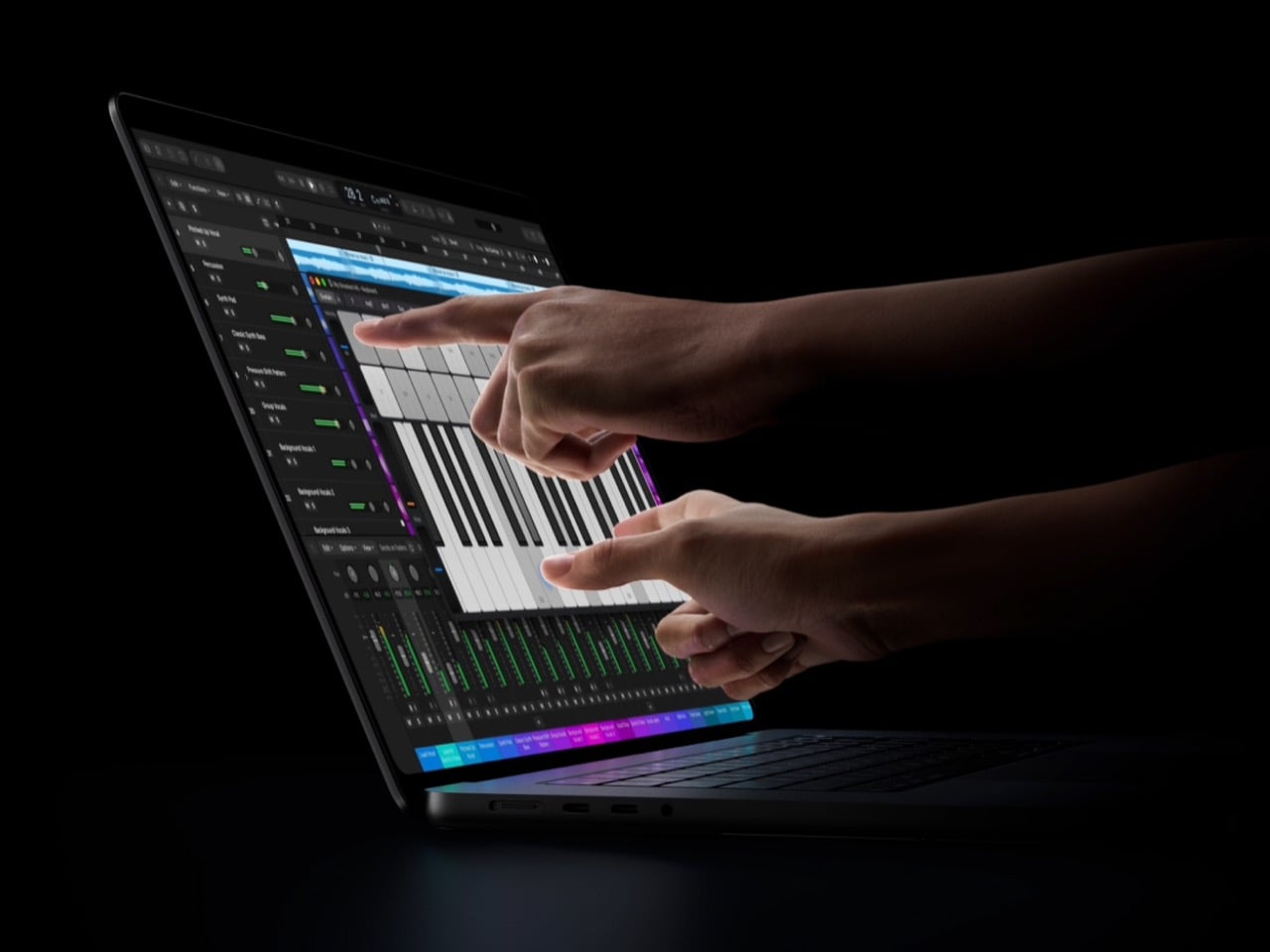

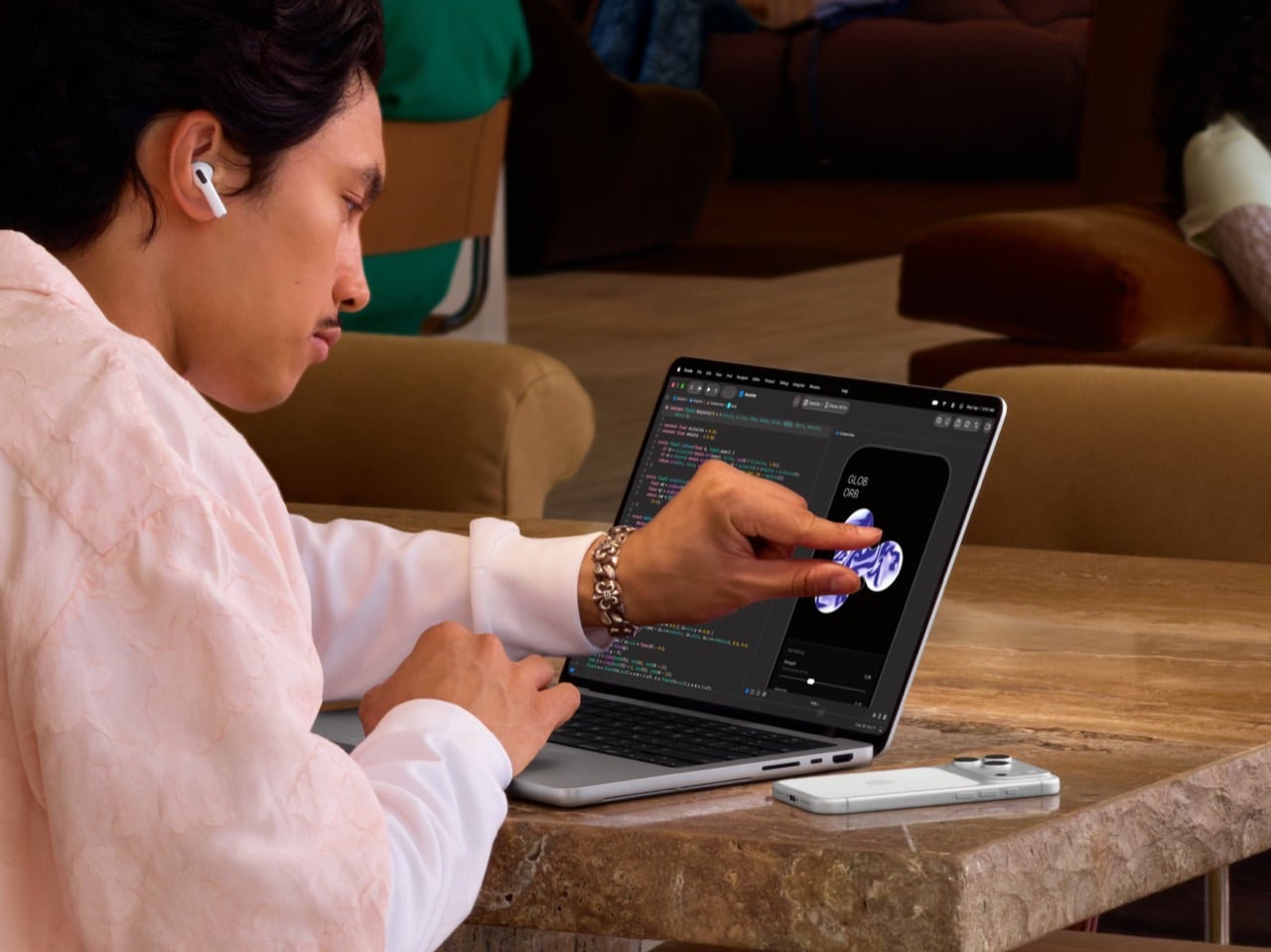

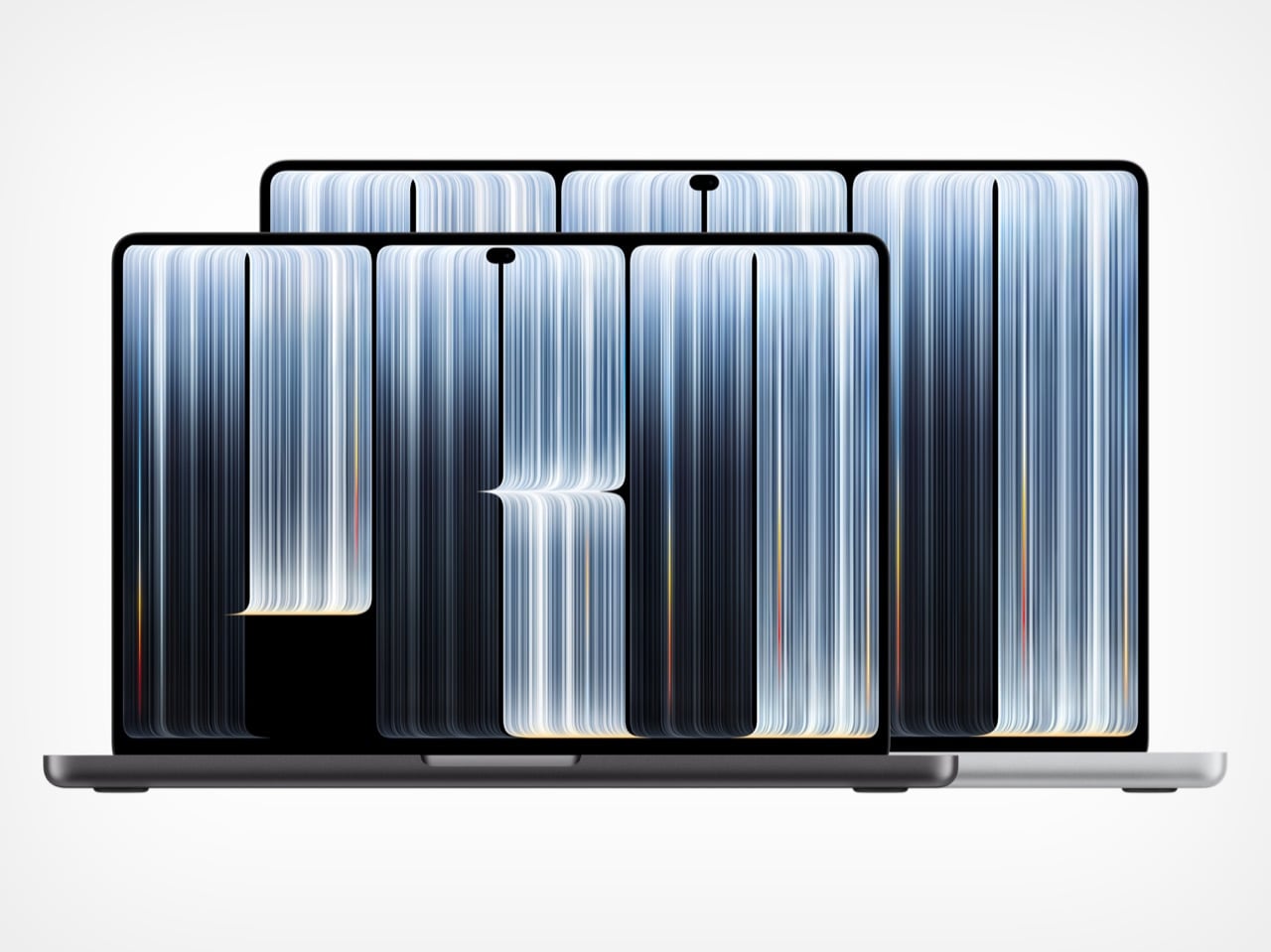
The new MacBook Pro weighs 3 pounds (1.36kg) as a 14-inch and 4 pounds (1.81kg) as a 16-inch, shedding half a pound and 0.7 pounds respectively. Thickness barely moves, landing at 0.59 inches (15mm) and 0.63 inches (16mm). OLED does most of the heavy lifting, since self-lit pixels let Apple ditch the backlight layers that mini-LED needs. Slimmer bezels also stretch the screens to 14.2 and 16.3 inches inside a slightly smaller footprint. A redesigned thermal system keeps sustained performance intact and pushes warm air away from the display, a smart call because OLED panels age faster when they run hot.
Apple kept every port the 2021 redesign brought back, so you still get three Thunderbolt 5 ports, HDMI, an SDXC card slot, MagSafe, and a headphone jack. Up to three external displays work on M5 Pro, or four on M5 Max. Wi-Fi 7 and Bluetooth 6 run off Apple’s N1 chip, and a fast charge gets you to 50 percent in 30 minutes, which covers a layover. Apple rates battery life at up to 24 hours on the 16-inch with M5 Pro and 22 on the 14-inch, enough for a workday and a movie on the flight home. The lid’s Apple logo glows again too, but that comeback is a story for another day.
A tandem OLED that doubles as a reference monitor

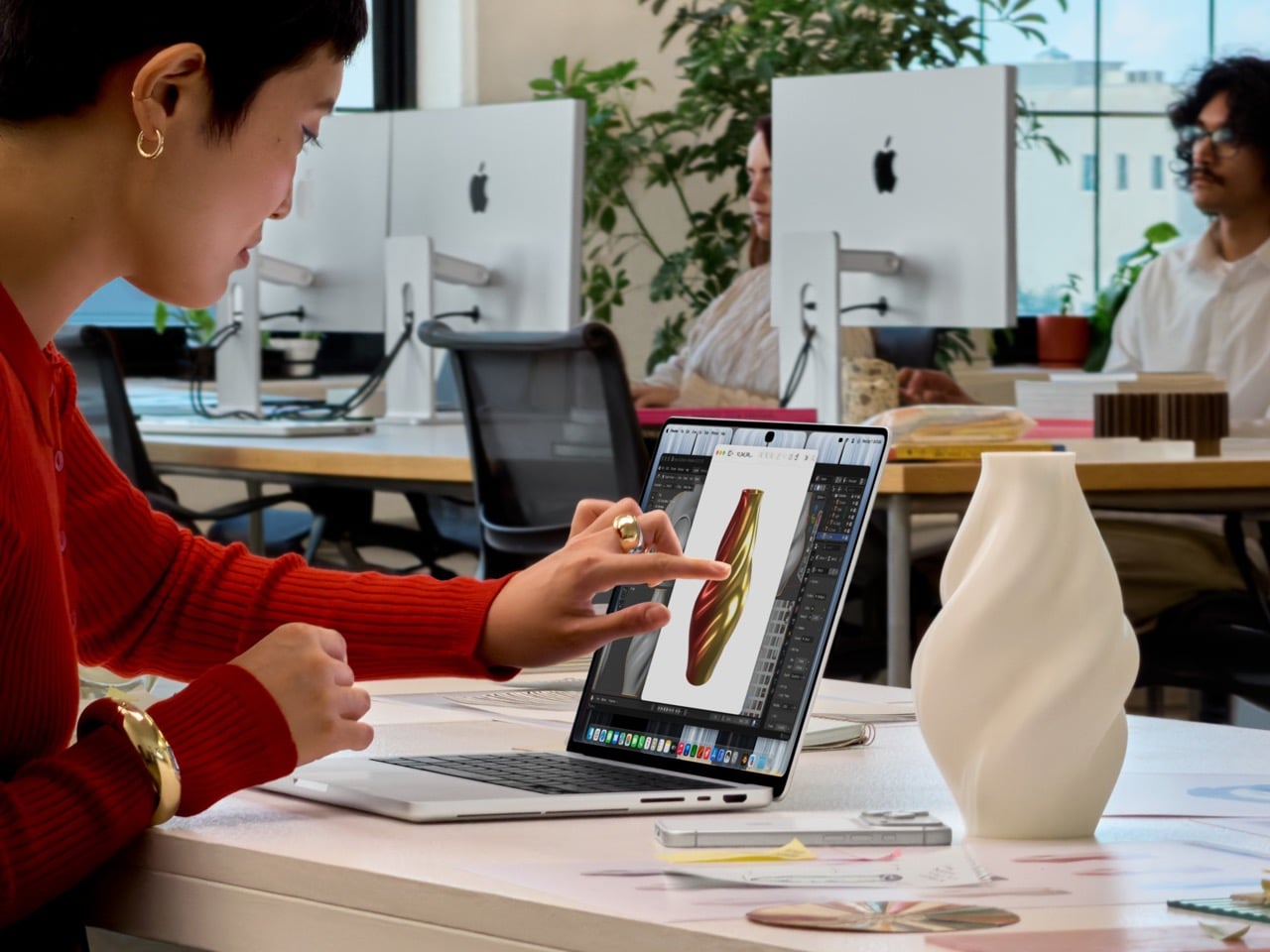
PROLED XDR is a tandem OLED, which stacks two light-emitting layers so the panel can get brighter and last longer than a single-layer OLED. Apple rates it at 2,000 nits peak for both HDR and SDR, up from 1,600 and 1,000 nits on the mini-LED model, with a 10,000,000:1 contrast ratio. In practice, a spreadsheet stays readable at a sunny cafe table, and dark scenes stay properly black without the halo blooming mini-LED throws around bright objects. ProMotion runs from 10Hz to 120Hz, idling low on static pages to save battery. Resolution lands at 3024 x 1986 on the 14-inch and 3472 x 2266 on the 16-inch.
The panel covers both P3 and Adobe RGB, the color space print work lives in, so print designers can finally proof on a laptop without second-guessing their greens. Apple also claims more than 80 percent coverage of Rec. 2020, the wider gamut used for grading HDR video. Every panel gets factory calibrated, and built-in reference modes cover film, photography, print, and even DICOM medical imaging for research use. Genlock support syncs the display’s refresh rate to a camera’s capture, which stops flicker and tearing on virtual production sets. Add the nano-texture option, now etched straight into the cover glass, and Apple has basically folded a reference monitor into a laptop lid.
Sixteen years after Steve Jobs said no, the Mac gets touch

In 2010, Steve Jobs told a room full of press that touchscreen laptops were a bad idea, because reaching up to a vertical screen gets tiring until your arm gives up. Apple spent the next decade and a half agreeing with him. The closest the MacBook Pro got was the Touch Bar, a thin OLED strip above the keyboard that ran from 2016 until Apple retired it in 2023. The PROLED model finally breaks the rule, with a touch sensor built directly into the display panel instead of laminated on top as a separate layer. That cuts latency, so your finger feels glued to whatever it drags.
Day to day, you swipe to scroll a webpage, pinch to zoom a photo, drag slides between presentations, and double-tap a window to fill the screen. Pros get the fun stuff, with Logic Pro turning the display into a Multi-Touch polyphonic keyboard with tappable chord and drum pads, and Final Cut Pro letting editors pinch into a cut and drop clips into place by hand. The hinge has been reworked for extra stability, so the screen stays put under all that prodding. Apple even added video stabilization for calls, so your webcam feed stops shaking every time you tap something mid-meeting. It’s a very Apple fix for a very Apple problem.
macOS learns finger manners and gets a Dynamic Island
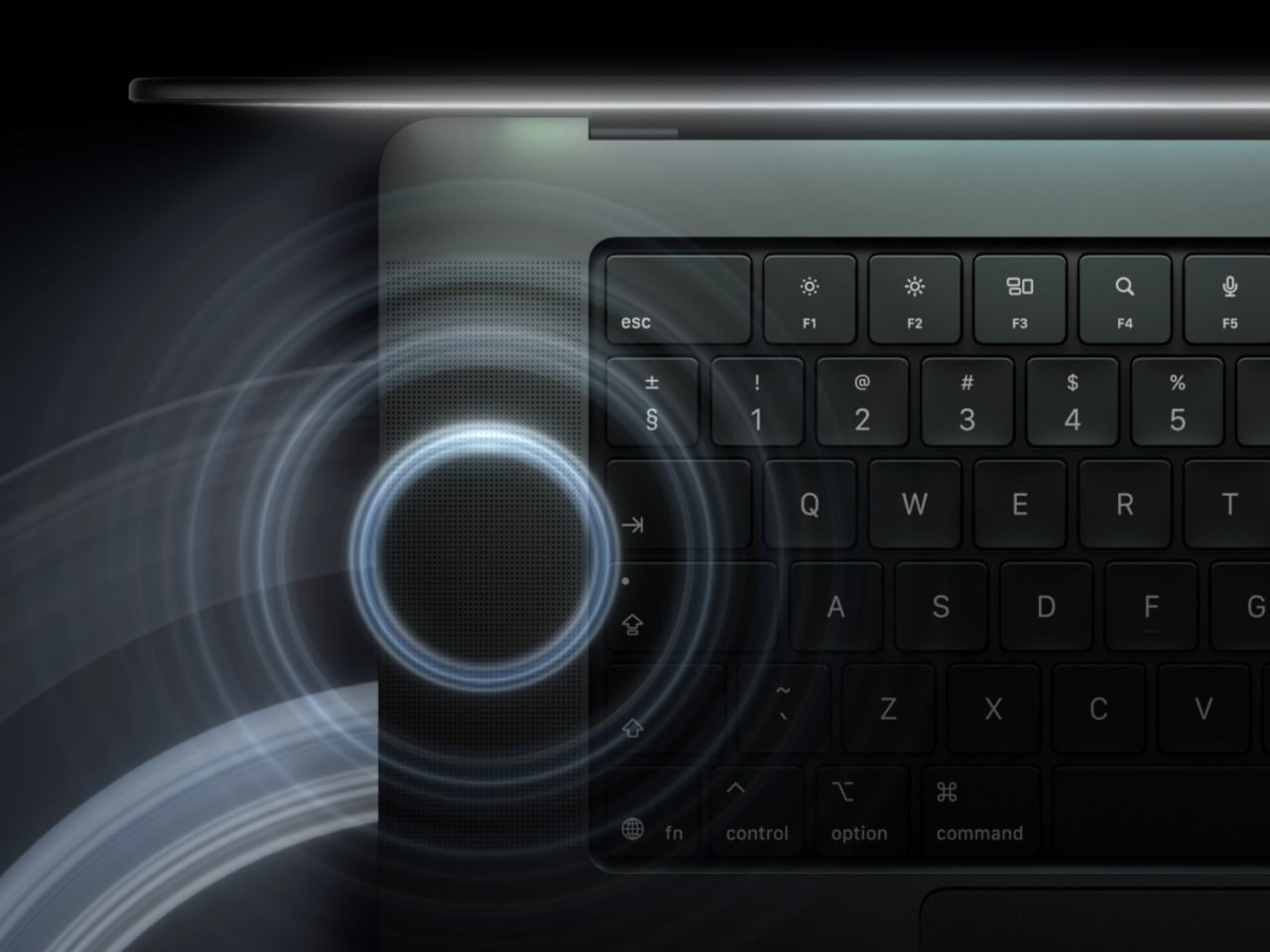
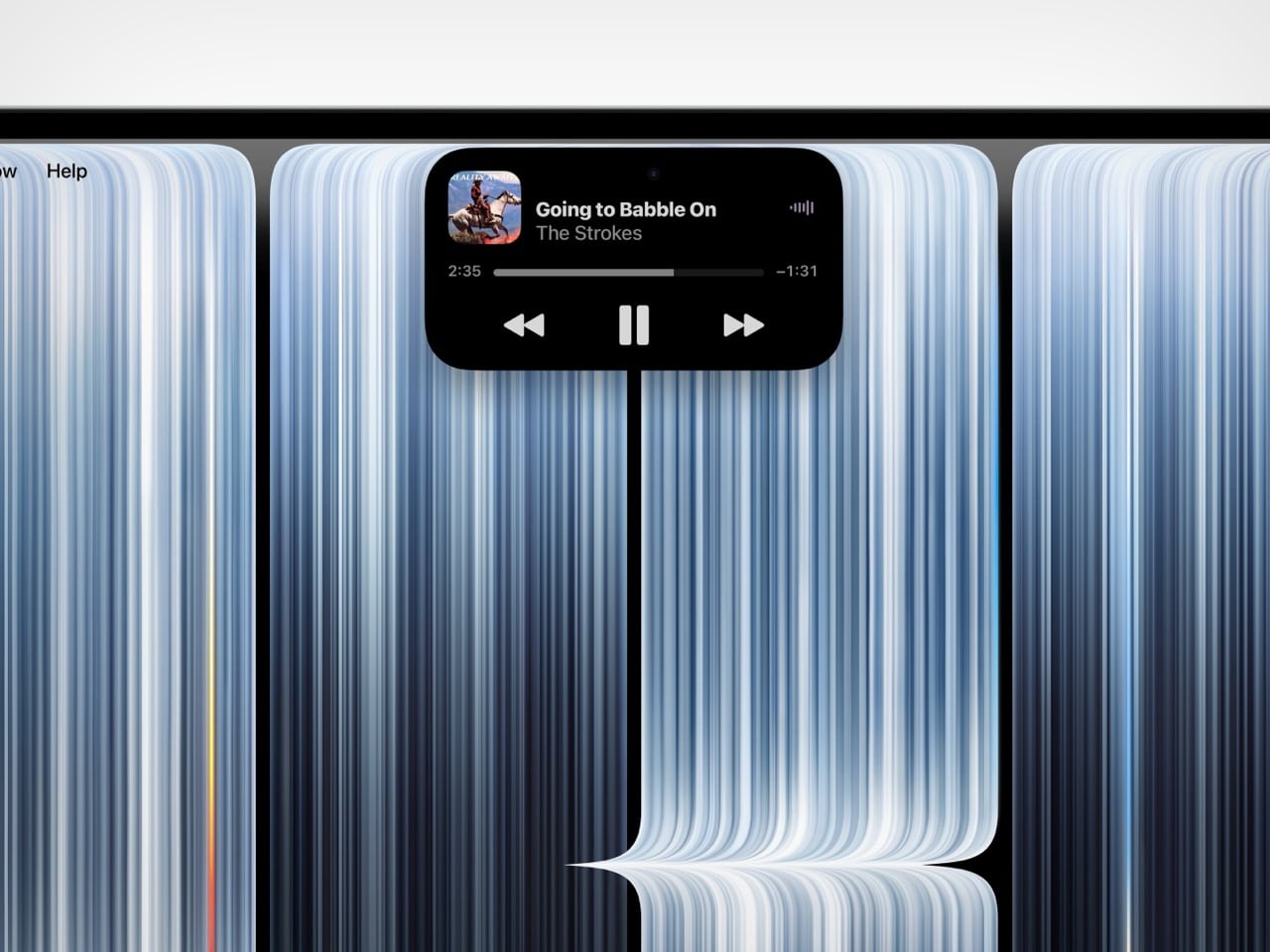
macOS 27 handles touch by translating taps into clicks, so many existing apps work on day one without an update. Apple also tweaked the interface for fingers, so touching near a window’s close button makes the controls swell up and saves you from needing surgical precision. Updated gesture APIs let developers build proper touch interactions, and Apple has lined up Notion, Canva, Zoom, Microsoft Office, Lightroom, DaVinci Resolve, Blender, Cinema 4D, ZBrush, and Shapr3D, all arriving later this year. Flicking a window to snap it against an edge feels lifted straight from iPadOS and the iPhone Duo. It’s the first visible sign of two operating systems drifting toward each other.
The Dynamic Island borrows the iPhone’s trick of turning a camera cutout into a live status bar. It now houses Spotlight, Live Activities, and Siri AI, so search, live updates, and your assistant all sit in one pill at the top of the screen. You can accept an AirDrop, pause a song, or pick up a call with a tap, which makes the island the most natural touch target on the entire display. There’s a small catch, since Spotlight only moves into the island if Siri AI is enabled, and Siri AI is still in beta in macOS 27.2. Even so, the island turns a dead strip of pixels into something useful, which the notch never managed.
The missing Apple Pencil and the iPad’s last wall
For all the touch talk, the MacBook Pro has no Apple Pencil support. Apple’s own press release pitches the display as a full canvas for graphic designers, which makes finger-only drawing on a $2,899 reference-grade screen feel bizarre. The iPhone Duo, which is a phone, gets Apple Pencil (USB-C) support later this year, while the iPad keeps Apple Pencil Pro to itself. My read is that Apple saw how close it was to making the iPad irrelevant and left that one wall standing on purpose. Precision input is the last thing the iPad does better than anything else Apple sells.
The MacBook Pro with PROLED XDR Display starts at $2,899 for the 14-inch and $3,399 for the 16-inch with M5 Pro, climbing to $4,499 and $4,799 with M5 Max, shipping November 6. That’s a $400 premium over the standard MacBook Pro, and it lands against Microsoft’s $2,599 Surface Laptop Ultra, which also packs a 2,000-nit mini-LED touchscreen. Apple now sells touch on a foldable phone that opens into a tablet and on a laptop that wants to be one, all inside two months. Somewhere in Cupertino, the iPadOS team is probably refreshing Slack a little nervously. If macOS keeps picking up iPad tricks at this rate, iPadOS will need a very good answer for why it exists.