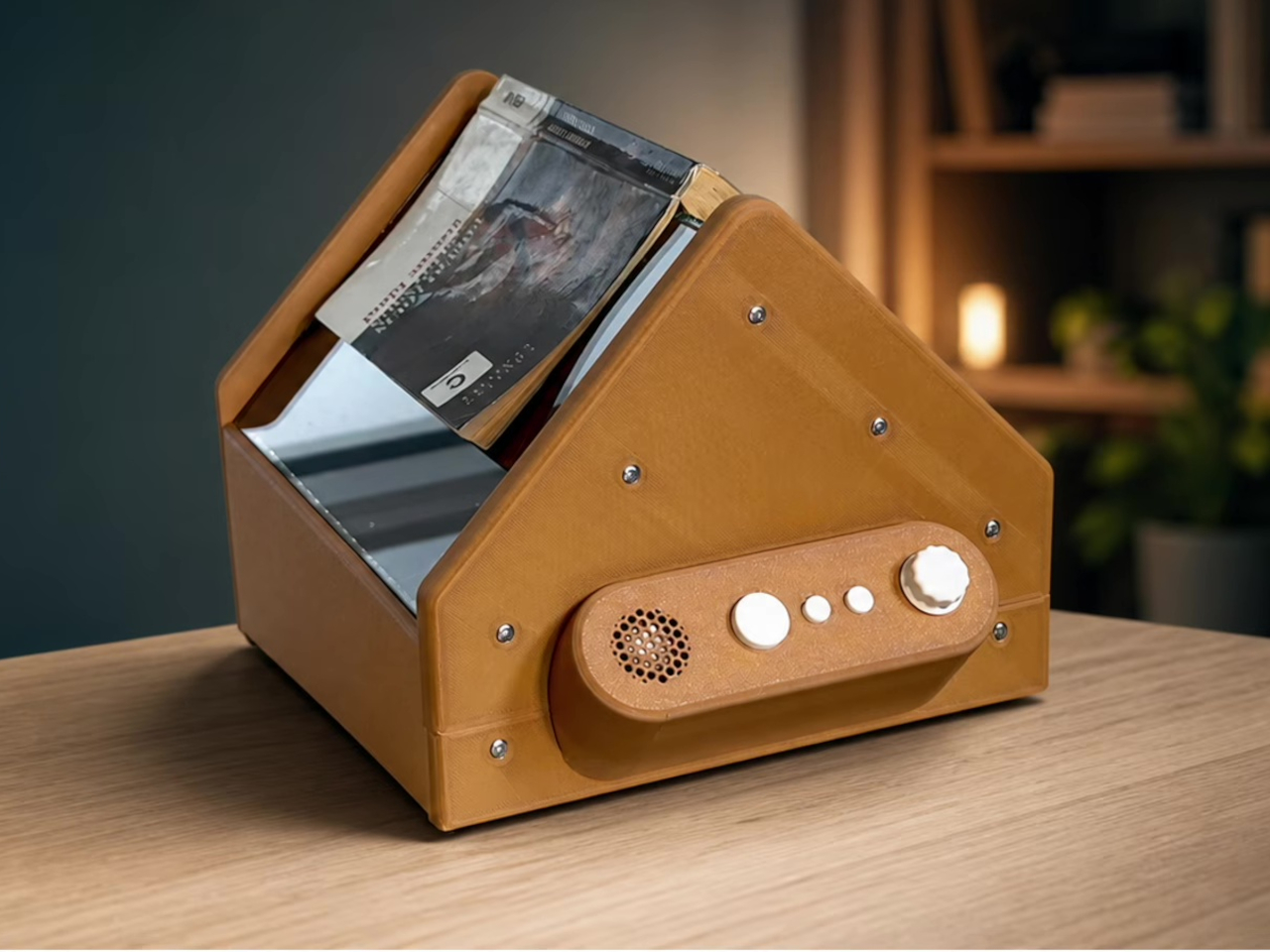
Most accessibility technology for reading assumes you’ll eventually need a screen somewhere in the chain, even if it’s just to select a file. This Raspberry Pi book scanner throws that assumption out the window. It photographs an open printed book, converts the text to speech, and hands control over to a handful of tactile buttons, no display, no menus, nothing to see because nothing needs seeing.
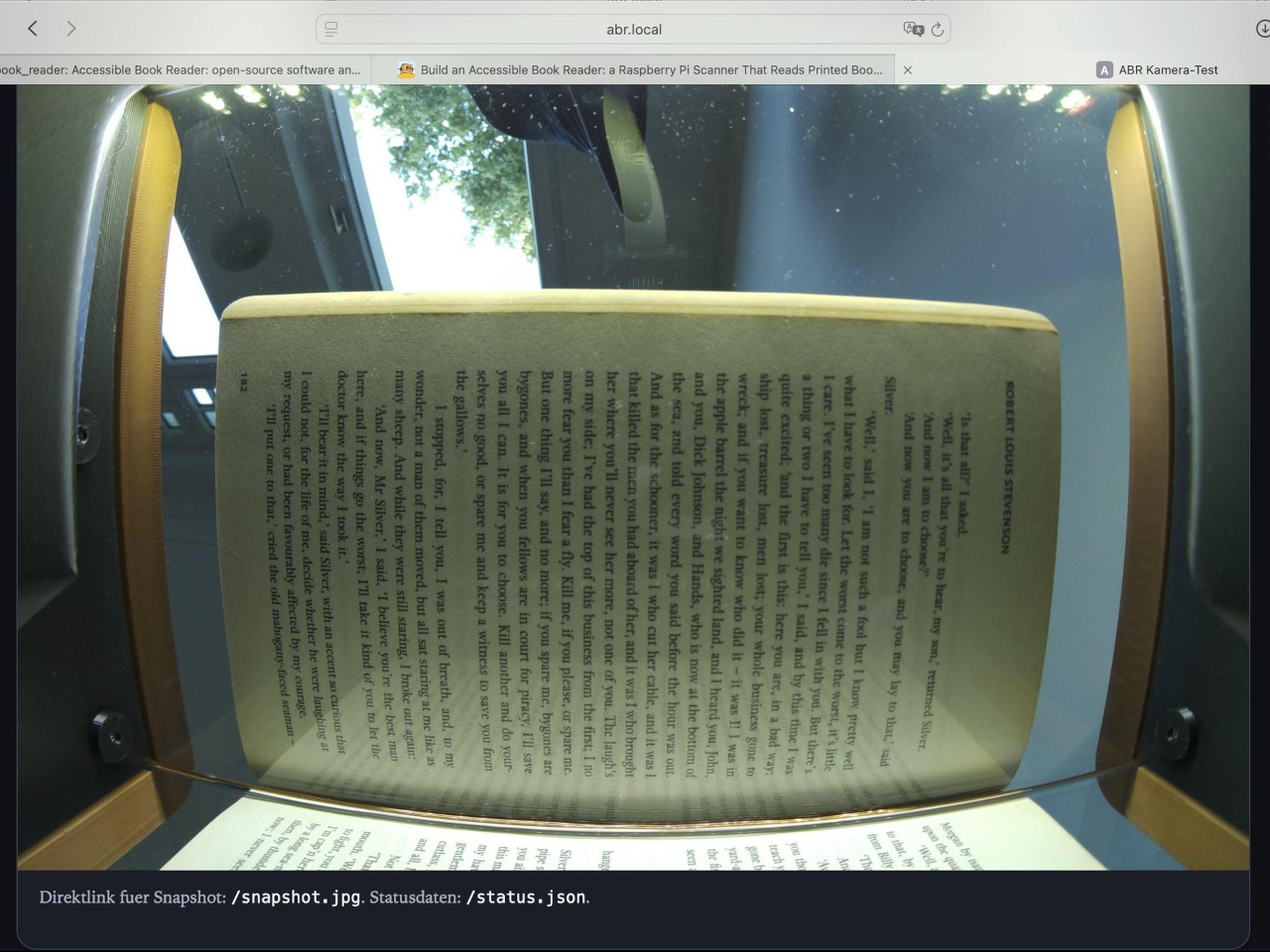
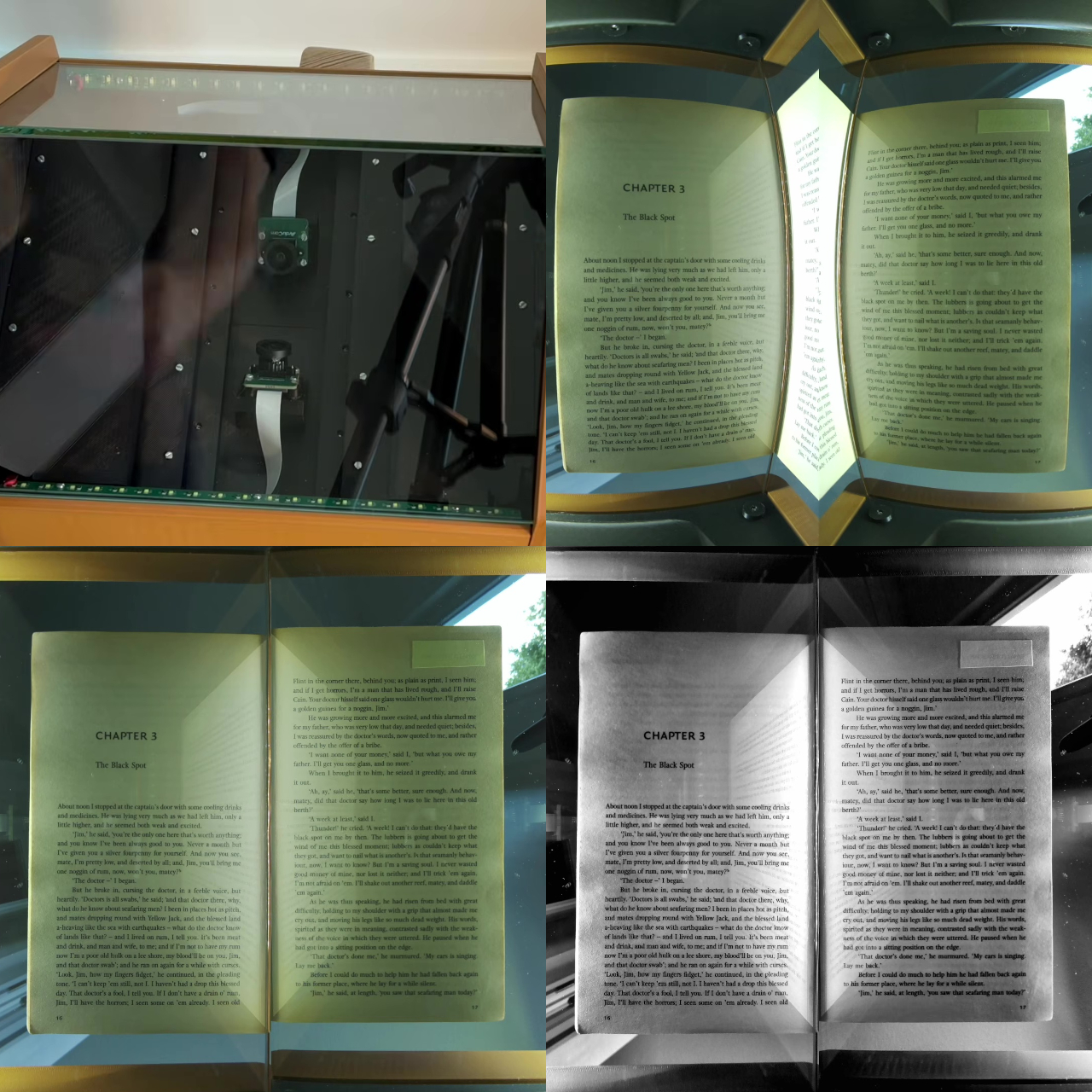
Two 16-megapixel cameras with wide-angle lenses sit below the book, one trained on each page, capturing both sides of an open spread in a single pass. Custom LED boards flank them, casting light across the paper at a shallow angle rather than straight down, a small optical decision that spreads illumination evenly while keeping reflections off the glass panels pressing the book flat from below.
Designer: Ludwin (lhm0)
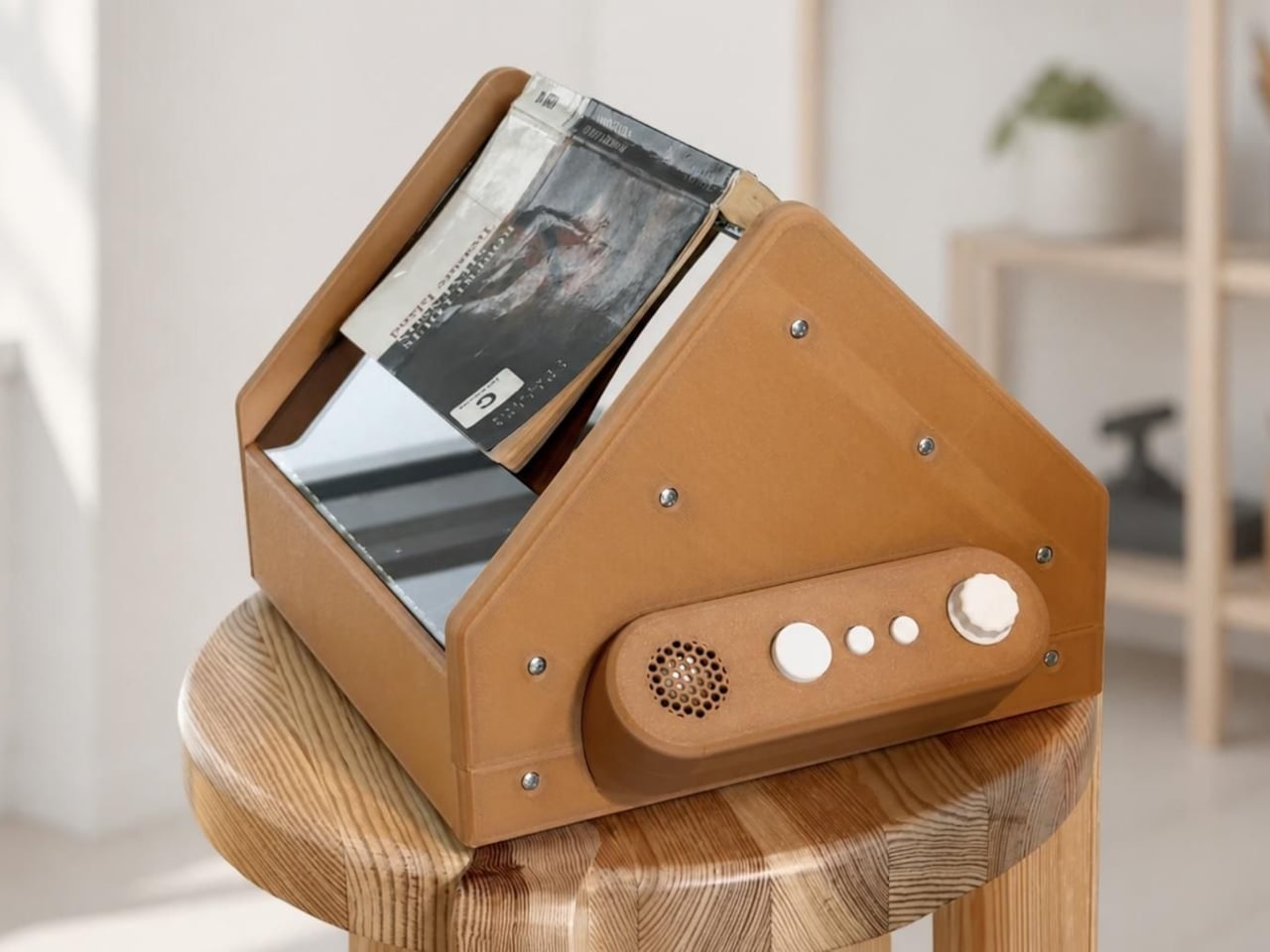

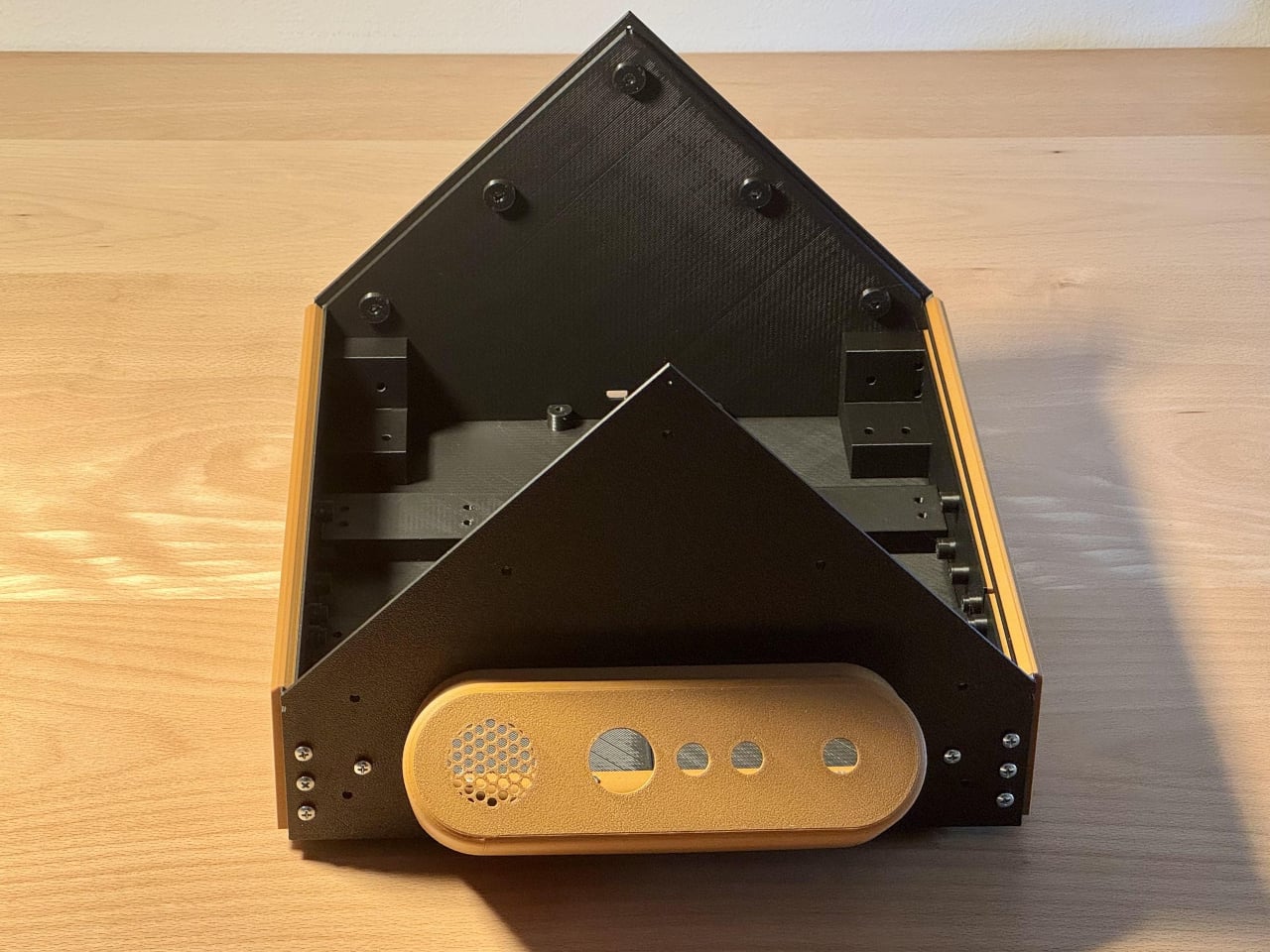
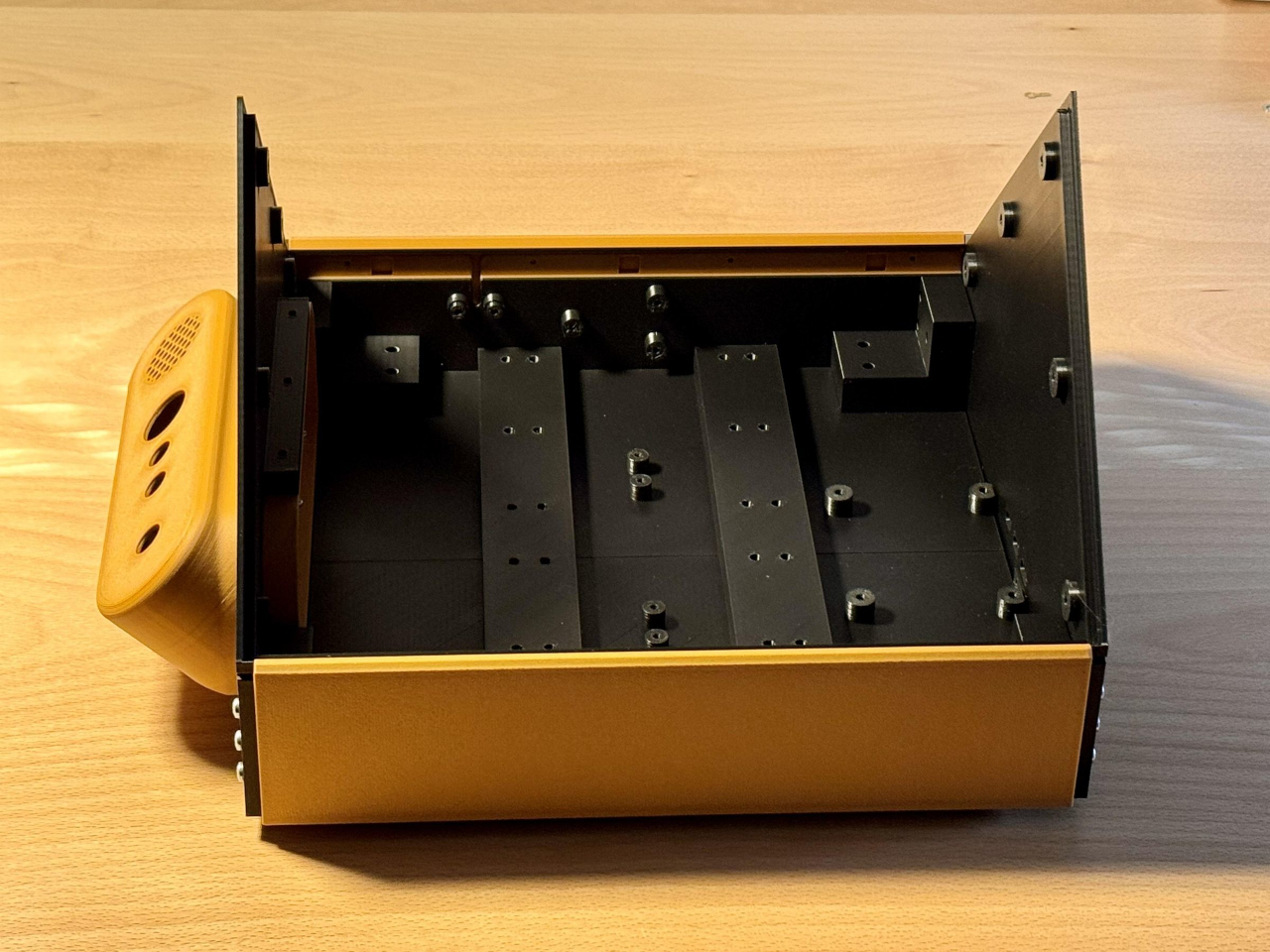
That glass matters more than it looks. Printed books rarely lie perfectly flat, and any curve near the spine can blur or hide text right where two pages meet. The design accounts for that by requiring text to sit at least 0.35 in from the gutter, a real constraint for tightly bound paperbacks, but one that keeps recognition accuracy high across the kind of ordinary books people actually own.
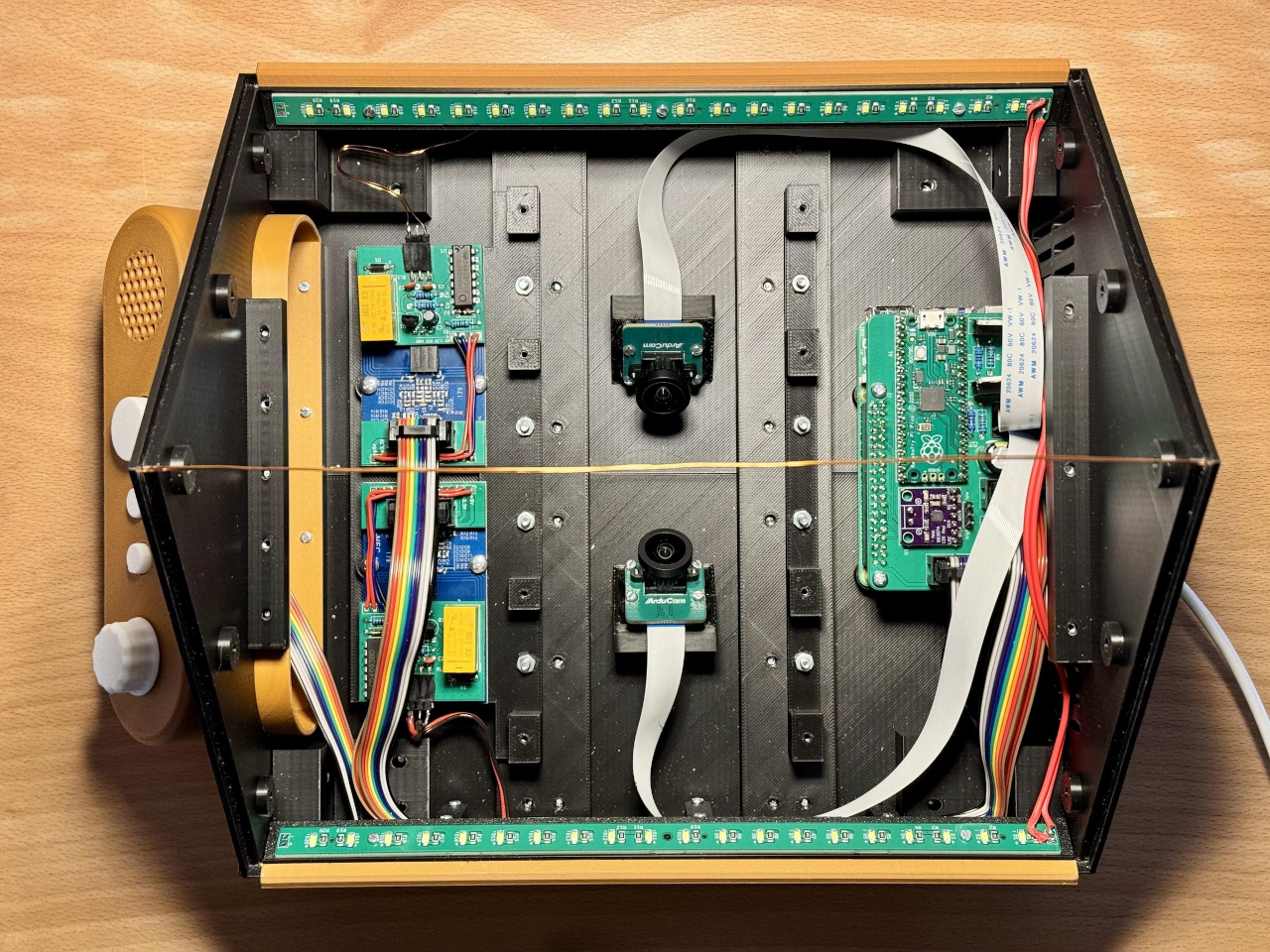
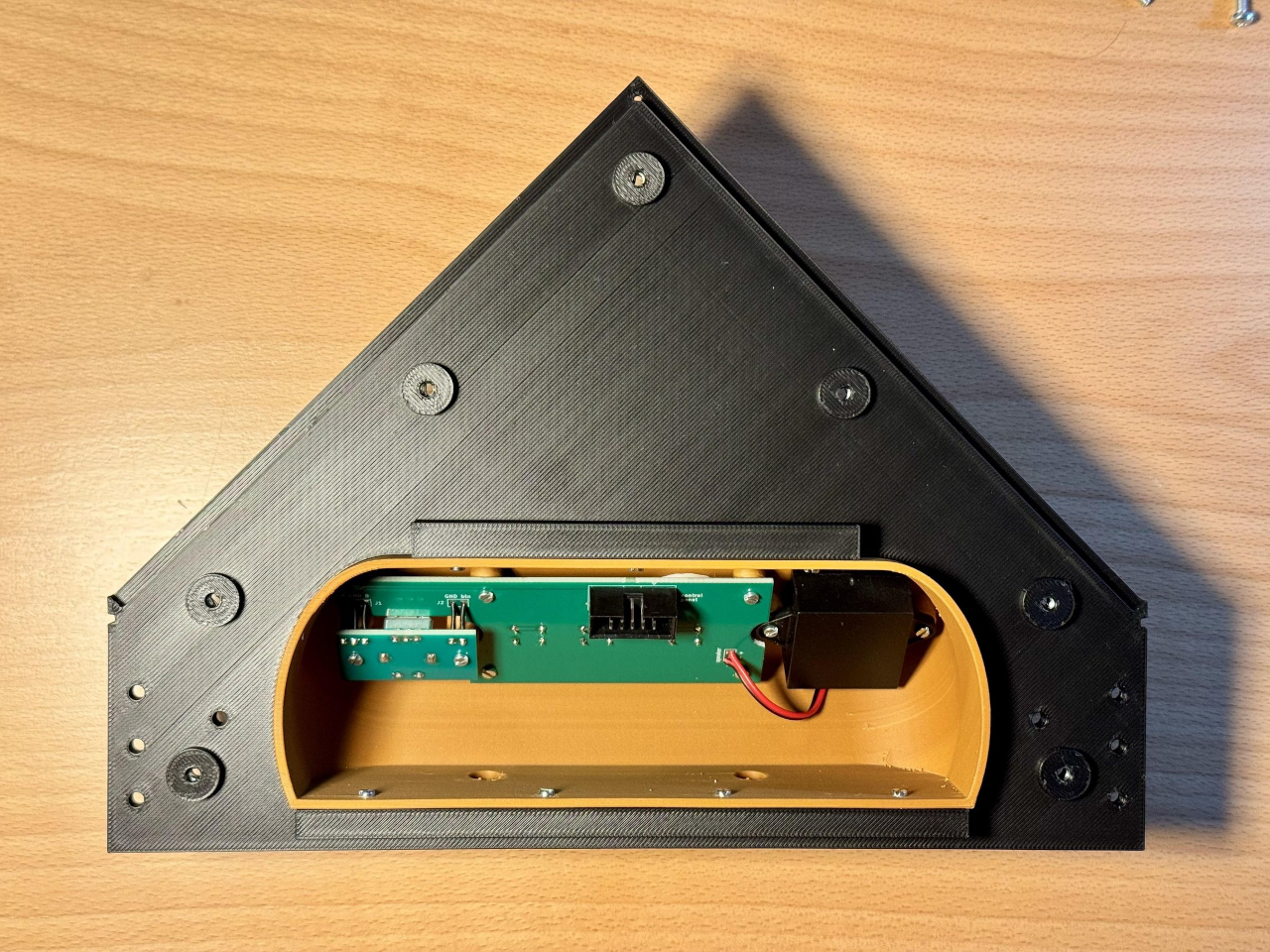
Once the cameras capture a page, OCR converts it to text and text-to-speech reads it aloud immediately, closing the loop between printed page and spoken word almost instantly. But the more interesting decision shows up in how it handles longer reading sessions. Pages get grouped into chunks of roughly 10 to 20, generally ending wherever a chapter break falls naturally, and each chunk gets summarized automatically.
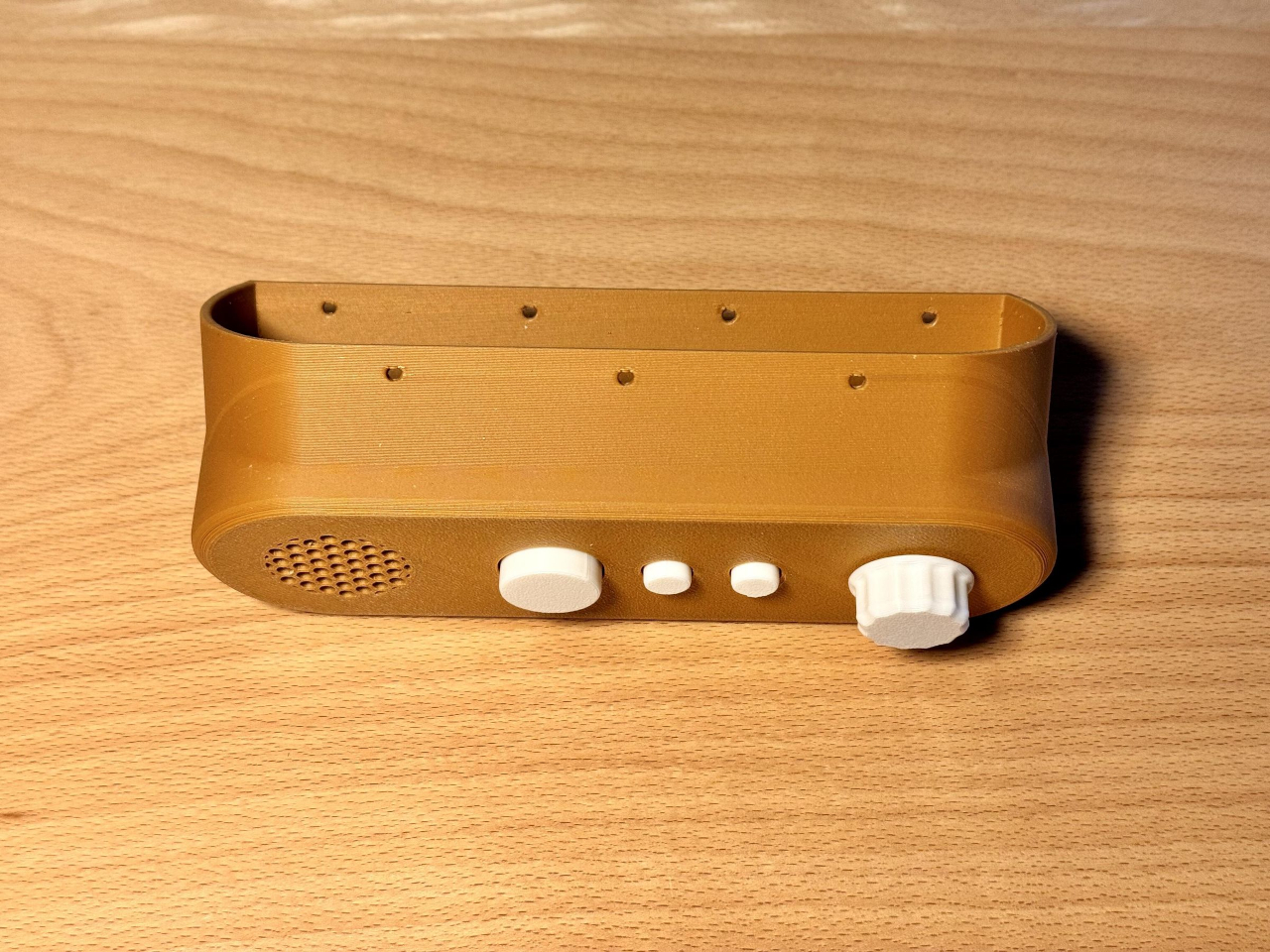
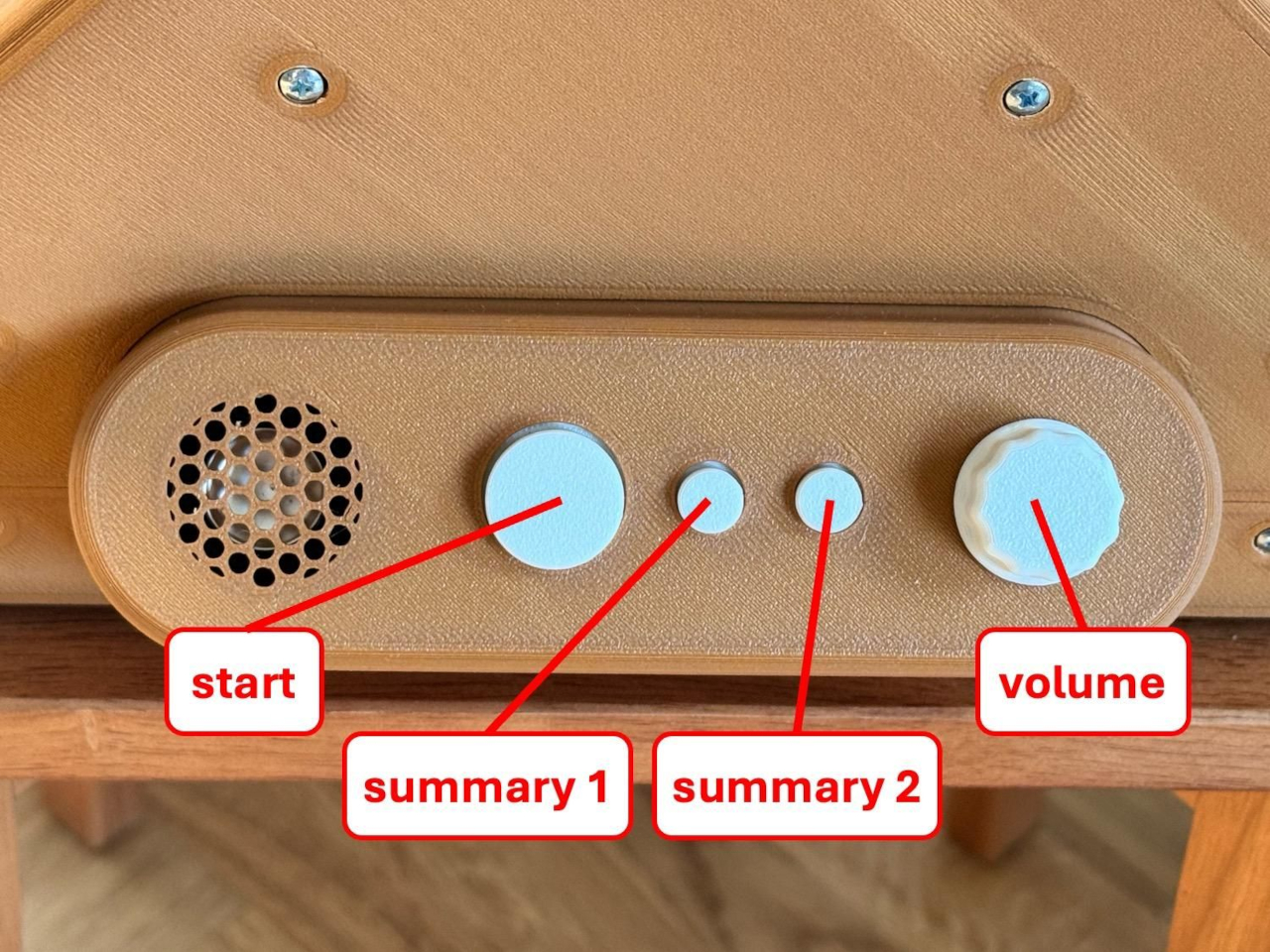
That summarization unlocks something a straightforward page reader can’t offer: a spoken recap of everything read so far, on demand, whenever someone needs to pick a book back up after days away from it. Rather than forcing a rereading of prior pages to reorient, the device just tells you where the story currently stands, treating memory the same practical way an audiobook app’s chapter markers do.

Multiple books coexist inside the same device through a surprisingly simple trick: an NFC tag stuck to each one. Scan a book’s tag and the system knows exactly which internal record to attach new pages to, meaning a stack of half-finished books can sit on a shelf indefinitely without their scanned pages ever bleeding into each other. Pick one up months later, tap its tag, and continue exactly where things left off.
Every part of it, the bill of materials, PCB layouts, 3D-printed enclosure files, and full software stack, is published openly for anyone to replicate or improve. That openness turns a single accessibility device into a template other builders can adapt, refine, or scale toward whatever specific need their own version needs to solve.