
PROS:
- Streamlined and focused note-taking experience
- Looks and feels like using a digital A5 notebook
- Battery-free stylus with 8,192 levels of pressure and tilt support
- Sharp display with anti-glare nano-etching, DC dimming, and soft light
CONS:
- No microSD storage expansion
- Cover attachment feels prone to breaking
- Custom software has room for improvement
EDITOR'S QUOTE:
The Huion Note E delivers an enjoyable writing experience on a notebook that never runs out of pages.


Huion has made a name for itself with digital drawing tools that empower creatives, both professional and hobbyist alike, regardless of their budgets. It has lately dabbled in the realm of standalone Android tablets, bringing its technologies that would allow designers and artists to let their creativity roam free, figuratively and literally. It even put out some “Smart Notebooks,” catering to the note-taking crowd more than artists.
Against this backdrop, the Huion Note E arrives with an ambitious goal: to be the electronic notebook to replace your handful of paper notebooks. It’s designed to even look the part! But this has been attempted before by many companies, including more expensive fruit-labeled slates, so how does the Note E fare in this regard? Is it able to deliver that paper-like writing experience, or is that just another bullet point in a smorgasbord of disjointed features? We take out our thinking caps, jot down our musings, and take it for a spin to find out.
Designer: Huion
Aesthetics
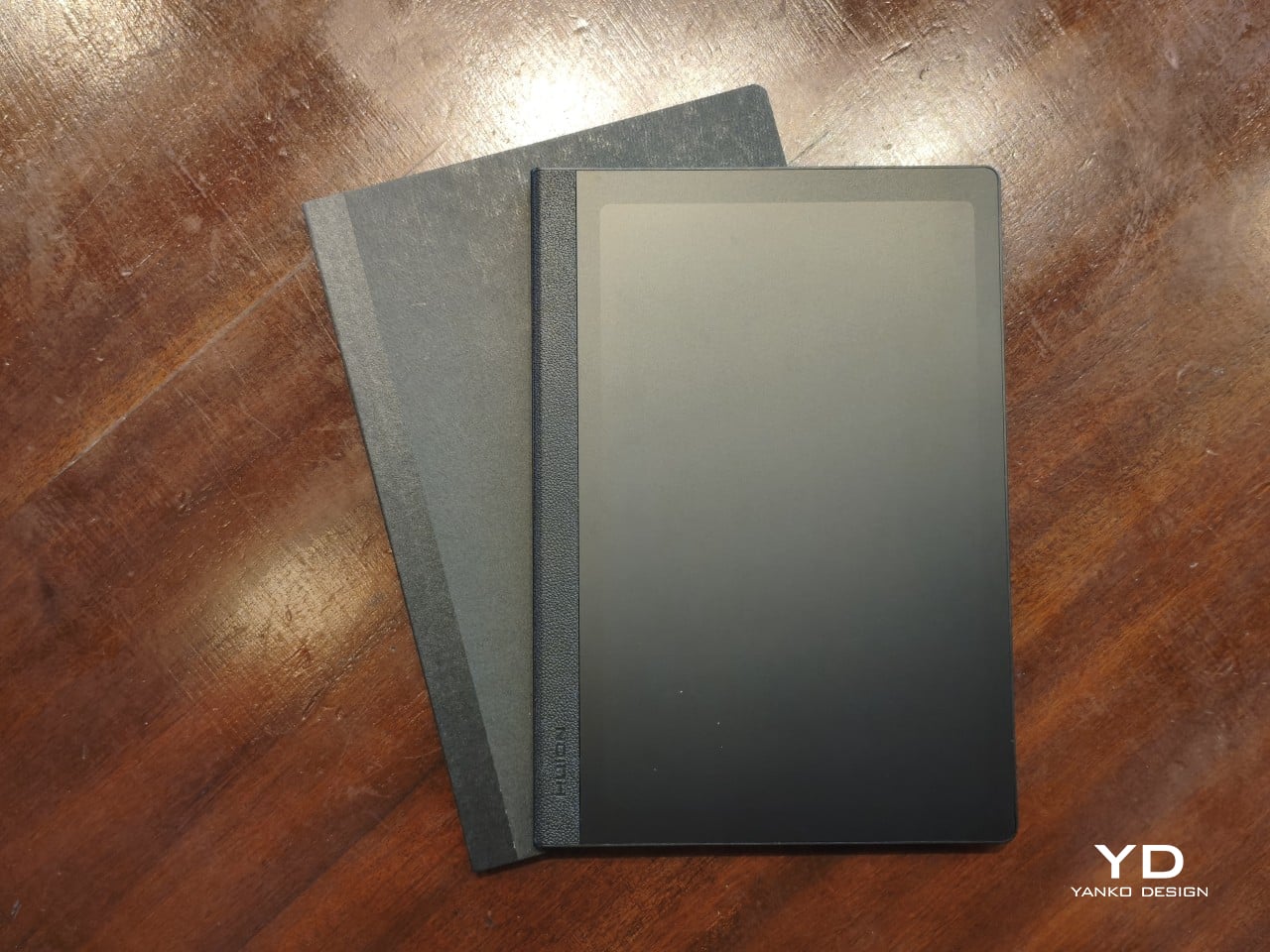
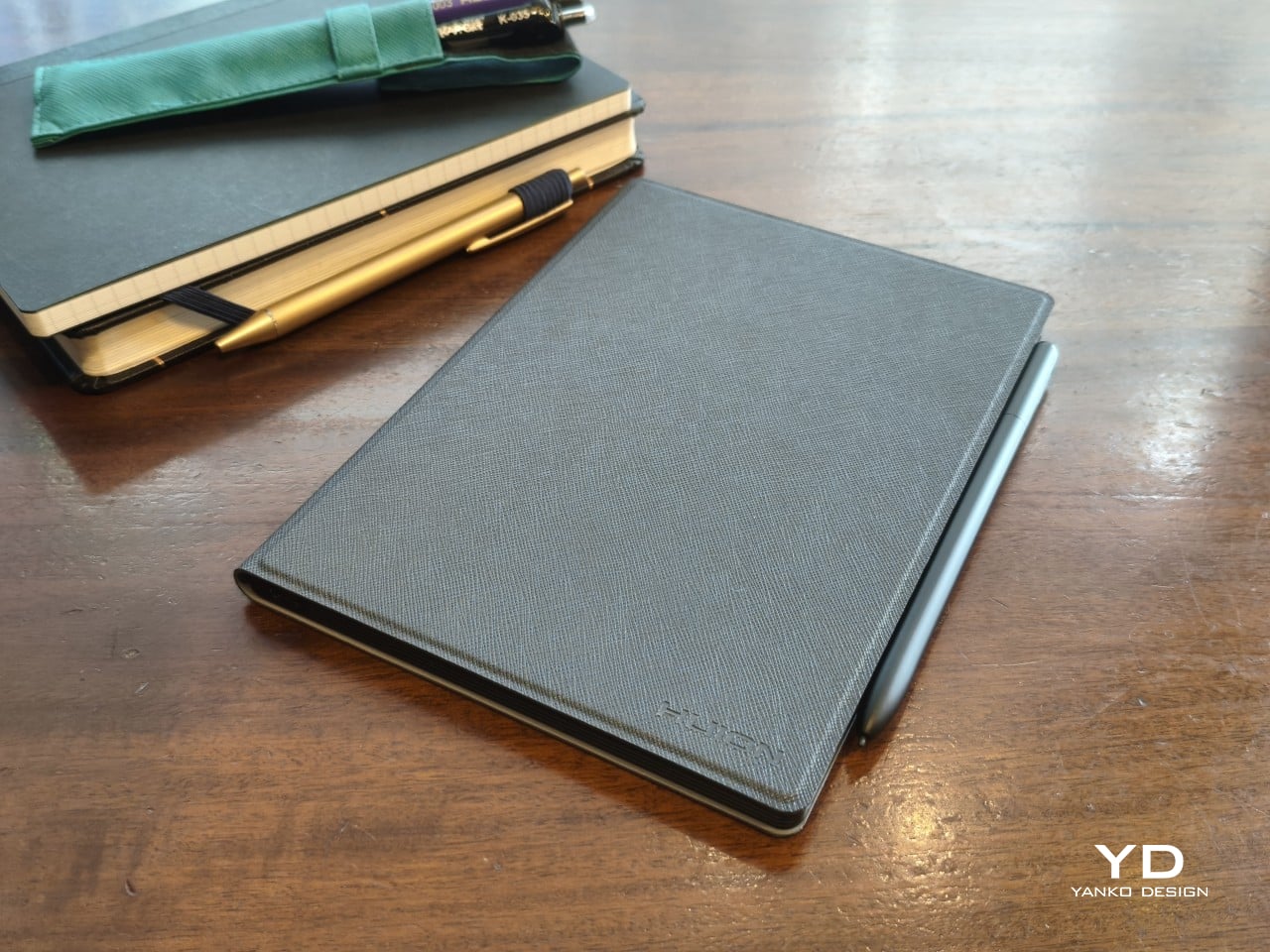
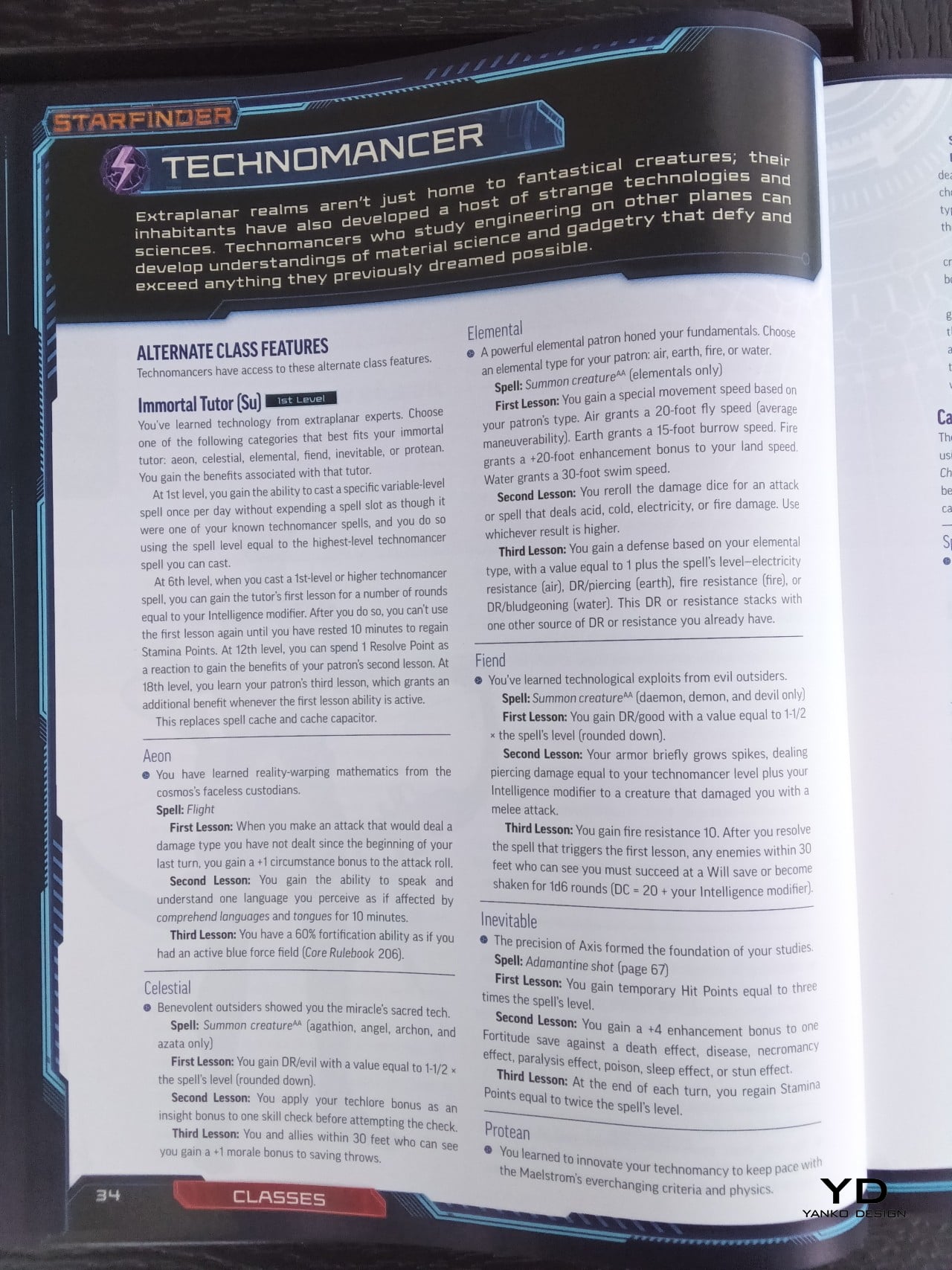
Huion dubs the Note E as an Electronic notebook, and the first impression you get definitely supports that characterization. Out of the box, it already sets itself apart from typical Android tablets and even from e-readers that have thick bezels and a wider left edge. That left edge uses a rough textured material that mimics the appearance and experience of spines on some paper notebooks.
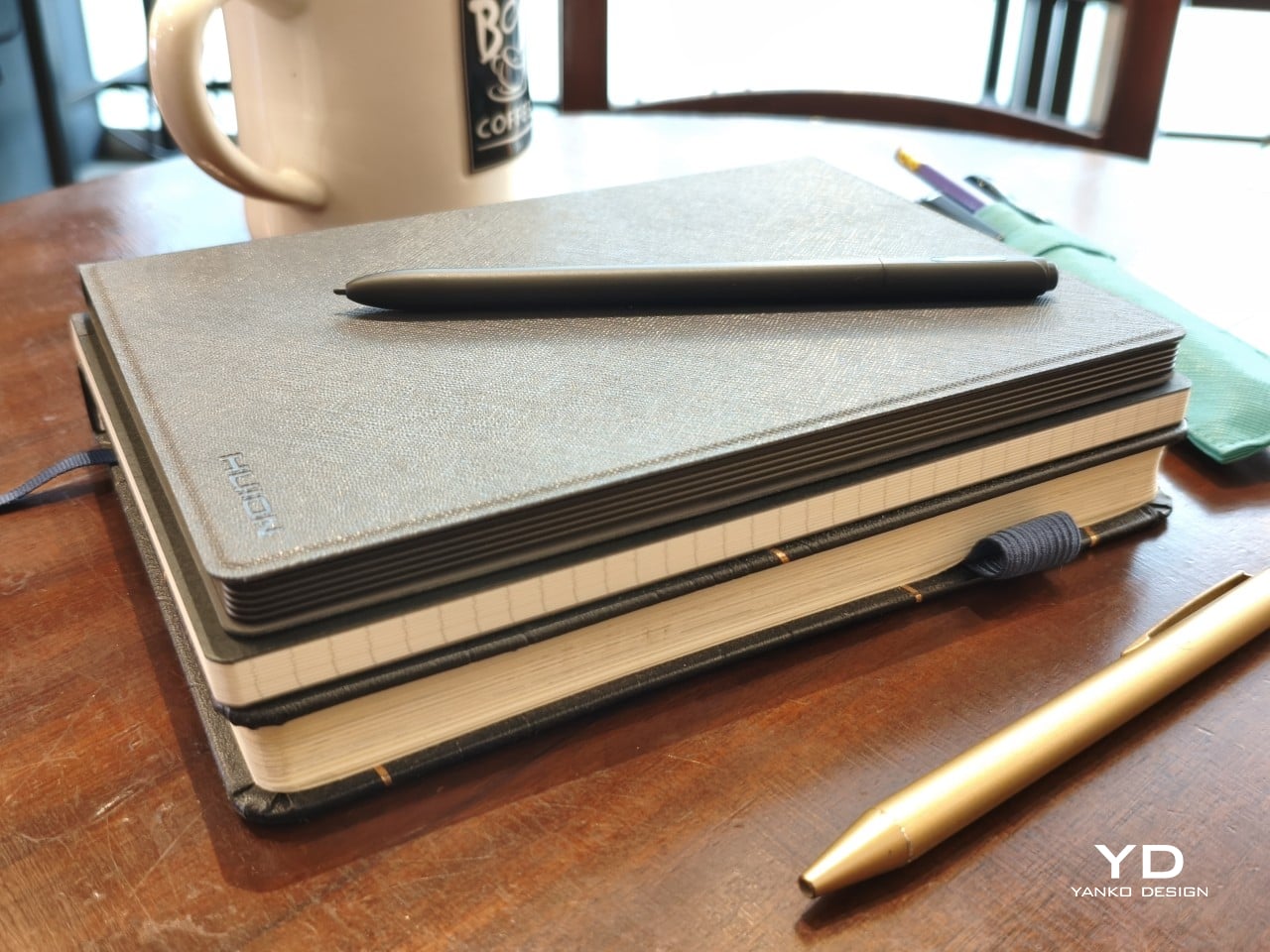
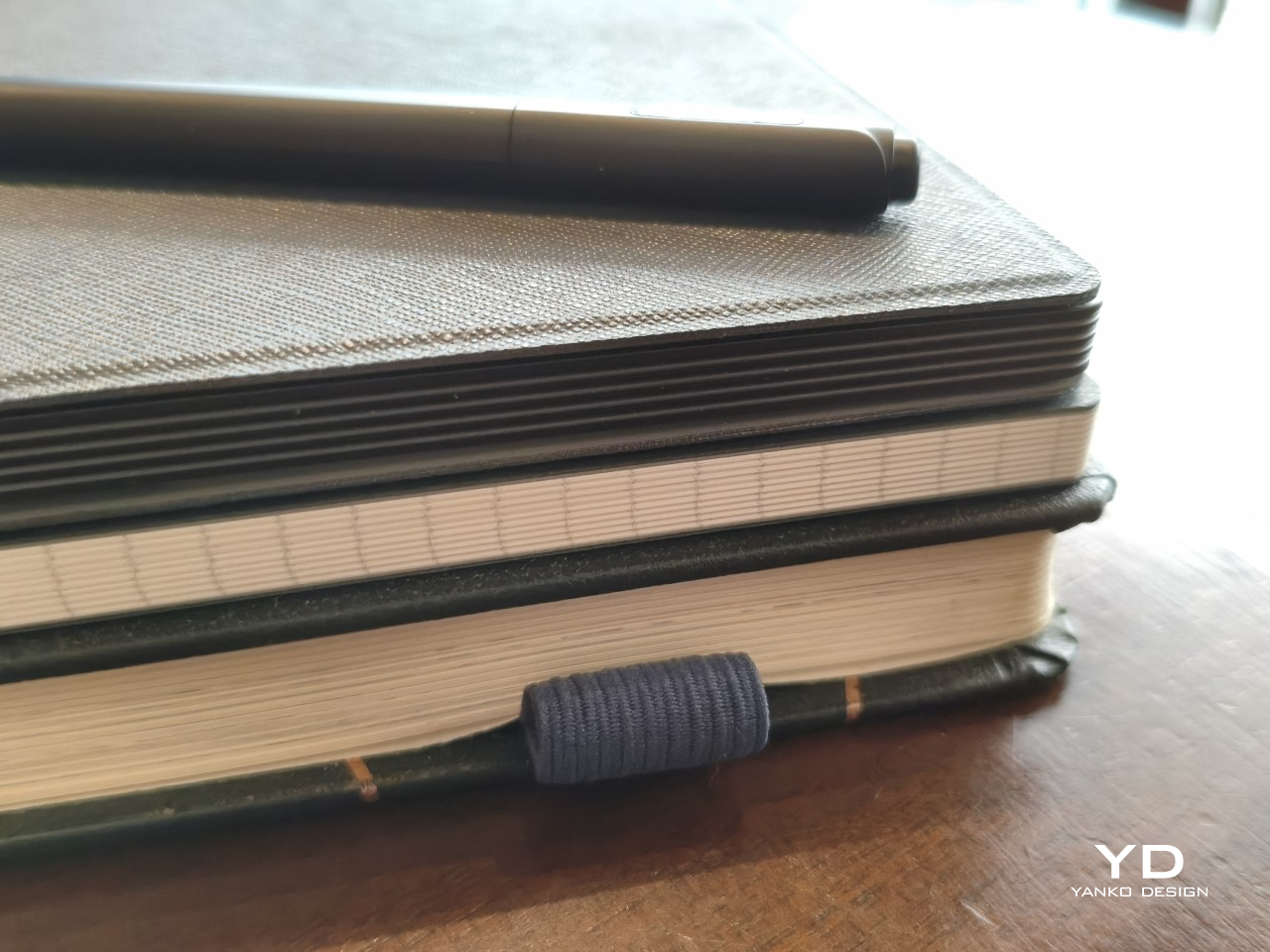
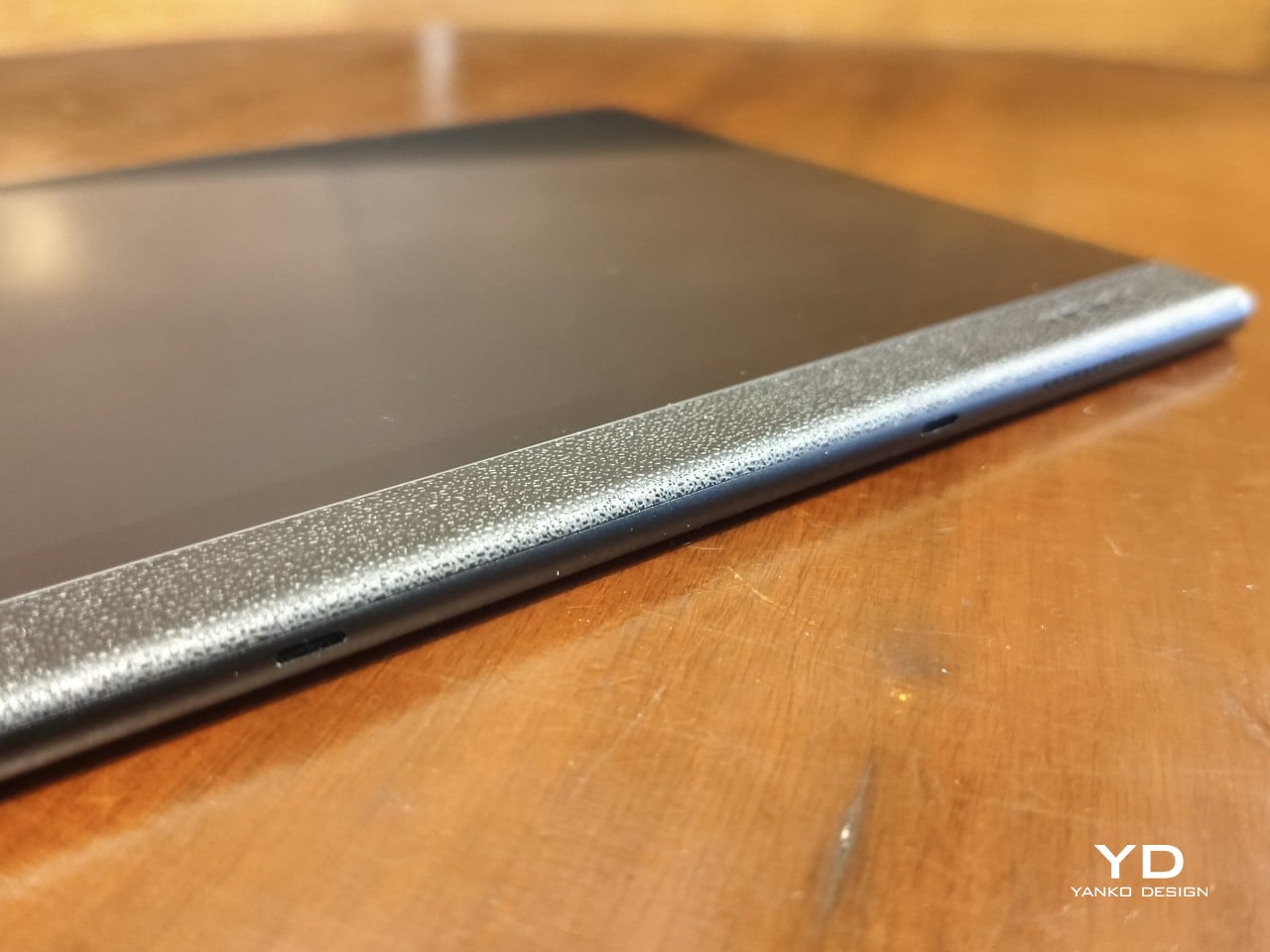
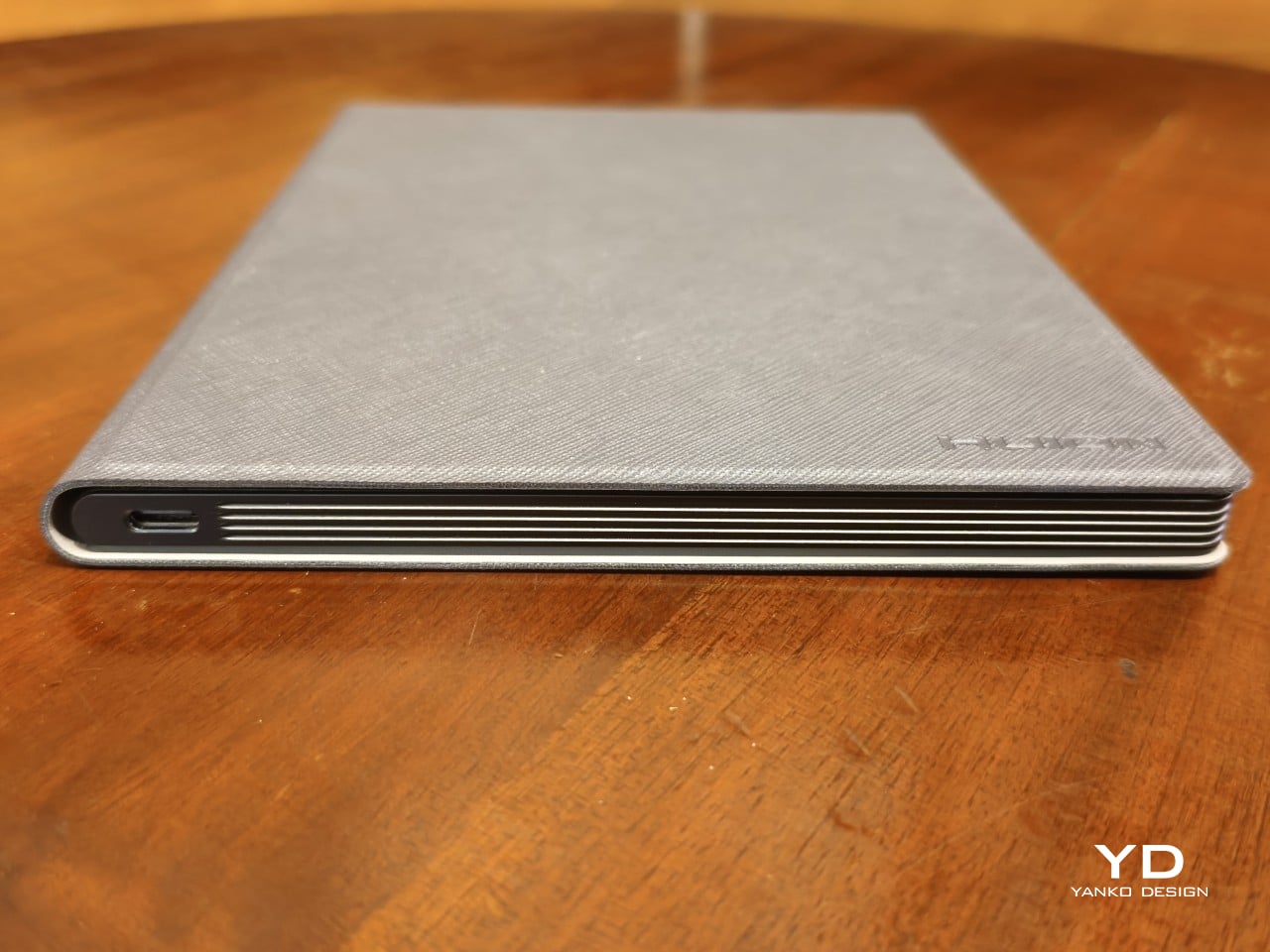
In fact, the Huion Note E tries quite hard to push that notebook metaphor, almost to the extreme. Instead of your typical smooth edges, the tablet’s sides have an unusual ridged structure that looks like pages of a notebook. That is, if your notebook used black paper. All in all, the Huion Note E presents itself well as an electronic A5 notebook, which helps endear itself to those planning to make the switch from paper to digital.
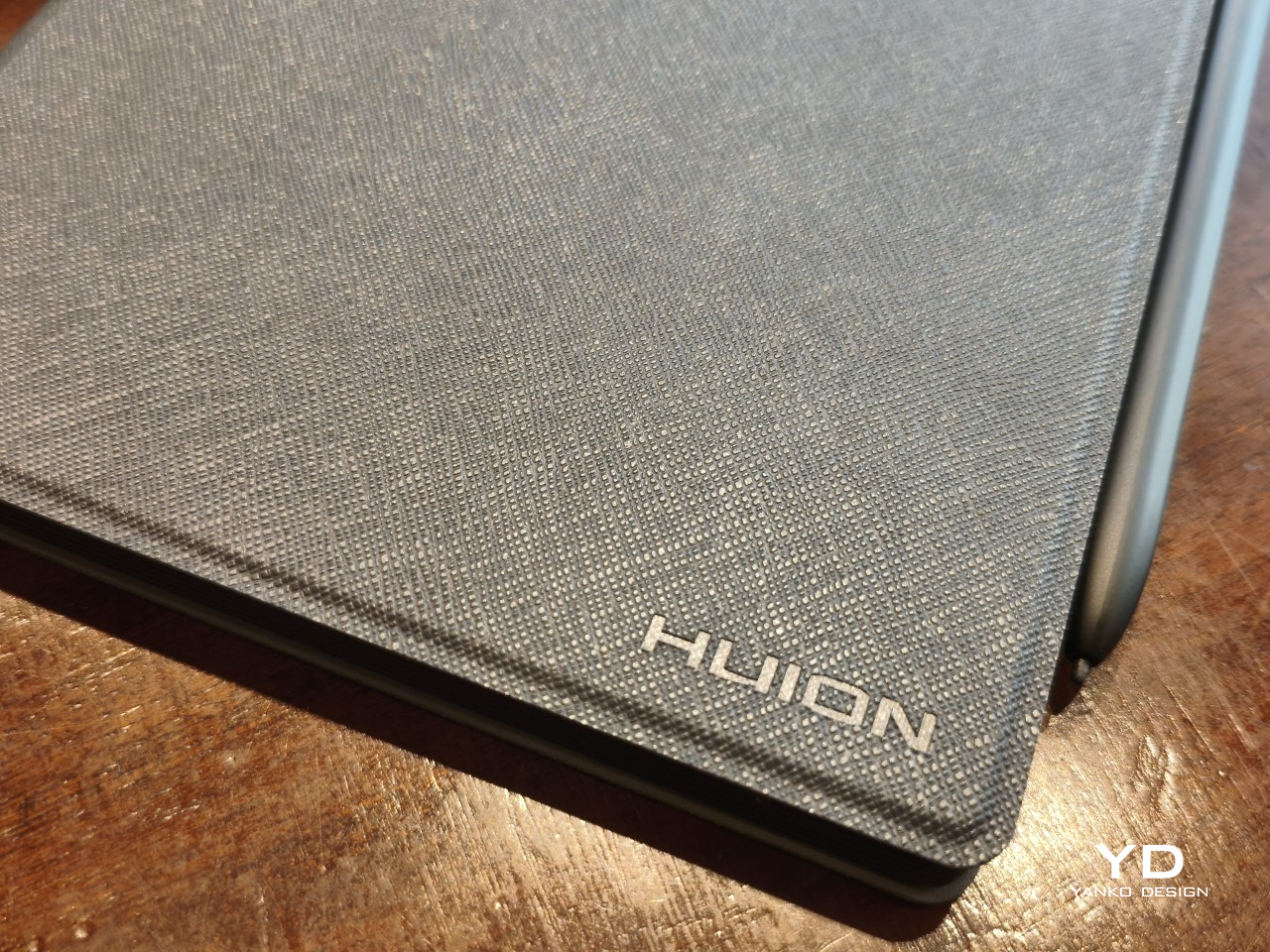
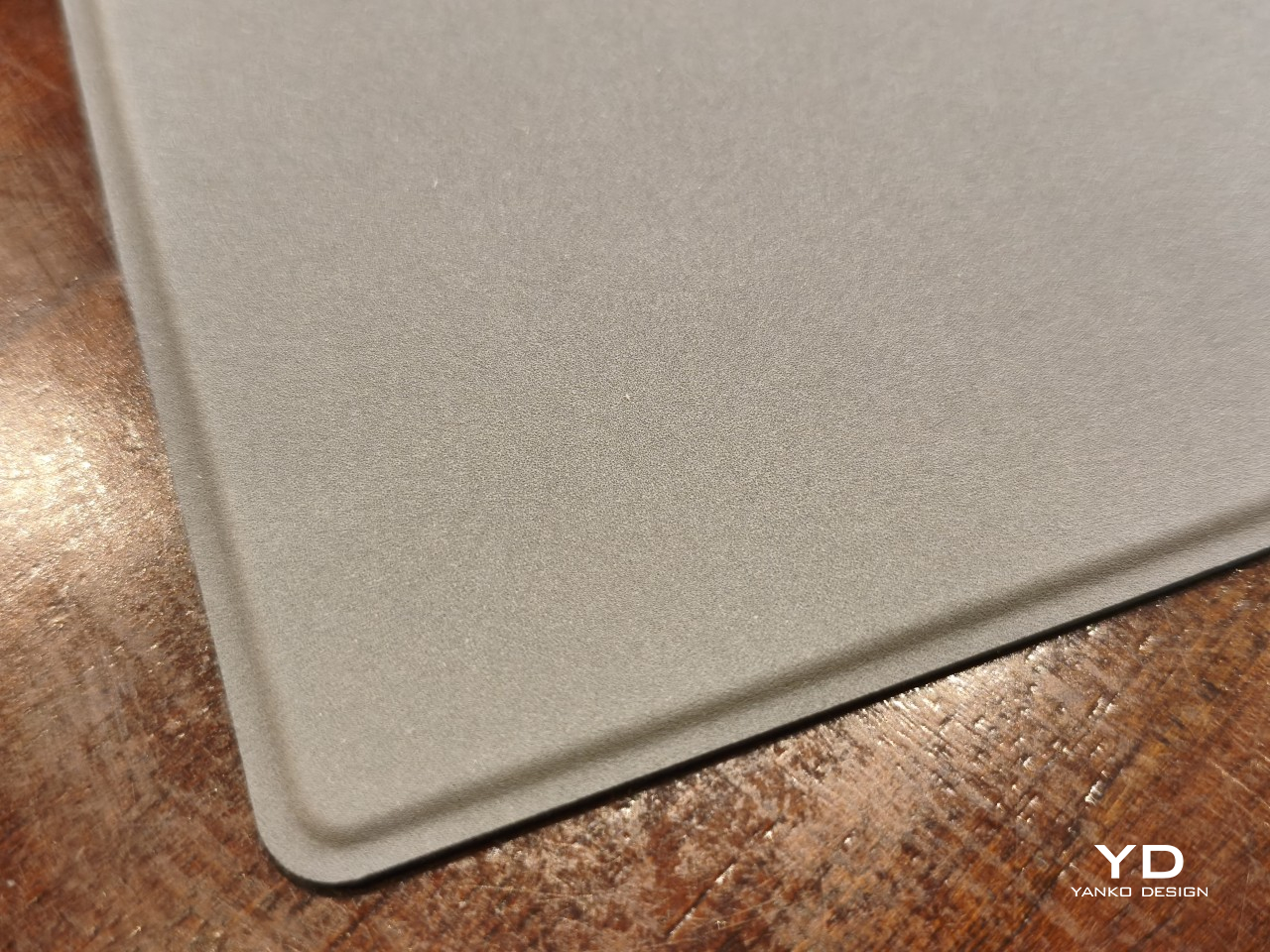
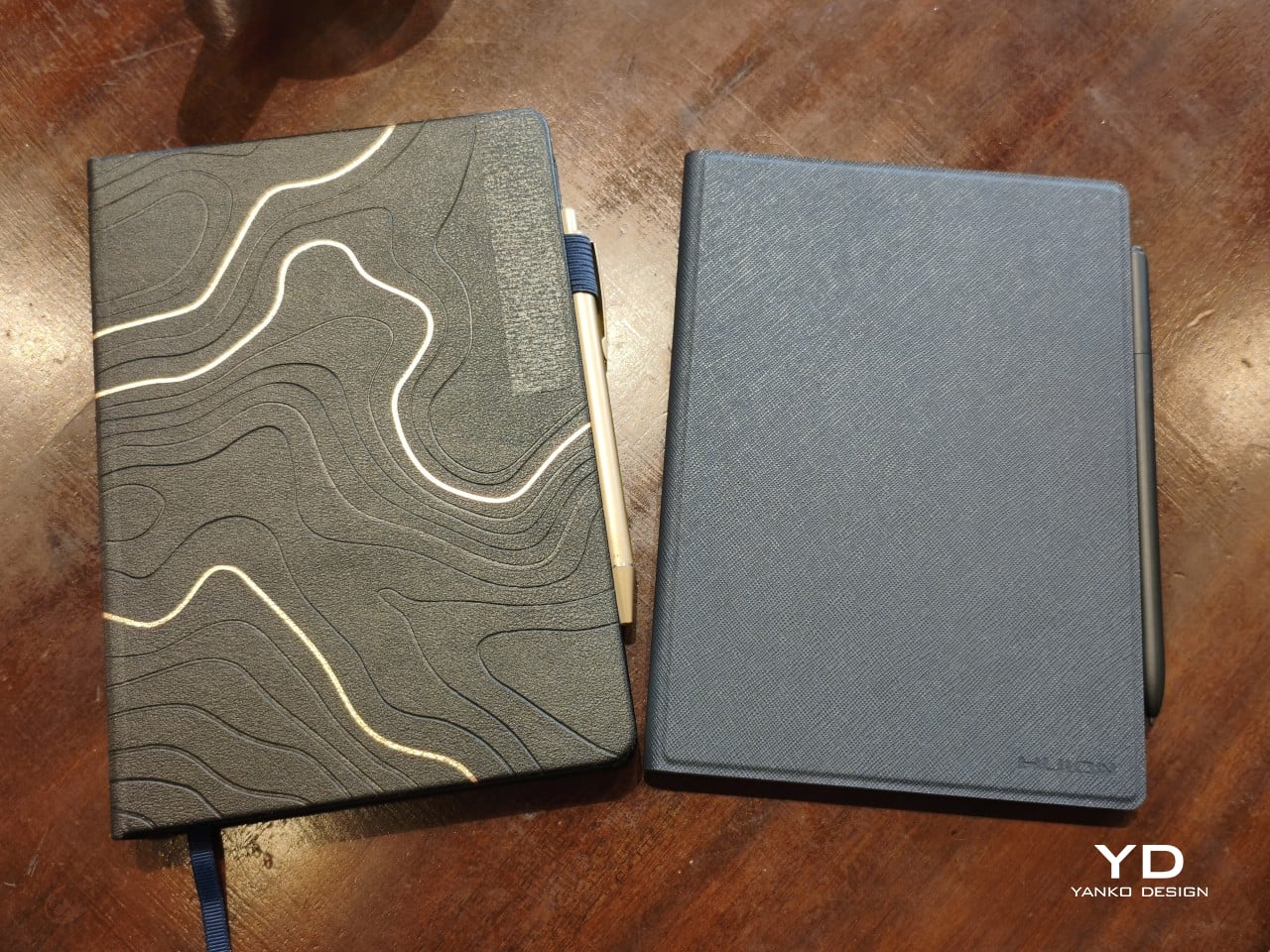
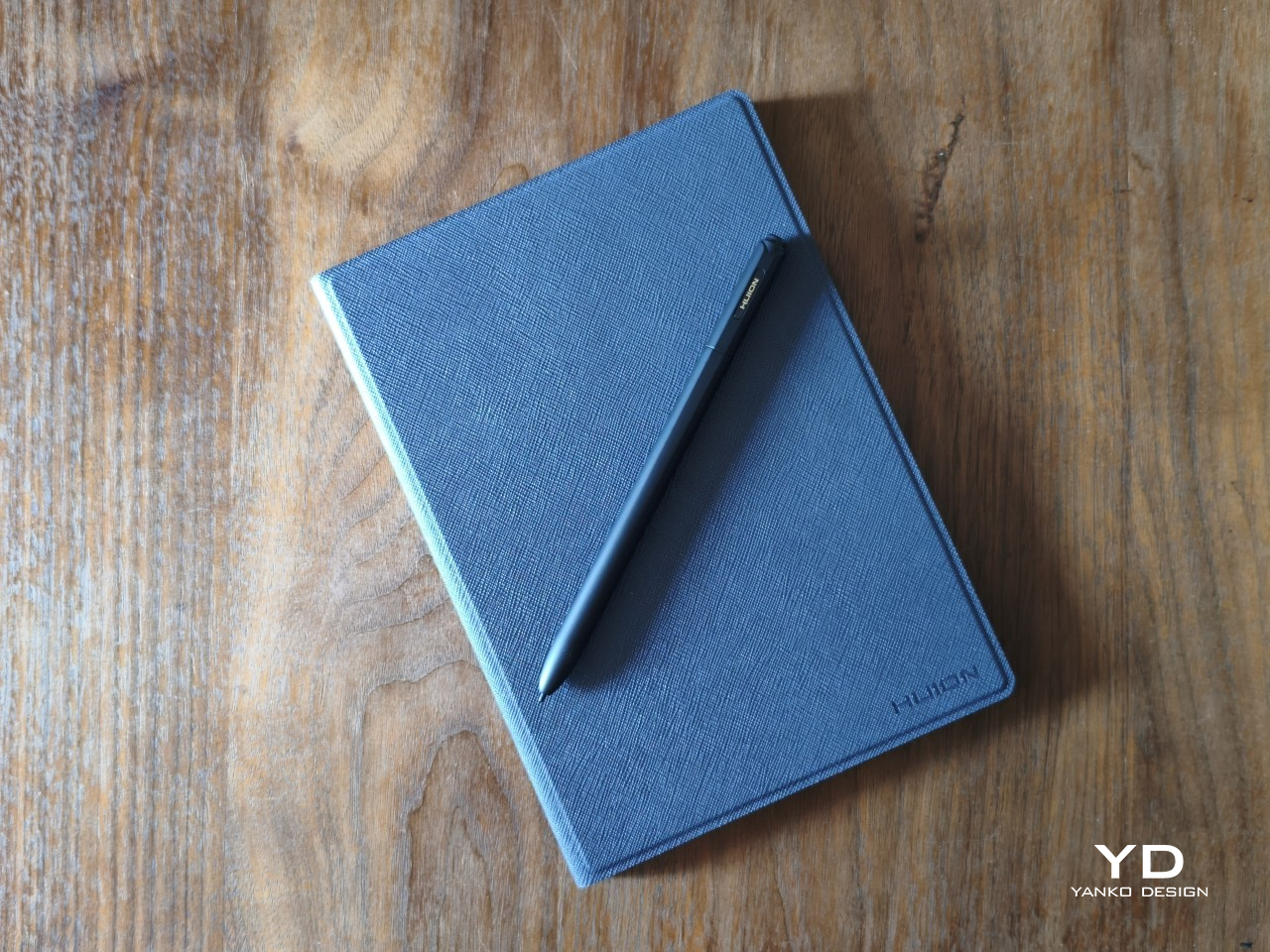
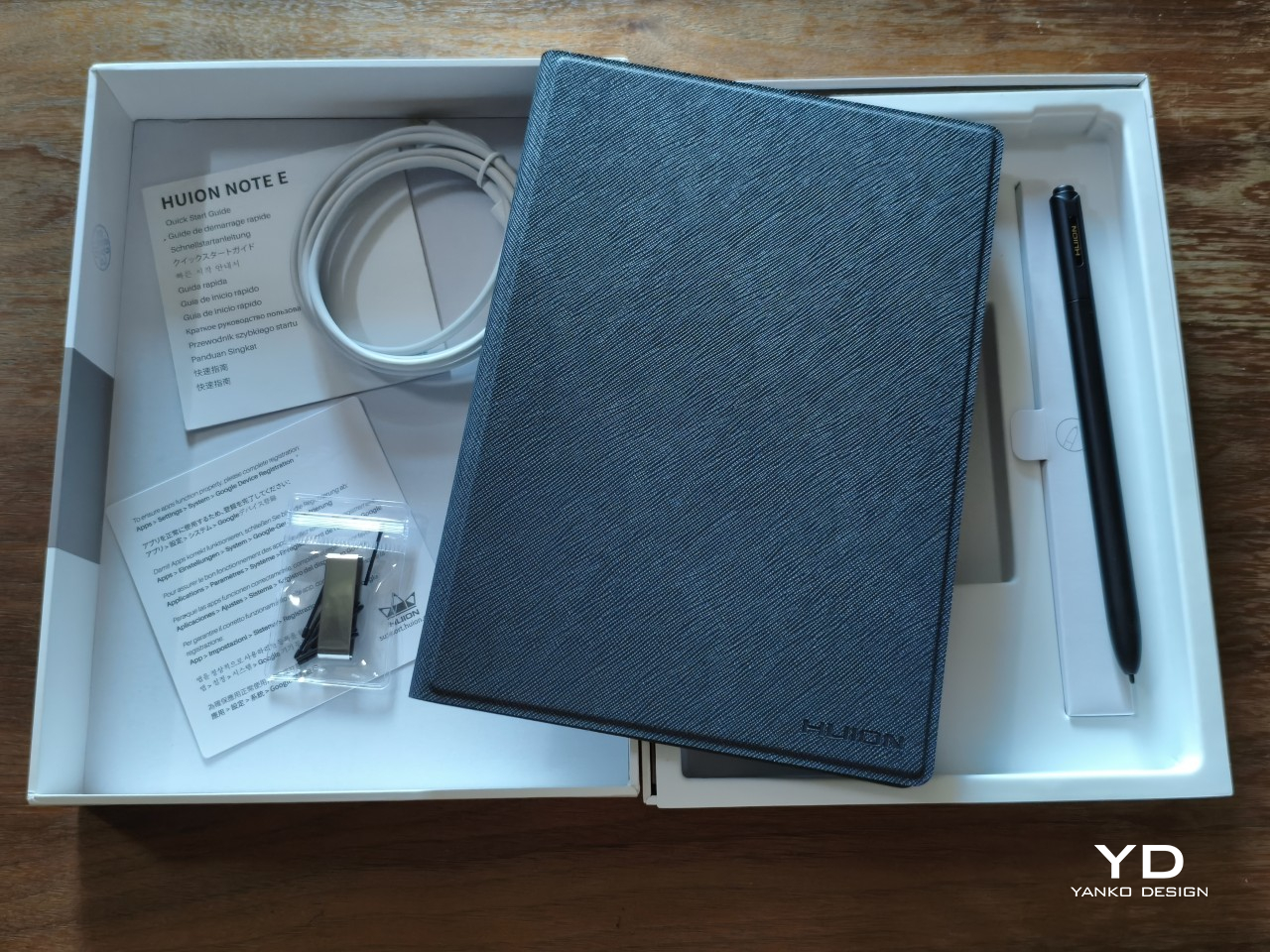
The included cover adds a pinch of luxury to that presentation, with a PU leather material on the outside and a soft, felt-like texture on the inside. It’s reminiscent of premium journals and their leather-like covers, reinforcing the image of the Huion Note E as an electronic notebook. It’s nothing grand or spectacular, but small touches like these help give the product a distinct personality as a carefully designed object rather than just another tablet in the market.
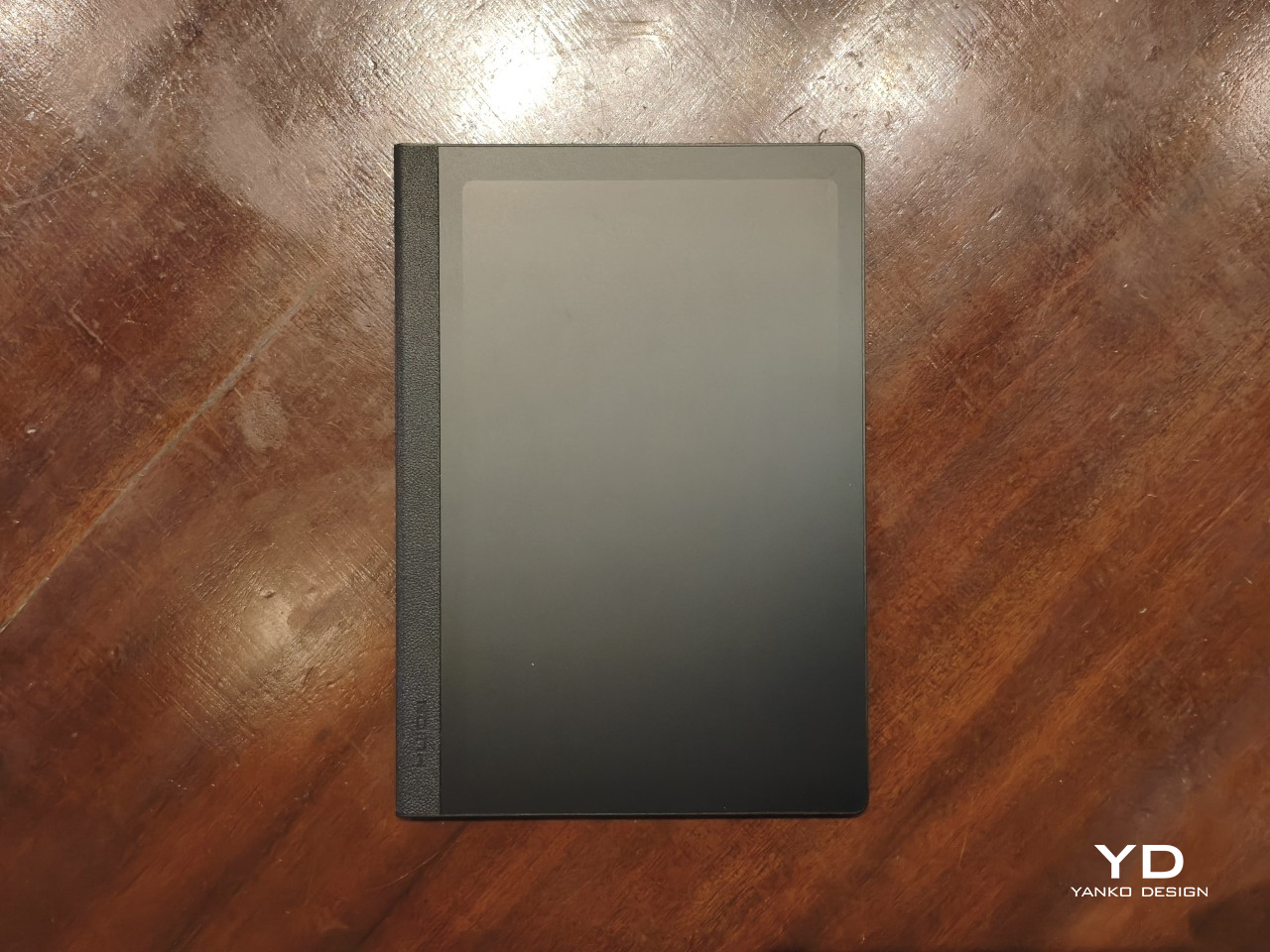
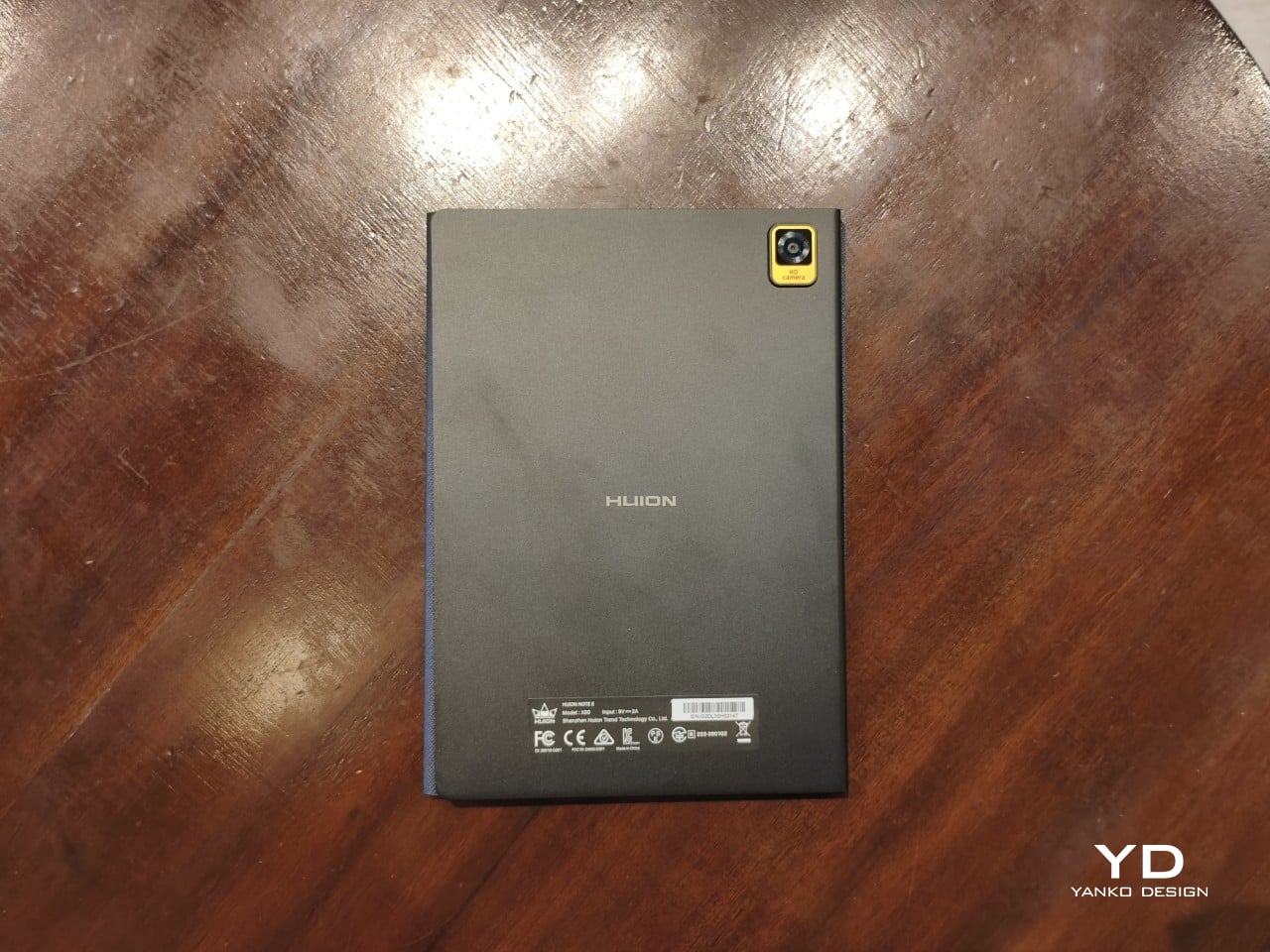
The Huion Note E embraces a very minimalist design, at least aside from those aforementioned details. Without any physical volume controls, only the power button, USB-C port, and holes for the mics, speaker, and cover break the flow of the ridges around the device. The LCD screen with anti-glare nano-etching is laminated and lies completely flat, just like a page of a notebook. The back is also pretty bare, save for the Huion branding in the middle and the camera bump in a rather unconventional corner. The back has a somewhat matte texture that is, unfortunately, quite a smudge and fingerprint magnet.
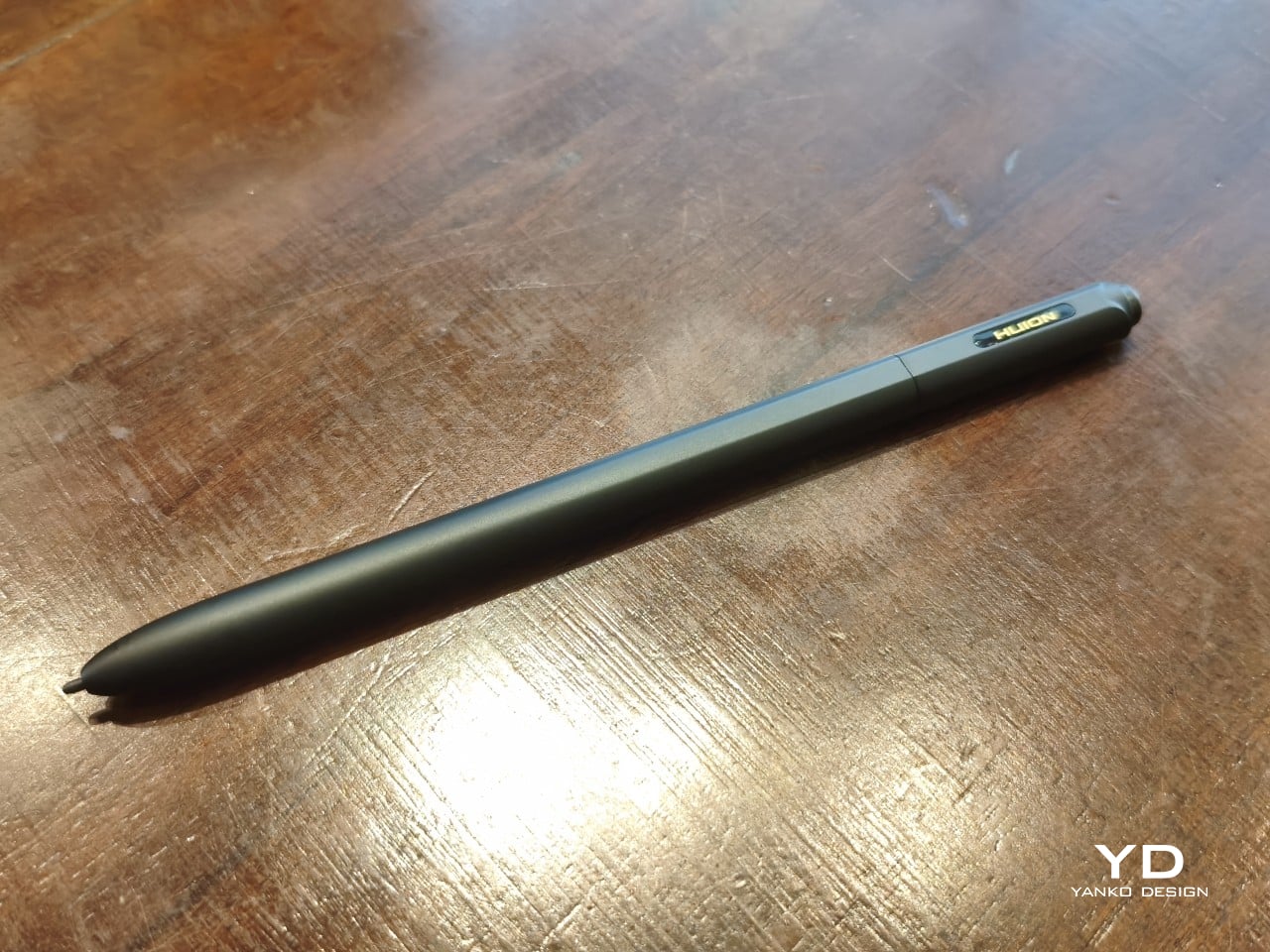
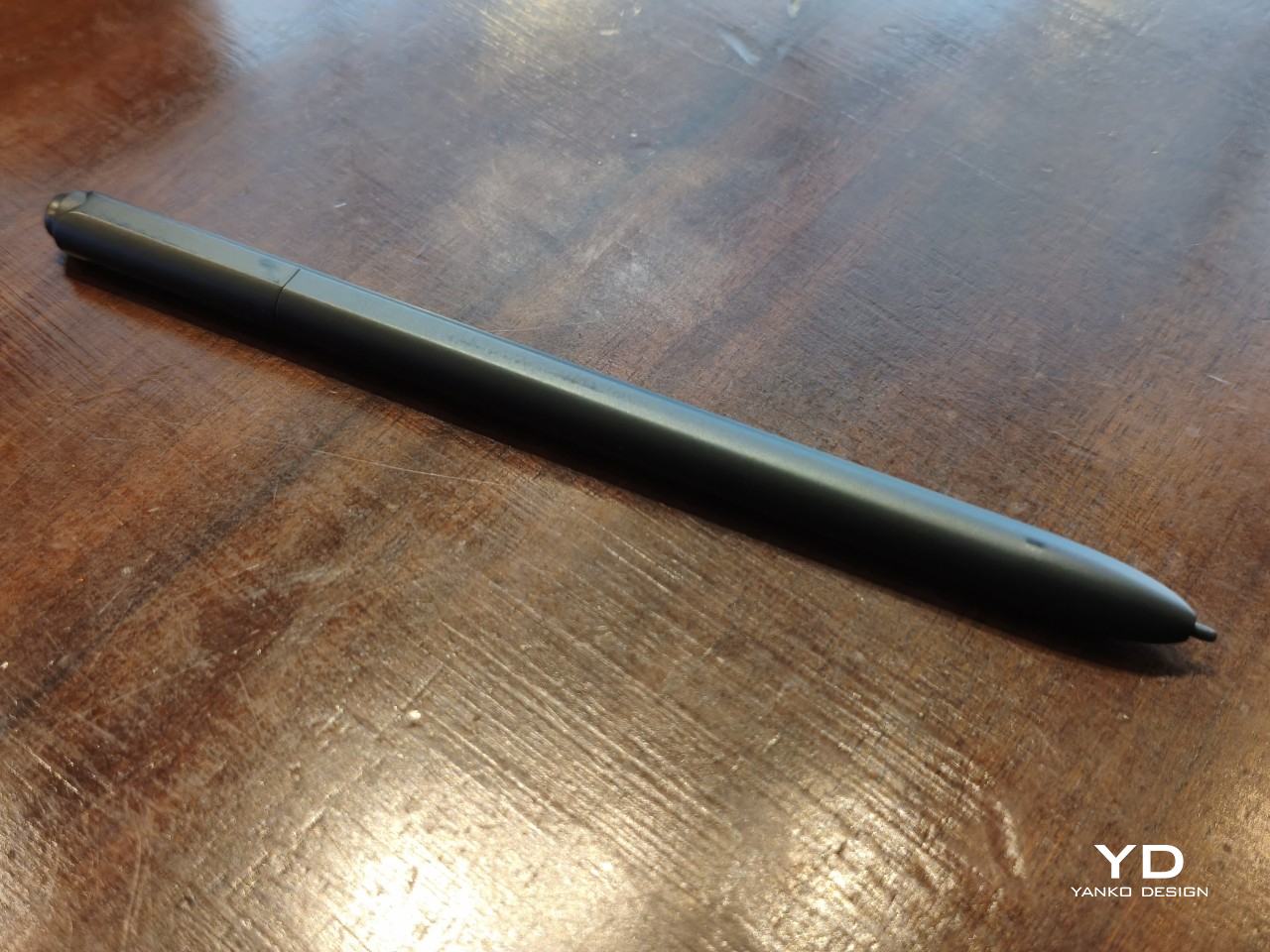
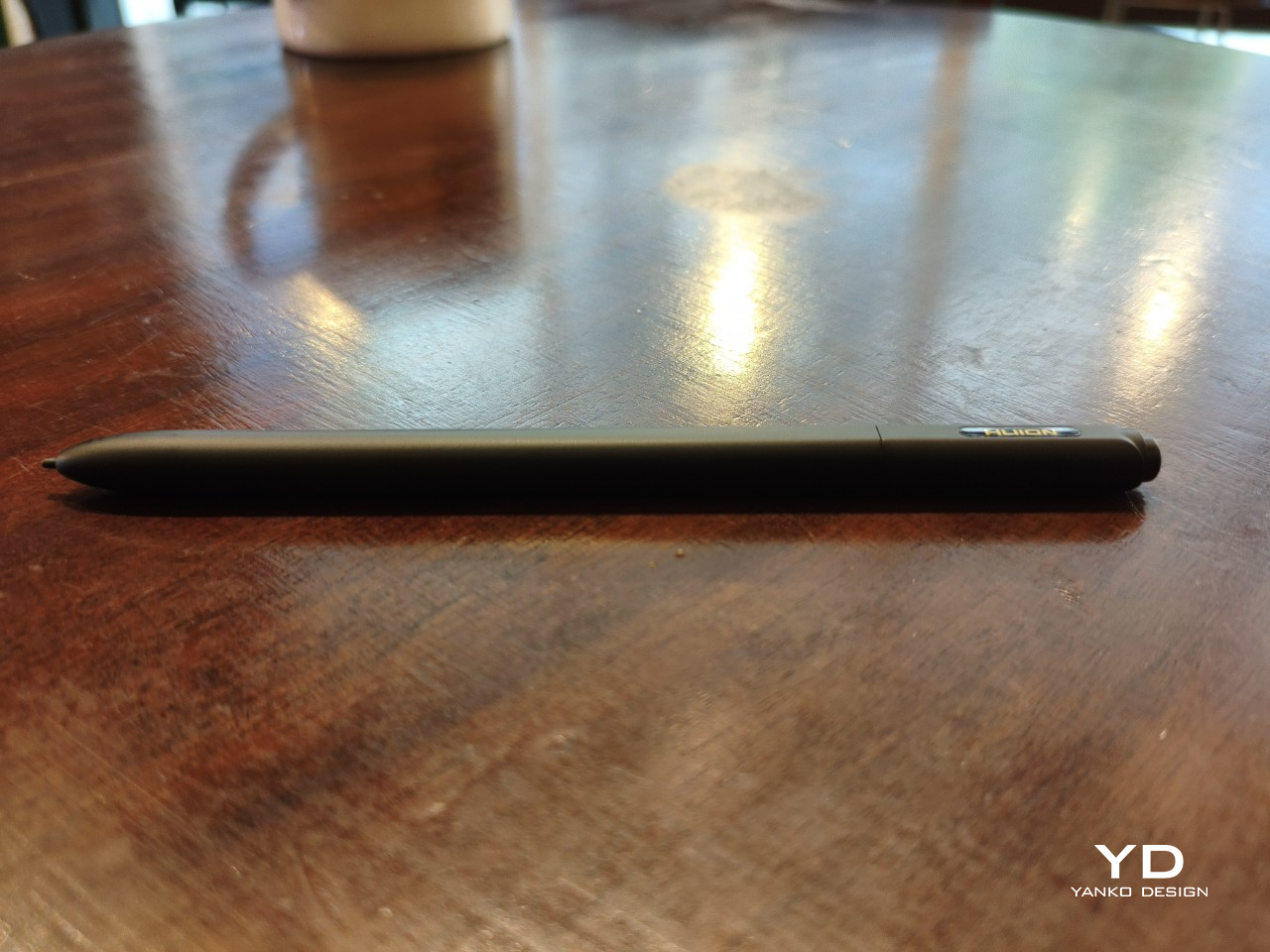
The included stylus, a Huion PW510 with PenTech 3.0, follows that same minimalist aesthetic. It has no side buttons, for better or for worse, and aside from the pen nib, the only interaction point is the springy eraser on the other end. The 9mm-diameter barrel has two flat sides that keep it from rolling off a table. Amusingly, the pen seems to roll on its “back” more often than not, ensuring that the Huion name on the barrel is always visible.
Ergonomics
The comparison with a paper notebook doesn’t stop at the appearance. The Huion Note E is almost exactly the size and thickness of an 80-page A5 notebook. At around 348g, it almost weighs as much as one, though the cover adds around 100g more to that ensemble. It’s still light and slim enough to carry everywhere you’d normally take notebooks with you, with the advantage that you only need one Note E versus a stack of A5 notebooks.
That also means it’s convenient to hold the Huion Note E up in one hand, though your exact comfort will depend on your hand size and grip. Those with larger hands or longer fingers might be able to more comfortably grip both edges to hold the tablet like a notepad, while some might prefer gripping the textured left edge instead. That said, the device has enough heft that it can start to feel a bit tiring after a long period of time.
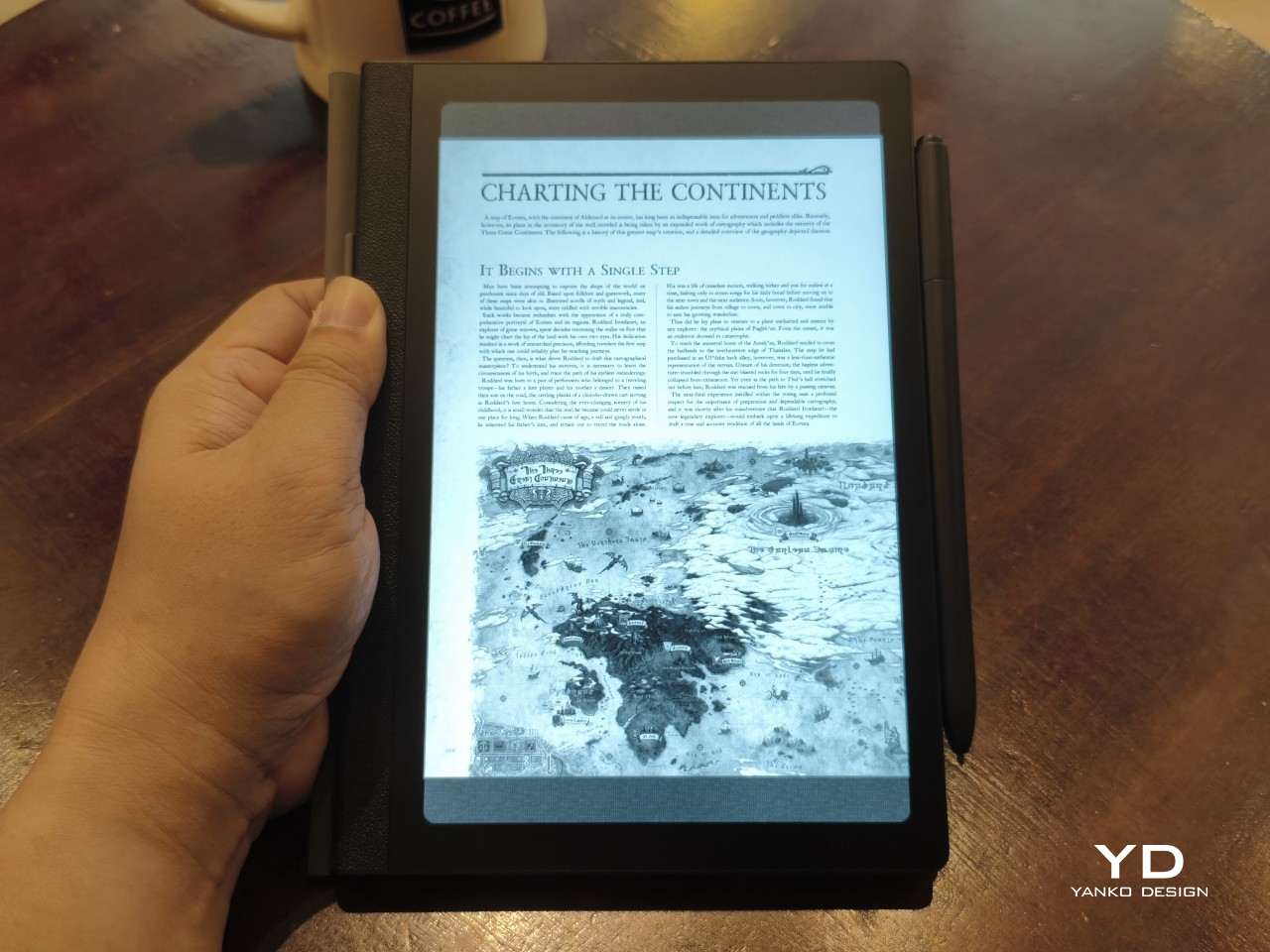
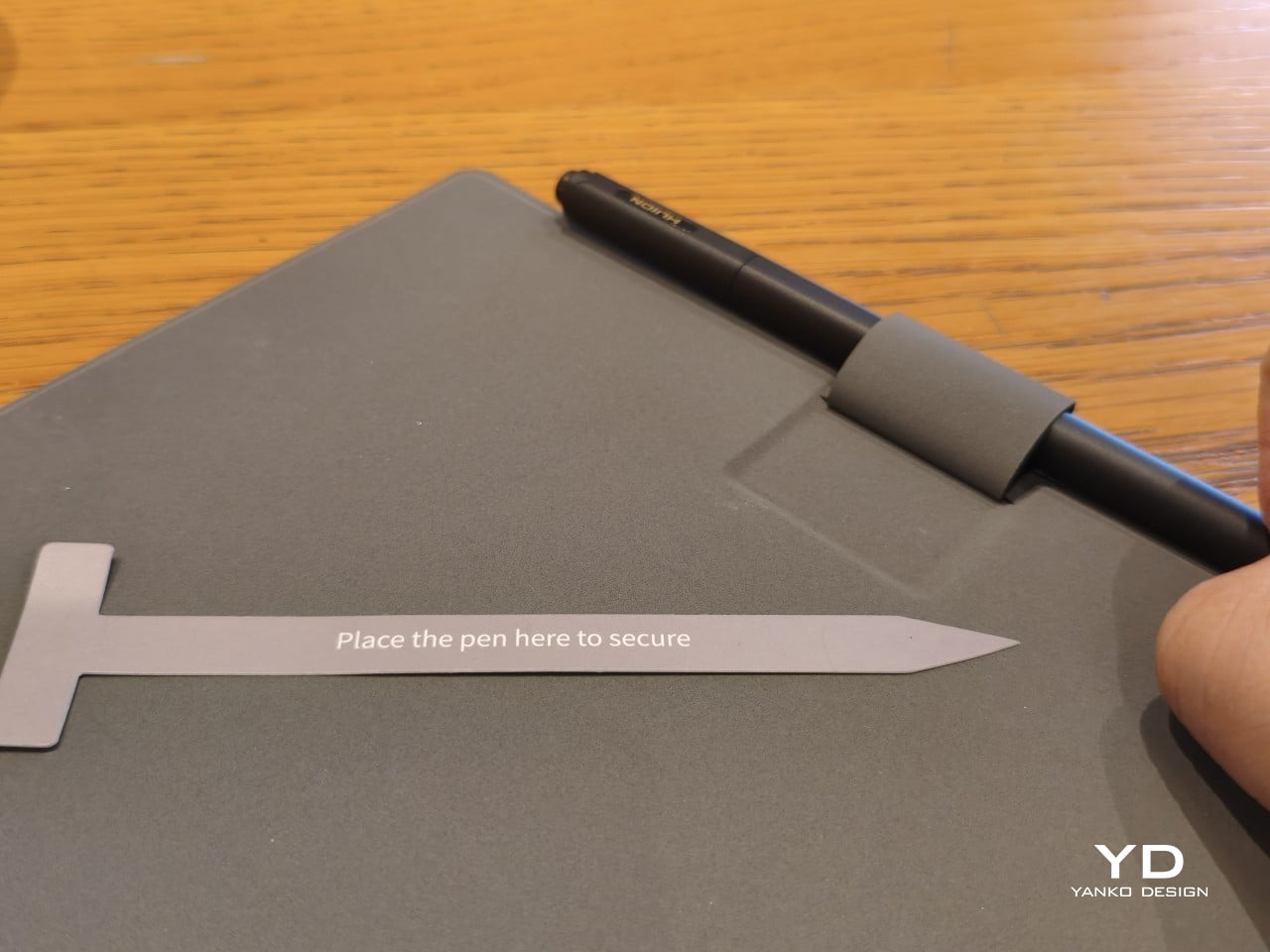
The Huion PW510 pen’s 9mm diameter also makes it a joy to hold and use. It has enough girth to feel comfortable without being too chunky. The body is also well-balanced, so nothing weighs down your hand to get in the way of writing. The lack of a side button aligns with the goal to mimic a pen and paper experience, though at the expense of some useful functionality. The pen magnetically attaches to the side of the Note E, making it easy and convenient to stow away the pen when not in use. There’s also a pen loop on the included cover, though designed in a rather unusual way.
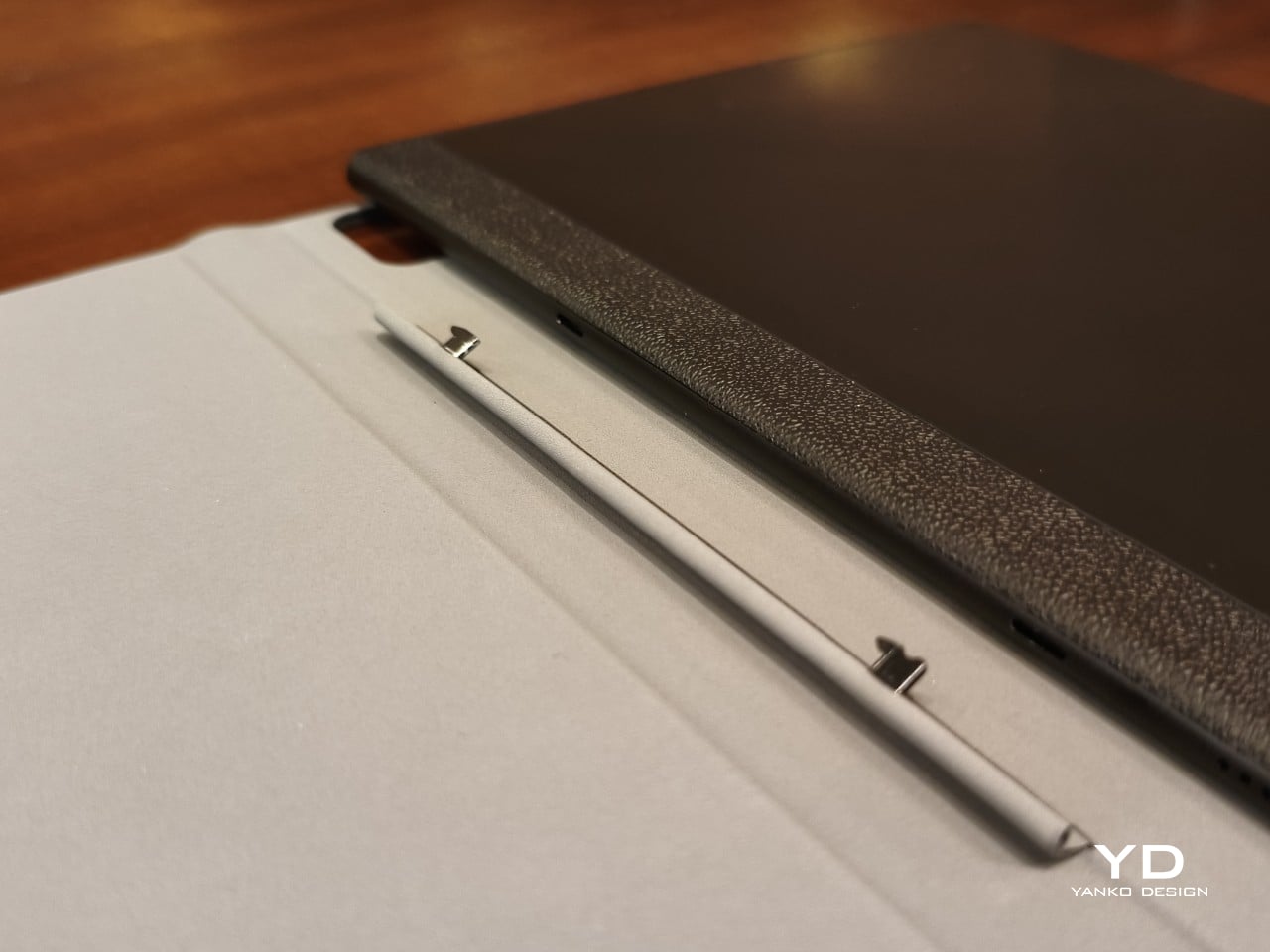
That magnetic cover itself is a bit of an odd duck, sadly. While it’s understandable that Huion avoided using extra-strong magnets that would have affected the EMR pen’s performance, the mechanism they chose feels both unintuitive and flimsy. There are two small prongs inside the spine of the cover, and you have to slide the tablet up or down, depending on whether you’re removing or attaching it, respectively. Given the size of the prongs, it feels like an accident waiting to happen.
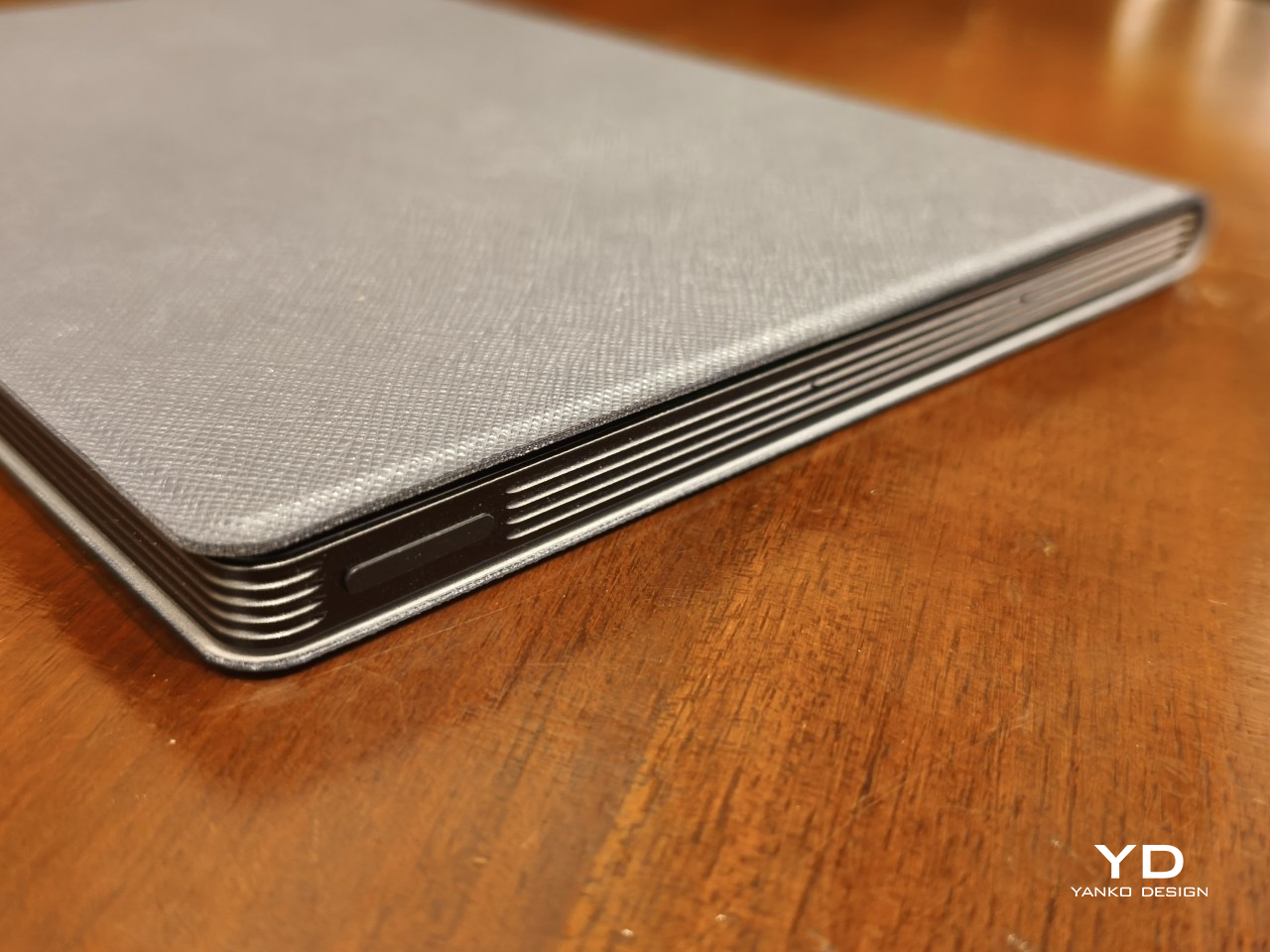
One rather curious note is the placement of the power button, which also functions as a fingerprint scanner, on the upper right edge. I usually open books or notebooks from that corner, so when I flip the cover open, my finger naturally brushes against the power button and automatically unlocks the tablet so I don’t have to do that step consciously. Whether that design was intended or not, it was still a nice touch, no pun intended.
Performance
Huion already has quite a number of Android-powered tablets in the market, including a 10-inch one with an E Ink screen. The Note E, however, has a distinct purpose that calls for a rather different combination of hardware and software features. It’s meant to be a highly portable digital notebook first and foremost, so everything else falls under this lens, both the good and the bad.
Specs and Battery
The Huion Note E is unambiguously what would be considered a mid-range tablet, especially with its MediaTek Helio G99 processor. While that may have been billed as a gaming chip for budget smartphones back in 2022, it doesn’t hold a candle to today’s mid-tier silicon, at least in theory. In practice, however, it actually performs quite well, especially with 6GB of RAM that gives apps sufficient space to operate. It’s no racehorse, for sure, but that isn’t even the point of this device in the first place.
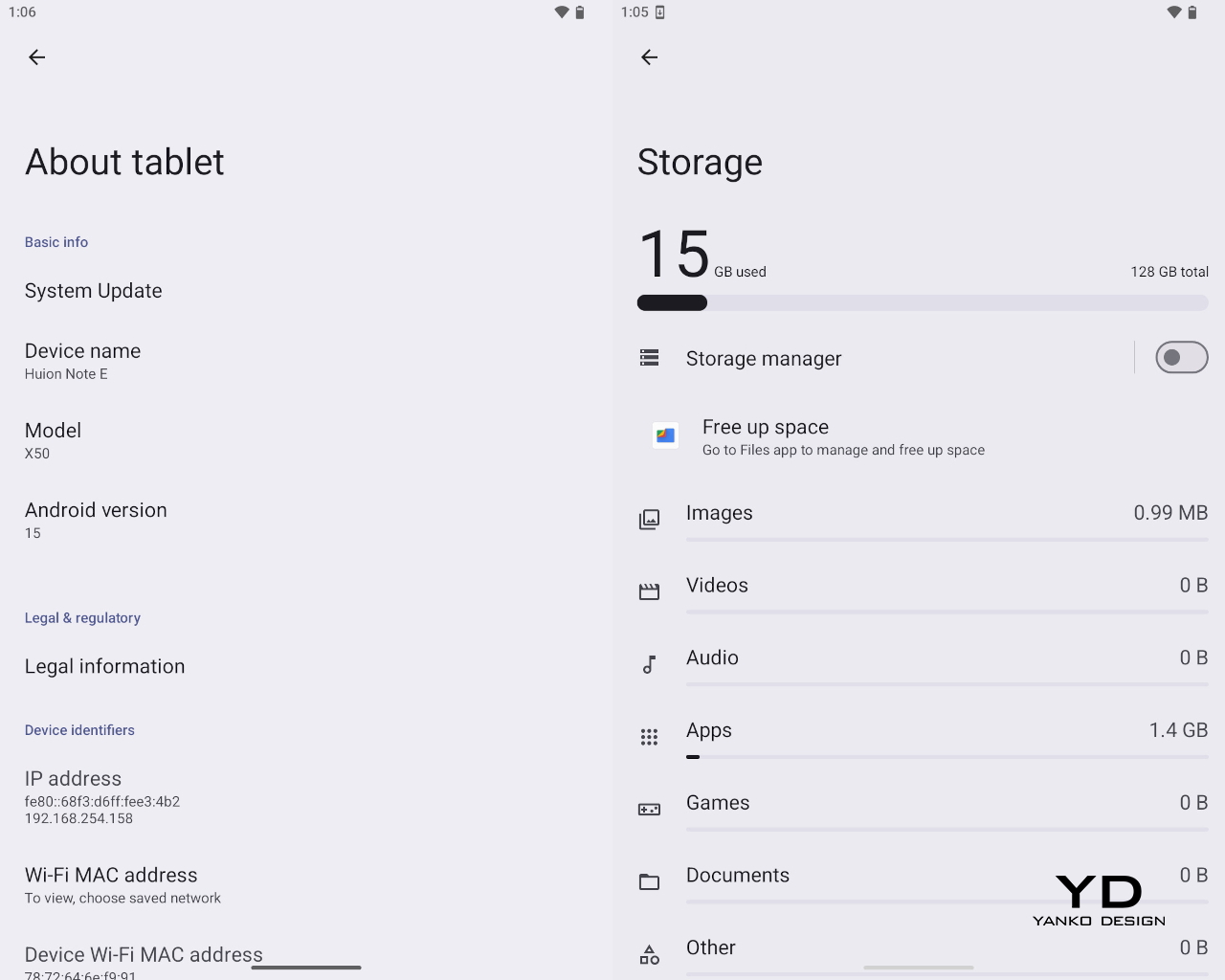

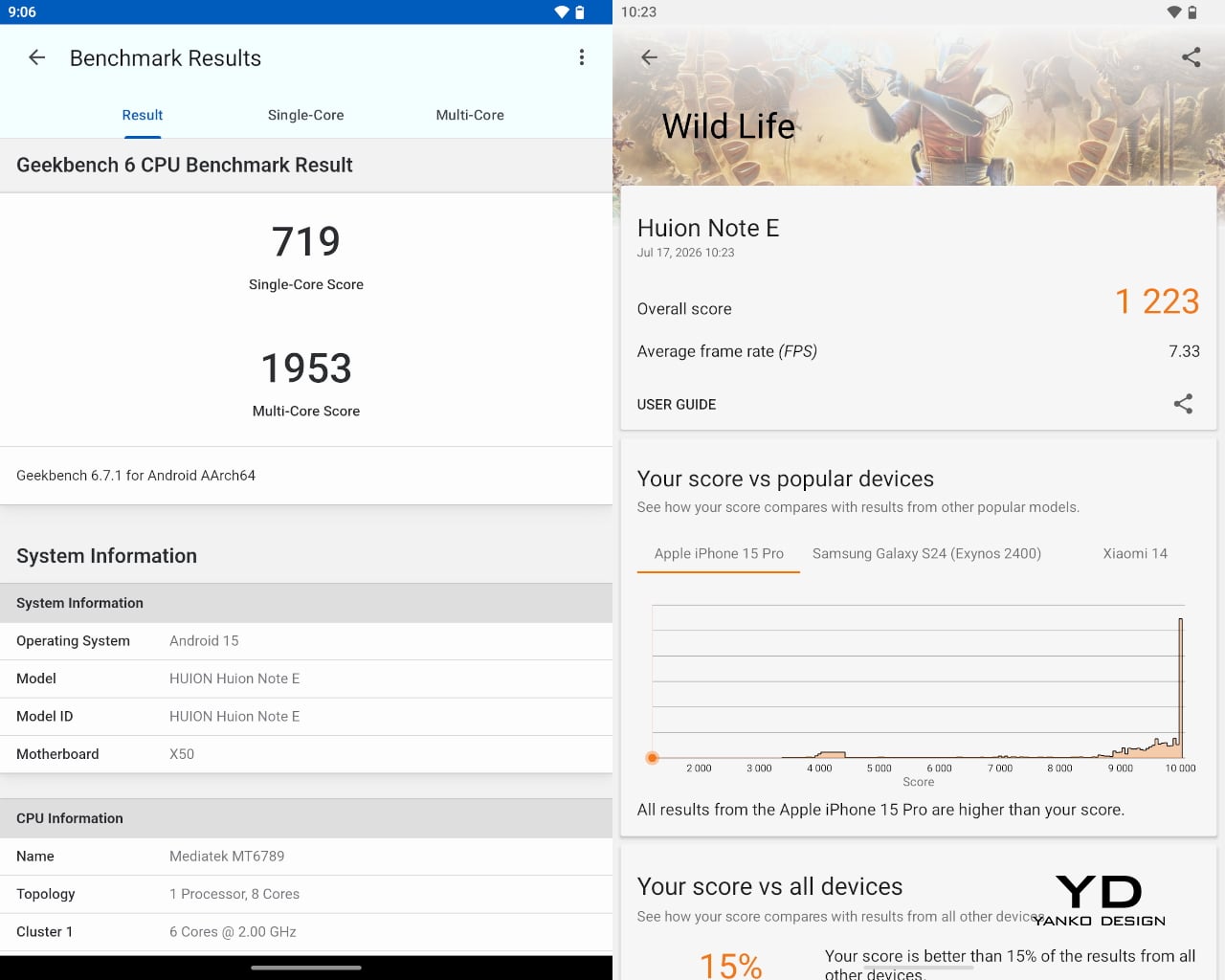
The tablet comes with 128GB of RAM, which is modest by 2026 standards, especially without any option to expand it with a microSD card. It will be enough to hold notes, pieces of art, and ebooks aplenty, but you’ll definitely feel cramped for anything else. You will definitely feel the intentional limitations Huion put in place, preferring to focus on the core use cases for the device: note-taking with a bit of drawing and reading on the side.

Huion Note E (Left) | POCO X8 Pro (Right)

That’s also why the Huion Note E’s camera story is almost non-existent. There’s an 8MP shooter on the back that’s primarily for scanning documents, notes, and books. You can take passable photos, definitely, but the quality is so basic you’d be better off reaching for your smartphone. Yes, you can probably snap up a reference for your drawing, but don’t expect accurate colors, let alone fine details. Unsurprisingly, there is no front-facing camera, even for video calls.
A 4,500mAh battery sounds a little too modest for a tablet, but it does surprisingly well. On standby, with 2 or 3 benchmarks run, it lasted almost three days from full to 5%. On a full day of regular use, you won’t even need to reach for a power bank until the next day. The 18W “fast” charging speed is definitely a bummer, requiring 2.5 hours to top up.
Display and Pen
Where the Huion Note E excels is, of course, the screen and stylus experience, which isn’t surprising given the brand’s core technologies and target market. The 8.4-inch laminated LCD screen comes with an anti-glare nano-etched surface that is advertised to provide a traditional pen-on-paper experience. In practice, it feels more like writing on a sheet of smooth, high-quality paper, like the ones you’d find in Japanese-made notebooks and planners. It doesn’t exactly have that “scratchiness” of regular paper, but there’s enough resistance that it doesn’t feel like plastic sliding on glass.
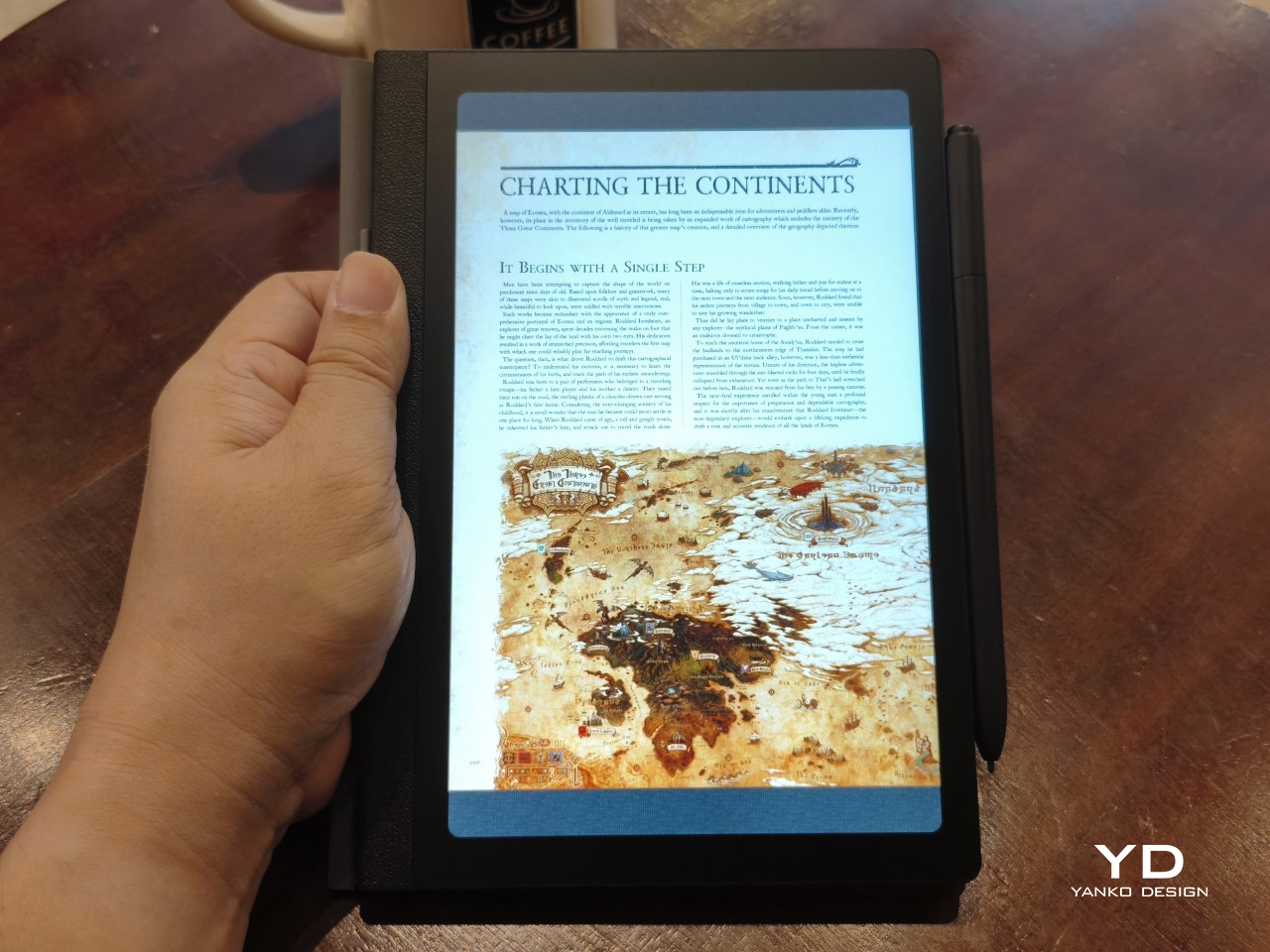
With a 1920×1200 resolution, the 60Hz screen boasts a pixel density of 270 PPI, close to what ereaders offer. Huion doesn’t advertise it as something similar to E Ink, nor does it even talk about a paper-like reading experience. It’s still an LCD screen, though with some features aimed at helping reduce eye strain. For example, it opts for DC dimming over the more popular PWM to reduce flickering that hurts the eyes over long periods of use.
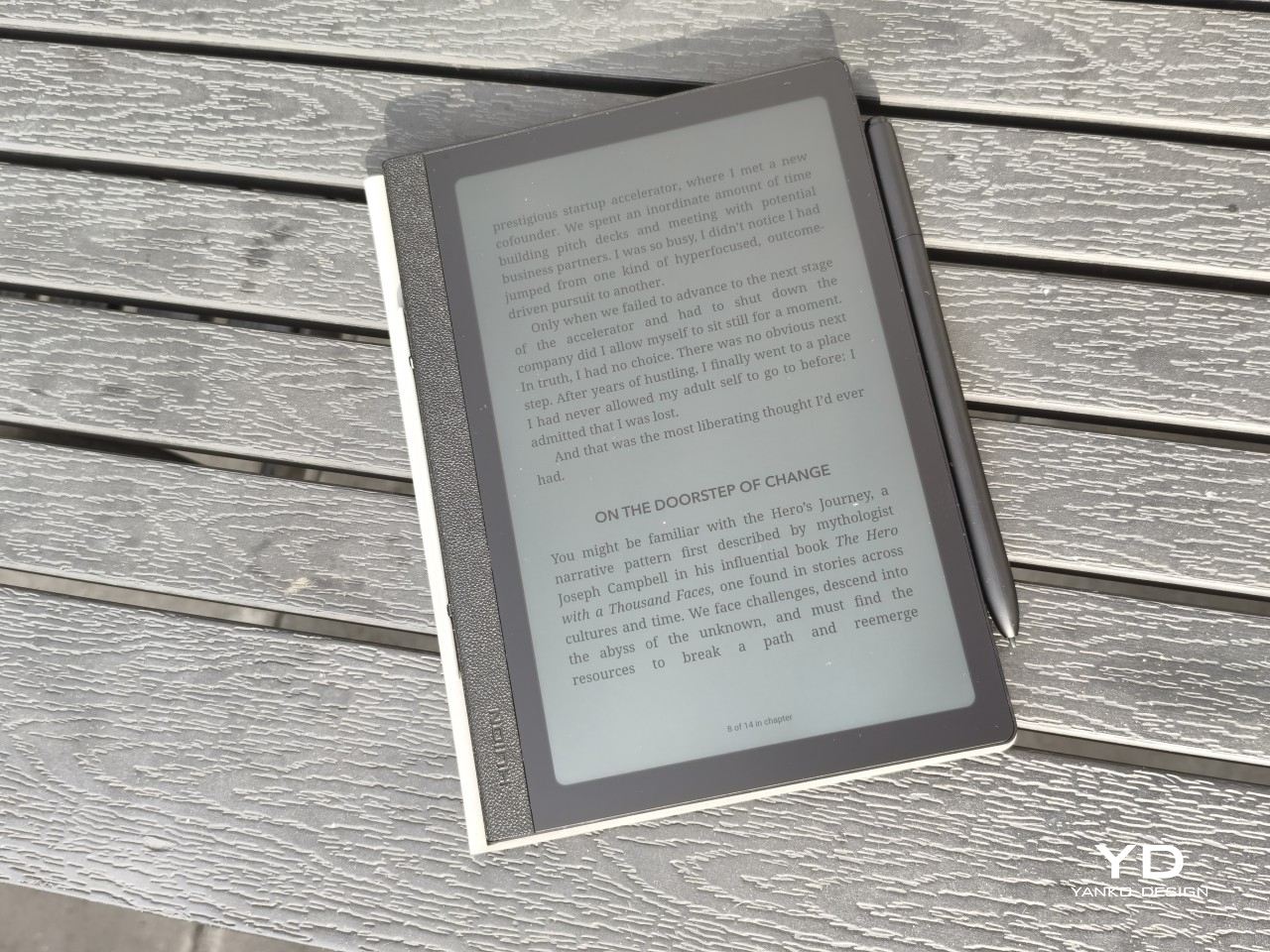
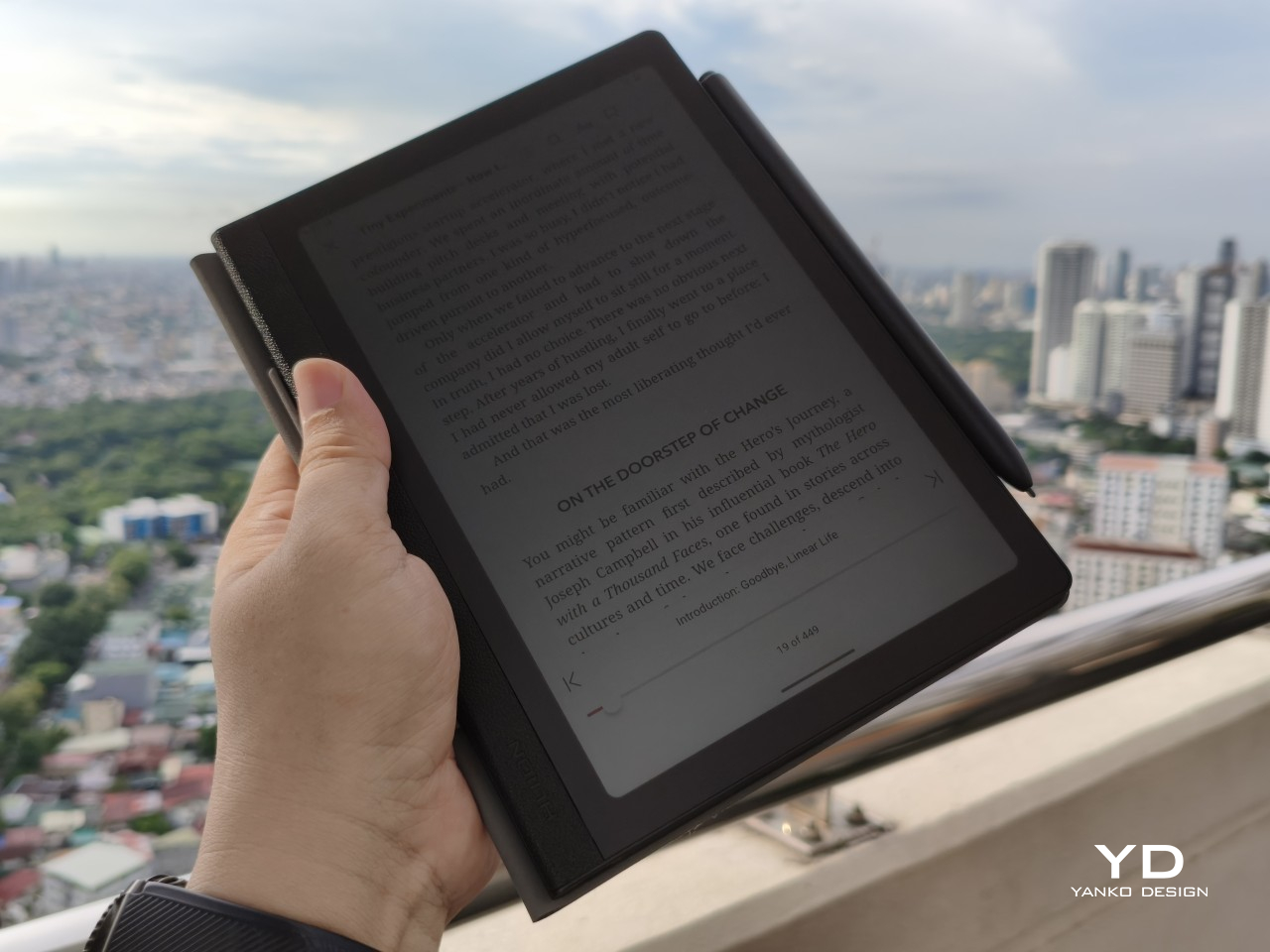
All of these come together to deliver a screen that is sharp, clear, and colorful, allowing for a variety of uses that go beyond just scribbling or reading. Under bright light, even under the sun, the screen is still readable, especially at max brightness. The anti-glare finish does affect viewing angles, but very few people would read or write at an extreme angle anyway.
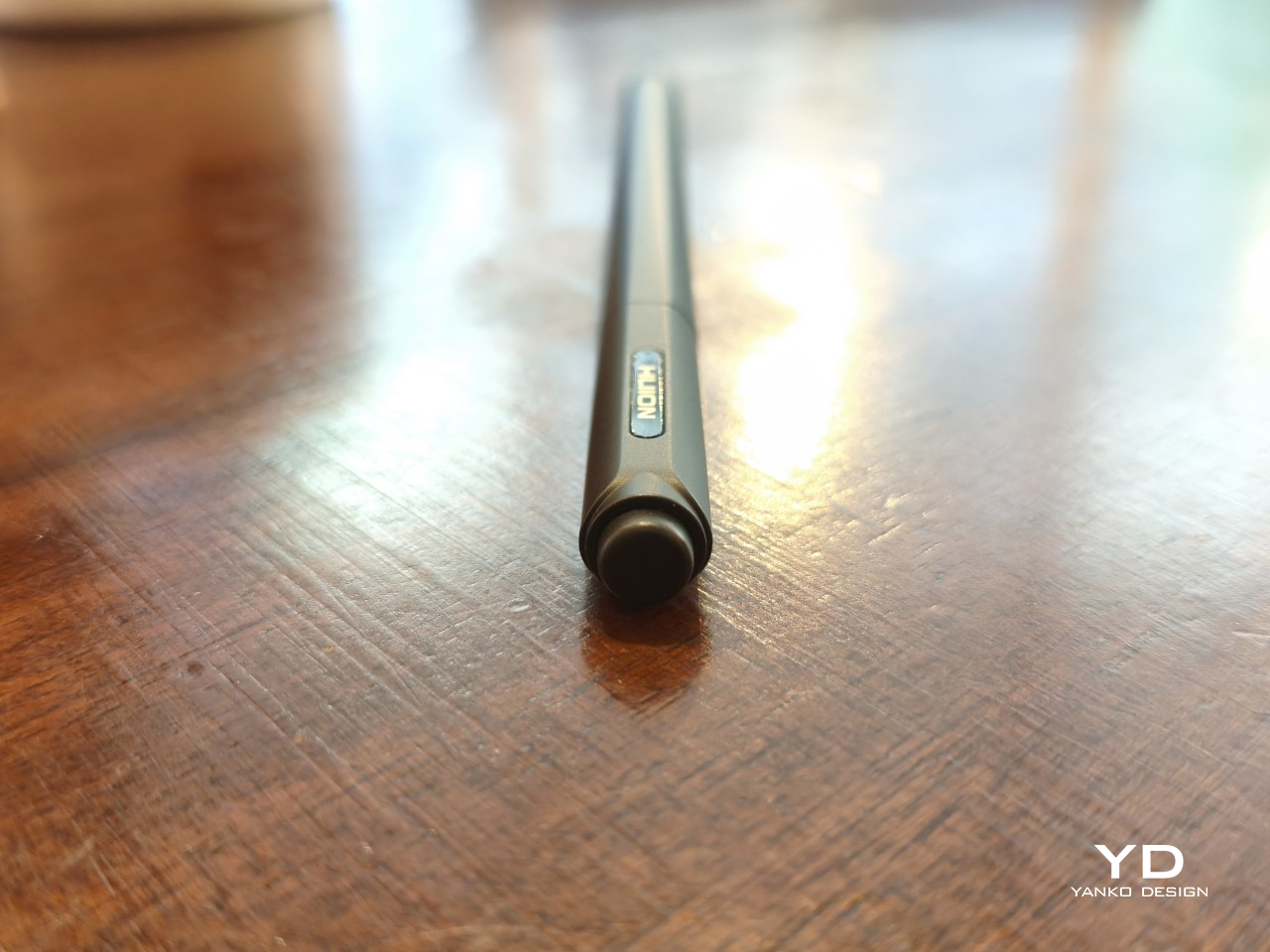
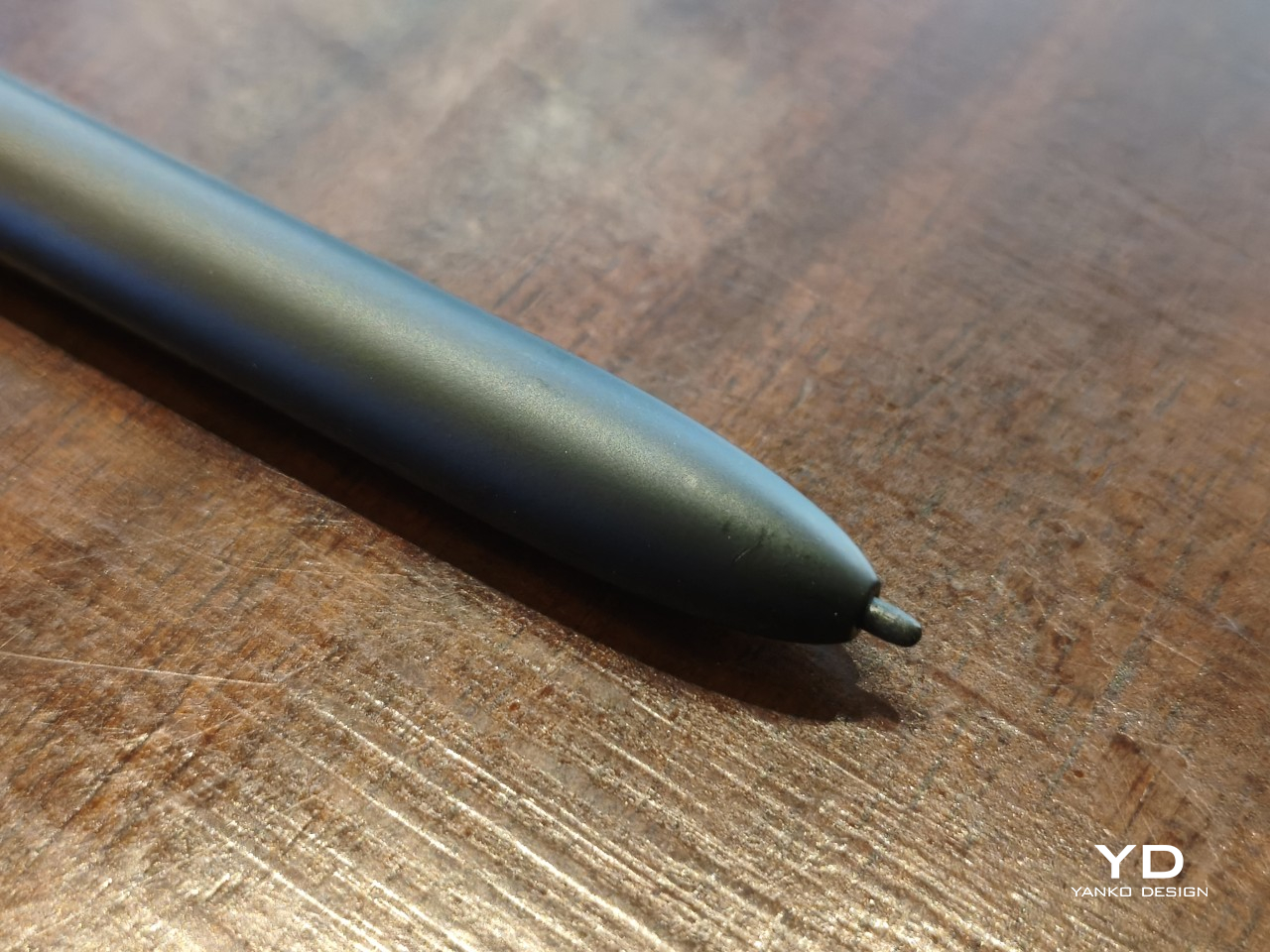
The Huion PW510 stylus that comes in the box utilizes the brand’s PenTech 3.0 technology, promising 8,192 levels of pressure as well as tilt sensitivity. It definitely works as advertised with no latency in any app, reproducing that joyful feeling of seeing “ink” flow smoothly from the tip of the pen as it glides across paper. Sadly, the design of the 1.6mm felt nib makes it harder to take full advantage of tilt, but it’s definitely there.
Software
That the Huion Note E is specifically designed for note-taking is perhaps best seen in the mixed bag that is the software experience. It runs on a customized Android experience that more closely resembles an e-reader than a typical Android tablet. Most of the features and settings are still there, just hidden and sometimes even locked down.
There is thankfully not much bloatware installed, save for some “basic” Google apps. Ironically, while the device does support Google Play, you have to take some extra, but thankfully easy, steps to register the device. It’s an unfortunate situation, but not a complete deal-breaker. Once you get past that, almost any app on the Play Store is available to install.
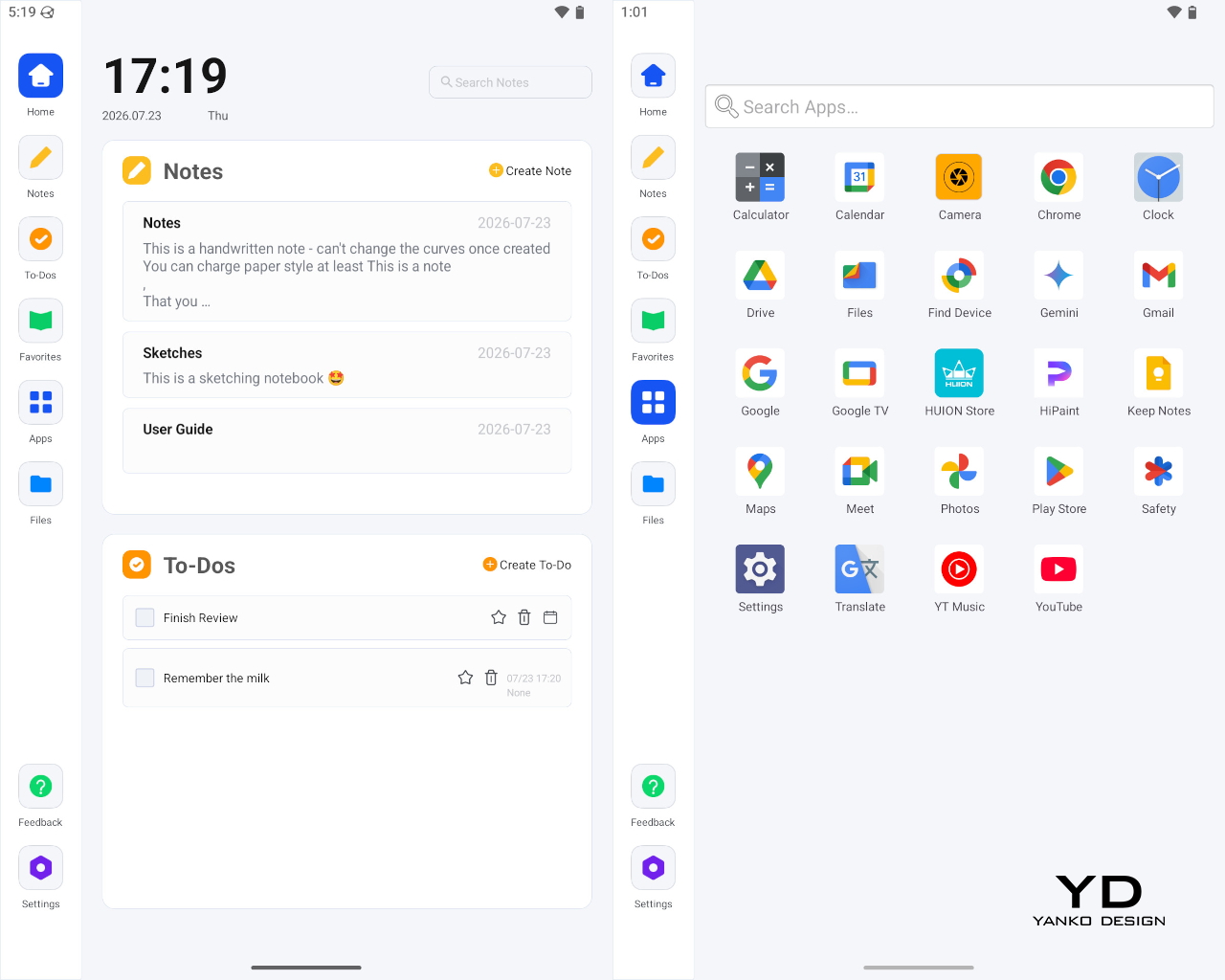
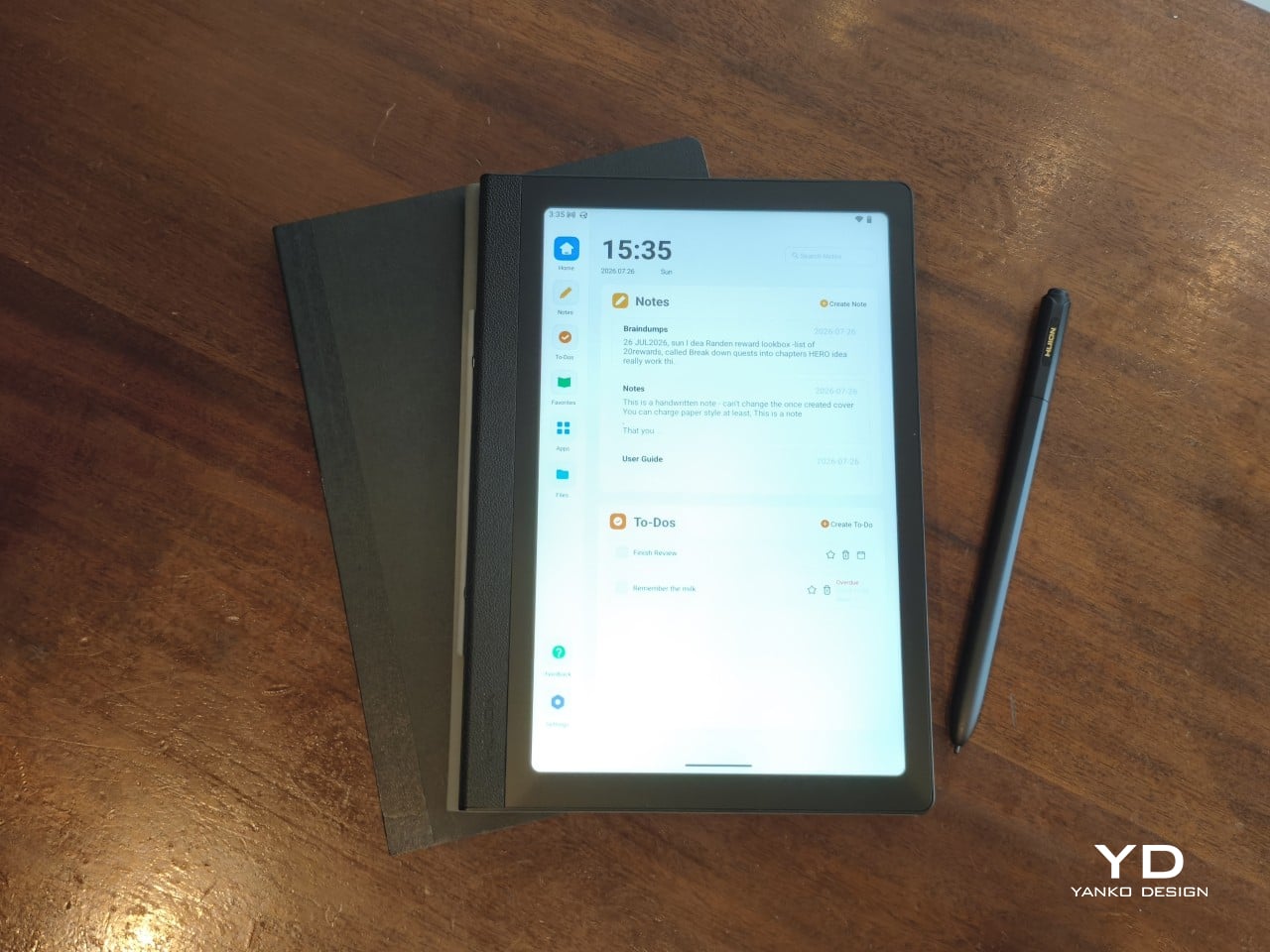
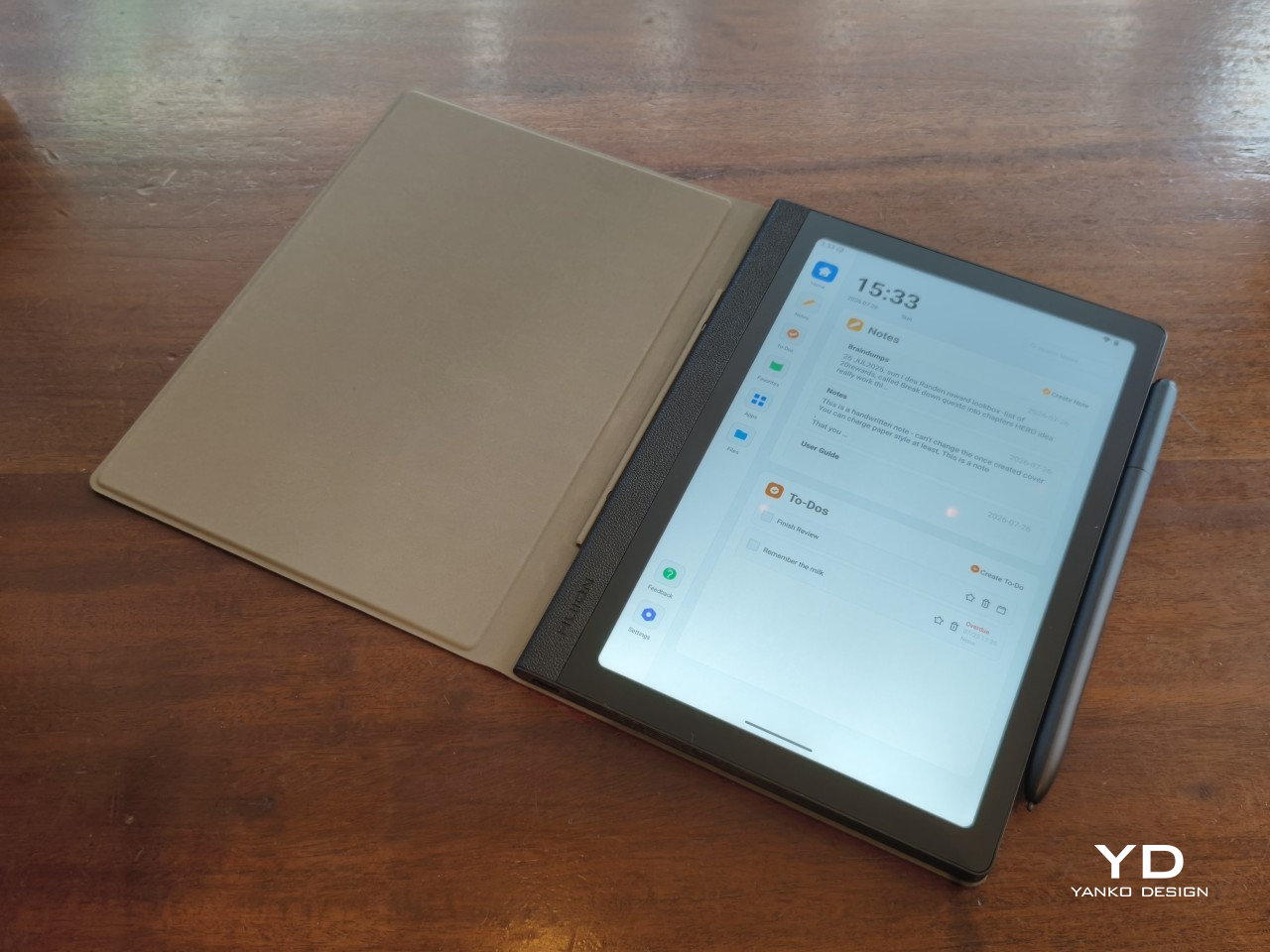
Huion’s built-in software, however, leaves some things to be desired. The launcher, which has “tabs” on the left, is designed to be minimal and distraction-free. It’s also the only way you can get to the Huion Notes and To-do apps, as they are baked into the launcher, following the practice of some Android ereaders. Unfortunately, it’s so minimalist that there’s no option to rearrange apps in the Favorites tab (but you can do that in the All Apps tab), nor is there a dark mode that will avoid blinding your eyes in a dark room.
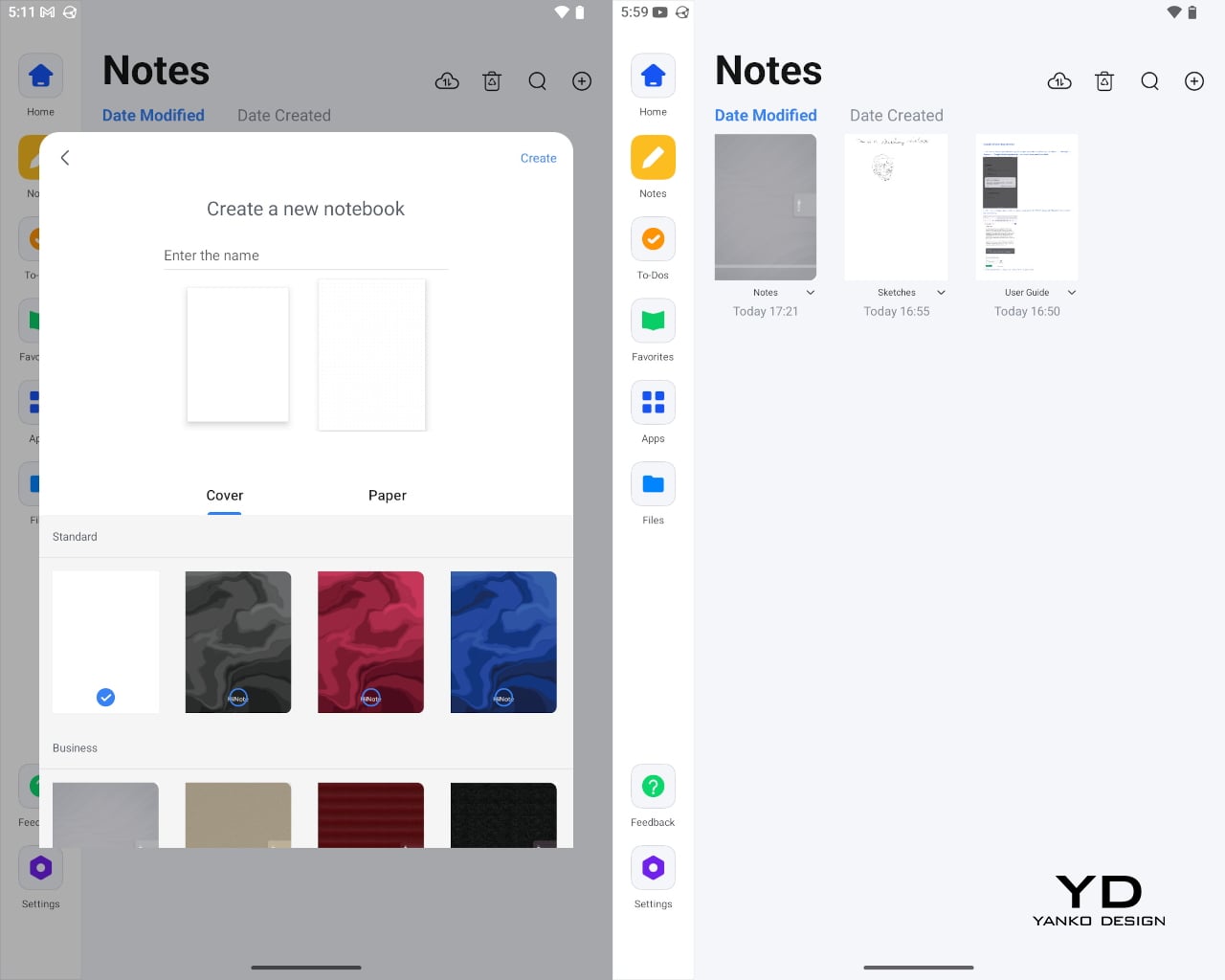
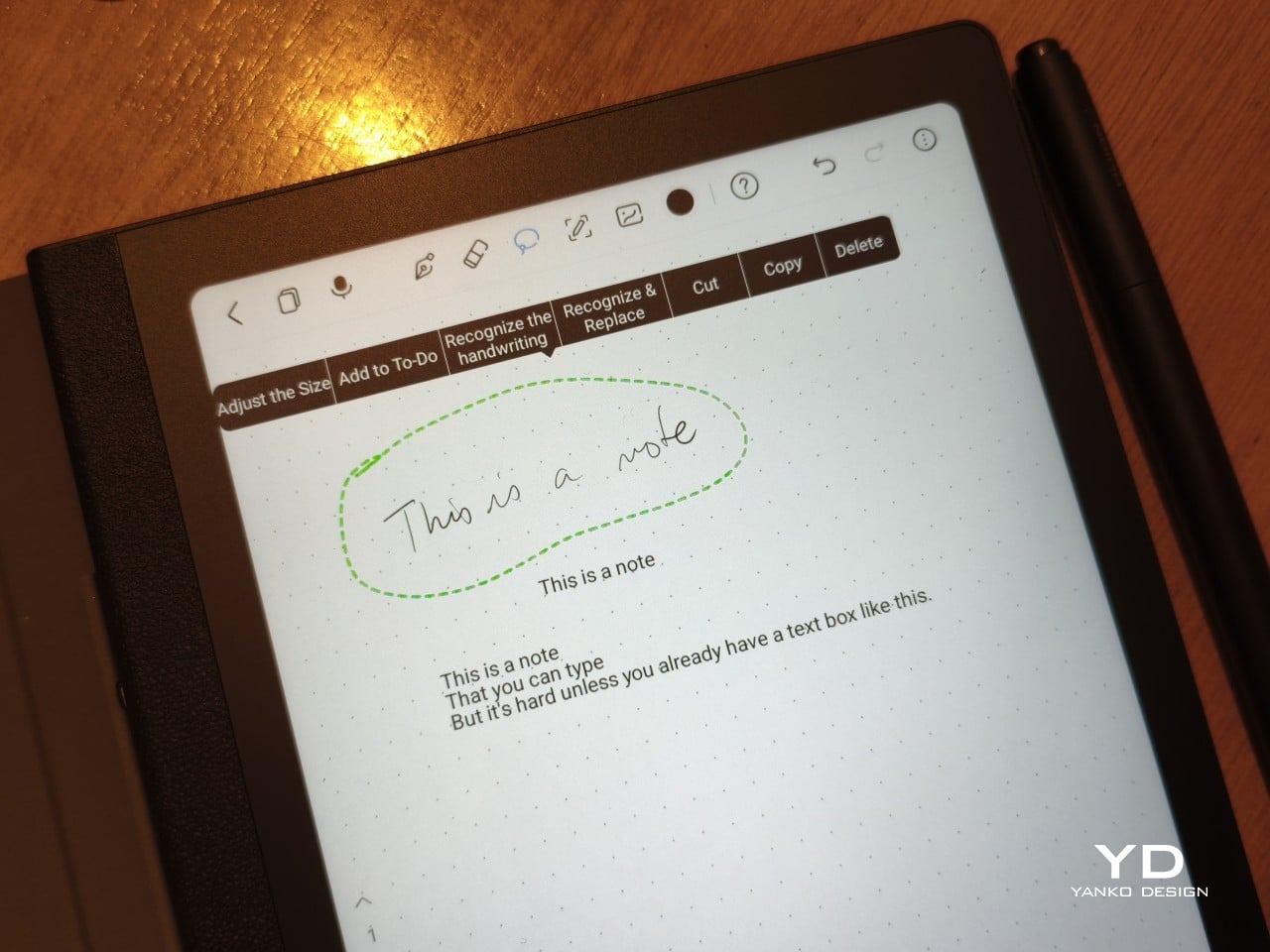
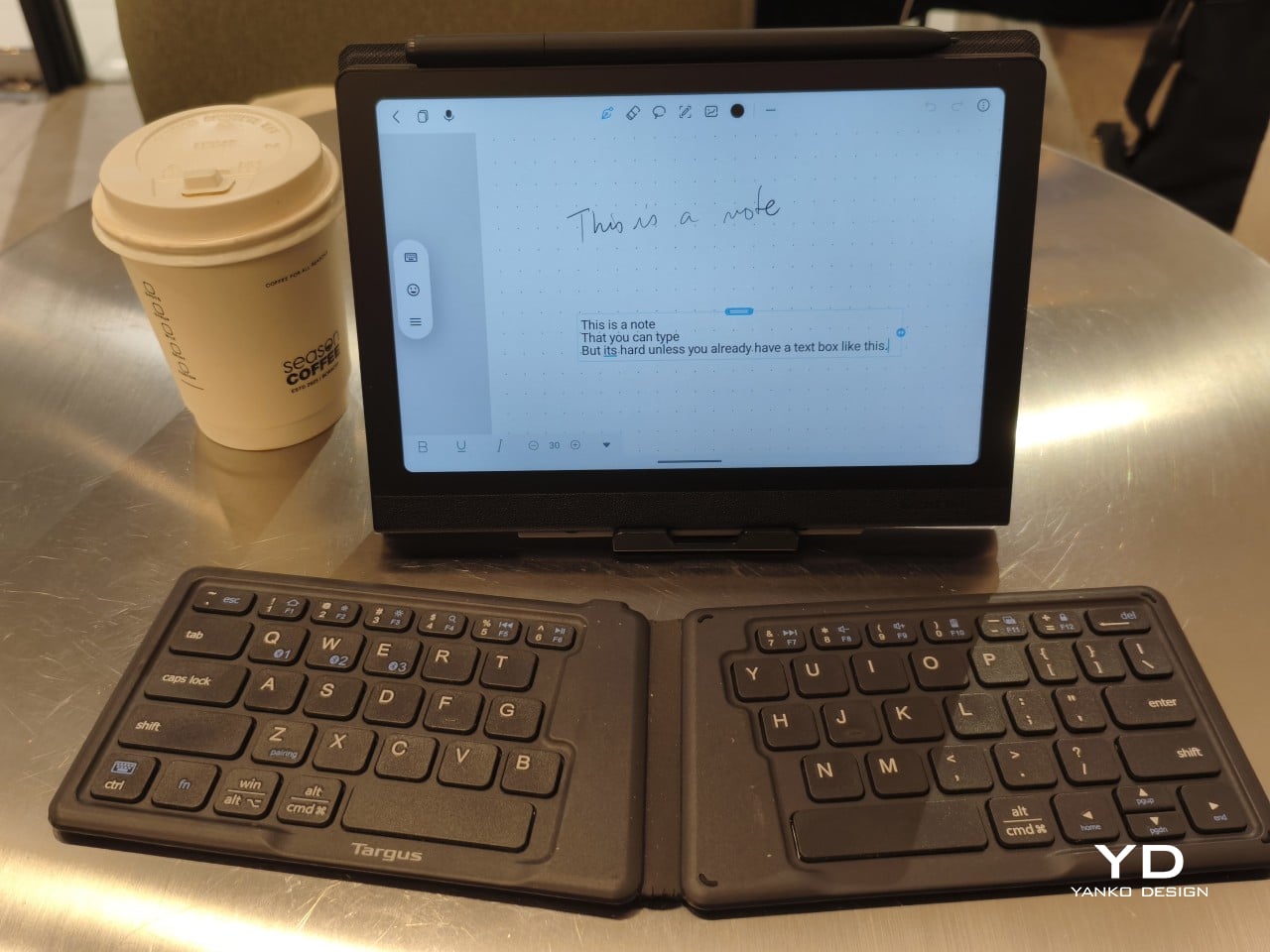
The Huion Notes app is also capable but basic, designed more for quick notes rather than elaborate journals and planners. You have four “pens,” only one of which takes advantage of pressure sensitivity. There’s no way to directly type in text, forcing you to write by hand and then convert to text, but once text is already there, you can edit normally with a keyboard. One key feature is the ability to record audio while writing, for example while taking notes in a lecture, and you can later play the recording back and watch your handwriting appear in sync.
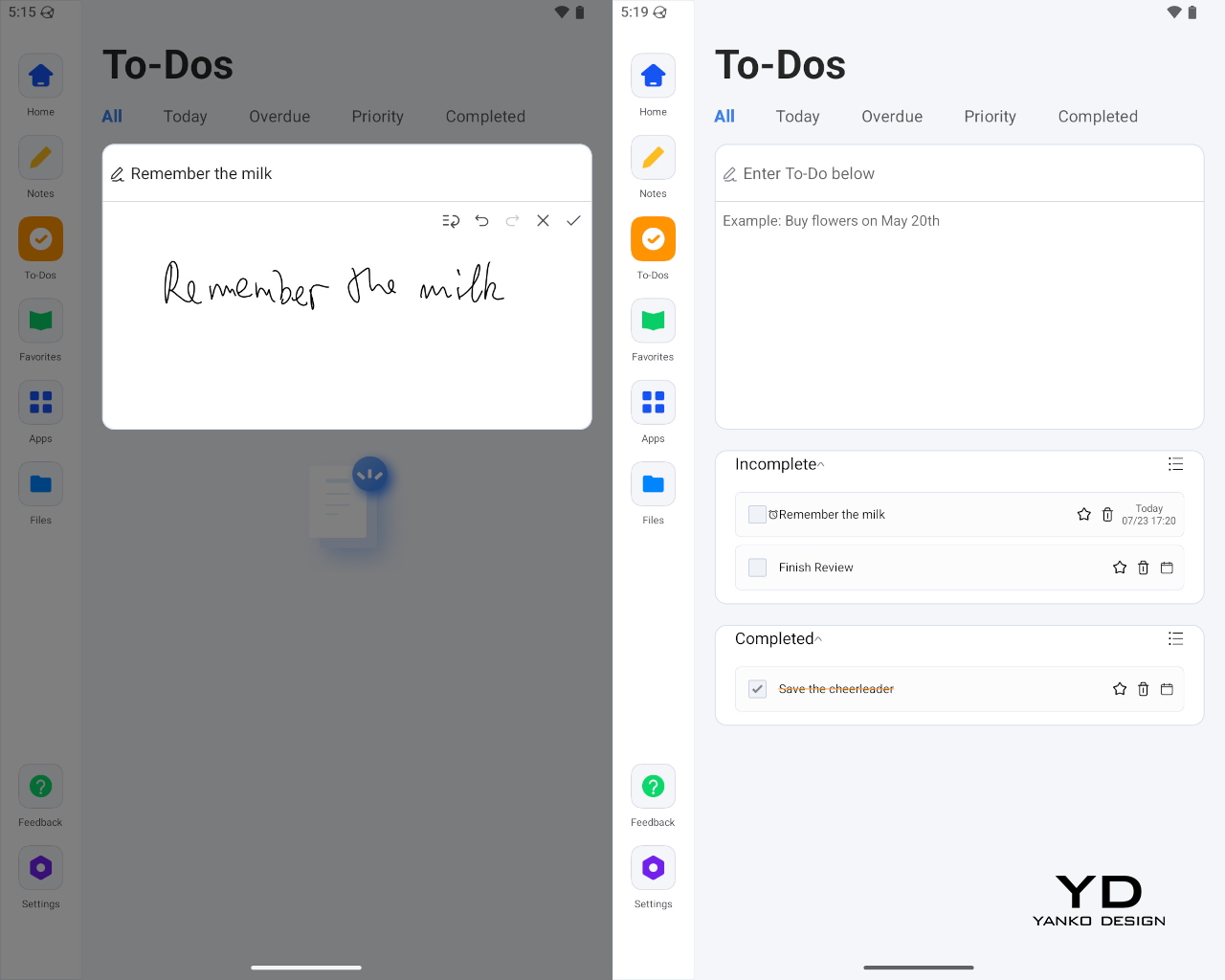
The built-in To-Dos app is even more basic, simply letting you scribble a task, which it converts to text, enter sub-tasks, and assign due dates and times. You can type in text at all, so you’ll really have to do everything with the stylus, which is the entire point in the first place. You don’t type in your paper notebook, after all.
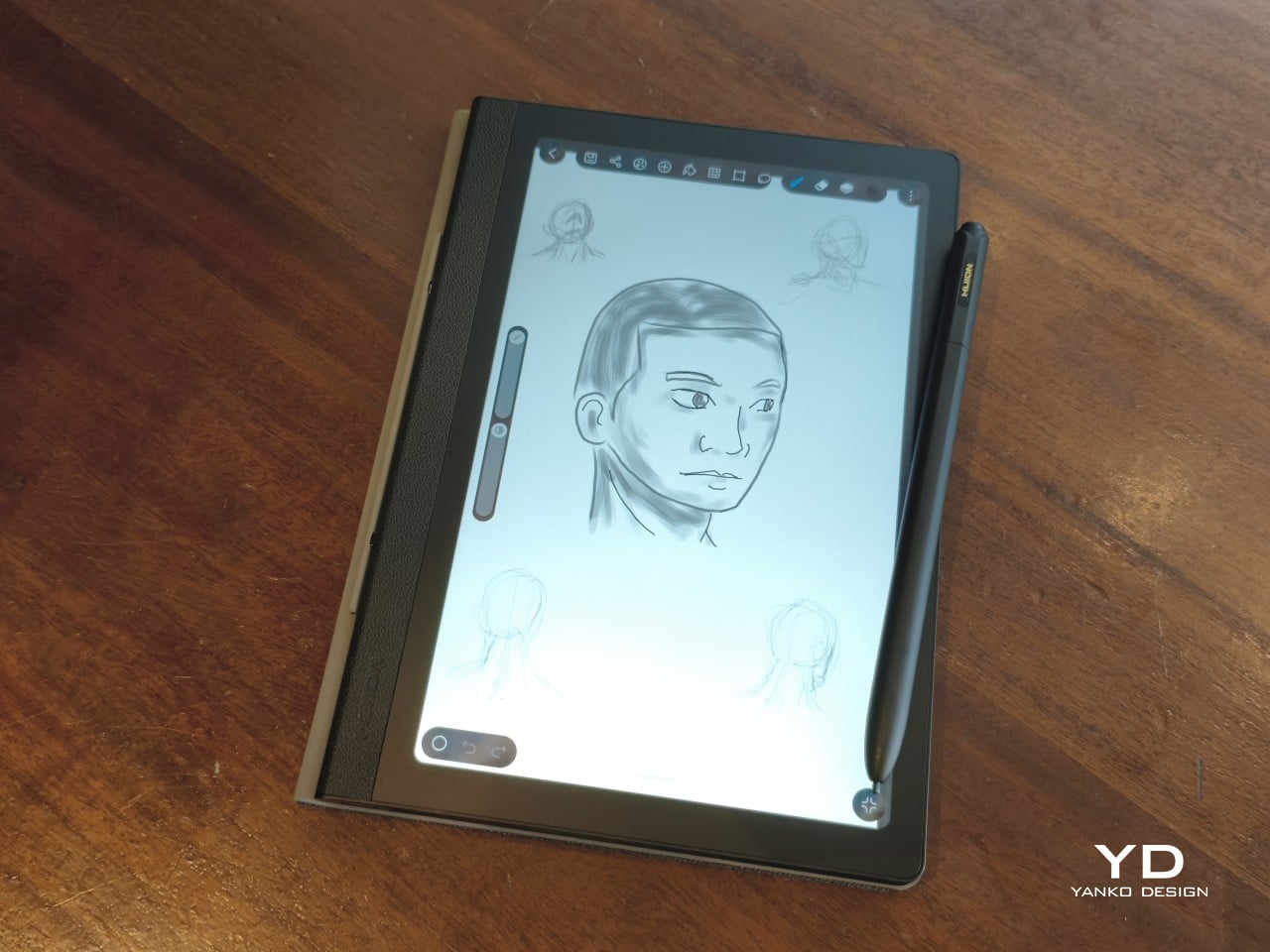
HiPaint, which some consider to be the Android Procreate, is also pre-installed, but you can install any drawing app of your choice. With Huion’s display and pen tech, turning the Note E into a portable digital sketchbook is like second nature. Of course, you can also read books, comics, and, if you really want, scroll through social media, though the reading experience might be subpar compared to a color E Ink device.
Sustainability
The Huion Note E doesn’t exactly score well in this criterion. The device is mostly plastic, with no mention of recycled parts. The packaging is compact and minimal, but there’s still quite a bit of plastic there as well. The device itself is only rated for IP40, which practically means no protection even against accidental splashes. It does run Android 15, which was last year’s release, but there is no clear upgrade path moving forward.
The Note E’s sustainability advantage is in what it saves in the long run, even if indirectly. It is trying to create a culture of swapping out paper notebooks for electronic ones, at least for the more disposable use cases. The battery-free stylus is not only, well, battery-free but also saves up on energy you would have used to charge the pen. Small wins, definitely, and hopefully Huion would move toward stronger sustainable practices and materials soon.
Value
At $369, the Huion Note E is hardly what you’d consider a budget tablet. It does include an excellent stylus and a somewhat ambiguous cover, but if you’re looking for hardware chops, you’d best look elsewhere. A mono speaker and a single 8MP camera are not what you’d consider modern features. It is definitely not the only Android tablet with a stylus, either.
What Huion brings to the table isn’t just another Android device, but one that is clearly designed, both in hardware and software, for a specific, focused purpose. That it looks like an A5 notebook isn’t an accident, and, incomplete as it may be, the streamlined software experience is quite intentional. The Note E aims to be your one electronic notebook to replace your other paper notebooks, and it definitely gets the job done, with plenty of room for growth.
Verdict
There is no shortage of Android tablets that support pen input, from the large and expensive “Pro” slates to E Ink readers. At first glance, the Huion Note E looks like yet another entry in that market, but just turn it to the side, and you will immediately see that it’s a different beast entirely. It’s an electronic notebook first and foremost. Everything else is just side effects.
What really sets the Huion Note E apart is the carefully selected mix of features and limitations that make it look less like a mass-market device and more like a considered object. It looks like the object it’s meant to replace, and the limitations it has in place streamline rather than restrict the experience. Sure, there are a few quirks, most of which can be fixed with software updates, but, in the end, the Huion Note E still manages to deliver its promise: an enjoyable writing experience on a notebook that never runs out of pages.