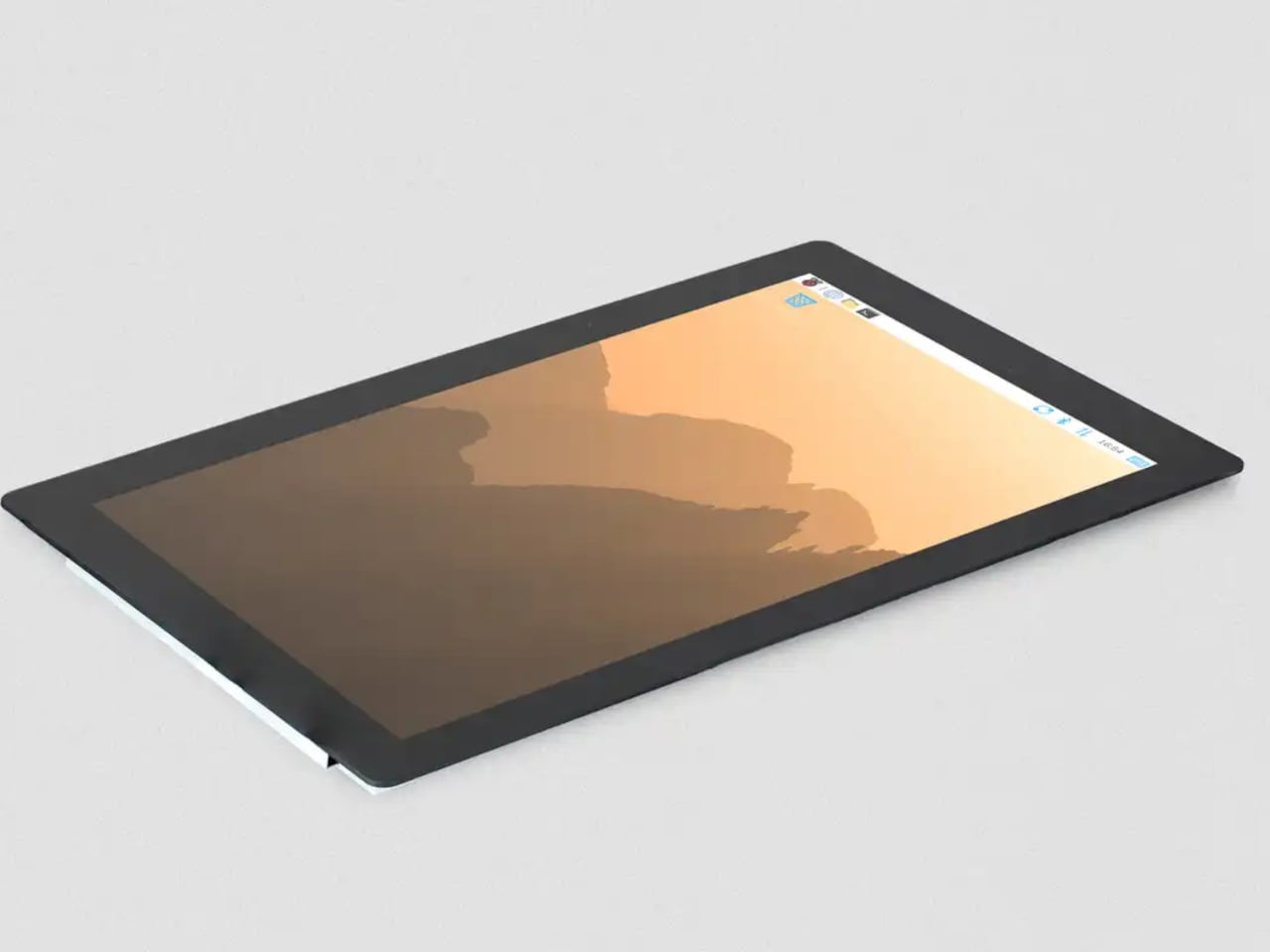

The Raspberry Pi has spent over a decade proving that small, affordable computers can do serious things. What has sometimes held those builds back isn’t the processor or the memory; it’s the display. The original 7-inch touch screen, launched alongside the Pi back in 2015, became a reliable staple of maker projects everywhere, but its modest resolution and size kept more ambitious builds looking a little rough around the edges. That gap just got a lot smaller.
Raspberry Pi has released a 10-inch variant of its Touch Display 2, completing a family that now spans 5-inch, 7-inch, and 10-inch options. At $80, it’s the largest and most capable screen the company has offered as an official first-party accessory, and it arrives with a meaningful set of upgrades beyond simply being bigger. The resolution jumps to 1200×1920 pixels from the 720×1280 available on the smaller models, and touch support doubles to ten-point capacitive from the five-point that the 5-inch and 7-inch variants offer.
Designer: Raspberry Pi
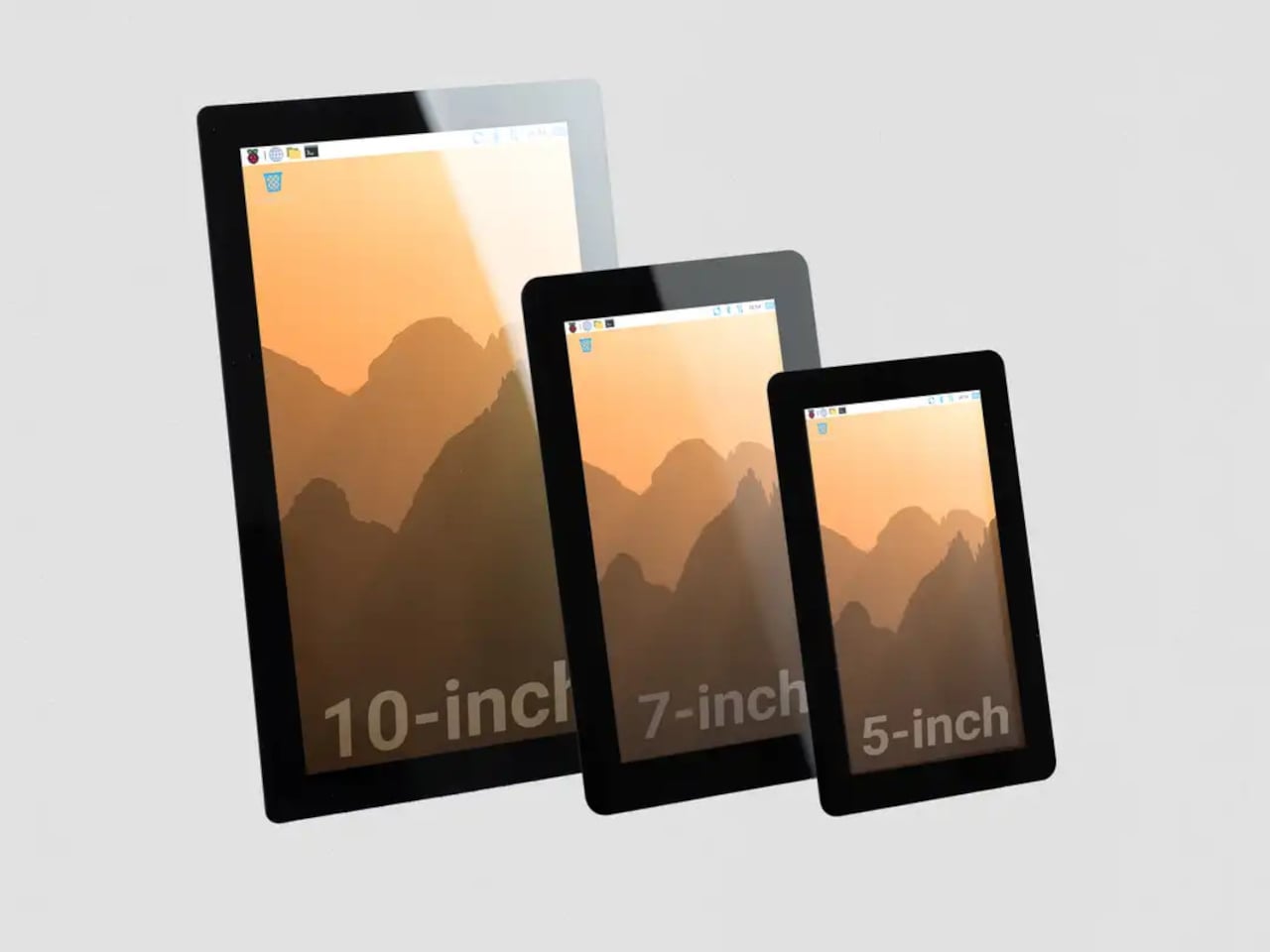
That resolution increase matters more than the raw numbers suggest. On a 10-inch IPS panel with an anti-glare surface and 400 cd/m² brightness, the extra pixel density makes text and UI elements genuinely crisp rather than just adequate. Anyone who’s tried building a home automation dashboard or a workshop control panel with a 7-inch screen knows how quickly the interface can feel cramped. Ten inches gives those layouts room to breathe.
The physical setup follows the same principle the Touch Display 2 family has always used. The display mounts to the rear of a Raspberry Pi 5 using four M2.5 screws, and it draws power directly from the board’s GPIO, so there’s no need for a separate power supply. Raspberry Pi OS detects the screen automatically with full driver support, including the on-screen keyboard. No manual configuration, no hunting for drivers.
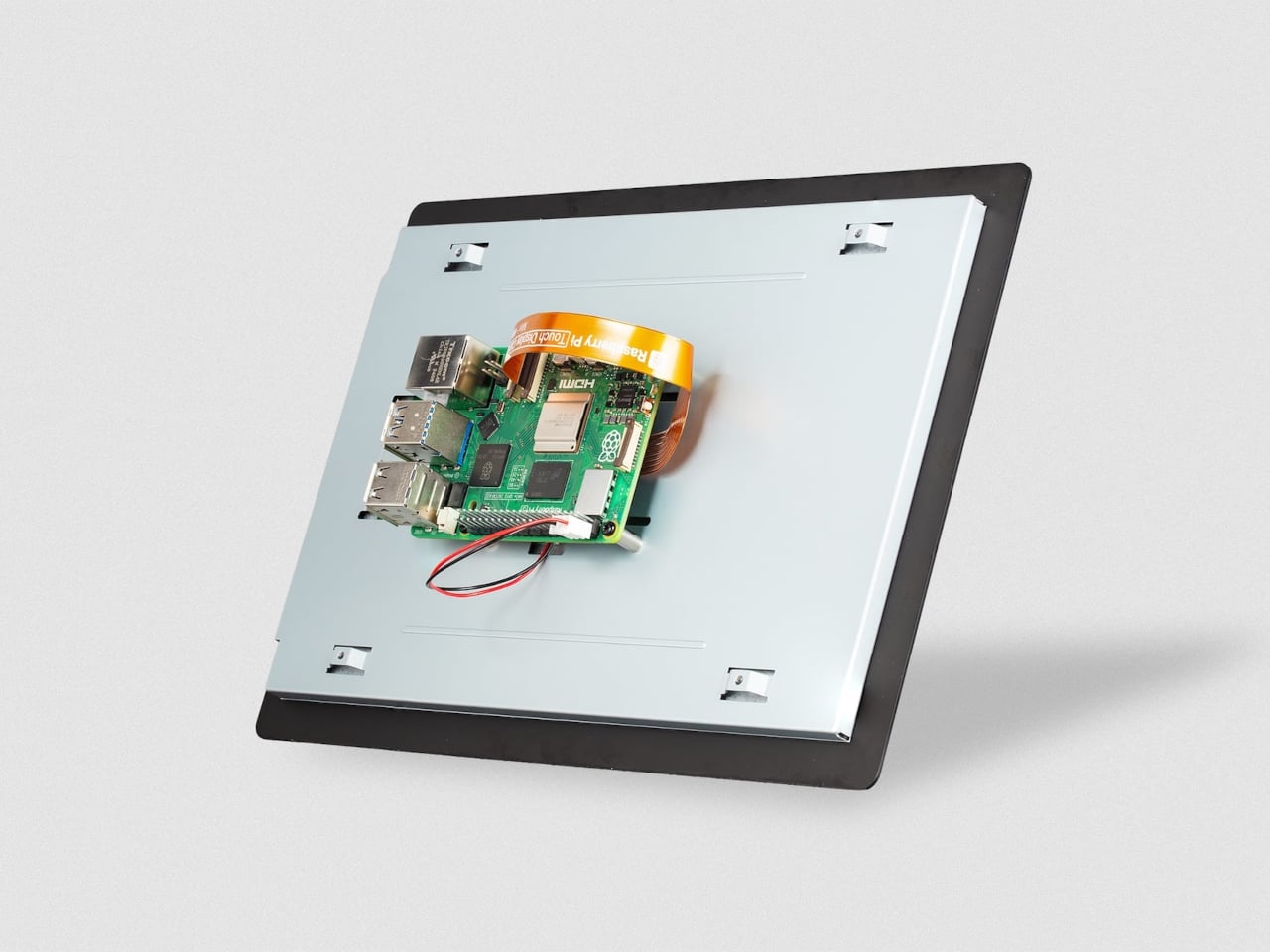
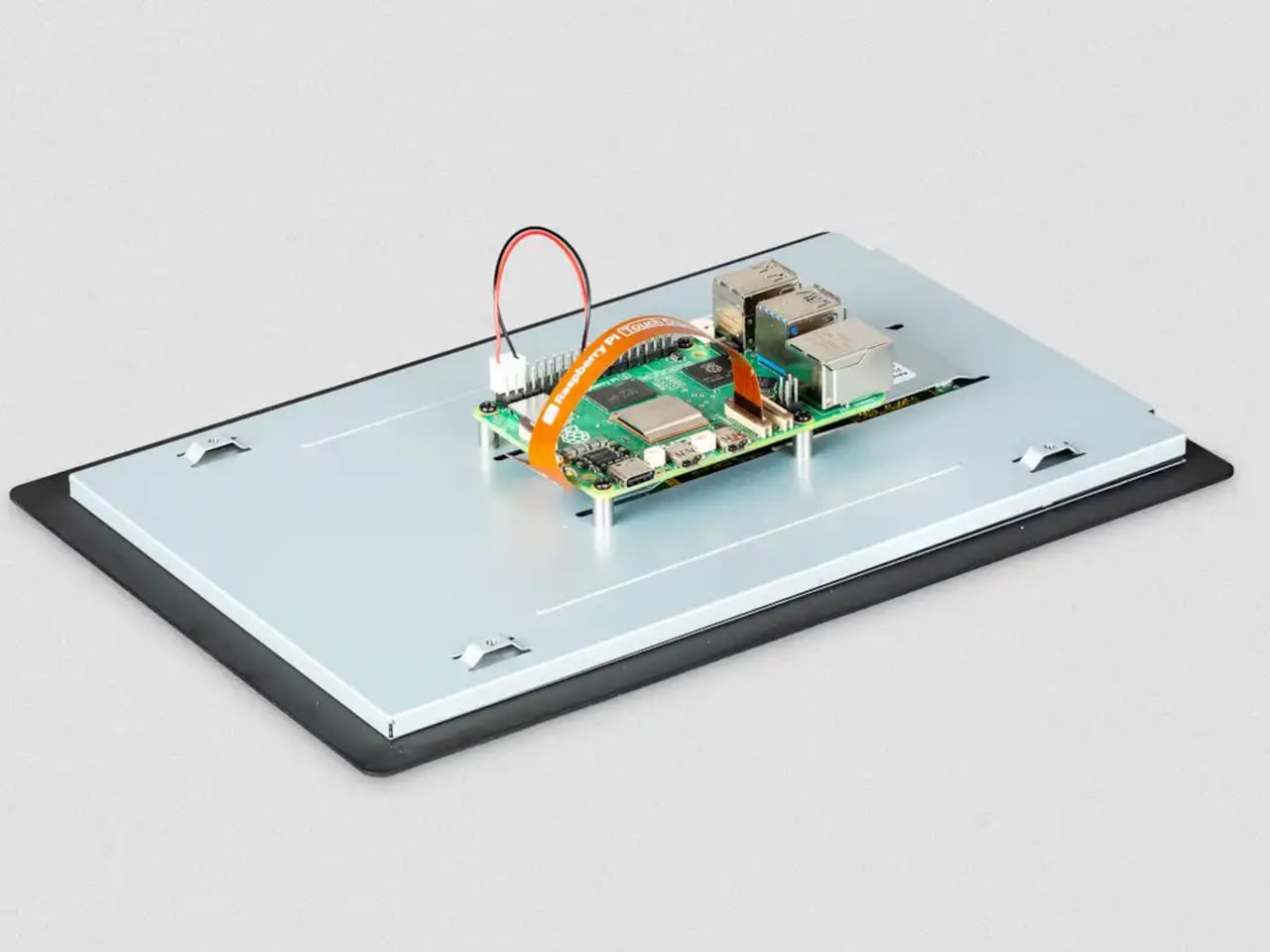
The 10-inch model does require a Raspberry Pi 5 or a Compute Module paired with a compatible carrier board. The panel uses four DSI lanes to maintain a stable 60Hz refresh rate, and earlier standard Pi models only support two, so they can’t run this display. For the builders already working with a Pi 5, that’s a natural fit. For those still on older hardware, the 7-inch and 5-inch options remain in production.
A display this size changes what a Pi-based project can realistically look like in a finished state. A kiosk that actually feels like a kiosk. A digital signage panel that doesn’t look like a proof-of-concept. A robotics control interface with enough screen real estate to show sensor data without squinting. Even a portable gaming system that approaches the comfort of a commercial handheld.
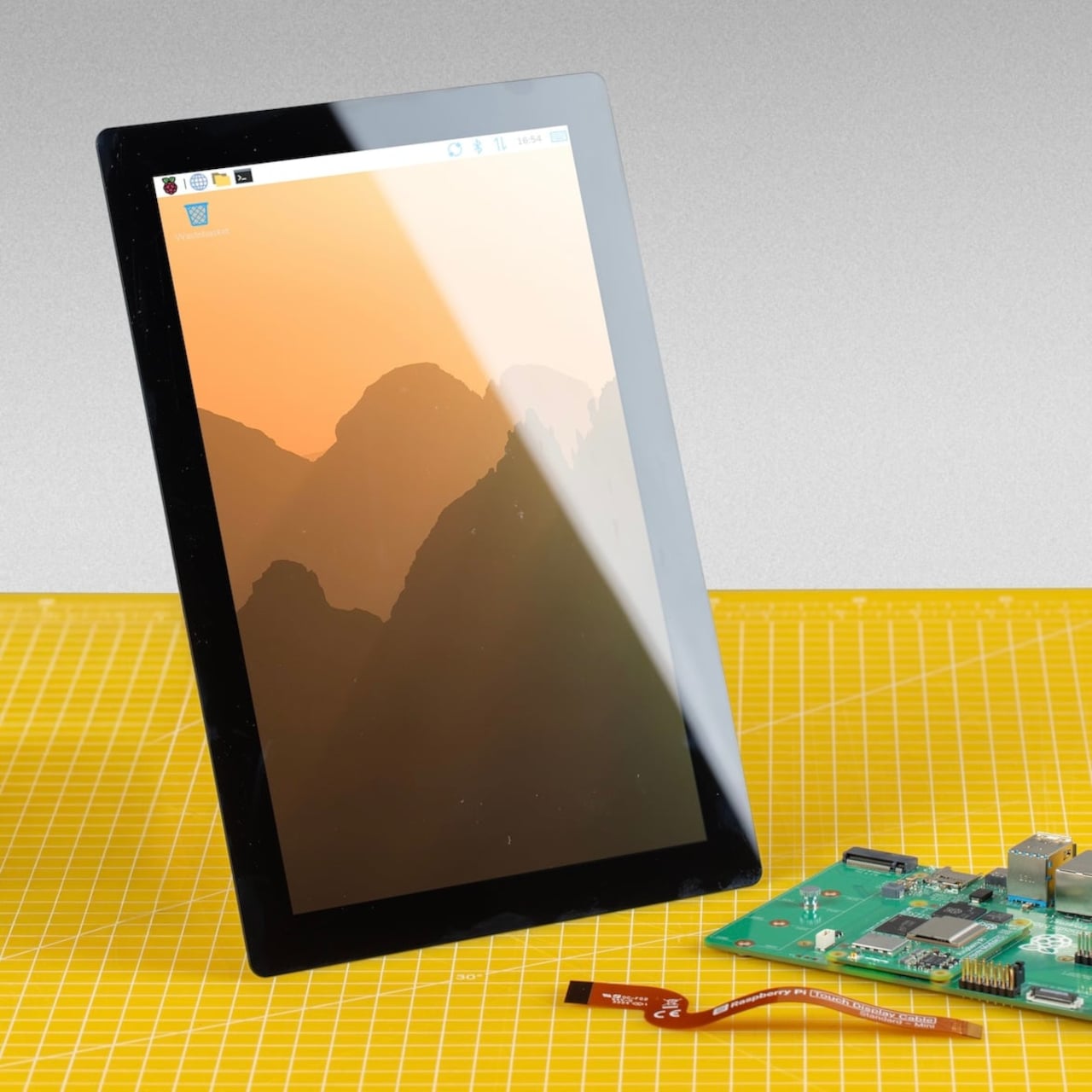

The IPS panel supports an 85-degree viewing angle and operates across a temperature range of −20°C to +70°C, which makes it a reasonable fit for environments that aren’t strictly climate-controlled. Both portrait and landscape orientations are supported in software, giving builders flexibility in how they mount the display relative to the rest of the build.