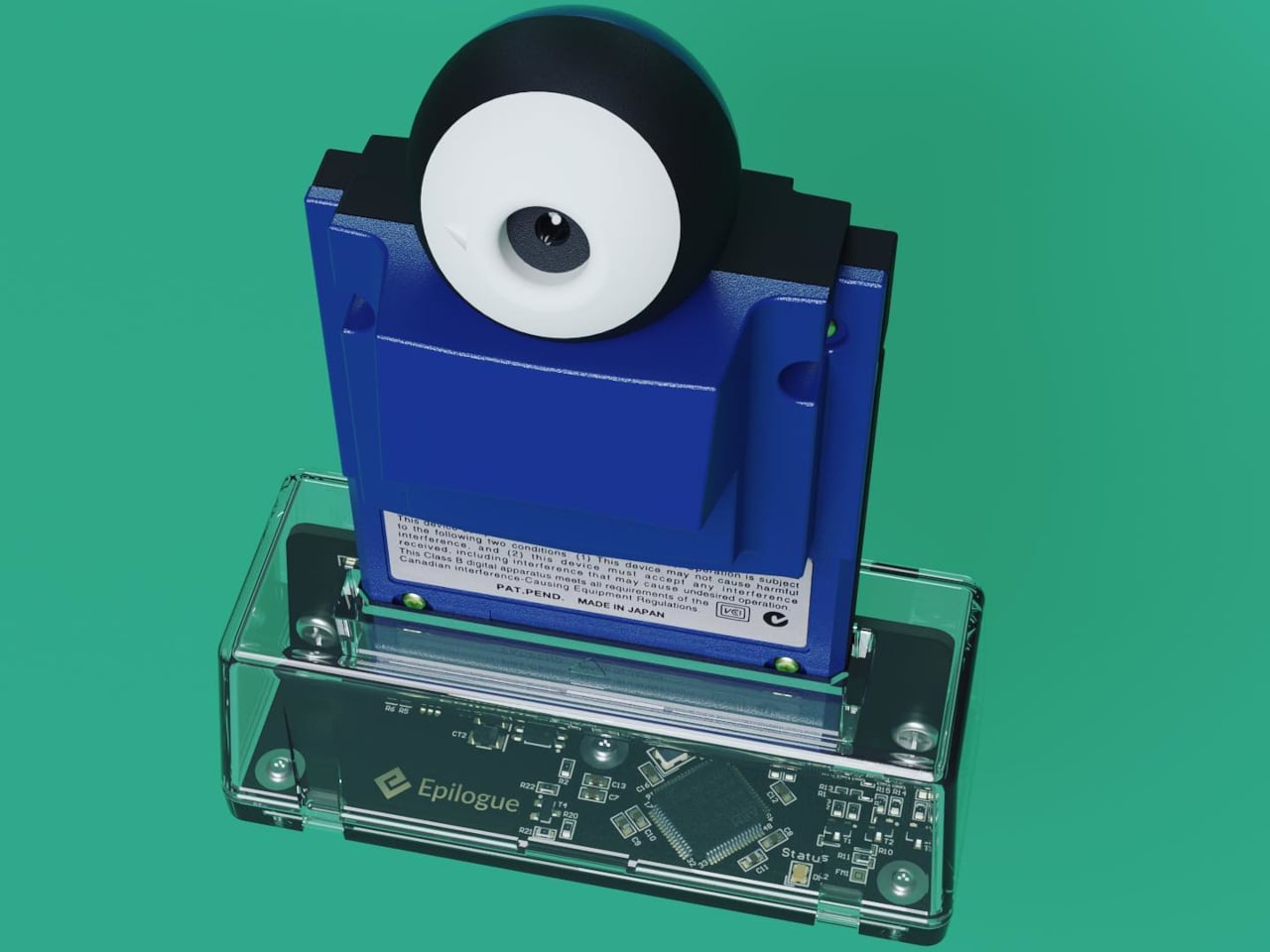
Lo-fi photography has quietly staged a comeback over the past several years. Grainy film shots and pixel-heavy images have become a sought-after look among photographers and casual snappers alike, partly as a reaction to the almost clinical sharpness of modern smartphone cameras. The Game Boy Camera, Nintendo’s cartridge-based accessory from 1998, sits at the center of this revival, beloved for its impossibly low resolution and four-shade grayscale.
Getting that Game Boy Camera experience has typically meant tracking down the original hardware through secondhand markets, often at a premium, with no guarantee the cartridge still works. Epilogue’s Flashback app changes that. It bridges the gap between a Nintendo accessory from the late ’90s and your current smartphone, letting you capture images in that pixelated, lo-fi style with or without the original cartridge, and it doesn’t cost a thing.
Designer: Epilogue
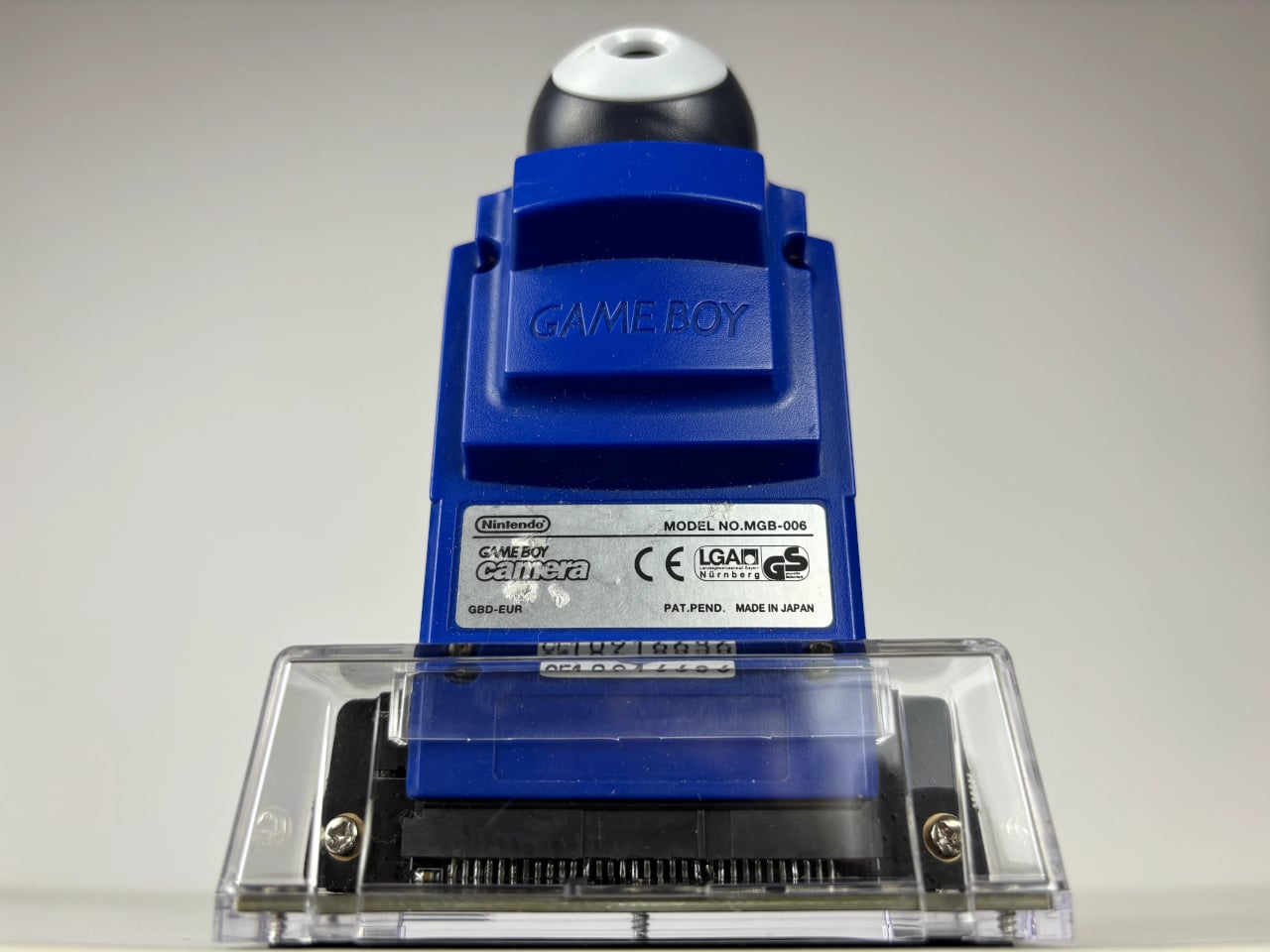
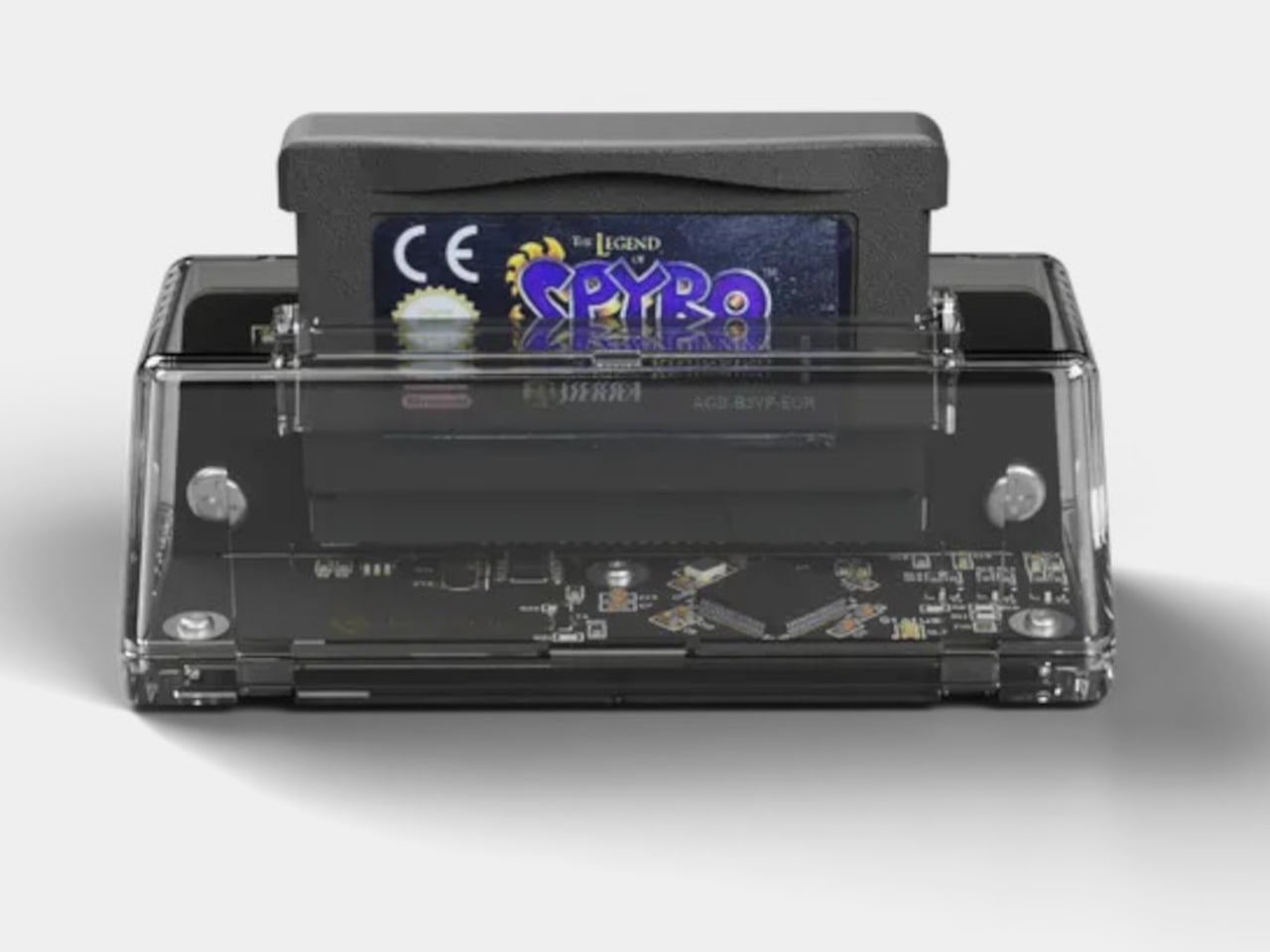
If you do have the original Game Boy Camera tucked away, Flashback has a Hardware Mode that pairs with Epilogue’s GB Operator, a $90 cartridge reader that connects to your phone via USB-C. Slot in the cartridge, plug it into your phone, and the app detects the camera automatically. No pairing is needed, and nothing is emulated: you’re shooting straight through the original Mitsubishi M64282FP sensor.
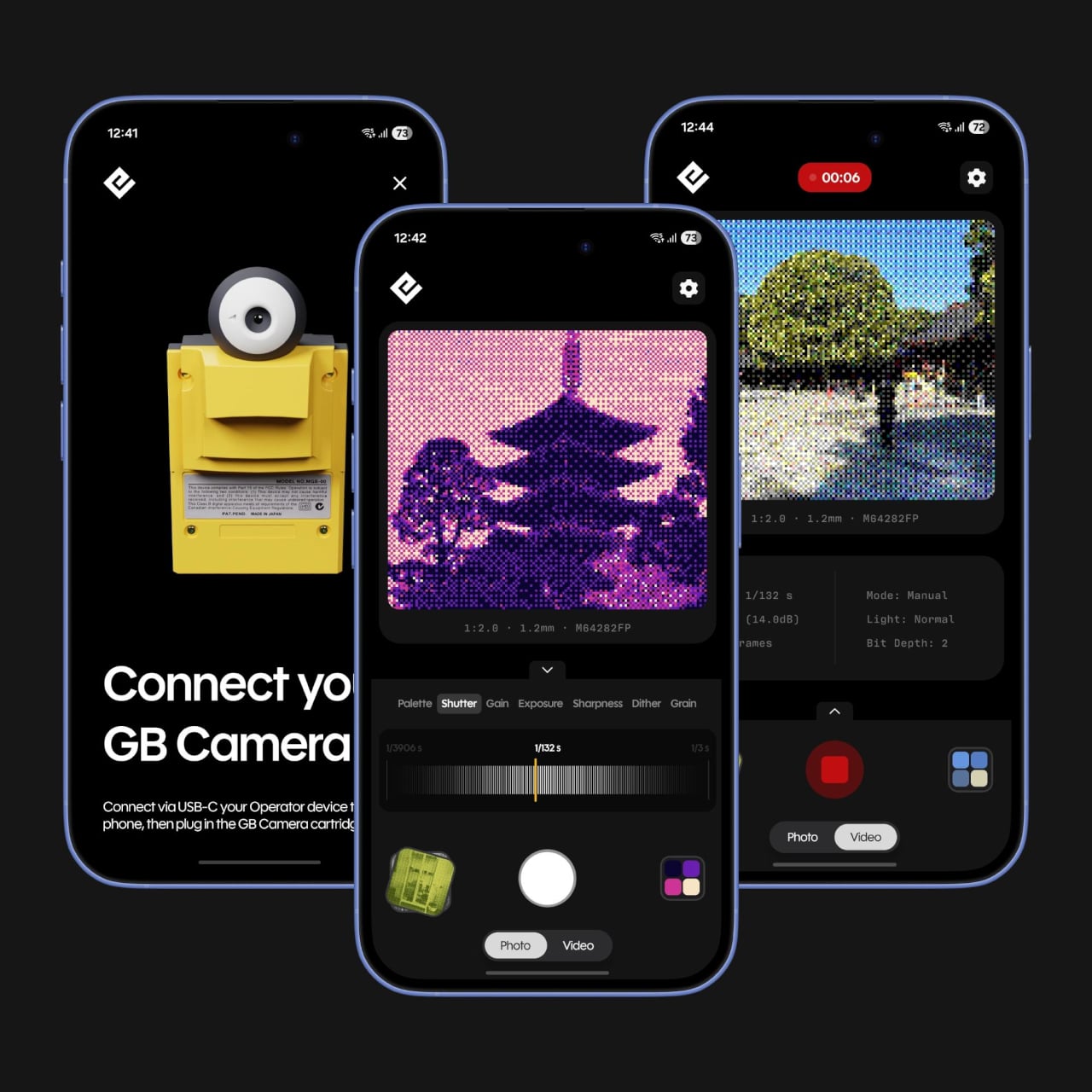
Not everyone held onto their Game Boy Camera from the ’90s, and Flashback accounts for that. Its Software Mode skips the hardware altogether, using your phone’s own camera and faithfully recreating the Game Boy Camera’s image processing pipeline. You get the same 128×112 pixel grid, the same dithering, and the same four-shade rendering, applied to whatever your lens captures. It’s a faithful recreation, not a generic retro filter.
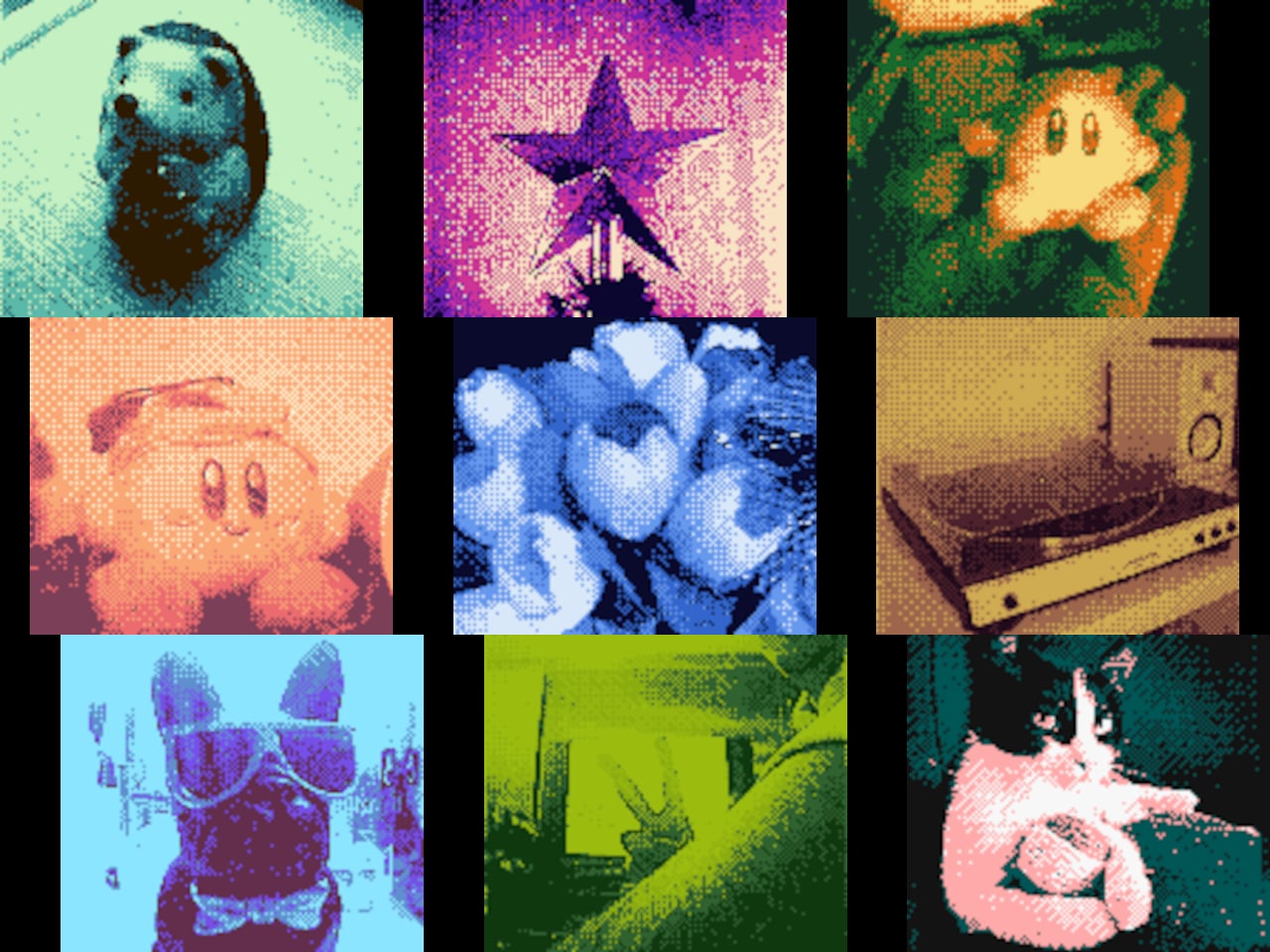
You’re not limited to gray, either. Flashback comes loaded with 32 color palettes, ranging from the original grayscale to classic Game Boy green, plus creative options like Ice Cream, Tidewater, Spacehaze, and Velvet Cherry. In Software Mode, there’s also a Color Mode that dynamically builds a palette from whatever hues are actually in front of your lens, making the filter feel responsive rather than fixed.
For those who want to go further, Flashback opens up manual controls for shutter speed, gain, exposure, sharpness, dither, and grain. These aren’t decorative sliders. They map to the actual registers of the M64282FP sensor itself. Every shot you take gets stamped with its exact settings, so if you land on a combination you like, you’ve already saved the recipe for getting back to it.
Flashback isn’t limited to photos. It records video too, with audio captured through your phone’s microphone, giving the lo-fi aesthetic a moving dimension. Everything goes straight to your Camera Roll when you’re done. The app is free on the App Store and Google Play, available on iOS 17.2 and above, or Android 8.0 and above, and it also runs natively on Mac.
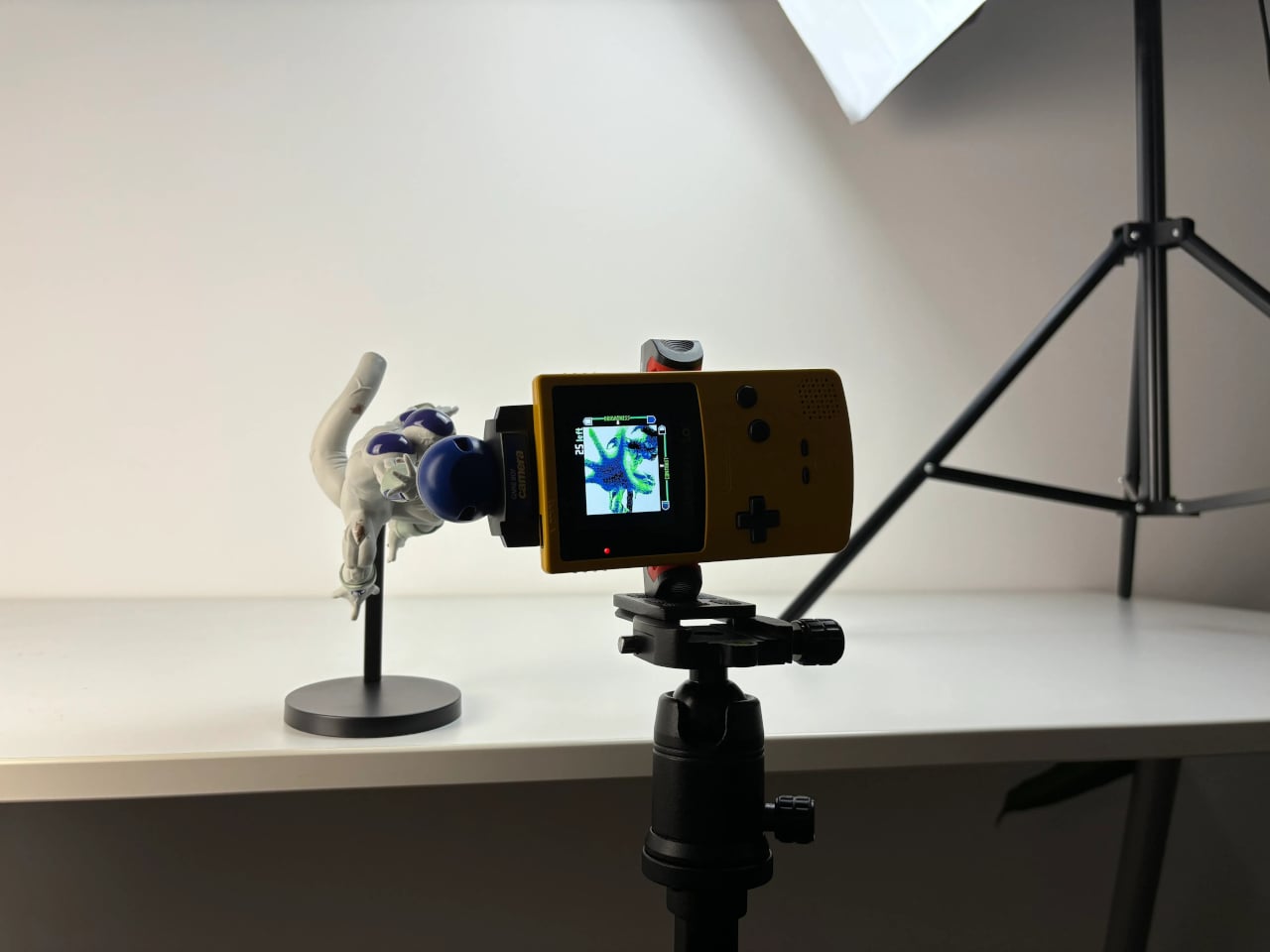
For anyone who grew up with a Game Boy, getting back to that same exact photographic experience today costs only a free app download and, if you still have the cartridge, a USB-C cable. It’s a combination that makes a sensor originally from 1998 feel unexpectedly relevant, and its lo-fi images strangely compelling for something that barely clocks 14 kilopixels.
SHARE