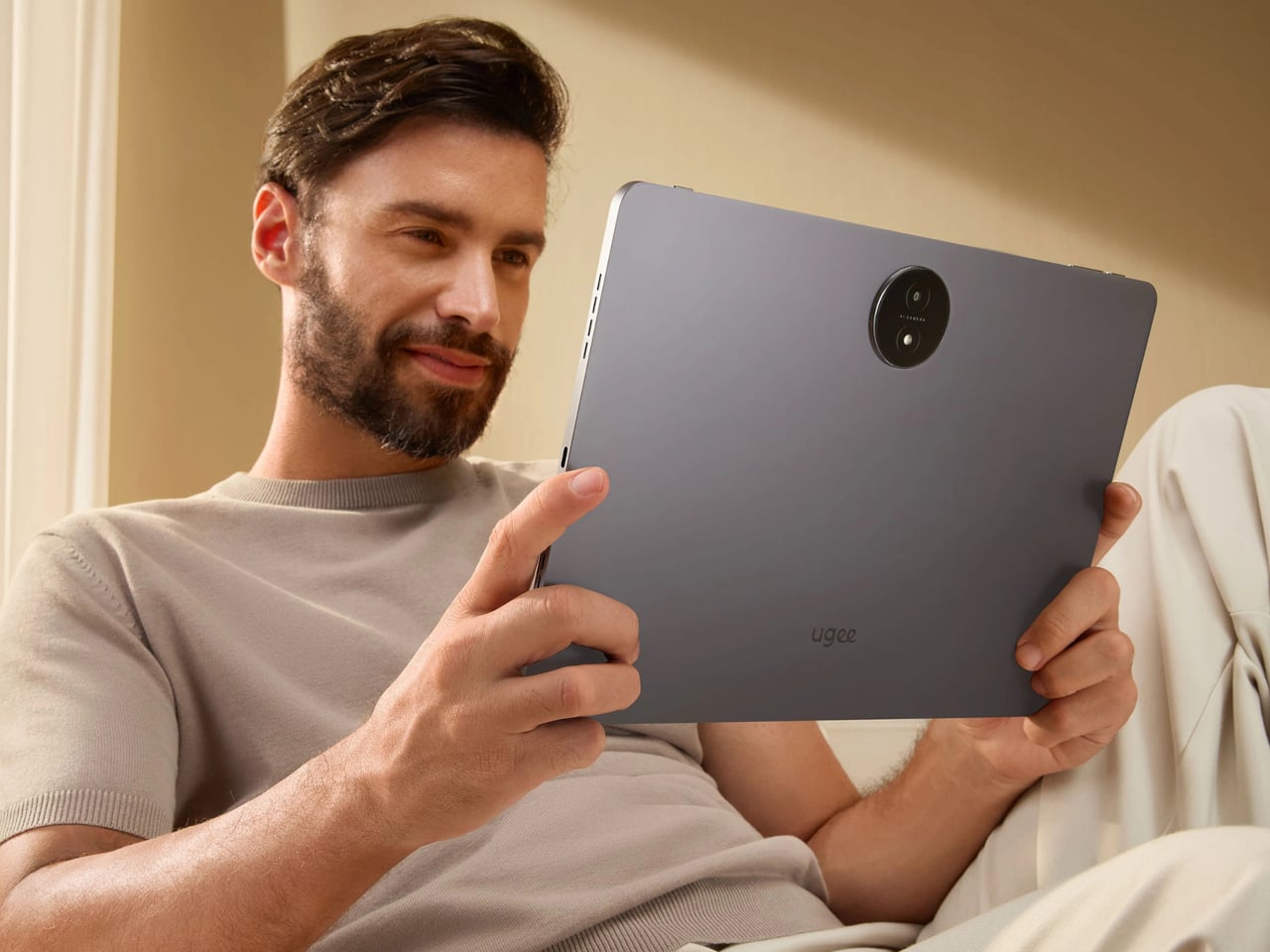
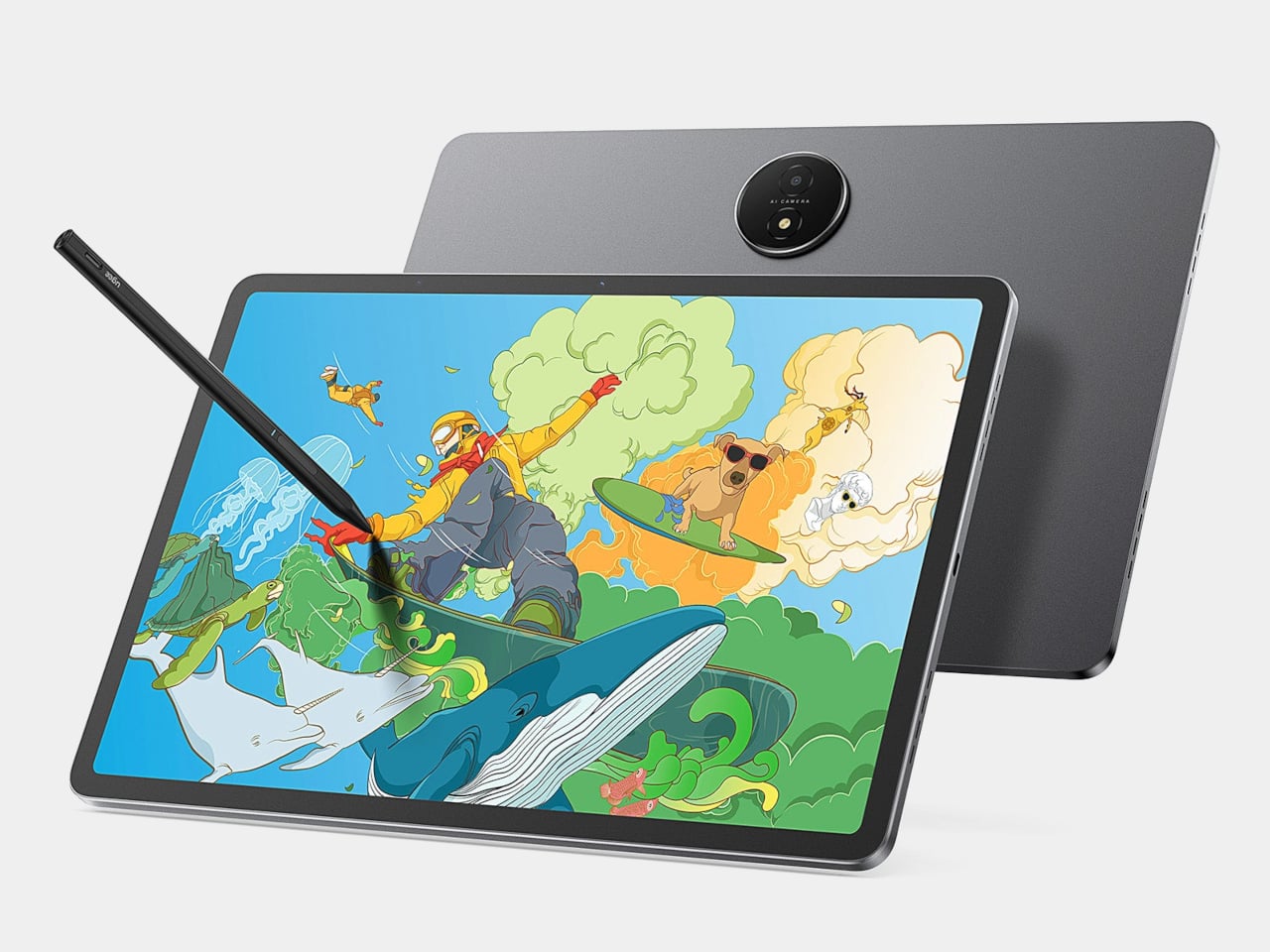
The usual creative setup involves too many screens. A pen display for sketching, an iPad or laptop for apps and browsing, maybe a Kindle for long-form reading without wrecking your eyes. Switching between them breaks flow, and most devices still treat drawing, reading, and general use as separate jobs that require separate hardware. The ugee Trio Pad UT3 tries to collapse those roles into one 14.25-inch slab with three distinct screen personalities.
The UT3 is an Android drawing pad with a 2K resolution, 3:2 aspect ratio display that behaves like a full-color tablet, a paper-like sketch surface, or an Ink Mode reader. It includes a U-Pencil stylus with 4,096-level pressure sensitivity, runs Android 14, and ships with a MediaTek Helio G99 processor and 8 GB of RAM. The interesting part is the dedicated U-Key that flips screen modes in hardware.
Designer: ugee
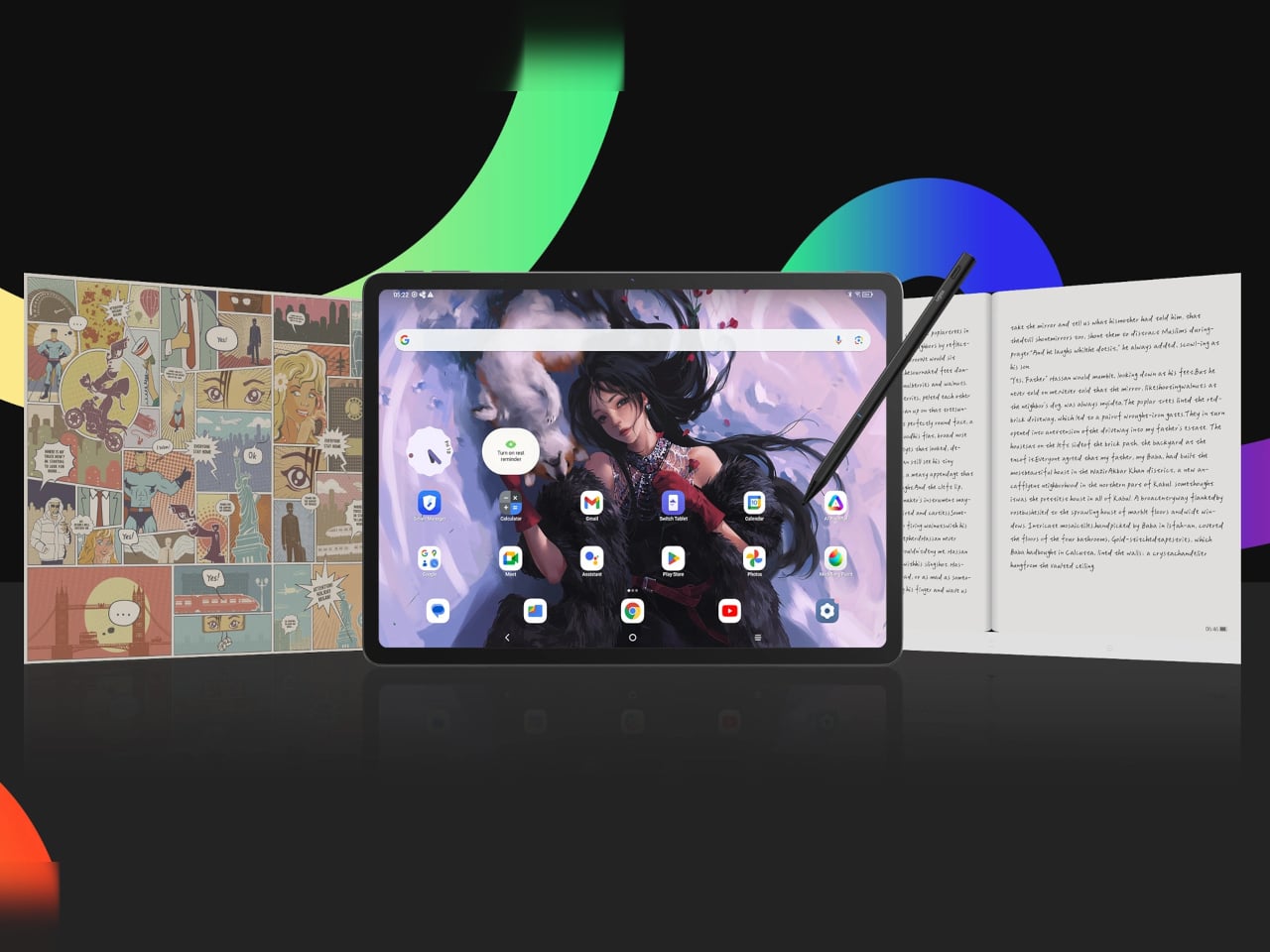
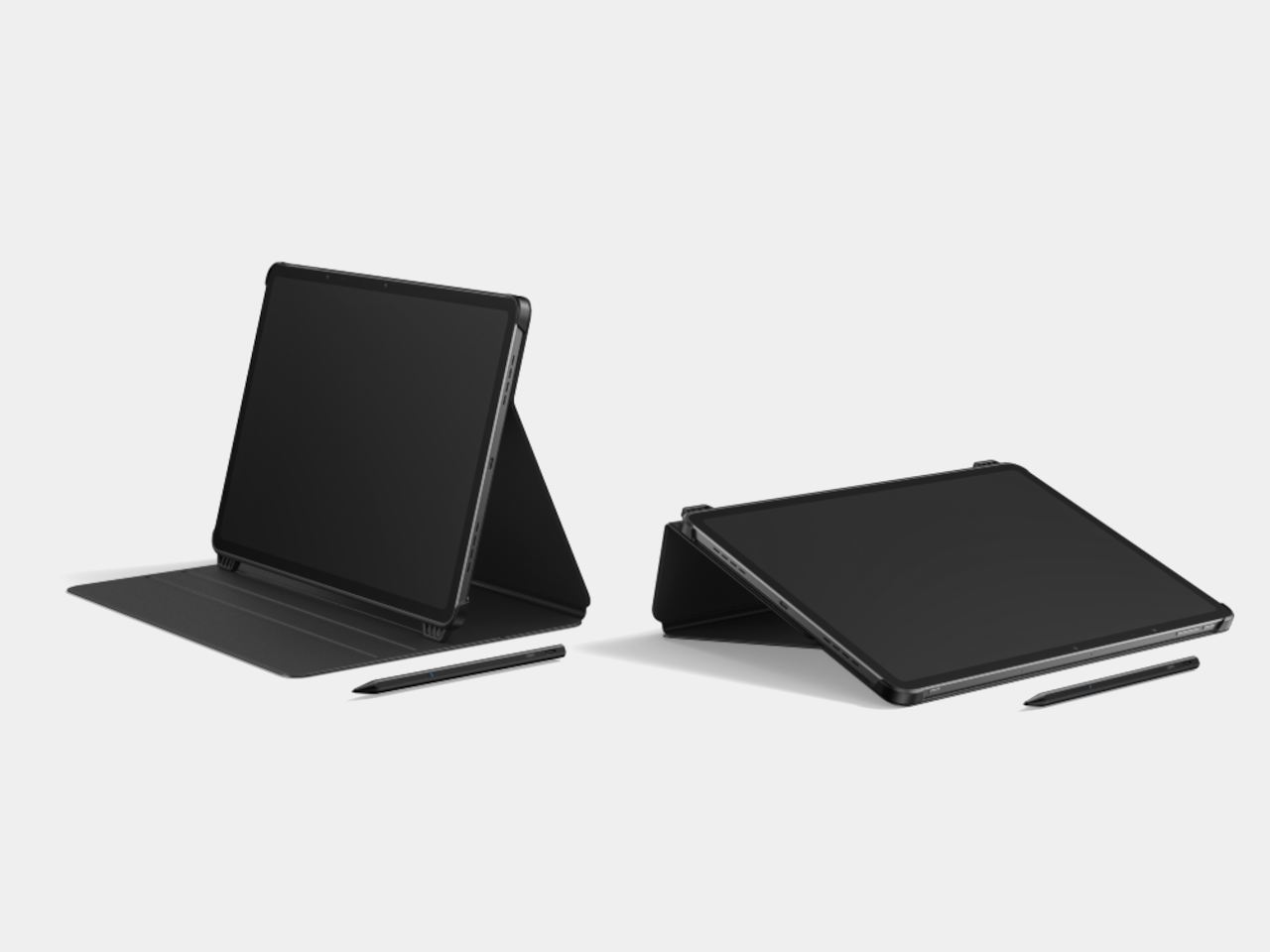
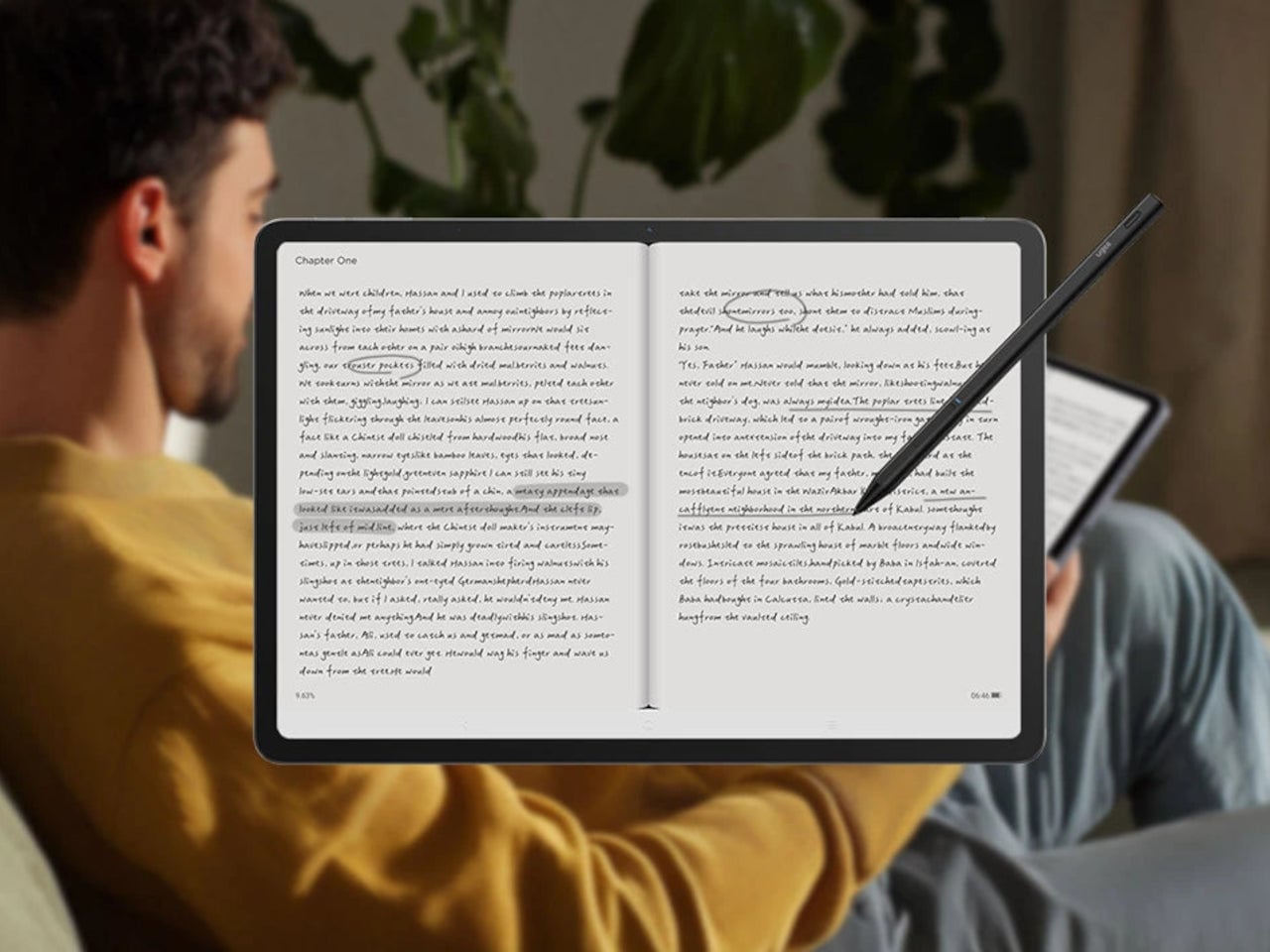
The U-Key is a small button on the top edge that cycles the screen through Regular, Paper, and Ink modes seamlessly. That matters when you are sketching, need to read a brief, then jump back into color work. The key turns the UT3 into a sketchbook, reader, or tablet on demand, changing how it sits in a workflow instead of forcing you to pick one identity and stick with it all day.
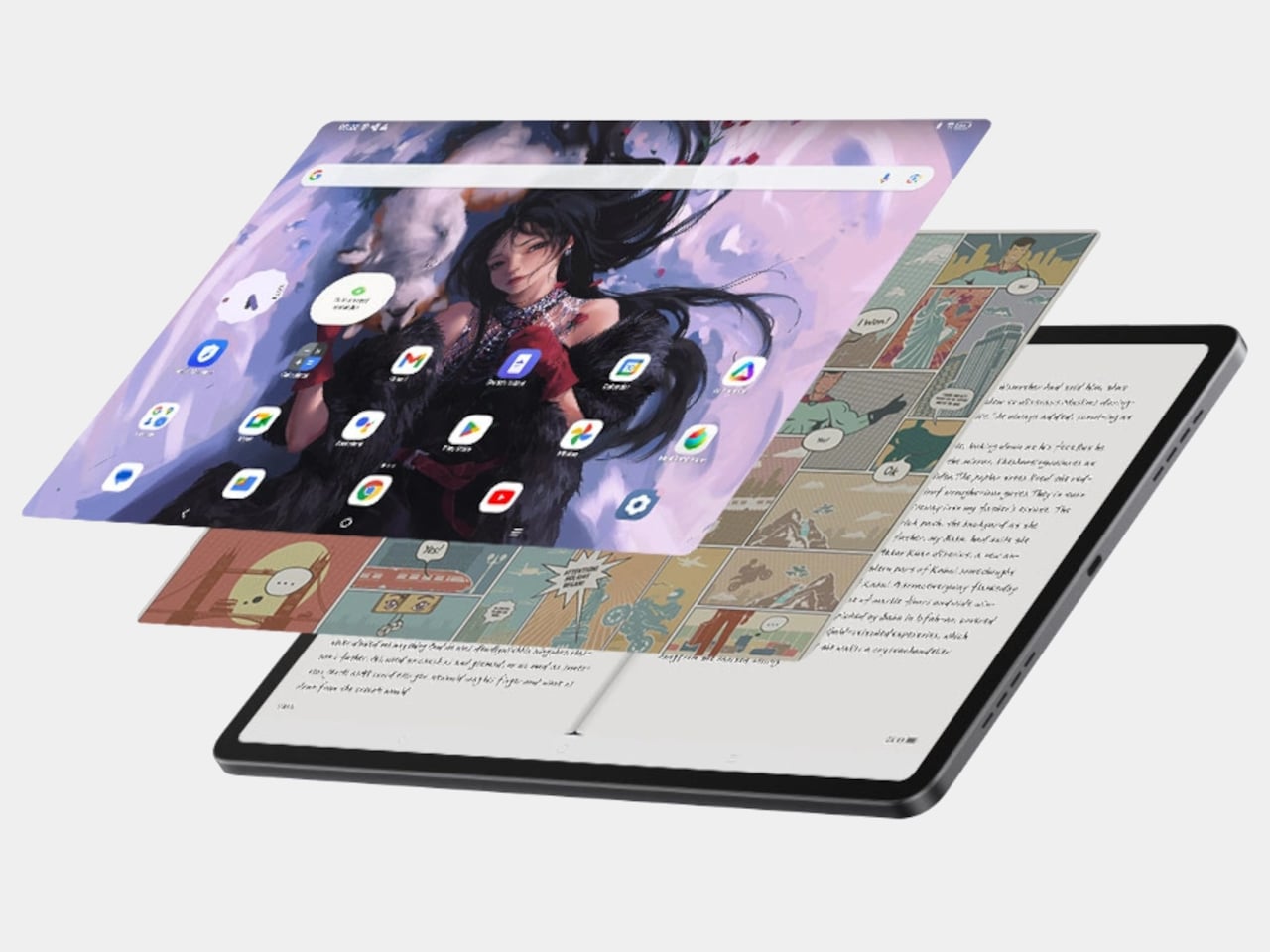
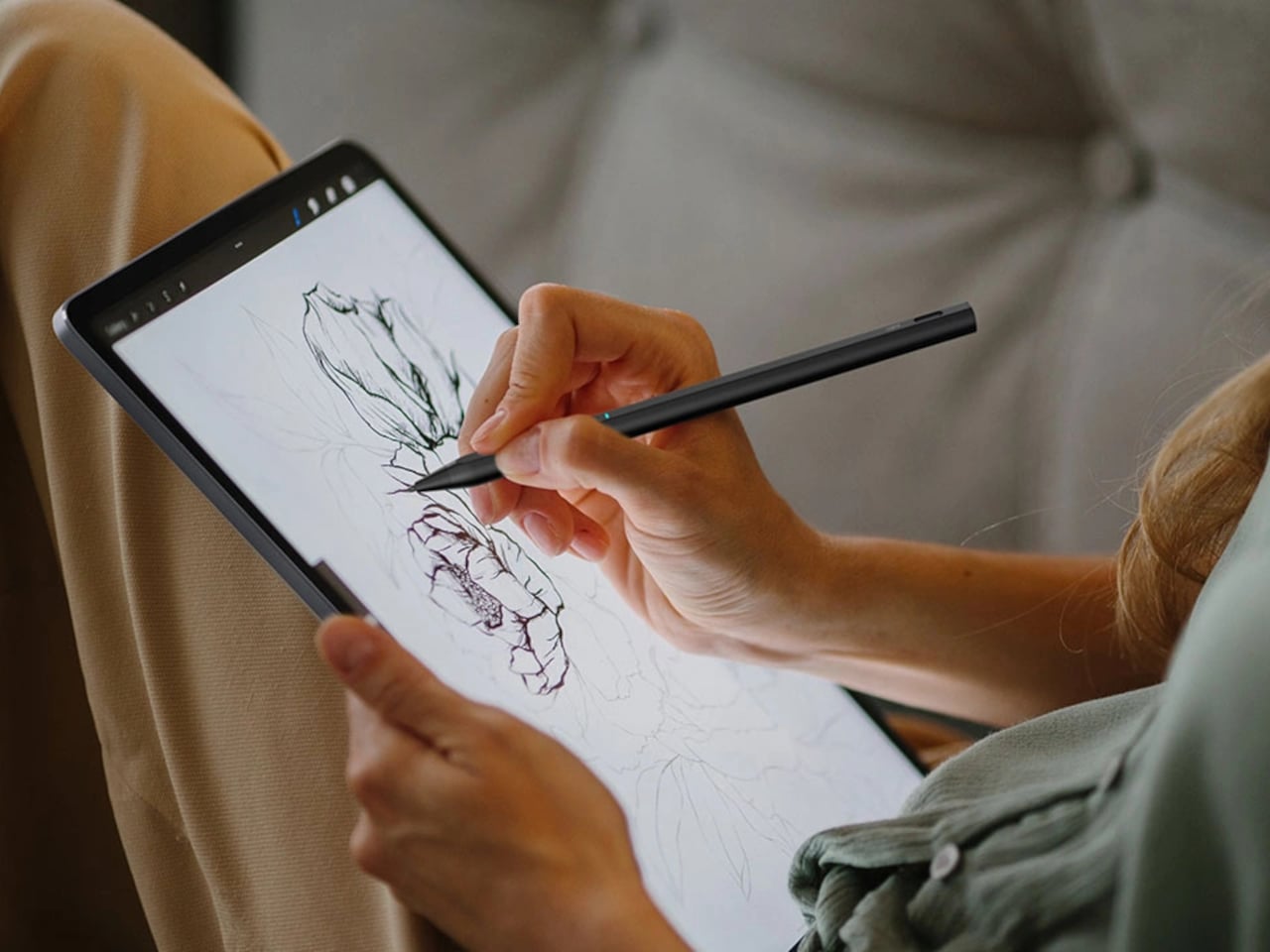
Ink Mode is the pseudo-E-Ink personality, a high-contrast, black-and-white profile that strips away color and visual noise. It makes the UT3 useful for reading scripts, briefs, or tutorials, and for parking reference text beside your workstation. It is still an IPS panel, not true E-Ink, but the monochrome look, combined with TÜV Rheinland eye-comfort tuning, makes it feel closer to a dedicated reader than a glowing app screen.
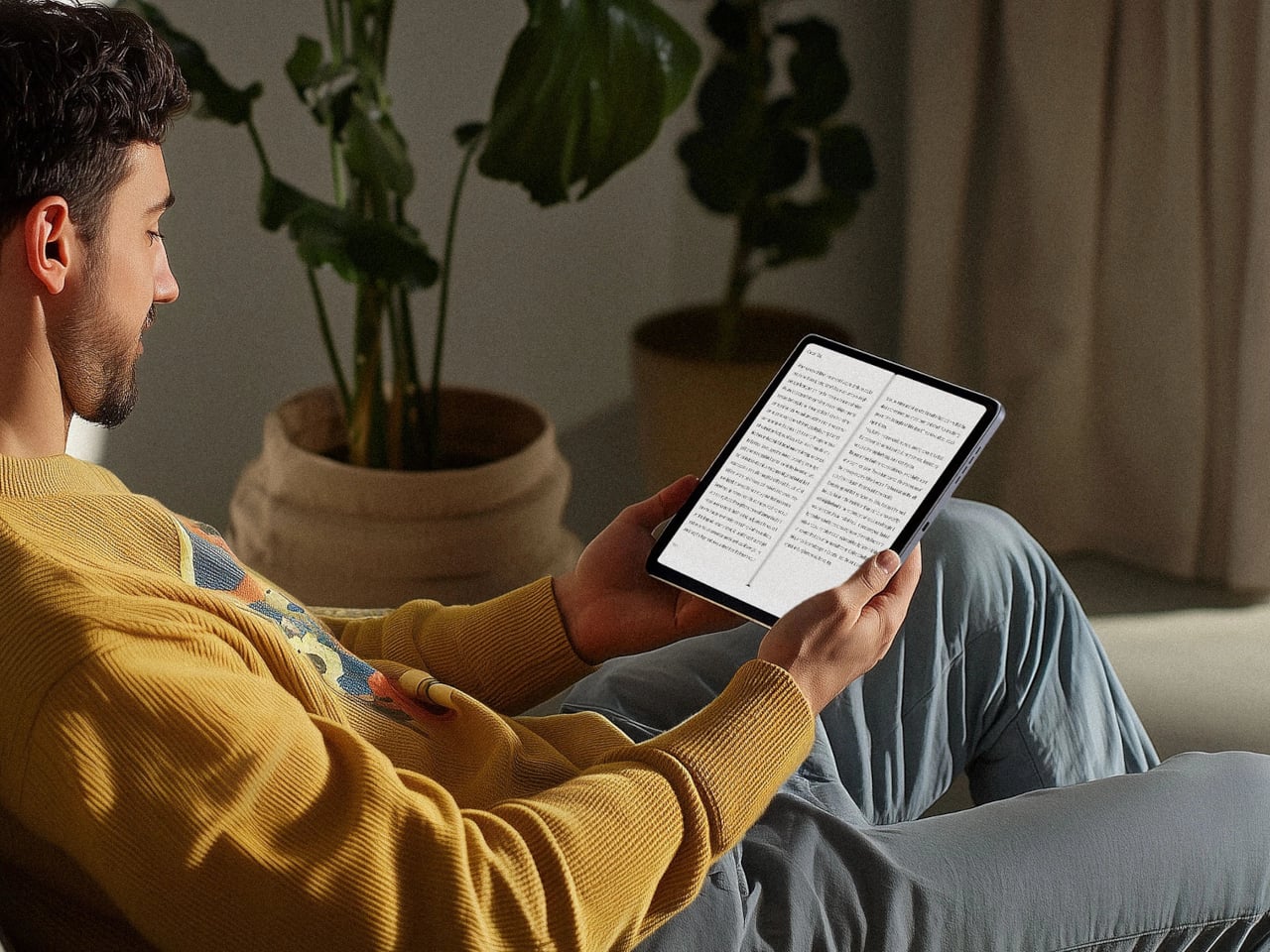
Paper Mode pairs a muted color profile with the fully laminated panel and NanoMatte coating to create a paper-like drawing surface. The NanoMatte reduces glare and adds a slight tooth that helps line work feel more controlled and less slippery. The laminated stack brings your stylus tip closer to the pixel underneath, reducing parallax, and the 13 g U-Pencil with 20 ms response time handles inking, shading, and quick gesture sketches without lag.
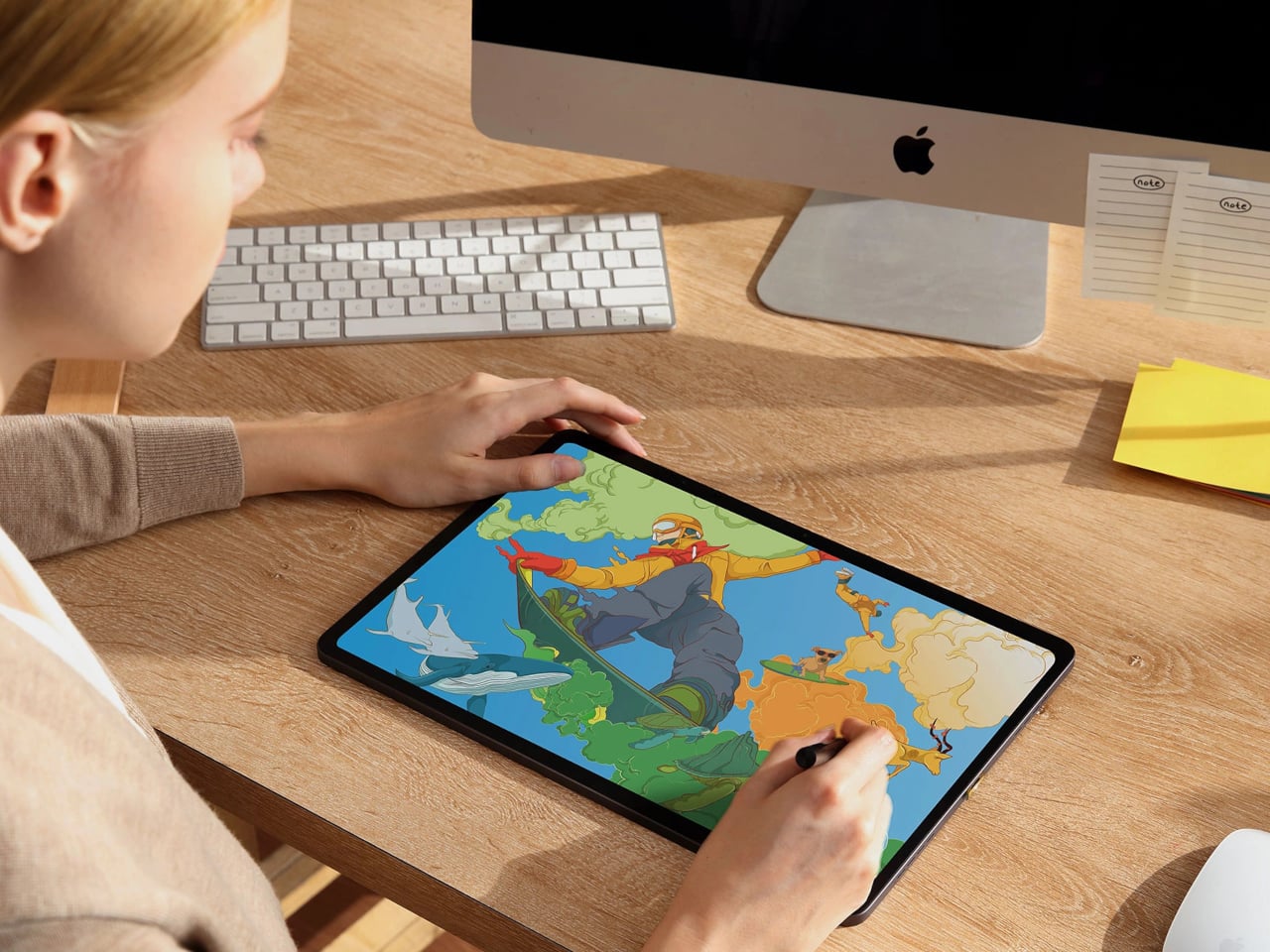
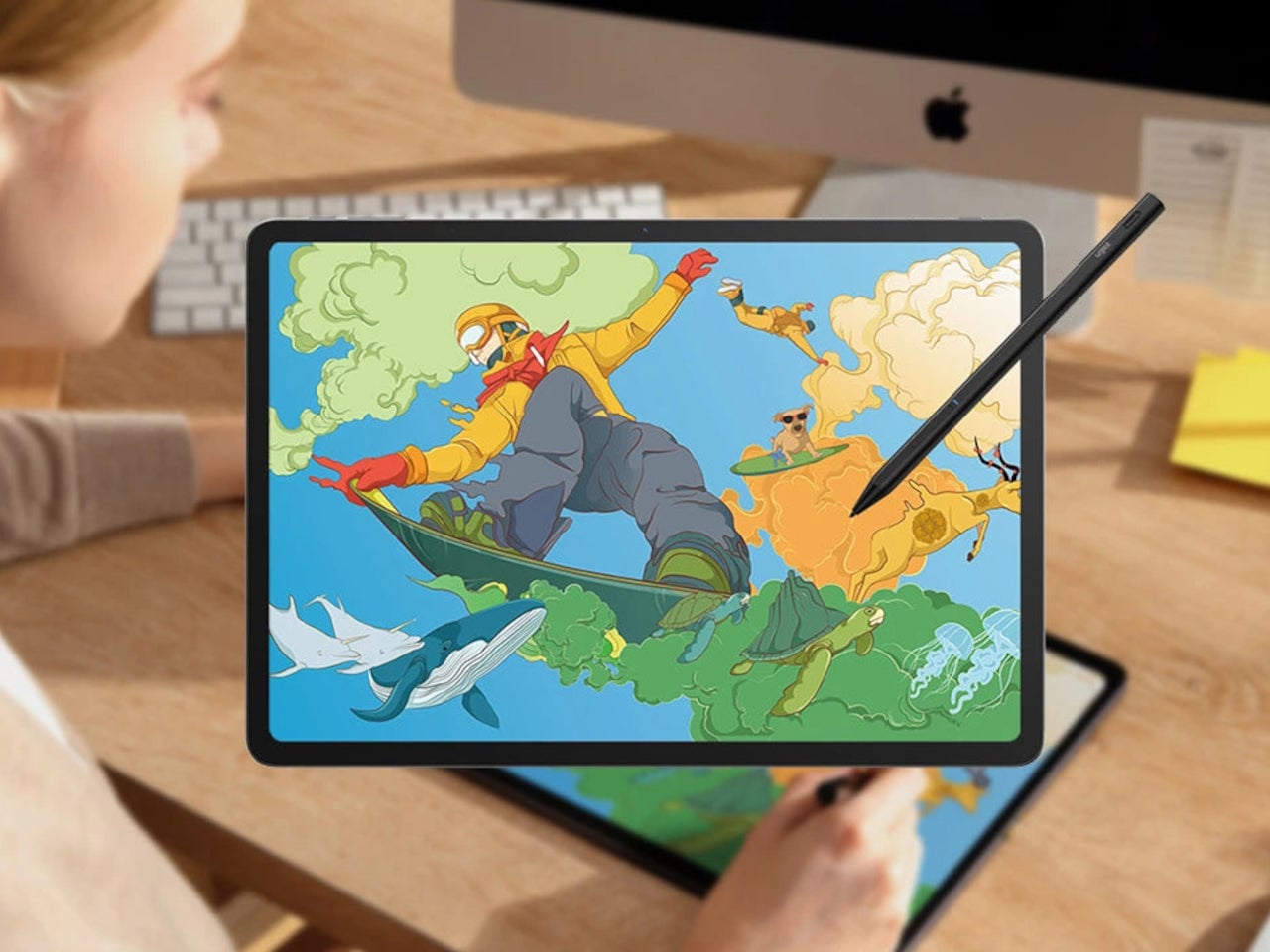
The Android tablet side means you can run full drawing apps, reference tools, and streaming services directly on the device. The 10,000 mAh battery with 27 W fast charging supports around 13 hours of writing or drawing, and the 256 GB of storage plus microSD expansion handles large file libraries. You can sketch, watch, and read without tethering to a PC, then use the U-Key to keep the screen aligned with the task.
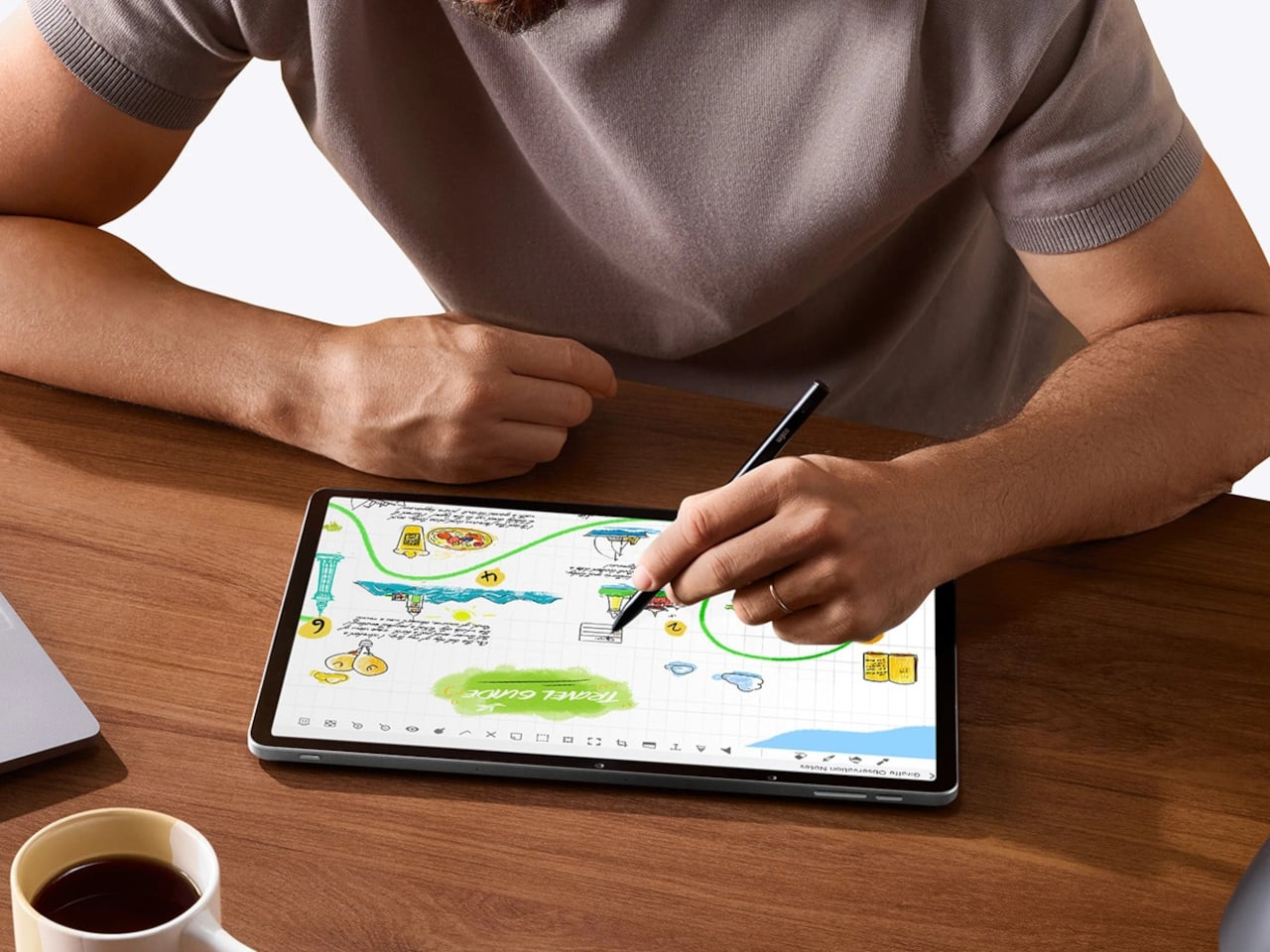
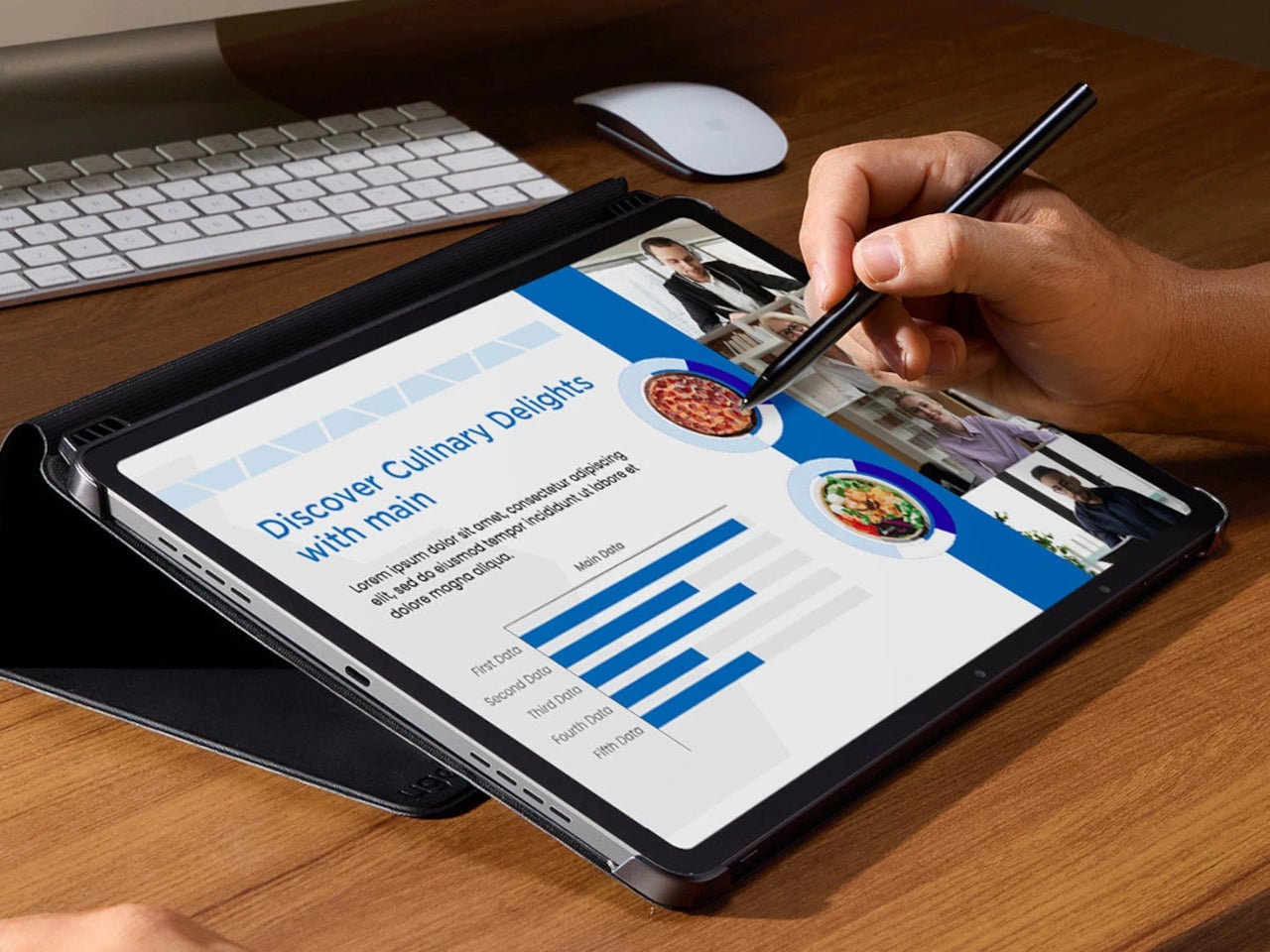
A day in the studio could start with the UT3 in Ink Mode for morning reading, flip into Paper Mode for sketching, then jump into full-color Regular mode for painting and video. The hardware mode switch makes that feel natural, turning one slab into three different tools. For artists and designers tired of juggling devices or forced to choose between a drawing tablet and a reading screen, that kind of shape-shifting display might be the most practical feature on the list.