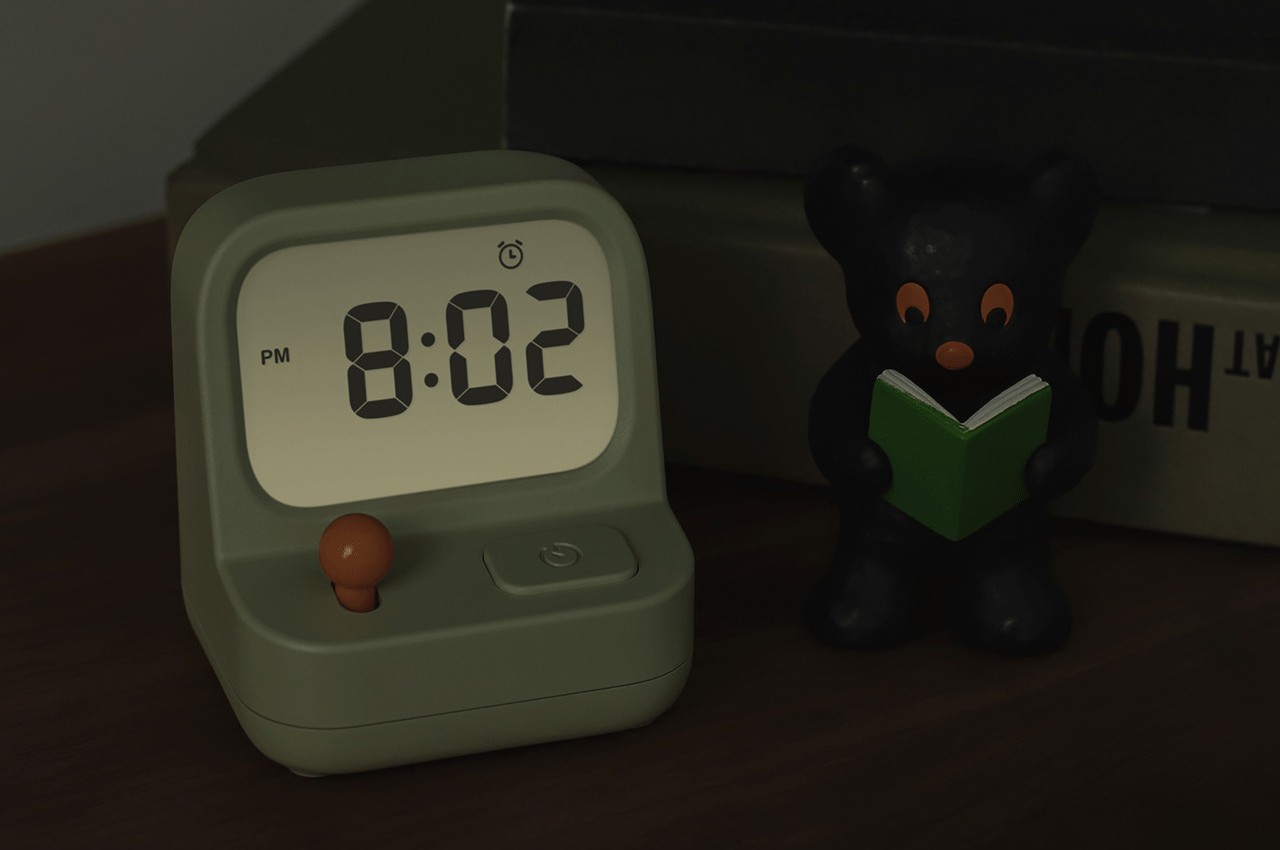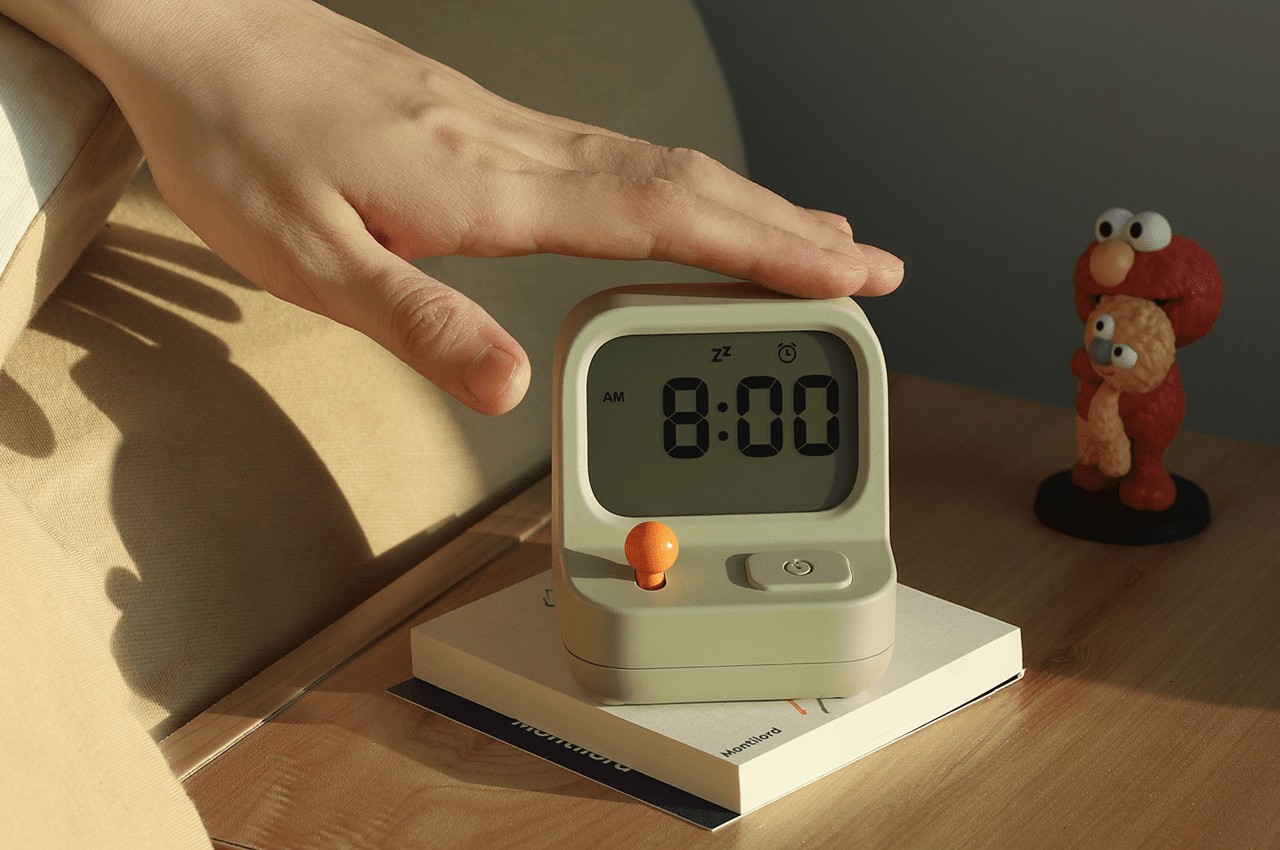
For many people, alarm clocks are critical tools in making sure they’re on time or, at the very least, that they wake up on time. At the same time, however (no pun intended), these devices are often seen in a negative manner and are even portrayed as something most people will smash up first thing in the morning. It doesn’t have to be that way, of course, and sometimes all it takes is changing the way a thing looks to change the way people approach them. This alarm clock and timer in one, for example, looks less like a typical clock and more like a miniature arcade cabinet, reminding people not to take everything too seriously and to inject a bit of play into their lives.
Designer: MUID
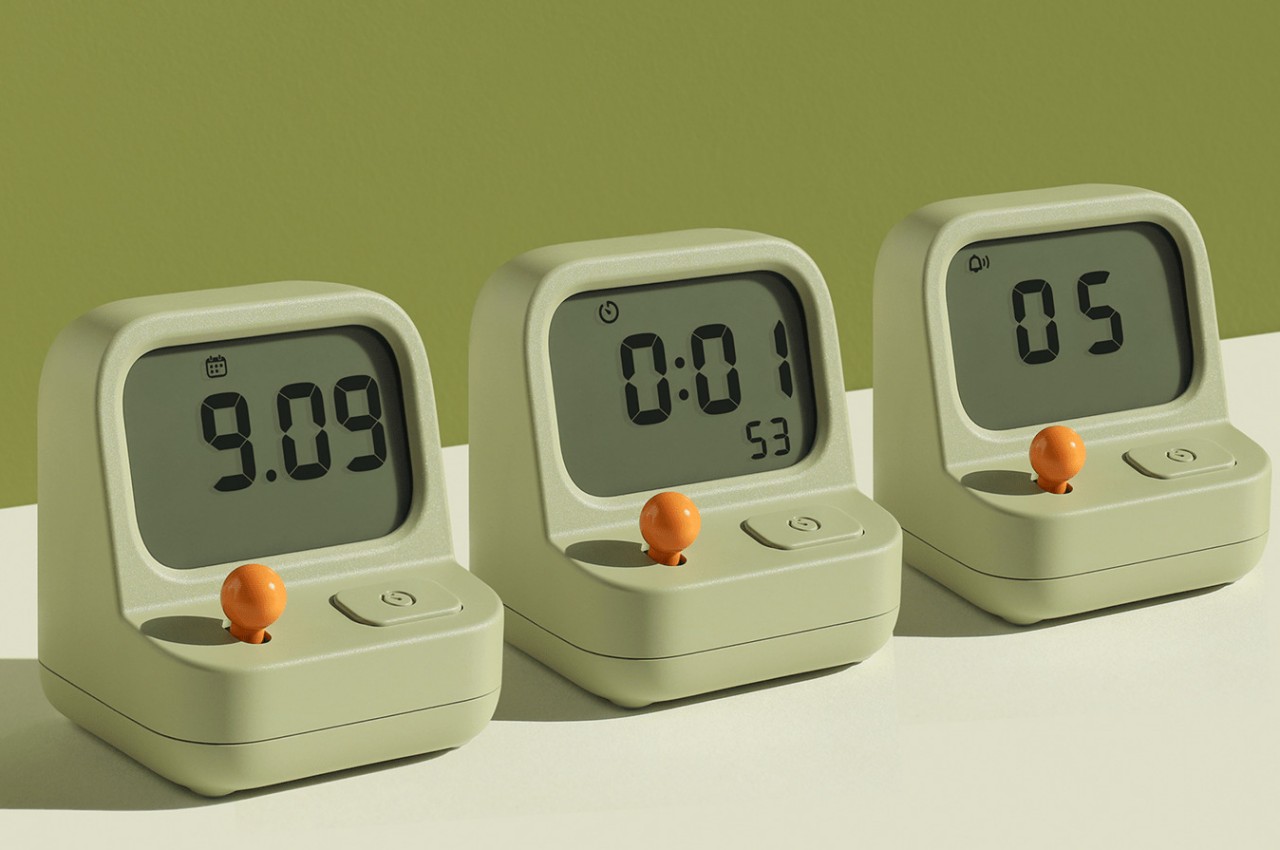
A clock’s main objective is to tell time, but such a tool can take on many forms in order to accomplish that purpose. Alarm clocks and timers or stopwatches are simply variants that also do an action at certain times, usually by playing a sound or ringing a bell. There are plenty of ways these can be represented, but most of the designs of clocks appeal to the more serious side of life.
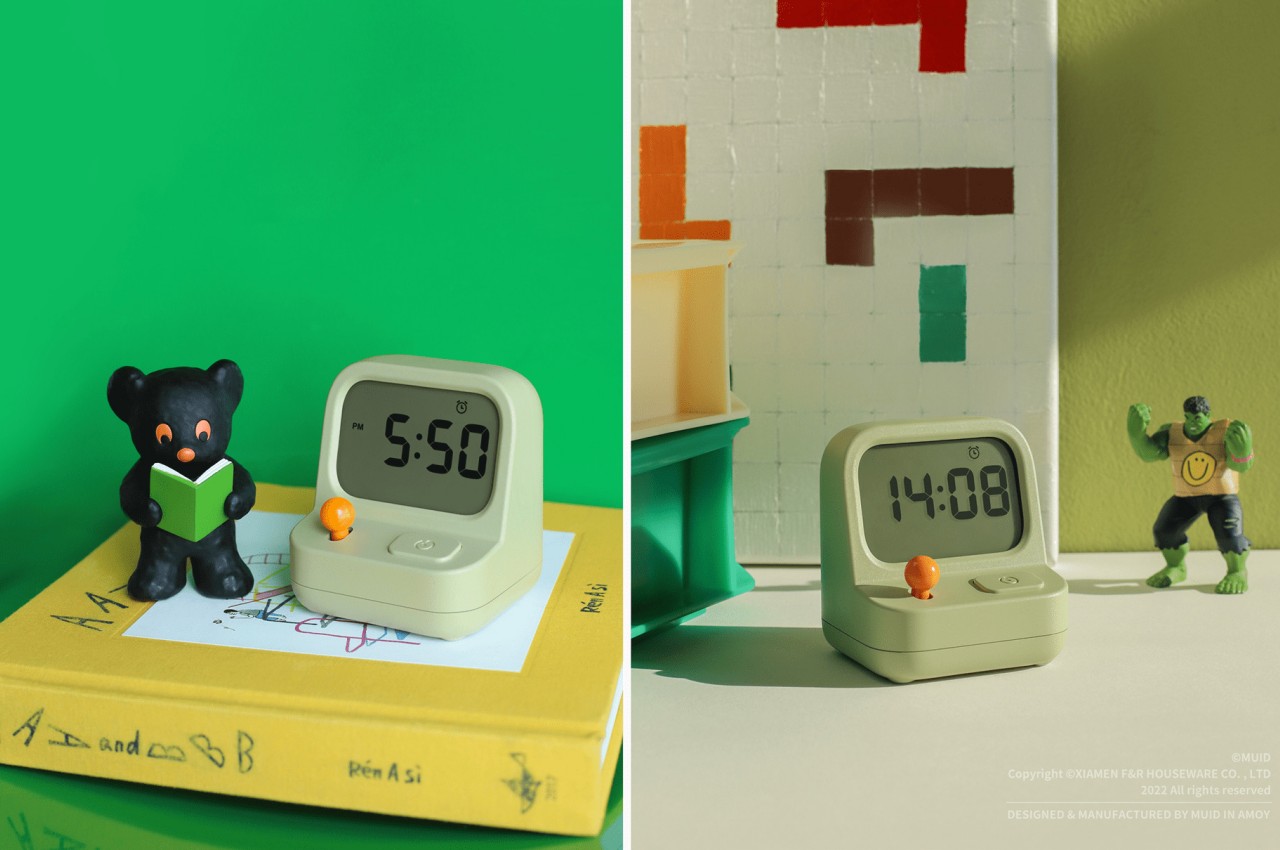
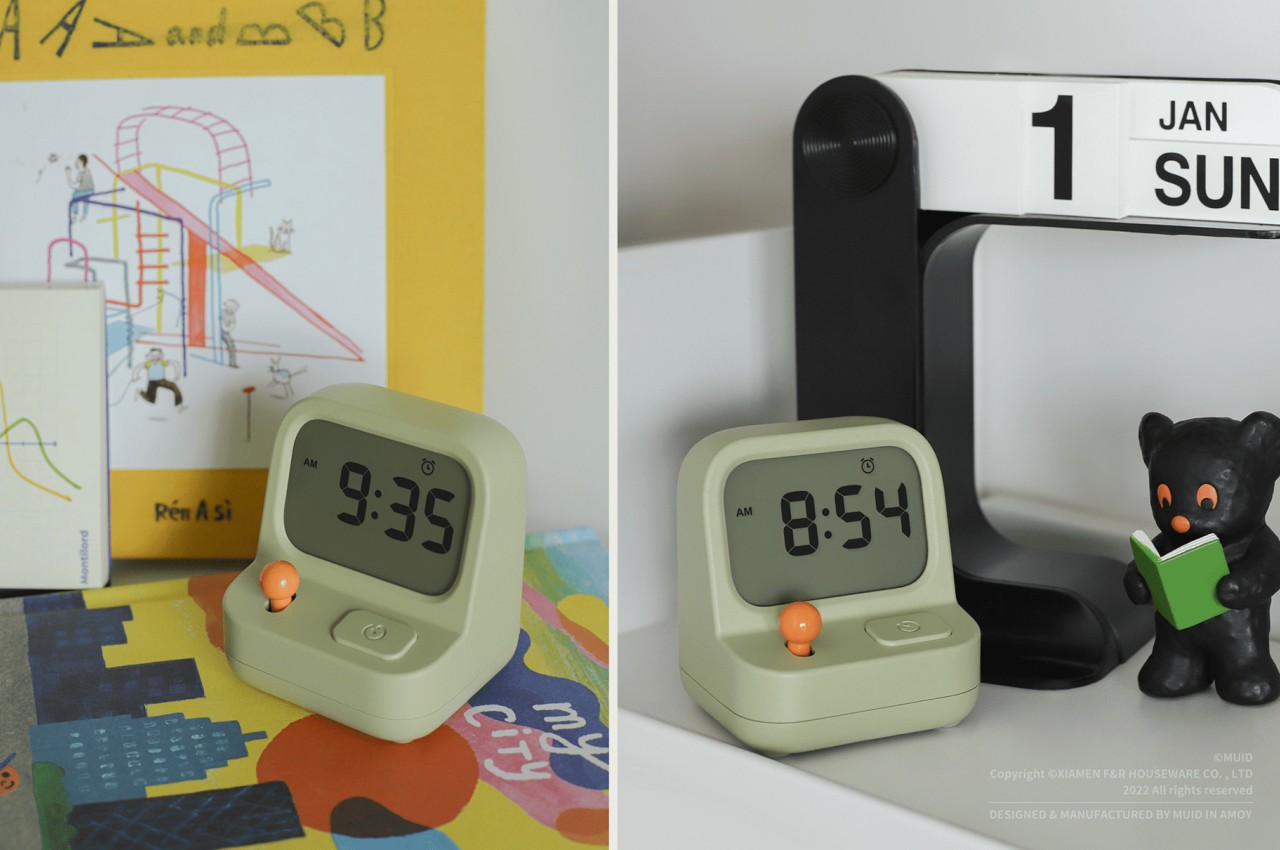
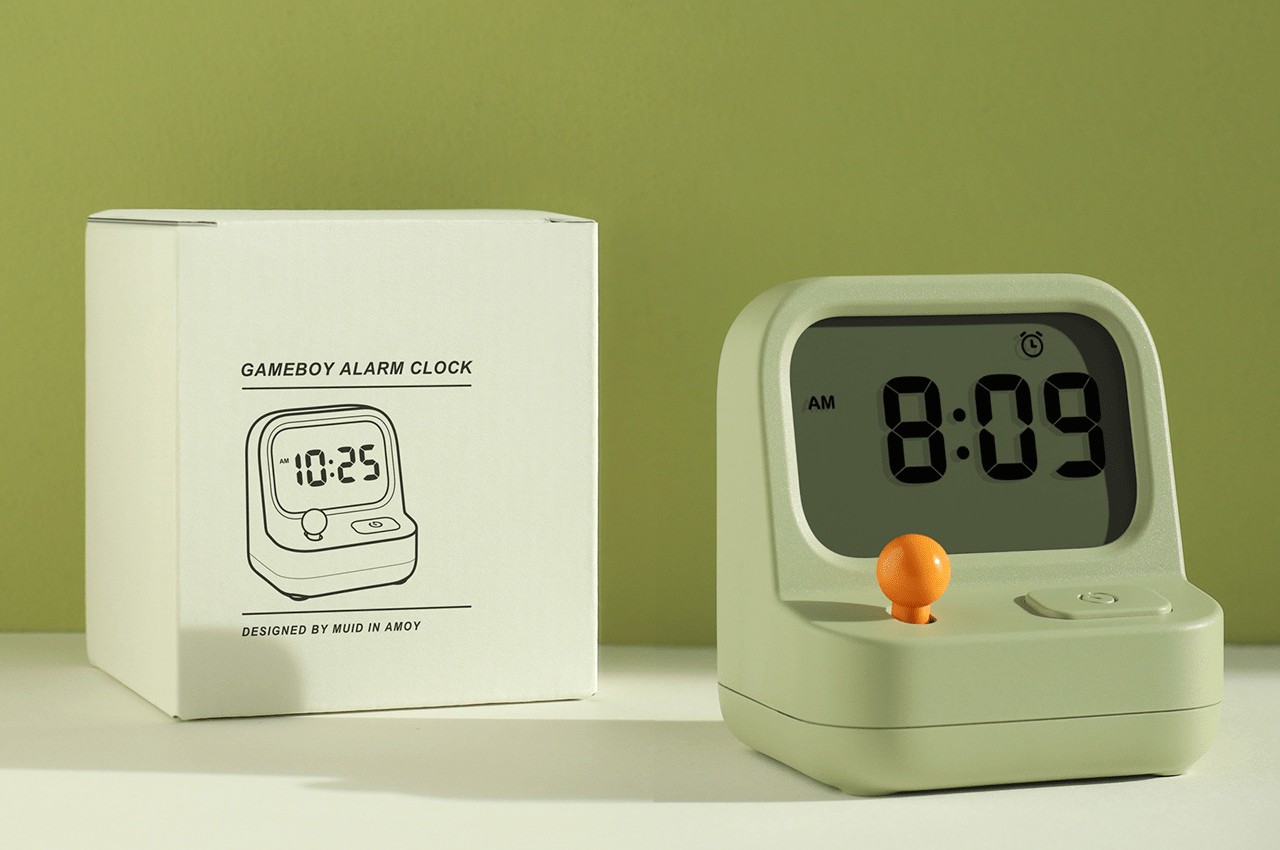
With a name like “Game Boy Alarm Clock,” it’s pretty clear that this concept design goes in the opposite direction. It embraces the lighthearted aspects of our existence, which is probably how you’d want to start your day in the first place. It could still annoy you when you want to squeeze in five or ten more minutes into your sleep, but you’ll hopefully feel a little less stressed whenever you see a reminder of that interruption.
This alarm clock’s toy-like appearance isn’t just for show, though. The way you use it is also like a gaming device, particularly with the lever that looks like a joystick. It can only go up or down, though, mostly for scrolling through hours and minutes. Admittedly, that could be tiresome when you’re going through a lot of numbers, but hopefully, you only need to do that only occasionally.
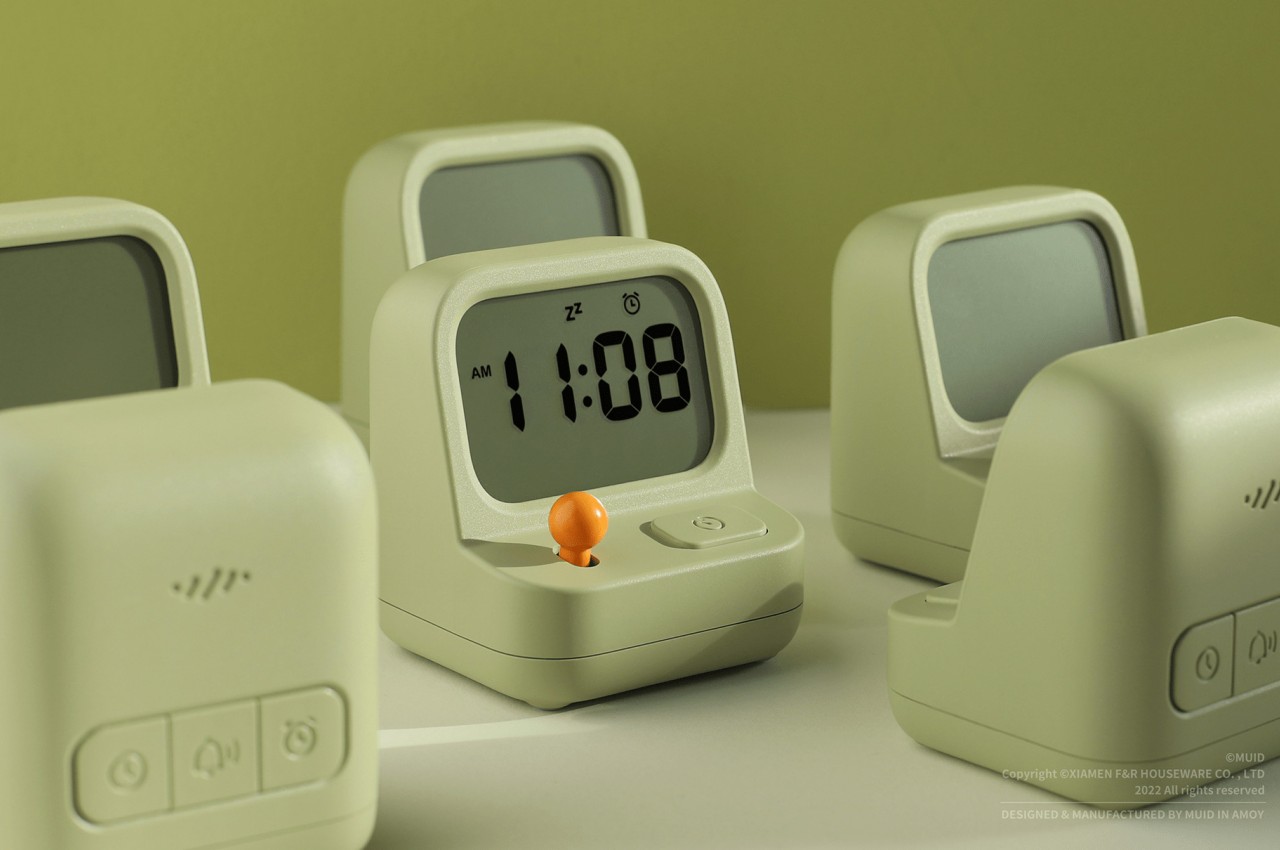
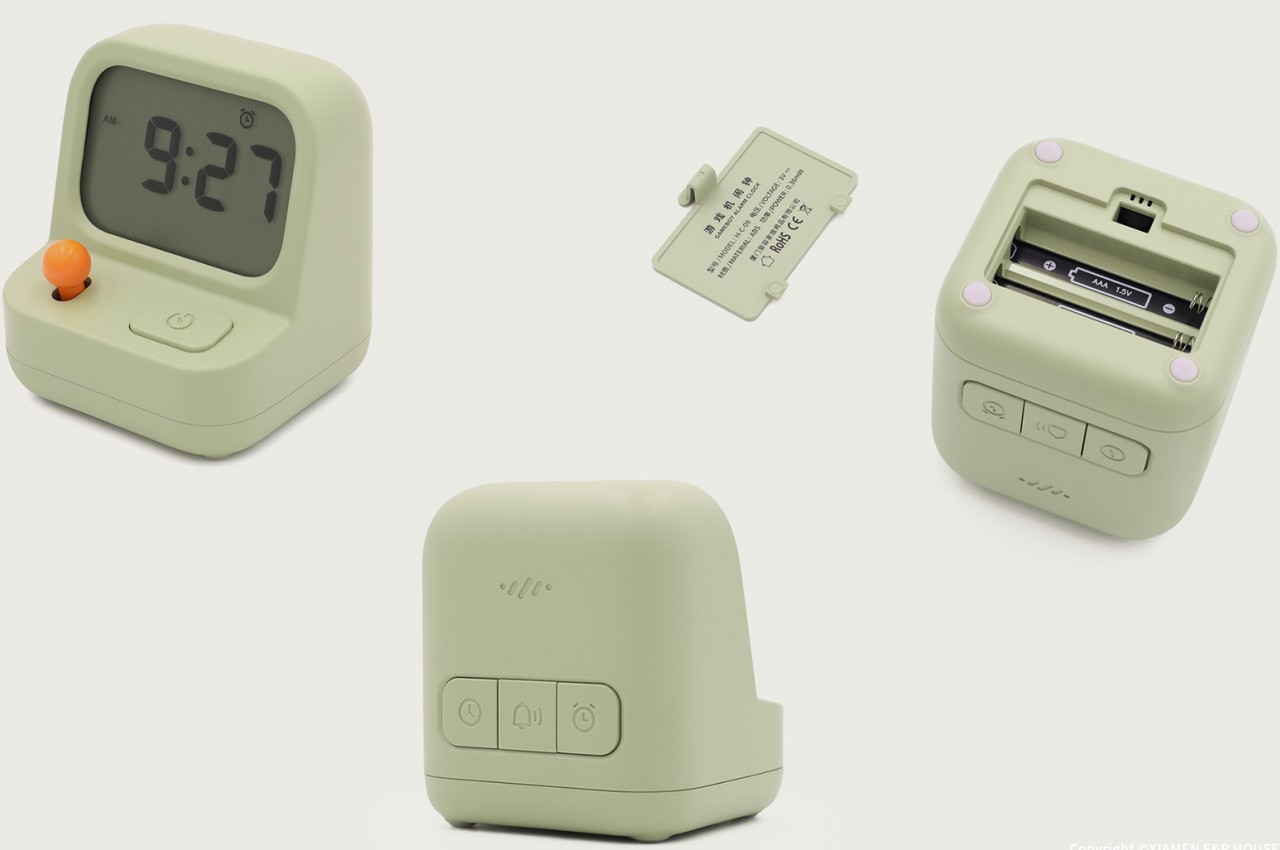
Operating the device is also easy, with clearly marked buttons for the different functions. Most of the buttons are on the back, though, so that they don’t become visual clutter. Only one button remains on the front, and that’s mapped to starting and pausing the stopwatch function. As for stopping the alarm, all it takes is a simple tap on the top, almost like petting a loyal companion that faithfully wakes you up at the right time. Hopefully, you won’t bring your hand down in wrath, which will probably make you feel guilty afterward for treating such a cute device poorly.