The reason the iPad isn’t picking in sales is because it’s ultimately a mobility device and not a professional solution. The reason the Macbook Pro isn’t doing as well either is because while it’s a professional solution, it lacks two important aspects that the competition has beautifully capitalized on… A. Having a touchscreen, and B. Being a convertible machine. The iPad Pro also pales in comparison because ultimately it’s an iOS device, and not an OSX machine.
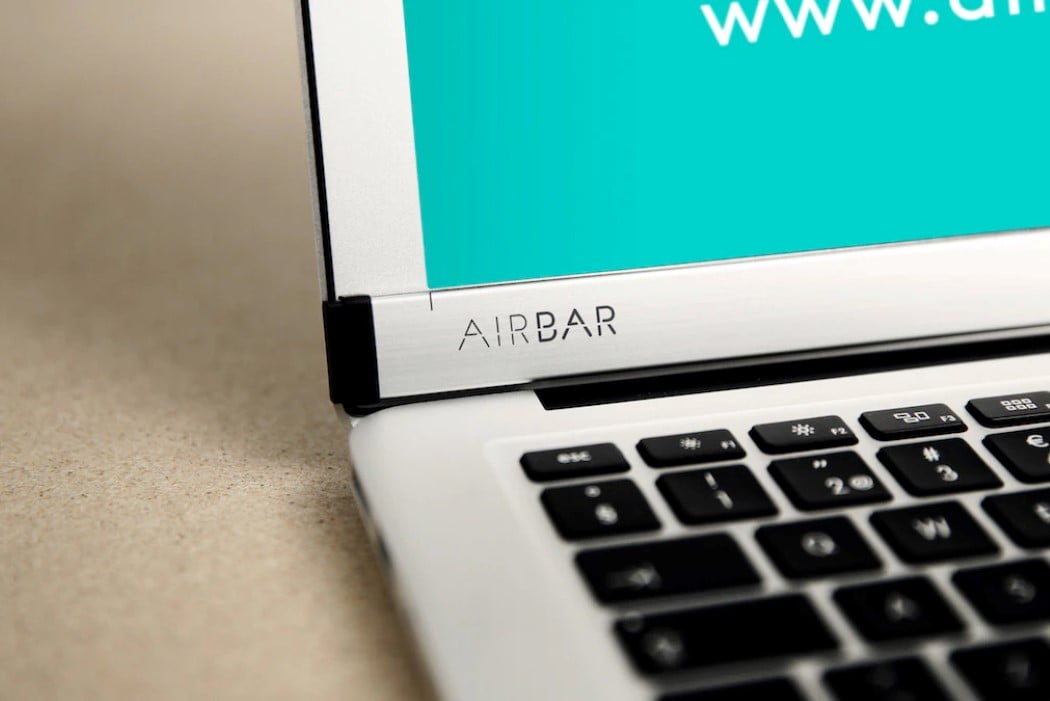
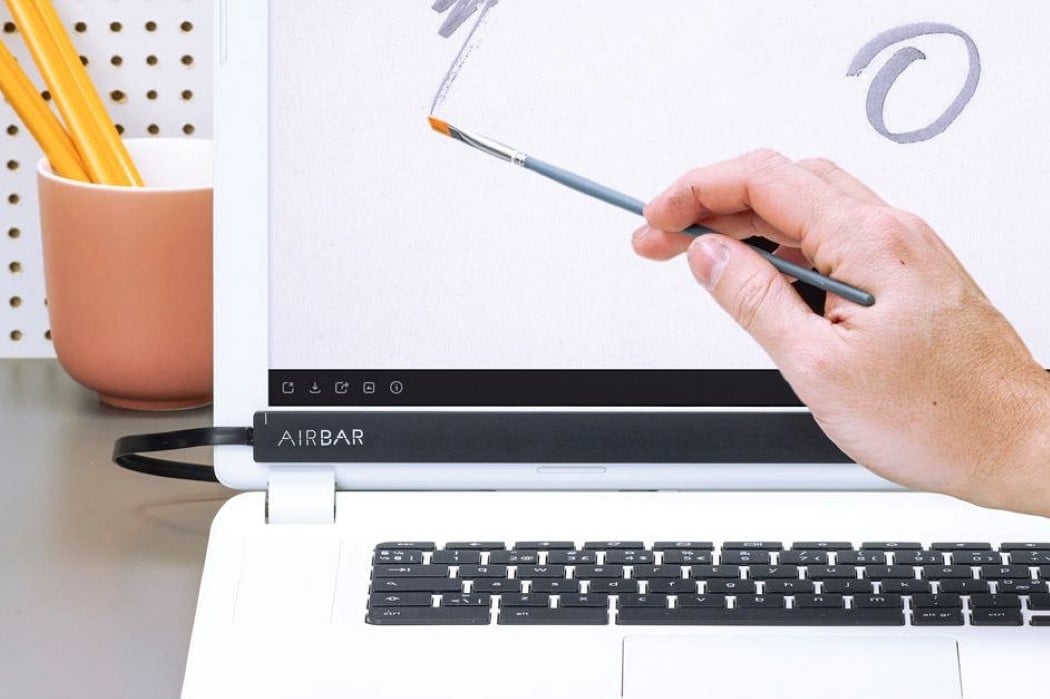
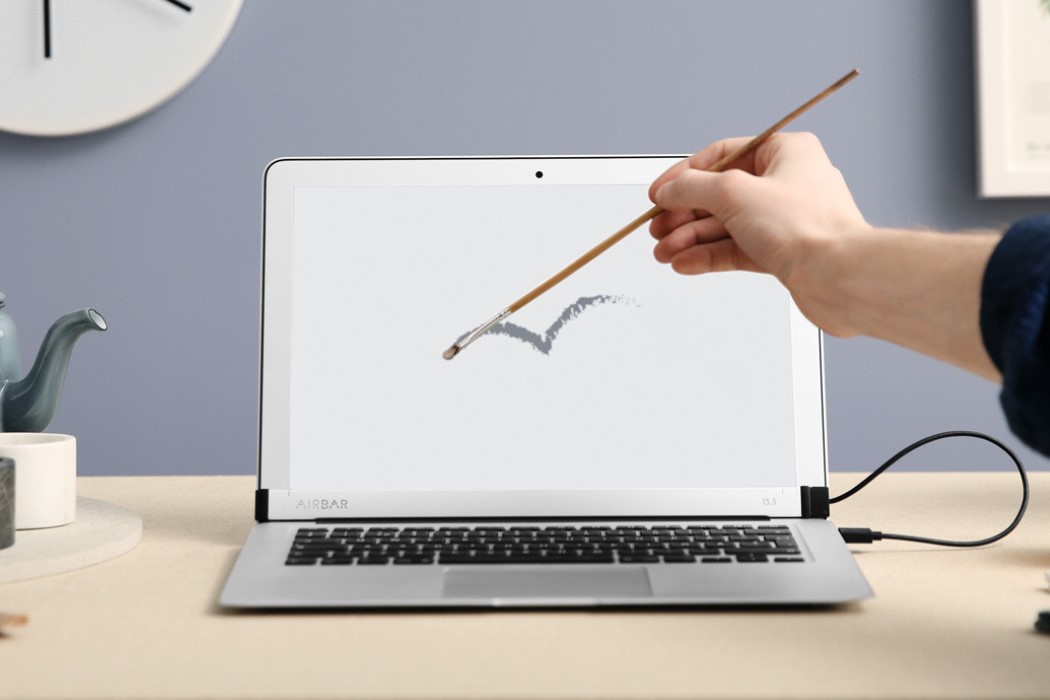
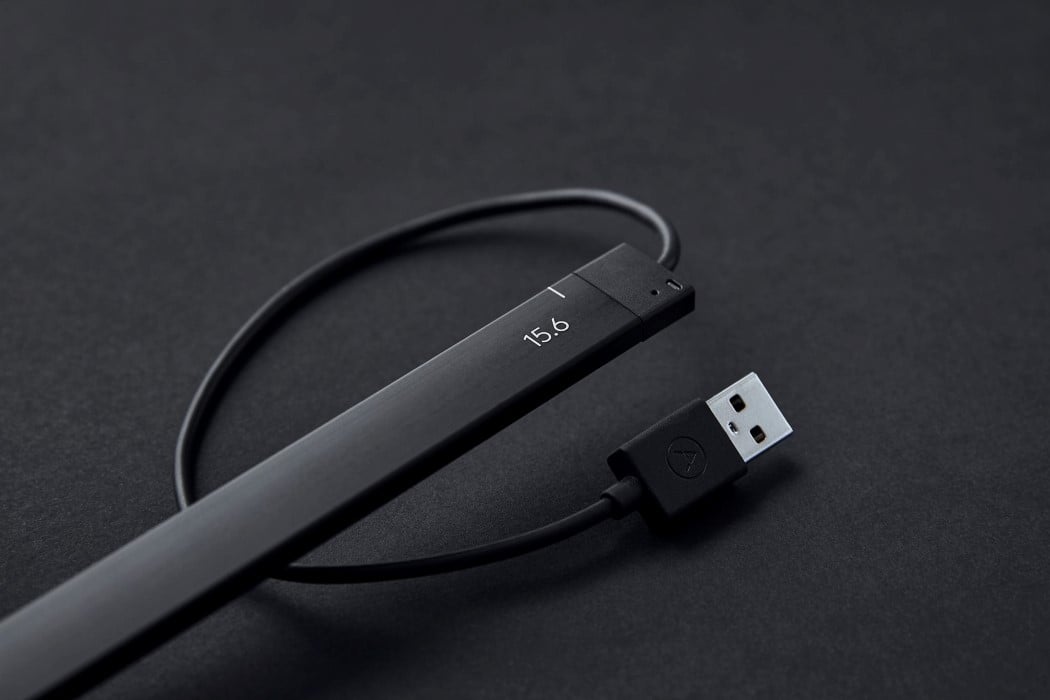
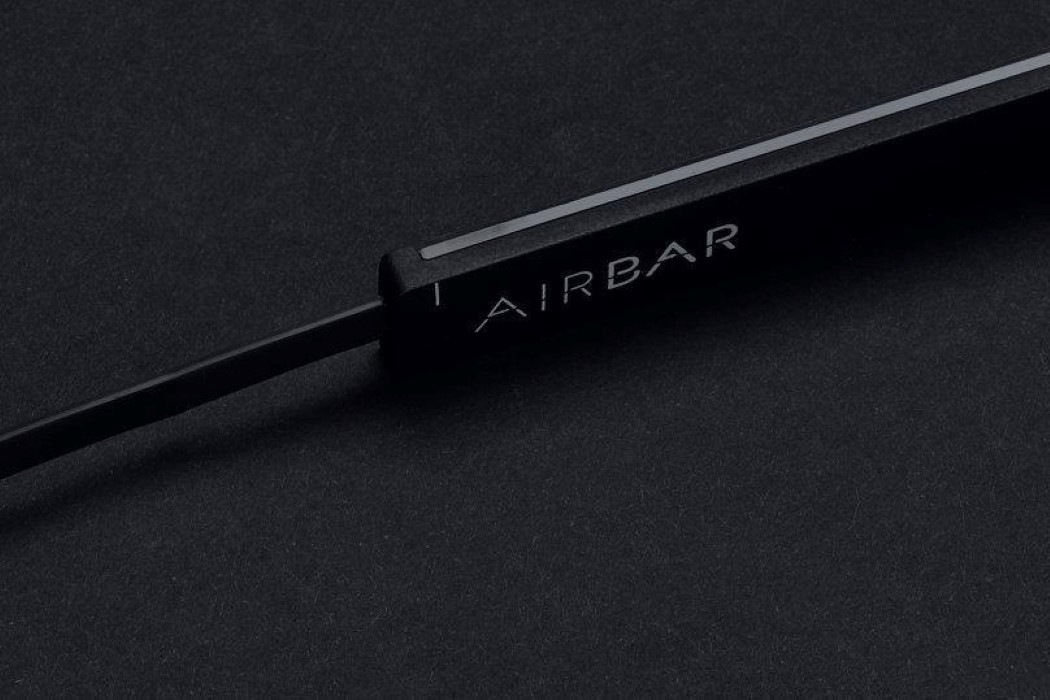
Now while Apple doesn’t have a reputation of listening to its consumers, most third party OEMs do. Take the AirBar for instance. This amazingly thin little beaut is capable of turning your MacBook screen into a touchscreen. It broadcasts invisible light-waves to detect movement, allowing virtually anything to become a stylus. Use anything from chopsticks to a paintbrush to even your fingers (with or without gloves) to touch, navigate, zoom, swipe, or even paint on your MacBook! All you got to do is plug the AirBar into a USB port and mount it on the bottom of your screen. The only drawback here is the lack of pressure sensitivity, since the AirBar only works in the X & Y axes.
Designer: AirBar
Buy Now: $68.31