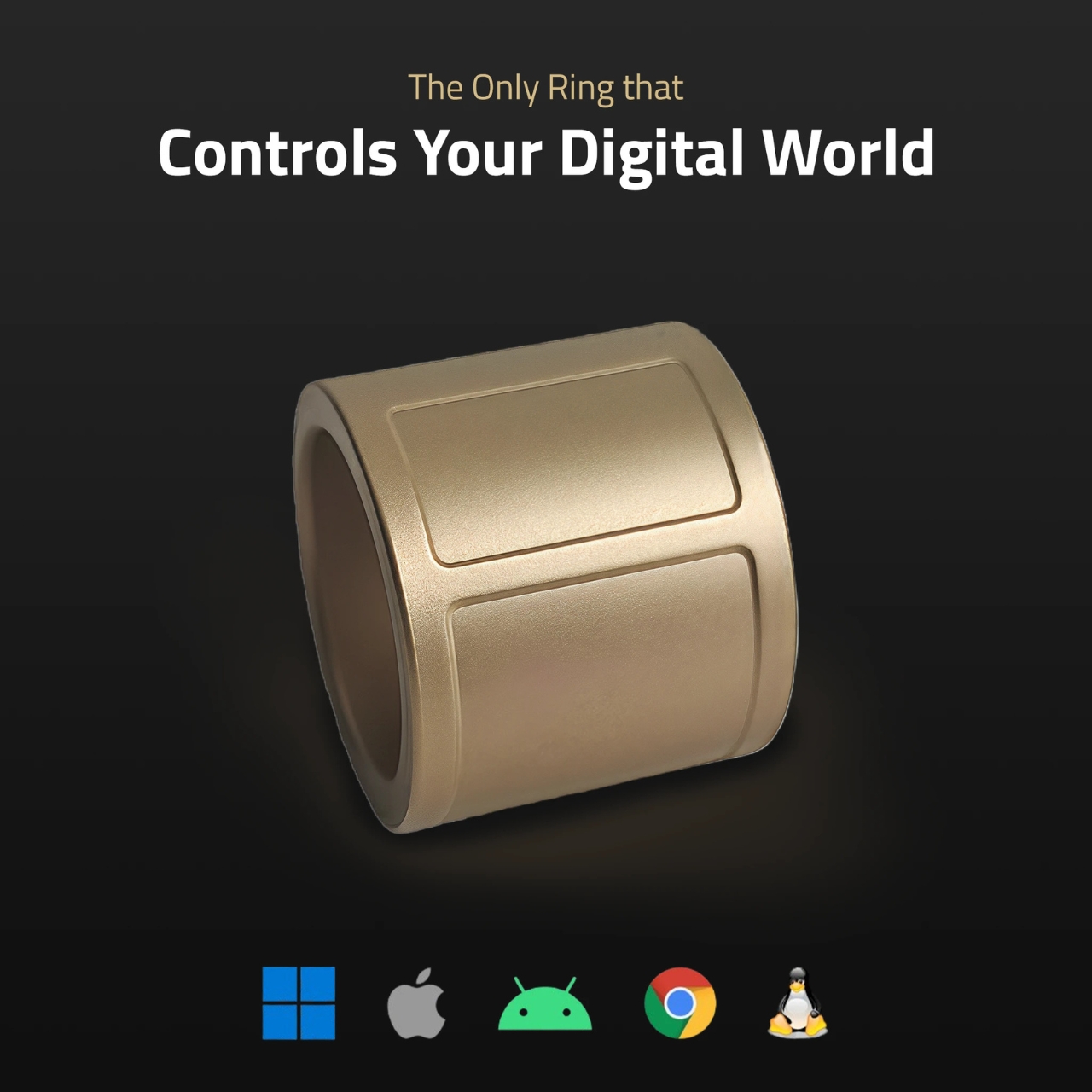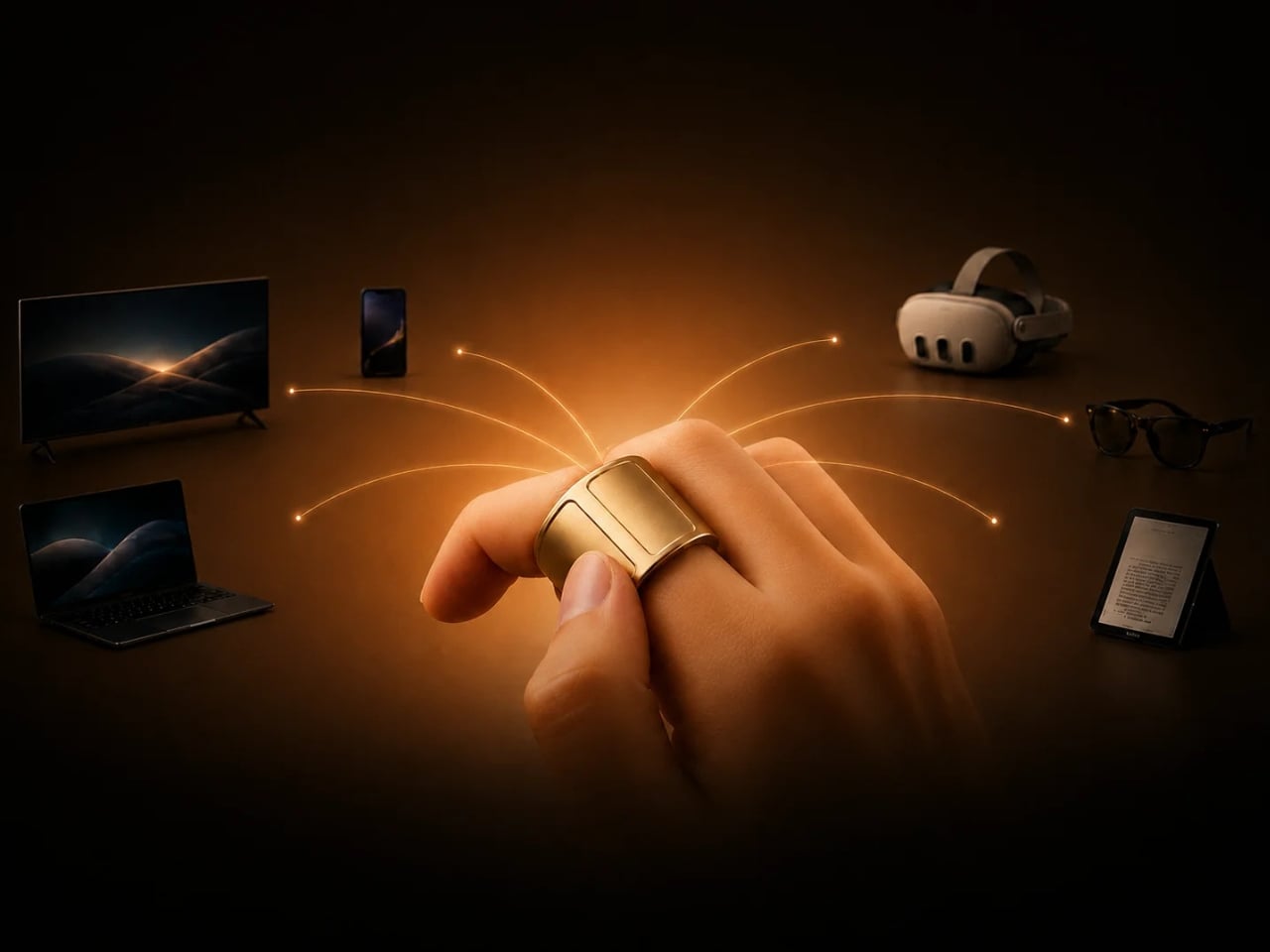

There are days when you work on just your laptop. And then there are days when you have to switch between different devices and therefore also use different controllers. If you have a huge desk or workspace, then that’s probably fine. But if you’re working in a limited space, then the different controllers add to the clutter. What if you have something that can fit onto a finger and let you switch between different devices more easily?
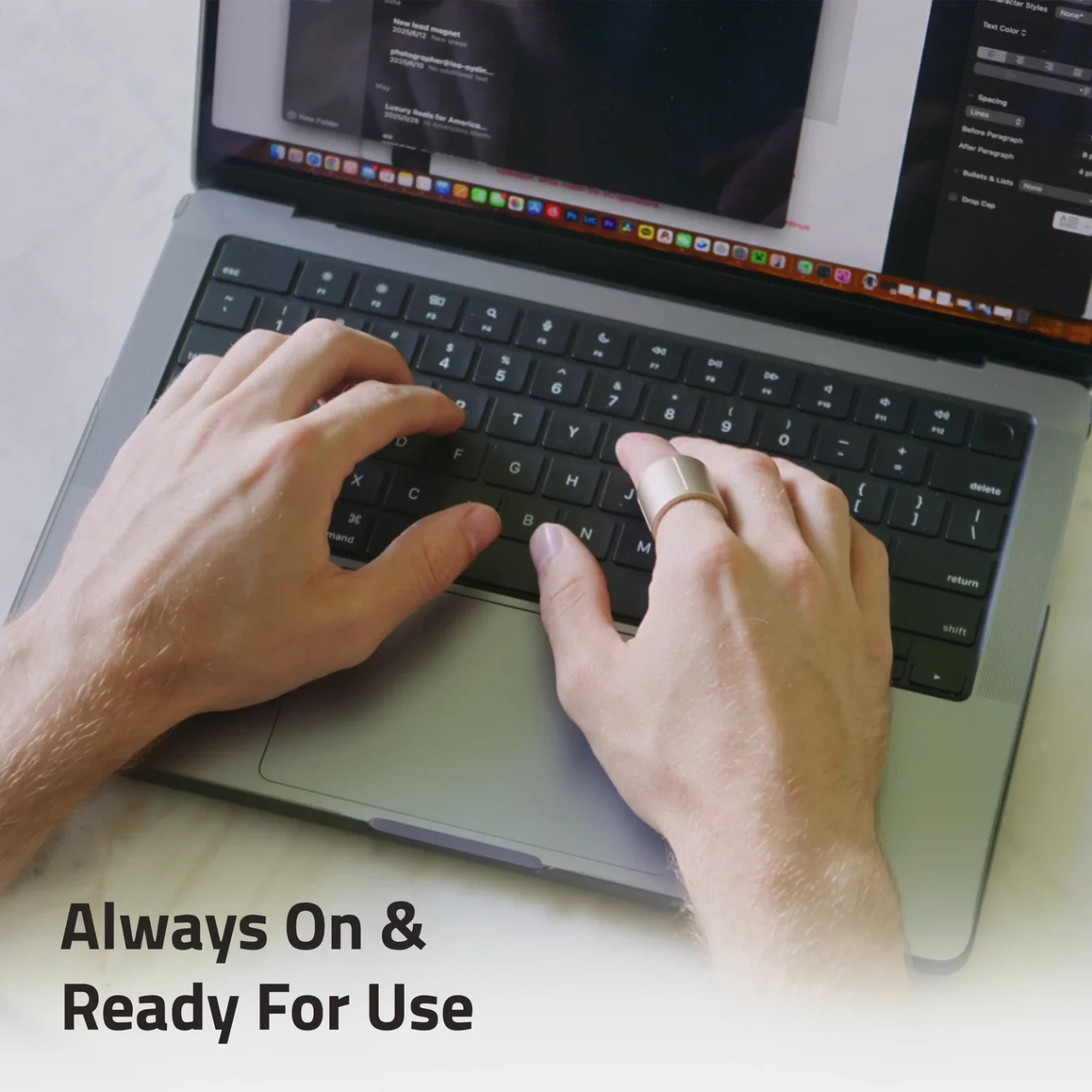
That’s the promise that the Wearable Ring Controller by Prolo is making. Called the Prolo Ring, it is a Bluetooth wearable input controller that can be worn on your index finger. It has a trackpad that your thumb can use to move the cursor and scroll, and a touch strip that your other hand’s index finger can operate. The Pro Edition even supports air gestures, giving you another way to control your devices.
Designer: Prolo
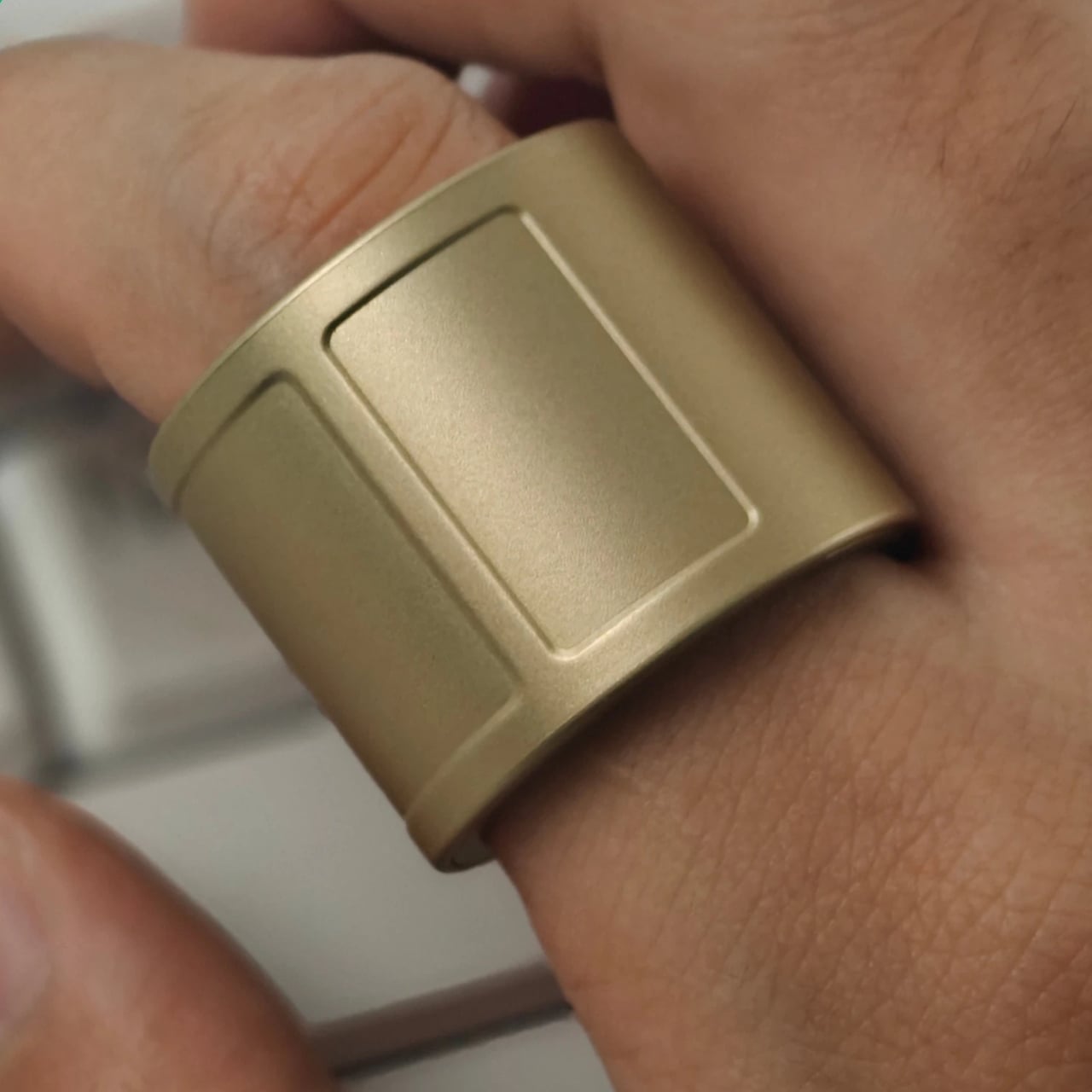

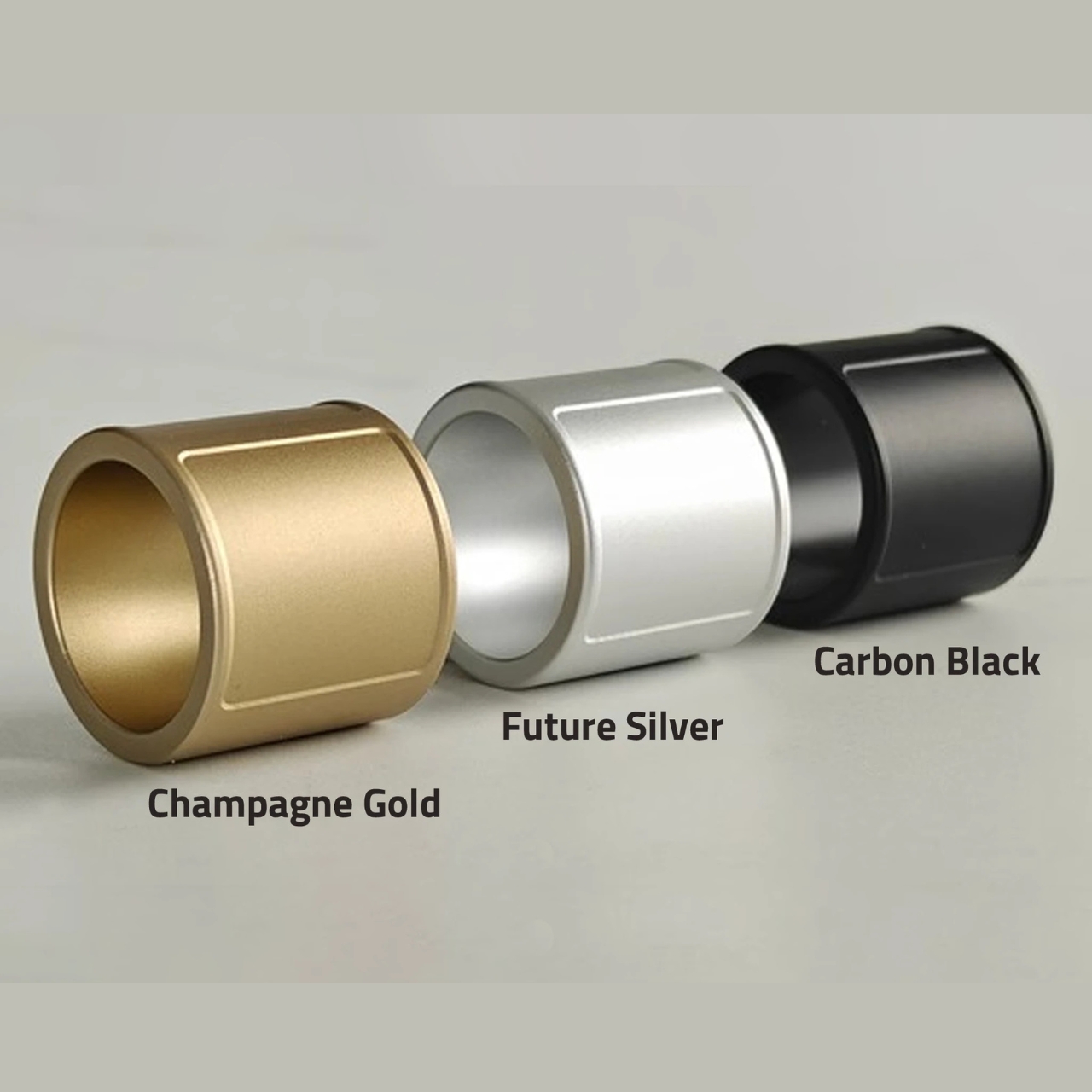
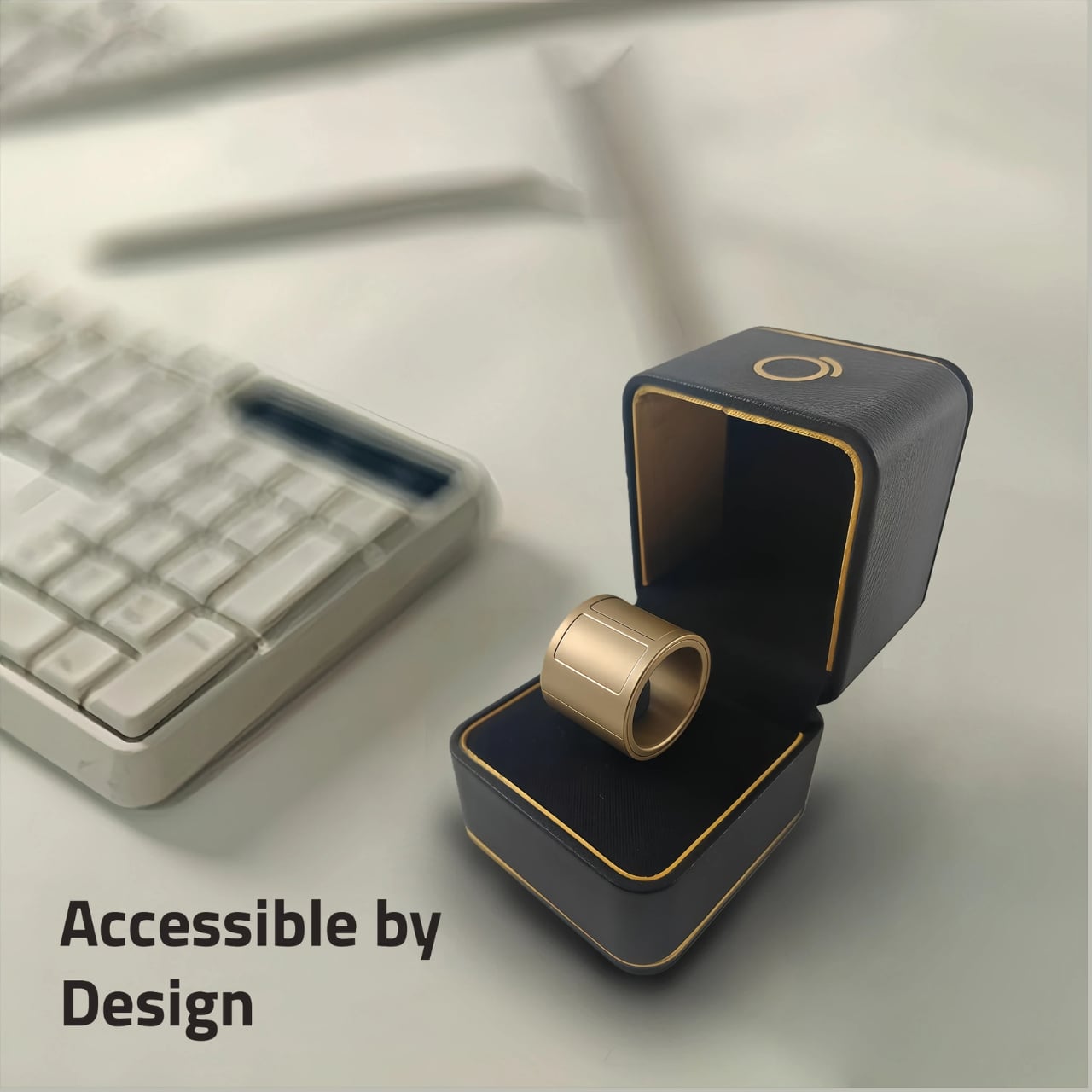
The most noticeable design choice is its wide band. This gives your thumb room to work with an 18 × 30 mm capacitive touch surface rather than a tiny button. According to Prolo, the ring measures 23 mm wide and 2.9 mm thick and weighs between 4.1 and 5.2 grams. Its shell is made from polycarbonate, despite the metallic-looking finishes available for the Pro Edition. The broad profile makes it look more like a wearable tool than a discreet piece of jewelry.
That width also makes sizing important. Prolo lists US sizes 7–18 and requires test wear with its sizing kit or a 3D-printed sizer before you confirm your size. Your usual jewelry size may not translate directly to this wider band. Included adjustment shims help fine-tune a slightly loose fit. You can wear it on either index finger, keeping the trackpad facing your thumb.
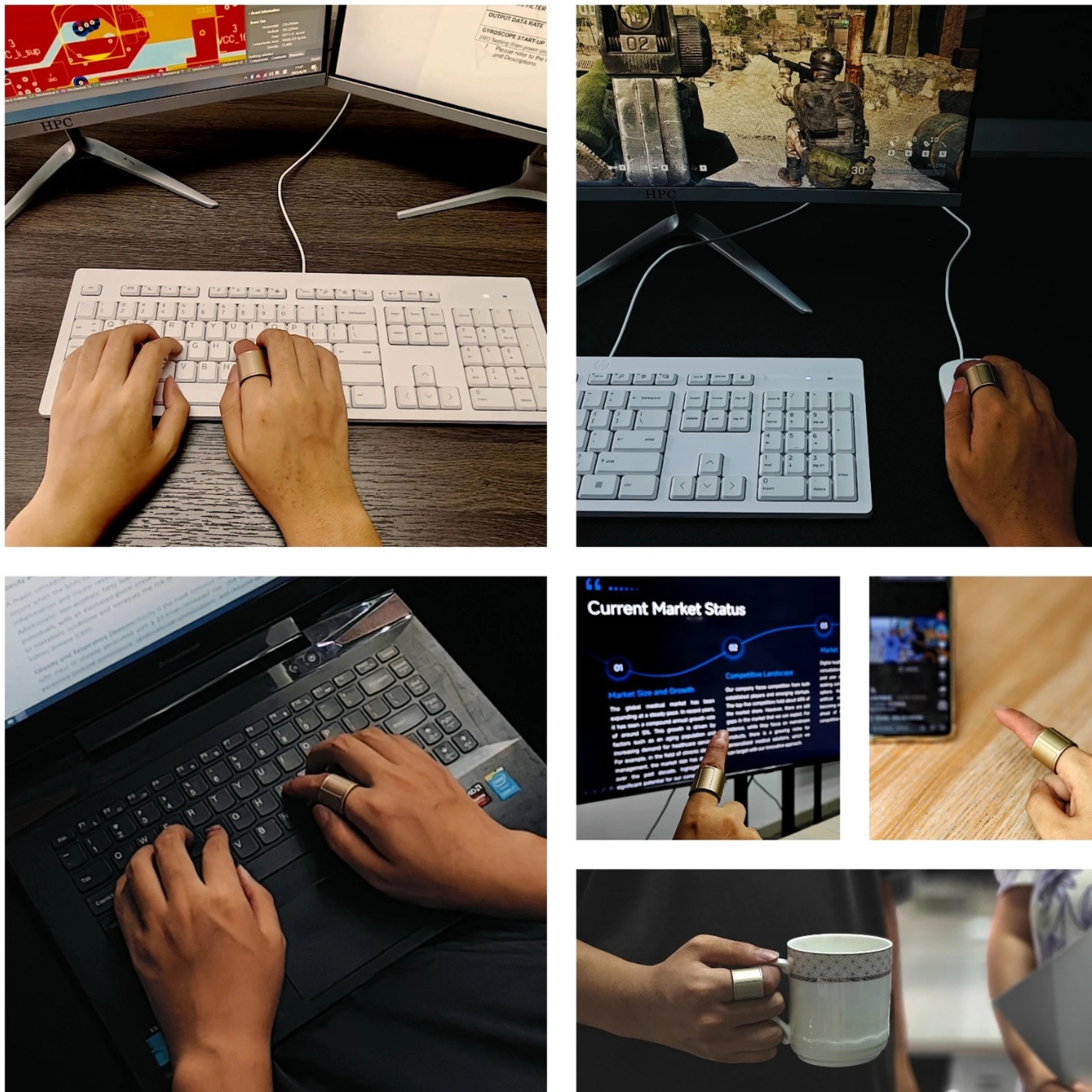
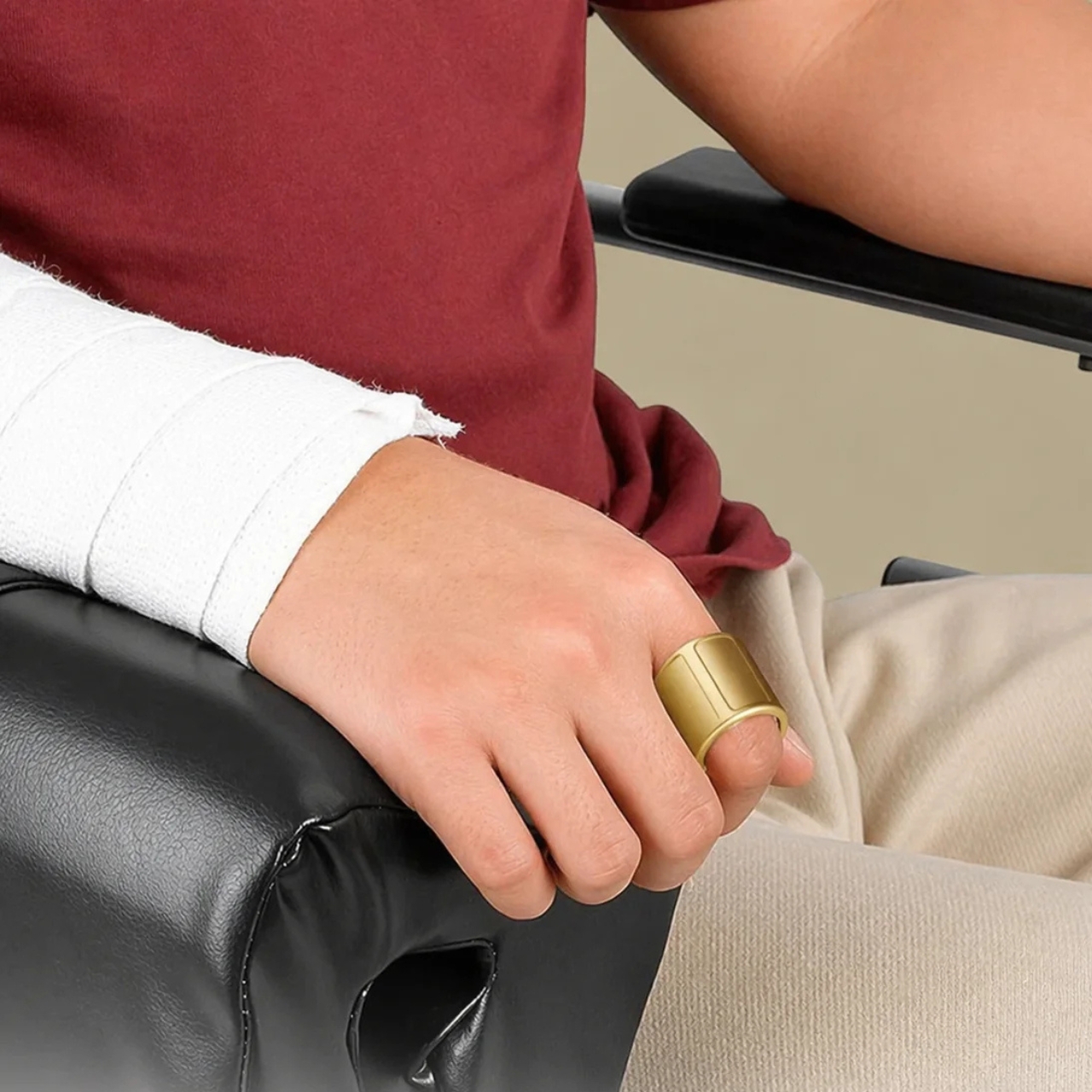
The top touch strip, called the Modstrip, handles mode switching and additional commands. The four modes are Cursor, Navigation, Touch, and Air, organizing functions such as pointing, browsing, media playback, and motion gestures. Separating these controls lets the same small surface perform different jobs, although it also means learning which mode you’re using. Some interactions require both hands.
One particularly interesting feature is Joystick Assist. Swipe quickly from one edge of the trackpad to the other and keep holding, and the cursor continues moving. Moving your thumb farther from the center increases its speed; releasing stops it. This addresses the limited travel of a finger-sized trackpad, while ordinary trackpad movements remain available for finer positioning.
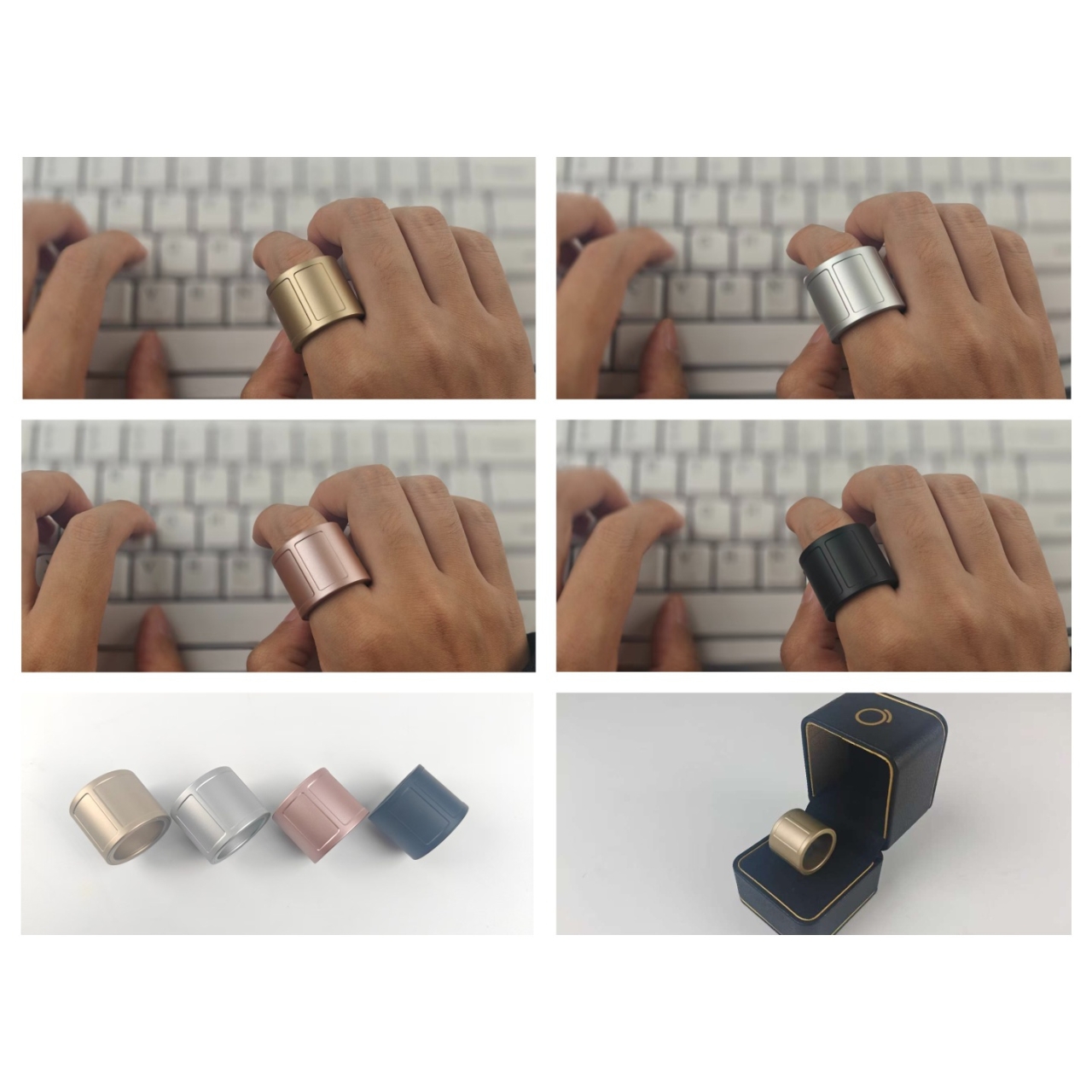
Switching devices uses a tap followed by a hold on the Modstrip. The ring disconnects from the current device and reconnects to another saved device, so “instantly” would be an overstatement. It connects to only one device at a time. For someone moving between a laptop and a tablet, the appeal is keeping the same controller rather than reaching for another one.
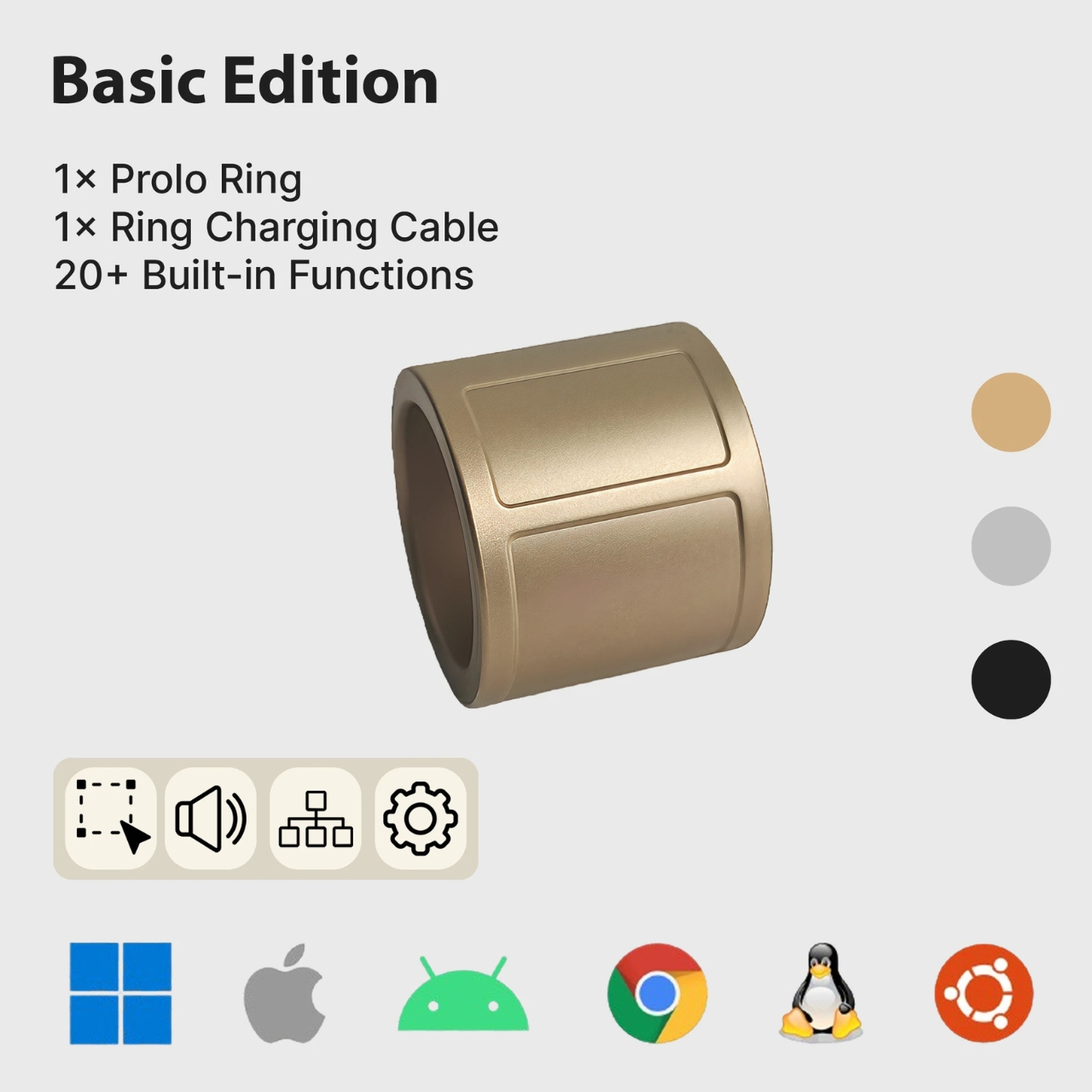
Basic controls use standard Bluetooth HID, the protocol used by compatible input devices, without requiring a dedicated driver or app. Prolo lists support for Windows, macOS, Linux, Android, and iOS/iPadOS, plus compatible smart TVs and XR devices. Available functions vary by device and app. It can also work alongside your existing mouse and keyboard rather than requiring you to replace them.
The Pro Edition adds more than 40 customizable gestures, assignable shortcuts, macros, and profiles. Prolo Studio, the free desktop companion app, handles customization. You could organize controls around presentations or media playback rather than use every available gesture. Push-to-talk can trigger dictation or AI shortcuts, but the ring has no microphone; a connected device handles the voice input.
Prolo claims up to 10 hours of typical use per charge and includes a magnetic charging cable. The ring is not waterproof, so it needs to come off before showering or swimming. For cramped workspaces, its clearest potential benefit is freeing you from needing a separate mousing surface. Whether that convenience outweighs wearing a broad band and learning its controls will depend on how you work.