
PROS:
- Distinctive, futuristic aesthetic and compact design
- Powerful specs and fast data transfer speeds
- Quiet operation even with two fans
- Six M.2 slots with possible HDD expansion
CONS:
- Only fits M.2 2280 size
- Premium pricing
EDITOR'S QUOTE:
The Flashstor 6 Gen2 delivers a powerful and modern NAS solution that doesn't need to be hidden away behind a monitor.


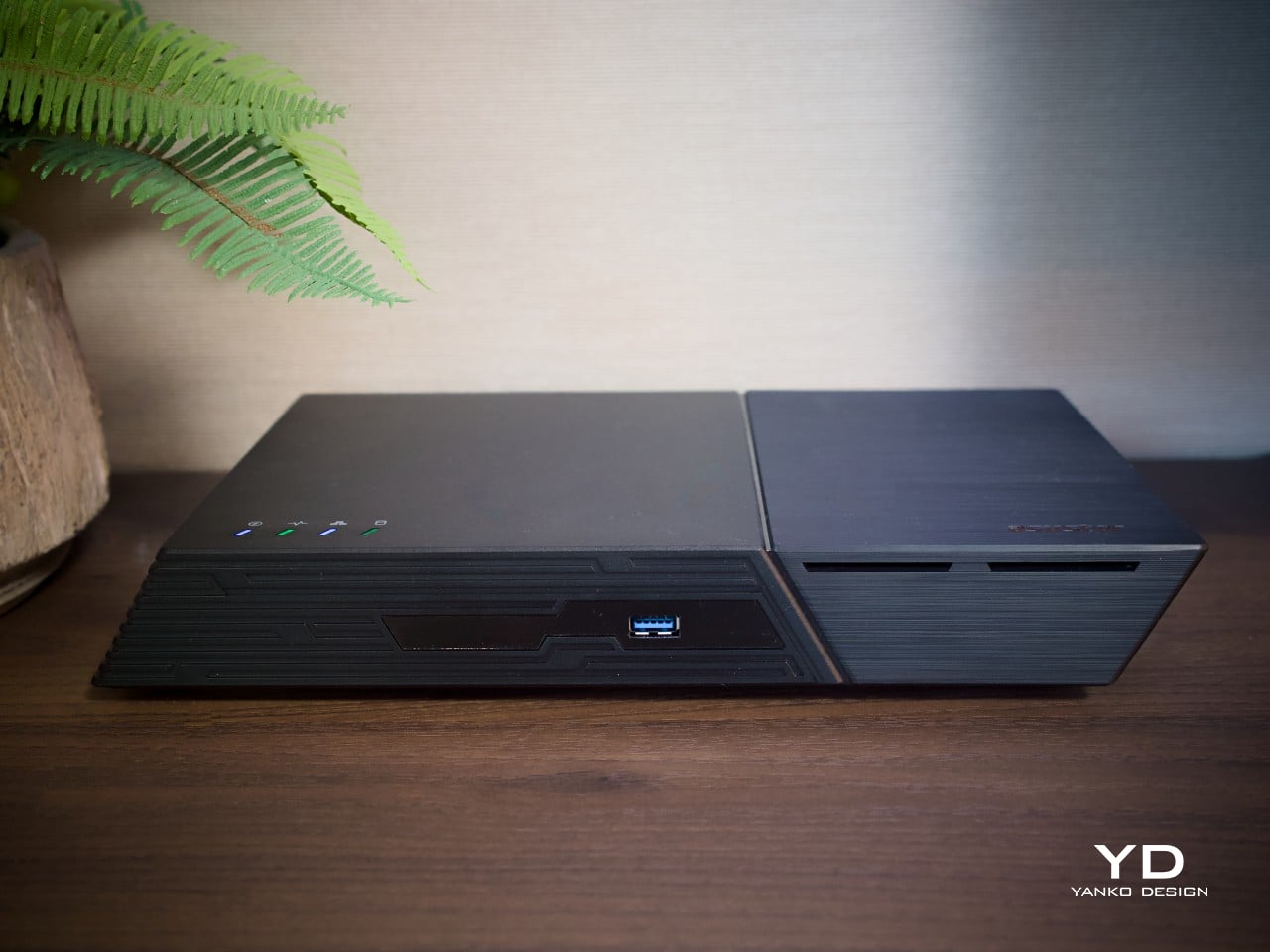
Network storage boxes rarely earn a second glance, usually parked out of sight because nobody wants a black box cluttering the desk. The Flashstor 6 Gen2 changes that expectation on sight. ASUSTOR’s second-generation all-flash NAS wears an angled, faceted shell that reads more like a compact game console than a file server, all while housing six NVMe bays and 10GbE networking underneath its sculpted plastic body.
This is the follow-up to ASUSTOR’s original Flashstor 6, and the internals show a genuine generational jump. An AMD Ryzen Embedded processor, DDR5 memory, and PCIe Gen4 support replace the older, more modest hardware inside. Built with creatives, home lab tinkerers, and small studios in mind, the FS6806X invites judgment on more than raw speed, asking to be evaluated on how it looks and feels in daily use.
Designer: ASUSTOR
Aesthetics
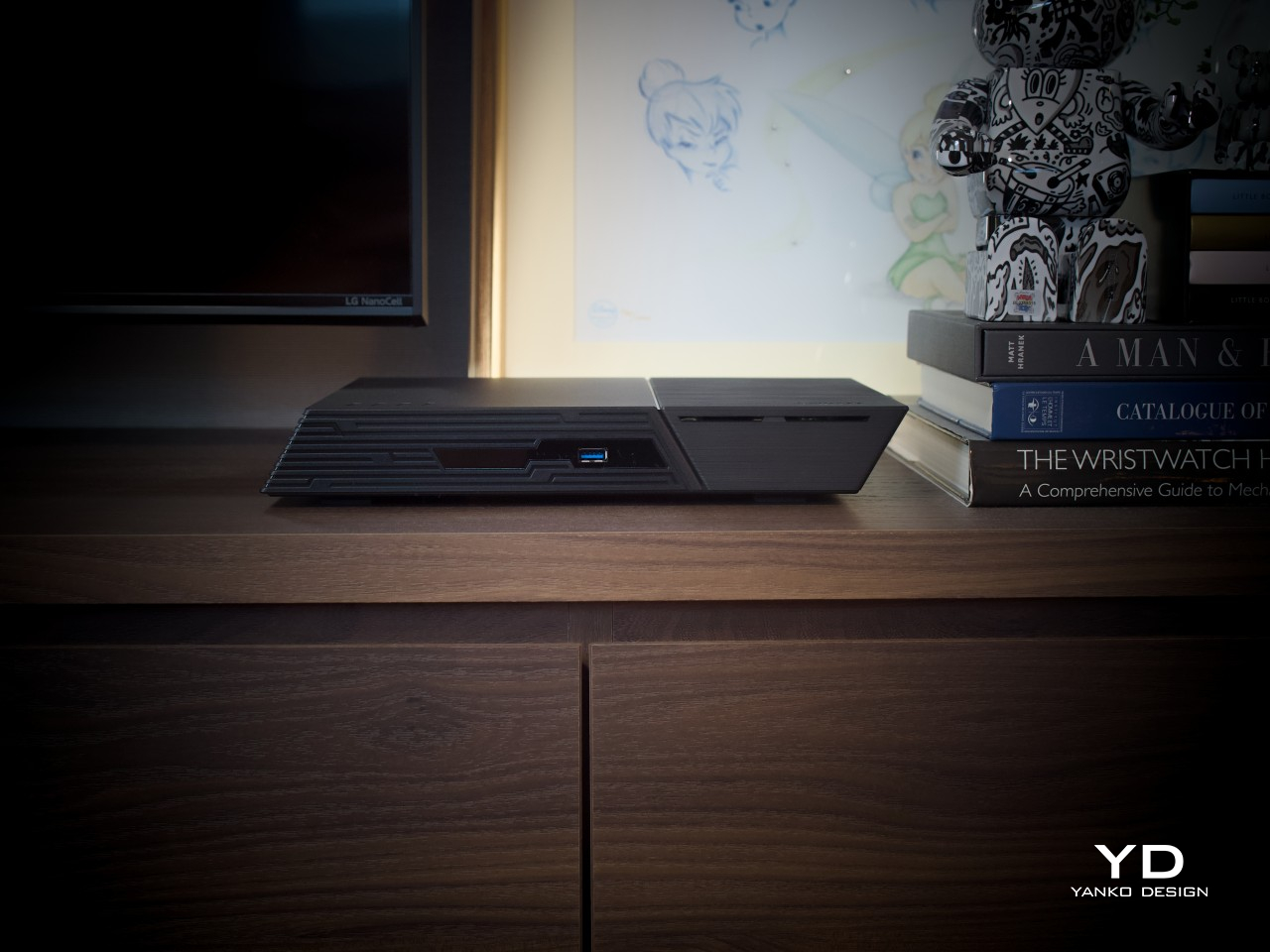
The shell makes the boldest first impression. Rather than the usual squared-off box, ASUSTOR shaped the Flashstor 6 Gen2 with a slanted, almost parallelogram-like profile that leans to the side at an angle. That single geometric choice gives the whole unit a sense of motion even while sitting still on a shelf, setting it apart from nearly every other storage enclosure on the market today.
Look closer, and the finish adds even more character. One side of the enclosure wears a brushed metal effect, while the other carries a powder-coated texture, and the contrast between the two reads as a deliberate styling choice rather than an accident. Both finishes sit on a plastic shell rather than actual metal, so the material change is really just a clever coating trick.
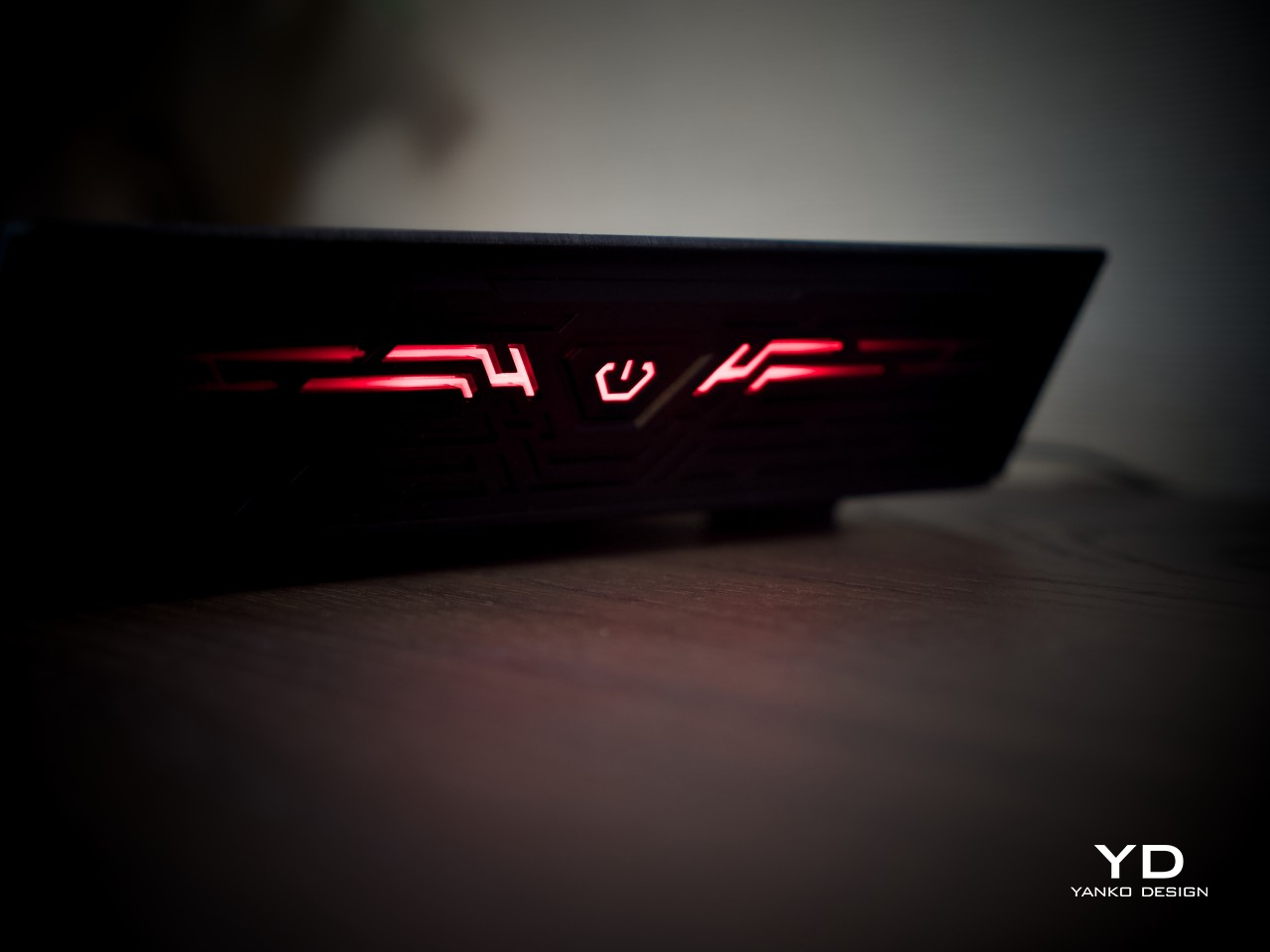
A set of lines and grooves wraps from the front panel around to one side, and that detail carries most of the futuristic feel the design is going for. It breaks up what could have been a plain surface without resorting to loud branding or extra vents. Combined with the angled face and lighting, the overall impression lands closer to a gaming console than anything typically found on a NAS shelf.
Ergonomics
Size-wise, the Flashstor 6 Gen2 measures about 7.6 x 12.1 x 1.9 inches and weighs roughly 3.1 lbs, closer to a thick external drive than a typical NAS tower. Because every bay holds an SSD instead of a spinning disk, there’s no vibration and barely any audible hum, which makes it far easier to justify keeping the unit somewhere visible instead of banished to a closet or a rack in another room.
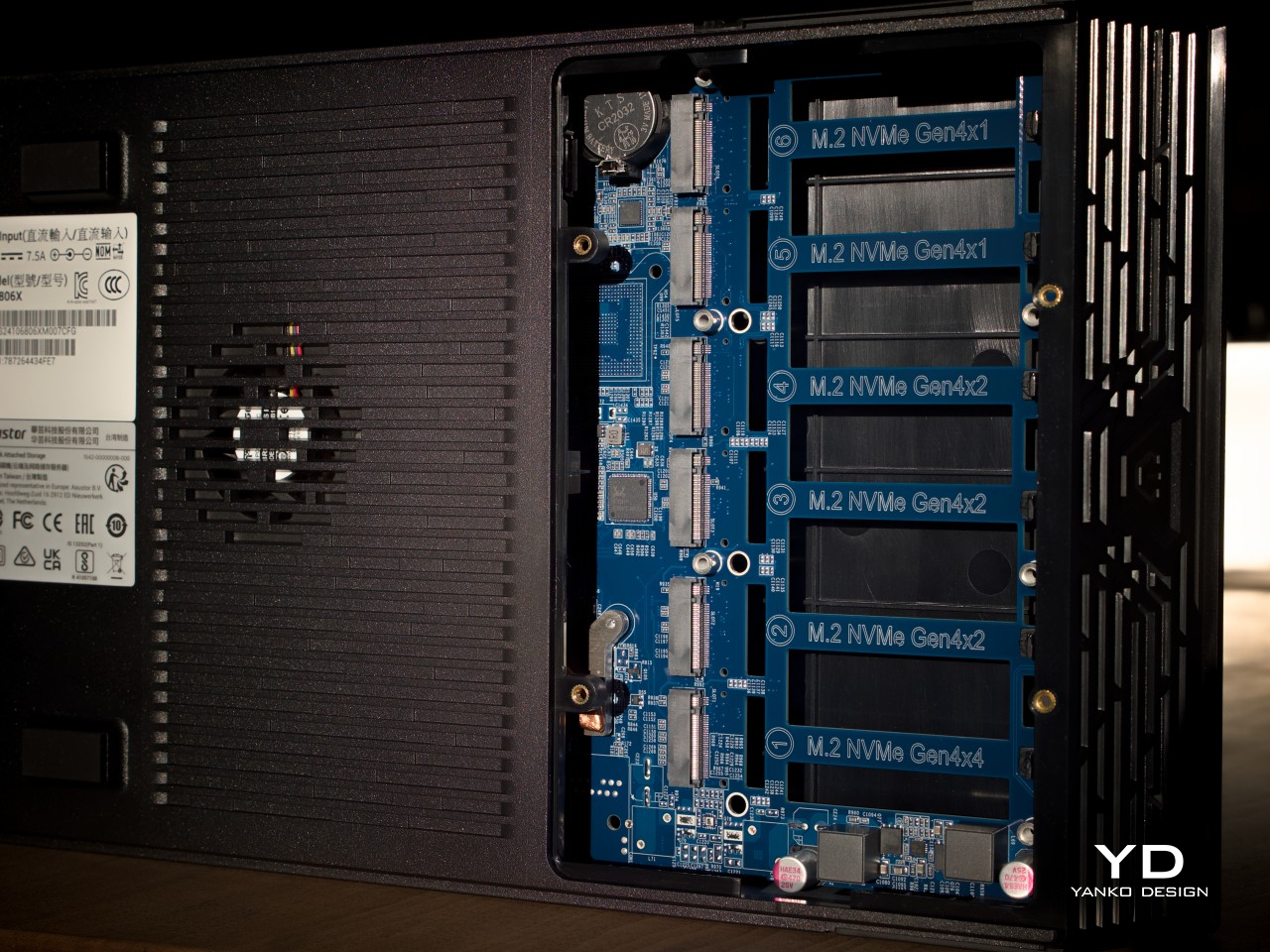
Getting inside isn’t as effortless as the sleek shell suggests. Reaching the M.2 slots means removing four screws on the bottom panel, though ASUSTOR doesn’t include a screwdriver in the box, so keep one handy. Once that panel is off, though, the slots themselves use a simple latch system, no tools needed to seat or remove an SSD. Getting to the RAM means removing even more screws, so that part takes a bit longer.
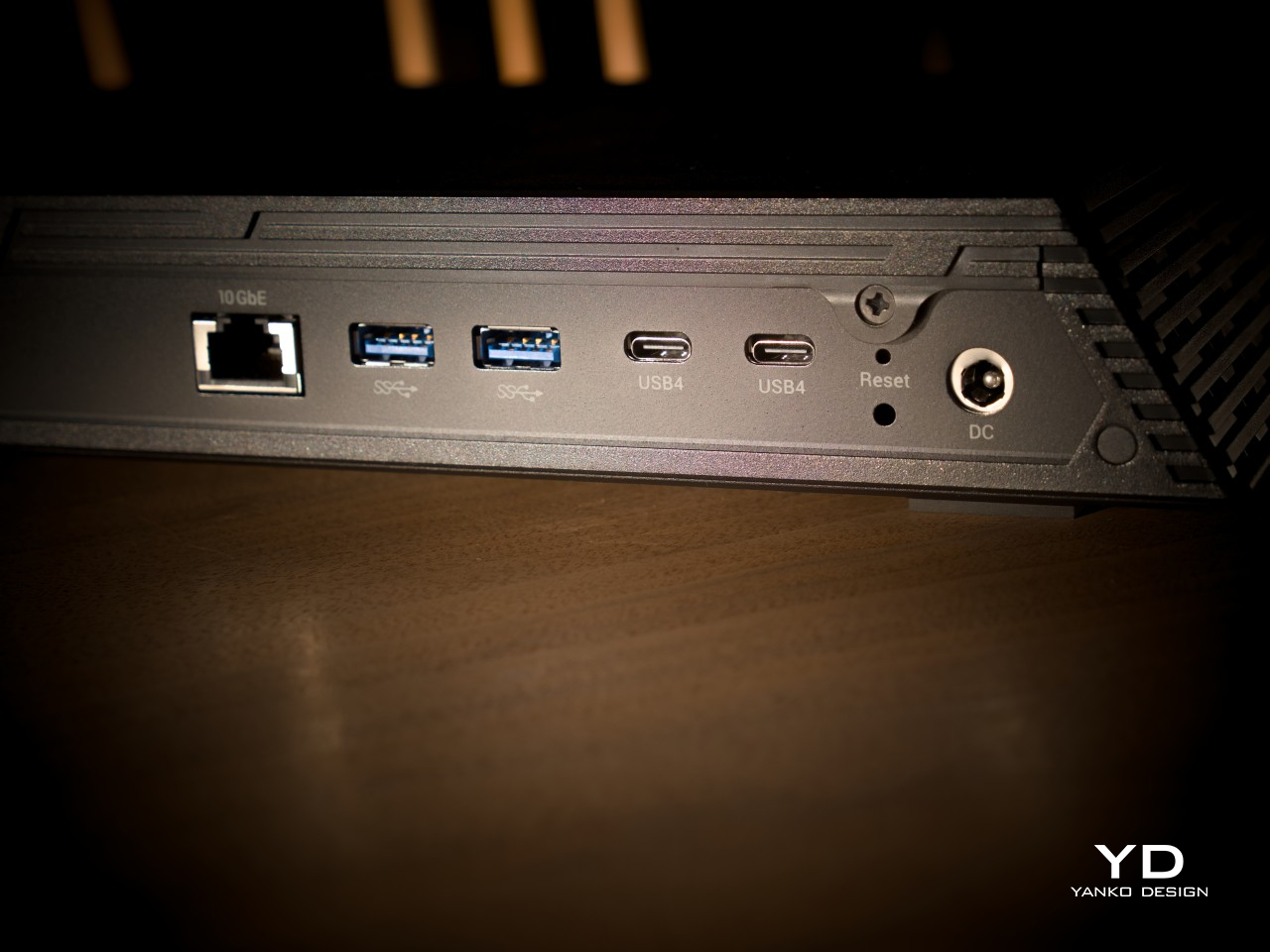
Connectivity tells a similar story of tradeoffs. Up front, there’s a single USB-A 3.2 Gen 2 port for quick backups or grabbing files off an external drive. Everything else, including both USB4 Type-C ports, sits on the rear panel alongside the 10GbE jack, which means anyone who frequently swaps cables will be reaching around the back a lot. It’s a small inconvenience that trades off for a cleaner, less cluttered front face.
Performance
Underneath the shell sits an AMD Ryzen Embedded V3C14, a quad-core, eight-thread chip built on a 6-nanometer process with speeds reaching 3.8GHz, well ahead of the entry-level chips found in cheaper NAS boxes. It ships with 8GB of DDR5-4800 memory, expandable to 64GB across two SO-DIMM slots, and the platform supports ECC modules for anyone who upgrades, a detail that speaks to how seriously ASUSTOR treated the internals.
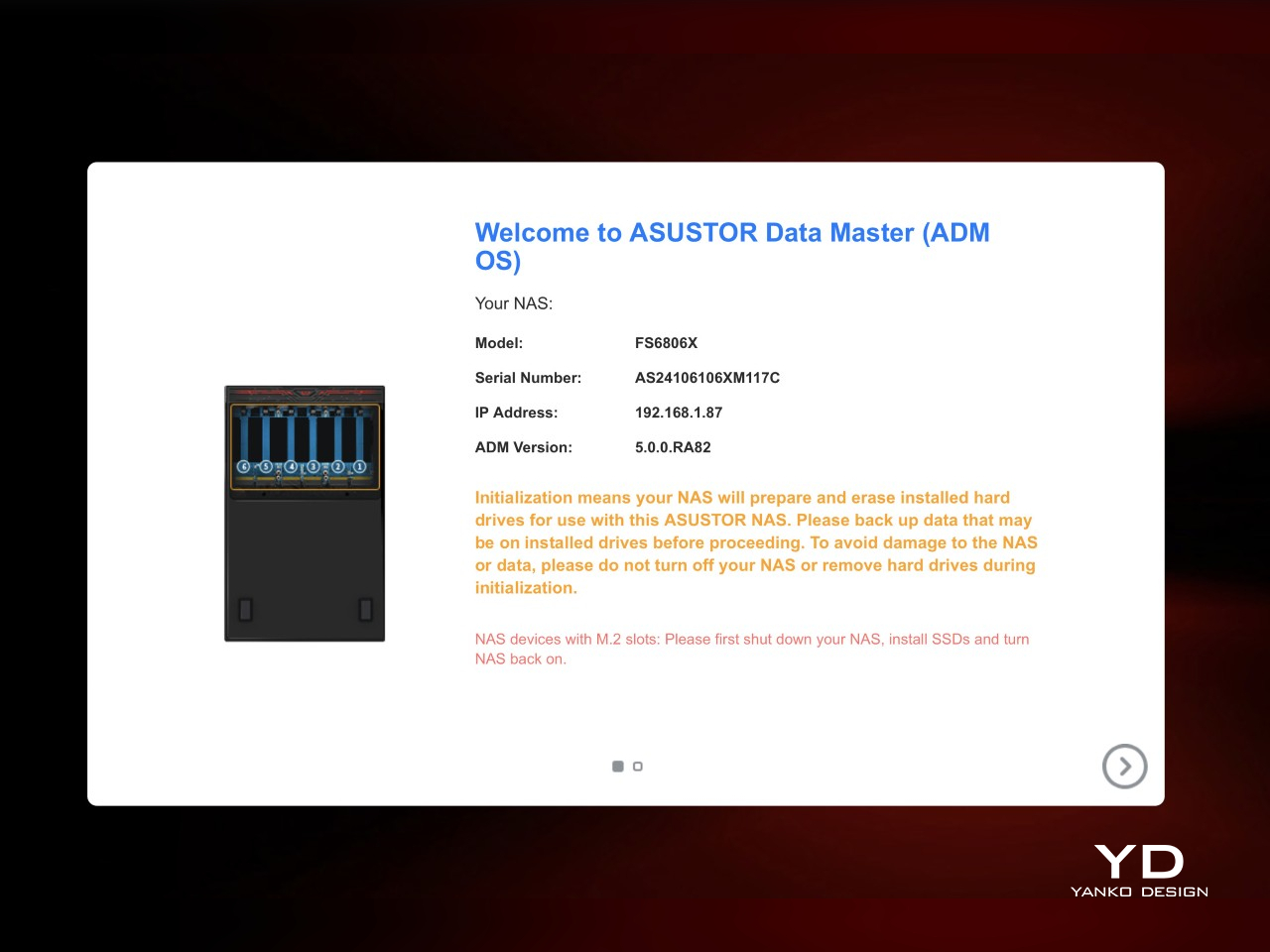
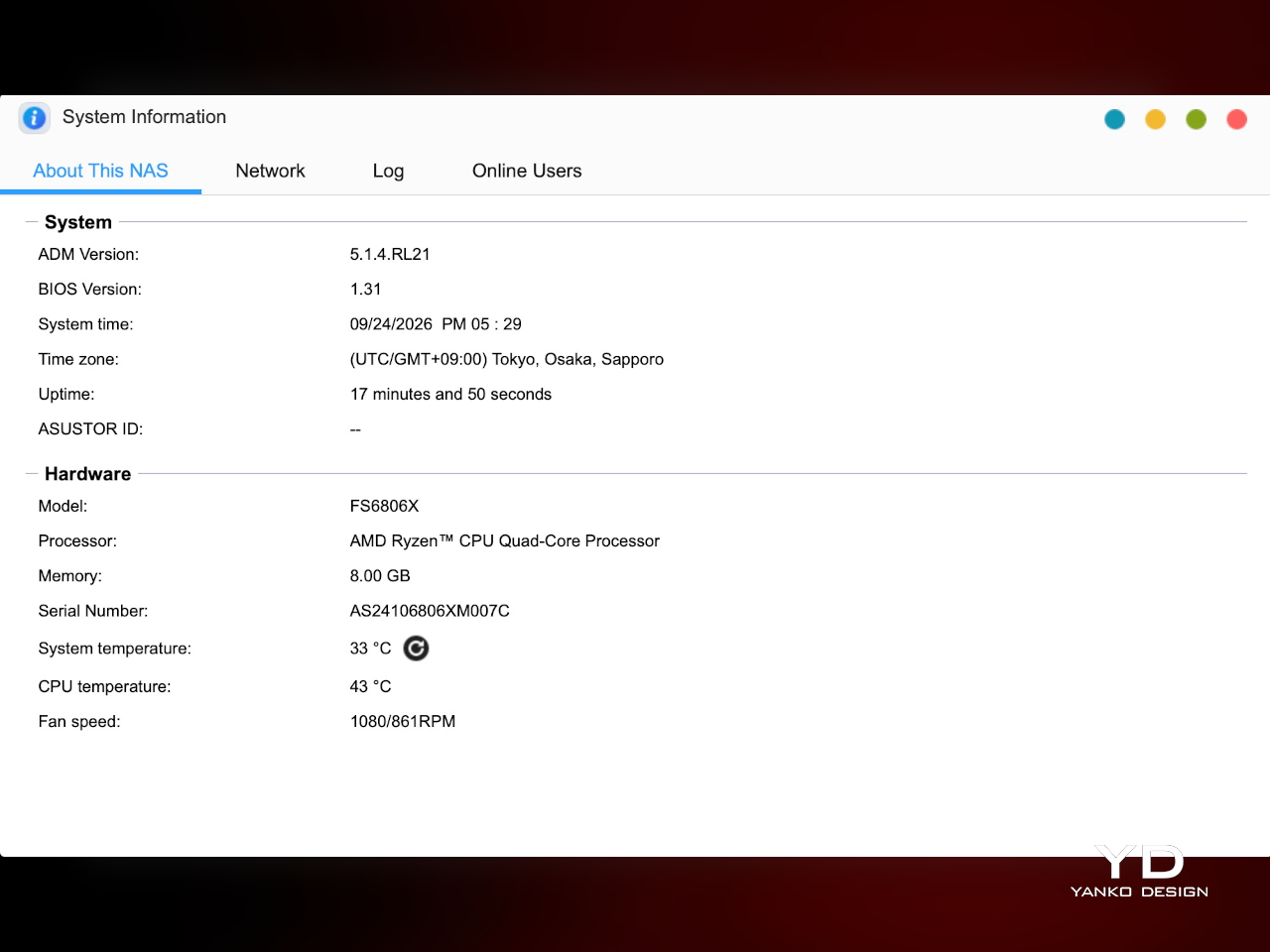
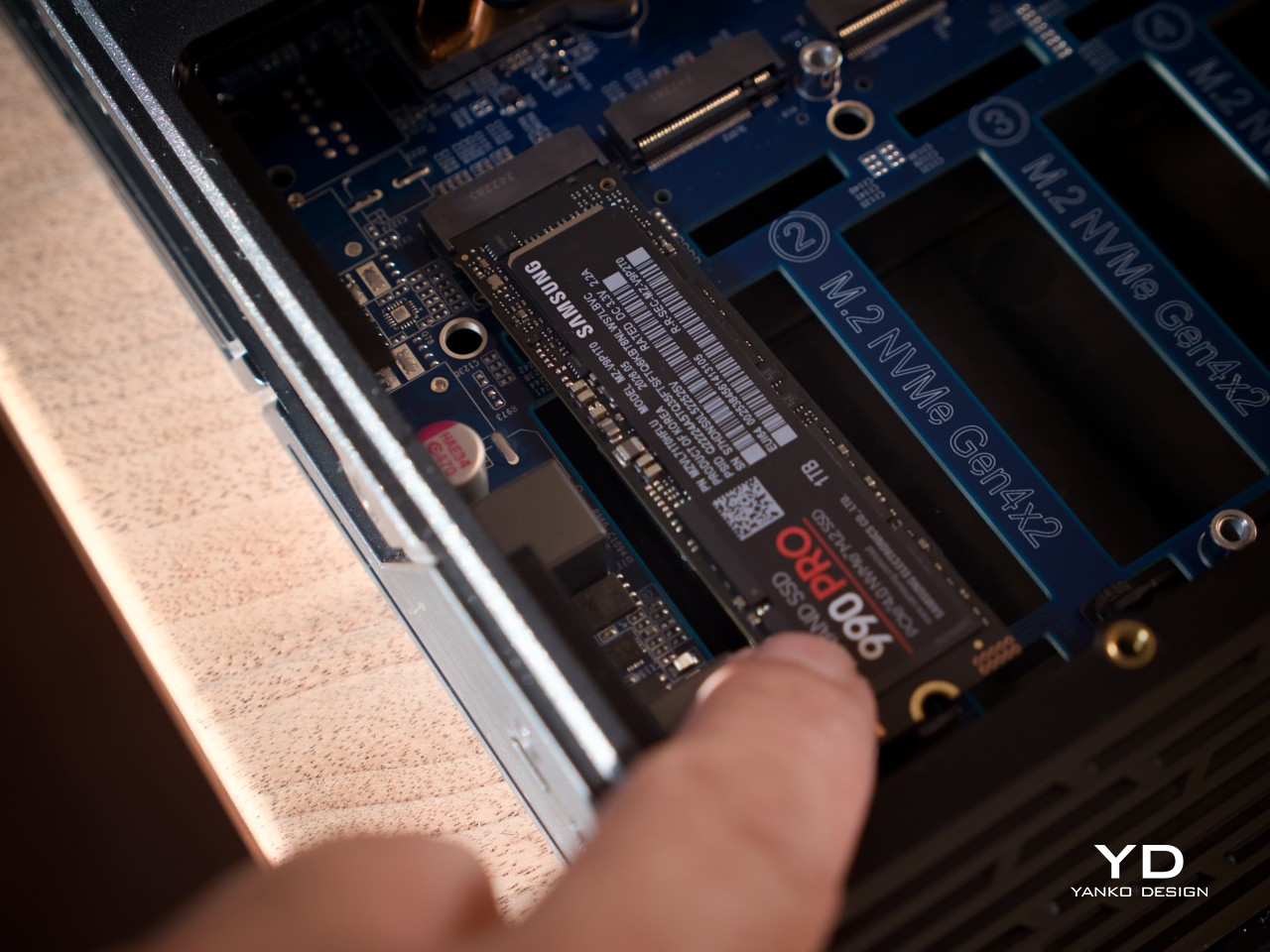
All six bays are built for M.2 NVMe drives running up to PCIe Gen4 x4, so there’s no bottleneck between the interface and the drive itself. Worth noting, the slots only fit the 2280 form factor, so shorter 2230, 2242, or 2260 drives can’t be mounted. Once populated, drives can be arranged into RAID 0, 1, 5, 6, or 10, formatted in either EXT4 or Btrfs.
That storage speed only matters if the network keeps pace, and the single 10GbE port earns its place here. Our own testing came close to ASUSTOR’s advertised figures, nearing 1,180 MB/s of sequential read/write in RAID 5 over that connection. The two USB4 Type-C ports add another route, offering up to 40Gbps per port for direct, network-free transfers.
One other significant upgrade from the Flashstor 6 gen2’s predecessor is the addition of a second cooling fan under the CPU. Given the higher processing power, that upgraded thermal management is very much warranted. But even with two fans, the NAS runs quiet, barely a murmur, adding to the appeal of putting the box somewhere visible yet unheard.
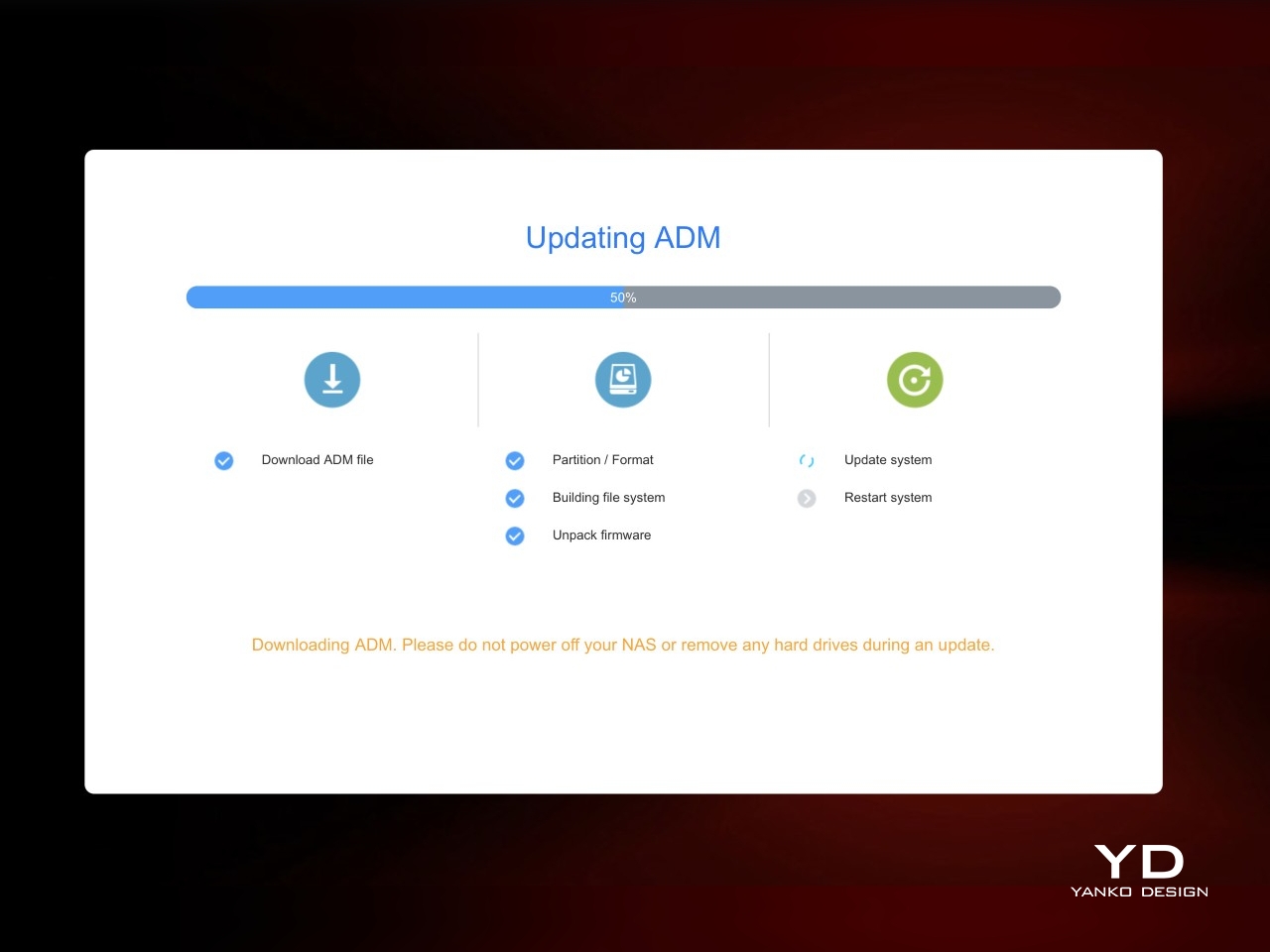
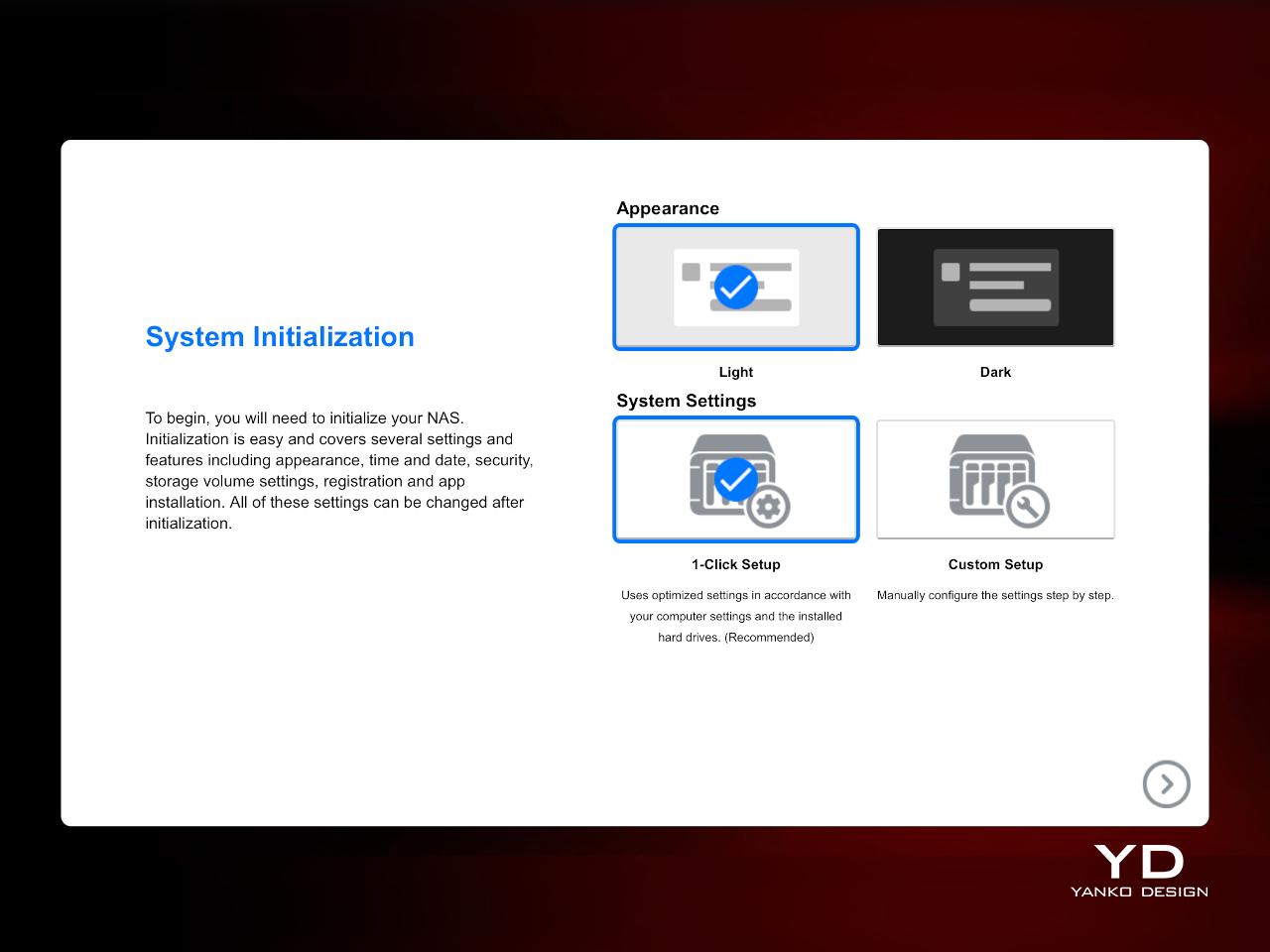
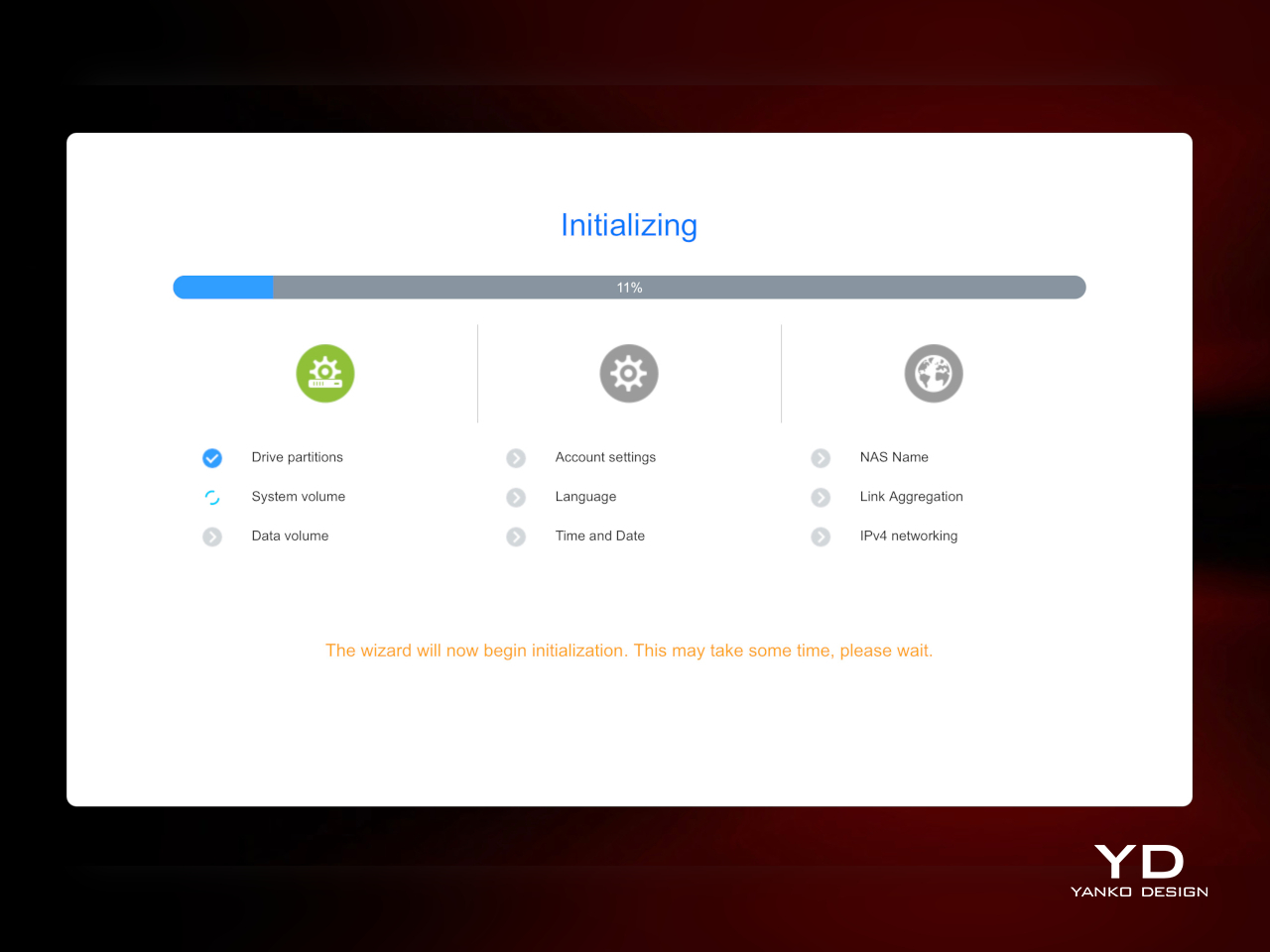
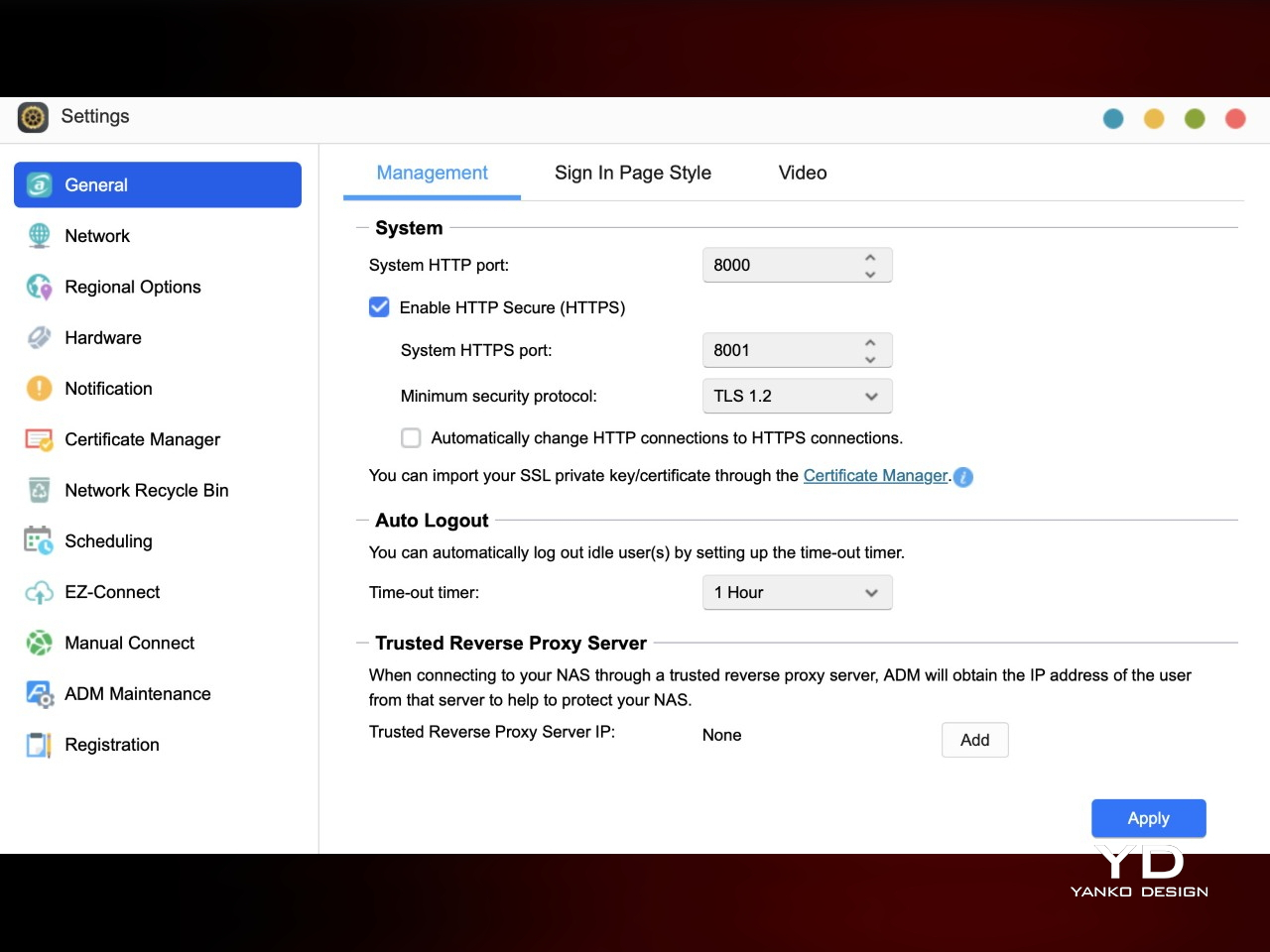
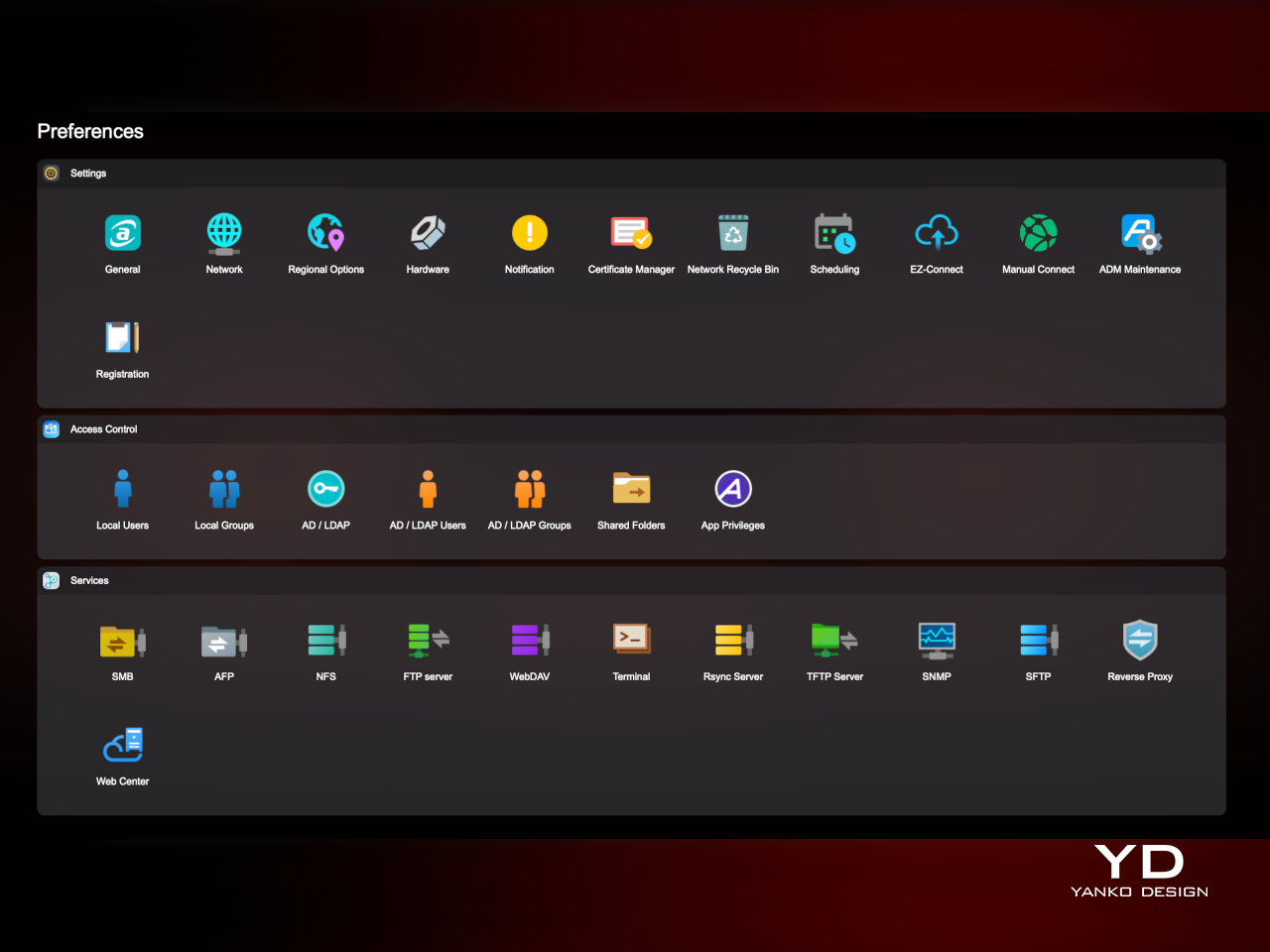
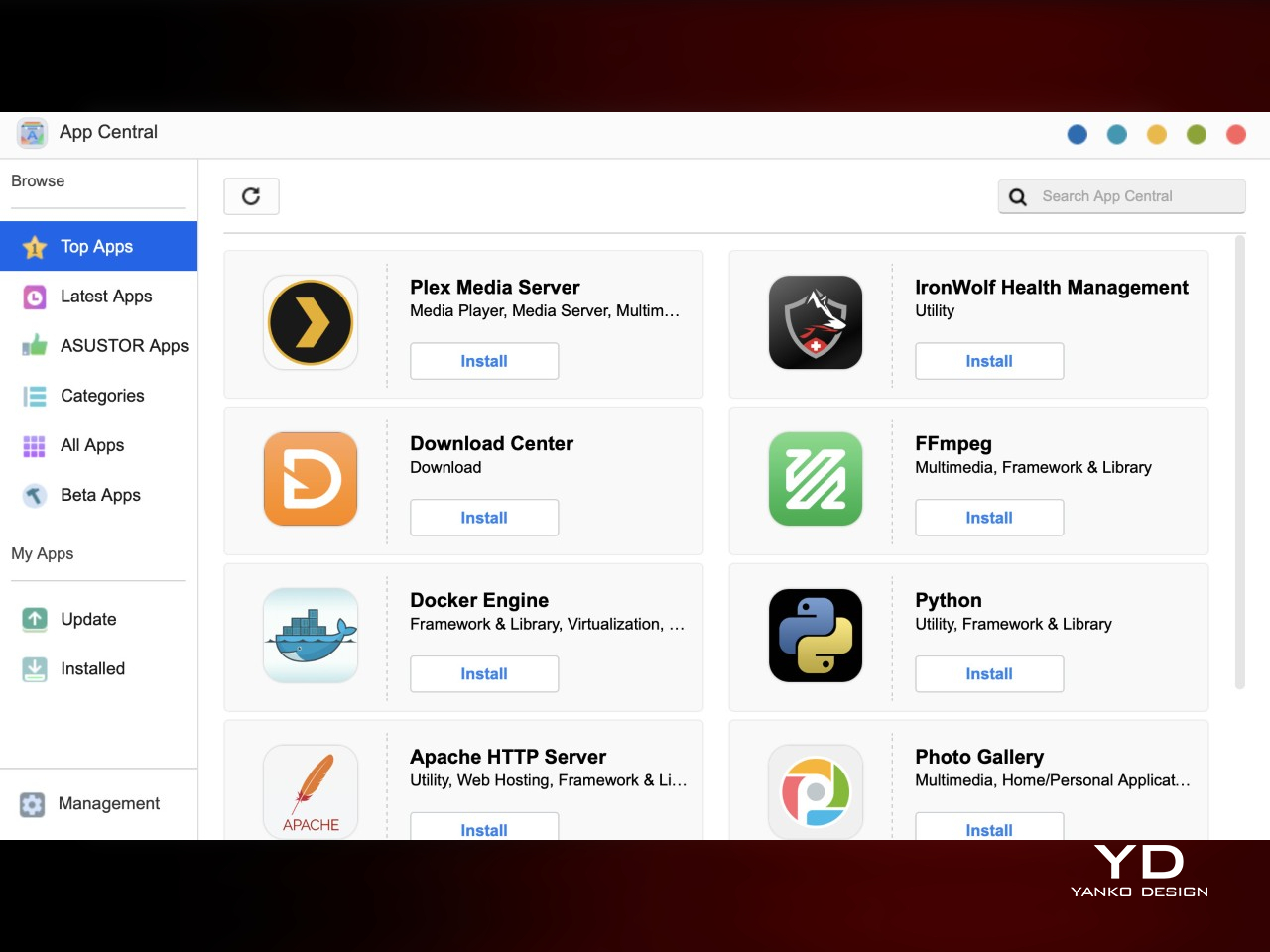
Software runs through ASUSTOR Data Master or ADM, the company’s operating system, with access to an app store covering everything from Docker containers to backup tools and media servers. If you ever decide to repurpose the NAS into a security hub someday, a handful of free surveillance camera channels will make that easier. The ADM also lets you control the speed of the fans, in case you prefer to sacrifice a bit of quiet for more aggressive cooling. And when six bays start to feel limiting, expansion units push the drive count up to 18, letting the platform grow past its footprint.
Sustainability
Going all-flash brings a few sustainability perks that are easy to miss at first glance. There are no spinning platters to wear down over years of use, less heat generated during typical workloads, and lower power draw than a comparable hard-drive NAS running the same hours. Support for ECC memory adds another layer of protection, catching data corruption before it becomes a bigger problem down the line.
The shell itself is plastic rather than metal, and it does flex a bit under pressure, a reminder of where costs were trimmed to keep the price reasonable. That’s not a huge deal-breaker, though it’s probably time for manufacturers to be more conscious of the materials they use, especially with storage solutions like NAS becoming more common even in personal use.
Value
The Flashstor 6 Gen2 sits in premium territory once six NVMe drives get factored into the total cost, and it doesn’t pretend otherwise. At roughly $1,040.99 for the box alone, this isn’t a budget pick for someone who just wants basic file backup. The cost reflects the Ryzen platform, expandable memory, PCIe Gen4 support, USB4 ports, and 10GbE networking, all wrapped in a shell that looks intentional rather than purely utilitarian.
What makes that cost easier to accept is how consistently current every component feels. The processor, memory, storage interface, and networking are all genuinely up to date rather than propped up by one flashy spec while everything else lags behind. That balance means the storage never waits on the processor, and the network never becomes the bottleneck holding back six fast drives working together.
The people who get the most out of this are already running 10GbE networks, working with large creative files, or tinkering with containers and light virtualization. Anyone still on a 1GbE home setup with modest storage needs would leave a lot of this hardware idle, and a simpler hard-drive NAS would likely serve them better per terabyte spent. Matching the buyer to the platform matters here.
Verdict
Taken as a whole, the Flashstor 6 Gen2 pulls off something a lot of NAS makers don’t even attempt: hardware that’s current, wrapped in a shell that looks like someone in the design department actually cared. The rear-heavy port layout and screw-bound drive access take some getting used to, and the plastic build has a bit of give to it, but neither issue undercuts what ASUSTOR built here.
Creators, home lab tinkerers, and anyone assembling a fast, quiet storage setup will find hardware that keeps pace with its own ambitions in the FS6806X. It asks for a commitment of both budget and desk space, but in return it hands back a machine that doesn’t need to be hidden away behind a monitor. Few storage boxes manage to earn a place in plain sight quite like this one does.

