Samsung has a long tradition of cramming its biggest ideas into the biggest phone it makes. The Galaxy S26 Ultra carries the spiritual lineage of the Galaxy Note, a device that once seemed absurd for strapping a stylus to a phone the size of a small tablet. That absurdity became a template, and the Ultra line has inherited both the ambition and the expectation that comes with being Samsung’s flagship of flagships.
Sifting through the usual Unpacked fanfare and no small amount of marketing jargon, five features stood out as genuinely worth paying attention to. Some are brand new. Others are long overdue. And at least one raises more questions than it answers, which is sometimes the most interesting kind of upgrade to talk about.
Designer: Samsung
A screen that knows when to keep secrets
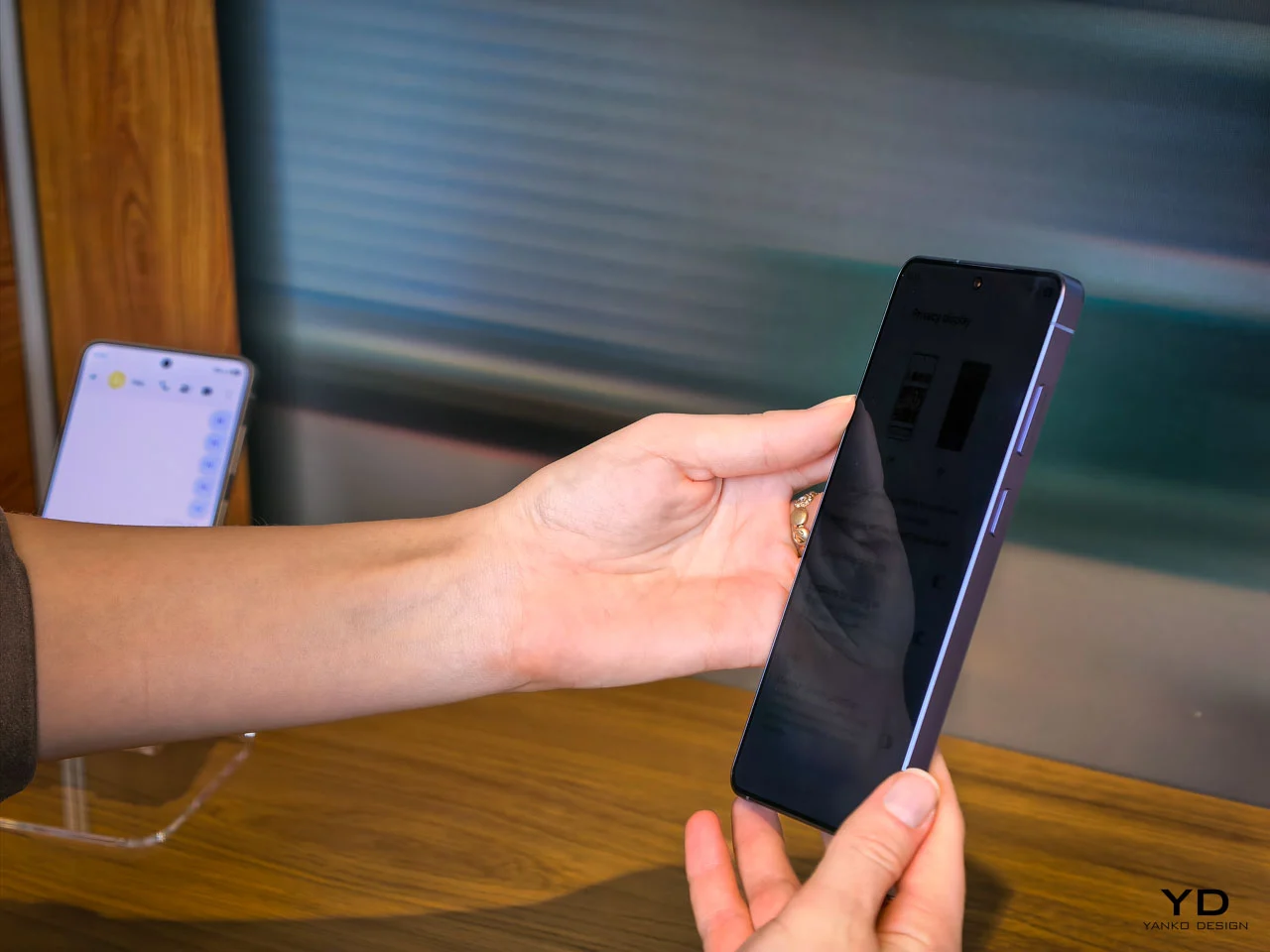
The standout feature of the Galaxy S26 Ultra is something no other phone has attempted at this level: a built-in privacy display. This is not a matte screen protector you peel out of a box or a software filter that dims your screen to a murky grey. Samsung has engineered this at the pixel level of the OLED panel itself, controlling how each pixel disperses light so that the display becomes unreadable from side angles while remaining perfectly clear head-on.
The practical appeal is immediate for anyone who has ever shielded their phone screen on a crowded train or tilted it away from a nosy seatmate at a coffee shop. Samsung gives users granular control over the feature, offering both partial and maximum privacy levels. It can be set to activate only for specific apps, so your banking app gets the full blackout treatment while your weather widget stays visible to everyone around you.
AI that does the boring stuff for you
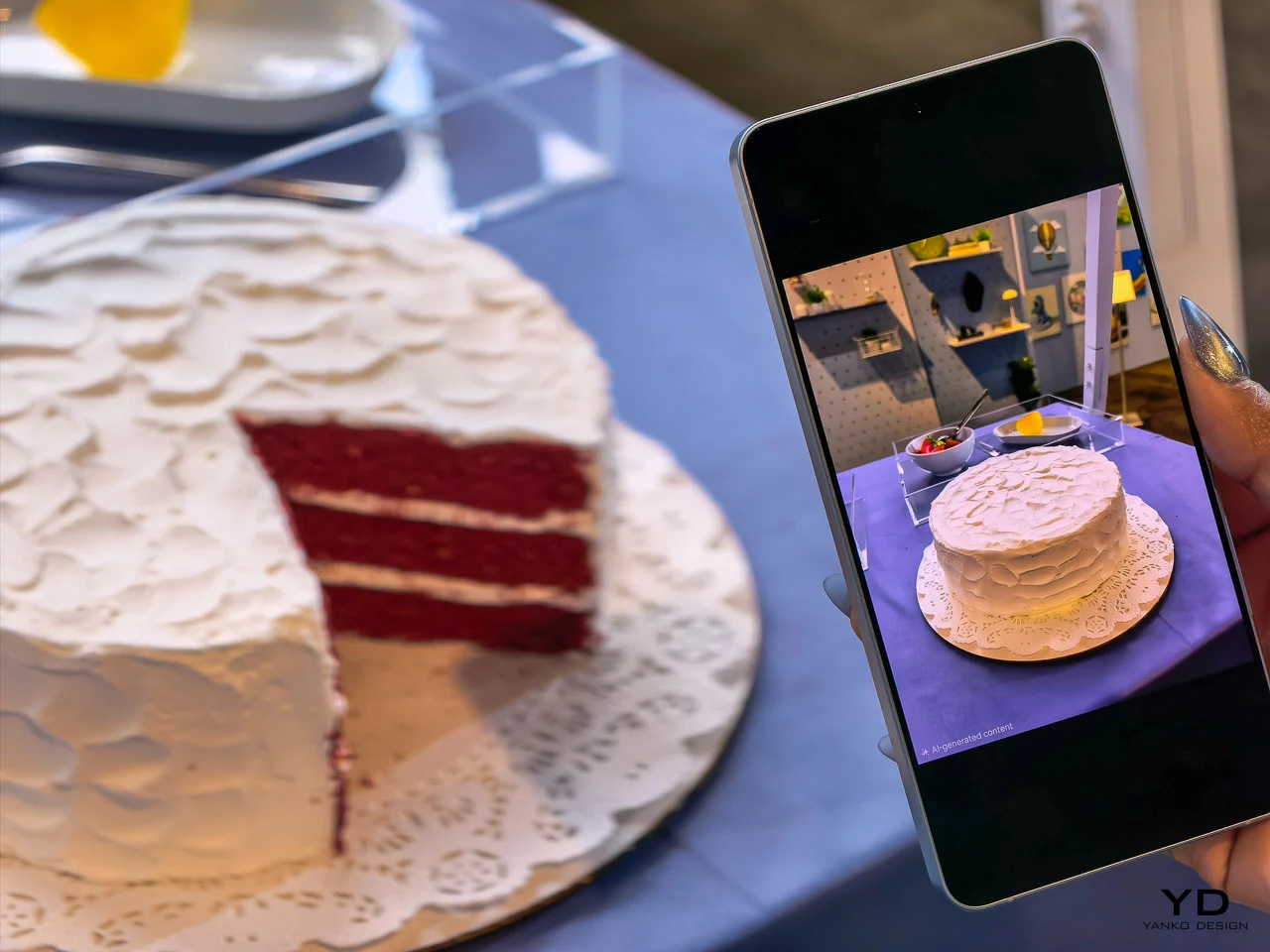
Samsung is calling the Galaxy S26 an “Agentic AI” phone, which sounds like a term conjured by a committee, but the ideas behind it are surprisingly practical. The most compelling addition is Automated App Actions, where the phone handles multi-step tasks in the background while you do something else entirely. Ask it to book an Uber, and it will navigate through the app, confirm the ride, and notify you when it’s done. Screenshot Analyzer, meanwhile, sorts your chaotic screenshot folder into categories like boarding passes, QR codes, and web pages.
Audio Eraser also received a meaningful expansion, and it now works on third-party apps like YouTube, Netflix, and Instagram in real time. Watching a hockey game on your phone and can barely hear the commentators over the roaring crowd? Audio Eraser can strip away that background noise as the video plays. It is not perfect, and audio artifacts do creep in, but Samsung also upgraded Bixby to handle natural language commands for device settings, which makes it feel less like a forgotten assistant and more like a functional one.
Faster charging, finally (with a few asterisks)
Samsung has historically been cautious with charging speeds, and whether that conservatism stems from engineering prudence or the long shadow of the Galaxy Note 7 battery fiasco is a question only Samsung can answer. The Galaxy S26 Ultra now supports 60W wired charging, a 33 percent jump from the previous 45W ceiling, and it can bring the same 5,000mAh battery from zero to 75 percent in roughly 30 minutes. Samsung even ships a faster 3-amp cable in the box, though you still have to supply your own charger.
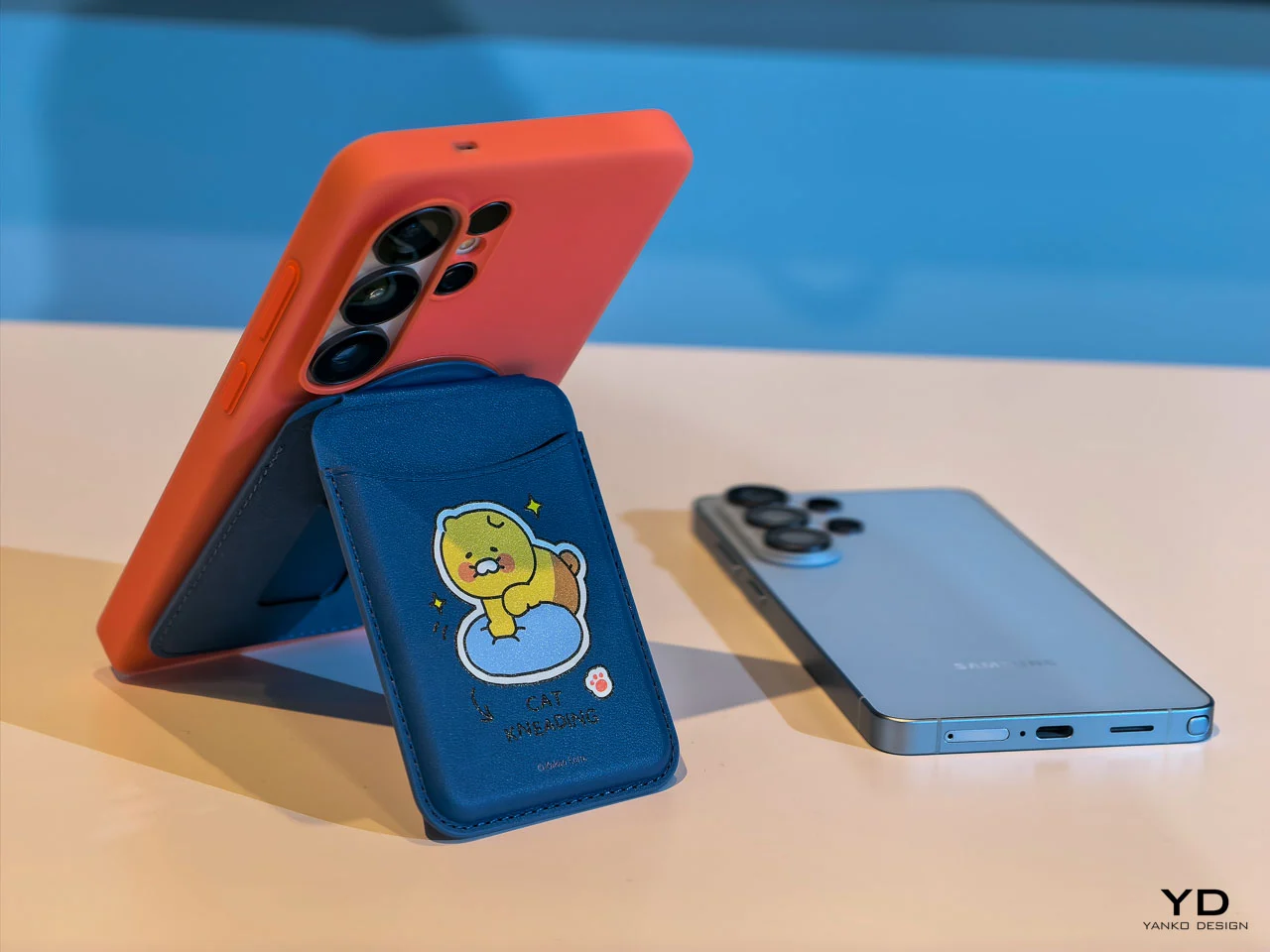
Wireless charging also got a substantial bump to 25W through the Qi2 standard, up from a modest 15W on the Galaxy S25 Ultra. There are caveats worth noting here, however. The Galaxy S26 Ultra has no built-in magnets, so reaching that 25W speed requires a magnetic case for proper alignment with Qi2 chargers. Samsung cited thickness concerns, but the phone is only 0.3mm thinner than its predecessor, which makes that reasoning feel a little thin itself. Pun intended.
Better cameras hiding behind the same specs
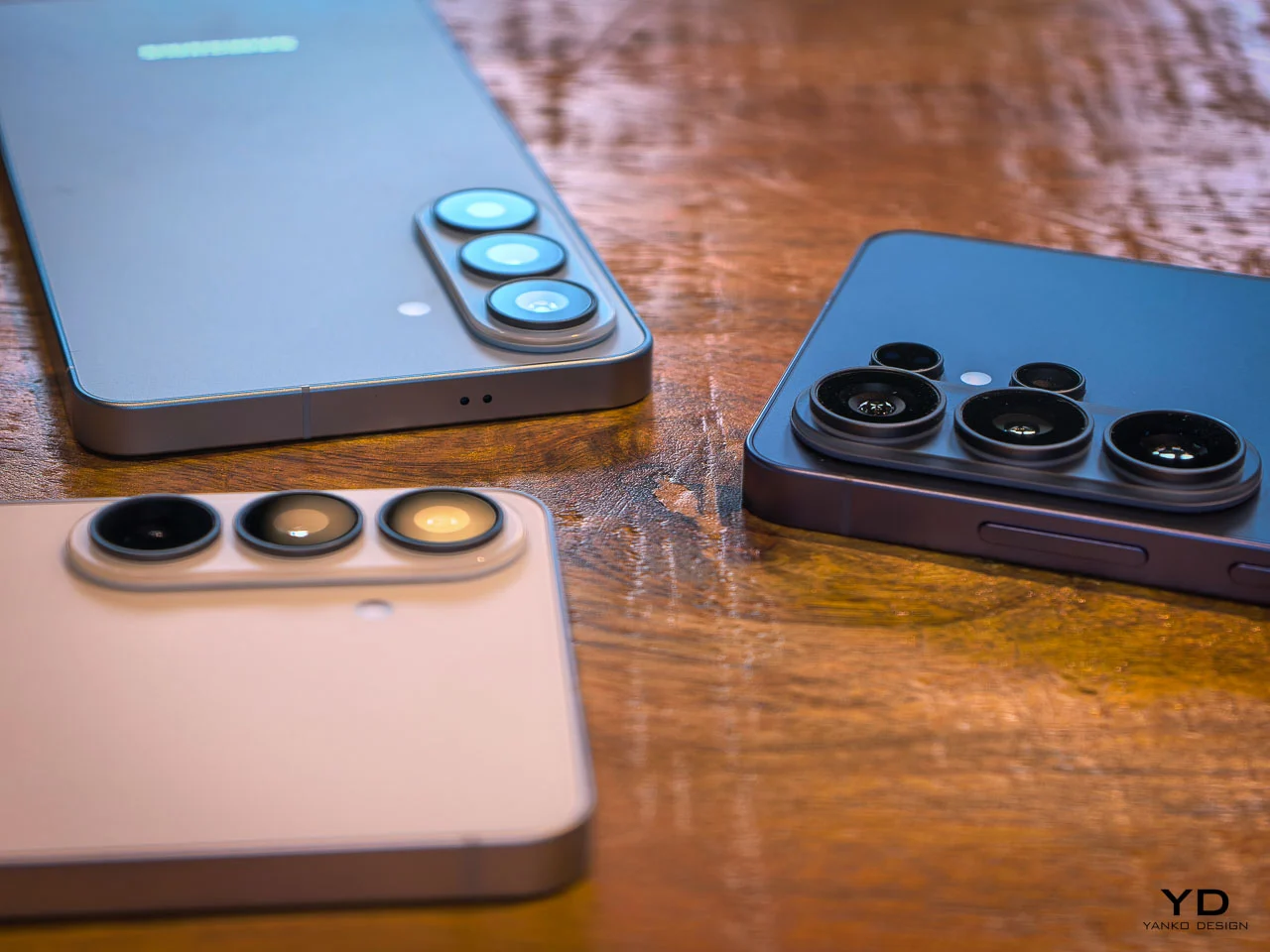
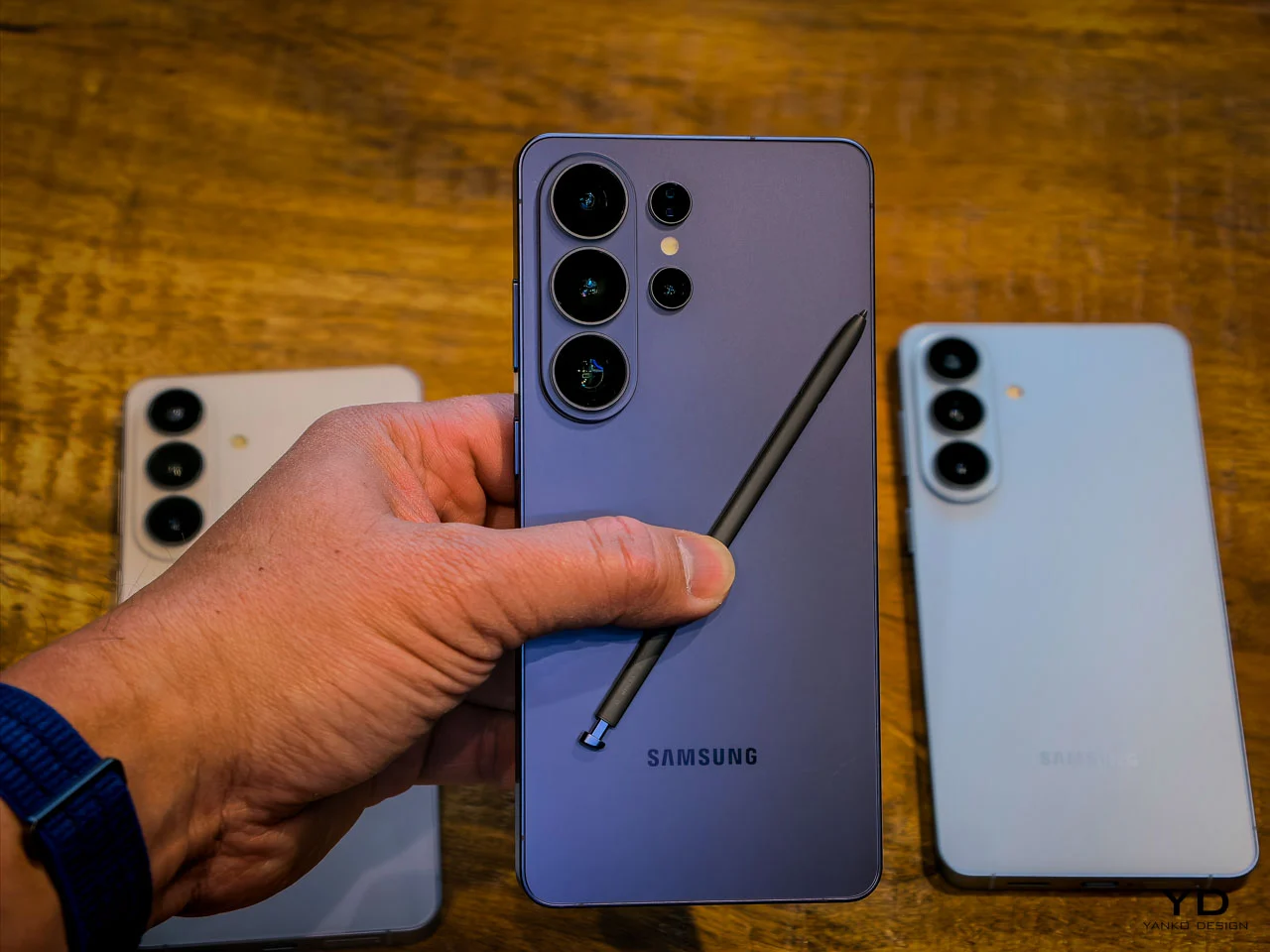
The camera hardware on the Galaxy S26 Ultra received subtle but targeted upgrades rather than a wholesale overhaul. The 200MP main sensor now has an f/1.4 aperture, widened from f/1.7, letting in 47 percent more light. The 50MP 5x telephoto camera also opened up to f/2.9 from f/3.4 for a 37 percent brightness improvement. These wider apertures directly feed into Samsung’s improved Nightography mode, which uses lens-specific noise reduction to produce cleaner photos and videos in low light.
On the software side, Photo Assist now accepts written prompts in natural language, so you can describe edits like “make this a night scene” or “remove the person on the left” without digging through menus. Samsung also introduced APV, a lossless video codec that supports 8K recording at 30 frames per second for users who need maximum editing flexibility. One odd wrinkle, though: the S26 Ultra has a hidden 24MP shooting mode that sits between 12MP and 50MP for balanced detail and color, but enabling it requires installing a separate Camera Assistant app from the Galaxy Store.
The pen that refuses to die
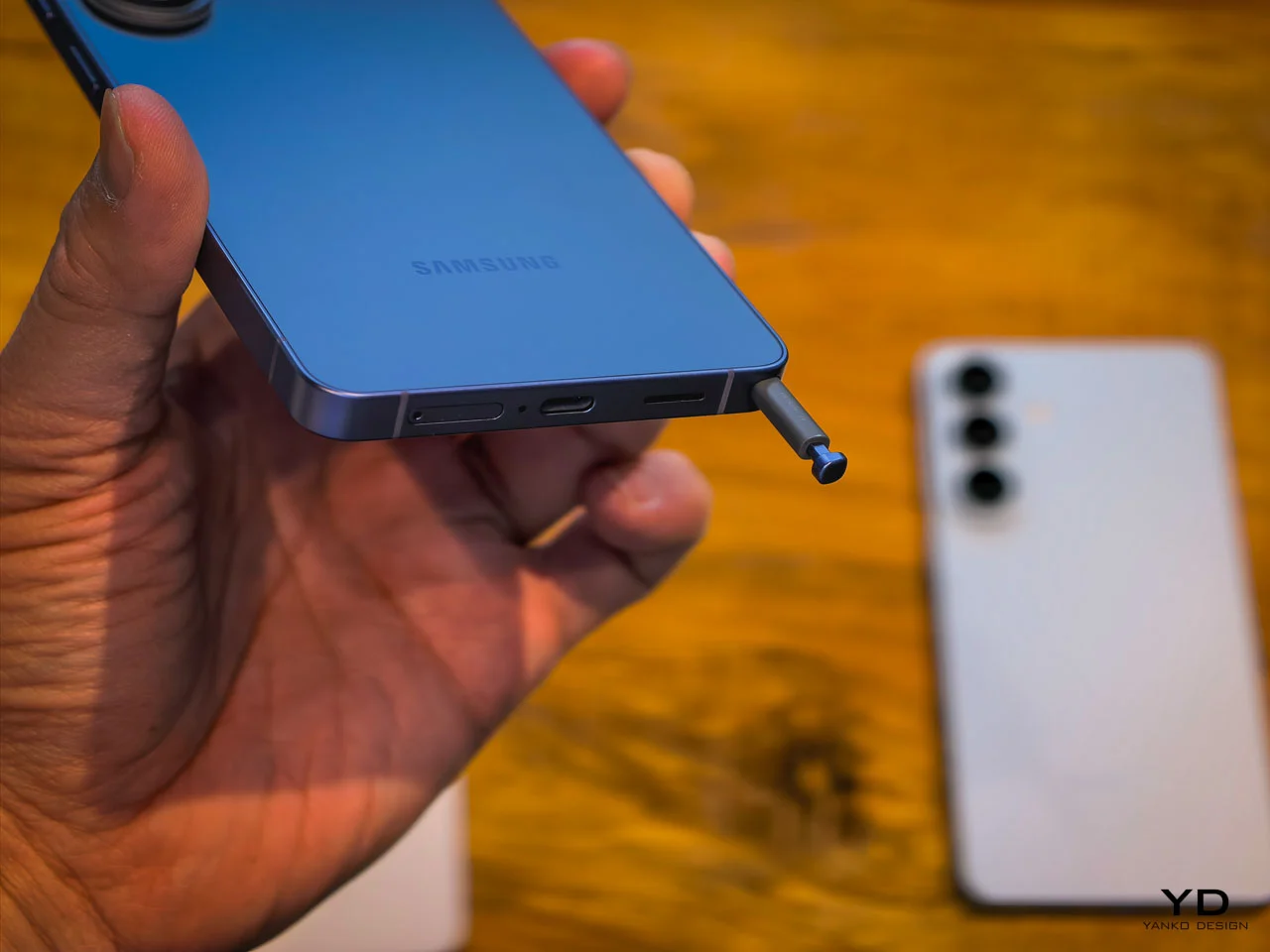
The S Pen remains one of the features that separates the Galaxy S Ultra line from every other flagship on the market. It still lacks the Bluetooth connectivity that Samsung removed with the Galaxy S25 Ultra, so there is no remote shutter or gesture control from a distance. The external design has changed slightly to match the S26 Ultra’s rounder corners, giving the stylus tip an asymmetric curve. This means you now have to insert it the correct way, or it will stick out awkwardly from the bottom edge.
None of that diminishes the fact that the S Pen earmarks the Galaxy S26 Ultra as more than a consumption device. Just as interest in handwriting, sketching, and analog-style note-taking is quietly resurging, having a built-in stylus with pressure sensitivity and palm rejection feels less like a legacy feature and more like a forward-looking one. Competitors like Huawei, Motorola, and TCL have tried to replicate this kind of stylus integration with varying degrees of success, which suggests the idea still has legs even if Samsung’s execution feels like it is coasting a bit this generation.