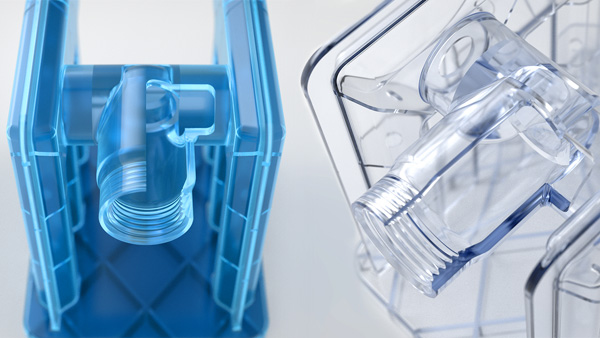
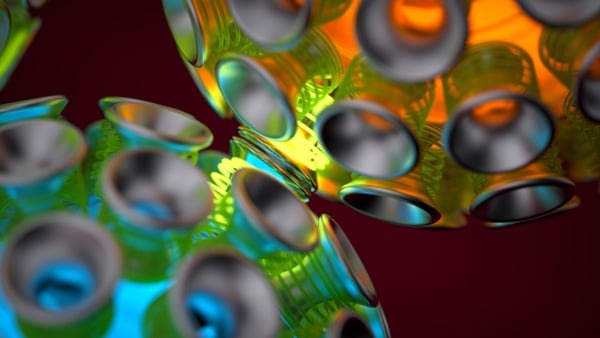
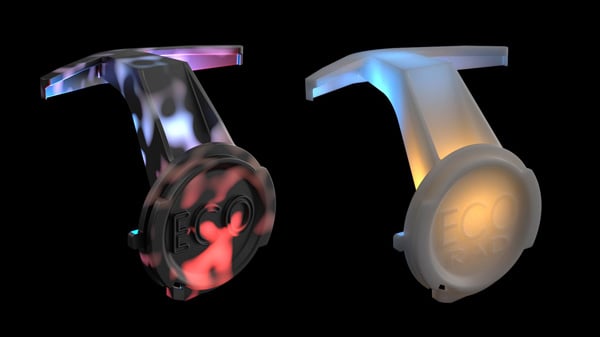
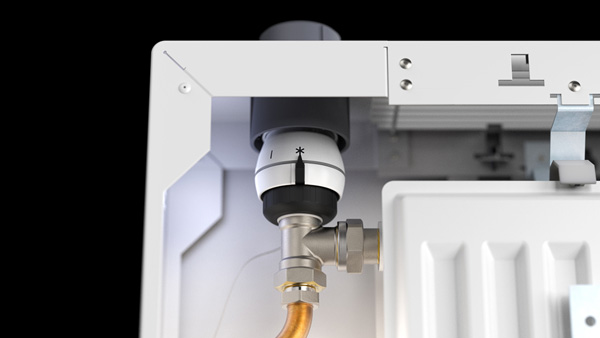
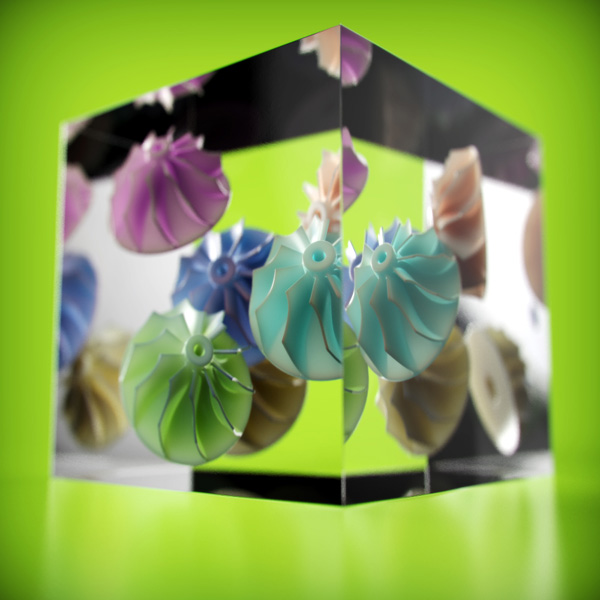
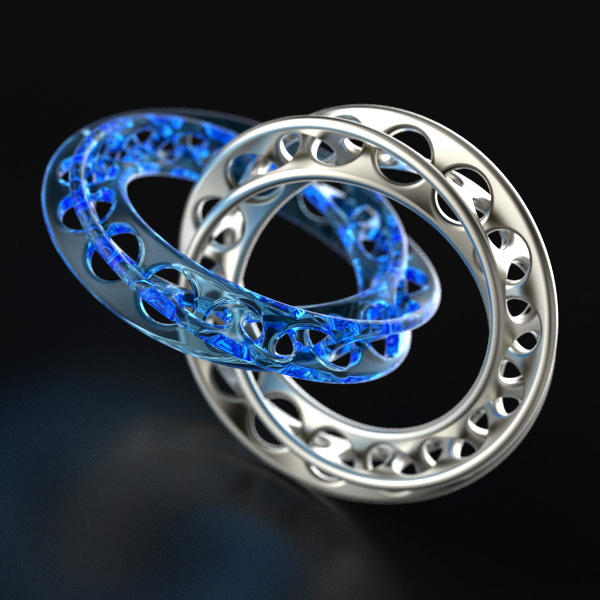
Plastic. As product designers the look has to be spot on. Whether it’s a rough matte finish or a glossy transparent cover, it’s just easier to get the look you need with 3D rendering software. Dries Vervoort is a mechanical designer who has honed is skills creating visuals for radiator components. It’s paid off for him, with the ability to produce plastics that look like the real thing, and he shows you how using KeyShot to make it happen. You can see how and download the resources he uses here. Below are just a few samples of his work.


Creating perfect plastics and beautiful materials in KeyShot is very easy. Dries Vervoort walks you through the development of materials and more in KeyShot. His tips and tricks help you to create the most accurate array of plastic materials possible!
- What you get to take away are lessons on how to create materials in KeyShot and what settings affect reflection and transparency.
- You also get to learn what material types are best to use for certain plastics and how light effects the look of materials.
- Dries has shared all the assets he used so you can pick them apart and see exactly the material and settings he used.
Designer: Dries Vervoort