
PROS:
- Excellent 12-inch OLED PaperMatte display
- Slim and lightweight design
- Strong speaker performance
CONS:
- No native Google service out of the box
- Software support period is not clearly defined
EDITOR'S QUOTE:
The OLED upgrade does most of the heavy lifting, but the MatePad Air 2026’s real strength is how well its design, ergonomics, and stylus experience come together.


Huawei has been making tablets for long enough to know that raw specs are only half the story. Plenty of slates have big screens, fast refresh rates, and keyboard cases. What separates the memorable ones from the forgettable ones is how they feel when they slip into your day. That is the angle Huawei is chasing with the MatePad Air 2026, a tablet that wants to look stylish, travel light, and still feel capable enough for proper work when the moment calls for it.
On paper, it makes a strong first impression. The MatePad Air 2026 features a 12-inch OLED display, an optional PaperMatte finish, a very slim 5.3mm body, a weight of 509g, a 144Hz refresh rate, a 10,100mAh battery, and a six-speaker setup. The biggest upgrade over the 2025 model is the move from an IPS LCD panel to OLED, and it gives the tablet a much stronger foundation for entertainment, note-taking, and everyday use.
Designer: Huawei
Aesthetics
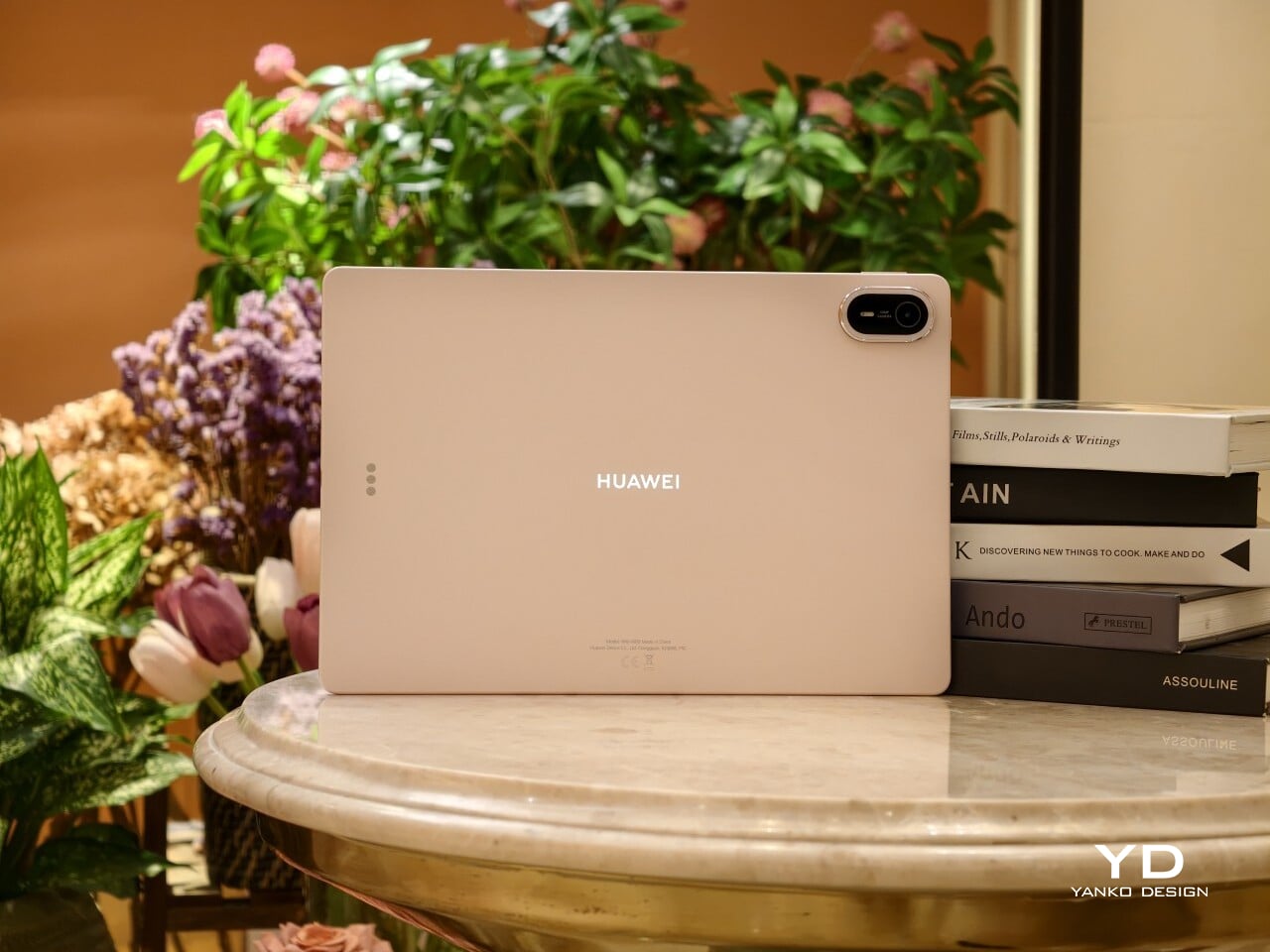
The MatePad Air 2026 seems designed by people who are tired of serious-looking tablets. That is a compliment. Most premium slates still arrive in some variation of grey metal and call it sophistication, but Huawei has gone in a softer direction here with White, Airy Blue, and Sakura Pink finishes that feel more lifestyle-minded. I received the Sakura Pink version, and it gives the tablet a warmer, more distinctive look than the usual sea of neutral-toned rivals.
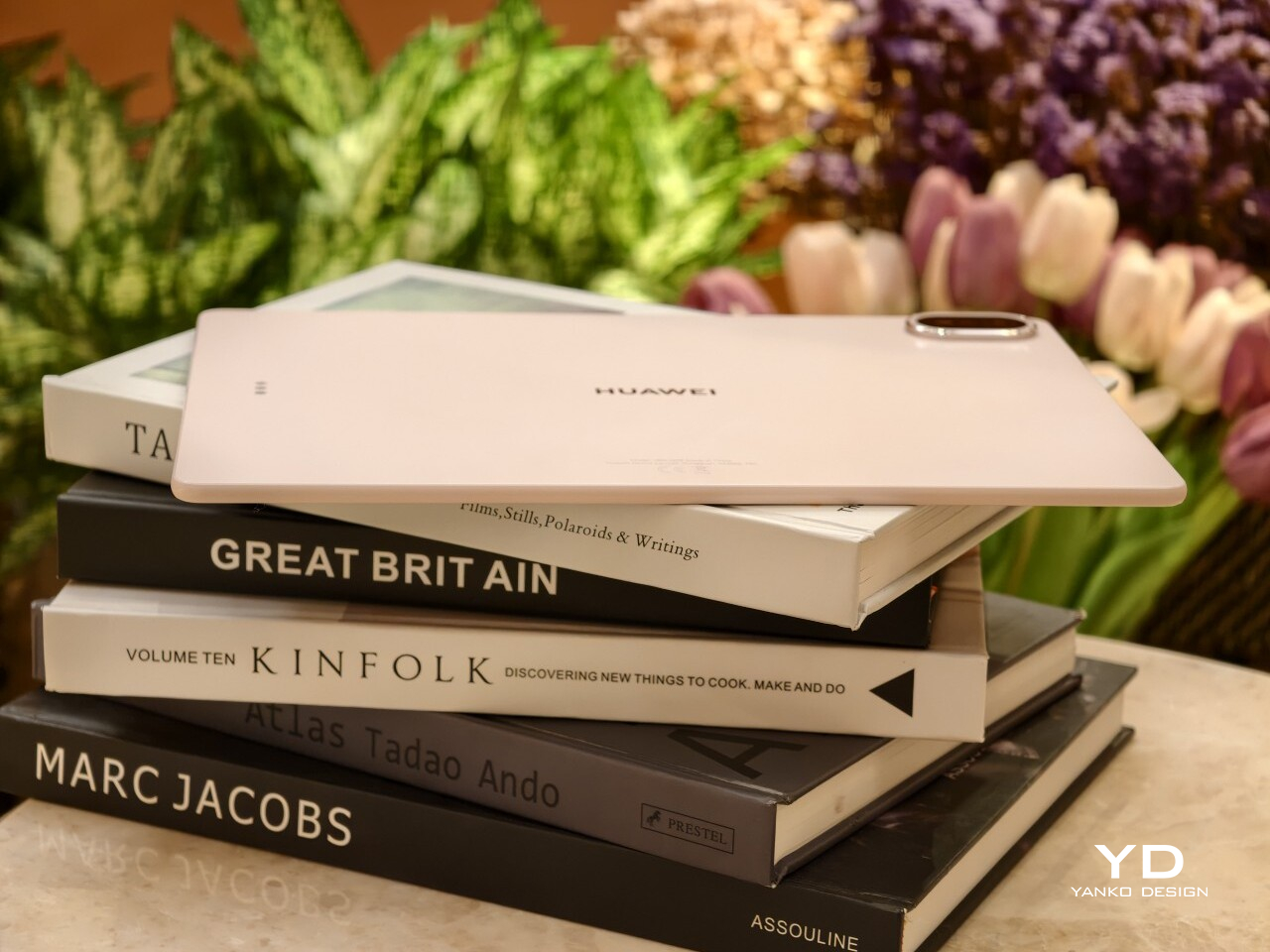
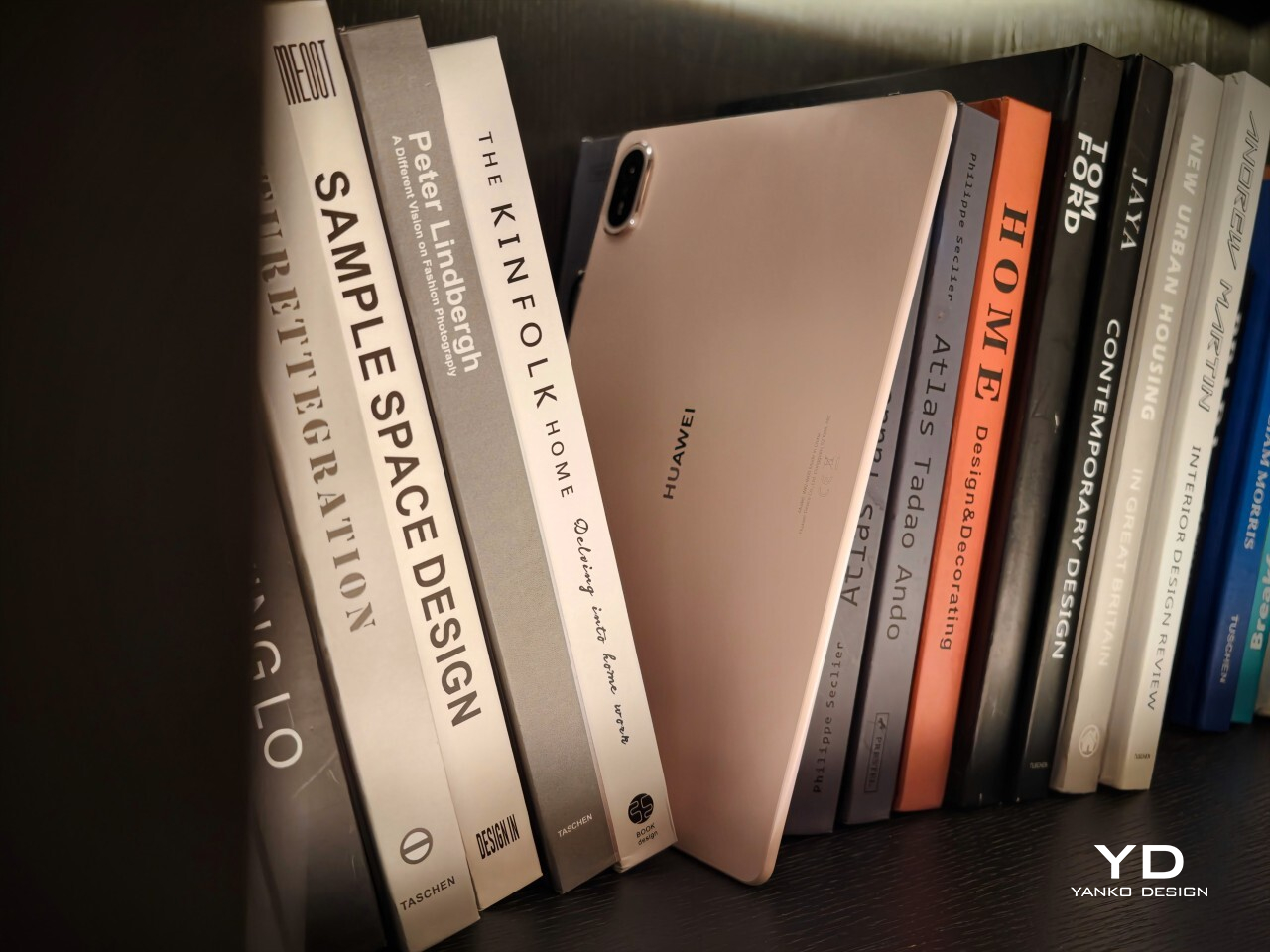
The finish itself is a big part of the appeal. The back panel uses a pearlescent e-coating process with natural mica powder, which gives the surface a soft-touch feel and a subtle glow under light. It feels more inviting than the average metal slab, and that extra bit of texture helps the tablet come across as something more personal and less industrial.
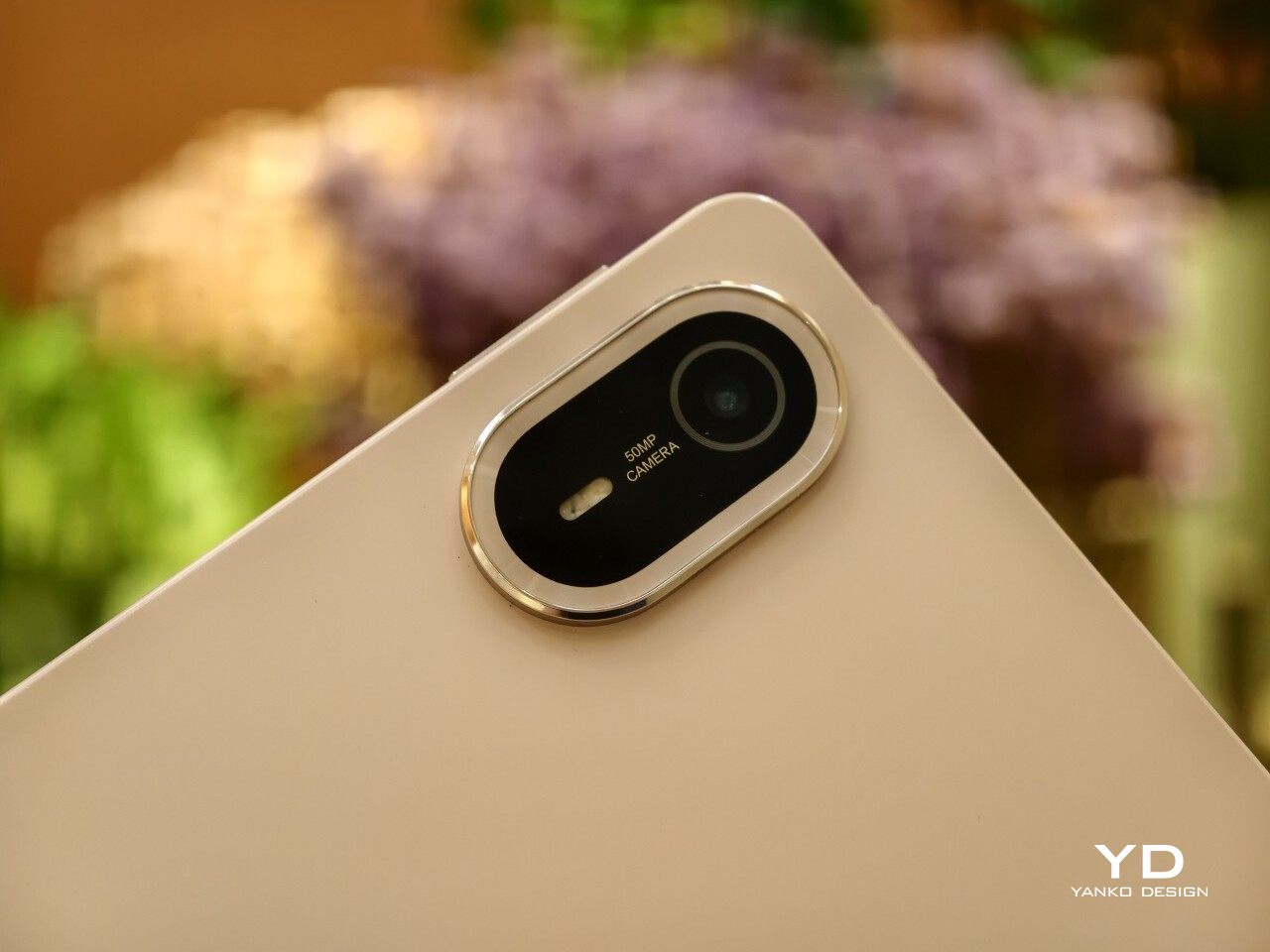
There is also a welcome amount of restraint in the design, and even the camera island follows that philosophy. The oval module sits in the upper-right corner with a raised, layered construction, but it avoids the harsh look that camera bumps can sometimes have. Its lower section uses a brushed, color-matched metallic finish, topped by a thin polished metallic strip for a subtle accent. The black camera module is framed by a matching outline, while a polished silver Huawei logo sits at the center.
Huawei also deserves some credit for carrying that design thinking through to the accessories. The MatePad Air supports the M-Pencil Pro, and in the Sakura Pink version, the bundled stylus comes in a matching color. The M-Pencil Pro is not sold separately in that finish, which is a bit of a shame, but it is still nice to see a color-matched stylus included. It makes the whole package feel more cohesive, and it adds a bit of charm to a category that often forgets accessories can be part of the design story too.
Ergonomics
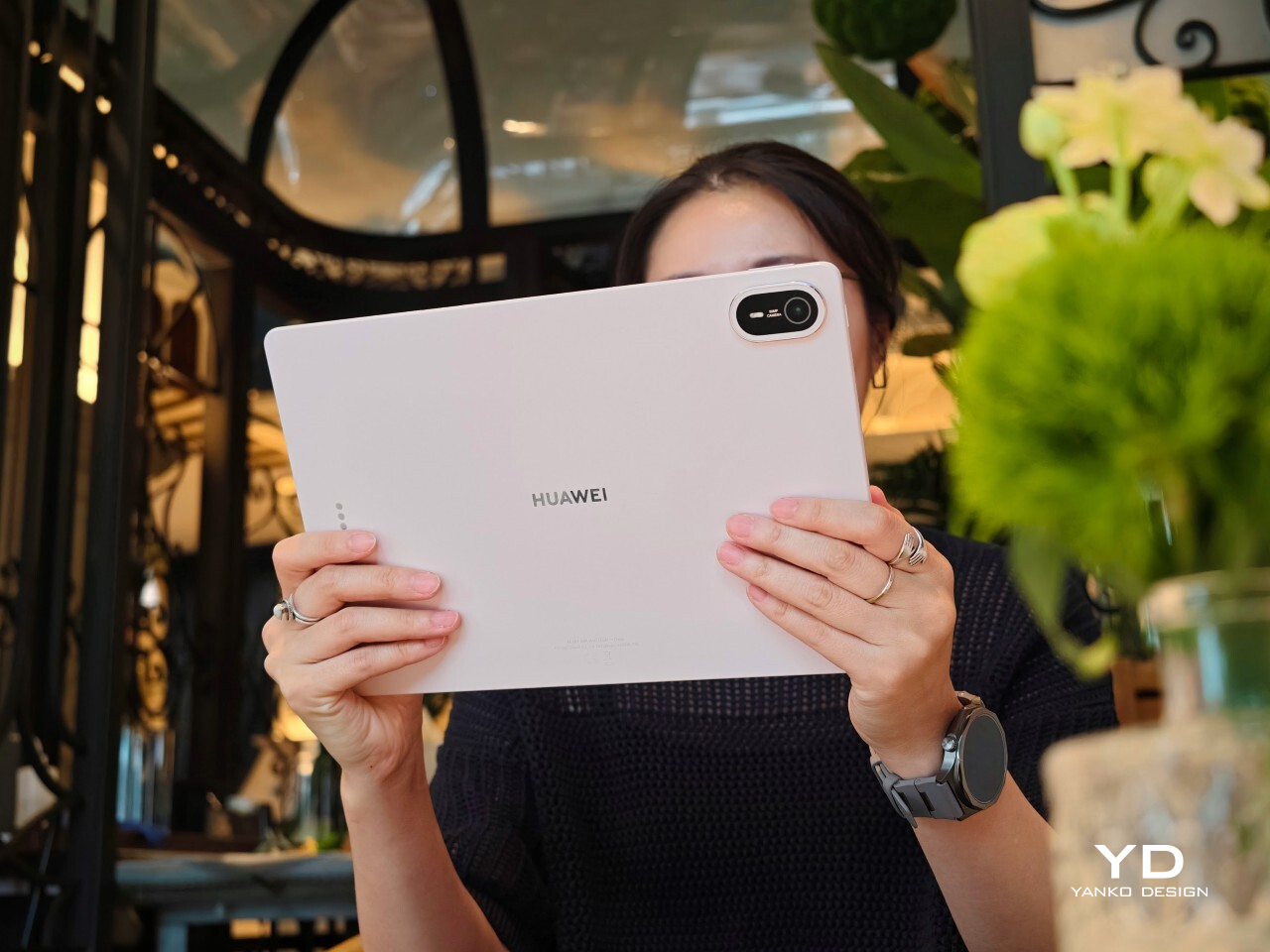
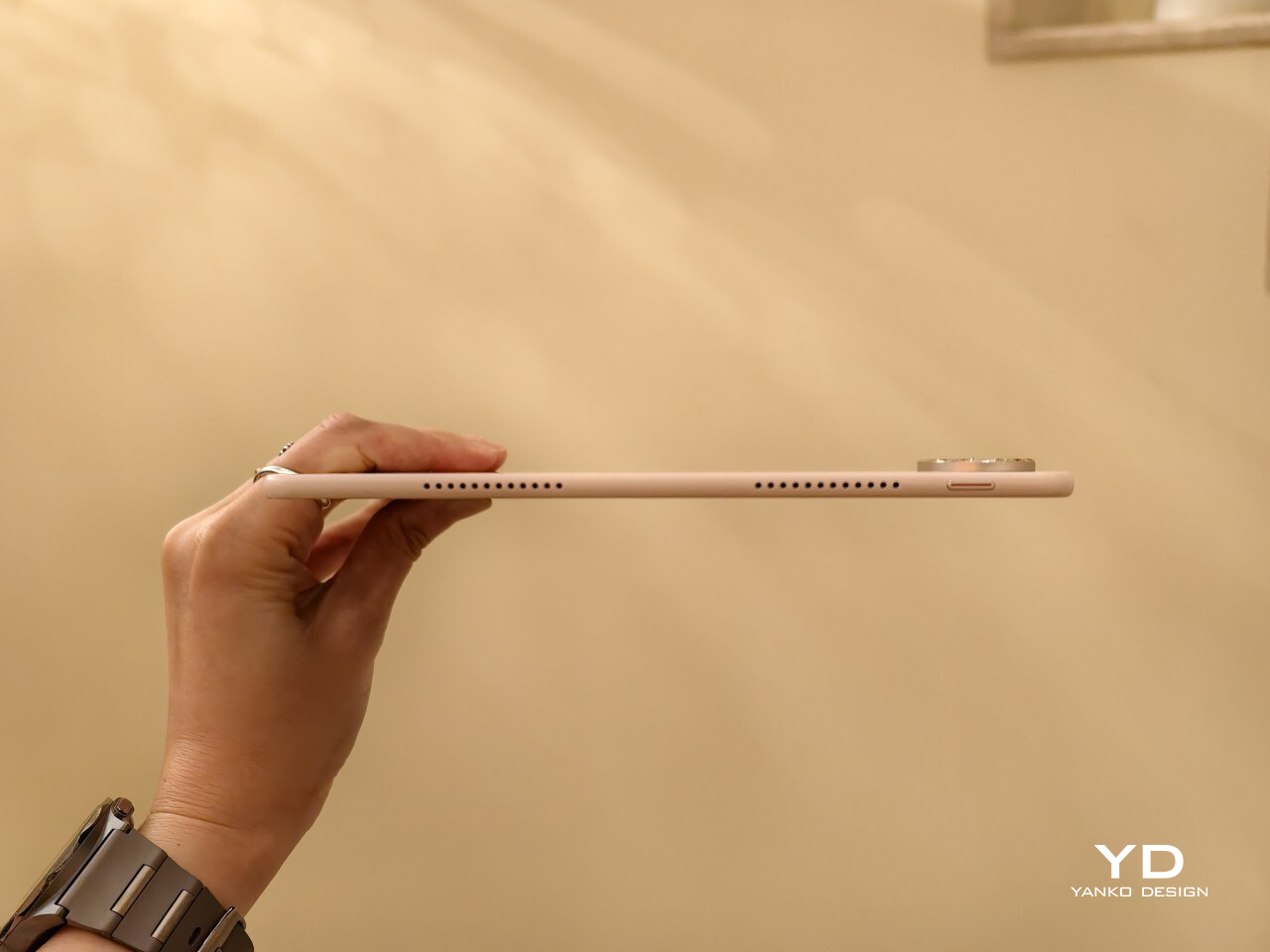
At 509g and 5.3mm thick, the MatePad Air 2026 feels impressively manageable for a 12-inch tablet. This is the kind of device you can carry all day without feeling like you packed a second laptop. It matches the Huawei MatePad Pro 13.2 in weight while coming in noticeably thinner, and Huawei also says it is 0.8mm thinner than the iPad Air 7.
That slim profile makes a real difference in daily use. The MatePad Air feels easy to hold for reading, sketching, or watching videos, and it never comes across as bulky or awkward. Thin tablets can sometimes feel fragile, but that is not the case here. Despite how light it is, the body feels solid and well put together.
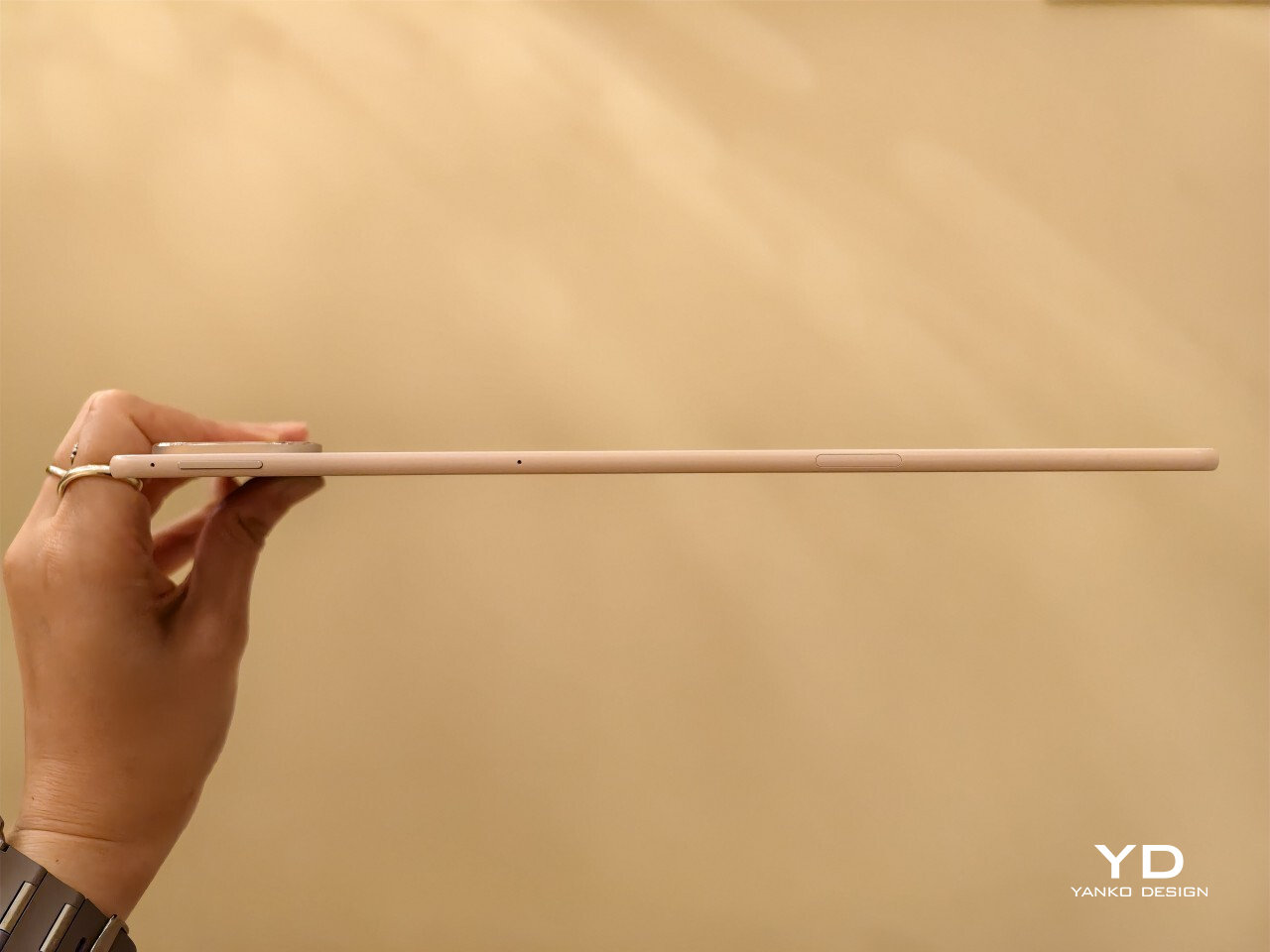
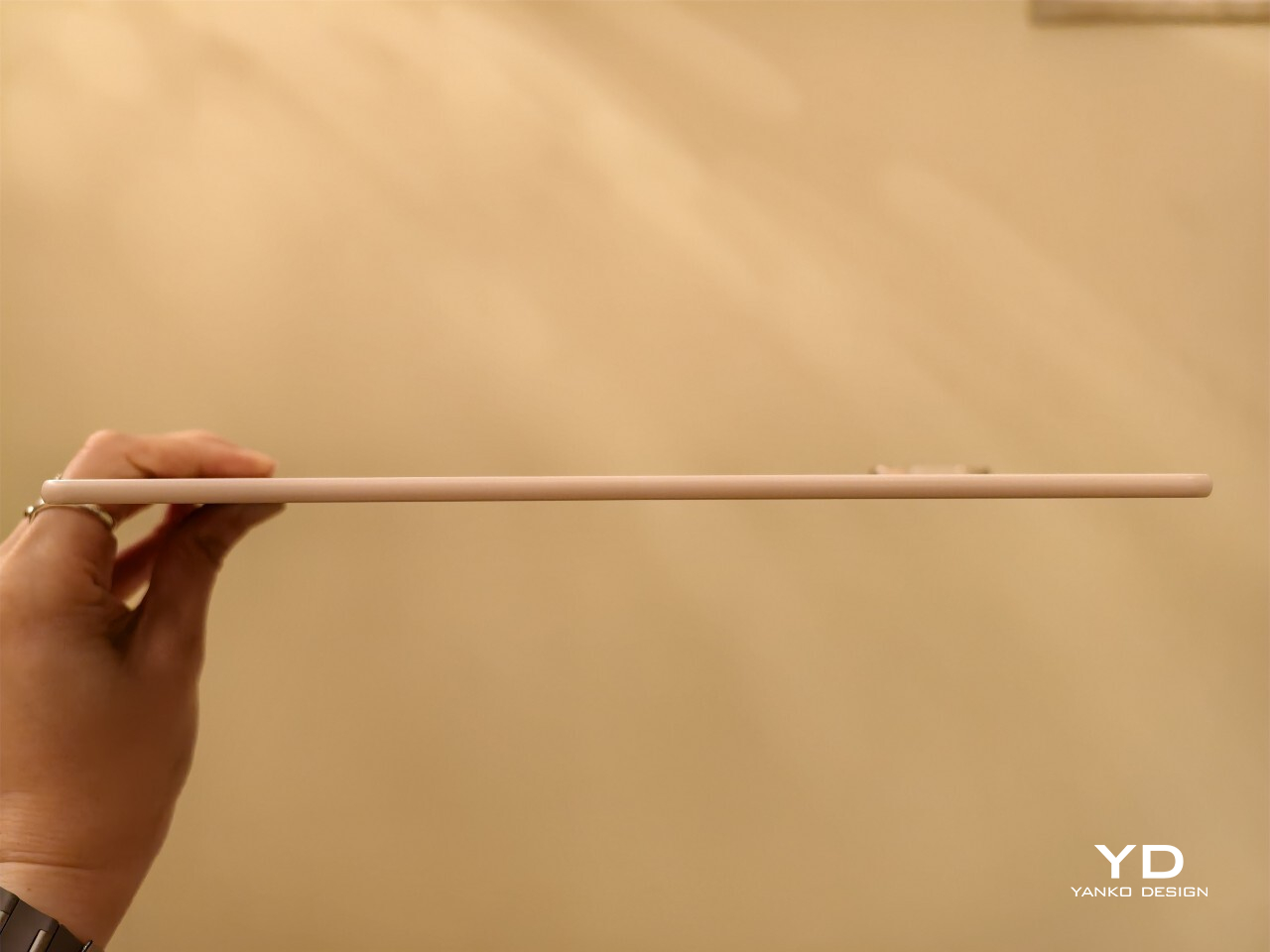
Just as importantly, slim and light does not mean delicate. The chassis feels sturdy in the hand, and it does not bend easily. Even when I tried flexing it harder than anyone normally would, it did not feel worrying. That gives the tablet a reassuring sense of durability, which matters on a device built to travel.
The back panel also helps. Its texture feels nice in the hand and gives the tablet a softer, less slippery feel than a plain metal finish. The M-Pencil Pro feels good in the hand, too. Its matte finish gives it a comfortable grip, which makes a difference during longer writing or sketching sessions. There is also a squeeze function and a physical button at the top of the pen, and both feel practical without getting in the way.
Performance
The latest Huawei MatePad Air upgrades to a 12-inch OLED PaperMatte display, replacing the IPS LCD panel on its predecessor. It is easily one of the tablet’s biggest selling points. The panel has a 2800 x 1840 resolution, a pixel density of 275ppi, support for 1.07 billion colors, P3 wide color gamut, a dynamic refresh rate ranging from 30Hz to 144Hz, and peak brightness of up to 1,200 nits.
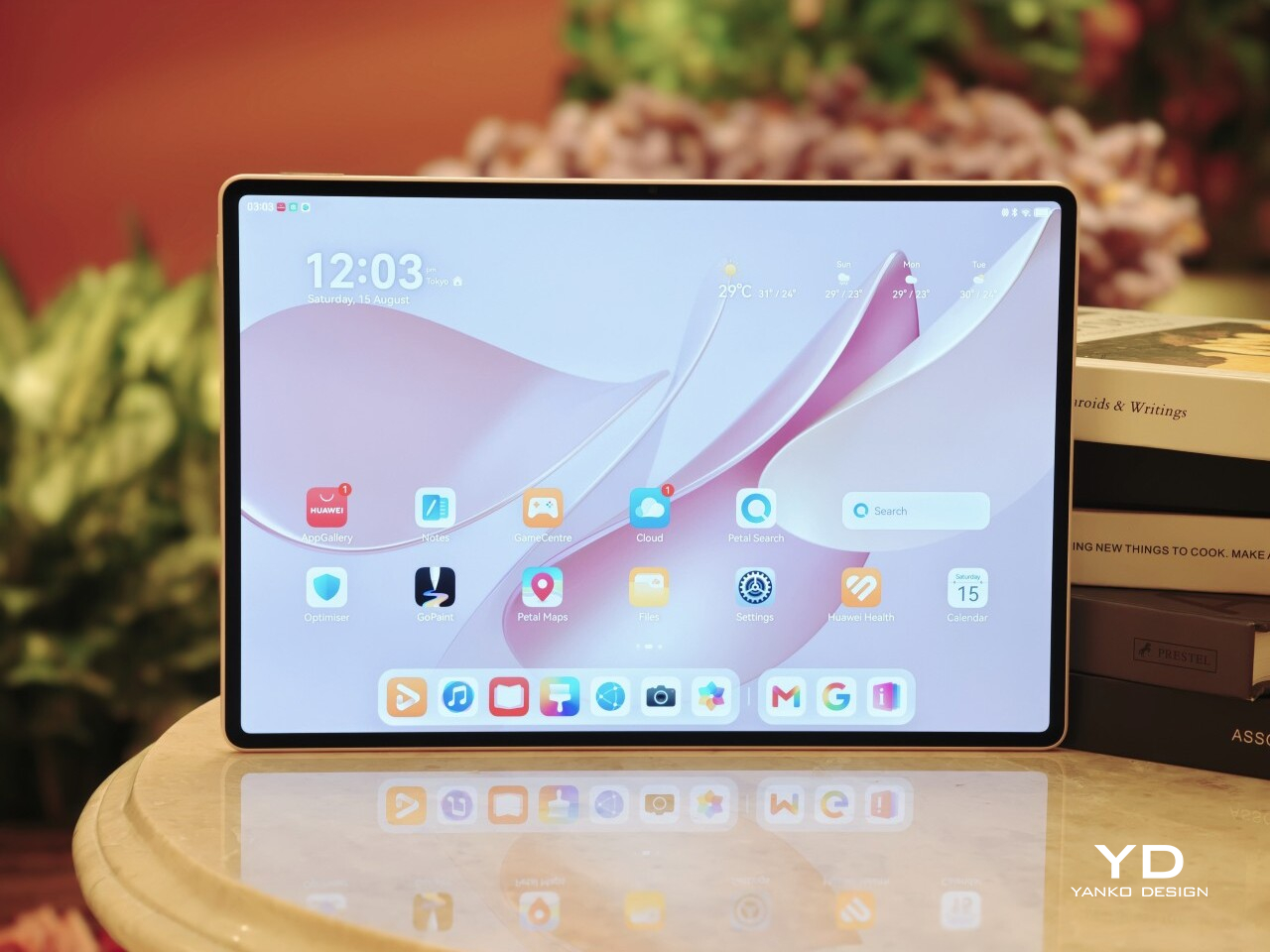
That move to OLED brings the kind of benefits you would expect. Blacks look properly deep, colors have more pop, and contrast feels richer overall. Paired with the 92 percent screen-to-body ratio, the MatePad Air delivers a very enjoyable viewing experience, especially when watching films with darker scenes where the extra contrast really helps.
The PaperMatte finish is what makes the screen feel a little different from the usual premium tablet display. It cuts down glare well enough that I could sit near a window and still enjoy what I was watching without constant reflections getting in the way. That alone makes the tablet more comfortable to use in bright environments, and it adds a practical edge to what is already a very good-looking panel.
The PaperMatte finish also helps when it comes to writing and drawing. It adds a bit of texture to the surface, so the stylus does not glide too freely across the screen. That makes note-taking and sketching feel more controlled and a little closer to pen on paper.
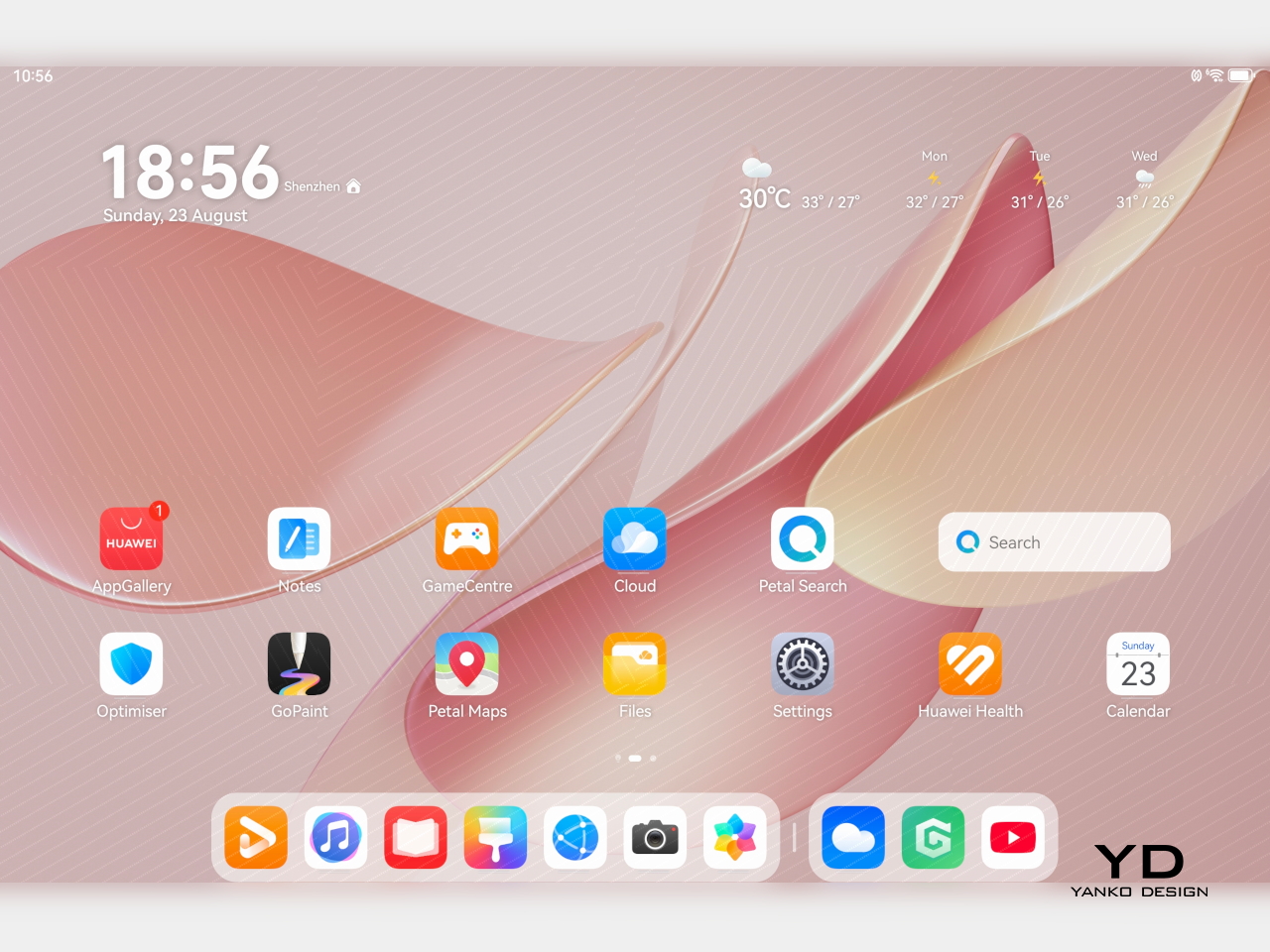
Audio also adds to the experience. The tablet uses a six-speaker system with dedicated drivers handling different frequencies. Four of them focus on the lower end, which helps give the MatePad Air fuller and deeper bass than you would normally expect from a tablet this slim.
Together, the display and speaker setup make the MatePad Air feel well suited to entertainment. Whether I was watching videos, sketching, or just browsing in a bright room, the hardware consistently played to the tablet’s strengths. This is a tablet that clearly puts a lot of emphasis on the sensory side of the experience, and for the most part, that effort pays off.
Powering the tablet is Huawei’s Kirin T93C chipset, paired with either 8GB or 12GB of RAM and 256GB of storage. In day-to-day use, performance feels smooth and responsive, whether I was jumping between apps, taking notes, browsing, or doing light creative work. It feels fast enough for the kind of tasks most people are likely to throw at a tablet like this, though this is still more of a productivity and media machine than a device built to show off raw benchmark muscle.
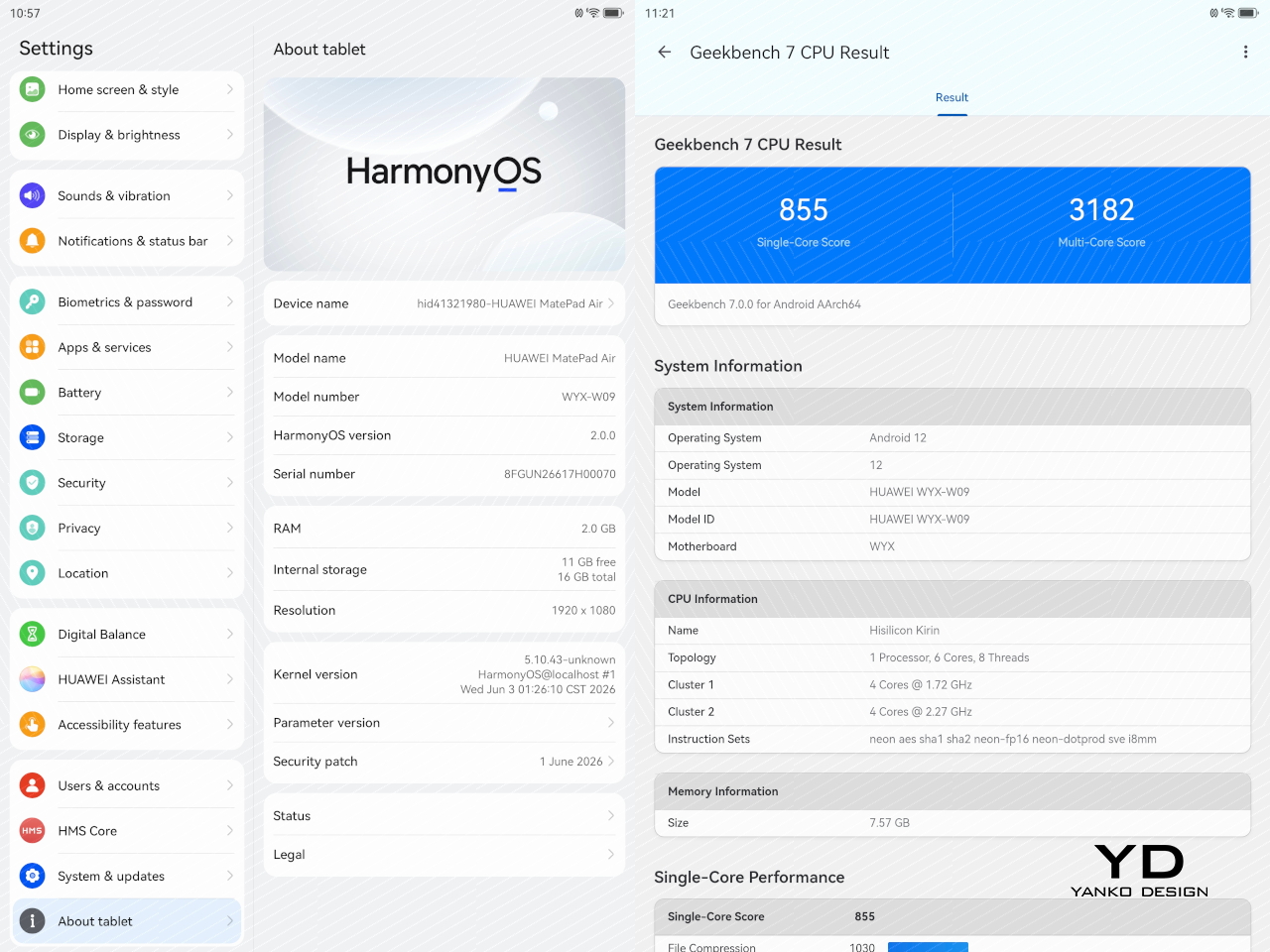
Huawei also puts some focus on sustained performance. The MatePad Air uses a 3D cooling design to help manage heat, and that matters on a thin tablet where thermal limits can show up quickly under heavier use. In practice, the tablet stays comfortable to hold, which is arguably just as important as outright speed in a device designed for long reading, drawing, or viewing sessions.
The tablet runs HarmonyOS 4 out of the box, and that comes with the usual Huawei caveat. Google services are not available natively, so the setup is not as straightforward as it is on a regular Android tablet. There are workarounds such as GBox through Huawei’s AppGallery, and getting things up and running is not especially difficult, but it is still an extra step that some users may not want to deal with.
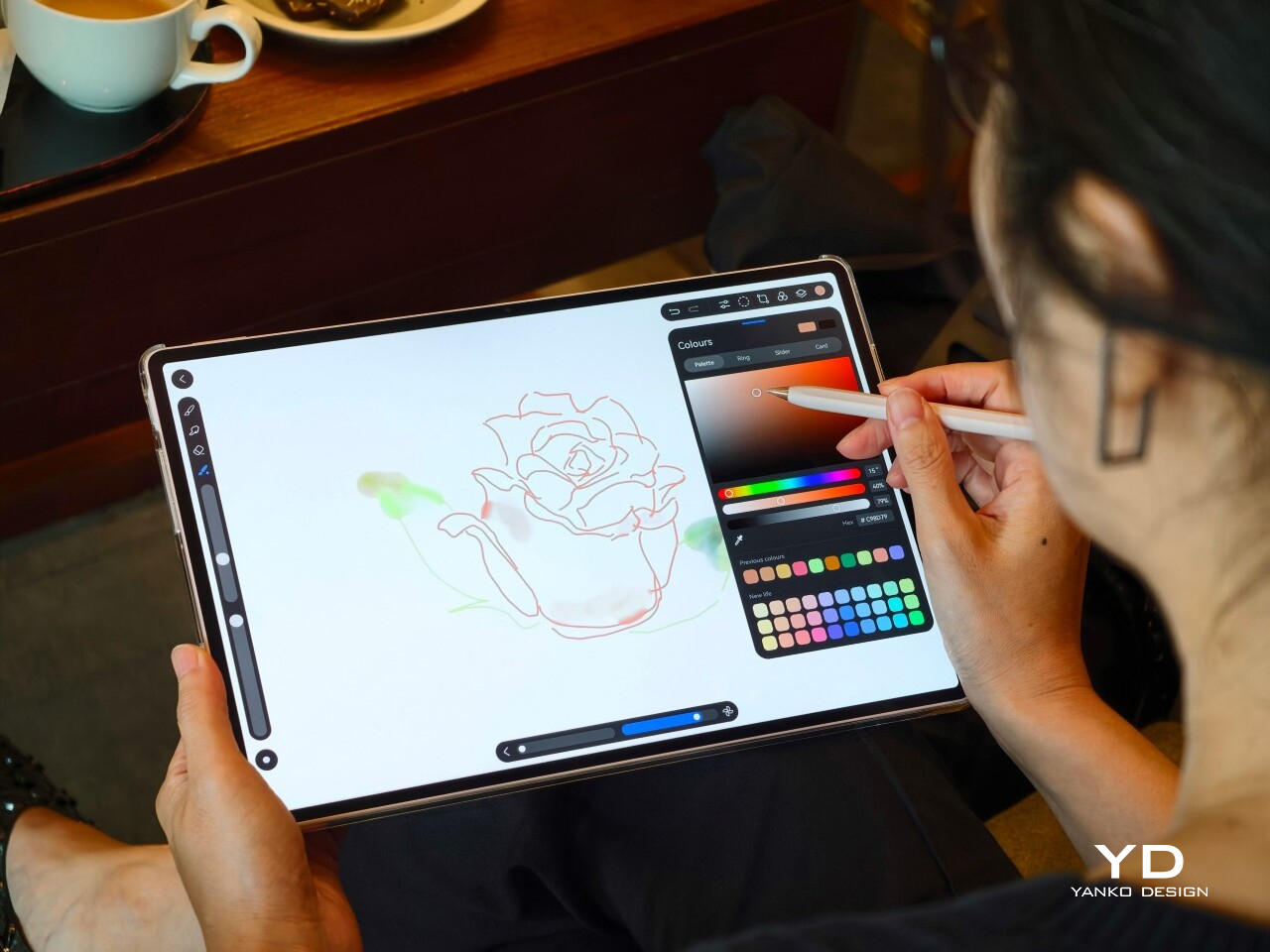
Huawei leans heavily on apps like HUAWEI Notes, GoPaint, and WPS Office to make the MatePad Air feel more useful as a work and creativity device. HUAWEI Notes and GoPaint make the most sense here, especially with the M-Pencil Pro, and they help the tablet feel more purpose-built for note-taking and sketching than a generic large-screen slate.
Battery life is solid. The MatePad Air packs a 10,100mAh battery, which gives it enough stamina for a full day of mixed use without much anxiety. Whether I was watching videos, browsing, writing, or sketching, it felt like a tablet built to last through the day rather than one that constantly pushes you toward the charger.
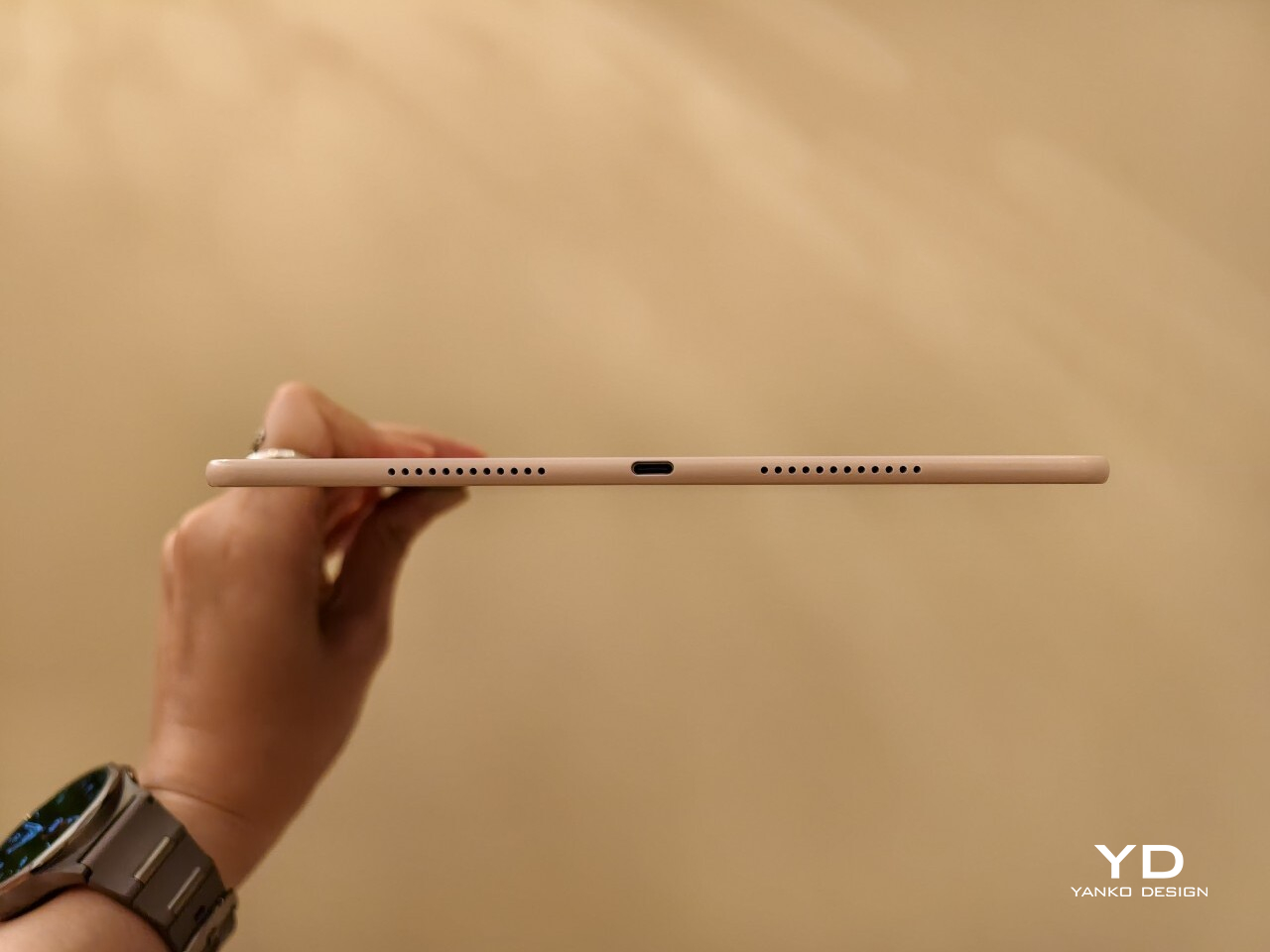
Charging is also reasonably quick. Huawei rates it for 66W wired charging, which helps take some of the stress out of topping up a battery this large. That is especially useful for a device meant to move between work, entertainment, and creative tasks, because it makes the MatePad Air easier to treat like an all-day companion rather than something you need to plan around.
Sustainability
Sustainability is not just about materials. It is also about how long a device can stay in use, and the MatePad Air 2026 makes a fair case for itself here. Huawei says the body’s resistance to warping has improved by 10 percent compared with the MatePad 12X, and that it can handle an additional load equal to 50 percent of its own weight with only around 1mm of flex. Those are brand claims, but they do support the sense that this is a thin tablet built to hold up well over time.
That said, durability is only part of the picture. Huawei does not publish a fixed multi-year guarantee or a clear end date for software support, which makes the long-term outlook harder to judge. The hardware may be built to last, but without a clearer update commitment, the MatePad Air 2026’s sustainability story feels incomplete.
Value
The MatePad Air 2026’s value depends heavily on the market, since pricing and bundles vary. Huawei also splits the lineup differently depending on region, which can make the tablet feel more or less competitive at first glance. In some markets, it is sold in Standard Edition and PaperMatte Edition versions, with 8GB + 256GB and 12GB + 256GB configurations available.
In certain markets, the 8GB + 256GB PaperMatte Edition is priced at €799 and includes either a Glide Keyboard or an M-Pencil Pro. That is firmly flagship pricing, but the bundle helps justify it, especially since the accessories are a big part of the overall experience. For buyers who want the PaperMatte display and plan to use the stylus or keyboard, the value looks fairly strong.
Verdict
The Huawei MatePad Air 2026 makes a strong case for itself with its slim design, excellent OLED PaperMatte display, solid battery life, and thoughtful stylus support. It feels well suited to people who want a premium tablet for reading, sketching, note-taking, and entertainment without carrying something heavy or awkward.
The main caveat is the software experience. HarmonyOS is usable, but the lack of native Google services still makes it less straightforward than a regular Android tablet. If that is not a dealbreaker for you, the MatePad Air 2026 stands out as a stylish and versatile tablet with a lot going for it.