
PROS:
- Exceptionally light for a 16-inch laptop
- Beautiful 3K OLED display
- Great battery life
- Strong everyday performance
CONS:
- Touchpad clicks feel firm
- Only one color option
Big laptops usually ask for a compromise. You get the roomy screen, but you also get the extra weight, the larger footprint, and the feeling that you are carrying a little too much machine around every day. The ASUS Zenbook A16 UX3607 takes a different route, giving you a 16-inch canvas in a body that is startlingly light for the size, at around 1.3 kg, or 1.2 kg depending on the version.
What makes it stand out even more is that ASUS pairs that light build with Qualcomm’s Snapdragon X2 Elite platform, which still feels relatively rare. The result is a slim, polished laptop that makes a larger display feel easy, casual, and genuinely portable, while still delivering strong everyday performance. With a 16-inch 3K 120 Hz OLED panel and Snapdragon X2 Elite hardware in the latest refresh, it is clearly built for people who want comfort, battery life, and speed in one very travel-friendly package.
Designer: ASUS
I spent about a month with the laptop, including three international trips. That gave me a good sense of how it felt not just at a desk, but in transit, in hotel rooms, and in the kind of everyday situations where a large laptop usually starts to feel less convenient. Over that time, the Zenbook A16 made a strong case for itself as a big-screen machine that does not ask you to live around it.
Aesthetics
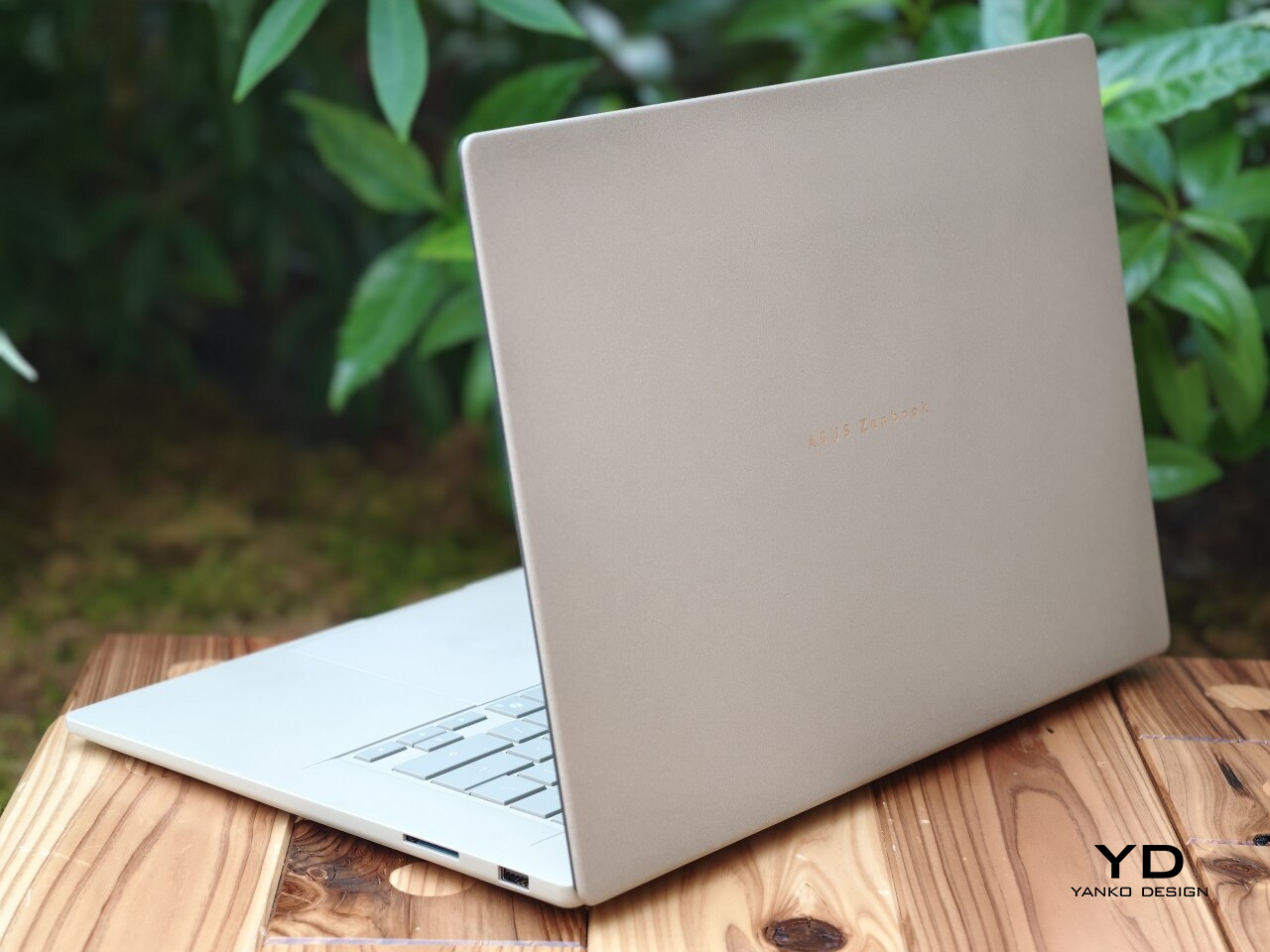
The Zenbook A16 has a clean, minimal design, but it does not feel cold. That is an important distinction because a lot of slim laptops, especially larger ones, can come across as a little sterile. This one feels softer and more inviting, with a look that is polished without being severe.
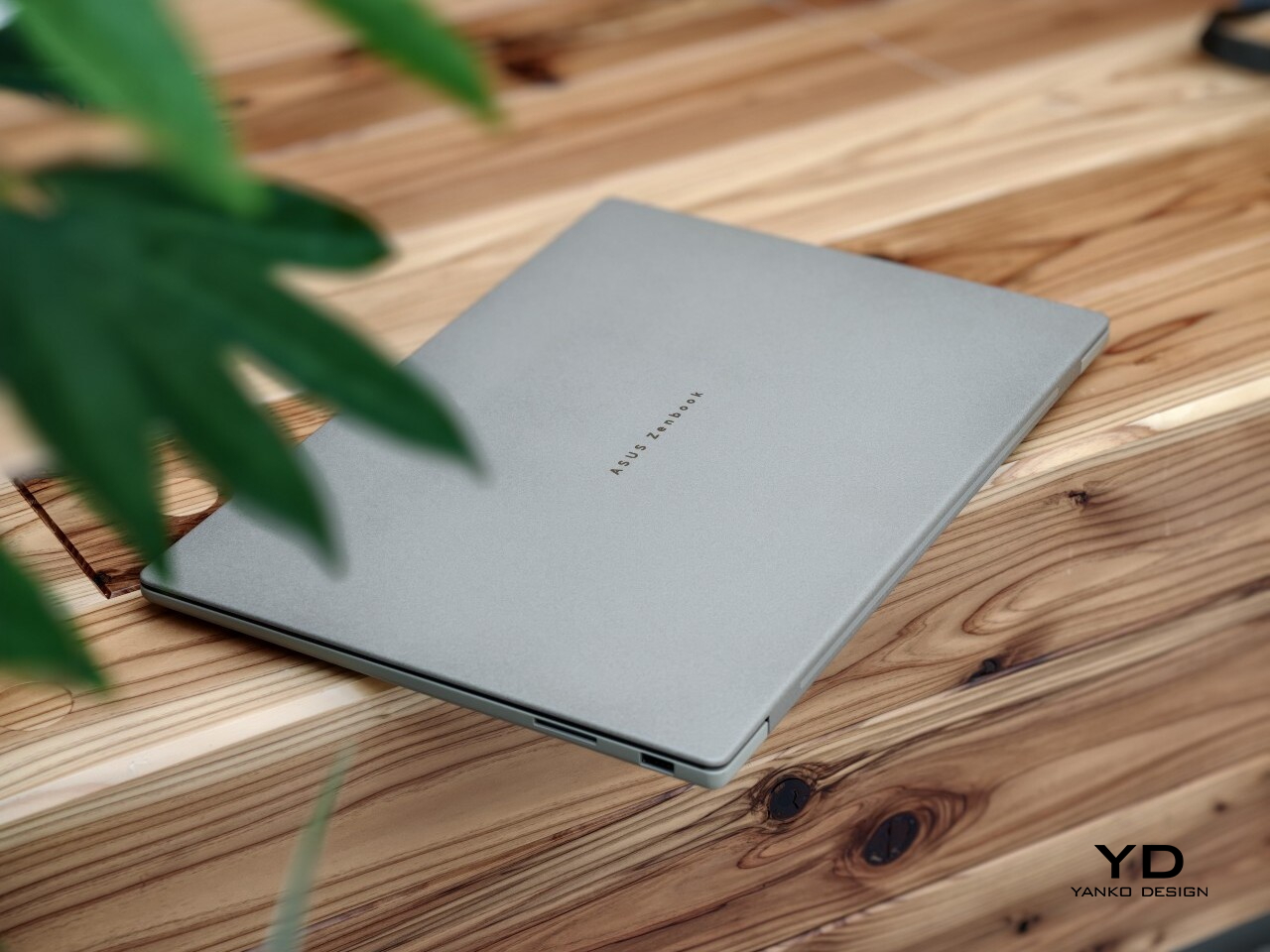
A lot of that comes down to ASUS’ patented Ceraluminum finish. ASUS gives the chassis a surface that feels less harsh than typical metal, which helps the laptop look warmer and more tactile in person. It still feels premium, but in a more relaxed and approachable way.
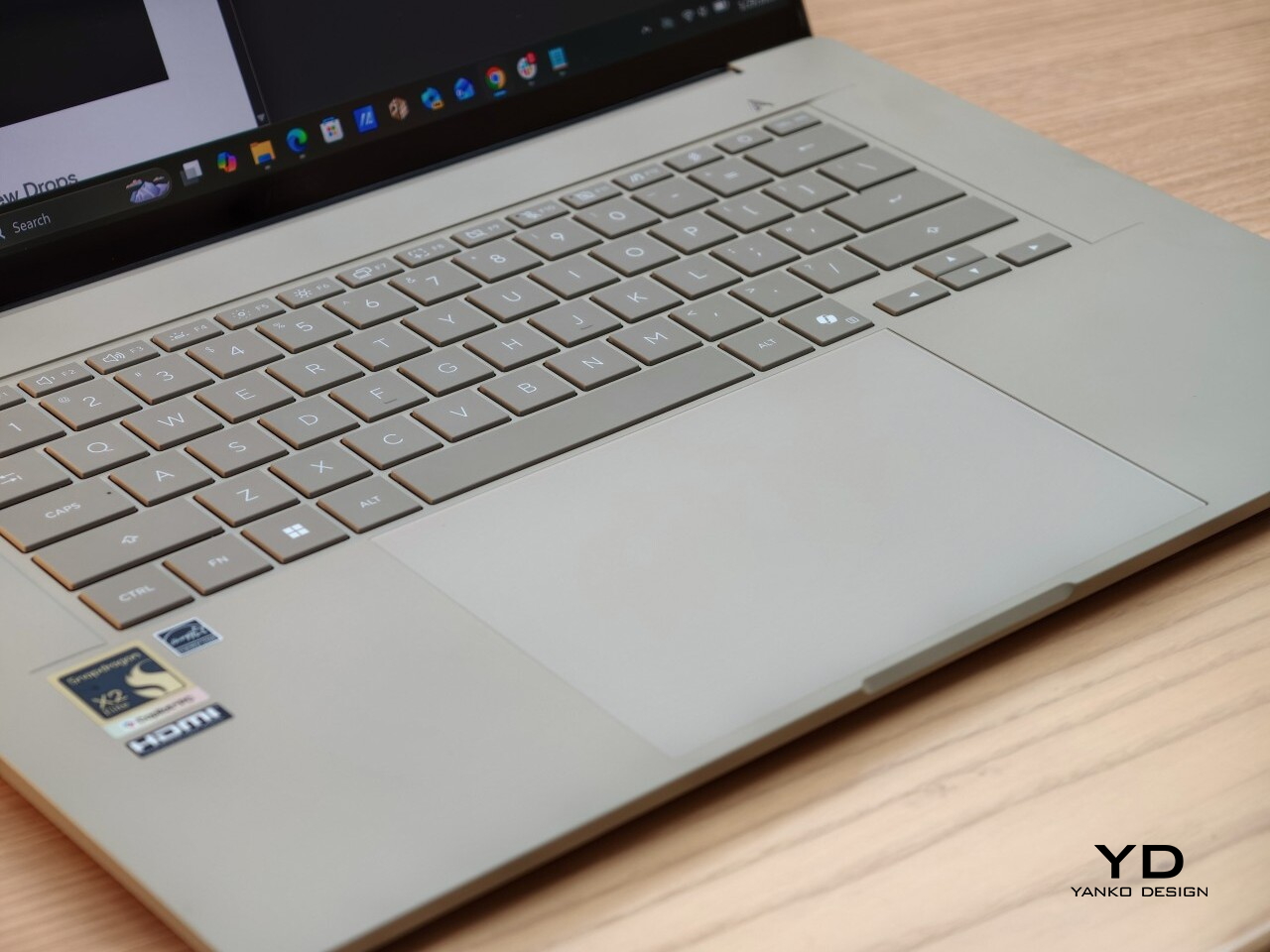
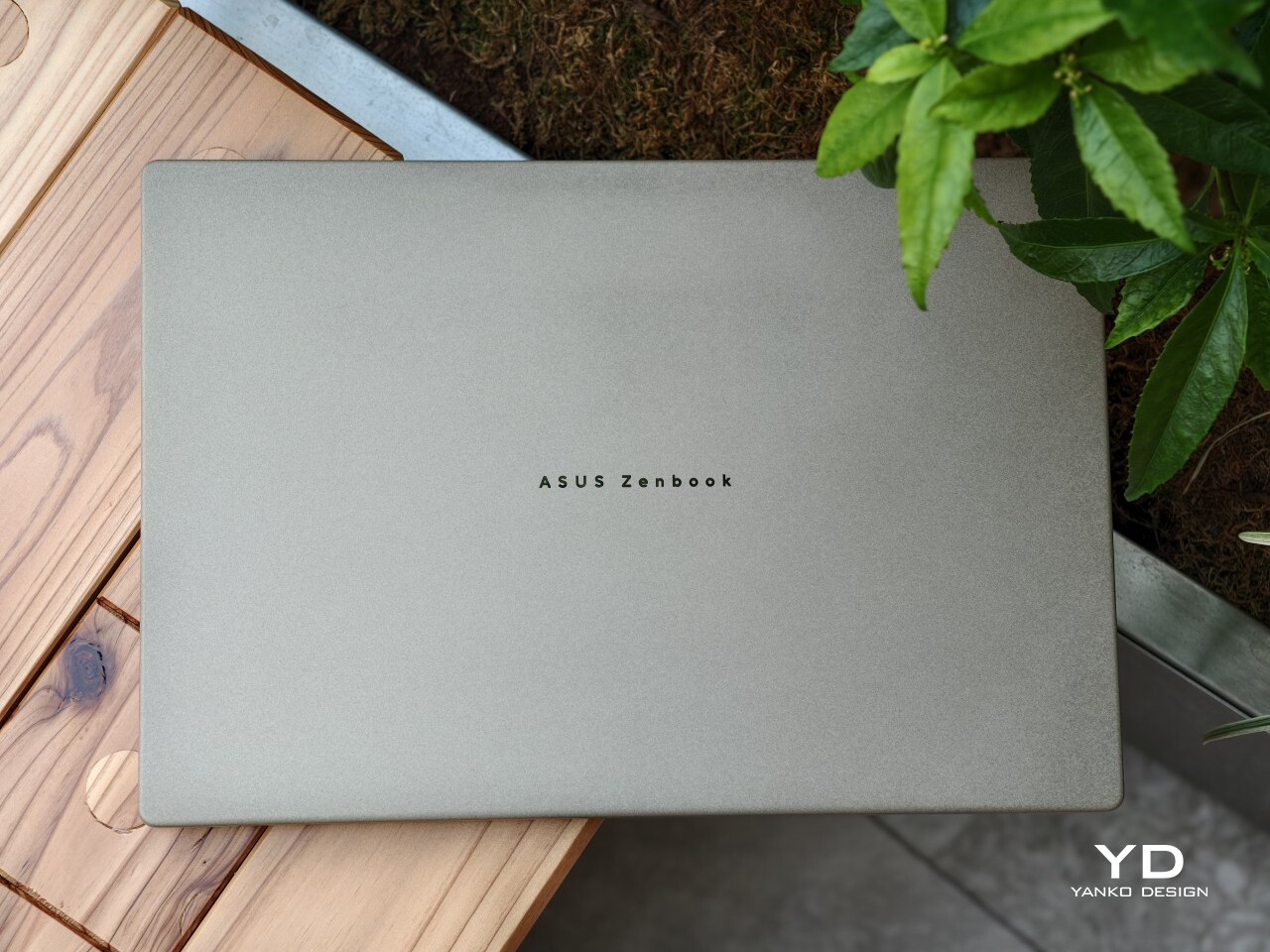
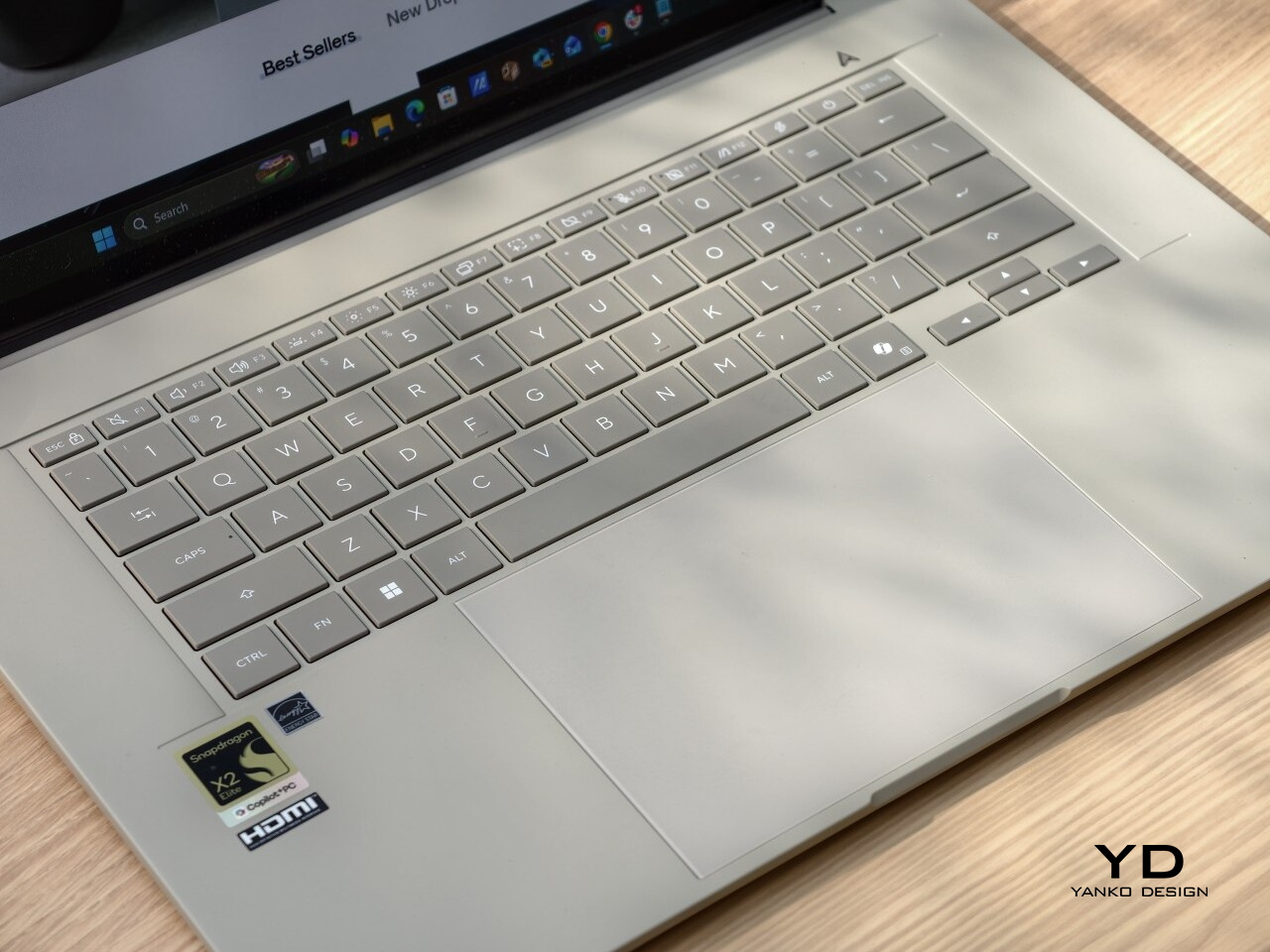
The details are subtle, but they give the laptop some character. A silver ASUS Zenbook logo sits centered on the lid, adding just enough contrast without disturbing the clean look. Open it up, and the full-sized backlit keyboard in a darker greige finish brings a bit of depth to the interior, while the stylized “A” above the right side of the keyboard adds a small touch of personality.
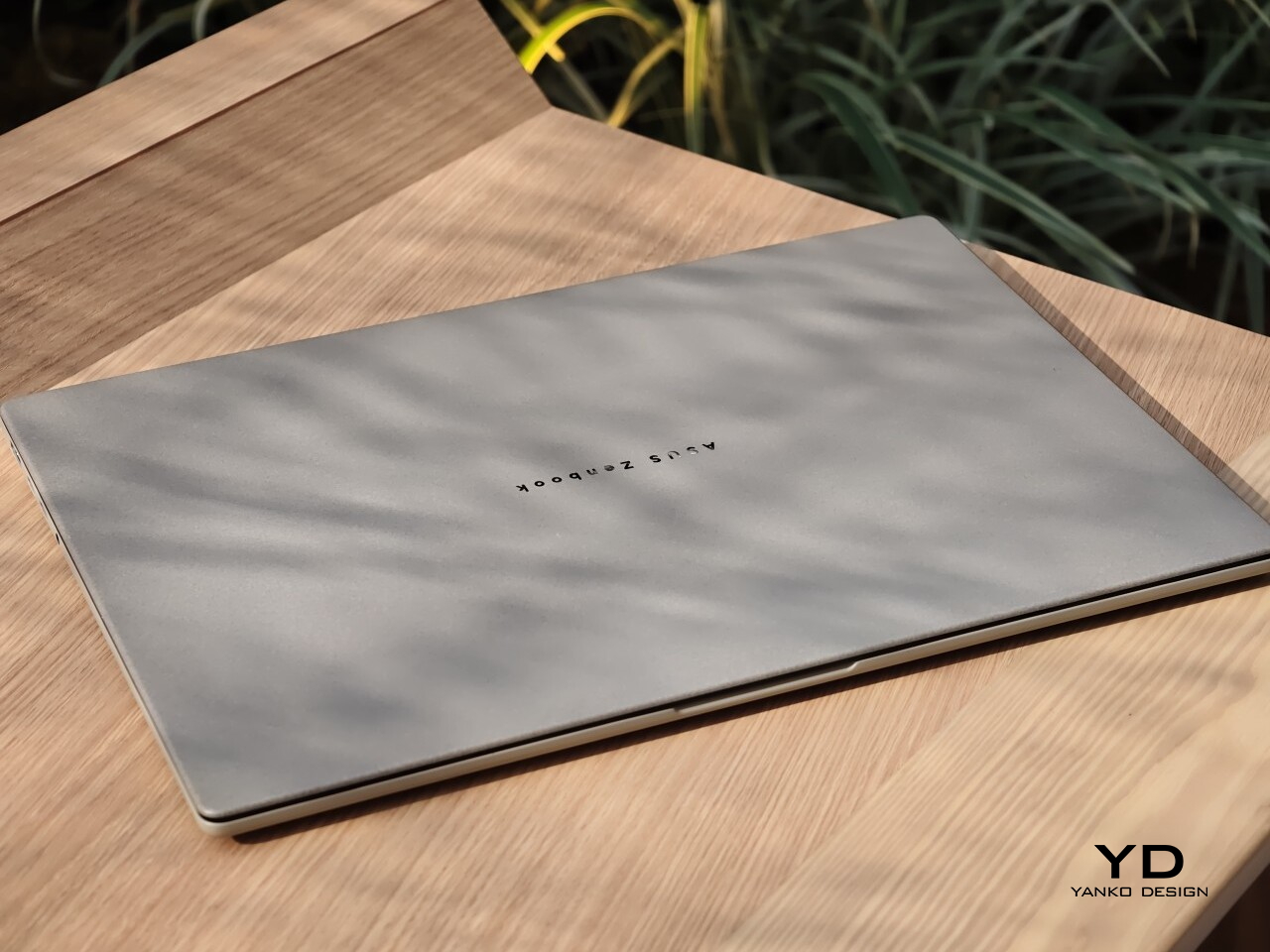
The color helps too. The review unit I received came in Zabriskie Beige, which was the only color option for this variant. It suits the Zenbook A16 especially well, giving it a softer and more distinctive look than the usual sea of silver laptops.
Ergonomics
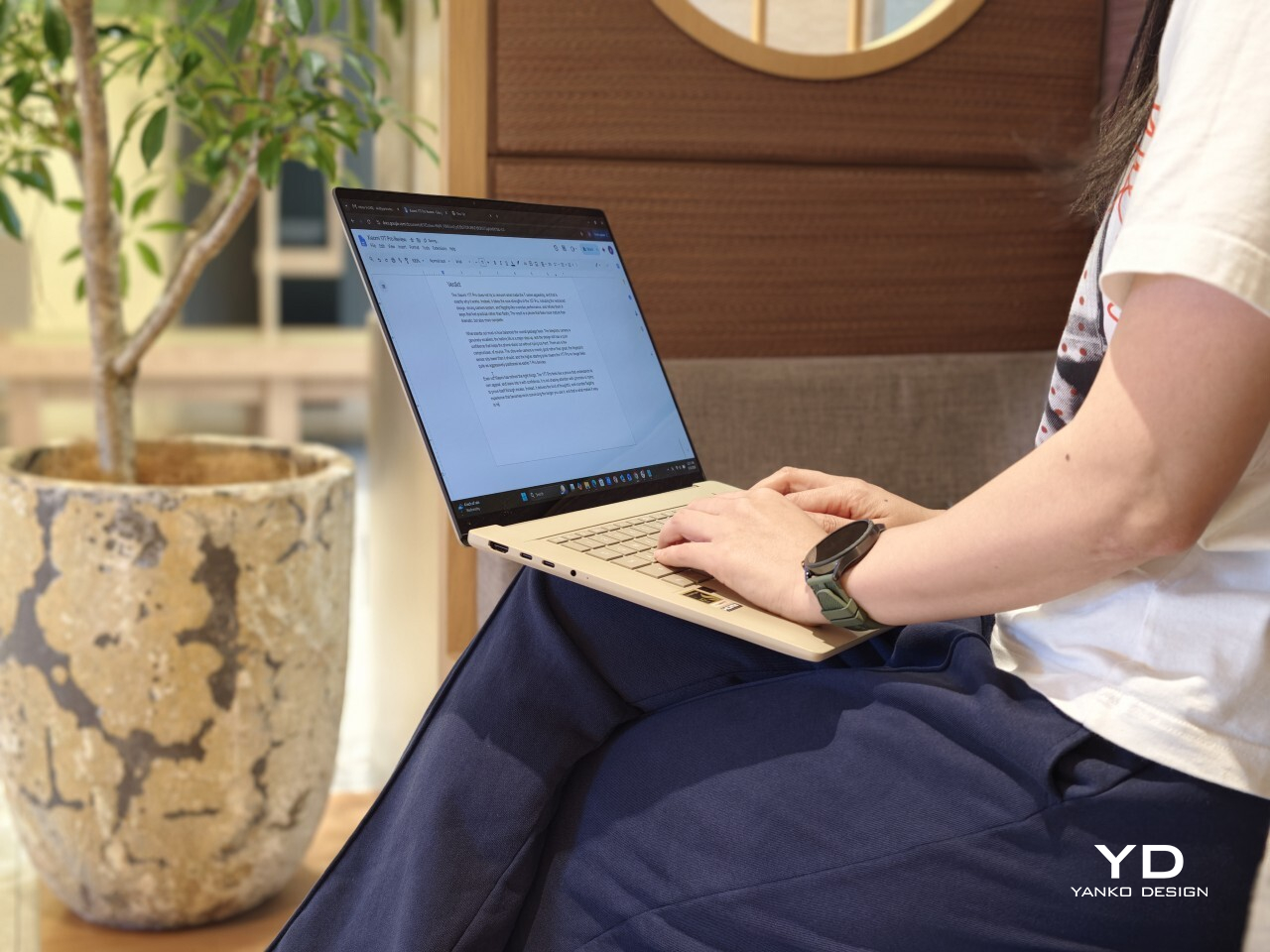
What I liked most about the Zenbook A16 was how easy it was to live with. On paper, the dimensions and weight are impressive for a 16-inch laptop at 35.35 × 24.24 × 1.65 cm and around 1.3 kg (2.87lbs), but what stayed with me more was the overall feel of using it. It never felt awkward or demanding, which is not something I can say about every large laptop.
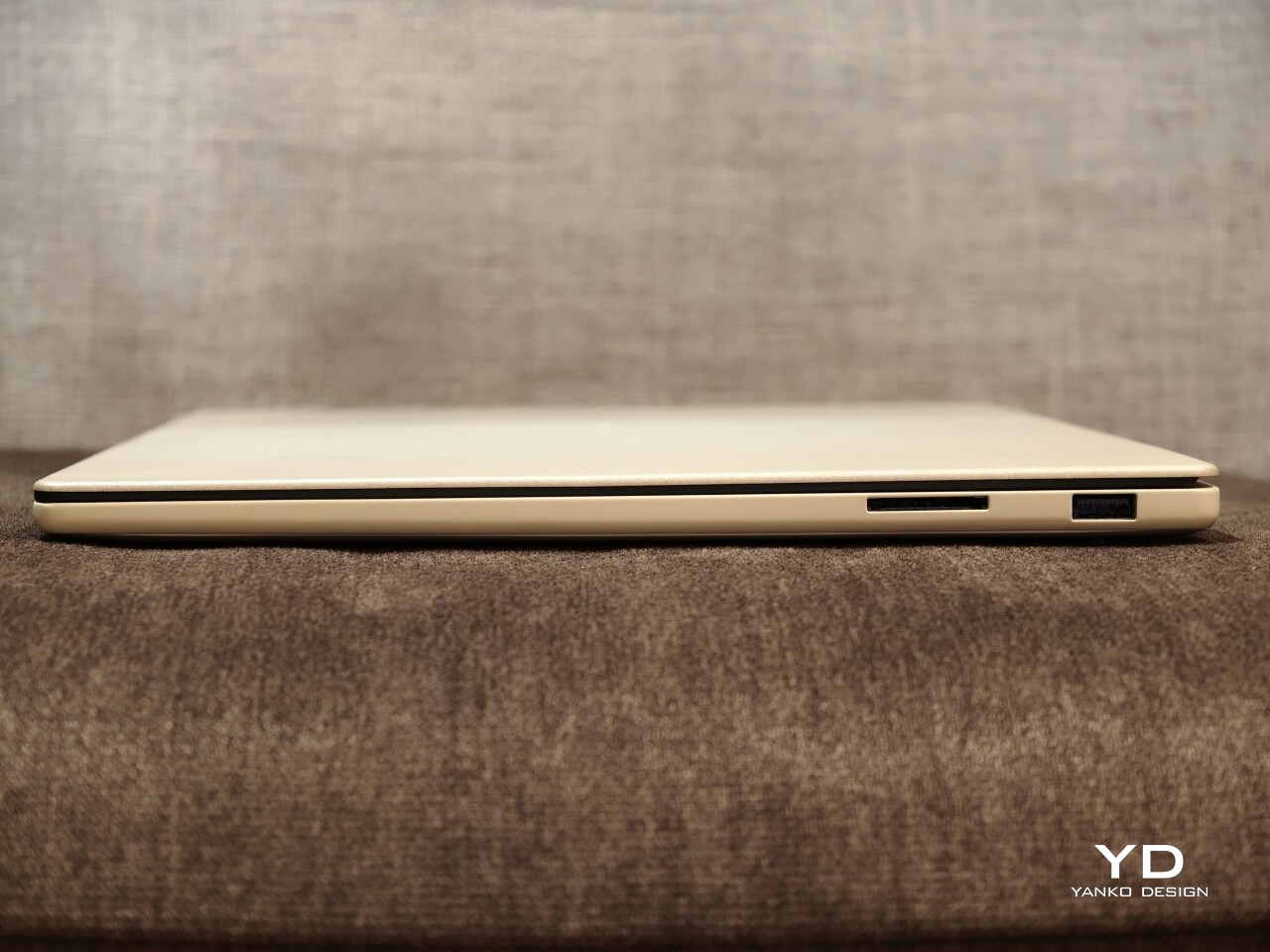
The lid is a good example of that. I could open it easily with one hand, and the hinge felt smooth and well-balanced. It is a small thing, but details like that shape your impression of a laptop very quickly. In this case, it made the Zenbook A16 feel immediately more comfortable and better resolved.
I also really liked the texture of the chassis. The Ceraluminum finish has a smooth, pebble-like texture that feels warm and pleasant under the hands. It helps the Zenbook A16 stand apart from the colder, more clinical feel that metal laptops often have. That tactile quality gives the laptop a more relaxed and welcoming character in everyday use.
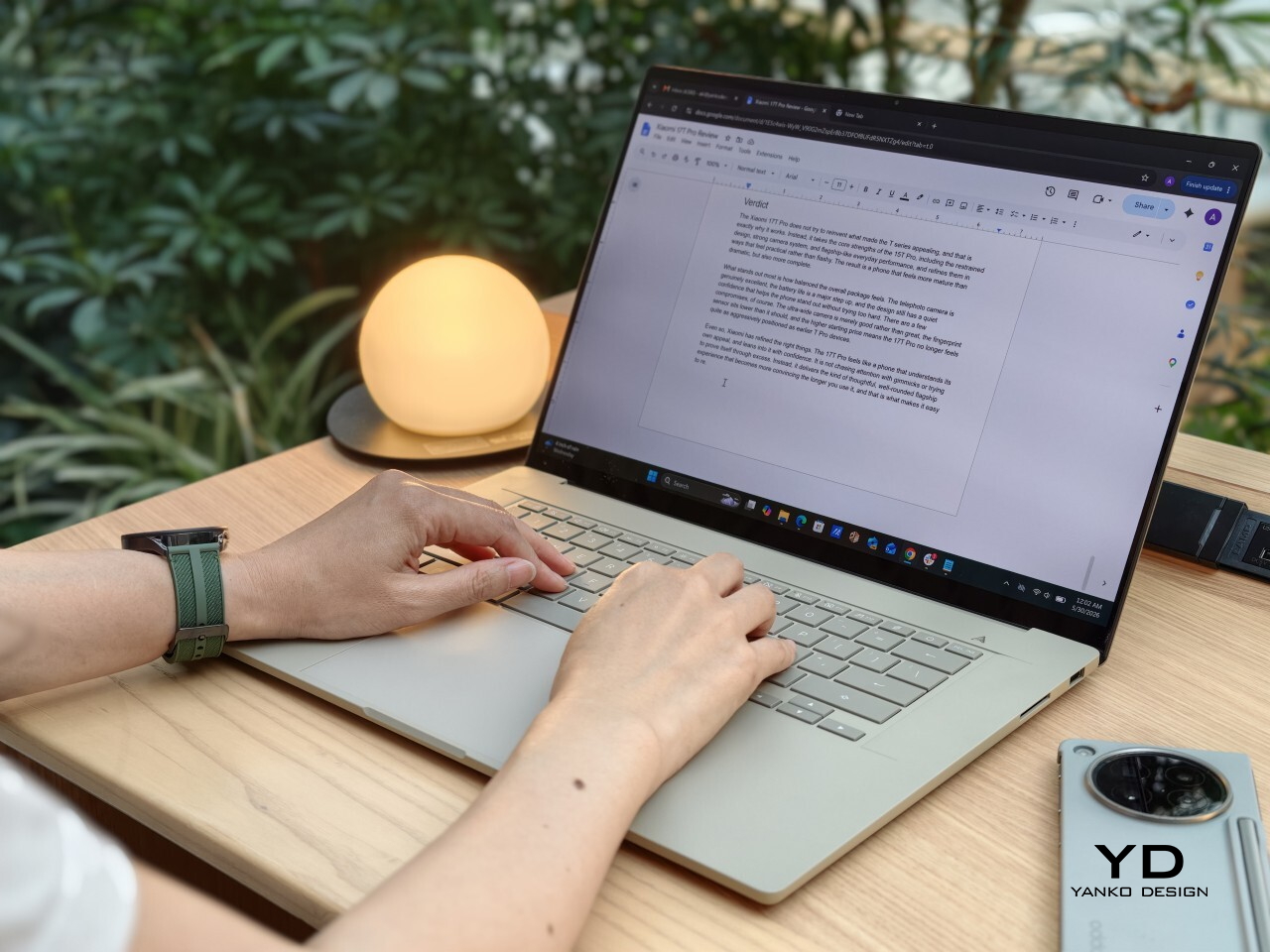
The keyboard was another highlight for me. The keys are very comfortable to type on, and that became more obvious the longer I used it. Whether I was writing, replying to emails, or working through longer stretches of text, it felt like a laptop that stayed out of the way in the best sense.
The touchpad is generously sized, which suits the scale of the laptop, but I did find that it needed a bit more force than I expected to click. It was not a major issue, and I got used to it, but it did stand out at first. On a laptop that otherwise feels so easy and light in use, that slightly firmer click felt a little less effortless than the rest of the experience.
This reads well already. If you want, I can do one very light polish pass to make it sound a touch more natural and less repetitive without changing your meaning. For example, I would probably trim phrases like “what stayed with me more” and “made a difference” just to make the rhythm feel a little cleaner.
Performance
The review unit I received is the ASUS Zenbook A16 UX3607 with Qualcomm’s Snapdragon X2 Elite processor, paired with 48GB of RAM and 1TB of storage. That is a fairly premium configuration, and in everyday use, it felt quick, quiet, and consistently easy to rely on. It handled the usual multitasking of writing, research, email, an unruly number of browser tabs, streaming music, watching video, and light photo and video editing without ever feeling like it was running out of breath.
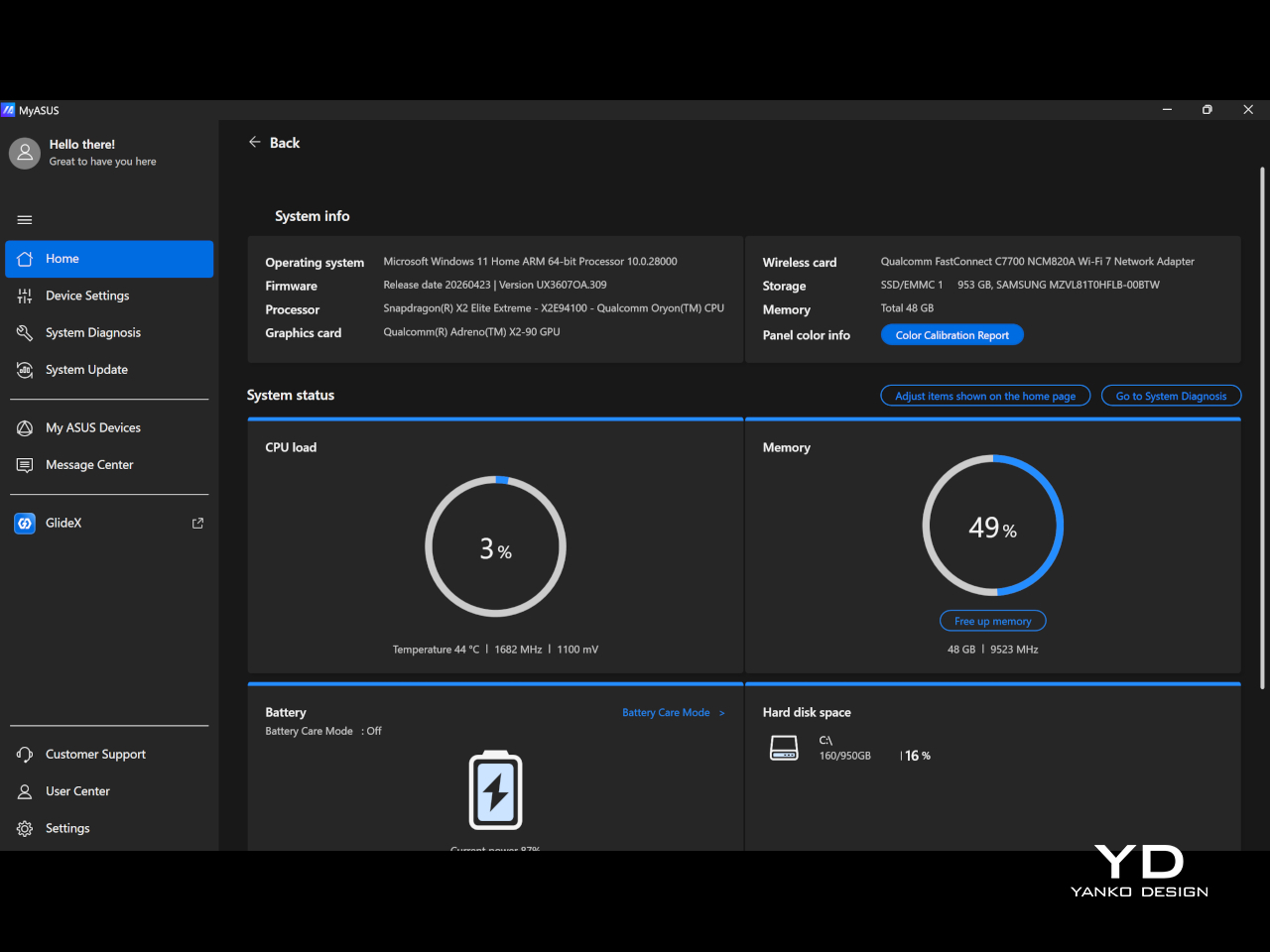
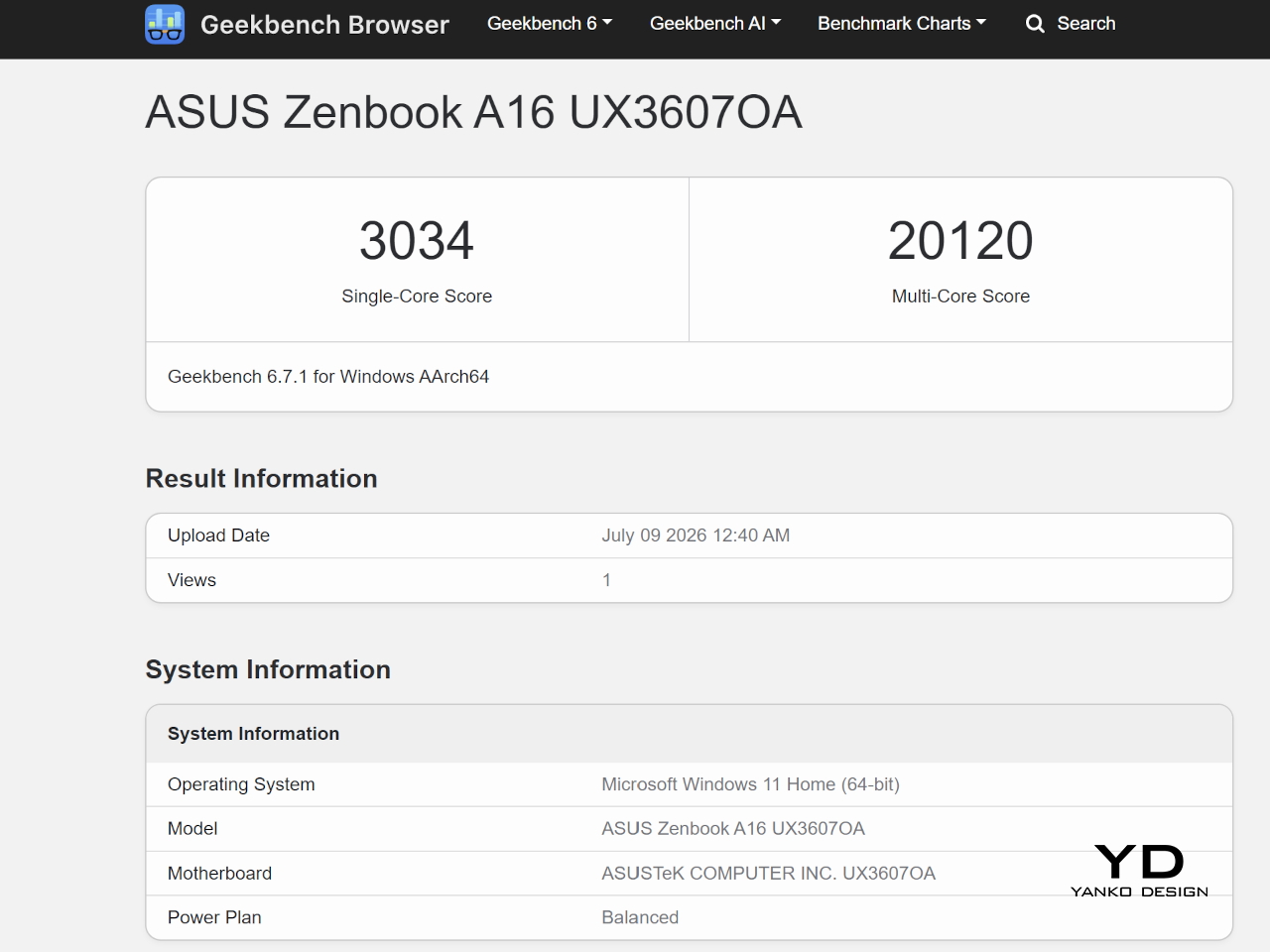
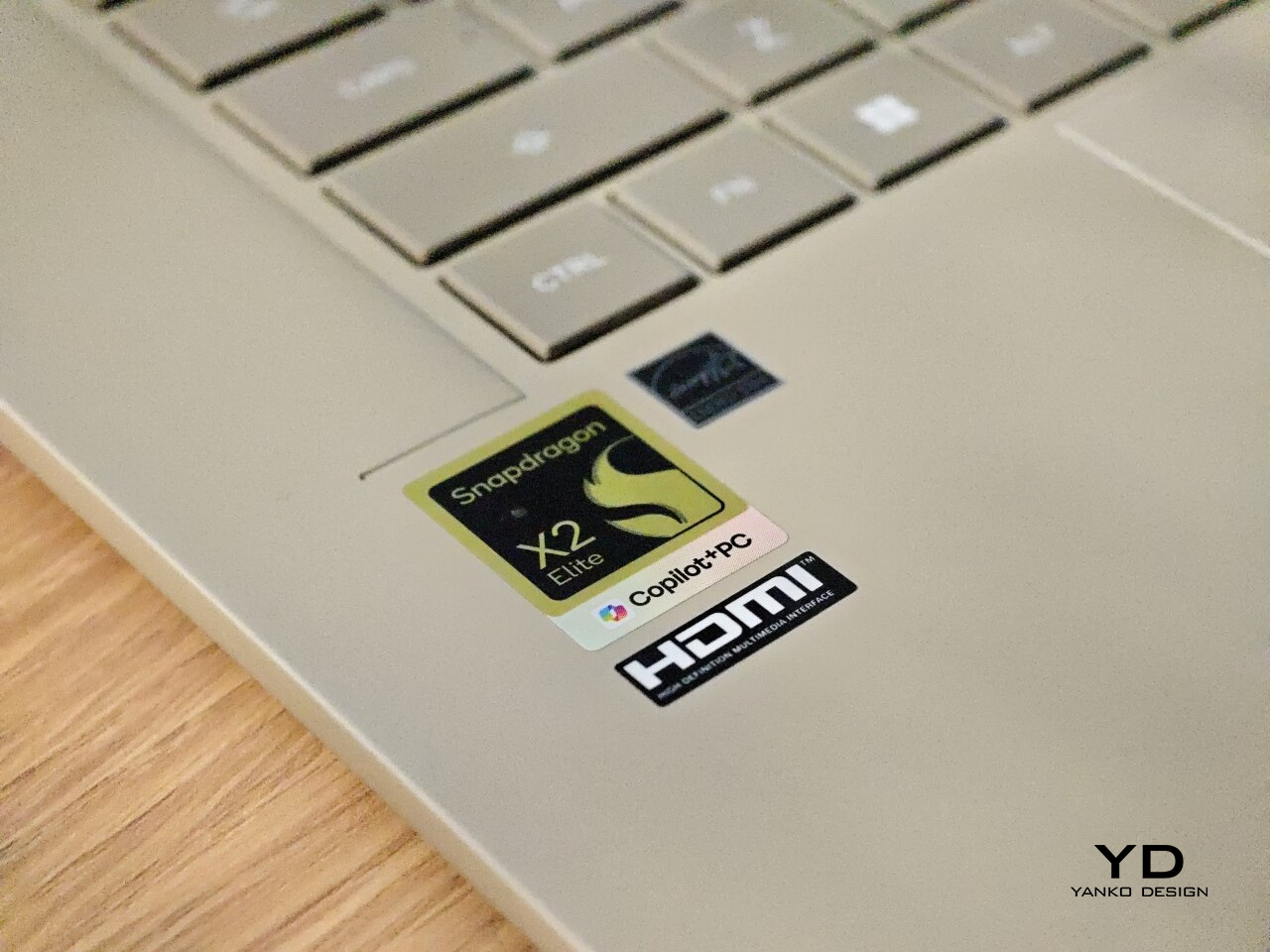
The Zenbook A16 (2026) runs Windows 11 and is part of the Copilot+ PC category. That places it firmly in Microsoft’s new AI PC push, though in daily use, the more noticeable benefit is still the machine’s general speed and efficiency. It feels modern and responsive in a very straightforward way, without constantly calling attention to the AI angle.
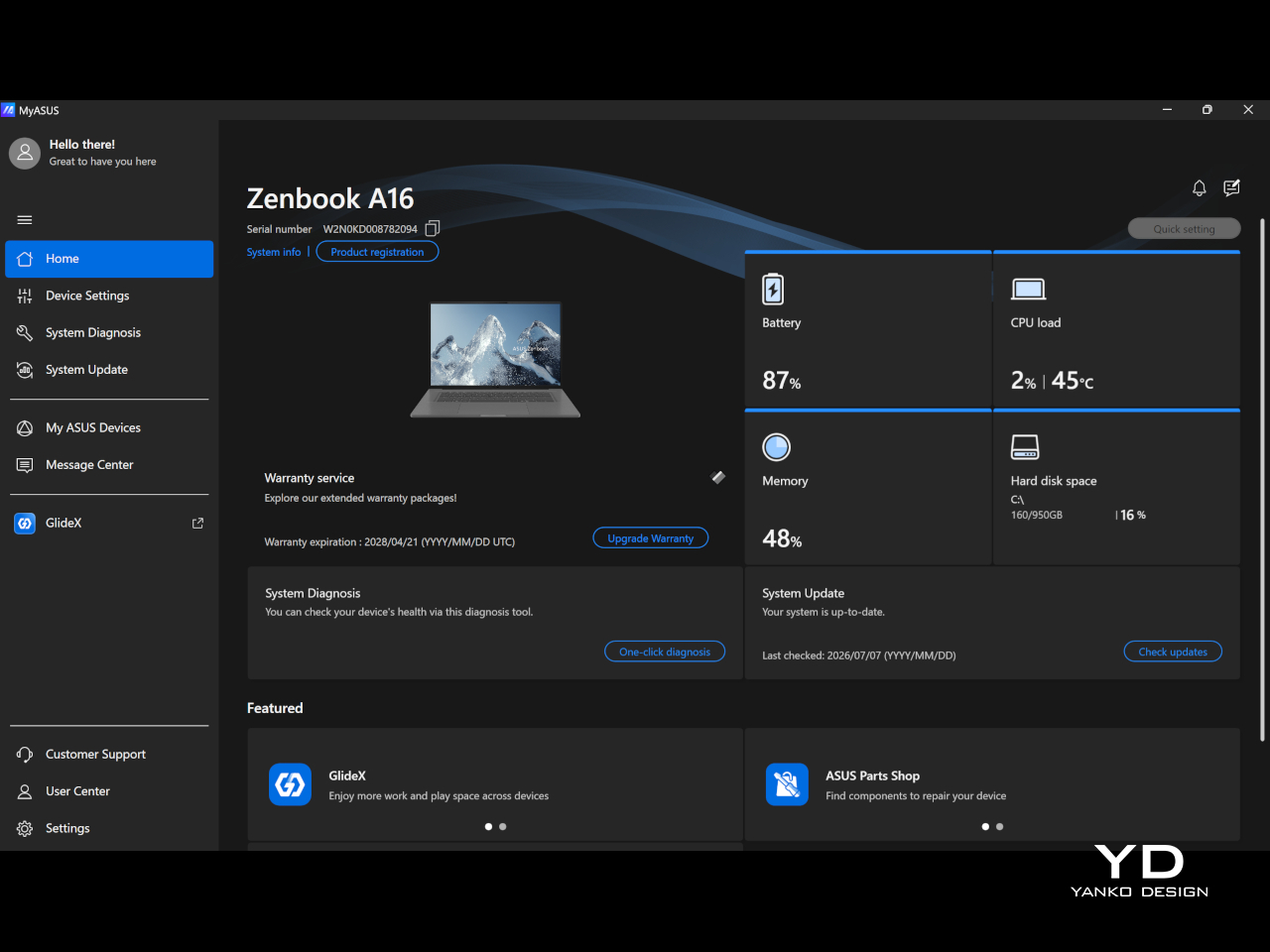
Although compatibility has clearly improved from Snapdragon X1 to X2, I still think it is something some buyers will worry about. Snapdragon X2 Elite gives the laptop much of its efficiency and responsiveness, but it also means this is still an ARM-based Windows machine. For general use, that was not a problem for me, but if your workflow depends on niche programs or you are into gaming, it is still worth checking that everything you need works properly before buying.
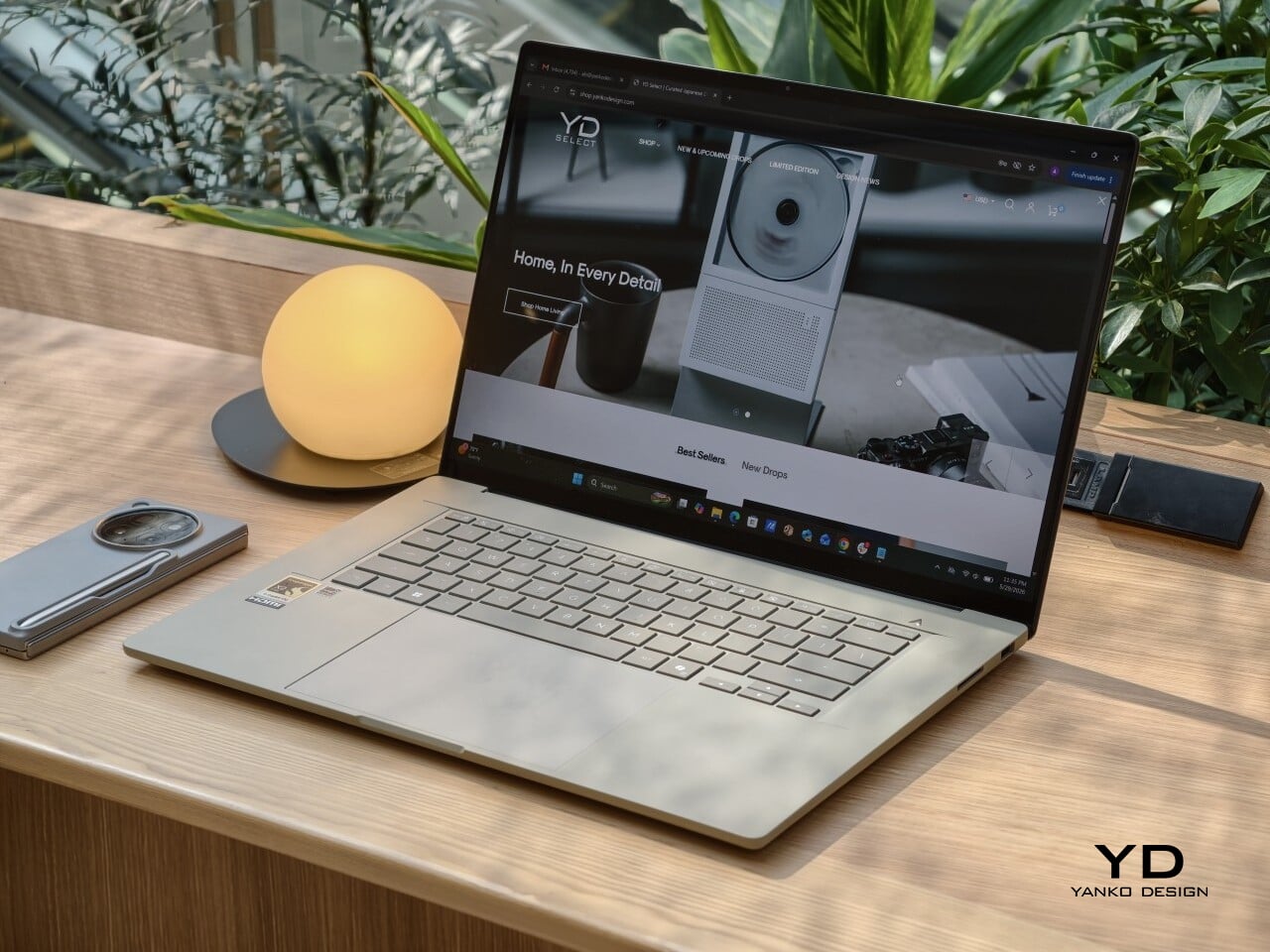
The display is one of the best parts of the Zenbook A16. The unit I tested comes with the touch-screen version of the 16-inch 3K OLED panel, and it gives the laptop a richness that you notice right away, whether you are working, streaming, or simply scrolling through photos. The 120 Hz refresh rate gives everything a welcome smoothness, while 500 nits of typical brightness, up to 1100 nits in HDR, 100% DCI-P3 coverage, and a 1,000,000:1 contrast ratio help the screen look vivid, punchy, and properly premium.
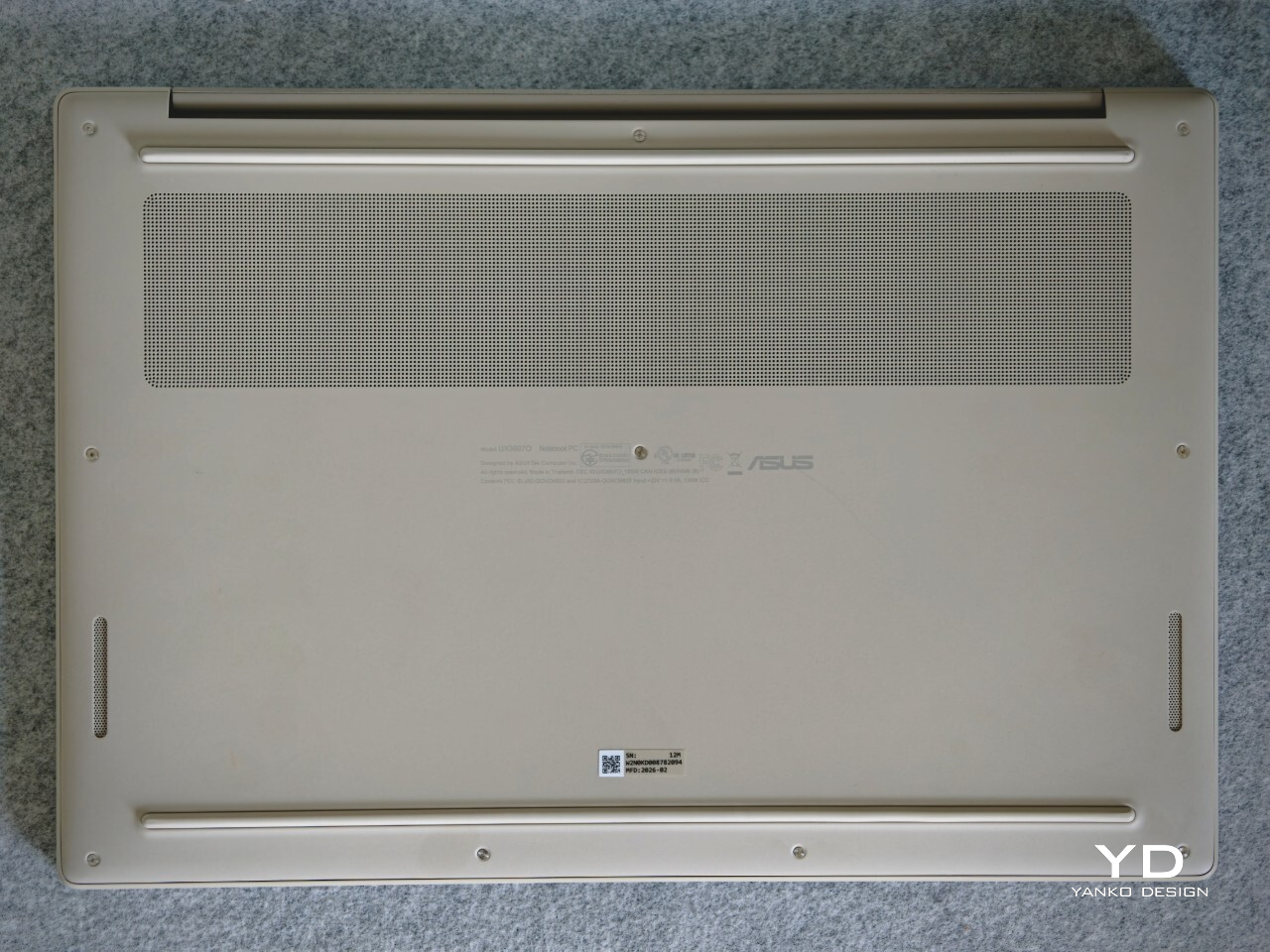
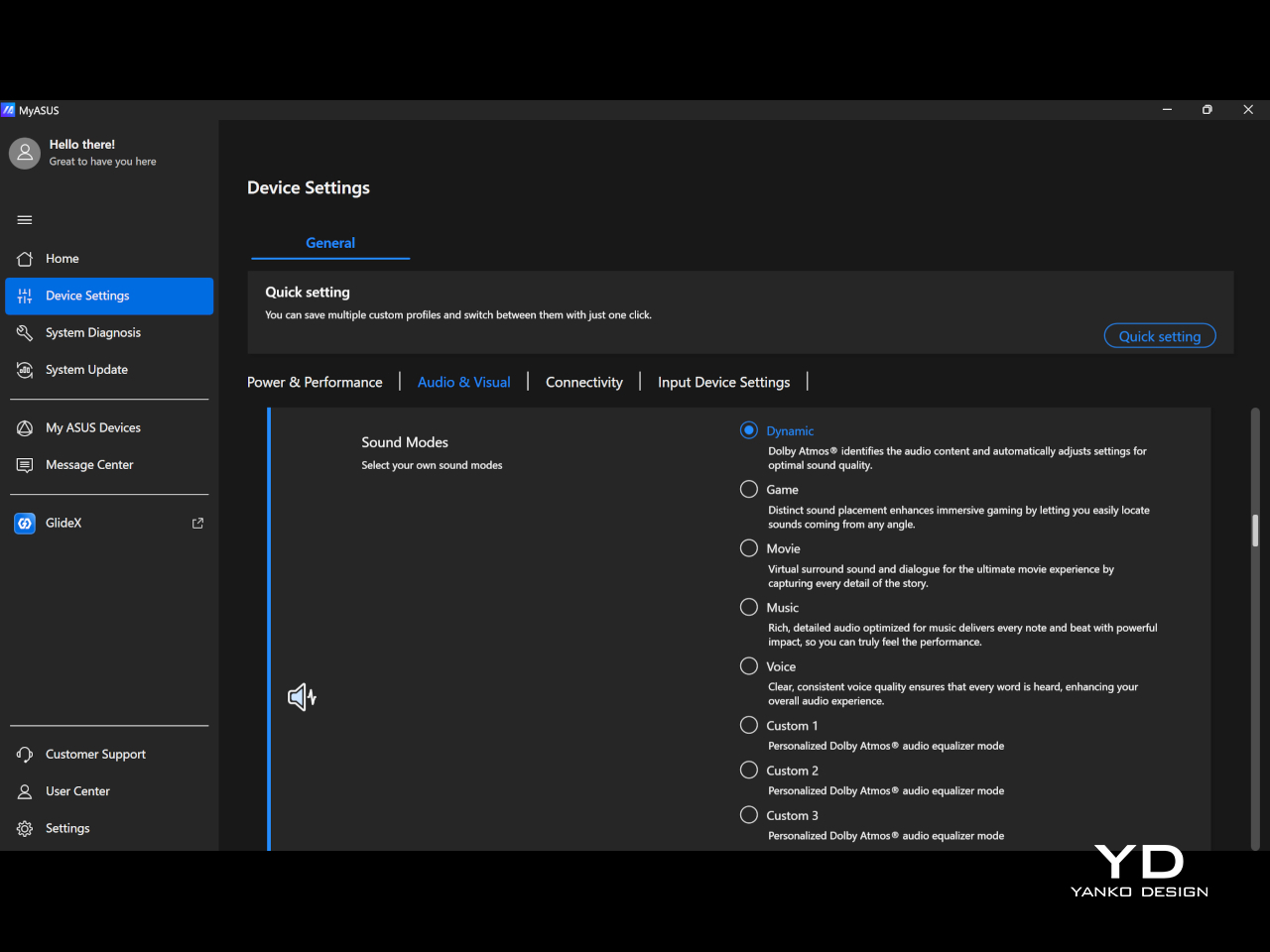
Audio is another pleasant surprise. The six-speaker array sounds full and clear, and Dolby Atmos support helps give movies, music, and even casual video watching a little more scale and dimension. I also liked that MyASUS lets you switch between sound modes like Dynamic, Game, Movie, Music, and Voice, or create up to three custom Dolby Atmos equalizer settings, which makes it easier to tune the sound to whatever you are doing.
Battery life was also a strong point for me. I kept the laptop in balanced mode, and it easily lasted a full workday with eight hours or more of continuous use, which made it easy to trust when I was out and about. The included 130W charger is fast and still easy enough to carry, so the overall setup remained travel-friendly.
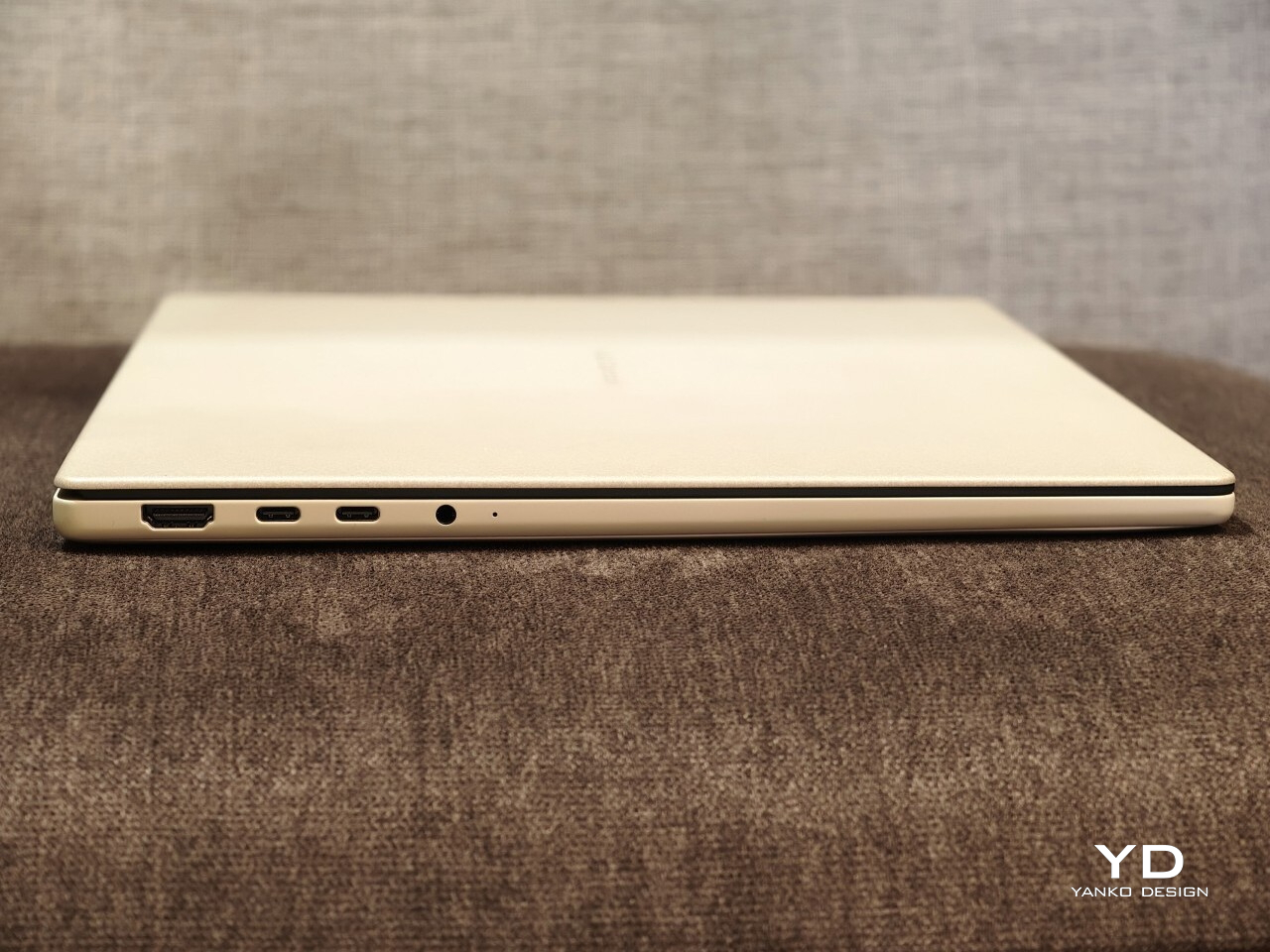
I also appreciated the port selection. ASUS includes two USB4 ports, a USB-A port, HDMI, a headphone jack, and an SD card slot, which makes the Zenbook A16 feel practical in a way many thin premium laptops no longer do. The SD card slot in particular is one of those small features that ends up being genuinely useful more often than you expect.
Sustainability
Sustainability is not the first thing the Zenbook A16 draws attention to, but it is part of the story. ASUS says its Ceraluminum material is made using pure water and electricity, without added organic compounds, strong acids, or heavy metals. That gives the finish a bit more substance than a purely cosmetic talking point.
There is also a more practical side to this. Battery replacements are doable, which is a plus, but the storage is not removable or serviceable. That makes the Zenbook A16 a somewhat mixed story on sustainability, with thoughtful material choices but limited repairability.
Value
The touch-screen version I tested is the Best Buy model, priced at $1,699.99. That puts the Zenbook A16 firmly in premium laptop territory, so it is not a machine that gets by on novelty alone. At this price, it needs to justify itself through the full experience, not just one or two standout specs.
I think it mostly does. You are getting a very light 16-inch laptop with a beautiful OLED display, strong battery life, a high-spec configuration, and a design that feels thoughtful in both look and feel. Still, $1,700 is enough money that buyers are right to think carefully about software compatibility and long-term flexibility before deciding it is the right fit.
Verdict
The Zenbook A16 ended up winning me over in a quiet way. It is not the kind of laptop that shouts for attention, but the longer I used it, the more I appreciated how thoughtfully it fits into everyday life. The light weight, the large and beautiful display, the warm feel of the Ceraluminum finish, and the overall ease of using it all added up to something that felt genuinely enjoyable.
What stayed with me most was how little friction there was to living with it. I liked being able to carry a 16-inch laptop without feeling weighed down, and I liked that it still felt polished and comfortable once I opened it up and got to work. The comfortable keyboard, strong battery life, good speakers, and practical port selection all helped make it feel like a machine designed by people who had actually thought about daily use.
It is not perfect, and I would still tell buyers to think carefully about software compatibility if they rely on niche programs or want a laptop for gaming. The firmer touchpad click also stood out on a machine that otherwise feels so easygoing. Even so, I came away with a lot of affection for the Zenbook A16, because it manages to feel both special and easy at the same time.
At $1,700, it is a serious purchase. But for someone who wants a premium laptop with a big OLED screen, long battery life, and a design that feels lighter and warmer than most, I think the Zenbook A16 makes a strong case for itself. It is one of those laptops that feels nicer the longer you live with it, and that may be its best quality.