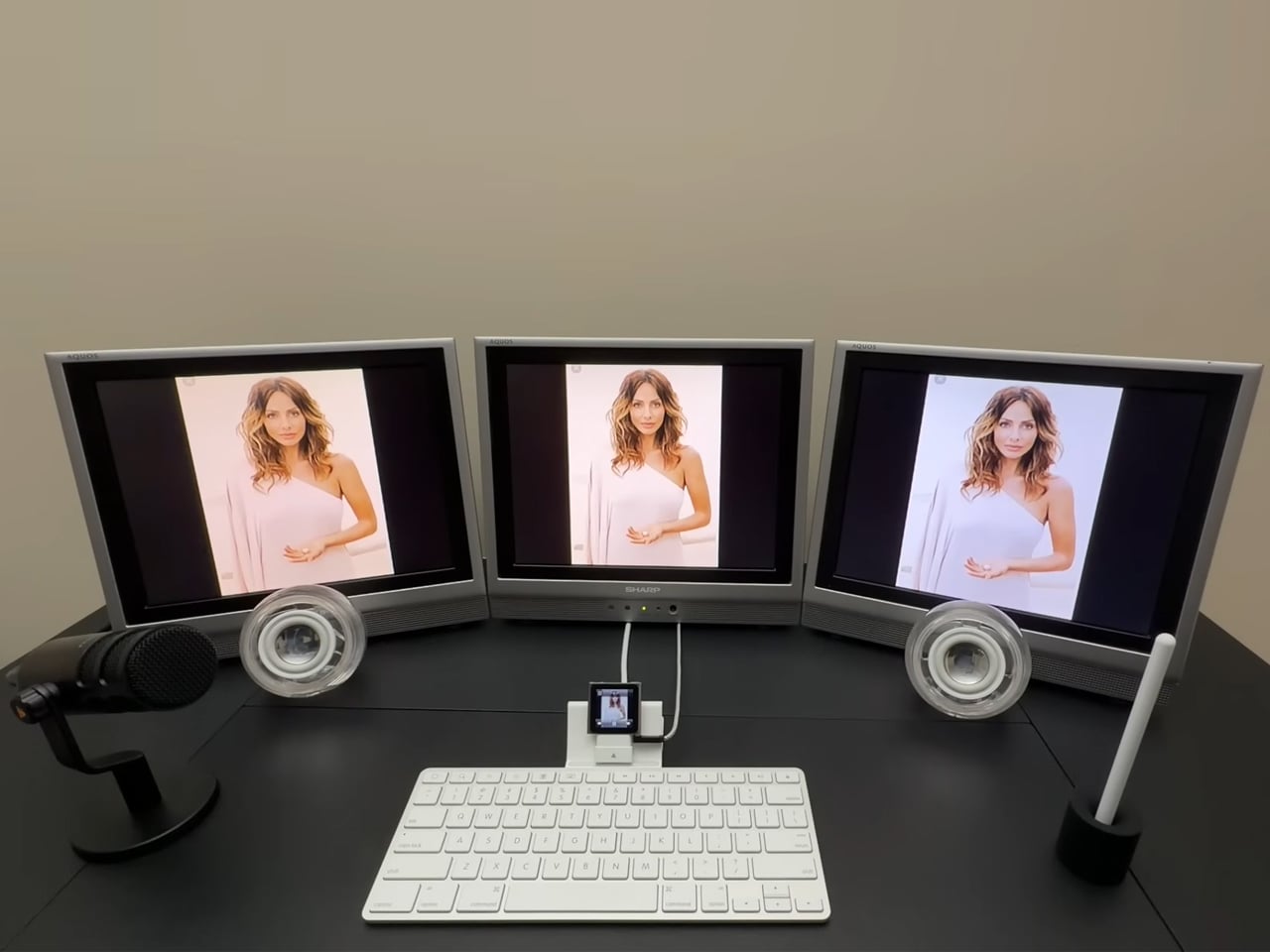
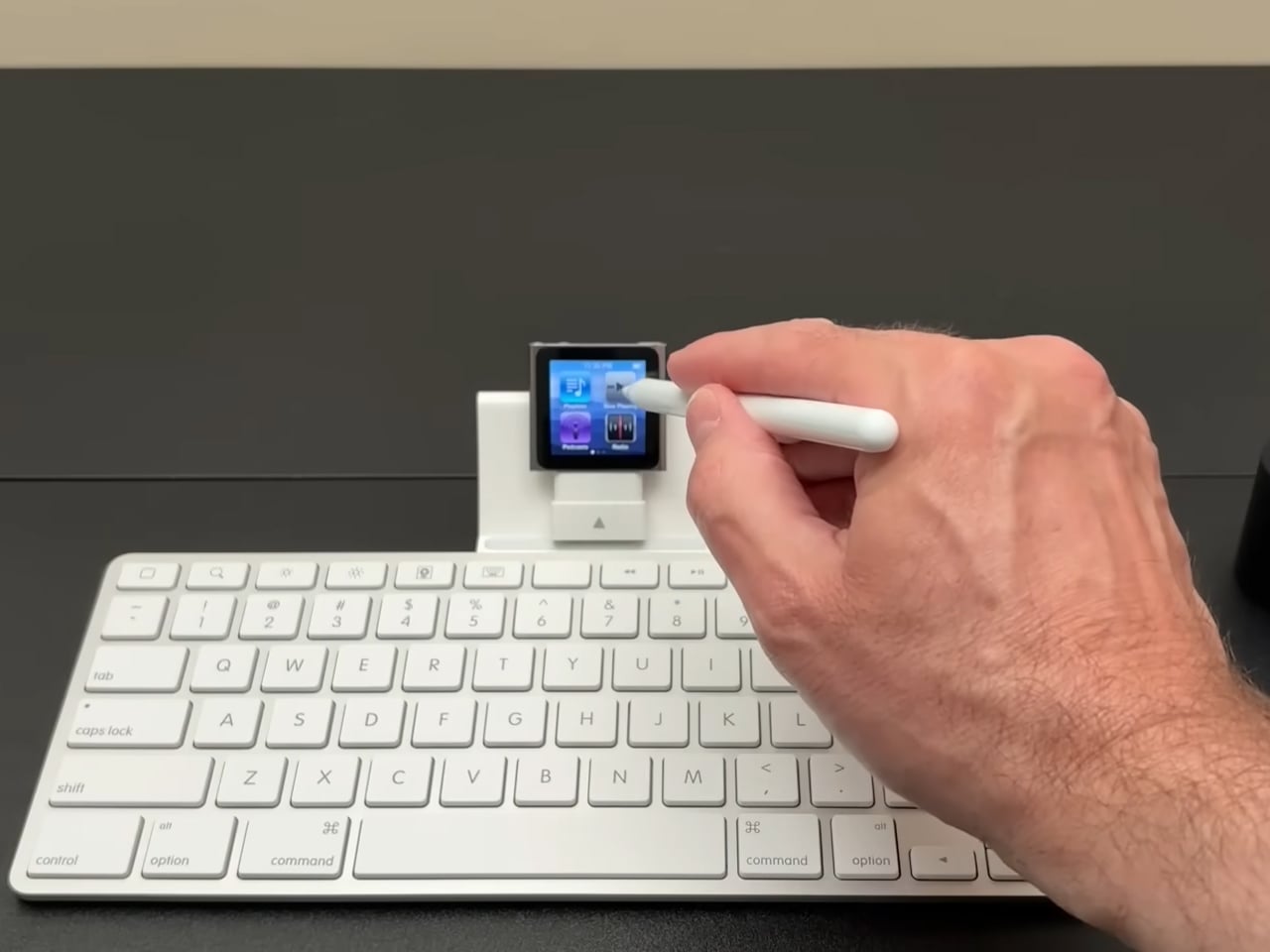
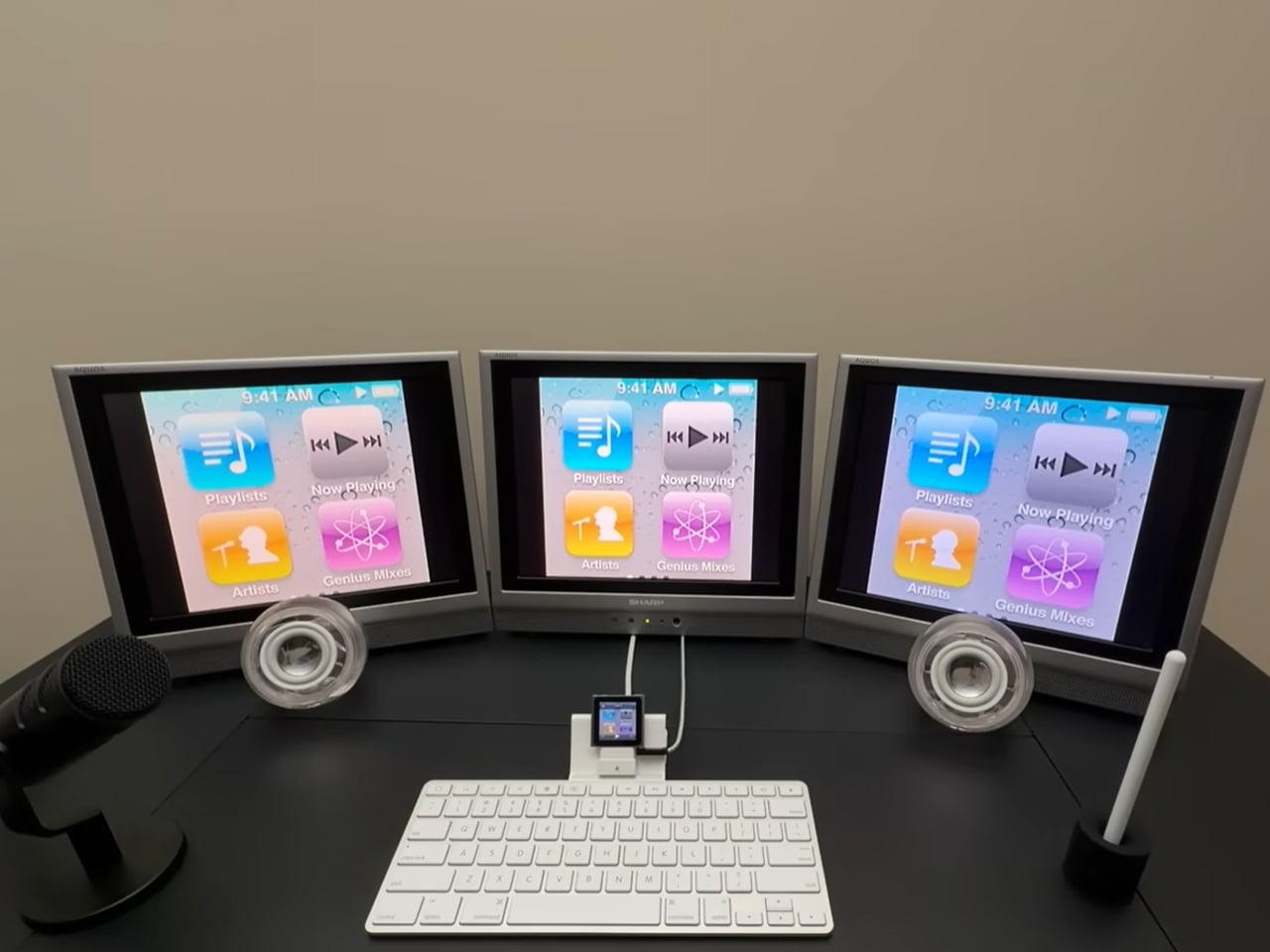
Move away from the largest computer case mod for a moment and give the 6th-generation iPod Nano a moment of fame again. Before you start thinking what that even means, check out the video above, where a creator from the YouTube channel Will It Work has given the tiny MP3 player a new lease of life with a well-orchestrated triple-display workstation powered entirely by the iPod Nano.
I am writing this on a two-display setup installed on my workstation. But there is no denying the fact that three-display setups are really a craze these days. The setups are not reserved for PC and monitor combos. Even laptops with three screens are keeping up with the trend. This is exactly why the idea of hooking up a tiny iPod Nano to three separate screens really grabbed my attention.
Designer: Will It Work (YT)

The 6th-generation iPod Nano was released in 2010 with a capacitive multitouch screen. It was the last iPod device released by Steve Jobs and was really easy to carry around with its clip-on design. Instead of being carried in the pocket, the device could be clipped to your gear and go where you wanted it to go. Now, the interesting device is put to more use than just playing music.
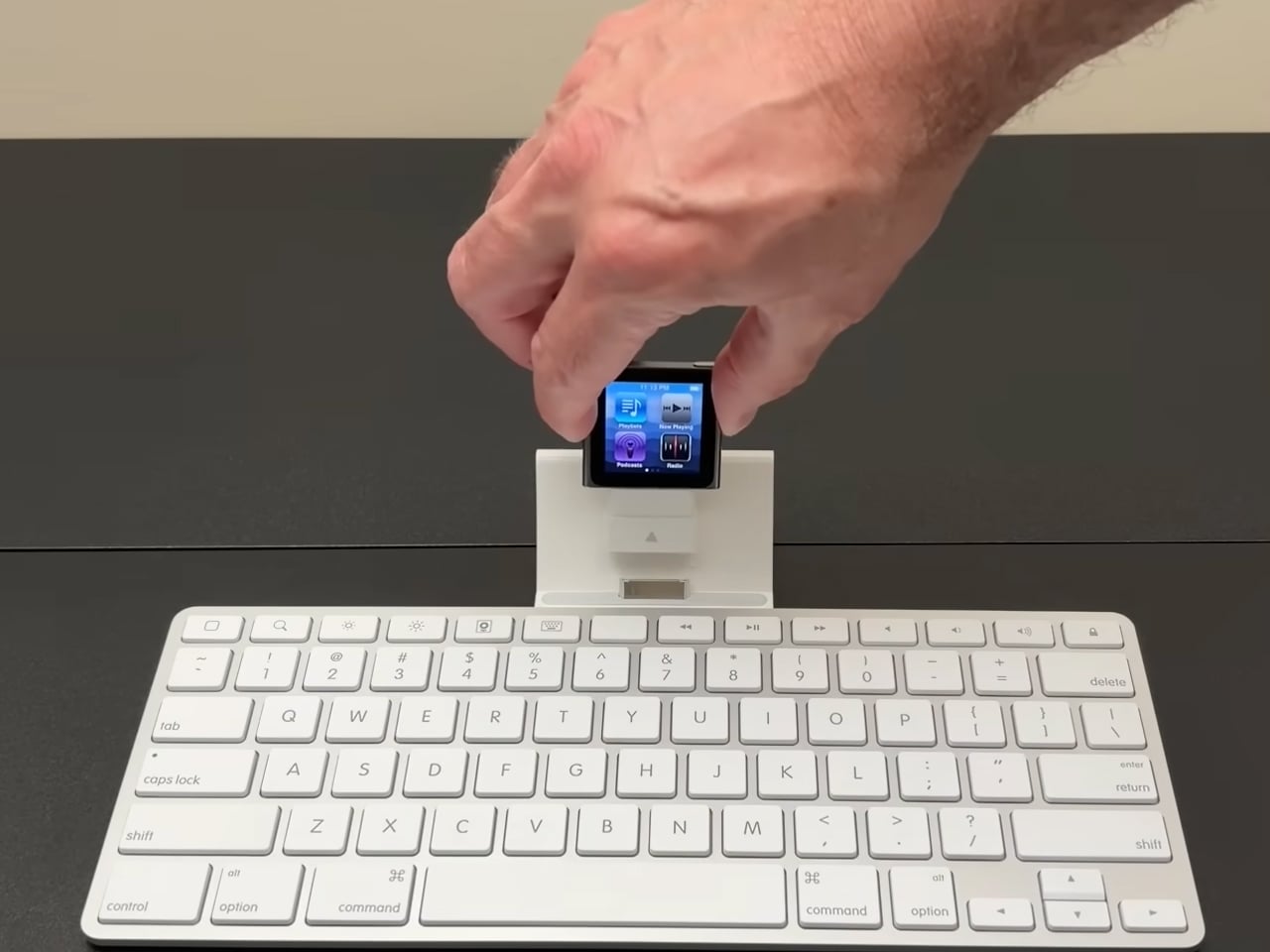
By connecting the iPod Nano to a 30-pin Apple Keyboard Dock, the DIYer was able to rely on composite video signals from the iPod to three connected Sharp flat screen monitors from the early 2000s. The Keyboard Dock was essentially made for the iPad, but the video shows that it has been tweaked to work with the iPad Nano using a 30-pin spacer adapter. In the video, the creator says he was hopeful that the media controls on the keyboard would be able to control the iPod, but eventually found out that no key on the keyboard actually works with his contraption. It just sits there to finish the workstation setup: the highlight of which of course, is the triple-display connected to the iPod Nano.
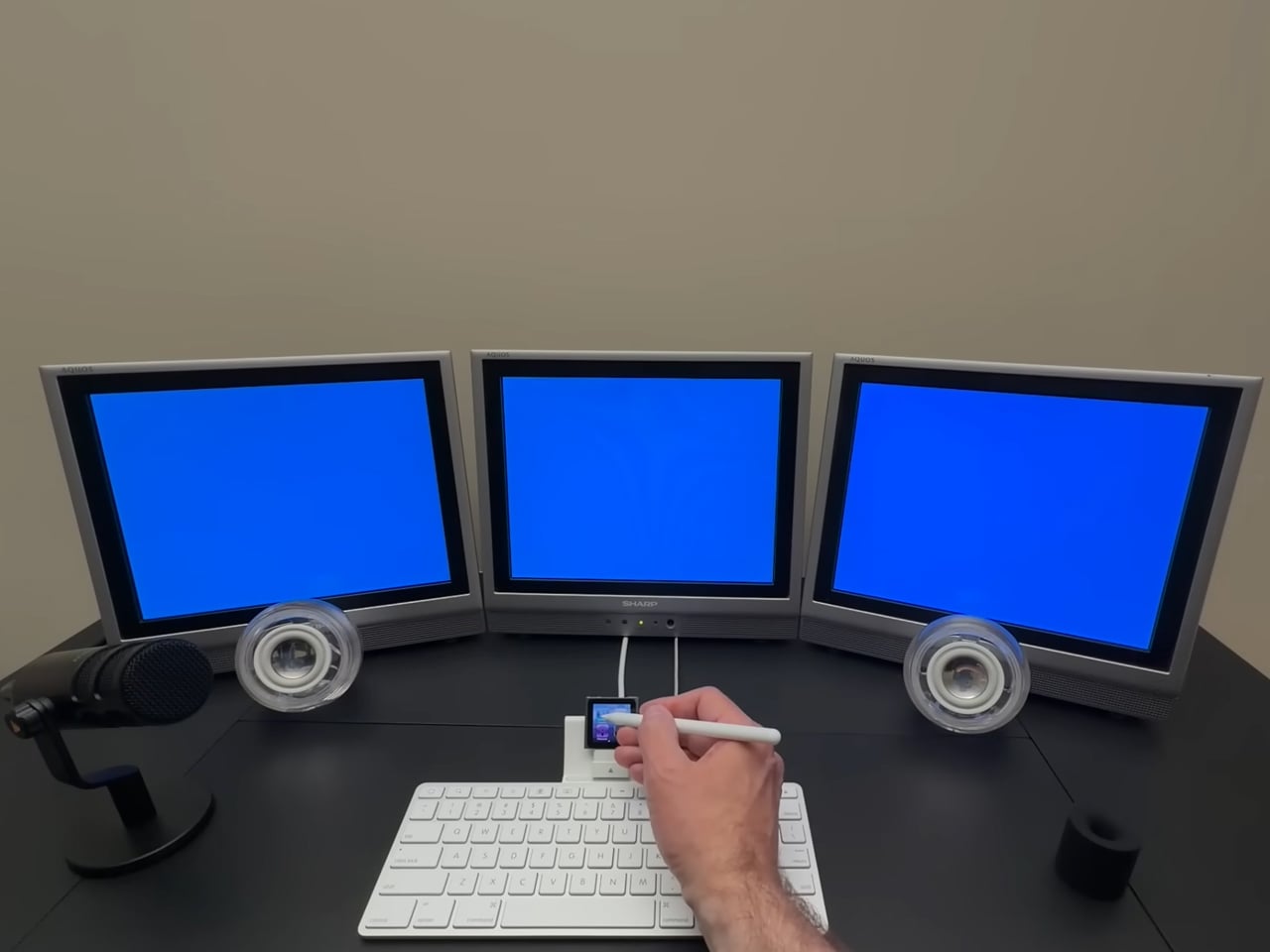
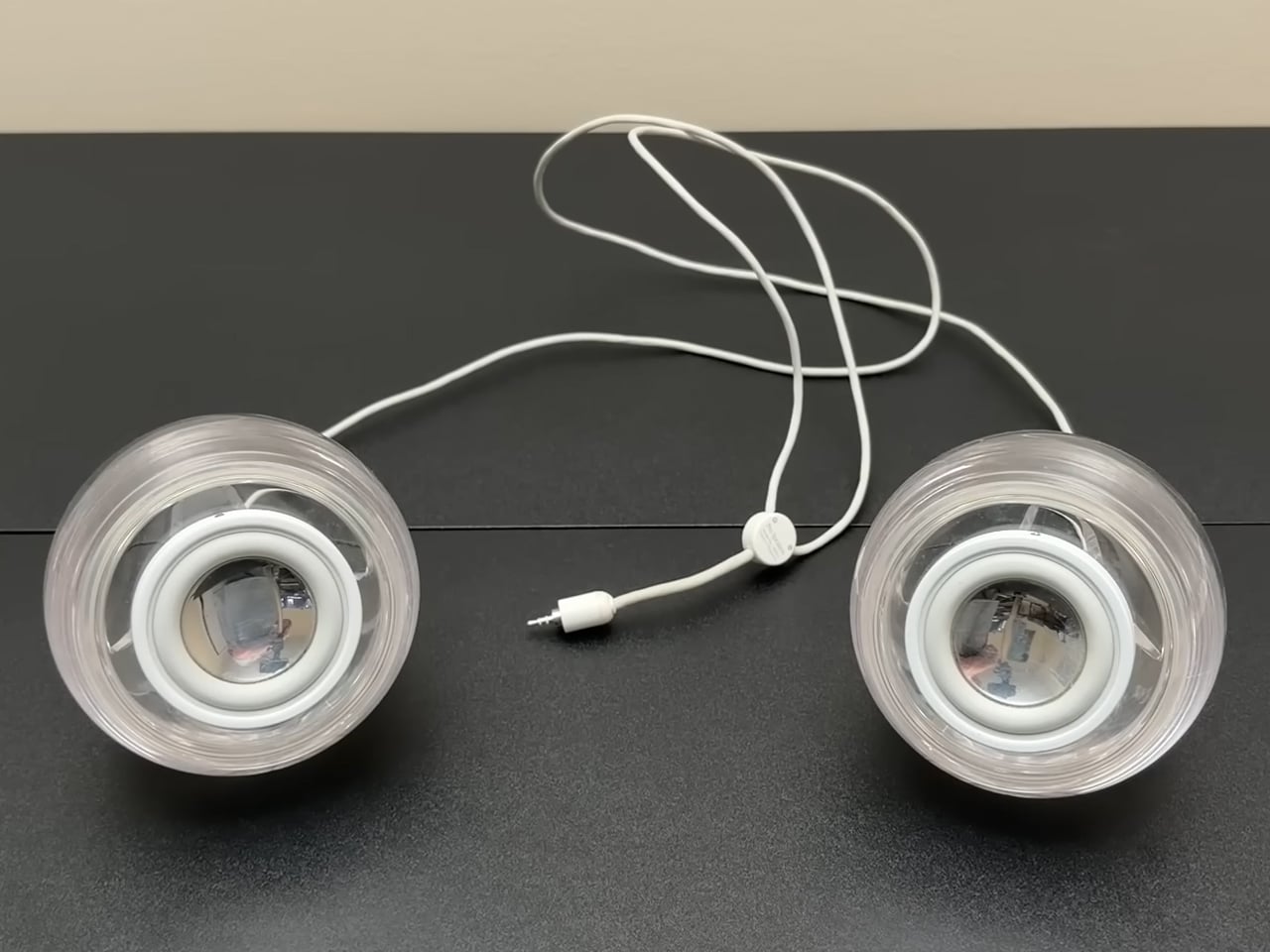
While the iPod Nano cannot connect output video and audio directly to the displays (or connected speakers), the creator has used a 3.5mm four-pole jack, which handles audio input and output. With some other adaptors and cables involved, the iPod is hooked to the three Sharp LCD models for visual display as well. A set of Apple Pro speakers has been used for audio output and a stylus interacts with the iPod. Both audio (the music) and video (a picture slideshow) can work simultaneously. Will It Work has been able to establish that in the video.
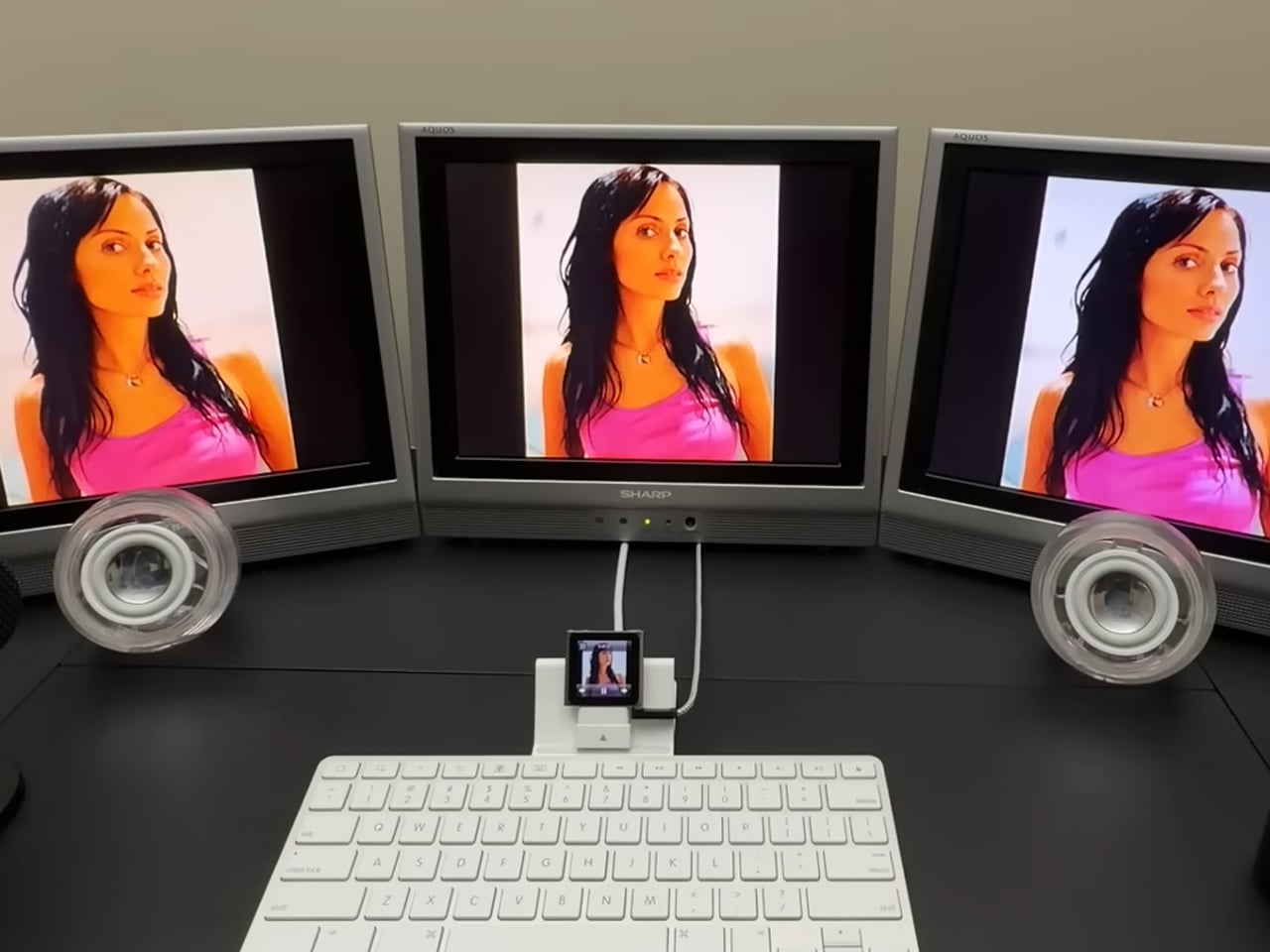
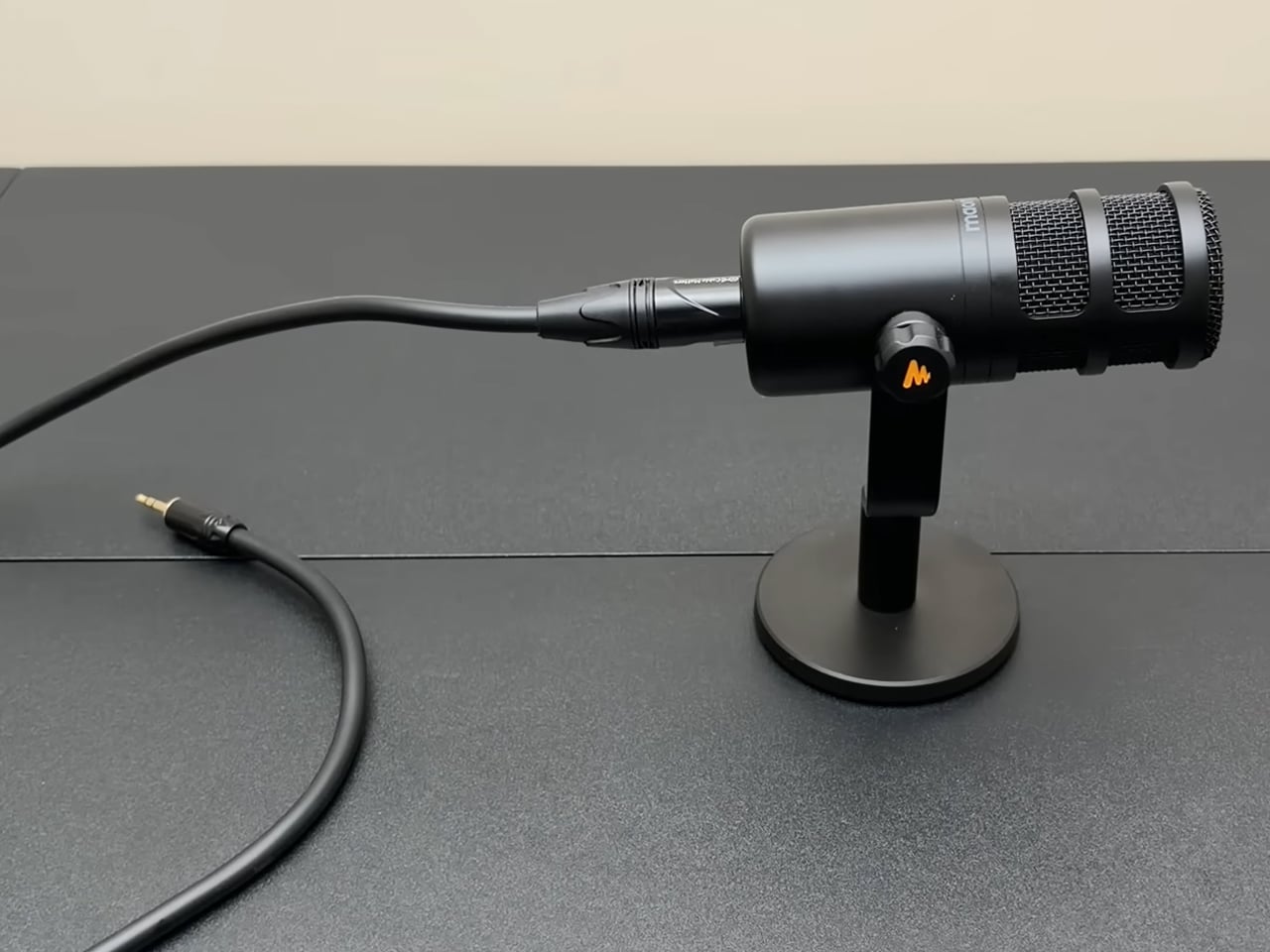
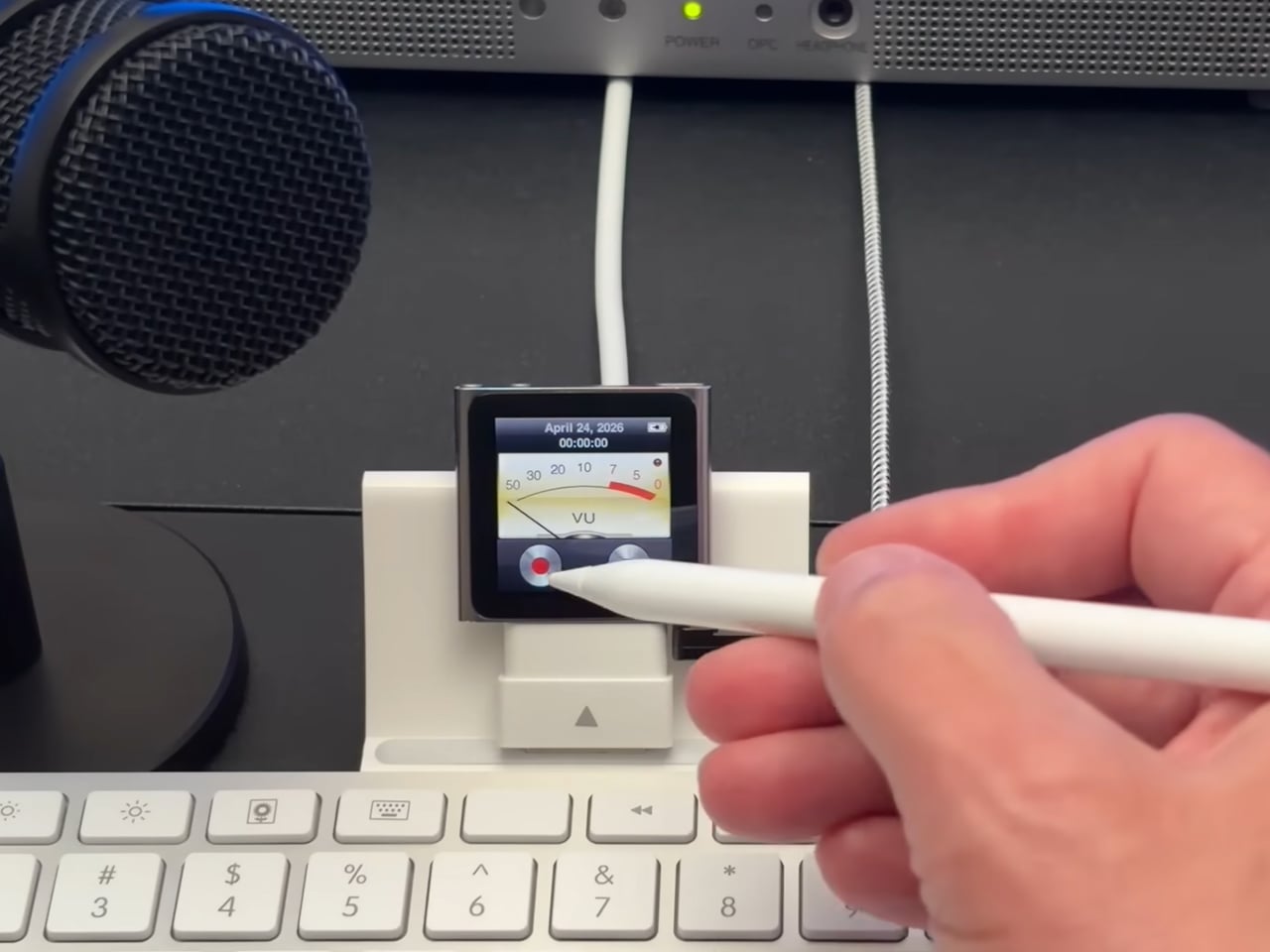
In addition to playing music and running a slideshow on the three connected LCDs, the iPod Nano-based triple-monitor workstation can also be used to record voice memos. To be able to record memos in podcast-level clarity, the DIYer has hooked up the iPod to a desktop microphone. In the video, he shows how efficiently it can record a voice note and how good the playback quality is.