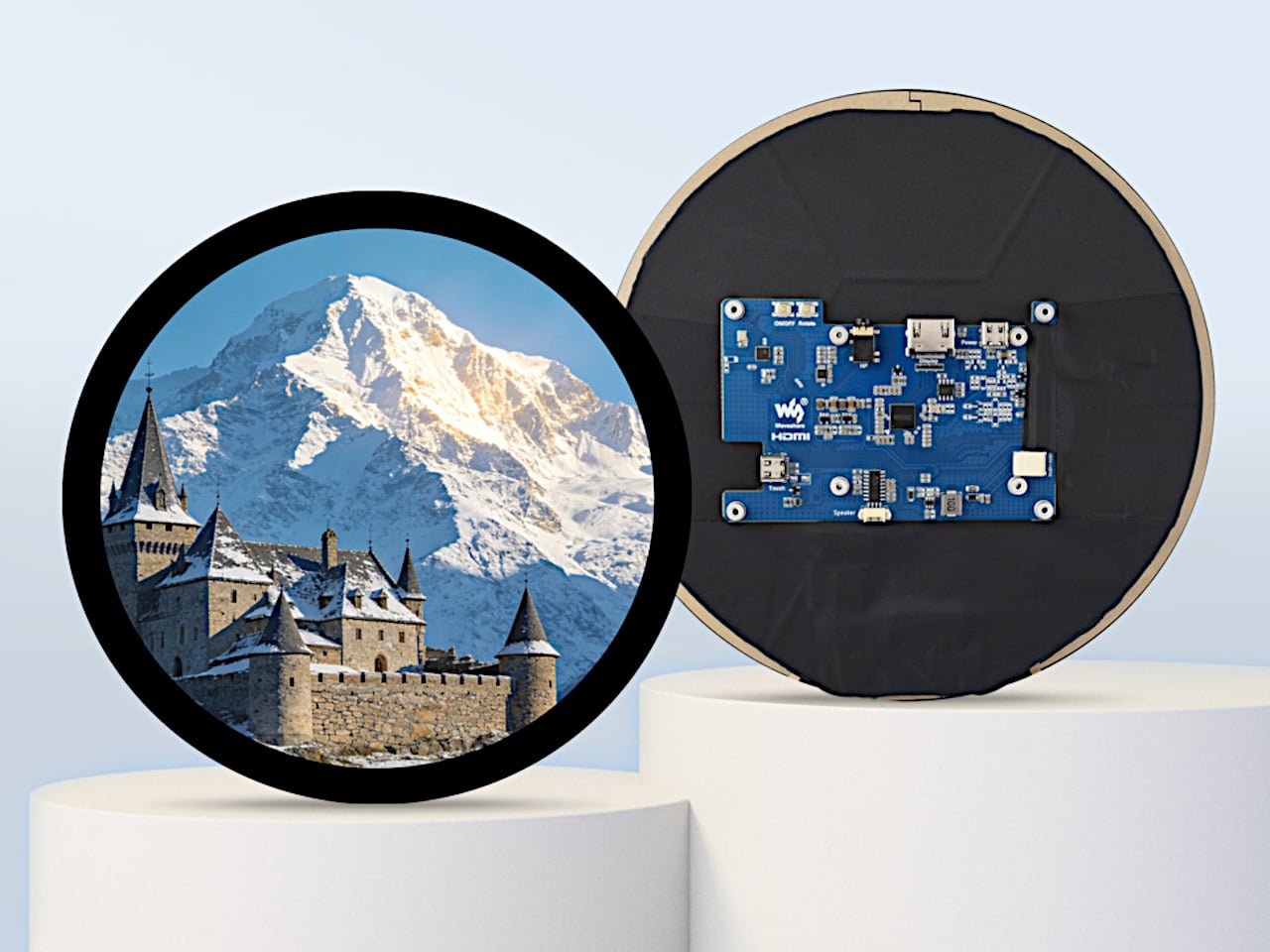

Circular interfaces keep showing up in design. Thermostats, smart speakers, automotive dials, wearable-inspired dashboards, the circle feels friendly and “instrument-like” in a way that rectangles don’t, especially when the goal is a glanceable, ambient piece of hardware rather than something you stare at for hours. The problem is that most prototyping hardware is rectangular, so designers either fake a round interface on a square screen or spend weeks sourcing a custom circular panel.
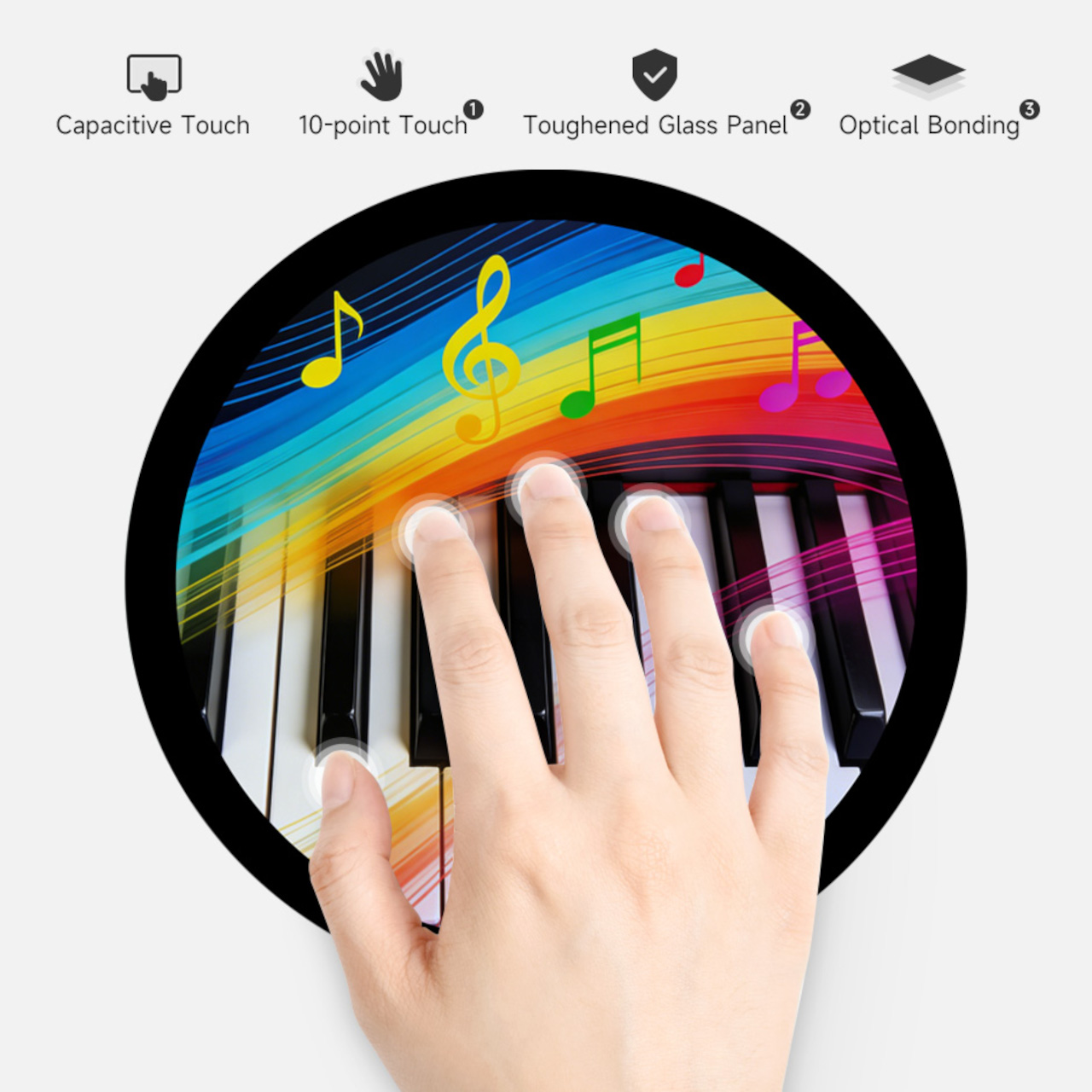
Waveshare’s 7-inch round touch display tries to remove that bottleneck. It’s a 1080×1080 IPS panel with 10-point capacitive touch, optical bonding, and toughened glass, all in a circular form factor that connects to a host device over HDMI with a separate USB-C cable for touch data. The premise is simple: treat it like a normal monitor and touchscreen, then build whatever circular UI you want on top of it.
Designer: Waveshare
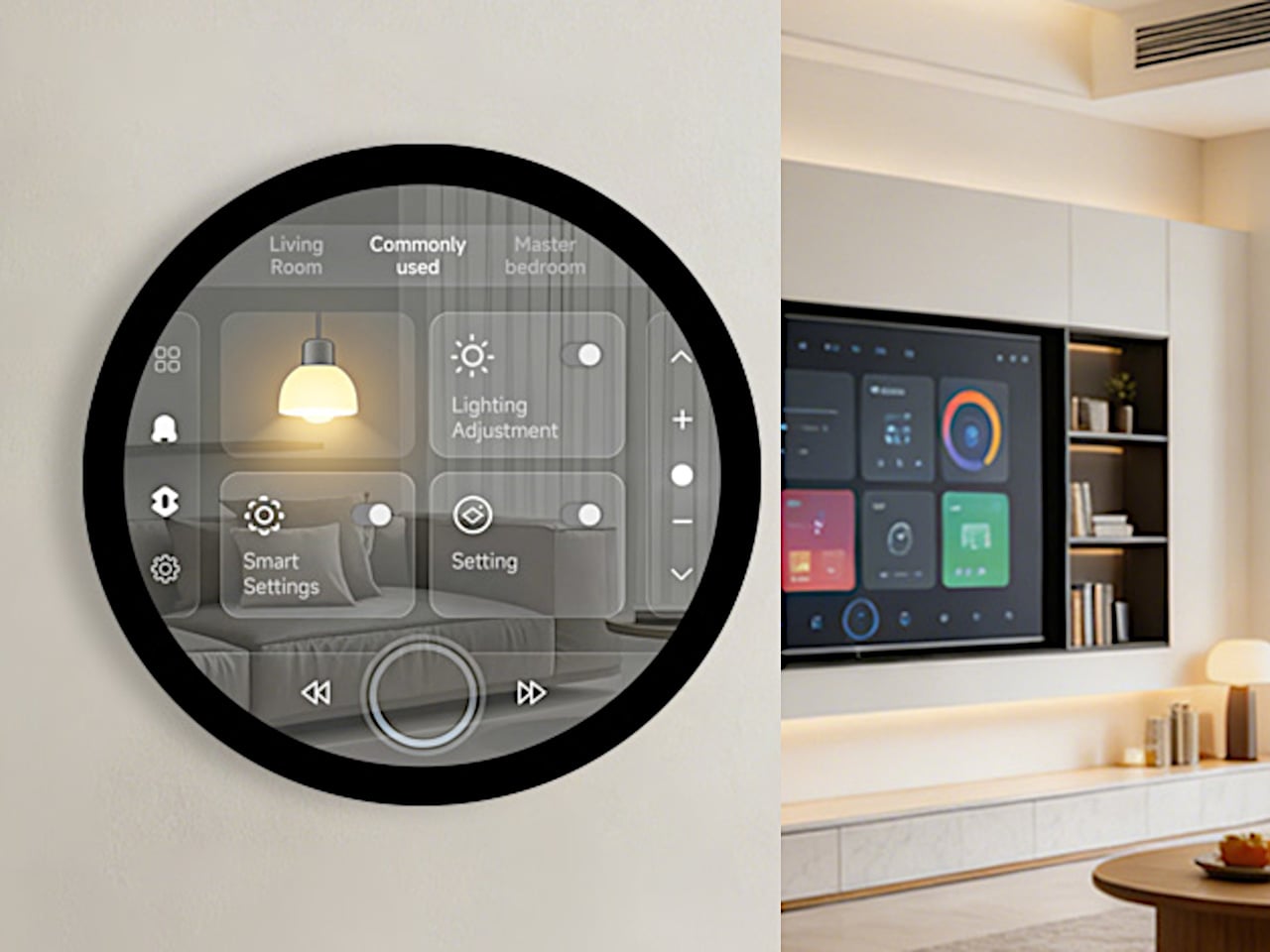
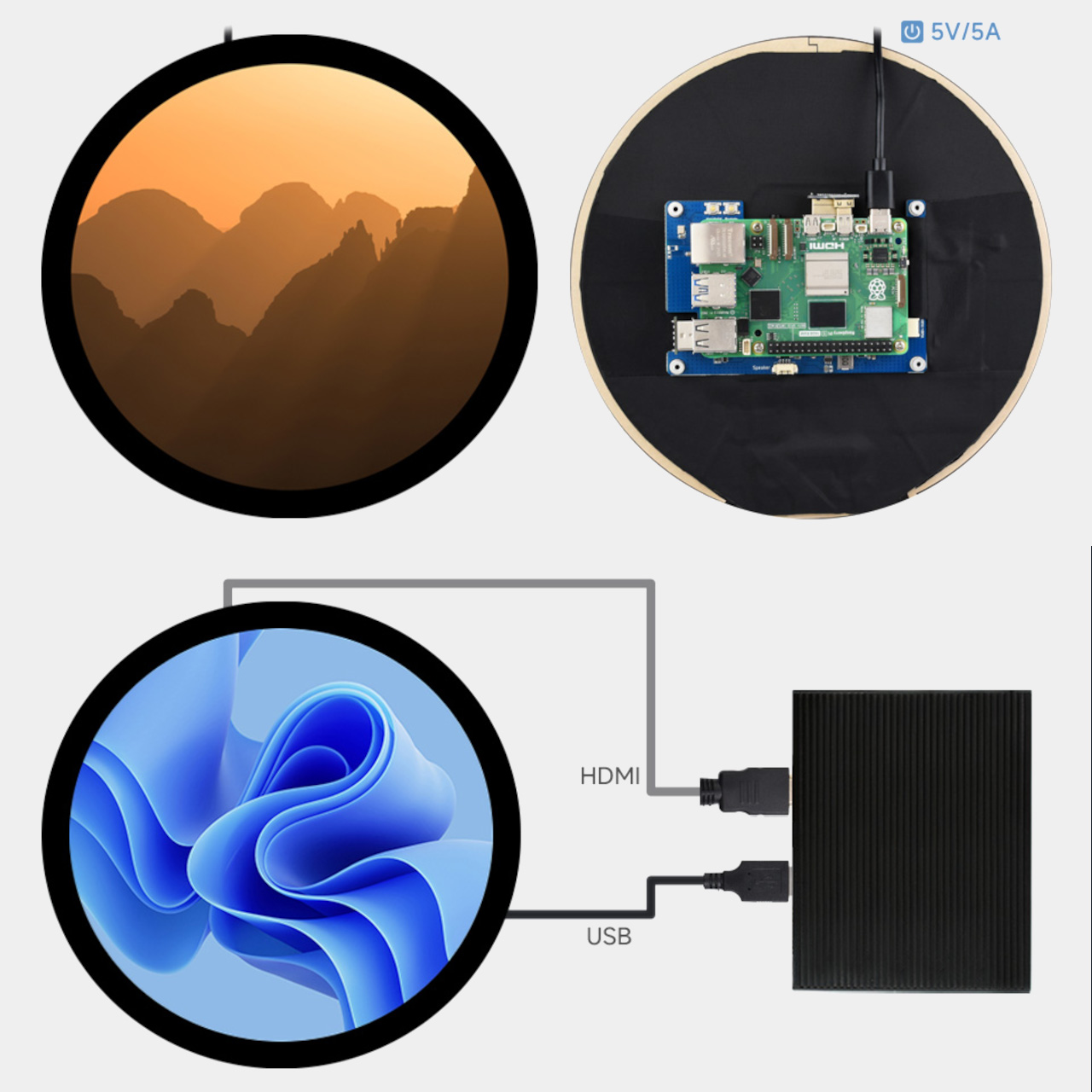
The spec choices that matter for actual design work are mostly about reducing friction. HDMI video input and USB-C touch make the display behave like a standard external monitor to any device that supports it, so you’re not writing drivers or fighting kernel modules before you can see your UI on screen. Waveshare claims driver-free operation on Windows 11 down to Windows 7, plus Raspberry Pi OS with full 10-point touch, and Ubuntu and Kali with single-point, which is more than enough for early-stage prototyping.

Brightness is rated at 800 cd/m², with a 160-degree viewing angle from the IPS panel. For a prototype that’s going on a wall, into a vehicle mock-up, or onto a demo table for a client presentation, that combination means the display stays legible from reasonable distances and off-angle views. The optical bonding also closes the air gap between the glass and the LCD, so it reads more like a laminated consumer screen than a development board display, which makes a quiet difference when you’re showing work to someone who doesn’t build hardware for a living.
The small onboard controller adds a few practical tools: a physical touch rotation button for flipping between portrait and landscape without touching software, and a backlight adjustment that can be controlled via software. There’s also a 3.5mm audio jack and a 4PIN speaker header if you want to add sound to the build. None of these are headline features, but they’re the kind of things that accelerate iteration without requiring extra components or hacks.
Platform support stretches from Raspberry Pi 3 all the way through Pi 5, plus NVIDIA Jetson boards for more compute-intensive builds, and standard Windows PCs for larger installations or kiosk-style demos. That breadth means the same display can serve a lightweight Pi-based smart-home prototype one week and a Jetson-powered vision demo the next.
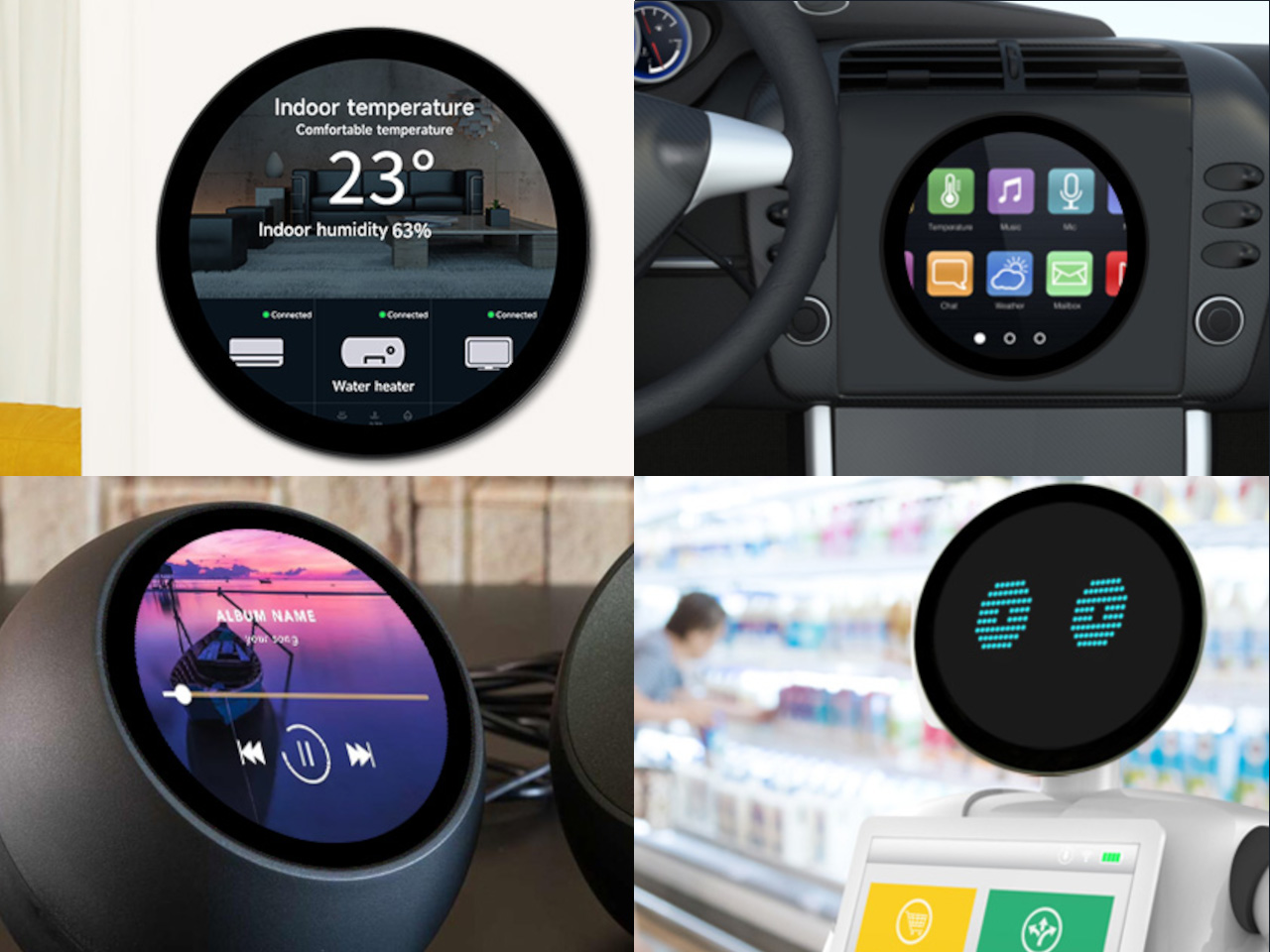
A circular screen goes beyond novelty into a very different product personality. Having an off-the-shelf option that handles touch, connects over standard cables, and doesn’t require driver work means designers can spend time on the actual interaction and enclosure instead of fighting the hardware stack to get a circle on screen.