
The most interesting AI hardware this year might not be a new screen or headset. It might be a microphone. Powerrider frames that idea very literally. It takes the form factor of a conference mic and refits it as a GPT‑4o terminal, so the same stem on your desk that handles Zoom calls can also translate in real time, summarize a briefing, or draft follow‑up emails while the meeting is still in progress.
What makes it feel clever is how little ceremony it adds. There is no new display to manage, just a few sculpted buttons for voice input, translation, and AI control. Tap, talk, and the response appears on your existing laptop, ready to paste into a chat, a slide deck, or a script. In a single accessory you get cleaner audio for podcasting and live streaming, plus a dedicated channel that turns casual speech into an ongoing conversation with ChatGPT.
Designer: Powerrider
Click Here to Buy Now: $59 $120 (56% off). Hurry, only a few left!
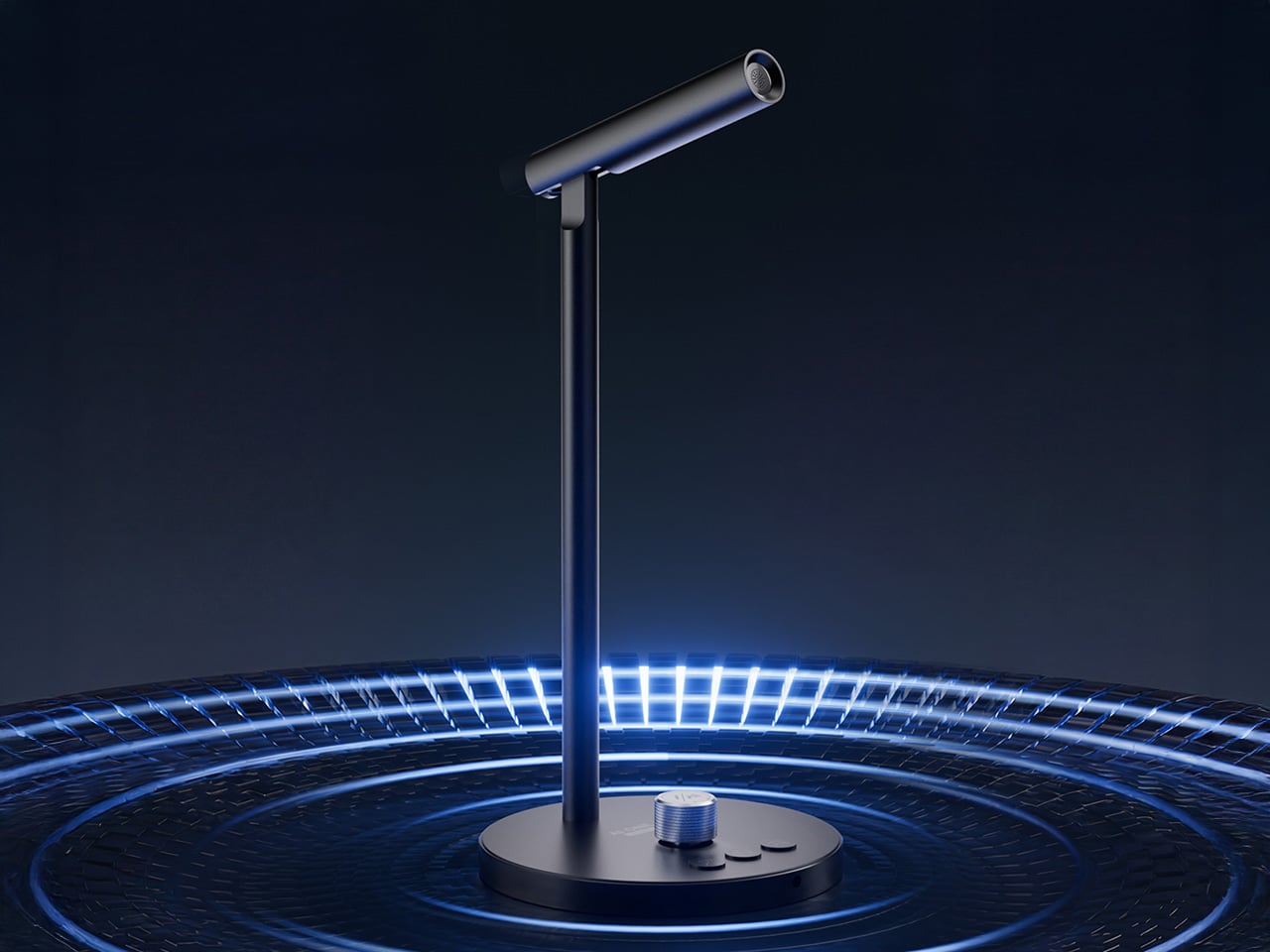

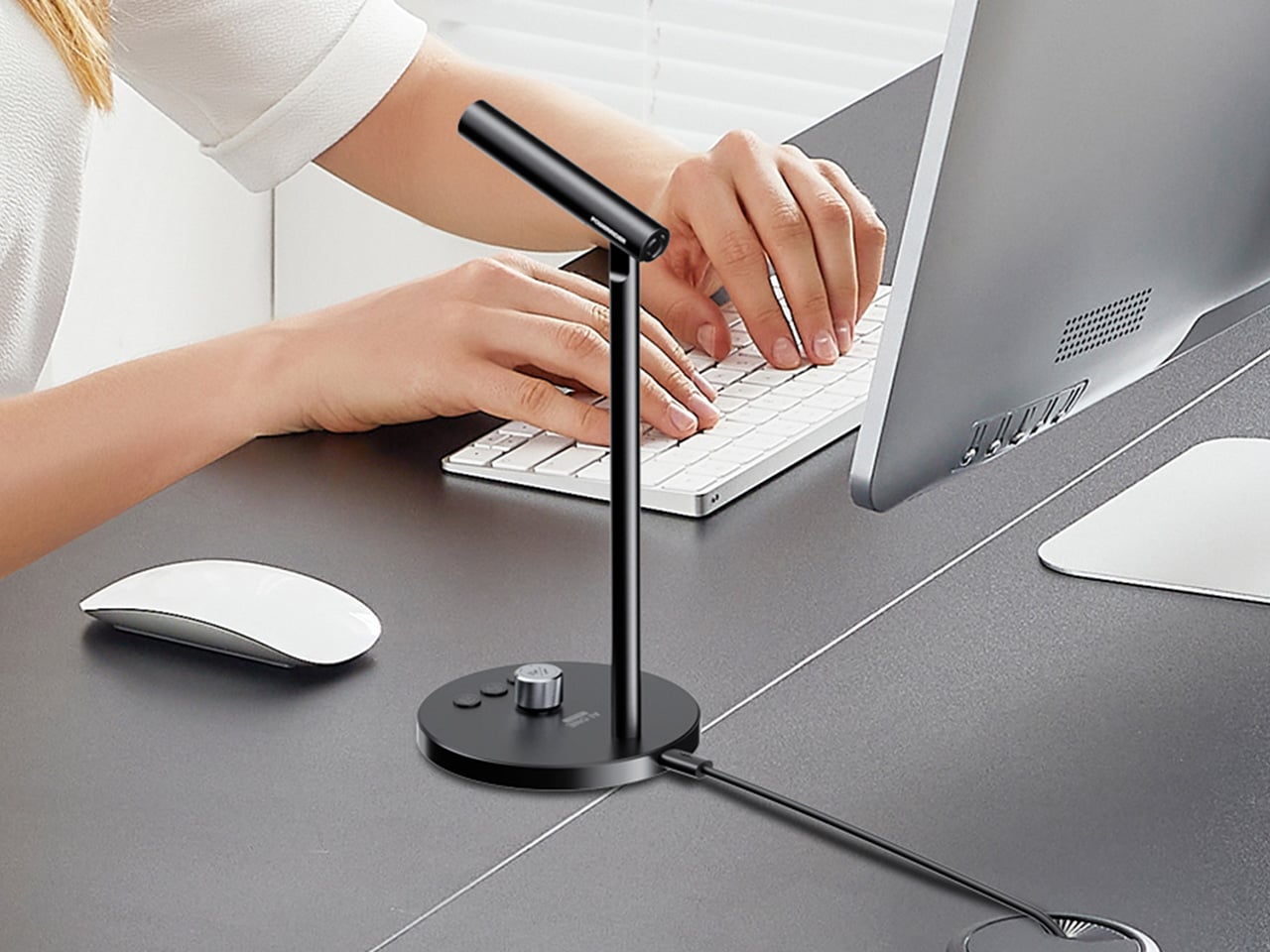
The hardware itself (model M1) weighs 290 grams and stands 107 millimeters tall, machined from aluminum alloy with a 60‑degree adjustable boom so you can talk comfortably without hunching over your keyboard. The capsule is an omni‑directional condenser tuned to pick up voice across a 100 to 15,000 Hz range, with DSP noise reduction baked into the signal chain. It samples at 16‑bit/48kHz, which puts it squarely in the clean‑enough category for content work without venturing into audiophile overkill. USB‑C handles both power and data, plus there is a 3.5mm jack if you want to monitor through headphones. The base houses four physical buttons, each programmable through companion software. One button wakes the AI mode, another triggers translation, a third handles dictation, and the fourth is a rotary knob that doubles as a mute toggle and volume dial.

This is where Powerrider stops being a mic and starts being a control surface. You can map those keys to custom GPT‑4o prompts, so tapping one button might fire off “translate the last paragraph into Spanish and make it sound conversational,” while another could trigger “rewrite this email to sound less corporate.” The software supports Windows 7 and up, plus macOS 10.15 or later, which covers most setups that still get security patches. The AI functions pull from a pretty expansive toolkit: text translation, PPT generation, AI drawing, background removal, speech writing, document conversion, image analysis, code generation, reading comprehension, Q&A, writing assistance, table creation, and mind mapping. Some of those feel gimmicky (I have yet to meet anyone who genuinely wants AI‑generated mind maps on demand), but the core translation and drafting tools hit real pain points if you work across languages or spend half your day rewriting the same three types of message.

The hook here is immediacy. Most of us already talk to ChatGPT, but we do it through a browser tab or a pinned app, which means context‑switching, copying text, pasting prompts, and generally breaking flow. Powerrider tries to make that interaction feel more like push‑to‑talk in a game or on a two‑way radio. You hold a key, speak the command, release, and the result lands in your active window or in a floating overlay, depending on how you configure it. That workflow collapses a six‑step process (open ChatGPT, type or paste, wait, copy response, switch back, paste again) into a two‑step one (press, speak). If you live in tools like Notion, Google Docs, or any IDE that supports text injection, the time savings compound quickly. The software also handles screenshot translation, which is genuinely useful if you are reading documentation, design files, or research papers in another language and want inline conversion without manually copying blocks of text into DeepL.

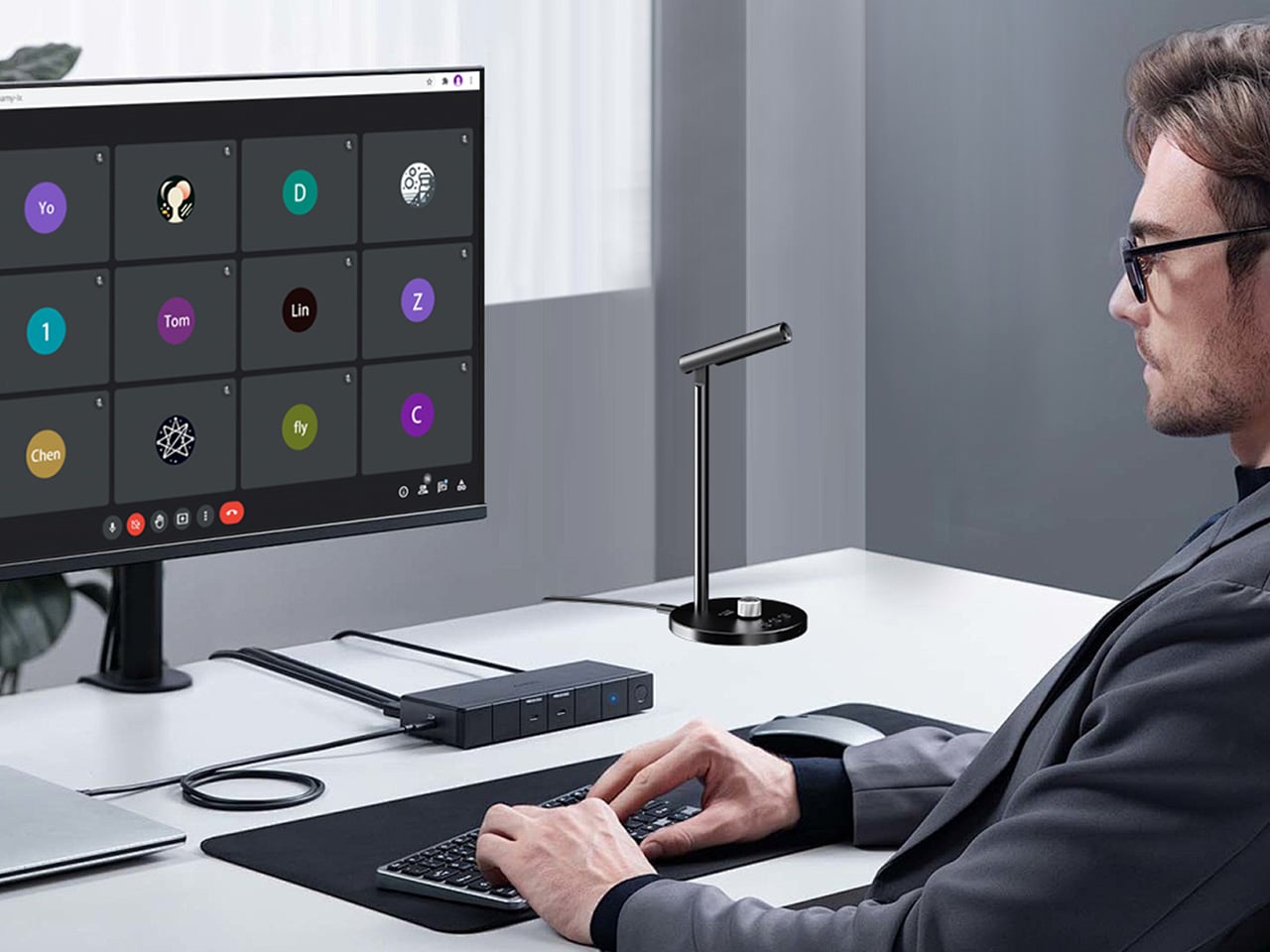
Because the mic itself is a legitimate audio interface, you can use it in OBS, Zoom, or any DAW that recognizes standard USB microphones. The frequency response is wide enough for vocal clarity but not so hyped that you get harsh sibilance or boomy proximity effects. Think more “podcast interview” than “ASMR whisper track.” The omni pickup pattern means you do not have to aim it perfectly, which is nice if you are someone who gestures while talking or shifts around in your chair. The DSP noise reduction does a decent job of killing keyboard clatter and ambient hum, though it is not going to save you if you are recording next to a mechanical keyboard with clicky blues or a window AC unit. For meeting‑quality audio and streaming voiceover work, it sits comfortably in the same tier as entry‑level USB mics like the Blue Yeti Nano or the HyperX SoloCast, but with the GPT layer on top.
The company behind the Powerrider is positioning this as part of a broader peripheral ecosystem, which is where things get more interesting. They are also offering an AI‑powered keyboard (model K1) and an AI‑powered mouse (model S1), both of which follow the same philosophy: take an essential input device and wire it directly to GPT‑4o so you can invoke AI functions without leaving your workspace. The keyboard is a 98‑key Crater mechanical with RGB backlighting, a volume knob, and three custom macro keys dedicated to AI tasks. It supports both wired USB and wireless 2.4GHz/Bluetooth 5.0 across four channels, and the battery will run for 148 hours of continuous typing with the backlight off, or about 16 hours with the RGB cranked. The mouse is a wireless optical with adjustable DPI up to 4000, seven buttons (including dedicated AI, custom, and search keys), and a two‑hour charge time for what they claim is several days of use. Both peripherals plug into the same software suite as the mic, so you can trigger translation, text generation, or document conversion from any of the three devices depending on which one is closest to your hand.
Powerrider is live on Kickstarter right now with a few weeks left in the campaign, and the pricing is structured around bundles. A single mic starts at $59 for the super early bird tier (limited to 300 units) or $69 for the regular early bird. The full “Powerrider AI One Suite” bundle, which includes one mic, one keyboard, and one mouse, is priced at $269 (down from a claimed $608 MSRP). You can also grab the mic plus keyboard for $169 or the mic plus mouse for $149. Add‑on pricing if you are already backing is $119 for the keyboard, $99 for the mouse, and $59 for an extra mic. Those numbers put the mic roughly on par with mid‑tier USB condensers, but with the AI layer effectively thrown in as the value‑add. Whether that trade‑off makes sense depends entirely on how much friction you currently feel when bouncing between your tools and ChatGPT, and whether you are willing to let a hardware button own part of that workflow instead of a keyboard shortcut or Alfred snippet.
Click Here to Buy Now: $59 $120 (56% off). Hurry, only a few left!