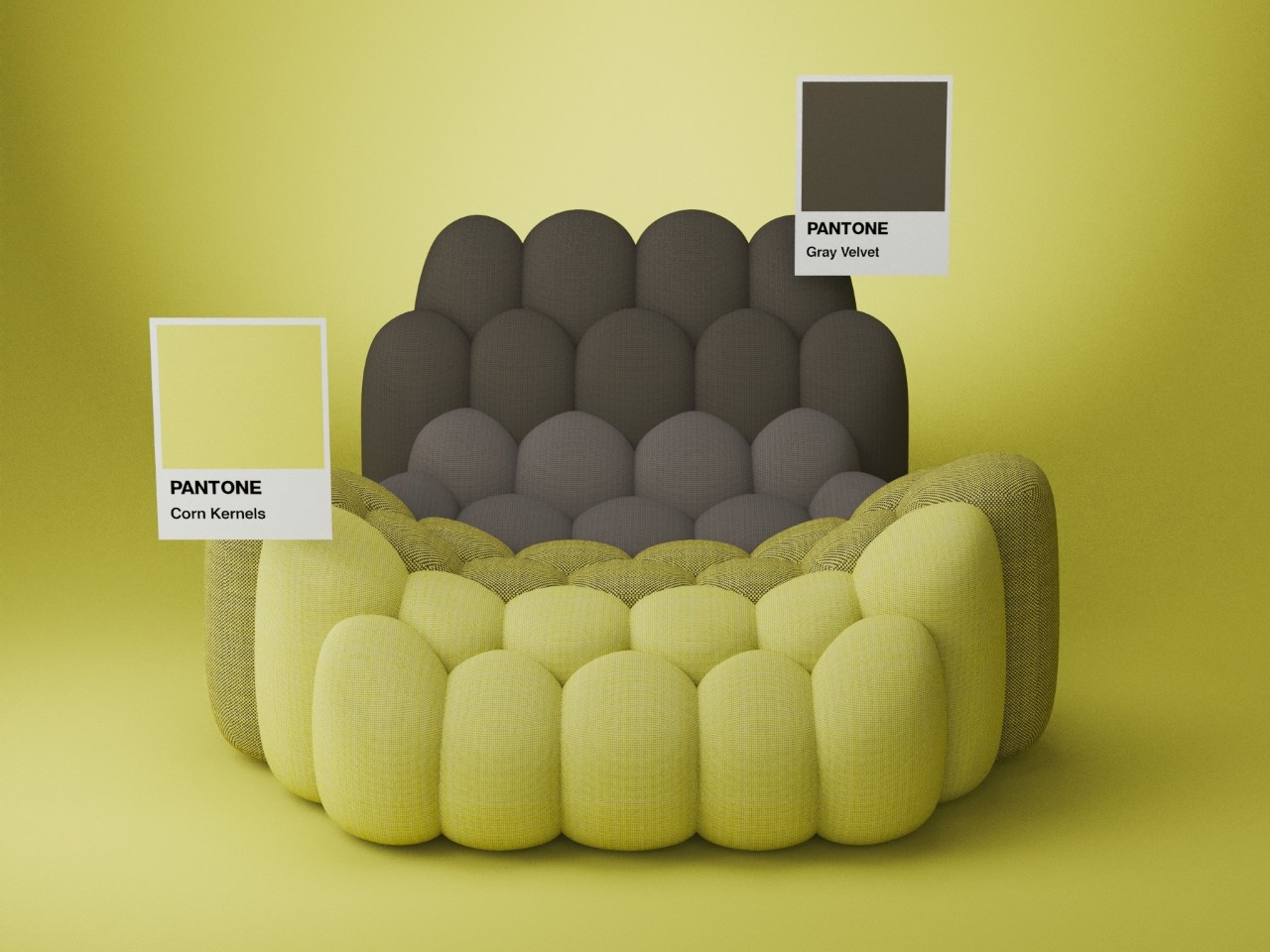

Yanko Design is teaming up with Pantone and KeyShot to present the Pantone Dualities Challenge! Marking the announcement of the new Pantone Dualities color palette, with 175 Pastels and Shadows that come together wonderfully to create dreamy contrasts, this competition invites you to render, compose, and explore with the new color options.
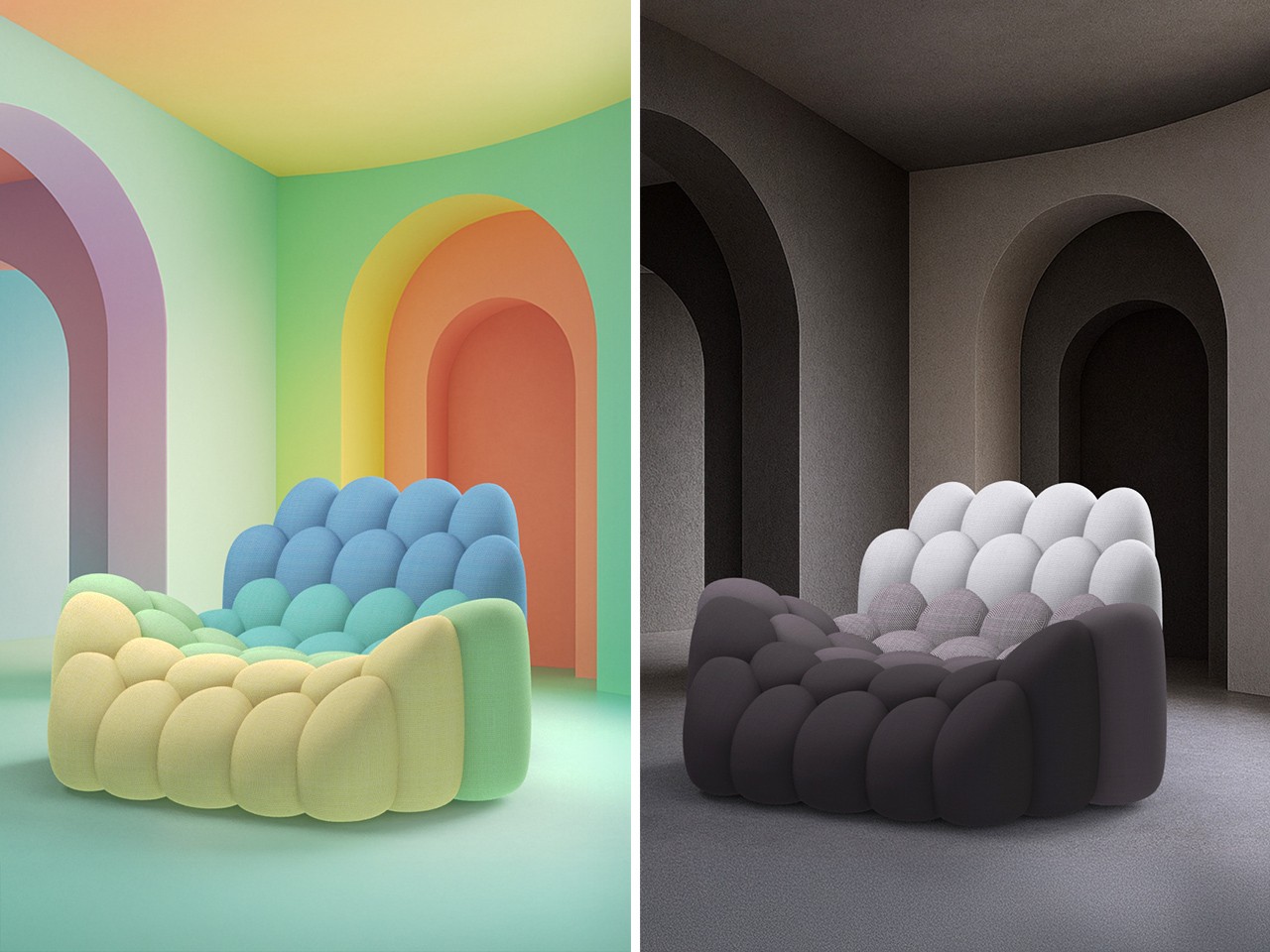
The brief is simple – Render any object (use your own model or the chair model we provided) using colors from Pantone’s new Dualities palette. Experiment with the dreamy pastels, dive into the mystic shadows, or combine the two to create a duality that catches the eye! You can add objects to your scene, use the colors in the chair AND the environment – it’s your call.
There’s a new twist to this challenge, too. KeyShot Studio 2025.2 finally brings game-changing AI features to its powerful rendering software, allowing you to use image generation to quickly ideate or modify renders. Download the free trial to tinker around with and use the Background feature to create unique settings for your chair! (The AI features are optional to the challenge – read the challenge instructions for more information)
Prizes include tools and goodies from Pantone and a free 1-year KeyShot Studio Pro license totaling over $3,000 in value. We can’t wait to see the unique compositions you come up with!
Click Here to Participate Now! Hurry, deadline: August 31st 2025, 11:59pm PST

Challenge Brief
Render an object using a minimum of 3 colors from the Pantone Dualities color palette in KeyShot. Experiment with contrasts and complementary schemes, which are the essence of the Pantone Dualities collection.
How To Participate
- Download KeyShot Studio 2025.2 and use “PANTONE25″ to activate a special 2-week trial with full features. Drop us a DM on Instagram if you need to extend your trial.
- Download the .KSP file and open it in your newly installed version of KeyShot
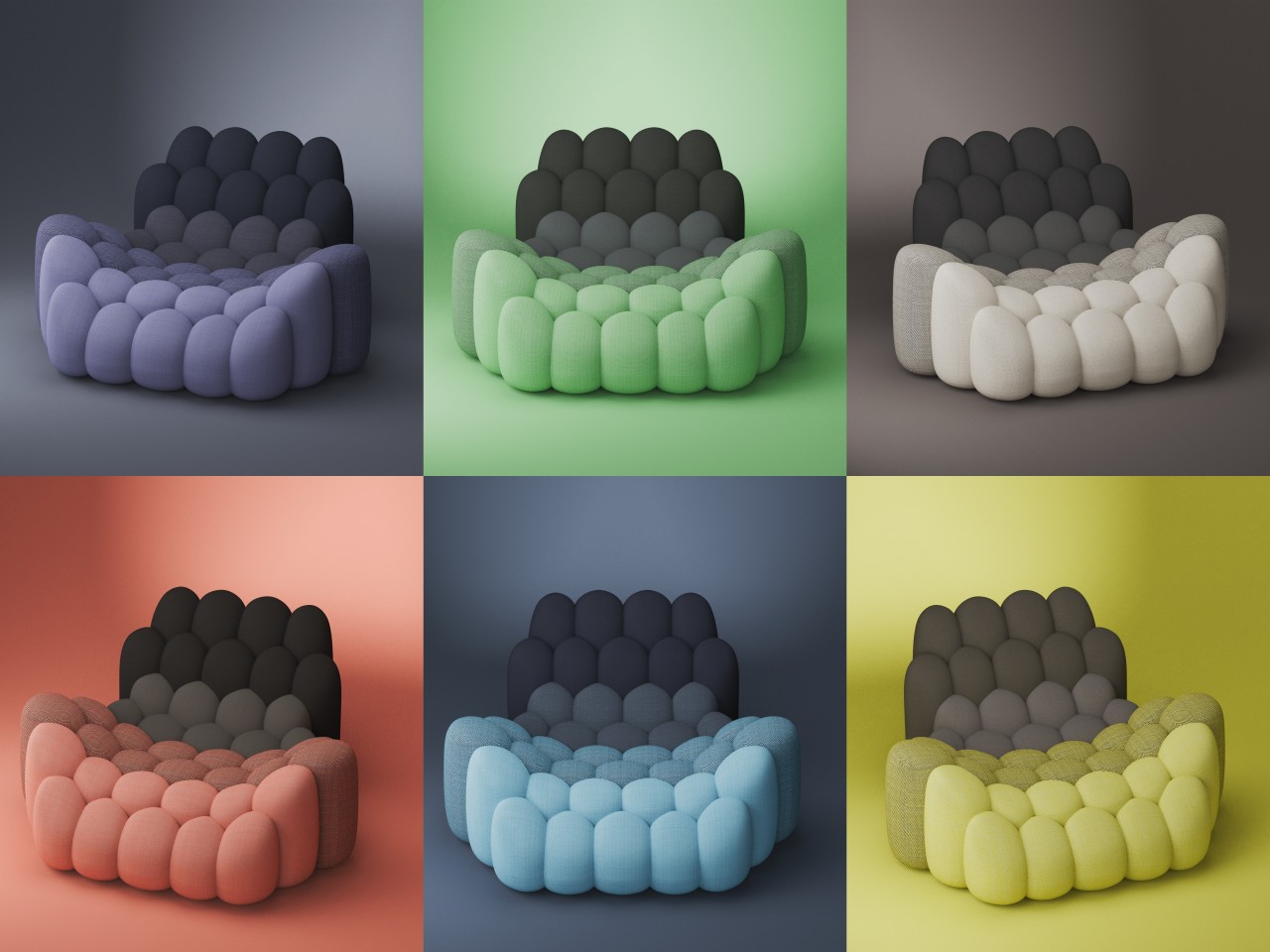
- The file contains a model of a chair with the Pantone Dualities colors built into the chair’s material (Check in the Diffuse tab)
- Either edit the material directly (Do NOT replace the material!) or copy and paste it onto the object you want to render.
- Play with the Dualities color palette, using a minimum of 3 colors (feel free to use the palette on the environment too)
- Share your renderings on your Instagram account with the #PantoneDualitiesChallenge and tag @yankodesign_official and @keyshot3d
- Submit your Instagram links (you can share multiple entries till the challenge ends) at designchallenge@yankodesign.com by August 31st, 2025
How To Use KeyShot ‘AI Shots’ (Optional)
- Start by preparing your scene with the model, material, camera, lighting, and image settings
- Click on the AI Shots button in the bottom right corner
- Click on the Start AI Engine button on the dashboard on the left
- Once the AI Engine starts, select Background
- Type your prompt in (Pro Tip: Be detailed)
- Set the Resolution and the Number of Images (This will affect the time your machine takes)
- Click on Start Generating.
- Results get displayed in the box below. Remember to right-click and save them.
Important Information
- Make sure you’re using KeyShot Studio 2025.2 in order to access the new Pantone Dualities library (Download the trial here)
- The trial gives you 2 weeks of full-featured, watermark-free KeyShot Studio Pro access (with the AI Shots toolkit too). To extend the trial, just drop us a direct message on Instagram.
- Use at least 3 colors from the Pantone Dualities palette (you can play with pastels, shadows, or combine both)
- The AI Shots in KeyShot Studio 2025.2 run locally and require high-end GPUs. Tf your system doesn’t support AI Shots, don’t worry!
- The KeyShot AI features are completely optional, but we encourage you to explore the Background tool for this challenge.
- Do not use the Restyle or Imagine tools for your submission, since they may affect your model or the accuracy of the Pantone colors
- Only work created inside KeyShot (Render + AI) will be accepted. You can touch up images using other software, but usage of non-KeyShot AI tools will result in disqualification.
- Do not upload AI-only images. Entries must show your original KeyShot render with the Pantone Dualities colors. Submissions that use only AI outputs (without original render) will be disqualified.
- In case of KeyShot AI submissions, we may ask you to submit both versions:
– Original render with Pantone palette
– AI-enhanced version with background
Prizes
Gold Prize x 1
- Free 1-year subscription to KeyShot Studio Pro
- Free year of sub to KeyShot Studio add-ons of choice: KeyShot Studio Web, NR
- Free access to Will Gibbons’ KeyShot master class of choice
- Winner’s design featured on KeyShot social, blog, newsletter, etc.
- Pantone Color Guide and Specifier set
- Free 1-year subscription to Pantone Connect
- Winner’s design featured in Pantone article
Silver Prize x 1
- Free 1-year subscription to KeyShot Studio Pro
- Free access to Will Gibbons’ KeyShot master class of choice
- Winner’s design featured on KeyShot social, blog, newsletter, etc.
- Pantone Color Guide and Formula Guide
- Free 1-year subscription to Pantone Connect
Bronze Prize x 1
- Free 1-year subscription to KeyShot Studio Pro
- Winner’s design featured on KeyShot social, blog, newsletter, etc.
- Pantone Viewpoint Magazine
- Free 1-year subscription to Pantone Connect
Honorable Mentions x 2
- Pantone Mug + Viewpoint Magazine
- Winner’s design featured on KeyShot social, blog, newsletter, etc.

Timelines:
Challenge begins: July 18th, 2025
Challenge ends: August 31st, 2025 – 11:59 PM PST
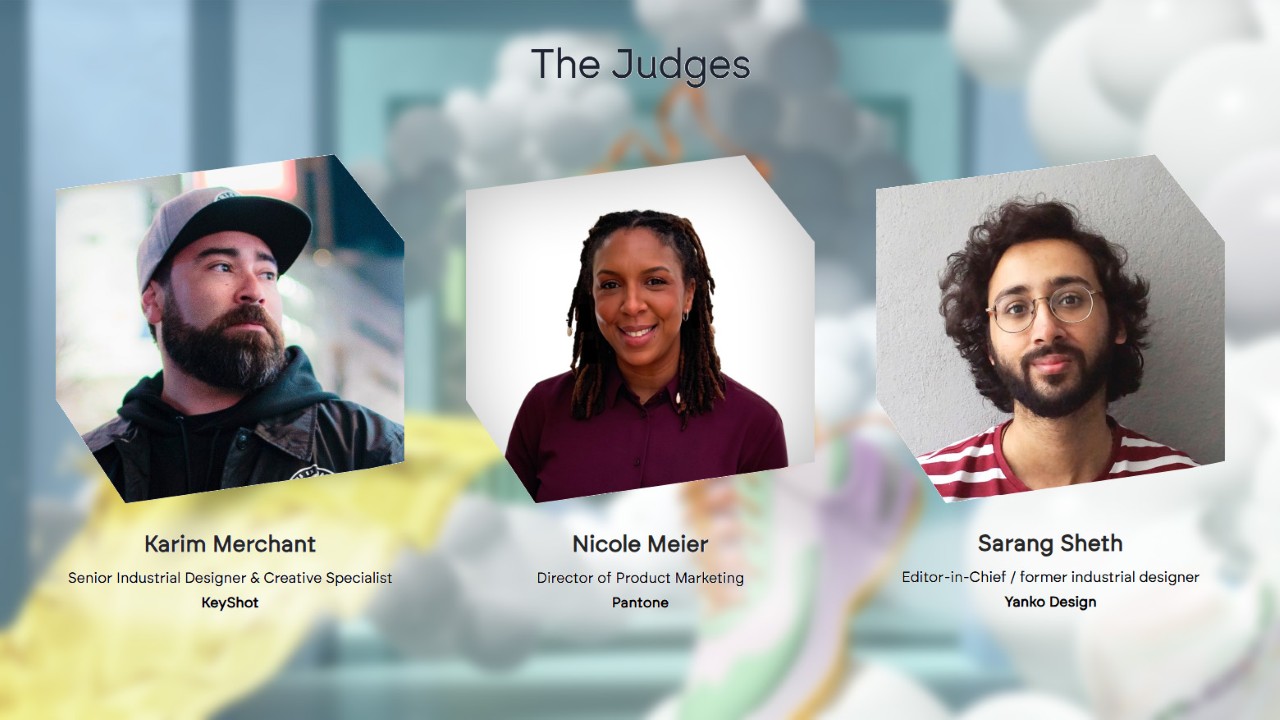
Jury
Karim Merchant – Senior Industrial Designer & Creative Specialist (KeyShot)
Nicole Meier – Director of Product Marketing (Pantone)
Sarang Sheth – Co-Editor-in-Chief (Yanko Design)
Click Here to Participate Now! Hurry, deadline: August 17th 2025, 11:59pm PST