
Lighter Side Of Sketching
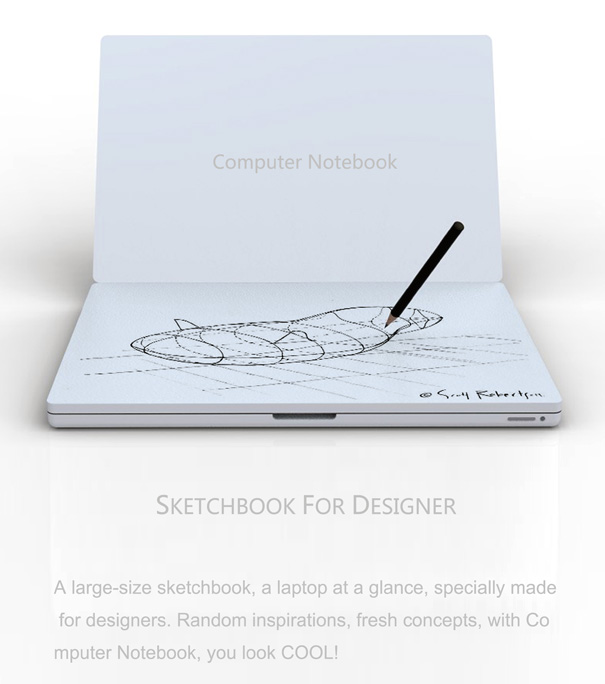
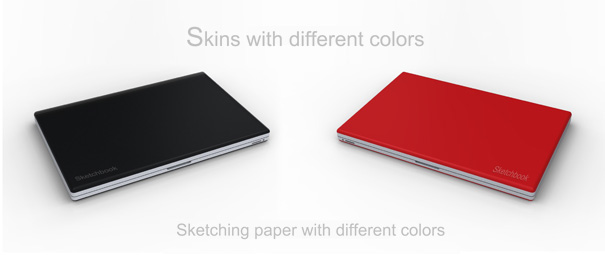
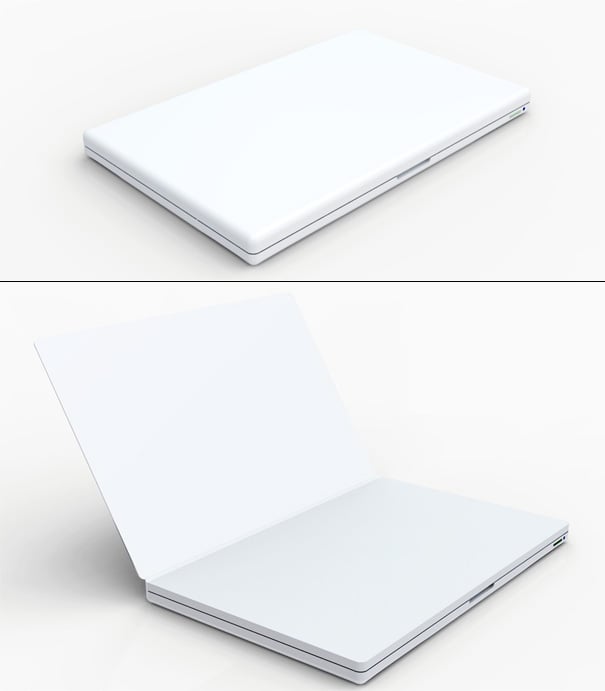
One of the features that designers are going to sorely miss in the iPad is sketching straight onto the tablet. Many of us anticipated this element to be included, but sadly it’s not. So it’s back to the basics of getting back to pen and paper…or if you’d much rather fancy a Computer Notebook! Notebook Sketchbook it is!
Designer: Tiancheng Luo






11 Comments »
anchi kao says
simple~but can you tell the difference with the wacom tablet? i think it’s totally the same…..
Mert Can Urcan says
If not only “looks” like a notebook, like a good archiving on the shelves, that could mean a lot may be?
schultzeworks says
They never should have shown the “ability” to sketch on the iPad. Without a stylus, it’s more like finger painting. In other words, great for kids! Bad for designers.
SkyWay says
On topic : kewl, but with the added price I’d reckon even a moleskine is cheaper
And here I am, using a Nintendo DS with its pressure sensitive stylus for quick, minimal sketches when I just don’t want to use paper : P
Or…perhaps you iPeople could look into one of those kompyuters from HP, you know, those that have a stylus and go with the name “Tablet PC”
Sure, they may weight a bit more than half a kilo…a whopping 1,4 kilos! And they’re cheaper in comparison, which is a big no no.
Sarah says
look like Daycraft?
Jaryd says
You can use something like a Pogo stylus to do more complex drawings on the iPhone/iPad. And I disagree with the notion that you can’t do ‘real’ designs on something like the iPad. Using the iPhone app Brushes, a man has had his creations featured as the cover of the New York Times 3 times! That’s pretty amazing for ‘finger painting.’
Brain Injury Lawyer says
That’s amazing! I love it!
Alex says
Ok, it looks like one of the older white shell macbooks. That appears to be the main hook here. But from what I see, I think it’s kind of confusing people. It doesn’t look like it’s actually a computer at all, just a sketchbook shaped like a computer.
Trackbacks